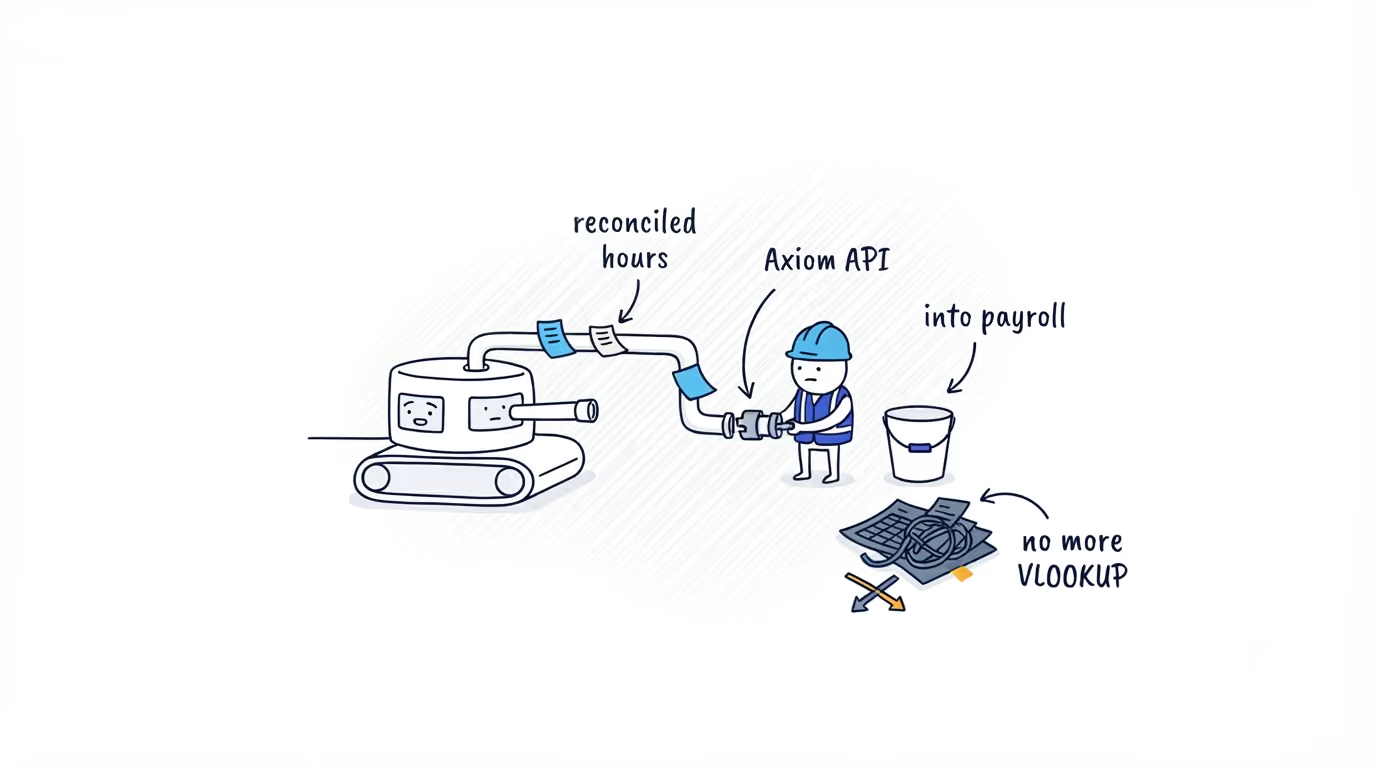
What to Check Before You Trust a Time Tracking Tool's Data Export
The worst time to learn a time tracking tool cannot hand you clean, payroll-matching data is after you have bought it and built on it. These are the questions that surface it first.

The export problem shows up after you have already bought the tool
You are the one signing off on the time tracking tool, or wiring its data into payroll, billing, or a dashboard. The selection looks done. The demo was smooth, clean JSON, a tidy endpoint, a chart by the end of the call.
The worst time to find out the export cannot hand you clean, payroll-matching data is now in the rearview mirror, with the contract signed and a job built on top of it. That is when payroll comes up a few hours short at month boundaries, the employee IDs do not line up with your HR system, or a “completed” record changed after you read it and nobody can explain the duplicate. None of it was visible during evaluation because nobody asked the questions that surface it.
Here are those questions. They work against any time tracking tool export, and the answers a tool gives, especially the honest noes, tell you what you are committing to before you build on it.
How does authentication work
Ask whether it is machine-to-machine or a user login, how long tokens last, and what scopes exist. For a reporting or payroll feed you want server-to-server credentials and a read-only scope, not an OAuth screen built for end users that someone has to keep re-approving. “We have OAuth” is not an answer; the answer is the grant type, the token lifetime, and the scope.
What happens on a large pull
Ask for the default page size, the maximum, and what happens when you ask for more. A tool that caps at 500 rows but does not say so means a job that silently drops the 501st row and still returns HTTP 200. It looks fine until someone reconciles a busy week and comes up short, and by then it is in production. The real question is whether you lose rows without an error. You want documented limits and a cursor.
What date is the data keyed on
This one moves money. Ask whether records are filtered by a UTC timestamp or an account-local work date. Timestamp-keyed data drifts against pay periods at the edges, so a “month” query is off by hours for anyone who clocked in near midnight. Work-date keying lines up with payroll. If the answer is not crisp, expect reconciliation pain every pay run.
How are breaks represented
Ask whether the worked duration already excludes unpaid breaks, or whether breaks are separate rows you have to net out yourself, and whether paid and unpaid are distinguished. Get this wrong and you either pay people for lunch or rebuild subtraction logic the tool may already do. A good answer is duration already net of unpaid breaks, with paid and unpaid segments labeled so you can audit it.
Can you see edited or unapproved records
Ask what happens when a manager edits a timesheet after you have read it, and whether edit or approval status is exposed at all. Be suspicious of a confident yes.
Many tools return only completed records and carry no edit or approval flag, ShiftFlow Axiom v1 among them; that gate lives in the product approval workflow, not the feed. This is not necessarily disqualifying, but you need to know it, because it decides whether you are reading numbers a manager can still change underneath you. A tool that says this plainly is doing you a favor.
Is delivery push or poll
Ask whether there are webhooks or whether you poll. This sets your data-freshness floor and your architecture. Some exports, including Axiom v1, have no webhooks at all: you poll a work-date range on a schedule and nothing pushes when a record changes. That is fine if you learn it on day one and design for it, and an expensive rebuild if you find out after you have designed for events.
What are the rate limits
Ask the limit, the window, and the response when you exceed it. You are sizing a nightly or hourly job against this, and “we will let you know” is a future incident. You want a number and a defined error you can back off against.
What identifier joins to payroll
Ask whether records carry a stable external employee ID that matches your payroll or HR system, not just the tool internal UUID. Without it, every run needs a name-or-email mapping that breaks the first time someone changes their name or two new hires share a last name. The criterion that matters is a stable external user ID you control, present on every record.
What reference data comes with it
Ask what else you can pull to resolve the records: people, job or cost codes, sites. Time entries full of opaque IDs with no way to resolve them is half an integration. You want users, job codes, and work sites available as their own endpoints to join against. If the only thing on offer is “time entries,” ask how you are meant to make them mean anything.
What location fields exist, and when are they absent
For field work, ask what location is captured and, specifically, what the field contains when it was not captured. A tool that returns nothing instead of an explicit “not captured” forces you to guess, and guessing about presence is how billing disputes are lost. The strong answer is clock-in and clock-out coordinates, address, and matched site, each explicitly omitted when there was no usable point, so absence is unambiguous in the data itself.
Reading the answers back
Notice which answers were specific and which were reassuring. A tool that says “no webhooks, you poll, here is the rate limit, here is the date semantics, here is what we do not expose” is describing an export you can budget and build on. The one whose every answer is a confident yes is describing a demo. Reconciliation debt is almost always a question that got a vague answer during evaluation and a real answer in production. ShiftFlow Axiom is one option these criteria tend to favor, not because it does everything, but because it is specific about the work date, the join key, and the location fields, and equally specific about the noes, no webhooks and no edit flag. Collect those noes before you commit.
Where to go next
For the same lens applied across vendors, see how the ShiftFlow Axiom API compares to other time tracking APIs. For these questions answered in full against one option, see how to export time tracking data with the ShiftFlow Axiom API. If you want to pressure-test it against your own requirements, your ShiftFlow account team can walk through where it fits and where it does not.
- time-tracking-api-checklist
- employee-time-api
- payroll-api-integration
- api-evaluation
- integrations
- workforce-data