How to Track Billable Hours by Client in a Cleaning Business
If you cannot break down labor hours by client location, you cannot tell which contracts are profitable. Learn how to track billable hours per client in your cleaning business.
The One Number That Tells You Which Contracts to Keep
Take the monthly revenue from a client. Divide it by the total labor hours your crew spends there. That’s your effective hourly rate — and it’s the single most important number in your business.
A contract paying $1,500/month that takes 30 labor hours? That’s $50/hour. One paying $900 that takes 25 hours? $36/hour. Without per-client data, both look fine on paper. With it, you can see exactly which contracts carry the business and which ones are quietly dragging it down.
This same data catches scope creep before it eats your margin, tells you whether that two-person crew is overkill for a small office, and gives you real numbers for bidding new contracts instead of guessing.
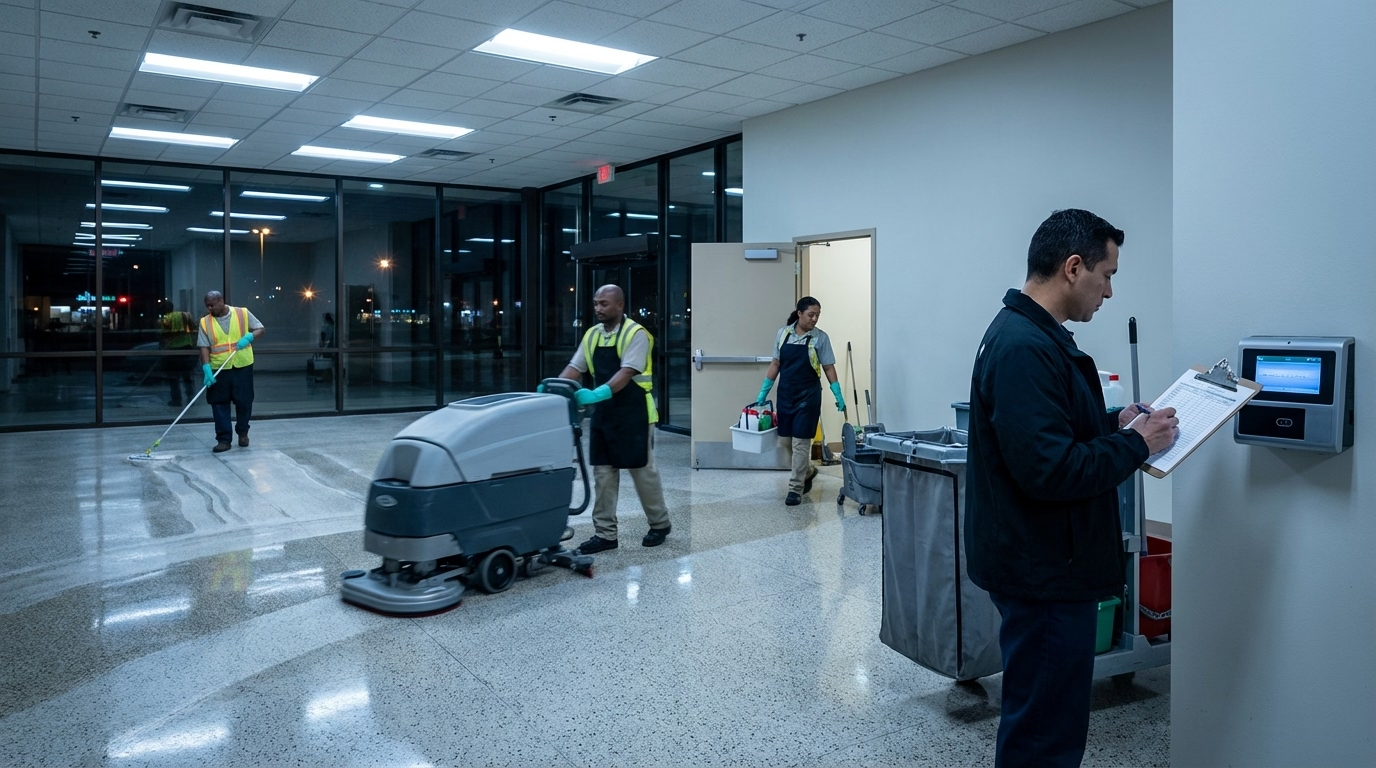
So why don’t most cleaning businesses track this? Because their tools aren’t built for it. Paper timesheets don’t handle multi-site logging well, and most basic time clock software tracks by employee, not by location.
How to Set It Up (Without Adding Work for Your Crew)
The trick is making per-client tracking invisible to your cleaners. If it adds steps, compliance drops and the data becomes useless.
Give every client a job code. Each location gets a unique identifier — a job code, project name, or location tag. The best systems use the cleaner’s schedule or GPS to pre-select the right one automatically. Nothing extra to do.
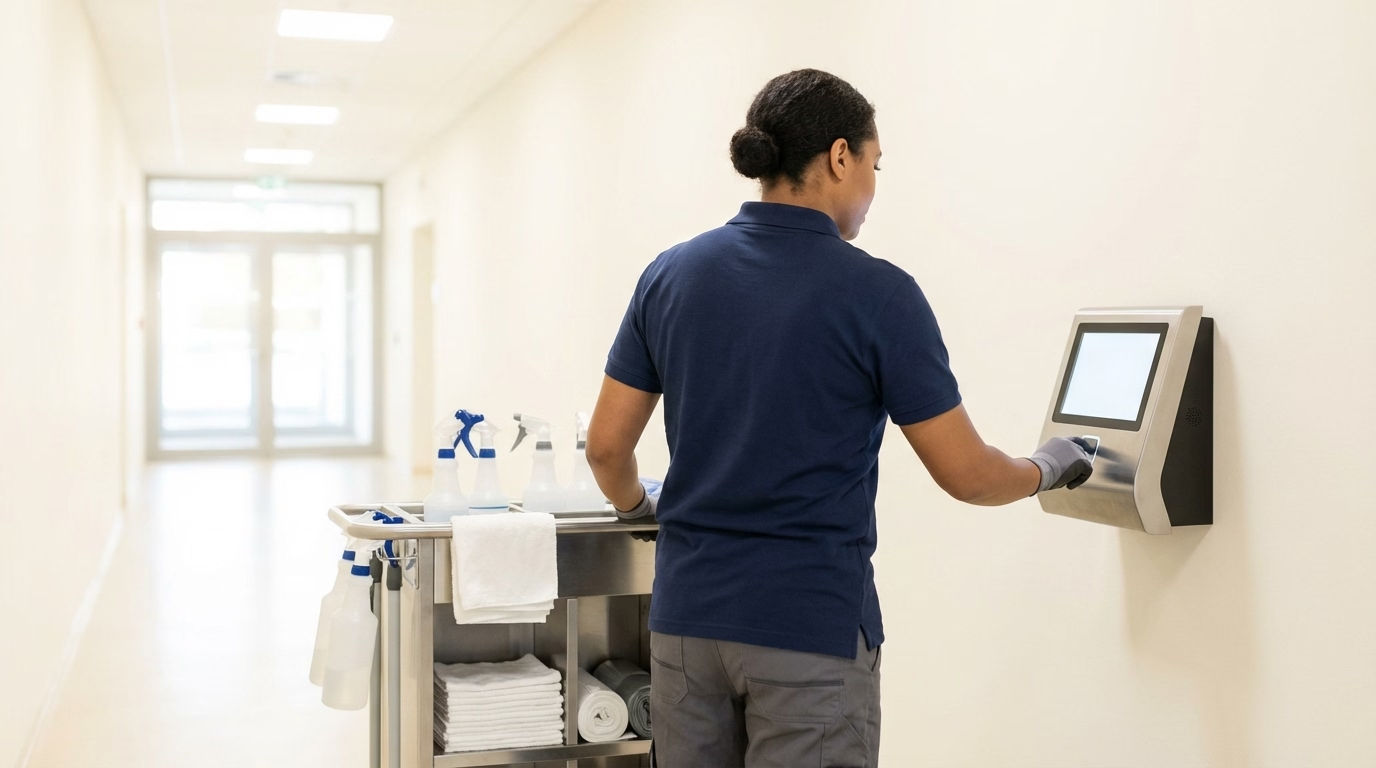
Embed it in the clock-in. Don’t layer client tracking on top of the clock-in process — make it the same thing. Cleaner arrives, opens the app, clocks in. The system already knows who they are and where they’re supposed to be tonight. When they clock in at the next site, a new entry starts under the new client. No separate “log your hours by client” step.
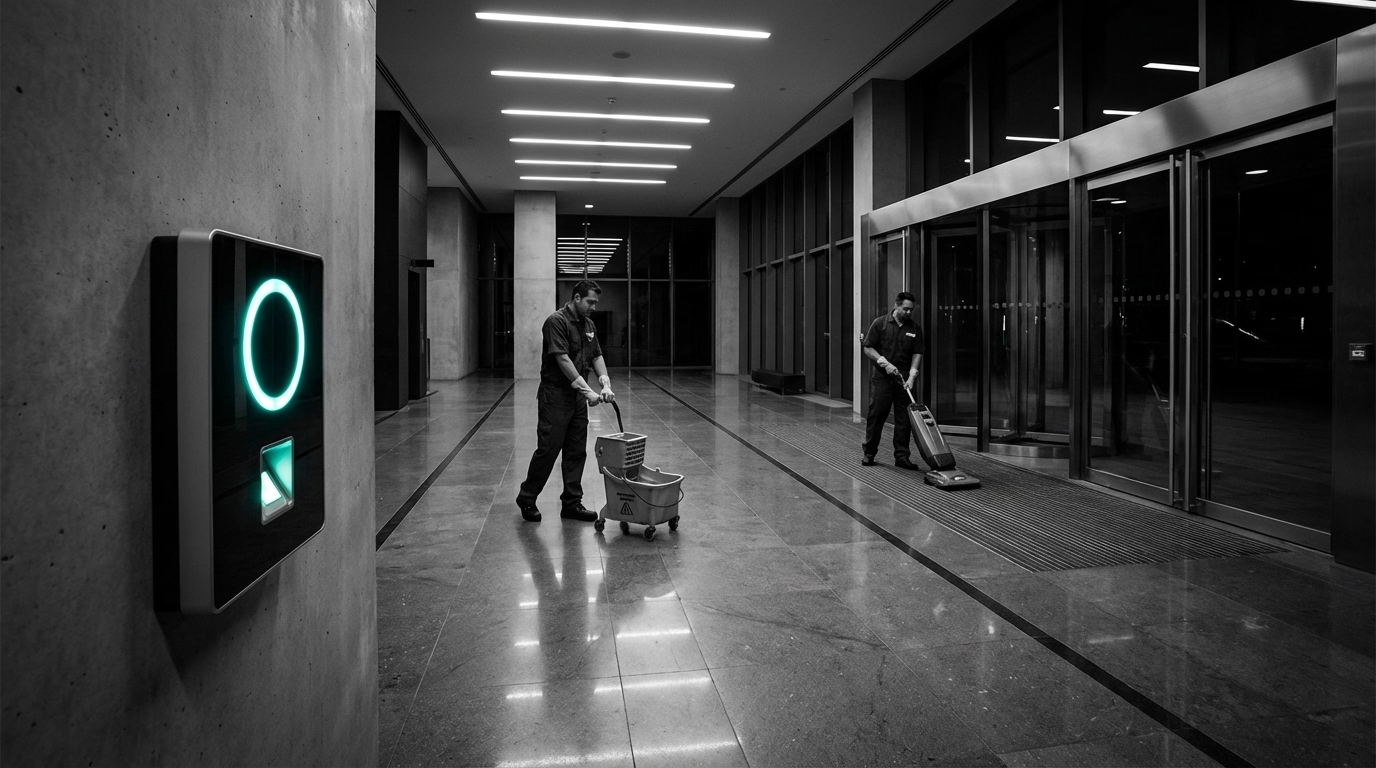
Use GPS as a safety net. GPS doesn’t just verify location — it catches misassignments. If someone clocks in at 500 Oak Street but their job code says 200 Elm Avenue, the manager sees it immediately and fixes it. Without this, wrong-site entries pile up until invoicing day.
Check weekly, not monthly. Don’t wait until the end of the month to look at per-client hours. A ten-minute weekly review catches sites that are trending over budget while the data’s fresh. Did the scope change? Is someone padding time? Is the crew understaffed? You want to find out now, not during invoicing.
Share the numbers with your team. When cleaners know you’re tracking hours by client and reviewing the data, accuracy goes up. And they’ll start flagging problems — a cleaner who consistently runs over at a building probably knows the client added tasks without telling you.
What This Looks Like With Software
You can try to do this manually, but it’s fragile. It depends on consistent human behavior at every step — and that falls apart at scale.
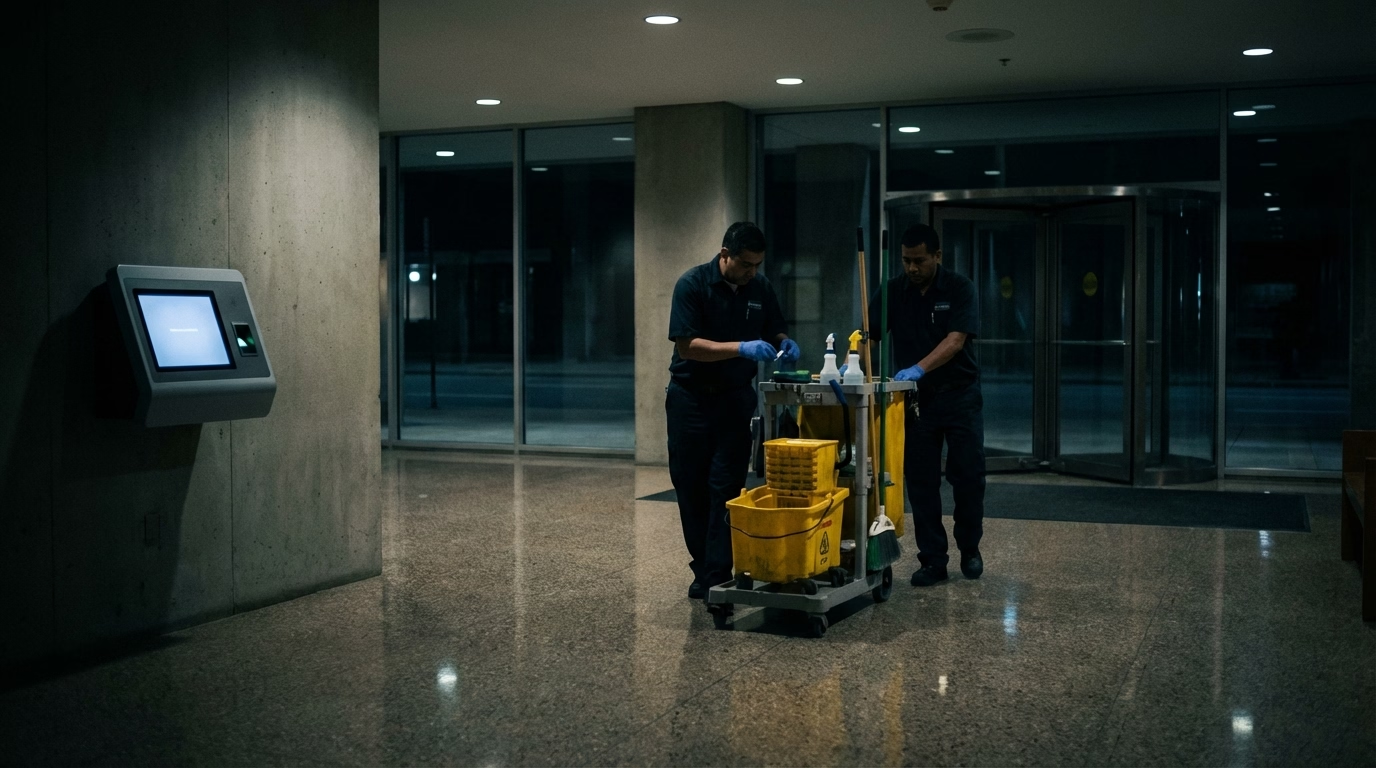
With software built for multi-site teams, you set up your client locations (address + schedule) and the system handles the rest. Cleaner opens the app → it knows where they are and who they’re cleaning for → clock-in tags hours to the right client → clock-out closes the entry → next site opens a new one.
End of the week, you pull a report: the medical office is running 15% over budget, the law firm is right on target. You invoice accordingly. You have the data to renegotiate or adjust staffing — no guessing involved.
That’s what per-client tracking actually changes. You stop wondering which contracts make money and start knowing. For a closer look at how this fits into a complete setup for cleaning, see the janitorial time tracking overview.
Frequently Asked Questions
How do cleaning businesses track billable hours by client?
The most accurate method is time tracking software where cleaners clock in and out at each client location separately. Each punch gets tagged to a specific site, so at the end of the pay period you have an exact breakdown of hours per client — no guessing, no manual sorting.
Why is per-client time tracking important for cleaning companies?
It tells you which contracts are profitable and which are losing money. If you bid a job assuming 3 hours per visit but your crew consistently spends 4.5, you’re underwater on that contract. Without per-client data, you won’t know until it’s already eroded your margins.
Can you track billable hours by client with a spreadsheet?
You can try, but it depends on cleaners manually entering hours by location — often days after the fact. The data ends up inaccurate from rounding, memory errors, and wrong-tab entries. For a small operation with a few clients, it can work short-term. For anything larger, the errors compound fast.
Sources
- cleaning-business
- billable-hours
- time-tracking
- janitorial
- client-billing
- cleaning-crews
- job-costing
- payroll