Best Time Tracking Software for Plumbing Contractors in 2026
Compare the 9 best time tracking apps for plumbing contractors in 2026, scored on service-call auto-timers, drive-time separation, per-ticket job costing, callback tagging, and the real bill for a 15-technician shop.

Plumbing time tracking is harder than construction time tracking, in one specific way: a plumber’s day is 6 to 10 separate customer visits with drive time between each one, and every visit generates its own job-costing ticket. A framing crew is at one site all day. A plumber is at eight. The tool has to separate drive time from on-site time, tag on-site hours to the correct service ticket, apply after-hours premiums when an emergency call comes in at 10 PM, and still roll everything up into a payroll export your provider can use.
The two product categories that try to solve this pull in different directions. Pure time tracking apps (ShiftFlow, Buddy Punch, QuickBooks Time) are cheap and get the hours right but don’t understand service tickets. Field service management tools (Jobber, Housecall Pro, Workiz) understand service tickets because that’s their whole business but cost two to three times more and force you onto their CRM.
This guide compares 9 apps that small and mid-sized plumbing contractors are actually using in 2026, scored on service-call auto-timers, drive-time separation, per-ticket job costing, callback tagging, emergency on-call premium, multi-technician coordination, gas fitter / backflow license tracking, and the real monthly bill for a 15-plumber shop.
Best time tracking software for plumbing at a glance
| Brand | Service-Call Auto-Timer | Per-Ticket Job Costing | Emergency Premium | Best For | Starting Price |
|---|---|---|---|---|---|
| ShiftFlow | Geofence | Job codes | Via overtime | Small plumbing shops wanting flat pricing + multi-tech coordination | $5.99/user/mo |
| Jobber | ✓ | ✓ | Via invoice | Small-to-mid plumbing shops that want FSM + time tracking in one | From $21/mo (annual, 1 user) |
| Housecall Pro | ✓ | ✓ | Via invoice | Residential-heavy plumbing with strong customer scheduling | From $59/mo (annual, 1 user) |
| OnTheClock | GPS geofence | Jobs & depts | Via overtime | Small plumbing shops wanting affordable GPS time tracking + payroll | $4/user/mo + $5 base |
| Workiz | ✓ | ✓ | ✓ | Small plumbing and drain-cleaning businesses | From $225/mo (Kickstart) |
| Workyard | GPS pin | Cost codes | ✗ | New-construction plumbing and prevailing-wage jobs | $6/user/mo + $50 base |
| Connecteam | GPS pin | Job codes | Rules | Small deskless plumbing teams needing post orders and training | Free up to 10; from $29 |
| Buddy Punch | GPS pin | Job codes | Rules | Compliance-heavy small plumbing companies with PTO rules | $5.49/user/mo + $19 base |
| QuickBooks Time | GPS pin | QB service items | Basic | Plumbing companies already running QuickBooks Payroll | $8/user/mo + $20 base |
How we picked
Plumbing time tracking is different from construction time tracking in one specific way: a plumber’s day is service calls, not a single job site. We weighted eight criteria:
- Service-call auto-timer: technician arrival inside a customer geofence starts the on-site clock automatically
- Drive-time vs on-site separation: truck drive time billed separately from customer-site hours
- Per-ticket job costing: hours allocated to each service ticket, not aggregated by day
- Callback and warranty hour tagging: return visits attached back to the original job
- Emergency on-call premium: after-hours, weekend, and holiday pay multipliers
- Multi-tech coordination: a lead + apprentice pair dispatched to the same ticket
- Gas fitter / backflow / master plumber license tracking
- Pricing transparency: public per-user or flat pricing, no surprise base fees
Prices reflect publicly listed plans as of April 2026. Quote-based and per-tier pricing can vary; check the vendor’s pricing page before committing.
ShiftFlow
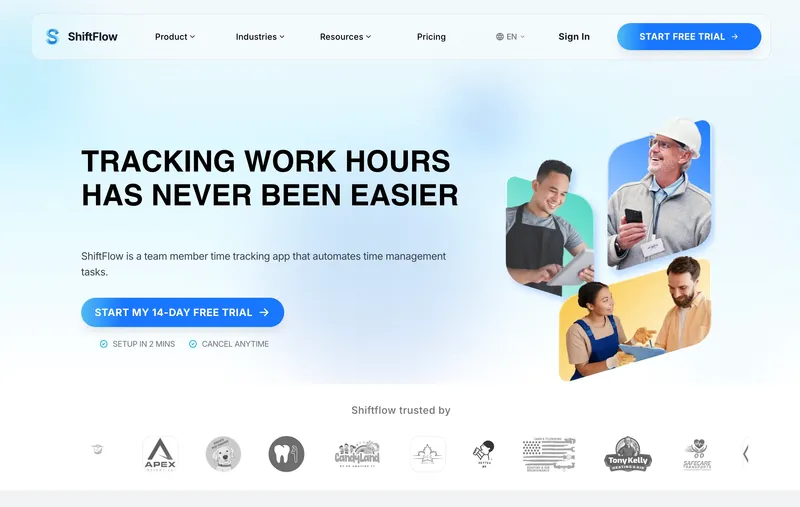
ShiftFlow is a time tracking app with a tight scheduling layer. For plumbing, the draw is cost: $5.99 per seat flat with no base fee means a 15-tech shop pays $89.85 a month for GPS, geofencing around each customer address, job codes tagged per ticket, offline mode, and mobile clock-in. Multi-tech dispatch works through shared job codes — when a lead and an apprentice are both assigned to the same water-heater install, both clock in against the same code so the labor cost rolls up cleanly. The shift-aware clock-in catches a no-show the moment a shift is supposed to open. The scope is intentional: ShiftFlow doesn’t include customer CRM, invoicing, or a dispatch board — those pair naturally with a dedicated FSM (Jobber, Housecall Pro, or Workiz) when your shop needs them. What ShiftFlow does cover is labor time tracking, which for many small shops is the half of the workflow that keeps payroll moving week to week.
Best for: Residential and light commercial plumbing shops with 5 to 30 technicians using a separate CRM or booking system.
Pricing
| Plan | Price |
|---|---|
| Monthly | $5.99/user/month |
| Annual | $60/user/year (saves ~17%) |
Free trial: 14 days, no credit card required.
Ratings
- Apple App Store: ⭐⭐⭐⭐⭐ 4.8/5
- Google Play: ⭐⭐⭐⭐⭐ 4.8/5
Jobber
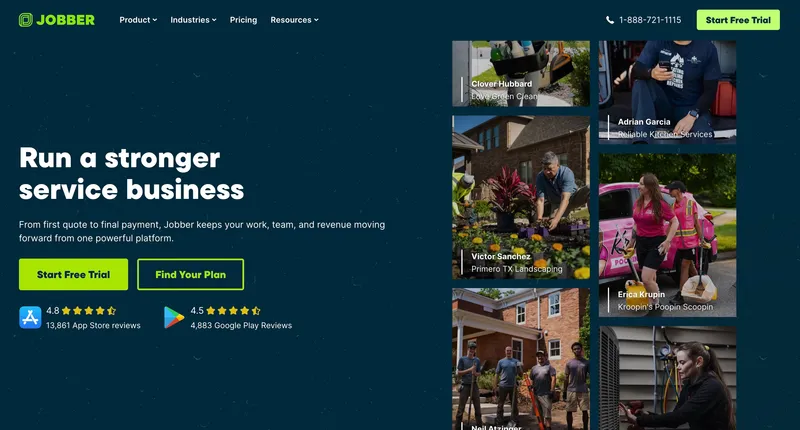
Jobber is the small-to-mid field service management tool most plumbing businesses evaluate first. It handles the full workflow — customer CRM, scheduling, dispatch, quoting, job tracking, invoicing, and time tracking — in one app. The time tracking piece is good enough that most shops don’t need a separate tool. Every minute a tech spends on a job is tied to that customer, which makes job costing and invoicing automatic. When I tested Jobber against pure time tracking tools, the win was clear for shops that wanted one app for everything and were willing to pay for it. The downside is the price model: Jobber tiers by user count with additional-seat pricing layered on top, so a 15-plumber shop lands on the Grow plan at around $250/month annual ($105 for 10 users plus 5 additional at $29 each). That’s roughly 3x ShiftFlow for a shop that mostly needs labor tracking.
Best for: Residential and small commercial plumbing shops with 3 to 20 technicians who want one tool for CRM, scheduling, dispatch, and time tracking.
Pricing
| Plan | Price (annual billing) |
|---|---|
| Core | $21/month (1 user) |
| Connect | $70/month (up to 5 users, +$29/add’l) |
| Grow | $105/month (up to 10 users, +$29/add’l) |
| Plus | $371/month (up to 15 users, +$29/add’l) |
Monthly billing runs higher (Core $49, Connect $139, Grow $199, Plus $699). Free trial: 14 days.
Ratings
- Apple App Store: ⭐⭐⭐⭐⭐ 4.8/5
- Google Play: ⭐⭐⭐⭐ 4.5/5
- Capterra: ⭐⭐⭐⭐⭐ 4.5/5
Housecall Pro
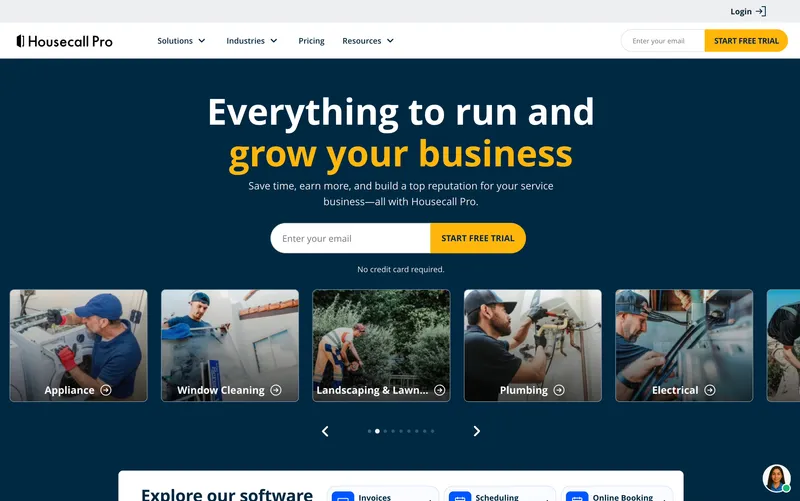
Housecall Pro sits in the same category as Jobber but leans harder into the customer-facing booking experience. Online booking widgets, automated appointment reminders, and a branded customer portal are all more polished than Jobber’s. For a residential-heavy plumbing shop where customer experience drives referrals, that matters. Time tracking is per-ticket and tied to the job, with GPS verification on mobile clock-in. The pricing model is flat monthly per plan (similar to Jobber) with user seats included up to a cap.
Best for: Residential plumbing shops that compete on customer experience — online booking, reminders, and after-visit follow-ups.
Pricing
| Plan | Price (annual billing) |
|---|---|
| Basic | $59/month (1 user) |
| Essentials | $149/month (up to 5 users) |
| MAX | $299/month (up to 8 users, +$35/add’l) |
Monthly billing runs higher (Basic $79, Essentials $189, MAX $329). Free trial: 14 days.
Ratings
- Apple App Store: ⭐⭐⭐⭐⭐ 4.6/5
- Google Play: ⭐⭐⭐⭐ 4.5/5
- Capterra: ⭐⭐⭐⭐⭐ 4.7/5

OnTheClock
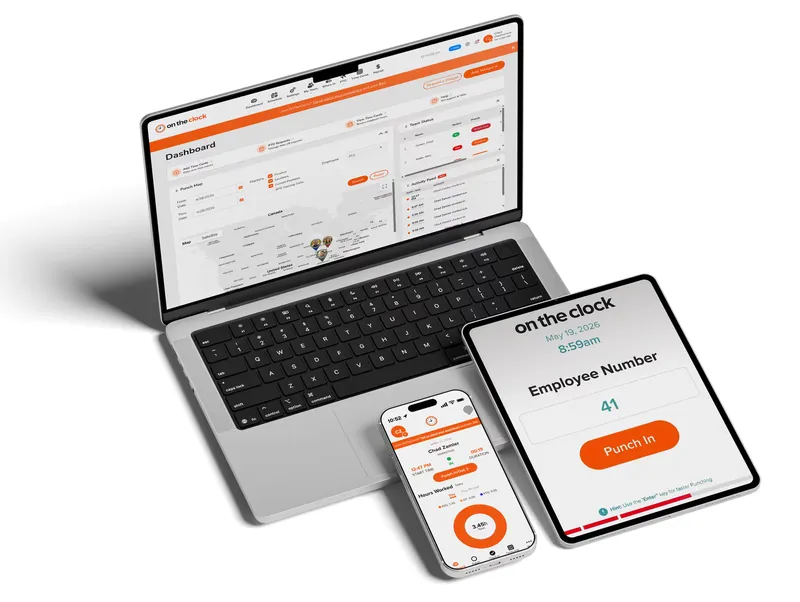
OnTheClock is an employee time tracking and scheduling platform built for businesses with both field and office staff. For a plumbing contractor, it handles the labor side without the weight of a full FSM system. Technicians clock in from a phone, a shared kiosk, or a computer, and managers can see attendance, locations, and labor costs as they happen. GPS, geofencing, and punch restrictions keep clock-ins tied to approved job sites, and PTO, scheduling, and payroll all sit in the same place, with a QuickBooks integration for shops that bill through it. What you don’t get is the field service layer. There’s no customer invoicing, dispatching, or service-agreement management, so a shop that needs those will run OnTheClock next to a dedicated FSM tool. On price it’s among the more affordable options here. A $5 base fee plus $4 per user puts a 15-technician shop at $65 a month.
Best for: Small to mid-size plumbing businesses that want accurate time tracking, GPS accountability, and payroll-ready timesheets without the cost of a full field service management system.
Pricing
| Plan | Price |
|---|---|
| Base fee | $5/month |
| Per employee | $4/user/month |
Example: 10 employees = $45/month. Free trial: 30 days.
Ratings
- Capterra: ⭐⭐⭐⭐⭐ 4.7/5
- G2: ⭐⭐⭐⭐⭐ 4.7/5
- GetApp: ⭐⭐⭐⭐⭐ 4.7/5
Workiz
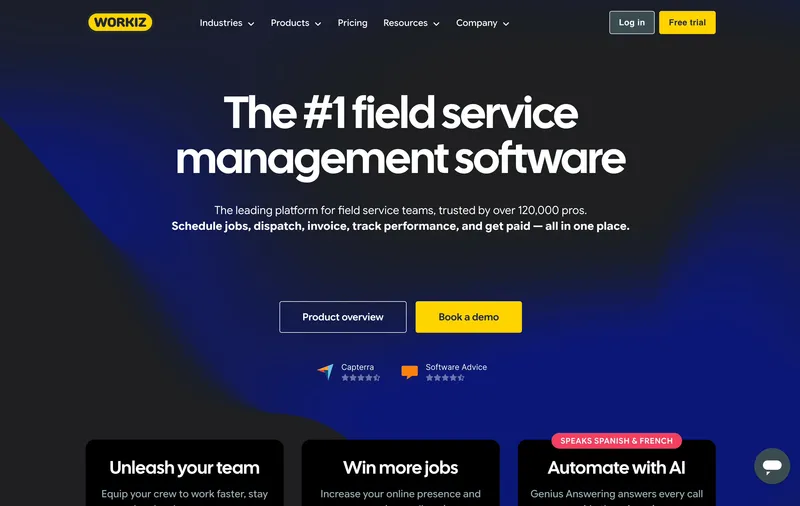
Workiz is less discussed than Jobber or Housecall Pro but has a strong presence in plumbing, drain cleaning, locksmith, and carpet cleaning — small service trades where the owner runs dispatch personally. The workflow is tighter for small operations: create a job, assign a tech, track time, invoice, take payment. Workiz also ships an answering service integration that many solo plumbers use for after-hours call capture. Time tracking is per-ticket with GPS verification. Pricing is plan-based with user caps. The flat monthly fee makes budgeting easier but gets expensive under 8 users.
Best for: Small plumbing and drain-cleaning businesses with 3 to 10 technicians and an owner-operator doing dispatch.
Pricing
| Plan | Price (annual billing) |
|---|---|
| Kickstart | $225/month (3 users) |
| Standard | $275/month (5 users, +$46/add’l) |
| Pro | $325/month (5 users, +$54/add’l) |
| Ultimate | Custom quote |
Free trial: 14 days.
Ratings
- Apple App Store: ⭐⭐⭐⭐⭐ 4.6/5
- Google Play: ⭐⭐⭐⭐ 4.0/5
- Capterra: ⭐⭐⭐⭐ 4.4/5
Workyard
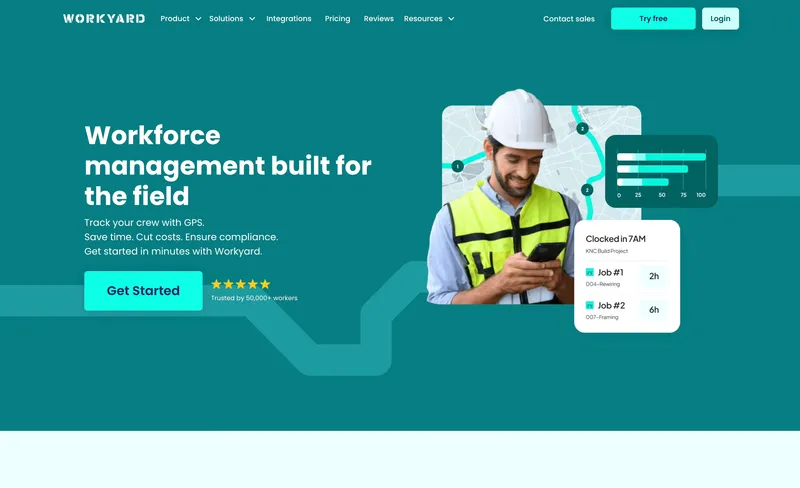
Most of this list targets residential service plumbing. Workyard targets the other half — new-construction plumbing, commercial projects, and prevailing-wage work where cost codes, certified payroll, and GPS job-site verification matter more than per-ticket residential billing. When I tested Workyard, the cost-code auto-assignment and GPS accuracy were the best on this list for project-based plumbing. Pricing is $6/user plus a $50 monthly base fee, which reads best when project work is a meaningful share of the business.
Best for: Plumbing contractors doing new construction, commercial projects, or prevailing-wage jobs with 20+ technicians.
Pricing
| Plan | Price (annual billing) |
|---|---|
| Starter | $6/user/month + $50 base |
| Pro | $13/user/month + $50 base |
Monthly billing runs higher (Starter $8, Pro $16 per user). Free trial: 14 days.
Ratings
- Apple App Store: ⭐⭐⭐⭐ 4.1/5
- Google Play: ⭐⭐⭐⭐ 4.0/5
- Capterra: ⭐⭐⭐⭐⭐ 4.7/5
Connecteam
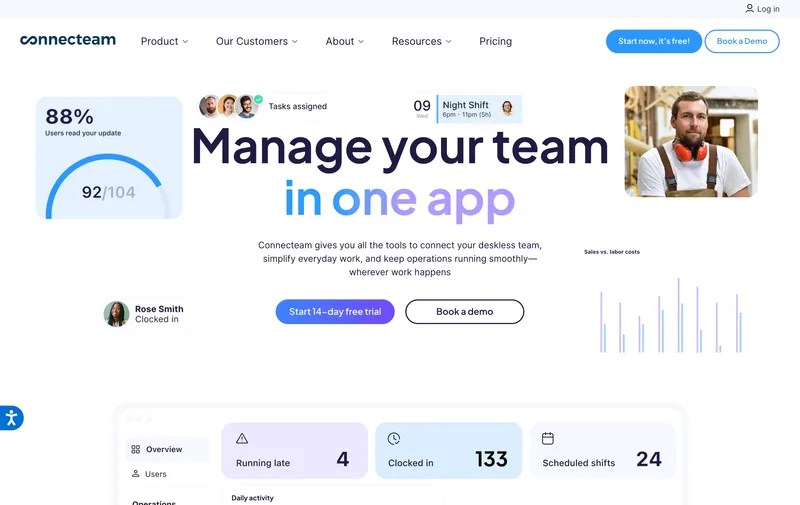
Connecteam is a deskless workforce platform with a solid time clock underneath. For plumbing, the value shows up in the adjacent modules: standard operating procedures pushed to each tech’s phone (what to check before a water-heater swap), checklists for truck inventory at shift-start, training modules for annual code updates, and team chat for dispatcher-to-tech communication. The free plan for up to 10 users is unusually generous — a small plumbing shop can stand up SOPs, checklists, training, and a time clock for $0. What’s missing is per-ticket job costing and any real dispatch workflow. Connecteam knows hours by day, not hours by service ticket. For a small shop where labor-hour tracking is the main need and customer ticketing happens elsewhere, it fits.
Best for: Small plumbing shops (5 to 30 techs) who value SOP delivery, truck checklists, and training as much as the time clock.
Pricing
| Plan | Price |
|---|---|
| Small Business (up to 10) | Free (all features) |
| Basic (up to 30) | From $29/month per hub |
| Advanced (up to 30) | From $49/month per hub |
| Expert (up to 30) | From $99/month per hub |
Ratings
- Apple App Store: ⭐⭐⭐⭐⭐ 4.9/5
- Google Play: ⭐⭐⭐⭐⭐ 4.7/5
- Capterra: ⭐⭐⭐⭐⭐ 4.6/5
Buddy Punch
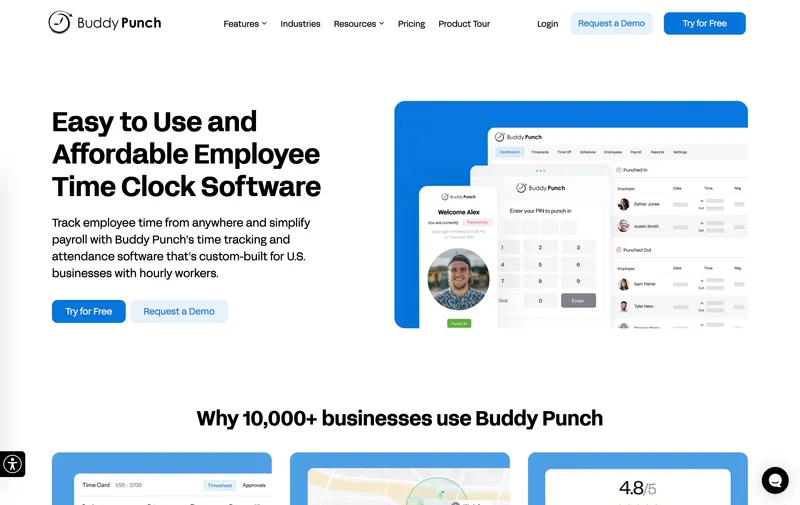
Buddy Punch’s strength for plumbing is the same as it is for every other industry on this list: the widest range of clock-in methods (mobile, kiosk, PIN, QR, SSO, facial recognition) and the deepest PTO accrual engine. For a plumbing shop with complex overtime — different rates for master plumber vs journeyman vs apprentice, after-hours multipliers, tenure-based PTO — Buddy Punch can model the rule set without a workaround. When I tested it, the compliance tooling was legitimately deep. The limitation that bites for plumbing specifically: no true offline clock-in, which can drop punches when a tech is in a basement or mechanical room with poor signal.
Best for: Small plumbing shops (5 to 30 techs) with complex PTO or overtime rules running calls in areas with consistent cell service.
Pricing
| Plan | Monthly | Annual |
|---|---|---|
| Starter | $5.49/user + $19 base | $4.49/user + $19 base |
| Pro | $6.99/user + $19 base | $5.99/user + $19 base |
| Enterprise | $11.99/user + $19 base | $10.99/user + $19 base |
Ratings
- Apple App Store: ⭐⭐⭐⭐⭐ 4.9/5
- Google Play: ⭐⭐⭐⭐ 4.5/5
- Capterra: ⭐⭐⭐⭐⭐ 4.8/5

QuickBooks Time
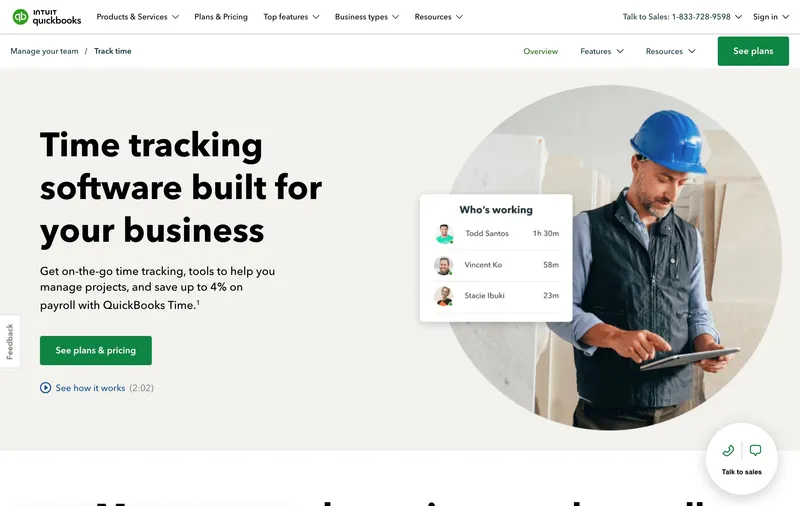
QuickBooks Time (formerly TSheets) has one clear advantage for plumbing shops already in the QuickBooks ecosystem: native two-way sync with QuickBooks Online and QuickBooks Payroll. Customer lists, service items, and payroll items flow in from QuickBooks, and approved hours flow back for payroll and invoicing. For a plumbing company that uses QuickBooks for customer invoicing, this eliminates the manual export step each pay period. The feature gaps show up on the FSM side — no dispatch board, no technician booking widgets, no callback workflow. For a shop that already has a CRM or uses QuickBooks itself for customer management, it fills the labor-tracking gap cleanly.
Best for: Small plumbing shops already using QuickBooks Online for billing and payroll.
Pricing
| Plan | Price |
|---|---|
| Premium | $8/user/month + $20/month base |
| Elite | $10/user/month + $40/month base |
Included free with QuickBooks Payroll Premium or Elite. 30-day free trial.
Ratings
- Apple App Store: ⭐⭐⭐⭐⭐ 4.7/5
- Google Play: ⭐⭐⭐⭐ 4.1/5
- Capterra: ⭐⭐⭐⭐⭐ 4.7/5
How to choose the best plumbing time tracking software
The decision comes down to three questions: do you need field service management (CRM, dispatch, invoicing) in the same tool, how big is your team, and how much of your work is residential service calls vs new construction.
Do you need FSM in the same tool? If you don’t have a CRM and you’re running dispatch from a spreadsheet, an integrated tool like Jobber, Housecall Pro, or Workiz will save more operational hours than a cheaper time tracker. If you already have a CRM you like, a pure time tracker (ShiftFlow, Buddy Punch, QuickBooks Time) is 2-3x cheaper.
Team size. For 1 to 3 plumbers, Workiz Kickstart or Jobber Core work well. For 3 to 10, ShiftFlow’s flat pricing is the most cost-efficient if you have a separate CRM, or Jobber Connect / Housecall Pro Essentials if you want FSM built in. For 10+, Jobber Grow, Housecall Pro MAX, or Workiz Standard scale cleanly.
Residential vs new construction. Pure residential service-call plumbing = FSM tools win on per-ticket flow. New construction or commercial project plumbing = Workyard wins on cost codes and prevailing wage. Mixed shops usually end up with one tool for time (ShiftFlow, Buddy Punch) and a separate tool for CRM/booking.
Real monthly bill for a 15-plumber shop
| Tool | Monthly bill for 15 plumbers |
|---|---|
| Connecteam Basic (one hub, up to 30) | $29 |
| OnTheClock ($5 base + $4/user) | $65 |
| Connecteam Basic (all three hubs) | $87 |
| ShiftFlow | $89.85 |
| Buddy Punch Starter (monthly) | $101.35 |
| QuickBooks Time Premium | $140 |
| Workyard Starter (annual) | $140 |
| Jobber Grow (15 users, annual) | $250 |
| Housecall Pro MAX (15 users, annual) | $544 |
| Workiz Standard (15 users, annual) | $735 |
FSM tools (Jobber, Housecall Pro, Workiz) bundle CRM, scheduling, dispatch, and invoicing, so the apples-to-apples comparison with pure time trackers requires pricing your CRM separately.
Best plumbing time tracking software by use case
- Flat predictable pricing with a separate CRM: ShiftFlow
- All-in-one CRM + time tracking for small shops: Jobber
- Residential plumbing with strong customer booking: Housecall Pro
- Small plumbing or drain-cleaning with owner-operator dispatch: Workiz
- New-construction plumbing and prevailing-wage jobs: Workyard
- SOP delivery and training for small deskless crews: Connecteam
- Complex PTO and overtime rules: Buddy Punch
- Affordable GPS time tracking + payroll, no FSM: OnTheClock
- Already running QuickBooks: QuickBooks Time
Final recommendation
Best Overall for Small Plumbing Shops: ShiftFlow. Flat $5.99/seat with no base fee, service-call geofencing, multi-tech dispatch on the same ticket, and offline mode for basements and mechanical rooms — all in one plan. Best when you have or want a separate CRM.
Best All-in-One FSM for Plumbing: Jobber. CRM, scheduling, dispatch, invoicing, and time tracking in one tool — around $250/month annual for 15 plumbers on the Grow plan.
Best for New-Construction and Prevailing-Wage Plumbing: Workyard. Deepest cost-coding and QuickBooks two-way sync, preconfigured state compliance for prevailing-wage jobs. $6/user + $50 base.
Ready to see ShiftFlow in action? Start your 14-day free trial today. No credit card required.
Frequently asked questions
What is the best time tracking software for a small plumbing company?
For plumbing companies under 25 technicians that want flat pricing and strong multi-tech coordination, ShiftFlow is the best overall pick at $5.99 per seat with no base fee. For small plumbing shops that need field service dispatch, invoicing, and customer CRM in the same tool, Workiz is the best pure plumbing FSM. Jobber and Housecall Pro are strong alternatives if you want broader field service features.
How do plumbing companies track drive time between service calls?
Modern plumbing time tracking tools separate drive time from on-site time automatically by detecting when the technician arrives inside the geofence around the customer address. Drive time is tagged to the truck, on-site time is tagged to the service ticket. ShiftFlow, Jobber, Housecall Pro, and Workiz all do this on their paid tiers. Generic time clocks without address-level geofencing require the technician to manually punch in and out at each house, which is unreliable in practice.
How do time tracking apps handle emergency on-call plumbing work?
Emergency after-hours plumbing typically pays a premium rate — 1.5x or 2x straight-time, plus a minimum dispatch fee regardless of job length. Most time tracking tools handle this in one of two ways: FSM platforms like Jobber and Housecall Pro tag premium rates through invoice line items, while time-clock-first tools rely on overtime thresholds and manual reconciliation in payroll. If premium-rate automation is a hard requirement, Buddy Punch and Deputy have the deepest pay-rule engines on this list; simpler tools (ShiftFlow, QuickBooks Time) leave the premium calculation to your payroll provider downstream.
What does time tracking software cost for a plumbing company with 15 technicians?
At April 2026 annual pricing for 15 plumbers: Connecteam Basic $29 (one hub) or $87 (all three hubs), ShiftFlow $89.85, Buddy Punch Starter $101.35 (monthly), QuickBooks Time Premium $140, Workyard Starter $140, Jobber Grow $250 (10 users included plus 5 additional at $29 each), Housecall Pro MAX $544 (8 users included plus 7 additional at $35 each), Workiz Standard $735 (5 users included plus 10 additional at $46 each). FSM tools (Jobber, Housecall Pro, Workiz) typically include CRM and invoicing, which shifts how the value compares.
Can time tracking software tag callback work to the original plumbing job?
Yes, but it requires per-ticket job costing, not just daily timesheets. When a technician returns to a prior customer to finish a repair or address a warranty issue, the hours need to attach back to the original ticket so your job-costing reports reflect the true cost. Jobber, Housecall Pro, and Workiz tag callbacks natively through their FSM workflow. ShiftFlow supports this via job codes on each punch; generic time clocks require manual reconciliation.
What is the best free time tracking app for a small plumbing business?
Connecteam offers the strongest free plan for plumbing: up to 10 users get full access to GPS clock-in, geofencing, checklists, scheduling, and team chat at $0. It does not include field service dispatch or invoicing, so you will need a separate tool for customer CRM. Homebase is another free option for plumbing shops with a single office location.
- plumbing
- plumbing-contractors
- time-tracking
- time-clock-software
- service-call
- field-service
- job-costing
- software-comparison