Who Eats the Hours on a Callback and How to Track Them
A callback is a tech driving back to a job that should have been done right the first time — paid labor that generates zero new revenue. If you do not track callback hours separately, your true callback rate is invisible and the cost hides inside everything else. Here is how to surface it.
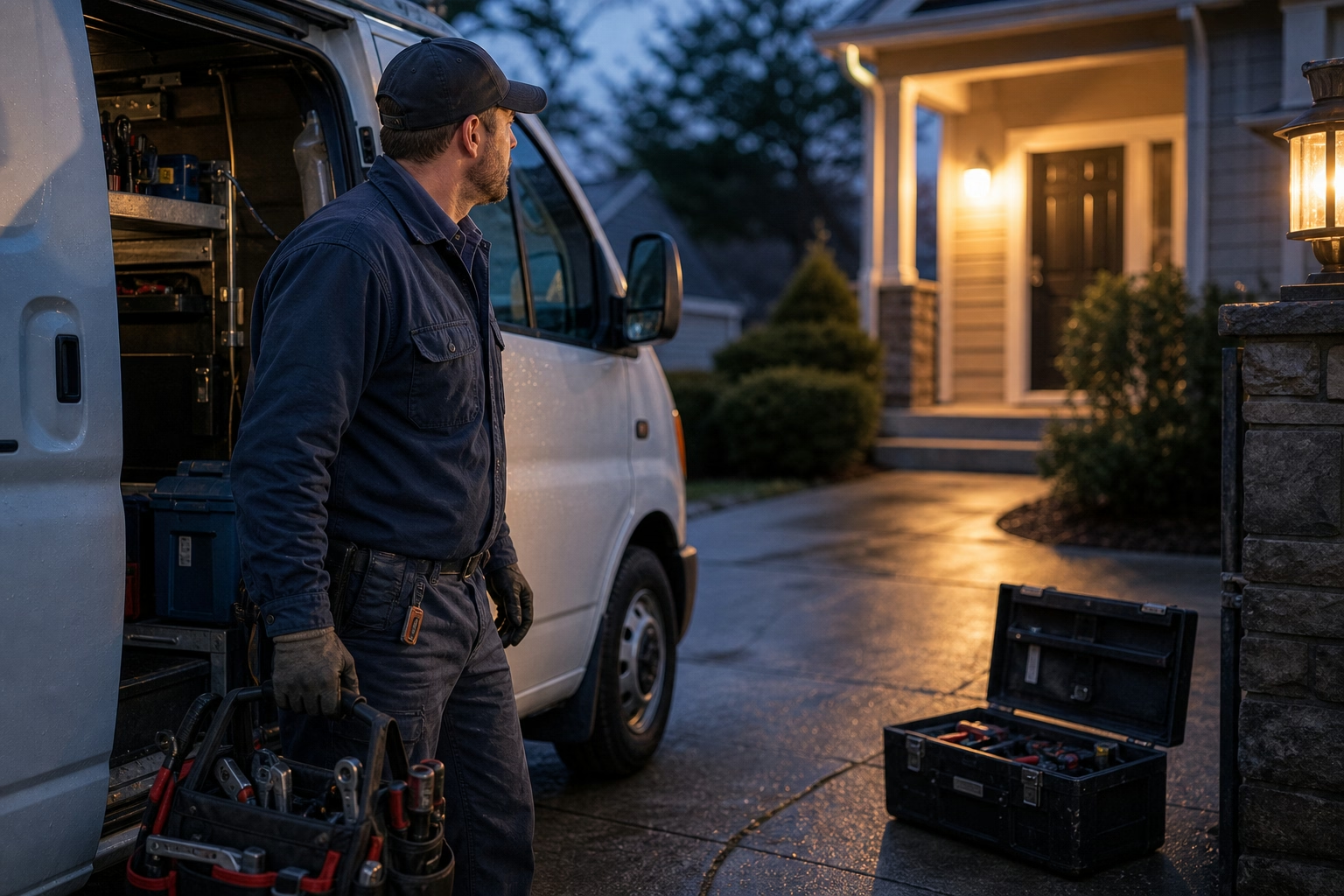
The Trip That Pays Nothing
Some of the busiest hours in a plumbing or HVAC shop earn the business nothing. A tech drives back to a house he was at last week because the repair didn’t hold, or the part failed, or something got missed. He’s paid for the time. The truck burns fuel and a slot on the schedule. And at the end of it, there’s no invoice. It’s warranty. It’s on the house. It’s a callback.
Callbacks are a normal part of field service — no shop runs a zero. But most shops have no idea what their real number is, because the hours never get tracked as callbacks. They get logged as just more job time, smeared across the week, indistinguishable from revenue work. The cost is real and recurring, and it’s hiding in plain sight.
Why a Callback Is a Different Animal
A callback isn’t just another visit. Its cost structure is what makes it worth isolating.
It’s non-billable by default. Unlike a fresh service call, the customer isn’t paying — you’re correcting your own prior work under warranty. So every callback hour is a margin hit, never a margin contributor. It’s a specific, ugly flavor of the broader non-billable time that drags down utilization. Except this one you also caused.
It’s a quality signal, not just a cost. A callback tells you something went wrong upstream — a rushed install, a training gap, a marginal part, a diagnosis that missed. The hours are the symptom. The diagnosis is the whole reason to track them. Bury them in general labor and you lose the signal along with the cost.
And the people side matters too. You still pay the tech for callback time, because it’s work. Tracking callbacks just makes the cost visible so you can go after the cause — otherwise you absorb rework silently, forever.
What Untracked Callbacks Cost You
When callback hours aren’t separated out, three things go wrong at once.
Your callback rate is invisible. You can’t tell if you’re running 2% or 12%, improving or sliding, because the number was never captured. You’re flying blind on one of the clearest measures of work quality you’ve got.
The cost smears across every job. Rework labor logged as ordinary job time inflates the apparent cost of unrelated work and hides the true cost of the jobs actually generating the callbacks. Your job costing quietly drifts because some of the labor in it doesn’t belong there.
You can’t find the pattern. Maybe callbacks cluster around one install type, one product line, one crew, one kind of repair. That’s coachable, fixable information — but only if the data exists to reveal it. Untracked, it stays a vague sense that “we do a lot of callbacks,” with nowhere to aim.

Tag the Rework Where It Happens
The fix is light. Make “is this a callback?” a property of the visit — captured in the field, linked to the original job.
Mark the visit as a callback at clock-in. When a tech heads back to correct prior work, the visit gets tagged as a callback, not new billable work, and linked to the original job or work order. The labor and travel land in the right bucket from the start, instead of getting reclassified later. Which never happens.
Attribute it to the original job. Tying the callback to the job that generated it lets you trace rework to its source — the install, the repair, the crew, the conditions. That’s the difference between knowing you have callbacks and knowing where they come from.
Track callback hours and travel as their own cost. Capture the time on site and the drive, tagged as rework, so the non-billable labor gets measured instead of absorbed. The tech is paid normally. The cost is simply visible to you now.
Surface the rate and the breakdown. With callbacks tagged, you can report a real callback rate over time and slice it by work type, product, or crew. Now the number is a dial you can actually move — and you can tell whether a process change really reduced rework.
Turn Rework Into a Number You Manage
Callbacks will never be zero. But “some callbacks” and “an unmeasured pile of free labor smeared across the schedule” are very different positions to run a business from. Tag the rework where it happens and the callback rate turns into a metric you watch and improve — instead of a cost you only feel at year-end, when the margin came in light and nobody can say why.
If your techs’ return trips are disappearing into general job time, see how a time and job system built for plumbing and HVAC teams lets a visit be tagged as callback or warranty and linked to the original job — or put ShiftFlow on your trucks and make rework a number you can finally see. For the broader picture of where techs’ hours go, start with billable versus non-billable time.
Frequently Asked Questions
What counts as a callback?
A callback is a return trip to a job to correct something that should have been resolved the first time — a repair that didn’t hold, a part that failed early, work that wasn’t finished right. It’s usually non-billable warranty work, which makes it pure cost: paid labor and a truck on the road producing no new revenue.
Do you still pay a tech for callback time?
Yes. Callback work is work, so you pay the tech for the time and the travel like any other job. The point of tracking it isn’t to dock anyone — it’s to see the cost clearly and attribute it, so you can fix the root cause instead of quietly absorbing rework into general labor forever.
Why track callback hours separately from regular jobs?
Because if callback labor is logged as ordinary job time, your true callback rate is invisible and the cost is smeared across every job. Tag callbacks separately and you can measure how much rework you’re doing, attribute it to the original job and circumstances, and see whether it’s concentrated in certain work types — the information you need to actually reduce it.
How do you measure a callback rate?
Tag each visit as either new work or a callback linked to an original job, then compare callback visits and hours against total jobs over a period. That gives you a callback rate by volume and by labor cost, which you can break down by work type to find where rework is concentrated.
- plumbing
- hvac
- callbacks
- warranty
- rework
- job-costing
- field-service
- time-clock