How to See Which Jobs Are Actually Making Money from Crew Hours
A fixed-bid job can lose money for weeks before anyone notices, because the hours-by-job number lives in a spreadsheet someone rebuilds by hand. Here is how to get that number reliably and see which jobs are quietly bleeding.
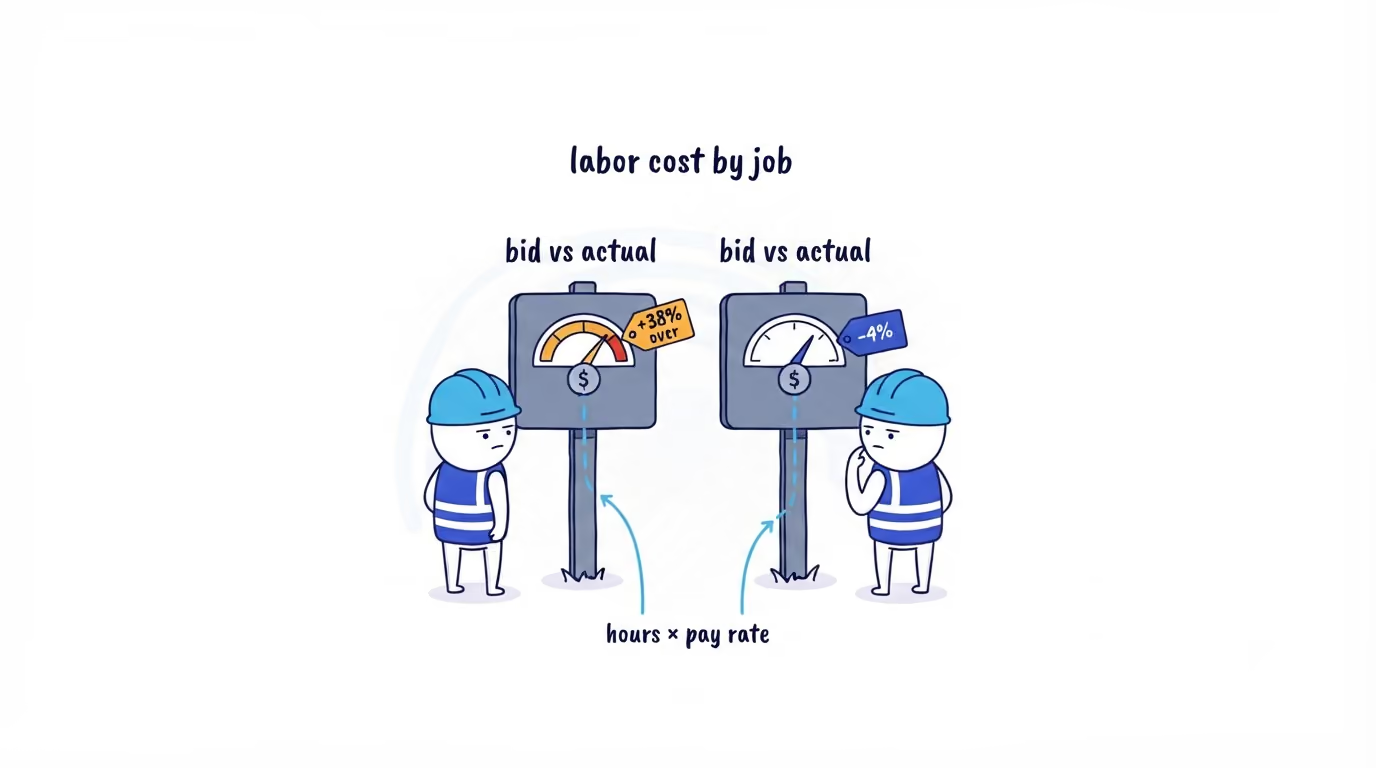
The fixed-bid job that lost money before anyone noticed
You run a field, construction, or cleaning business, or you are the PM on a fixed-bid job. The crew showed up, the work got done, the client signed off. Six weeks later the spreadsheet someone rebuilds by hand at month end finally gets updated, and that job ran 30% over on labor. The bid is spent. The crew has moved on to the next two jobs that look exactly like it. You are finding out now because nobody could see it then.
The reason is almost always the same. Materials and subs land as invoices, so you see them. Labor is hours, and the hours-by-job number lives in a spreadsheet that one person reconstructs from timesheets, memory, and texts once a month. By the time it is built, it is late and it is soft. Labor is usually the biggest controllable cost on the job, and it is the one number you are flying blind on while the job is open.
So the job that is quietly bleeding looks identical to the job that is fine, right up until the spreadsheet catches up. That is the problem to fix: not the spreadsheet itself, but the input it is built from.
The app already shows hours by job, so what is actually missing
Worth saying plainly up front, because it changes what this post is about. ShiftFlow already shows you hours by job and by job code, in the app, without any of this. That view exists. If all you need is which crew put how many hours on Harbor Plaza this week, open the app and read it.
What the app cannot do for you is the part that turns hours into money. Labor cost is those hours multiplied by what each person costs, and that pay rate lives in your payroll system, not in ShiftFlow. Job margin is labor cost set against what the job is worth, and that contract or bid value lives in your financial or accounting system, not in ShiftFlow either. The number that tells you which jobs are making money is a join: trustworthy hours-by-job from one system, your pay rates from a second, your revenue from a third, stitched together on a shared key. No single app owns all three, and it should not. That join is the thing you are actually missing, and it is the thing this post is about.
Why the labor number is the one that drifts
Two things turn hours into a cost you can trust, and only one of them is hard.
The easy half is the rates. You already know what people cost per hour; payroll has it. The hard half is the hours: reliable worked time, attributed to the right job, already net of unpaid breaks, not rounded into uselessness or smeared across three jobs because someone forgot to switch tasks. Get trustworthy hours-by-job and the cost is a multiplication against your own rates. Get mushy hours and no spreadsheet on top will save the number.
A monthly hand-rebuilt sheet fails on both speed and trust. It is late, so you cannot act while the job is open. And it is reconstructed, so finance can poke a hole in it. The fix is not a fancier spreadsheet. It is a reliable hours-by-job number that arrives on its own, attributed, every day, ready to join to the rates and revenue you already keep elsewhere.

Where the reliable hours come from
The in-app view is for reading. To turn time-by-job into a money answer you need that same data pulled out, not a screen you squint at. ShiftFlow records time against job codes as the crew works, and its Axiom data feed hands over each finished entry already reconciled: worked time with unpaid breaks removed, split by job code, tied to a person and a site. Nobody rebuilds the labor math from memory once a month; the hours arrive attributed, per job, on their own.
Here is the boundary, and it is the part to get right. The feed gives you durations, not dollars. There are no pay rates in it and no revenue. That is deliberate, because the dollars are not its to own: you already know what each person costs an hour, and what the job was worth. The hours were always the part you could not trust, and that is exactly the part this fixes. You bring the rates and the contract value, the feed brings trustworthy hours-by-job, and the two together produce the answer the spreadsheet was always a month too late to give.
Turning hours into cost, and cost into margin
Once the hours are reliable, the rollup is ordinary. Aggregate worked time by job code, and by site or crew underneath it. Multiply by the pay rate for each person, pulled from payroll, not from the feed. That is labor cost by job. Set it next to the labor you bid for that job, and the variance is the whole story:
| Job | Bid labor | Actual labor | Variance |
|---|---|---|---|
| Maple St | $4,200 | $4,050 | −4% |
| Harbor Plaza | $9,000 | $12,400 | +38% |
| Unit 14 reno | $3,100 | $3,250 | +5% |
Harbor Plaza is the conversation. One number, and you know which job to look at while it is still open, before it repeats on the next three like it. Add what the job was worth and the same table becomes margin instead of cost.
This is where AI earns its place, and not as decoration. The point of having the hours in clean, readable shape is that you stop paying a person to build and stare at this table. An AI reads the full ranking every week and hands you the sentence a careful analyst would have written: “three jobs account for the entire labor overrun this quarter, all of them the same crew on the same client, all fixed-bid.” You did not rank eighty line items. You read one paragraph and know which job to walk. That is the difference between a month-late spreadsheet nobody opens and a five-minute Monday read, and it is the version of this you can run without adding a head.
What this does not tell you on its own
The cost is only as accurate as your rate data, and the rate data is not in the feed. A stale rate table in your payroll system produces a confident wrong answer, and finance will ask why the labor cost on a job moved when nobody touched the timesheet.
Overtime changes the rate, and overtime rules are your policy, not something the hours feed decides for you. It lands on your side of the join, with the rest of the rate math, and reconciling those hours before they hit payroll is where that gets settled.
This is the labor half of job cost only. The feed gives you the hours. Materials, equipment, subs, and the revenue side still come from your financial system, and full job profitability is the hours joined to all of those.
A job code is only as good as what people selected while working. When a fixed-bid job shows hours that landed on the wrong code, you have an attribution problem to fix at the source, not a margin problem to explain.
That is still a number you can defend, which a reconstructed-from-memory one never is.
Where to go next
The cost on top of the hours only means something if the hours are clean first. Checking every timesheet before payroll and reconciling payroll hours before they export are how the hours side gets trustworthy in the first place. If your crew’s time still lives in a sheet you rebuild every month, the place this starts is capturing it clean as the work happens — see how ShiftFlow time tracking records hours against jobs in real time, or talk to our team about putting this on your own jobs.
- job-costing
- labor-cost
- labor-cost-by-job
- time-tracking-analytics
- construction
- field-service