How to Catch Payroll Hour Errors Before You Run Payroll
You hit submit and then find out the hours were wrong. Here is how to run a pre-run check that surfaces break anomalies, overtime crossings, and payroll mismatches the day before, not the week after.
The sinking feeling on payroll day
You are the person who runs payroll. The file is staged, the deadline is in an hour, and you have a feeling some of these hours are off. You cannot point at which ones. You submit anyway, because the deadline is the deadline.
Then it surfaces. Someone got paid for forty-six hours when they worked thirty-eight. Someone else is short and they noticed before you did. Now you are filing an off-cycle correction, explaining a clawback to a person who is already annoyed, and re-running numbers you thought were done. The error was cheap to fix on Thursday. On Monday it costs you a correction, a tense conversation, and trust in the paycheck.
The fix is not running payroll more carefully. It is checking the hours before the run, not after.
Why eyeballing two tabs does not catch it
Most pre-run checks are a glance. Open the time system in one tab, the payroll draft in another, scan the totals, hit submit. That works until the period it does not, and that period is always a busy one with a new hire, a long shift, a missed break, or someone who crossed overtime by twenty minutes.
The thing you actually want is a line-by-line comparison: the hours the time system says were worked against the hours payroll is about to pay, for the same people, same period. Every gap is a question you want answered Thursday, not discovered Monday. Doing that by eye for a real headcount is not realistic, which is why it does not happen.
The feed that makes a pre-run check possible
This is where a clean data pull earns its keep. The ShiftFlow Axiom data feed returns completed time entries already reconciled: worked duration net of unpaid breaks, per person, on the account-local work date payroll groups by, with the external employee ID that already lines up with your payroll records. That gives you a defensible “what we should be paying” number to set against “what payroll is about to pay” without retyping anything.
Be clear about what the feed is and is not, because it shapes the check. Axiom v1 returns only completed entries. An open shift that never got a clock-out is not in the feed at all, so the feed cannot tell you a clock-out is missing. There is also no field for whether an entry was edited or approved. Those are real concerns, but they get handled inside ShiftFlow before anything is eligible to export, not from the export feed. Whether edit or approval status is exposed anywhere outside v1 is an honest open question for your ShiftFlow account team.
So the check is not “trust the feed for everything.” It is “use the feed for the comparison it does well, and keep the upstream gates upstream.”

The pre-run check, step by step
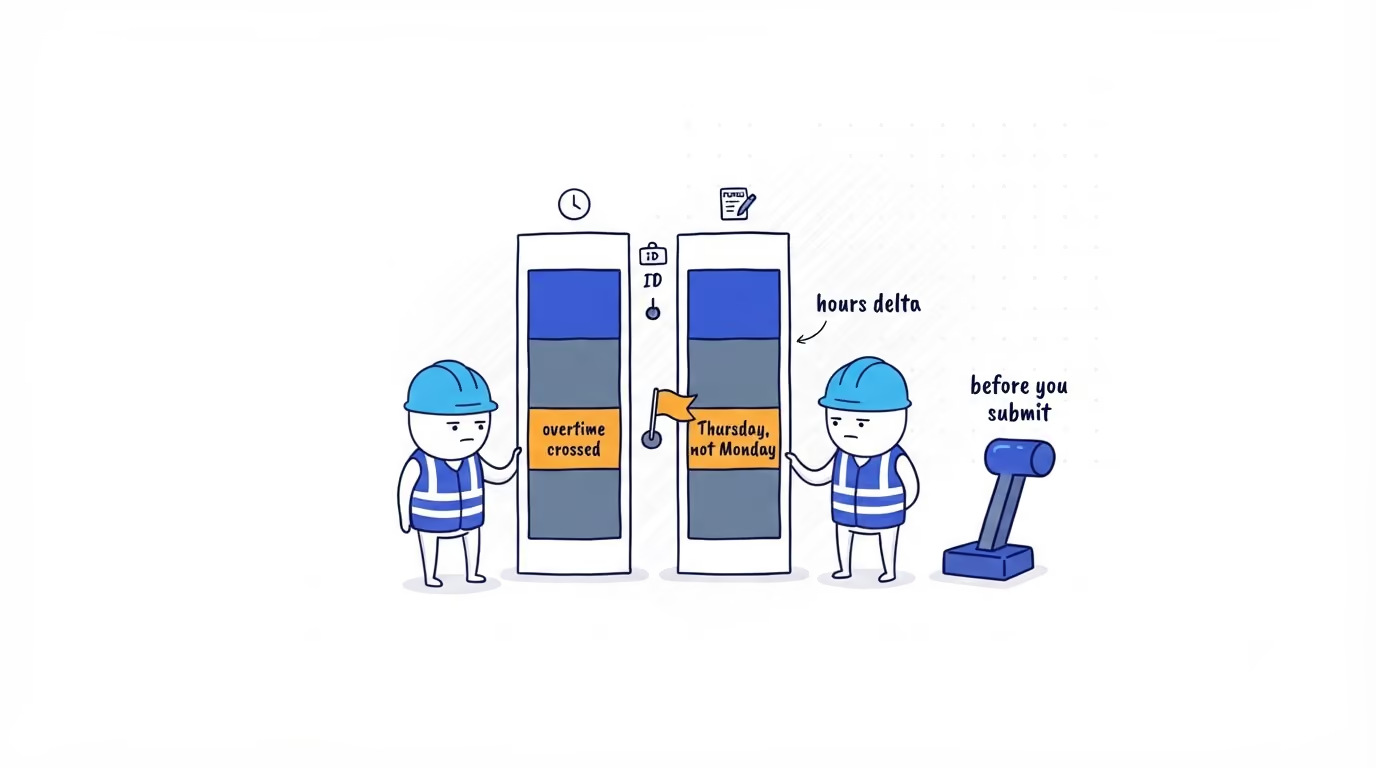
You do not line this up by hand or pay someone to. Matched to the same person in payroll, AI sets the reconciled hours from the feed against the hours payroll is about to pay for the period, and flags four things before you submit:
| Signal | What it means |
|---|---|
| Hours delta beyond tolerance | Time system and payroll disagree on this person’s total |
| Present in one source only | Someone is missing from payroll, or paid but not on time |
| Overtime threshold crossed | Hours cross your daily or weekly OT rule, rate changes |
| Break anomaly | An unpaid break is missing or short on a long shift |
The first two are the over- and under-payments you would otherwise be correcting next week. The overtime check is policy, not feed logic; the thresholds are yours and the mechanics live in checking every timesheet before payroll. AI ranks what comes out by dollar impact, so payroll day is a ten-minute review of the few that matter, not a spreadsheet nobody opens.
What this check will not catch
The pre-run cross-check confirms that already-approved hours match what payroll will pay. It does not catch an unfinished shift or an unapproved edit, because that data is not in the feed. Those gates live in the ShiftFlow approval workflow, where a manager closes open shifts and approves edits before anything is eligible to export. Treat the cross-check as the last line, not the only line. If you build it as the catch-all, the open shift that never got closed is the one that bites you.
Where to go next
This pre-run check is the safety net; checking every timesheet before payroll is the wider pass it sits inside, and catching time theft on your crew is the same data turned on the punches themselves. If payroll day still ends with a feeling that some of the hours are wrong, the place that starts is capturing them clean — see how ShiftFlow time tracking reconciles hours before they ever reach payroll, or talk to our team about putting this check on your own runs.
- payroll-reconciliation
- reconcile-timesheets
- payroll-hours-audit
- payroll
- workforce-analytics
- time-tracking