Best time tracking software with overtime and shift rules
Most payroll tools fail the FLSA regular-rate test on differential weeks. 10 tools compared on overtime, state daily OT, and 2026 pricing.

The overtime rules in most SMB payroll setups were configured once, by someone who has since left, and have not been audited since. They handle the easy weeks. The expensive weeks are the ones where a Saturday shift trips a California daily threshold on top of a night differential, and the engine has to fold the differential into the regular rate before the 1.5x multiplier applies. The math is unambiguous in the FLSA. A surprising number of paid tools still get it wrong, usually because nobody flipped the right toggle during onboarding.
This list ranks 10 tools we see show up most often in HR and payroll vendor selections, judged on whether their overtime engine can actually be configured to do the math the law requires. The benchmark scenario is a 25-person crew working variable shifts, a back office without a dedicated payroll analyst, and at least one employee in a daily-OT state.
At a glance
| Tool | Federal weekly OT | State daily OT | Shift differentials in regular rate | OT alerts before threshold | Direct payroll | Free plan |
|---|---|---|---|---|---|---|
| ShiftFlow | ✓ | ✓ | ✓ | ✓ | CSV/PDF | 14-day trial |
| Deputy | ✓ | ✓ | ✓ | ✓ | ✓ | 31-day trial |
| Connecteam | ✓ | ✓ | ✓ (paid tiers) | ✓ | ✓ | ✓ (≤10 users) |
| When I Work | ✓ | ✓ | ✓ (paid tiers) | ✓ | ✓ | 14-day trial |
| QuickBooks Time | ✓ | ✓ | ✓ | ✓ | ✓ (QB) | 30-day trial |
| Rippling | ✓ | ✓ | ✓ | ✓ | ✓ | No |
| Homebase | ✓ | ✓ | ✓ (Plus tier) | ✓ | ✓ | ✓ (1 location) |
| ClockShark | ✓ | ✓ | ✓ | ✓ | ✓ | 14-day trial |
| Buddy Punch | ✓ | ✓ | ✓ | ✓ | ✓ | 14-day trial |
| Hubstaff | ✓ (weekly) | Limited | ✓ | ✓ | ✓ | 14-day trial |
How we picked
Eight criteria, weighted toward the calculations most often miscalculated by SMB payroll setups. The regular-rate item is heavier than the others because it is the most common source of underpayment claims we see in this category.
- Federal weekly overtime calculation (1.5x after 40 hours)
- State daily overtime support (8-hour threshold for CA/AK/NV-under-threshold, 12-hour for CO)
- Shift differential rules with FLSA-correct regular-rate calculation (differentials folded into the rate before the multiplier applies)
- Double-time triggers (CA after 12 hours/day, after 8 hours on the 7th consecutive day)
- Approaching-overtime alerts for managers mid-pay-period
- Direct payroll integration with Gusto, QuickBooks, ADP, or Paychex
- Pricing structure transparent enough to predict the bill at 25 users
- Verified ratings on App Store, Google Play, and Capterra
Pricing, plan names, and ratings were pulled from each vendor’s published pricing page and cross-referenced against three current comparison roundups in early 2026. We treated the regular-rate question as a configuration claim, not a guarantee — even on tools that support it, the setting has to be enabled and tested before payroll goes live.
1. ShiftFlow: best overall for shift-based SMBs
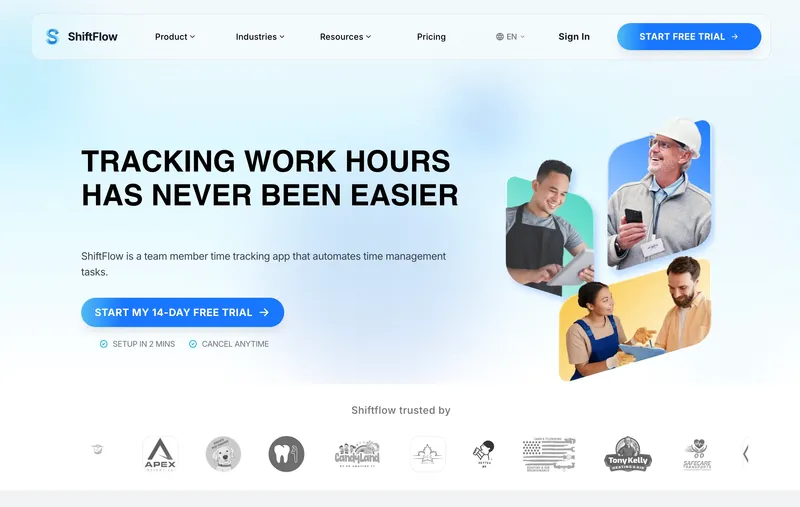
ShiftFlow sells one plan at $5.99 per seat monthly, or $60 per seat annually. Federal and state overtime, daily and seventh-day double-time, shift differentials, and approaching-OT alerts ship in that single plan with no add-ons or feature gates. A 25-person crew pays $149.75 a month, and turning on California’s seventh-consecutive-day double-time rule does not change the bill.
The tradeoff is a shorter integration library than Deputy or When I Work, with payroll handoff via CSV rather than a two-way sync.
Best for: SMBs paying for federal and state OT plus shift differentials without subsidizing an enterprise compliance suite they will not use.
Pricing
| Plan | Price |
|---|---|
| Monthly | $5.99 per seat |
| Annual | $60 per seat per year |
Free trial: 14 days, no credit card required.
Ratings
- Apple App Store: 4.8/5
- Google Play: 4.8/5
- Capterra: 4.8/5
2. Deputy: best for complex multi-location shift rules
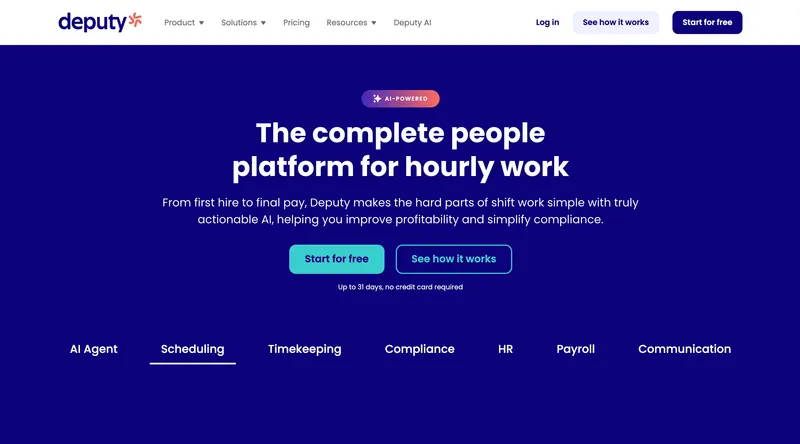
Deputy is the tool to beat for multi-location shift compliance. The pay rule engine layers federal weekly OT, state daily OT, predictive scheduling premiums for the cities that mandate them, and meal and rest break enforcement on top of each other, and applies them per location and per role without manual review every Monday. Live alerts surface late punches, approaching thresholds, and missed-break exposures while there is still time to act.
The cost is the cost. At $6.50 per user per month on Core, a 25-person operation lands around $162.50, and the configuration depth is real configuration depth — onboarding a new location is faster than building it from scratch elsewhere, but slower than turning on a single-toggle plan. App lag and slow support are common complaints in 2025-2026 Capterra reviews, and they hurt more on Deputy than on simpler tools because the platform is doing more of the work. Single-location crews under 15 people will find Deputy’s surface area larger than they need.
Best for: Restaurants, retail, and healthcare running across multiple sites with predictive scheduling exposure and break-compliance enforcement on top of OT.
Pricing
| Plan | Price |
|---|---|
| Lite | $5 per user per month |
| Core | $6.50 per user per month |
| Pro | $9 per user per month |
Free trial: 31 days.
Ratings
- Apple App Store: 4.6/5
- Google Play: 4.4/5
- Capterra: 4.6/5

3. Connecteam: best free-tier option with overtime support
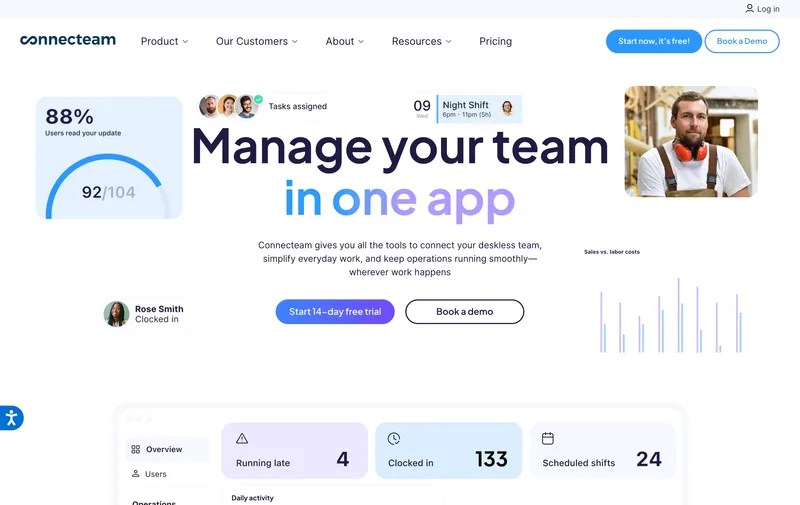
Up to 10 users, the Small Business Plan is free and includes federal weekly overtime, scheduling, and time tracking — the only product on this list that bills $0 a month for OT-aware time tracking on a real team. The federal weekly threshold is in scope on the free tier. State daily OT, automated differentials, and the deeper compliance reporting move up to Basic ($29/month for the first 30 users) or Advanced ($49/month for the first 30 users).
The decision is mostly geography. A 9-person crew in Texas with no differentials can stay on free indefinitely. The same crew in California with a night differential cannot — Connecteam’s free tier won’t fold the differential into the regular rate, and won’t trip the 8-hour daily threshold. Once the operation crosses to paid, the flat first-30-users pricing remains the cheapest paid tier in this comparison.
Best for: Sub-10-user teams in non-daily-OT states with no shift differentials, or larger teams that value the all-in-one app over compliance depth.
Pricing
| Plan | Price |
|---|---|
| Small Business | Free up to 10 users |
| Basic | $29/month for first 30 users |
| Advanced | $49/month for first 30 users |
| Expert | $99/month for first 30 users |
Free trial: Free plan; 14-day trial on paid tiers.
Ratings
- Apple App Store: 4.9/5
- Google Play: 4.9/5
- Capterra: 4.6/5
4. When I Work: best for fixed-schedule shift operations with payroll add-on
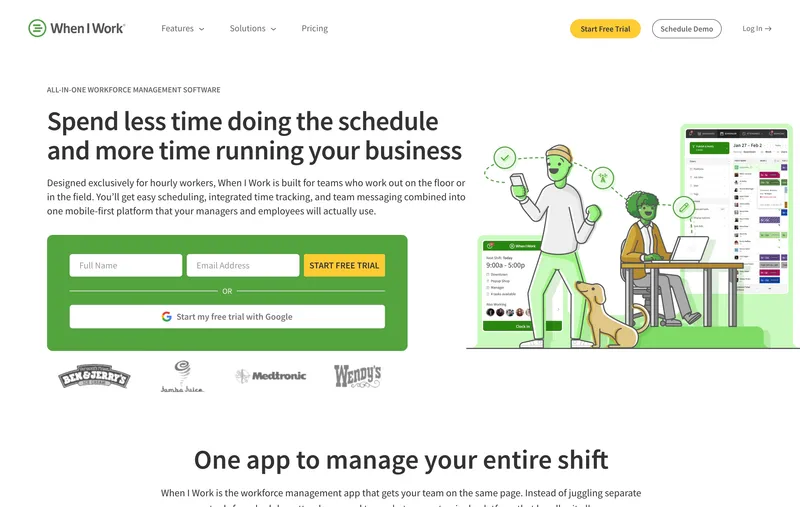
Scheduling is the headline. The Time & Attendance and Payroll modules are the part that handles overtime, and they do federal weekly OT, state daily OT, and basic differentials competently — competently, not deeply. Where When I Work earns its place on this list is the upstream side: shift swaps, availability, and the scheduler itself catch overtime exposure before it gets logged, which is cheaper than catching it after.
The headline price ($2.50 per user on Essentials, $5 on Pro, $8 on Premium, all monthly) is misleading once Time & Attendance and Payroll are bolted on, and the vendor does not publish those add-on prices clearly. The bill at 25 users with both modules tends to land north of $125 a month, which is competitive with Deputy Lite but with shallower differential configuration. The platform is a poor fit if differential rules are the priority — Deputy and ShiftFlow are more configurable.
Best for: Fixed-schedule retail, restaurants, and hospitality where the schedule itself is the primary tool and OT compliance is a secondary requirement.
Pricing
| Plan | Price |
|---|---|
| Essentials | $2.50 per user per month |
| Pro | $5 per user per month |
| Premium | $8 per user per month |
| Time & Attendance add-on | Additional cost |
| Payroll add-on | Additional cost |
Free trial: 14 days, no credit card required.
Ratings
- Apple App Store: 4.8/5
- Google Play: 4.8/5
- Capterra: 4.5/5
5. QuickBooks Time: best when QuickBooks Payroll is already in place
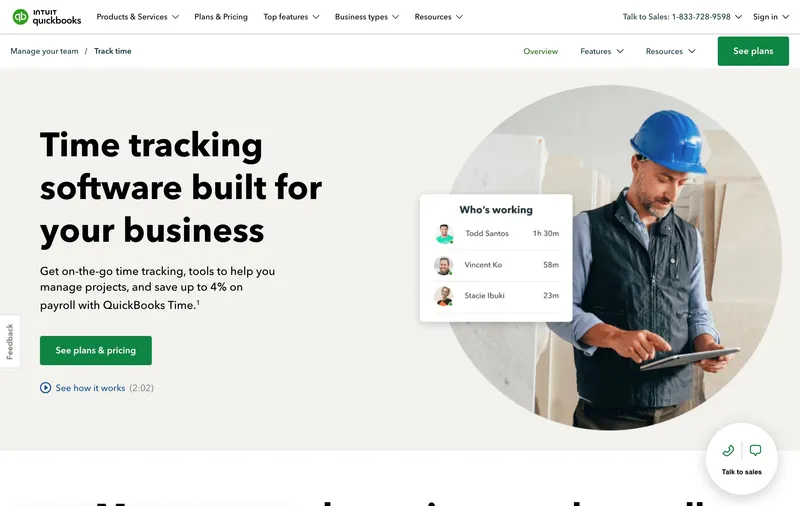
The integration argument carries this entry. If the back office already runs QuickBooks Online Payroll, QuickBooks Time pushes hours, OT classifications, and differentials directly into payroll without an export step or column mapping. That is the only tool on this list that does true two-way sync with QuickBooks, and it is the deciding factor for QuickBooks shops.
Outside that scenario, the math is harder to defend. The Premium plan is $20 monthly base plus $8 per user per month, so a 25-person team pays around $220 a month — upper-middle of this list. The admin interface is more cluttered than the cleaner per-user tools, and support response slows during quarterly filing peaks (a complaint that surfaces in Capterra reviews and the QuickBooks Community forums in roughly equal volume). Operations on Gusto, ADP, or Paychex are paying for an integration they cannot use.
Best for: Operations whose payroll already runs in QuickBooks Online Payroll, where eliminating the CSV step is worth a higher per-user price.
Pricing
| Plan | Price |
|---|---|
| Premium | $20/month base + $8 per user per month |
| Elite | $40/month base + $10 per user per month |
Free trial: 30 days.
Ratings
- Apple App Store: 4.7/5
- Google Play: 4.4/5
- Capterra: 4.3-4.7/5
6. Rippling: best for fast-growing operations consolidating HR and payroll
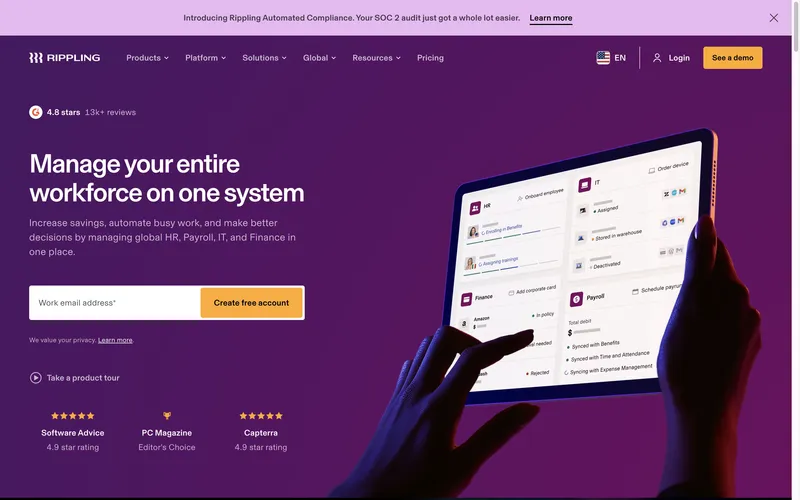
Rippling is on this list because it is the consolidation play. Time tracking, scheduling, payroll, benefits, hiring, and onboarding all flow through one data model, with overtime and break rules configurable per location. For an SMB on track to cross 50 employees in the next 18 months, replacing four vendors with one is a real lever — onboarding a new hire stops being a six-tool dance.
That argument falls apart for smaller, slower-growth crews. Rippling does not publish self-serve pricing, implementation runs in weeks rather than days, and the platform is overpowered as a standalone time tracker. If the team already has a payroll provider it likes, paying for Rippling’s wrapper to access its overtime engine is the wrong trade. The right fit is a team buying the whole suite.
Best for: Teams projecting past 50 employees inside 18 months who want to retire two or more existing vendors at the same time.
Pricing
| Plan | Price |
|---|---|
| Time Tracking module | Custom (not publicly disclosed) |
| Full platform | Custom (not publicly disclosed) |
Free trial: Demo available; no published self-serve trial.
Ratings
- Apple App Store: 4.7/5
- Google Play: 4.4/5
- Capterra: 4.8/5

7. Homebase: best free option for single-location shift operations
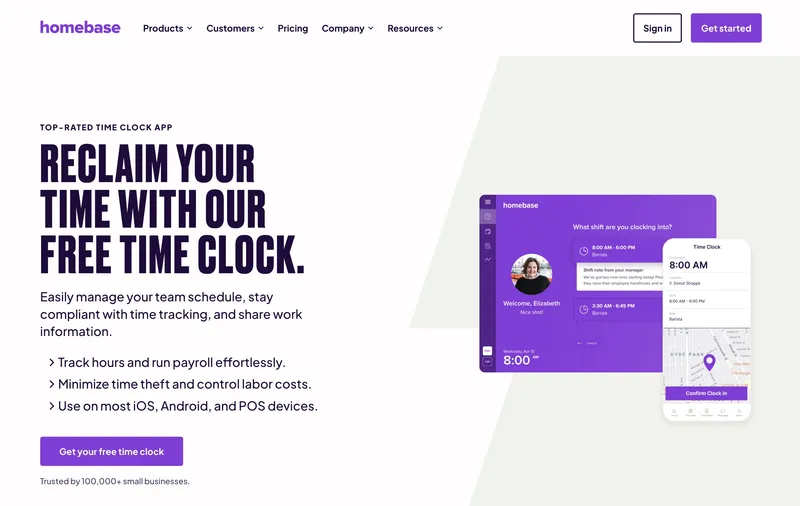
Homebase is the free-tier winner for single-site businesses. One location, federal weekly OT, basic scheduling, and time tracking, all $0 a month — useful for a coffee shop, salon, or single restaurant. State daily OT and differentials sit behind the Plus plan at $70 per location per month; Essentials at $30 per location handles a middle ground.
The per-location pricing is the catch, and it is a sharp one. A two-shop operation on Plus pays $140 a month for what a per-user-priced competitor would charge $50-$100 for at the same headcount. The free tier locks to one location, so a second site forces a paid tier even on a tiny crew. For a single restaurant in a non-daily-OT state, Homebase Basic is hard to beat. For a chain, the model breaks against per-user pricing fast.
Best for: Single-location restaurants, retail, or service shops in non-daily-OT states that want federal OT for free.
Pricing
| Plan | Price |
|---|---|
| Basic | Free, 1 location |
| Essentials | $30 per location per month |
| Plus | $70 per location per month |
| All-in-One | $120 per location per month |
Free trial: Free Basic plan; 14-day trial on paid tiers.
Ratings
- Apple App Store: 4.8/5
- Google Play: 4.2/5
- Capterra: 4.6/5
8. ClockShark: best for shift-based construction and trades crews
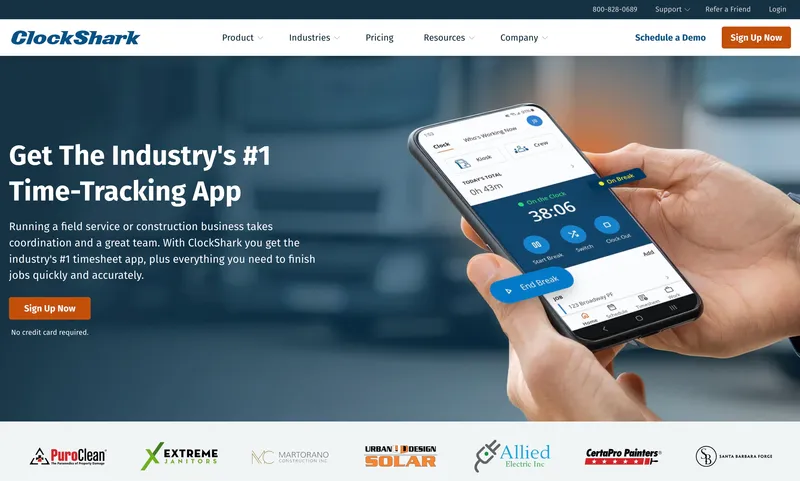
ClockShark wires overtime calculation directly into job costing, which is the differentiator. For a plumbing, HVAC, or electrical crew on rotating shifts, the OT premium on a Saturday emergency call shows up in that job’s labor cost automatically rather than as a line item in a separate report. Federal weekly, state daily, and differentials are all supported.
The pricing structure stings at the smaller end. The Standard plan is $9 per user per month plus a $40 monthly base — so 25 users lands around $265, which is the high-middle of this list. Reporting and analytics are described in 2025-2026 reviews as workmanlike rather than deep, and a crew with prevailing-wage exposure on government contracts will likely need a separate reporting layer (Workyard is the most common upgrade path). For non-construction shift teams, the job-costing focus is wasted weight.
Best for: Construction and trades crews where OT premiums need to flow into project labor cost without manual allocation.
Pricing
| Plan | Price |
|---|---|
| Standard | $9 per user per month + $40/month base |
| Pro | Higher tier |
Free trial: 14 days.
Ratings
- Apple App Store: 4.5/5
- Google Play: 4.0/5
- Capterra: 4.7/5
9. Buddy Punch: cleanest interface for SMBs with simple OT rules
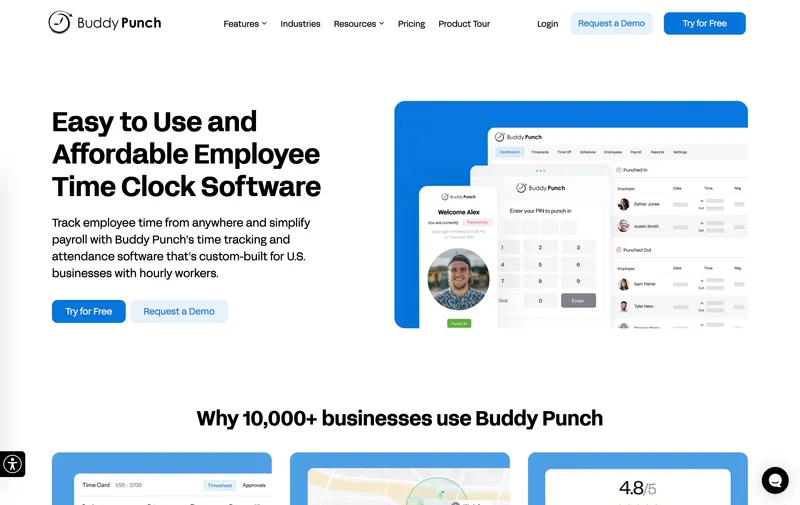
Buddy Punch’s selling point is the admin experience. Setting up federal weekly, daily-OT for the four states, and basic differentials does not require a payroll specialist to walk through, and the multiple punch methods (mobile, kiosk, PIN, QR) cover most shift configurations without custom work.
Read the pricing carefully. The Pro plan’s $5.99 per user looks competitive against ShiftFlow, but it is the annual rate; monthly billing is $6.99, and a $19 monthly base fee sits on top of either. A 25-user crew on Pro pays around $169 a month — close enough to ShiftFlow that the pick comes down to whether geofencing-as-notification (Buddy Punch flags off-site punches but does not block them) is more useful than ShiftFlow’s no-base-fee structure. For complex differential math, both are lighter than Deputy.
Best for: SMBs with straightforward OT rules and admins who would rather configure once cleanly than tune for months.
Pricing
| Plan | Price |
|---|---|
| Starter | $4.49/user annual ($5.49 monthly) + $19/month base |
| Pro | $5.99/user annual ($6.99 monthly) + $19/month base |
| Enterprise | Higher tier |
Free trial: 14 days, no credit card required.
Ratings
- Apple App Store: 4.9/5
- Google Play: 4.6/5
- Capterra: 4.8/5
10. Hubstaff: best for hybrid teams where overtime tracking includes desk-based work
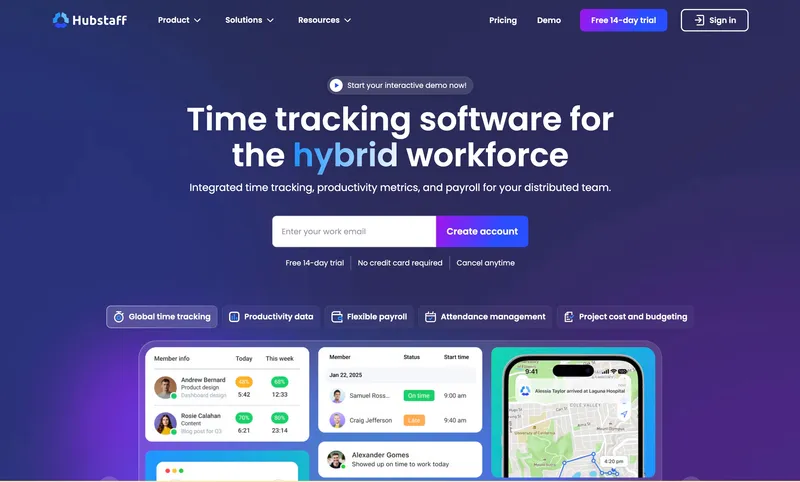
Hubstaff’s profile is unusual in this list. It pairs time tracking with productivity monitoring (screenshots, activity scores, app usage), which is the right fit for hybrid teams running both shift-based field crews and desk-based knowledge workers, and the wrong fit for purely shift-based teams who do not want activity surveillance on their iPad clock-in.
State daily OT support is thinner than Deputy or ShiftFlow — the engine handles the federal weekly threshold cleanly and supports configurable state rules, but the daily-OT logic for California or Colorado requires more manual setup. Pricing is also cumulative: the Team plan is $10 per user per month annual ($12 monthly), and the Locations add-on for field GPS is another $4 per user, putting the real cost around $14 to $16 per user. A 25-user hybrid team lands near $350 monthly, the highest on this list. Field workers also report battery drain when the app runs continuously, which is a real operational issue for outdoor crews.
Best for: Hybrid teams where productivity monitoring on the desk-based half is a feature, not a dealbreaker.
Pricing
| Plan | Price |
|---|---|
| Starter | ≈$7/user monthly ($4.99 annual) |
| Team | ≈$12/user monthly ($10 annual) |
| Locations add-on | $4/user per month (Team and Enterprise only) |
Free trial: 14 days.
Ratings
- Apple App Store: 4.6/5
- Google Play: 4.4/5
- Capterra: 4.6/5

How to choose
Three questions usually settle the decision: where the team works, what payroll system signs the checks, and how the bill is structured.
Where the team works. California, Alaska, Nevada (under 1.5x state minimum wage), and Colorado all impose daily overtime thresholds that federal-only engines miss. California adds double-time after 12 hours and on the seventh consecutive workday. Operations in any of these states need an engine with native daily-threshold logic, not a workaround. ShiftFlow, Deputy, QuickBooks Time, Rippling, and ClockShark support daily OT natively. Connecteam’s paid tiers and Homebase Plus handle it. When I Work and Buddy Punch cover the basics with less depth. Hubstaff’s daily logic is the weakest in this list. If the operation also runs in a predictive scheduling jurisdiction — Oregon, San Francisco, Berkeley, Emeryville, Seattle, NYC, Philadelphia, Chicago, LA County, Evanston — Deputy’s automation is worth the price gap.
What payroll system signs the checks. Two-way sync (QuickBooks Time into QuickBooks Online Payroll, Rippling end-to-end) eliminates the export step and the column-mapping mistakes that come with it. Direct integrations to Gusto, ADP, or Paychex (Deputy, Connecteam, When I Work, Buddy Punch, ClockShark, Hubstaff) push data automatically without a CSV. ShiftFlow exports to CSV/PDF, which works with any payroll provider but adds a step. The integration depth becomes the cost of switching providers later — worth weighing if the payroll relationship is the more durable one.
How the bill is structured. Headline per-user prices hide base fees, add-on modules, and per-location multipliers. Below is the real bill at 25 users on the comparable middle tier with state OT and differentials enabled, billed monthly:
| Tool | Plan | Monthly bill (25 users) |
|---|---|---|
| ShiftFlow | Single plan | $149.75 |
| Deputy | Core | $162.50 |
| Connecteam | Advanced | $49 (first 30 users flat) |
| When I Work | Pro + Time & Attendance | ≈$125+ |
| QuickBooks Time | Premium | ≈$220 |
| Rippling | Custom | Not disclosed |
| Homebase | Plus (1 location) | $70; multi-location scales |
| ClockShark | Standard | $265 ($225 + $40 base) |
| Buddy Punch | Pro | $169 ($150 + $19 base) |
| Hubstaff | Team + Locations | ≈$350 |
Annual billing typically discounts 10 to 17 percent off these figures.
Best by use case
- Best overall when the priority is OT correctness without the enterprise tax: ShiftFlow
- Best when pay rule automation across multiple sites is the deciding factor: Deputy
- Best for sub-10-user teams that want $0 to start: Connecteam
- Best for one coffee shop, one salon, one restaurant: Homebase Basic
- Best when payroll already runs in QuickBooks Online: QuickBooks Time
- Best when the plan is to retire two vendors in the next 18 months: Rippling
- Best when the schedule itself is doing most of the compliance work: When I Work
- Best when OT premiums need to land in job-cost reports: ClockShark
- Best for teams running both shift workers and a desk-based office: Hubstaff
- Best when the admin doing setup is not a payroll specialist: Buddy Punch
Final recommendation
Best overall: ShiftFlow. Federal weekly OT, state daily OT, double-time triggers, and shift differentials sit in a single $5.99-per-seat plan, no add-ons, no base fee. A 25-person crew pays $149.75 monthly. QuickBooks-Online-Payroll-first shops may prefer QuickBooks Time for the two-way sync.
Best for multi-site shift compliance: Deputy. Pay rule automation across locations, predictive scheduling premium handling, and break enforcement are all built in — and worth the price gap if the operation has more than three sites or sits in a predictive scheduling jurisdiction.
Best for QuickBooks shops: QuickBooks Time. Two-way sync with QuickBooks Online Payroll is the feature, and it is enough on its own. For non-QuickBooks shops, the integration argument disappears and the price stops being competitive.
FAQ
What does it mean for a tool to handle the FLSA regular rate correctly?
Under the FLSA, overtime is calculated at 1.5x the “regular rate of pay,” not 1.5x the base hourly rate. The regular rate includes shift differentials, non-discretionary bonuses, and other forms of premium pay earned during the week. So if a team member earned a $3 night-shift differential on 16 hours of a 50-hour workweek, the differential gets folded into the rate before the 0.5x overtime premium is calculated. Tools that apply 1.5x to the base rate ignoring differentials systematically underpay overtime on differential weeks. ShiftFlow, Deputy, Rippling, and QuickBooks Time can be configured to fold shift differentials into the regular-rate calculation; smaller tools sometimes cannot, and even on the tools that support it, configuration must be reviewed before relying on it.
Which states require daily overtime in addition to federal weekly overtime?
California, Alaska, and Nevada (for employees earning less than 1.5x the state minimum wage) all require overtime after 8 hours in a workday. Colorado requires overtime after 12 hours in a workday. California additionally requires double-time after 12 hours in a day and after 8 hours on the seventh consecutive workday. Operations in these states need software that handles daily thresholds, not just the federal 40-hour weekly threshold.
Can free time tracking software handle overtime correctly?
For federal weekly overtime only, yes. Connecteam, Homebase Basic, and Jibble Free all calculate weekly hours over 40 at 1.5x base rate. The gaps appear with state daily OT, shift differentials in the regular rate, and double-time triggers. None of those calculations is reliably available on the free tiers of these tools. Operations in California, Colorado, Alaska, or Nevada, or operations with shift differentials, typically need a paid tier even on the free-tier-friendly tools.
How much does compliance-grade time tracking cost for a 25-person team?
The real-monthly-bill range across this list is roughly $49 to $333 a month at 25 users. Connecteam’s Advanced tier is the lowest at $49 (flat for first 30 users). ShiftFlow is around $150 and Deputy around $162. QuickBooks Time and ClockShark are in the $220-$265 range. Hubstaff with Locations add-on is the highest at around $350. Watch for tools that price per location (Homebase) since multi-location operations multiply that base figure quickly.
What’s the cheapest mistake to avoid when configuring overtime rules?
Configuring rules from memory rather than from current statute. State overtime laws update, and the rules differ enough between California, Colorado, Alaska, and Nevada that a generic configuration will systematically miscalculate pay. The second-cheapest mistake is forgetting to configure shift differentials as included in the regular rate calculation. Both of these surface as paycheck disputes weeks later, which is the worst time to find them.
Do I need a separate compliance specialist if I have good time tracking software?
For most single-state operations, no. The software handles the math correctly if it is configured correctly. For multi-state operations, predictive scheduling jurisdictions (Oregon, San Francisco, Berkeley, Emeryville, Seattle, NYC, Philadelphia, Chicago, LA County, Evanston), or industries with prevailing wage requirements, software alone is not enough. A compliance specialist or labor lawyer to review configuration before going live is worth the one-time cost.
How do I tell if my current overtime calculation is wrong?
Run a manual test pay period for a team member who worked 50 hours including 16 hours at a shift differential. Calculate the FLSA regular rate by hand (total straight-time earnings divided by total hours worked) and apply 0.5x to the overtime hours using that rate. If your software’s number is different, the regular-rate calculation is wrong. The exact math is covered in detail in our shift-based payroll guide.
- time-tracking
- overtime-tracking
- shift-differential
- flsa-compliance
- payroll
- shift-rules
- software-comparison