10 Best GPS Time Tracking Apps with Scheduling (2026)
Compare 10 GPS time tracking apps with employee scheduling, including geofencing, offline mode, scheduling depth, and the real monthly bill for a field team.

The Friday reconciliation problem is the giveaway. If a manager is exporting two CSVs, opening them side by side, and matching shifts to clock-ins by hand, the company has paid for two products to do one job. That setup is still common at twenty-person crews running across half a dozen sites.
The ten tools below collapse the schedule and the time clock into one record, with location capture at punch-in. They are not interchangeable. Some are clearly built for construction yards; others were timer apps that bolted on a map view. A couple have free tiers that hold up surprisingly well below a certain headcount, and several have base fees or add-ons that quietly double the per-seat price.
At a glance
| Tool | GPS at clock-in | Geofence enforcement | Scheduling | Offline mode | Free plan | Direct payroll |
|---|---|---|---|---|---|---|
| ShiftFlow | ✓ | ✓ | ✓ | ✓ | 14-day trial | CSV/PDF |
| Connecteam | ✓ | ✓ | ✓ | ✗ | ✓ (≤10 users) | ✓ |
| Workyard | ✓ | ✓ | ✓ | ✓ | 14-day trial | ✓ |
| Buddy Punch | ✓ | ✓ (Pro+) | ✓ | ✗ | 14-day trial | ✓ |
| QuickBooks Time | ✓ | Notify only | ✓ | ✓ | 30-day trial | ✓ (QB) |
| Hubstaff | Add-on | Notify only | ✓ | ✗ | 14-day trial | ✓ |
| Timeero | ✓ | ✓ | ✓ | ✓ | 14-day trial | ✓ |
| ClockShark | ✓ | ✓ | ✓ | ✓ | 14-day trial | ✓ |
| Jibble | ✓ | ✓ (paid) | ✓ | ✓ | ✓ | ✓ |
| Clockify | Paid only | ✗ | ✓ | ✓ | ✓ | CSV |
What employee scheduling needs to include
Putting a calendar beside a GPS time clock does not automatically make one useful system. For hourly and field teams, the schedule needs to assign a team member to a shift, job, and location before the punch happens. The clock-in record should then reconcile against that assignment so a manager can see whether the right person arrived at the right site on time.
We also looked for recurring shifts, availability, open-shift coverage, schedule publishing, and a clear workflow for changes. Those are the functions that distinguish real employee scheduling from a project calendar. For a category-wide view of how the schedule becomes a worked-time record, use our small-business scheduling and time tracking comparison. If the boundary behavior itself is the deciding factor, compare geofence time clock apps for small businesses. If you mainly need to compare clock-in verification and payroll exports, the broader time clock software comparison is the better starting point.
How we picked
The criteria below are weighted toward operations replacing two products with one. A tool that nails location capture but ships a weak schedule builder fails the brief. So does a strong scheduler that sells GPS as a separate SKU.
- Location captured automatically at every punch, not as a manual selection
- Geofence behavior that can block off-site punches, not just notify after the fact
- Scheduling on the same plan as GPS, not a separate paid module
- Offline punch capture that queues locally and syncs when service returns
- Pricing transparency: predictable per-seat math, no per-location charges, no GPS-as-add-on bait
- Direct payroll integration with QuickBooks, Gusto, ADP, or Paychex (CSV is acceptable as a fallback)
- Mobile and web at minimum; a real desktop admin view is a plus
- Public ratings on App Store, Google Play, and Capterra
Pricing, features, and ratings come from three 2026 reference roundups in the category, cross-checked against vendor sites. Where sources disagreed by more than 20 percent, we flagged it in the relevant section.
1. ShiftFlow: best overall for field operations replacing two tools
ShiftFlow runs on a single plan: $5.99 per seat monthly, or $60 per seat annually (about 17 percent off). Location capture, geofencing, scheduling, selfie verification, kiosk mode, and CSV/PDF payroll exports are all bundled in. No base fee, no per-location charge, no GPS add-on. A 25-person crew bills at $149.75 a month, which is seat count multiplied by price.
The tradeoff is CSV payroll exports rather than a two-way sync, so QuickBooks Payroll shops may want to compare against QuickBooks Time. For most teams that just want one bill, one app, and one timesheet that already includes location, the math works.
Best for: Crews of 10 to 100 that want predictable per-seat pricing and don’t need polygon geofences or a deep integration directory.
Pricing
| Plan | Price |
|---|---|
| Monthly | $5.99 per seat |
| Annual | $60 per seat per year |
Free trial: 14 days, no credit card required.
Ratings
- Apple App Store: 4.8/5
- Google Play: 4.8/5
- Capterra: 4.8/5
2. Connecteam: best free tier for crews under 10 workers
Connecteam is the only product on this list that is free for an 8-person crew with location capture, geofence notifications, and basic scheduling included. The Small Business Plan covers up to 10 users at $0. That is hard to argue with if your team fits.
Past user 10 the math shifts. The Basic tier is $29 a month for the first 30 users, Advanced is $49, and Expert is $99. Several features that read as included in marketing copy turn out to require Advanced or Expert: enforcement-grade geofencing (the kind that actually prevents an off-site punch rather than just pinging a manager) is one of them. Reference articles consistently flag that the free tier’s geofencing is notification-only.
Best for: Mobile crews of 10 or fewer that want a real mobile app and basic scheduling without committing to a monthly bill.
Pricing
| Plan | Price |
|---|---|
| Small Business | Free up to 10 users |
| Basic | $29/month for first 30 users |
| Advanced | $49/month for first 30 users |
| Expert | $99/month for first 30 users |
Free trial: Free plan available; 14-day trial on paid tiers.
Ratings
- Apple App Store: 4.8/5
- Google Play: 4.6/5
- Capterra: 4.7/5 (2,500+ reviews)
3. Workyard: best for construction and multi-site trades
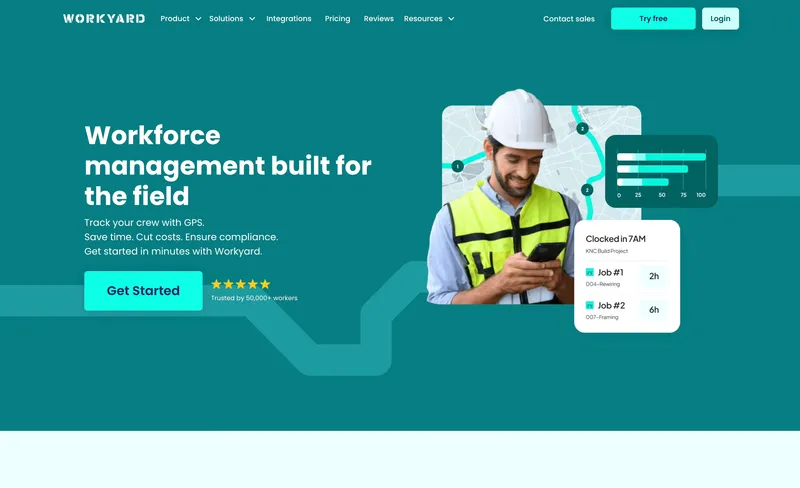
Polygon geofences are the headline. Most competitors hand you a circle and a radius slider; Workyard lets a foreman trace the actual outline of a jobsite, including weird L-shaped lots, cul-de-sacs, and fenced perimeters that don’t fit a circle. For high-value construction sites where every off-site punch is a billing dispute waiting to happen, that alone can justify the bill.
Pricing is $6 per user monthly on annual ($8 monthly billing) plus a $50 monthly base fee. The base fee is what makes Workyard expensive at small headcounts — a 10-person crew pays $110 ($60 in seats plus $50), which is nearly double per-head what ShiftFlow or Jibble Premium charge. By 50 workers the base fee dilutes to a rounding error. Below 25, it’s a tax.
Best for: Construction, electrical, and trades crews of 25+ where polygon geofencing and labor-by-jobsite reports are worth a base fee.
Pricing
| Plan | Price |
|---|---|
| Starter | $6/user annual ($8 monthly) + $50/month base |
| Pro | $13/user annual ($16 monthly) + $50/month base |
| Workforce Management | Custom (higher tier) |
Free trial: 14 days, no credit card required.
Ratings
- Apple App Store: 4.2/5
- Google Play: 3.9/5
- Capterra: 4.7/5
4. Buddy Punch: simple multi-method clock-in, watch the add-ons
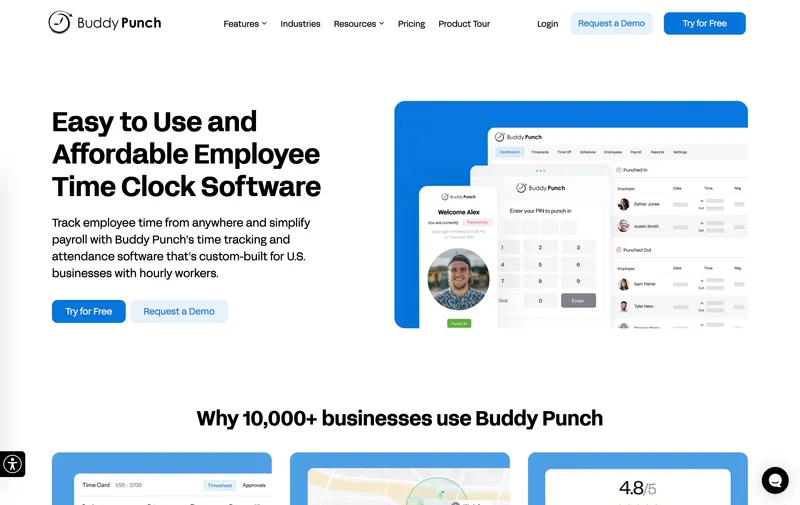
Phone, kiosk, PIN, QR code — Buddy Punch supports the broadest set of clock-in methods on this list, which actually matters on mixed crews where half the team has a phone and half doesn’t. That part of the product is straightforward.
The pricing has two pitfalls worth naming. The Pro plan headline is $5.99 per user monthly on annual billing ($6.99 monthly), but every tier carries a $19 monthly admin fee, so a 10-person team pays $78.90 rather than $59.90. Second, the basic GPS that comes with paid plans only captures location at the punch event. If you want a live crew map and continuous tracking, that’s a separate Real-Time GPS Add-on at roughly $2 per user monthly. With live tracking on, a 25-person operation lands around $219 a month — well above the headline. Geofence enforcement (block, not notify) only kicks in on Pro and Enterprise.
Best for: Small mixed-device crews that need PIN and QR clock-in alongside a mobile app and don’t need continuous GPS.
Pricing
| Plan | Price |
|---|---|
| Starter | $4.49/user annual ($5.49 monthly) + $19/month base |
| Pro | $5.99/user annual ($6.99 monthly) + $19/month base |
| Real-Time GPS Add-on | ≈$2/user per month for live location dashboards |
| Enterprise | Higher tier |
Free trial: 14 days, no credit card required.
Ratings
- Apple App Store: 4.9/5
- Google Play: 4.5/5
- Capterra: 4.8/5 (1,000+ reviews)
5. QuickBooks Time: best if your accounting already runs on QuickBooks
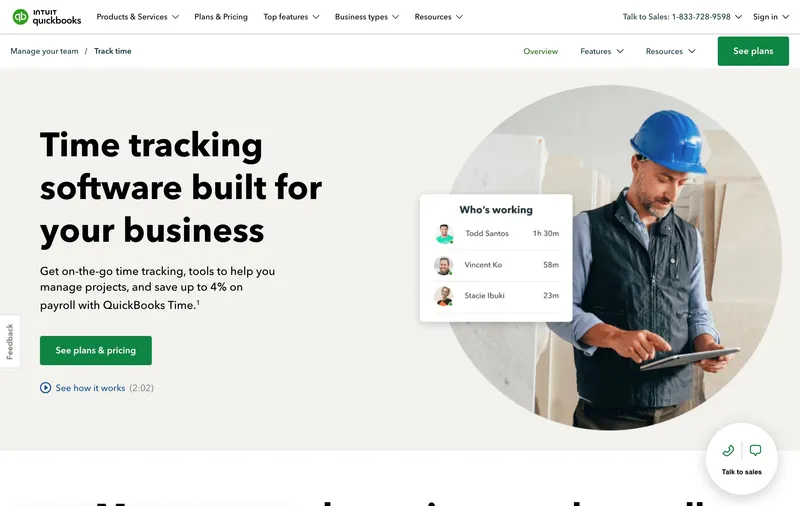
The integration is the entire pitch. If your books and payroll already live in QuickBooks Online, QuickBooks Payroll, or QuickBooks Desktop, QuickBooks Time pushes approved hours directly into payroll without anyone touching a CSV. That two-way sync is the cleanest payroll handoff on this list, and it’s the one capability ShiftFlow and most others can’t match. For an accountant or bookkeeper, this saves real time every pay cycle.
Outside the QuickBooks ecosystem the value drops fast. Premium is roughly $20 monthly base plus $8 per user — about $220 for a 25-person team — and the Elite tier that adds the auto-clock-in flavor of geofencing is $40 base plus $10 per user. Geofencing is notify-only on both tiers; it doesn’t block. So you’re paying upper-middle prices for a tool whose biggest differentiator only matters if you’re in the QuickBooks orbit.
Best for: Teams already standardized on QuickBooks Online, QuickBooks Payroll, or QuickBooks Desktop.
Pricing
| Plan | Price |
|---|---|
| Premium | ≈$20/month base + $8 per user per month |
| Elite | ≈$40/month base + $10 per user per month |
Free trial: 30 days.
Ratings
- Apple App Store: 4.7/5
- Google Play: 4.4/5
- Capterra: 4.3-4.7/5 (varies by source, 7,000+ reviews)
6. Hubstaff: best for hybrid office + field teams that want monitoring
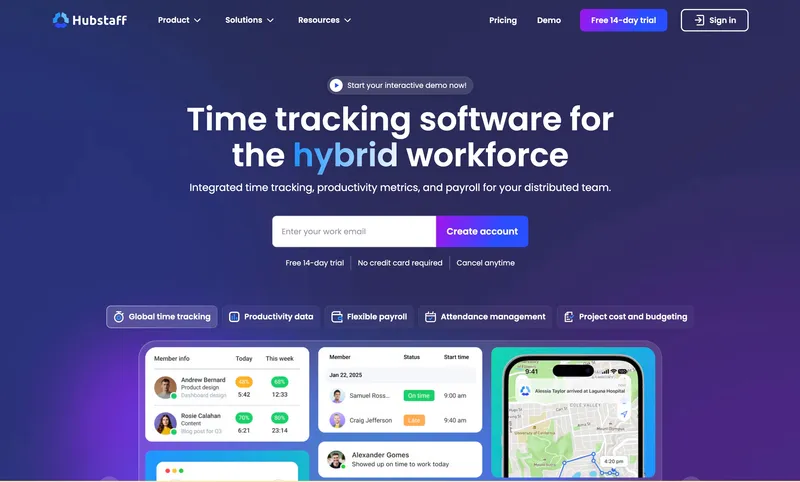
Hubstaff is the only tool here that pairs location capture for crews in the field with screenshot and activity monitoring for desk workers in the same console. If you run a mixed shop — say, an installer team plus an office of dispatchers and estimators — there is no other product on this list that covers both populations.
That capability is gated behind a stack of charges. The Team plan runs about $10 per user monthly on annual ($12 monthly), and GPS for field workers requires a $4 per user Locations add-on on top. A 25-person field team with both turned on lands around $300 monthly on annual billing, $400 on monthly. Geofence enforcement is notify-only. And reference articles have flagged that Hubstaff’s continuous GPS noticeably drains phone batteries over a full shift, which matters more than it sounds when a tech needs the phone for customer calls at hour seven.
Best for: Mixed operations where the same dashboard needs to cover both desk and field workers.
Pricing
| Plan | Price |
|---|---|
| Starter | ≈$7/user monthly ($4.99 annual) |
| Team | ≈$12/user monthly ($10 annual) |
| Locations add-on | $4/user per month (Team and Enterprise only) |
Free trial: 14 days.
Ratings
- Apple App Store: 4.6/5
- Google Play: 4.4/5
- Capterra: 4.6/5 (1,500+ reviews)
7. Timeero: strongest mileage and GPS breadcrumb tracking
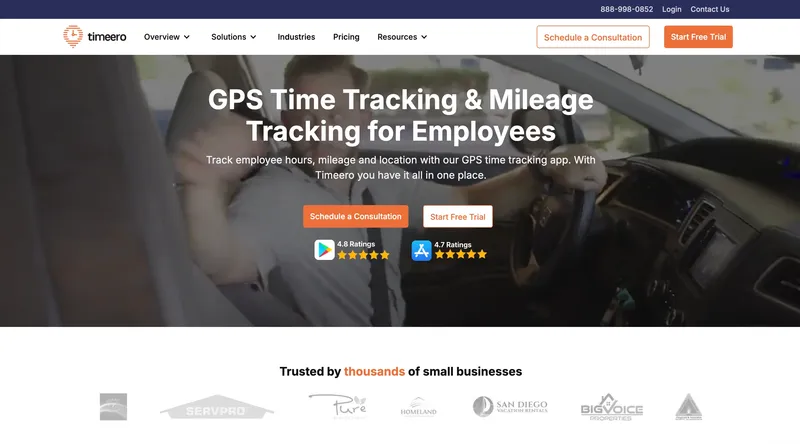
Mileage is where Timeero wins. The breadcrumb trail records timestamped location continuously while a worker is clocked in, totals miles between stops, and exports cleanly to QuickBooks for IRS-rate reimbursement or client billback. If your team drives between three to eight stops a day — home health, mobile repair, multi-site janitorial — that mileage data is worth real money, and no other tool here automates it as well. ShiftFlow doesn’t currently automate mileage reimbursement at all, so this is a clear gap.
The catch is the rest of the product. Scheduling exists but is shallower than Connecteam’s or Workyard’s; reference articles describe Timeero as “more time-and-location focused than full field-operations tools.” The Basic plan starts at about $4 per user monthly, but offline mode and most of the features that justify Timeero over a generic GPS clock are gated to Pro or Premium ($7 to $11 per user, depending on billing).
Best for: Operations that bill or reimburse mileage — home health, mobile services, multi-stop routes.
Pricing
| Plan | Price |
|---|---|
| Basic | $4 per user per month |
| Pro/Premium | ≈$7-11 per user per month |
Free trial: 14 days, no credit card required.
Ratings
- Apple App Store: 5.0/5
- Google Play: 3.2/5
- Capterra: 4.4-4.5/5
8. ClockShark: kiosk-strong for construction yards and depots
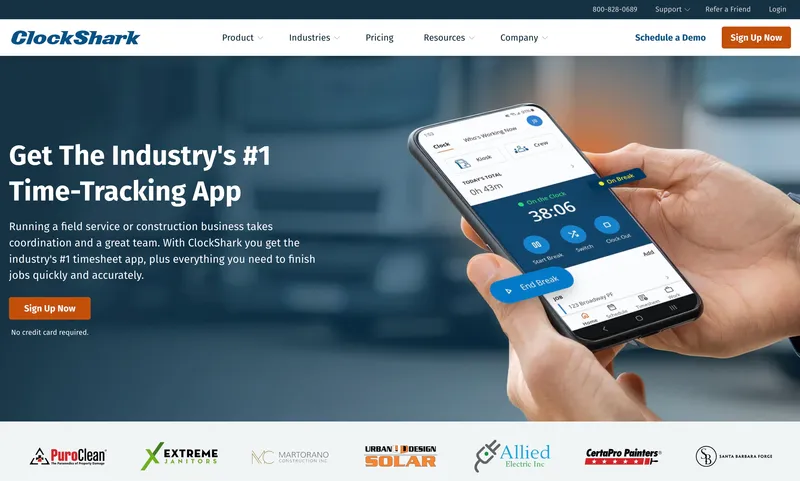
A construction crew that meets at a yard at 6:30 a.m., loads up, and rolls out is a different workflow from a distributed mobile team, and ClockShark is built for the yard model. The kiosk app handles facial recognition for buddy-punch defense, and project-based job costing is on the same plan as GPS and scheduling — not a separate SKU.
The bill structure is similar to Workyard’s: $9 per user monthly on the Standard plan plus a $40 monthly base fee, which puts a 25-person crew at $265. That’s near the top of this list. Reporting and analytics get described as “fairly basic” relative to Workyard, which is the more frequent benchmark in the construction category, so operations that need labor-cost-per-job dashboards may end up exporting to a separate tool anyway.
Best for: Trades crews that gather at a depot or yard daily and want kiosk plus facial recognition with job costing in the same plan.
Pricing
| Plan | Price |
|---|---|
| Basic | Lower tier (limited features) |
| Standard | $9 per user per month + $40/month base |
| Pro | Higher tier |
Free trial: 14 days.
Ratings
- Apple App Store: 4.5/5
- Google Play: 4.0/5
- Capterra: 4.7/5
9. Jibble: best free GPS time clock with no user limit
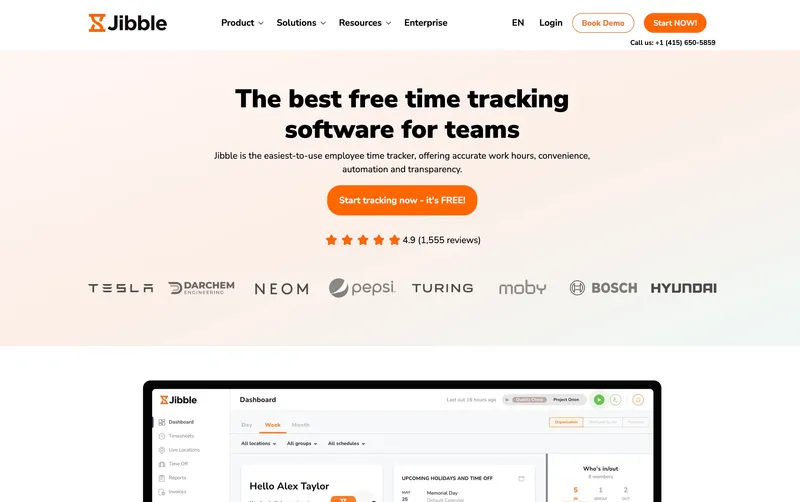
Free for unlimited users with location at clock-in and automated timesheets. That headline is real, and it’s why Jibble shows up on every short list for cost-conscious teams. For a small operation that just needs proof of where a punch happened, $0 is hard to beat.
The catch lives in what Premium ($4.99 per user monthly) unlocks: geofence enforcement, live location tracking, facial recognition, and the deeper reporting. The free plan’s geofencing notifies but doesn’t block, so the buddy-punch and off-site-punch problems aren’t really solved at the free tier. Scheduling is lighter than Connecteam’s, and customization is constrained on the free version. As a free GPS clock, it works. As a real GPS-plus-scheduling consolidation tool, you’re going to end up on Premium, at which point the math against ShiftFlow ($149.75 vs. $124.75 for 25 users) is closer than the free comparison suggests.
Best for: Small teams that want free location-stamped punches without a user-count cap.
Pricing
| Plan | Price |
|---|---|
| Free | $0, unlimited users |
| Premium | $4.99 per user per month |
| Ultimate | Higher tier |
Free trial: Free plan; 14-day trial on paid tiers.
Ratings
- Apple App Store: 4.8/5
- Google Play: 4.7/5
- Capterra: 4.8/5
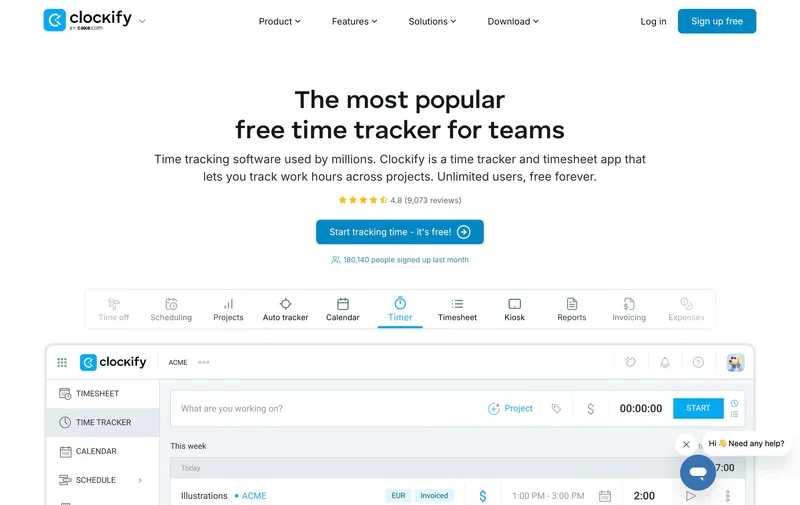
10. Clockify: best budget option for timer-based work
Clockify is the only product on this list that starts from a timer, not a punch. Workers start and stop time against a project or task. That’s a better fit for billable-hours work — design agencies, consulting, project-based services — than for hourly field crews who just want to tap “clock in” and get on with the job.
Pricing is among the lowest: Pro is $7.99 per user monthly on annual ($9.99 monthly), and the offline mobile mode is one of the more reliable ones here. The free plan, historically unlimited, was capped at 5 users in April 2026. GPS only ships on paid plans, and there’s no geofence enforcement — the location is recorded, not gated. Scheduling is the weakest of the ten, which makes Clockify a poor pick if scheduling is a primary reason you’re shopping at all.
Best for: Project-based or billable-hours teams that want cheap time tracking with optional GPS, where scheduling barely matters.
Pricing
| Plan | Price |
|---|---|
| Free | Up to 5 users (capped April 2026) |
| Pro | $7.99/user per month (annual; $9.99 monthly) |
| Enterprise | Higher tier |
Free trial: Free plan; 14-day trial on paid tiers.
Ratings
- Apple App Store: 4.8/5
- Google Play: 4.7/5
- Capterra: 4.7/5

How to choose
The decision usually collapses to three questions: do you fit a free tier, what’s the real bill once add-ons land, and do you actually need geofencing to block punches or just record them?
Free-tier eligibility. Crews under 10 can run free on Connecteam, Jibble, or Clockify, but each has a different limiter. Connecteam caps at 10 users and gates real geofence enforcement to paid. Jibble has no user cap but sends enforcement, live tracking, and facial recognition to Premium. Clockify is timer-based and capped at 5 users since April 2026. None of the three is a clean subset of a paid product — each has a specific shape, and the right call depends on whether your constraint is headcount, enforcement, or workflow model.
The real bill, not the headline. A $5.99 sticker means very different things depending on the base fee, the add-on structure, and whether GPS is in the plan or sold separately. Below is the actual monthly bill for a 25-person team on each tool’s middle tier with location capture turned on, on the more common billing cycle (annual where stated):
| Tool | Plan | Monthly bill (25 users) |
|---|---|---|
| ShiftFlow | Single plan | $149.75 |
| Connecteam | Advanced | $49 (first 30 users flat) |
| Workyard | Starter | $200 ($150 + $50 base, annual billing) |
| Buddy Punch | Pro + Real-Time GPS | ≈$219 |
| QuickBooks Time | Premium | ≈$220 |
| Hubstaff | Team + Locations | ≈$300 (annual) / ≈$400 (monthly) |
| Timeero | Pro | ≈$200 |
| ClockShark | Standard | $265 ($225 + $40 base) |
| Jibble | Premium | $124.75 |
| Clockify | Pro | $199.75 |
Annual billing typically discounts 10 to 17 percent versus monthly. Monthly billing is the right comparison if you’re testing a vendor or expect to switch within a year.
Block or just notify. Five tools (Workyard, ShiftFlow, ClockShark, Jibble Premium, Timeero) actually prevent a clock-in from outside a defined fence. The other five (QuickBooks Time, Buddy Punch lower tiers, Hubstaff, Connecteam free, Clockify) only flag it after the fact. If the reason you’re buying is to stop time theft on payday, the distinction is decisive. If you want GPS mainly for after-the-fact billing verification, notify-only is fine.
Best by use case
- Replacing a separate scheduler and time clock at 10–100 workers: ShiftFlow
- Running on a $0 budget at 10 workers or fewer: Connecteam
- Running on a $0 budget without a user cap: Jibble (free tier)
- Mapping irregular construction sites with polygon fences: Workyard
- Pushing hours straight into QuickBooks Payroll: QuickBooks Time
- Covering desk-based and field-based workers in one tool: Hubstaff
- Reimbursing or billing mileage on multi-stop routes: Timeero
- Yard-based trades crews wanting kiosk + job costing: ClockShark
- Mixed-device crews that need PIN, QR, and kiosk options: Buddy Punch
- Project-based agencies billing by the hour: Clockify
Final recommendation
For most field operations consolidating two products into one, the simplest route is ShiftFlow. Flat $5.99 per seat, all features in the plan, no base fee, no per-location surprises. A 25-person team is $149.75. If two-way QuickBooks Payroll sync is a dealbreaker, the list above names the better fit.
Two specific cases where ShiftFlow is not the right pick. If your crew is 10 or fewer and you don’t need enforcement-grade geofencing, Connecteam free is hard to argue against — the bill is $0. If your back office runs on QuickBooks Payroll and you’d save hours every cycle on the API sync, QuickBooks Time pays for itself even at the higher price.
FAQ
Do I need GPS time tracking if my crew is on the same site every day?
Not strictly. Location capture is most useful when workers travel between sites, work unsupervised, or when invoiced hours need verification. For a single-site operation, a kiosk-based clock-in (with PIN or facial recognition) usually solves the buddy-punch problem without the GPS overhead. If your crew rotates across more than two sites a week, GPS verification typically pays for itself within the first few months in payroll-inflation savings.
What’s the difference between GPS tracking and geofencing?
GPS tracking records where a worker clocked in or out as a coordinate. Geofencing draws a virtual perimeter around a jobsite and either blocks clock-ins from outside it or sends an alert when one happens. Five tools on this list (ShiftFlow, Workyard, Timeero, Jibble Premium, ClockShark) can actually block off-site punches. The rest only notify, which is useful for accountability but does not prevent the punch from entering payroll.
Can free GPS time tracking apps actually replace paid ones?
For crews under 10 workers, yes. Connecteam’s free plan covers GPS clock-in, geofence notifications, and basic scheduling. Jibble’s free plan handles unlimited users on basics but caps geofence enforcement to paid tiers. The trade-off is feature gaps that show up at specific thresholds: user count for Connecteam, enforcement-vs-notification for Jibble. Operations that fit cleanly under those thresholds often do well on free; operations that don’t will hit the upgrade wall within 6 to 12 months.
How much does GPS time tracking with scheduling cost for a 25-person team?
The real-monthly-bill range across this list is roughly $49 to $333 a month. The lowest is Connecteam Advanced ($49 flat for the first 30 users). The highest is Hubstaff Team plus Locations add-on (≈$333). The middle of the pack is around $150 to $230 a month for tools with both capabilities in the same plan. Watch for base fees and GPS-as-add-on pricing structures that make the headline per-seat price misleading.
Will GPS tracking drain my team’s phone batteries?
It depends on whether the GPS is captured continuously or only at clock-in events. Continuous GPS (always on while clocked in) is more accurate but does drain battery noticeably over an 8-hour shift, and reference articles flag this specifically for Hubstaff. Tools that capture GPS only at punch-in and punch-out events (ShiftFlow, Buddy Punch, Jibble) have minimal battery impact. If battery life is a concern, ask vendors whether their GPS is event-based or continuous before committing.
Is GPS time tracking legal for employees?
Yes, in most U.S. states, employers can use GPS to verify clock-in locations during work hours, provided the practice is disclosed and tracking is limited to working time. California, New York, and Connecticut have additional notification or consent requirements. Always include GPS usage in the employee handbook and capture location only at clock-in and clock-out events rather than continuously throughout the day.
Can I run scheduling and GPS time tracking from one app without a separate scheduler?
Yes. Every tool on this list except Clockify includes scheduling on the same plan as location capture. The depth varies. Connecteam, Workyard, and ShiftFlow have full shift scheduling with site assignment. Jibble and Timeero are lighter. Clockify is timer-based rather than shift-based, and is not the right pick if scheduling is one of the main jobs to be done.
Related comparisons
- gps-time-tracking
- shift-scheduling
- time-clock-software
- field-service
- software-comparison
- time-tracking
- geofencing
- employee-scheduling