Best warehouse time tracking software
Three shifts, a paper sign-in sheet, a tablet at the dock nobody trusts. 10 warehouse apps compared on kiosk mode, biometrics, and 2026 pricing.

Forty-five hourly workers, three shifts, two loading docks, one tablet at the entrance that nobody trusts. The night crew falls back to a paper sign-in sheet, and Monday mornings someone in the back office burns three hours reconciling paper against tablet against payroll. That is the system most independent warehouses are actually running, and it is the one this comparison is meant to replace.
The shortlist below is filtered for that scenario specifically: hourly crews clocking in across rotating shifts, a shared kiosk at the dock, scheduling that respects 1st/2nd/3rd patterns, and a bill that does not punish a 30-person operation for not being a Fortune 500. Project-based timers, freelancer invoicing tools, and screenshot-style productivity monitors were dropped before scoring — they solve a different problem.
At a glance
| Tool | Kiosk mode | Multi-shift scheduling | Biometric verification | Payroll integration | Free plan | GPS at clock-in |
|---|---|---|---|---|---|---|
| ShiftFlow | ✓ | ✓ | Selfie | CSV/PDF | 14-day trial | ✓ |
| Connecteam | ✓ | ✓ | ✓ | ✓ | ✓ (≤10 users) | ✓ |
| Homebase | ✓ | ✓ | Photo (paid) | ✓ | ✓ (1 location) | ✓ (paid) |
| When I Work | Limited | ✓ | ✗ | ✓ | 14-day trial | ✗ |
| QuickBooks Time | ✓ | ✓ | ✓ | ✓ (QB) | 30-day trial | ✓ |
| Deputy | ✓ | ✓ | ✓ | ✓ | 31-day trial | ✓ |
| Jibble | ✓ | Limited | ✓ | ✓ | ✓ (unlimited) | ✓ |
| Buddy Punch | ✓ | ✓ | ✓ | ✓ | 14-day trial | Add-on |
| ClockShark | ✓ | ✓ | ✓ | ✓ | 14-day trial | ✓ |
| Time Clock Wizard | ✓ | ✓ | Photo | CSV | ✓ (basic) | ✗ |
How we picked
We weighted eight criteria for an operations manager running 10 to 50 hourly workers across multiple shifts at one or two sites:
- Shared-tablet kiosk at the dock or entrance — workers should not need a personal phone to punch in
- Biometric or photo verification to make buddy punching harder than it currently is
- Recurring 1st/2nd/3rd shift templates with rotation support
- Federal weekly OT plus state daily OT (California, Colorado, Alaska, Nevada)
- Payroll handoff to Gusto, QuickBooks Online Payroll, ADP, or Paychex — CSV is fine if it maps cleanly
- Pricing that doesn’t add a per-location charge or paywall the overtime calculator
- Both mobile and web admin, so a supervisor can review timesheets without walking to the kiosk
- App Store, Google Play, and Capterra ratings as a sanity check on real-world reliability
Pricing, plan names, and ratings were pulled from current vendor pages and cross-checked against published reviews from early 2026. Anything where the warehouse-relevant features were paywalled behind enterprise pricing got noted, not penalized.
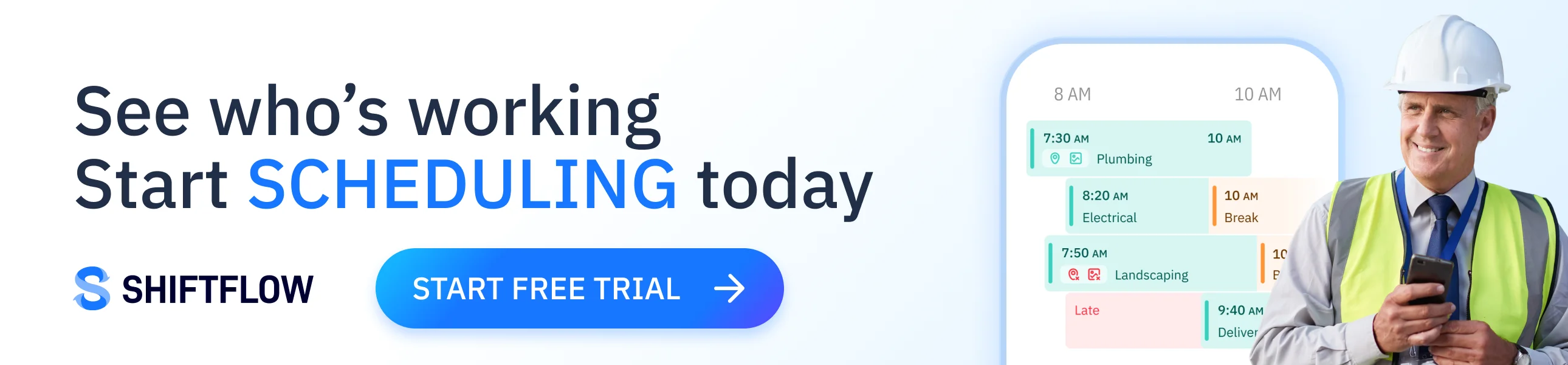
1. ShiftFlow: best overall for independent warehouses
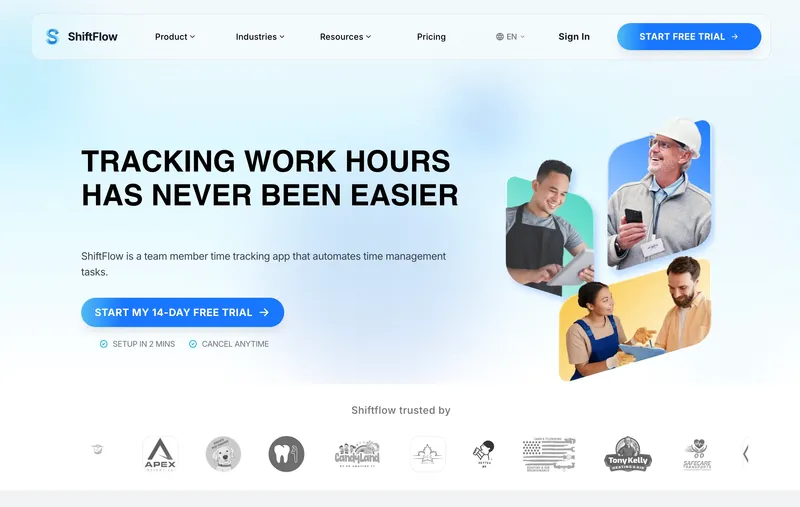
ShiftFlow charges a flat $5.99 per seat per month with no base fee, no per-location surcharge, and no upsell for the overtime calculator. The annual plan drops that to $60 per seat per year. Kiosk mode, shift scheduling, selfie verification, federal weekly OT, state daily OT, and CSV/PDF payroll exports all sit in the same plan. A 30-worker warehouse runs $179.70 a month, and that number does not change when you add a second shift template or turn on geofencing.
The tradeoff is no equipment hours tracking — forklift uptime and conveyor maintenance hours need a separate tool. For a single-warehouse operations manager who wants predictable per-seat pricing and the standard hourly-worker feature set without a quote call, this is the cleanest fit on the list.
Best for: Independent regional warehouses, single site or two, running standard 1st/2nd/3rd shifts where pricing predictability matters more than feature depth.
Pricing
| Plan | Price |
|---|---|
| Monthly | $5.99 per seat |
| Annual | $60 per seat per year |
Free trial: 14 days, no credit card required.
Ratings
- Apple App Store: 4.8/5
- Google Play: 4.8/5
- Capterra: 4.8/5
2. Connecteam: best free option for warehouses under 10 workers
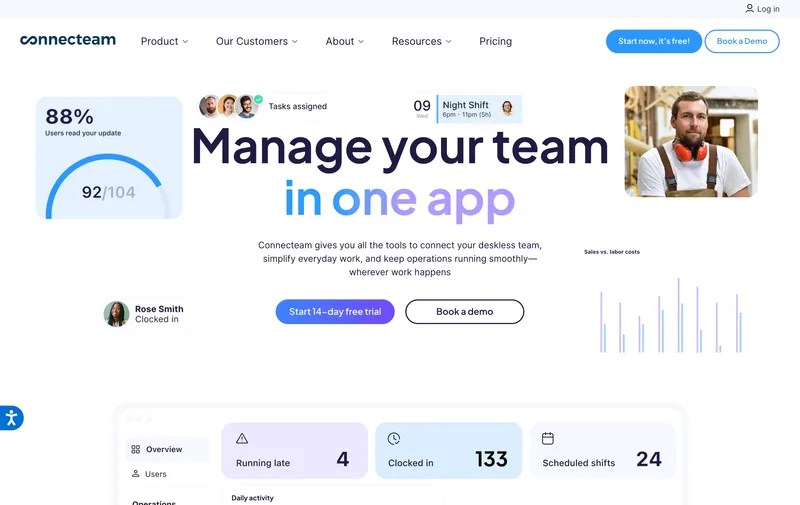
If headcount is under 10, Connecteam’s Small Business plan is free and includes the shared-tablet clock-in, basic shift scheduling, and team chat — which together cover most of what a small fulfillment crew needs. Connecteam built its product for deskless workforces in construction, retail, and field services, and warehouse work slots in without much friction.
The catch is the cliff at user 11. Connecteam Basic starts at $29 a month for the first 30 users, but advanced overtime configuration, geofence enforcement, and the deeper reporting most ops managers actually want sit on the Advanced ($49) and Expert ($99) tiers. If your team is going to grow past 10 in the next twelve months, factor the upgrade in now rather than discover it during onboarding.
Best for: A 5-to-9-person warehouse or fulfillment operation that wants free clock-in, basic scheduling, and an in-app messenger without paying for any of it.
Pricing
| Plan | Price |
|---|---|
| Small Business | Free up to 10 users |
| Basic | $29/month for first 30 users |
| Advanced | $49/month for first 30 users |
| Expert | $99/month for first 30 users |
Free trial: Free plan; 14-day trial on paid tiers.
Ratings
- Apple App Store: 4.9/5
- Google Play: 4.9/5
- Capterra: 4.6/5
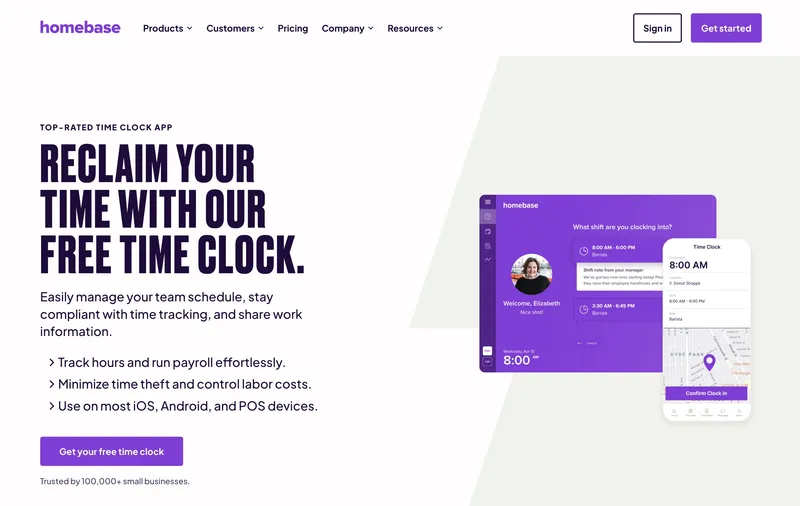
3. Homebase: best for warehouses with a single location
Homebase was built for hourly-worker scheduling in restaurants and retail, and that DNA shows: the scheduler is fast, labor cost forecasting is built in, and the Basic tier is free for one location and up to 10 employees. For a single-site warehouse hiring its first dispatcher, that’s a real $0 starting point.
What ops managers should look at twice is the per-location pricing. Homebase Plus is $70 per location per month, and that is where GPS, photo verification, and forecasting actually live. A two-warehouse operator pays $140 a month before any feature usage shows up. The free Basic plan also caps at one location, so the moment a second site opens, you’re on a paid tier whether headcount justifies it or not. For a single-site operation under 25 workers, the math is favorable; for anything multi-site, it usually is not.
Best for: Single-site warehouses with up to 10 hourly workers (free) or up to ≈25 (paid) where scheduling is more important than overtime depth.
Pricing
| Plan | Price |
|---|---|
| Basic | Free, 1 location |
| Essentials | $30 per location per month |
| Plus | $70 per location per month |
| All-in-One | $120 per location per month |
Free trial: Free Basic plan; 14-day trial on paid tiers.
Ratings
- Apple App Store: 4.8/5
- Google Play: 4.2/5
- Capterra: 4.6/5
4. When I Work: best for warehouses with predictable rotating shifts
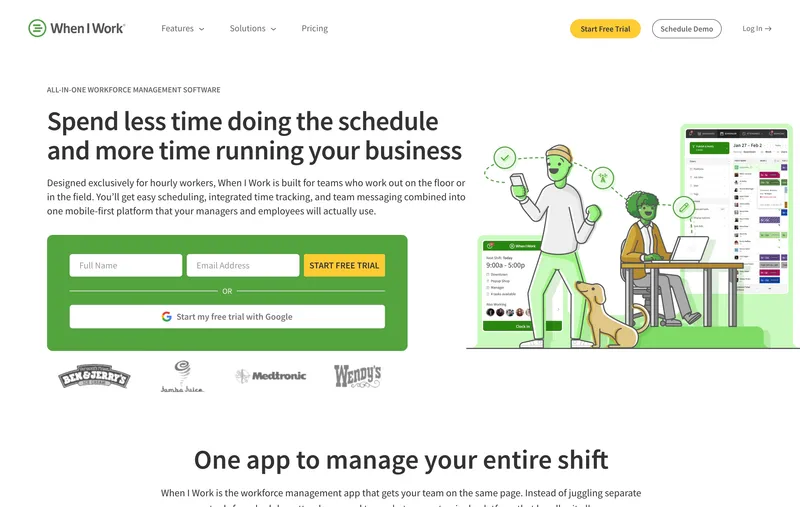
Scheduling is the headline. When I Work’s drag-and-drop scheduler, self-service shift swaps, and availability management handle a 12-person crew rotating across three 8-hour shifts on a 7-day cycle without the supervisor touching it. If a worker calls out, the swap usually closes itself before the back office gets the email.
The drawbacks for warehouse use are real. Kiosk mode is thinner than ShiftFlow’s or Buddy Punch’s — it works, but it’s clearly a secondary path. Location capture at clock-in is limited, which doesn’t matter at one site but does at two. And the headline $2.50 per user is the Essentials tier; the Time & Attendance and Payroll add-ons stack on top, and a 30-person warehouse on Pro plus Time & Attendance lands closer to $135 than $75. Read the line items.
Best for: Single-site warehouses where the schedule is the part that breaks, and rotating shift management is the feature you’d be willing to pay for on its own.
Pricing
| Plan | Price |
|---|---|
| Essentials | $2.50 per user per month (single location) |
| Pro | $5 per user per month |
| Premium | $8 per user per month |
| Time & Attendance add-on | Additional cost |
Free trial: 14 days, no credit card required.
Ratings
- Apple App Store: 4.8/5
- Google Play: 4.8/5
- Capterra: 4.5/5
5. QuickBooks Time: best when QuickBooks Payroll is already in place
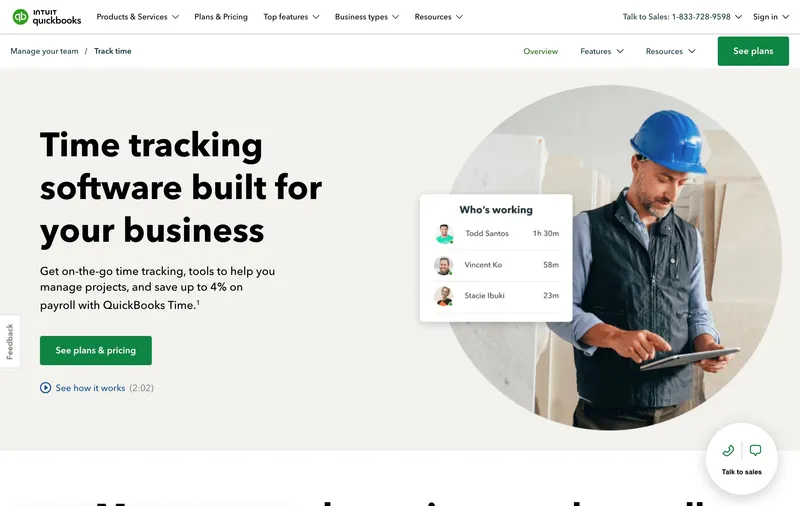
If payroll already runs on QuickBooks Online Payroll, this is the integration story none of the others can match. Two-way sync between the time clock and payroll, geofencing, photo verification, and shift differentials all live in the Premium plan. For a warehouse where the bookkeeper closes payroll inside QuickBooks every other Friday, the time saved on reconciliation is the entire ROI.
The pricing is what makes this a no for everyone else. Premium is $20 a month base plus $8 per user (assuming monthly billing), so a 30-worker site lands around $260 a month — middle-of-the-road for this list, but no compelling reason to pay it if you’re not already on QuickBooks. Reviewers consistently flag that the interface “feels more accounting-focused than employee-friendly,” which translates to a longer kiosk training session. Geofencing notifies a supervisor when someone clocks in off-site; it does not block the punch.
Best for: Warehouses already running QuickBooks Online Payroll where the bookkeeper would rather have one fewer CSV in their workflow.
Pricing
| Plan | Price |
|---|---|
| Premium | $20/month base + $8 per user per month |
| Elite | $40/month base + $10 per user per month |
Free trial: 30 days.
Ratings
- Apple App Store: 4.7/5
- Google Play: 4.4/5
- Capterra: 4.7/5
6. Deputy: best for multi-location warehouse operations
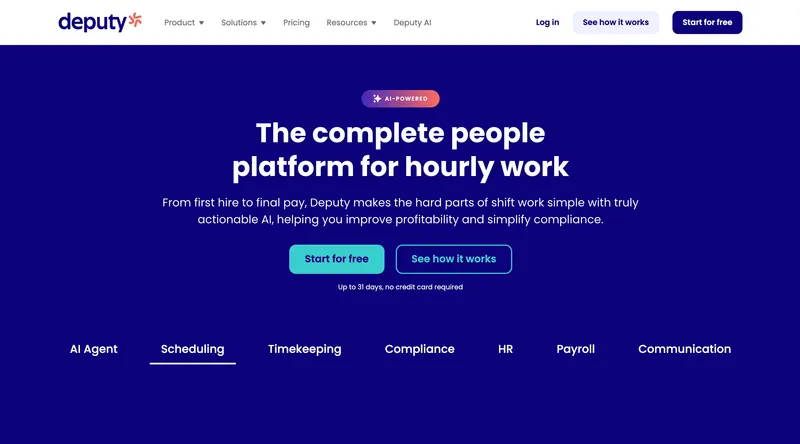
Deputy is the only tool on this list with real demand forecasting. It looks at historical volume — orders shipped, hours logged, day-of-week patterns — and suggests how many workers each shift actually needs. For a 3PL or regional distributor whose volume swings 30% week to week, that capability pays for itself faster than any other line item on this comparison.
The auto-scheduling, the pay-rule engine that handles California daily OT and predictive scheduling premiums in Seattle and NYC, and the consolidated multi-site dashboard all reinforce that this is a tool sized for operators with real complexity. Deputy Lite is $5 per user per month (assuming monthly billing), Core is $6.50, Pro is $9. The honest review from below 25 workers per site is that Deputy is overbuilt — reviewers describe a “steeper learning curve,” and the configuration tax shows up before the forecasting payoff does.
Best for: 3PL operators, multi-site distributors, and regional warehouse networks with at least 25 workers per site and real volume variance to forecast against.
Pricing
| Plan | Price |
|---|---|
| Lite | $5 per user per month |
| Core | $6.50 per user per month |
| Pro | $9 per user per month |
Free trial: 31 days.
Ratings
- Apple App Store: 4.6/5
- Google Play: 4.4/5
- Capterra: 4.6/5
7. Jibble: best free option with biometric verification
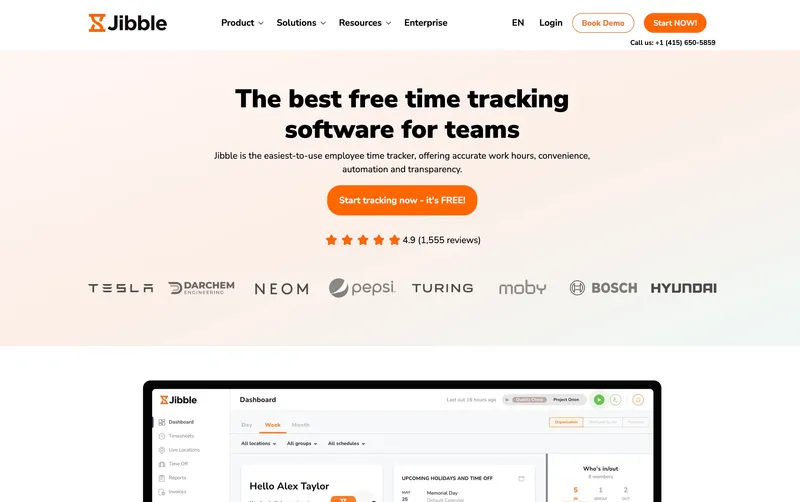
Jibble’s free tier is the surprise of this list: unlimited users, kiosk mode, facial recognition, GPS at clock-in, federal OT, and automated timesheets at $0. For a 25-person warehouse where buddy punching is the actual problem and scheduling already lives somewhere else (a POS, a spreadsheet, the manager’s head), this is hard to argue with.
Premium (around €3.99/user per month; verify USD rate with vendor) adds scheduling, geofence enforcement, and live location. The scheduling, even on Premium, is shallower than what Connecteam, Deputy, or When I Work ship. Report customization is limited. If your operations review depends on slicing labor cost by shift template and department weekly, you’ll outgrow it. If it depends on knowing the right person clocked in at the right minute, you won’t.
Best for: Warehouses past Connecteam’s 10-user free cap that need biometric verification on a $0 budget and have scheduling handled elsewhere.
Pricing
| Plan | Price |
|---|---|
| Free | $0, unlimited users (2 geofences max) |
| Premium | ~€3.99/user per month (verify USD) |
| Ultimate | Higher tier |
Free trial: Free plan; 14-day trial on paid tiers.
Ratings
- Apple App Store: 4.8/5
- Google Play: 4.7/5
- Capterra: 4.8/5
8. Buddy Punch: simple kiosk + scheduling for warehouses with mixed clock-in needs
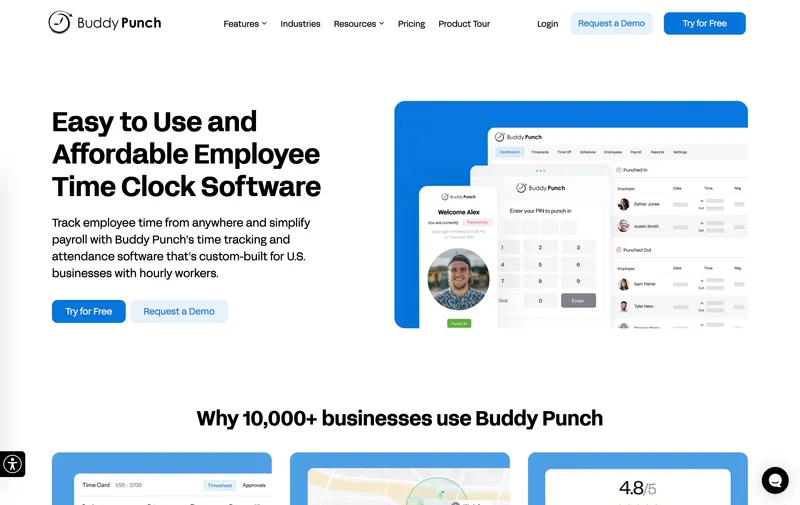
Buddy Punch’s strength is that it doesn’t force one clock-in method on everyone. The shared tablet supports PIN, QR code, facial recognition, and personal-phone punch in the same configuration, which is useful when you’re managing W-2 floor staff alongside seasonal warehouse hires and 1099 dock contractors who shouldn’t have full app access.
Two pricing details to read carefully. First, the headline $5.99 per user on Pro is the annual rate; the monthly rate is $6.99, and there is a $19 monthly admin base fee on top of either. Second, the live-location dashboard is a separate Real-Time GPS Add-on at roughly $2 per user per month — basic GPS at clock-in is included, but the dashboard your supervisors probably want is not. A 30-worker site on Pro lands at about $199 a month without live GPS, $259 with it (annual billing). Geofencing on Starter notifies; on Pro and Enterprise it can block.
Best for: Warehouses running mixed crews — full-time floor + seasonal pickers + 1099 dock workers — that need flexible clock-in methods at one shared kiosk.
Pricing
| Plan | Price |
|---|---|
| Starter | $4.49/user annual ($5.49 monthly) + $19/month base |
| Pro | $5.99/user annual ($6.99 monthly) + $19/month base |
| Real-Time GPS Add-on | ≈$2/user per month for live location dashboards |
| Enterprise | Higher tier |
Free trial: 14 days, no credit card required.
Ratings
- Apple App Store: 4.9/5
- Google Play: 4.6/5
- Capterra: 4.8/5
9. ClockShark: best for warehouses that double as construction yards
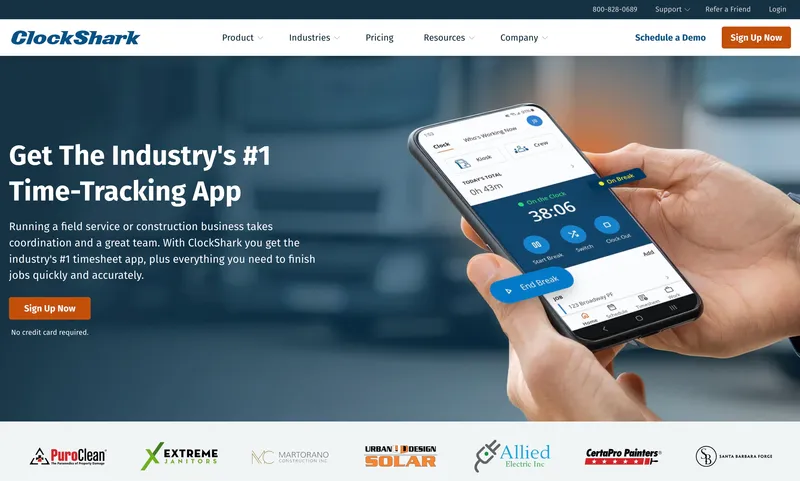
ClockShark is built for construction crews, and that bias is the reason it makes this list at all. Lumber yards, equipment depots, contractor supply houses, and any operation where a “warehouse worker” might also be loading a flatbed for a jobsite get more from ClockShark’s job-costing model than from a pure warehouse tool. Workers select a job code at the kiosk, facial recognition verifies them, and the hours flow into project-level labor cost reports that a pure warehouse tool can’t produce.
For pure indoor warehouse work, the construction lean becomes friction. Equipment tracking and prevailing-wage support are features you’ll never use. The analytics get described as “fairly basic” relative to dedicated alternatives like Workyard. And the pricing — $9 per user per month plus a $40 monthly base — runs hot for the 10-to-30-worker range. A 30-person crew lands at $310 a month, the highest middle-tier bill on this list.
Best for: Combination warehouse plus construction yard operations — lumber yards, equipment rental depots, contractor supply houses — where job costing matters as much as time tracking.
Pricing
| Plan | Price |
|---|---|
| Standard | $9 per user per month + $40/month base |
| Pro | Higher tier |
Free trial: 14 days.
Ratings
- Apple App Store: 4.5/5
- Google Play: 4.0/5
- Capterra: 4.7/5
10. Time Clock Wizard: best flat-rate option for mid-size warehouses
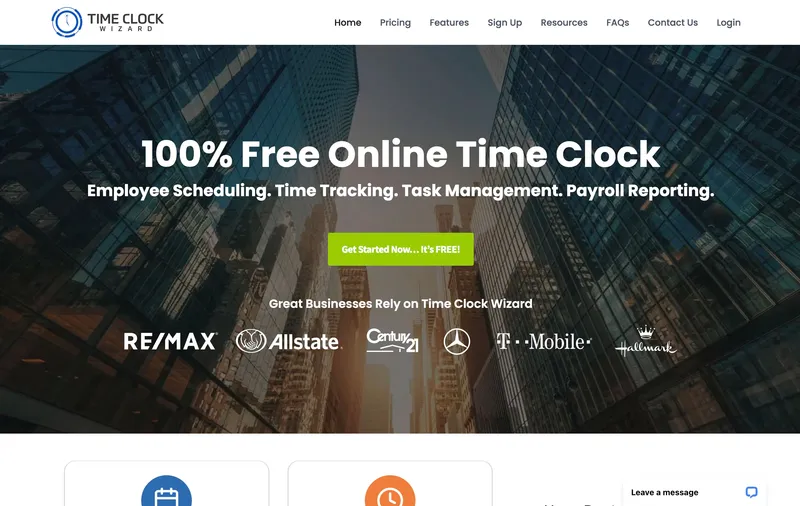
Time Clock Wizard restructured its tiers in 2026 — Value is now $34.95 a month, Pro is $54.95, and Enterprise is $249.95. Kiosk mode, photo verification, scheduling, and PTO tracking are included on the paid tiers, and the free Basic plan still covers very small operations (verify current user limits and inclusions with the vendor — the historic “unlimited users” claim no longer cleanly matches the current tier structure).
Where this tool earns a place on the list is the math past 30 workers. A 40-person warehouse paying $34.95 a month flat undercuts ShiftFlow at $239.60 and Deputy Lite at $200 by a wide margin, assuming the Value tier covers the inclusions you need. Where it loses is feel: the interface is dated relative to Deputy or When I Work, reviewers describe “confusing pricing tiers with trade-offs between user limits and features,” and the App Store presence is thin enough that mobile reliability is hard to verify before signing up. If headcount is the dominant cost driver and the feature ceiling is acceptable, the bill is honest. If you want polish, look elsewhere.
Best for: Mid-size warehouses with 30 to 50 workers where flat-rate pricing matters more than UI polish — call the vendor first to confirm Value tier inclusions for your headcount.
Pricing
| Plan | Price |
|---|---|
| Basic | Free (limited features) |
| Value | $34.95/month |
| Pro | $54.95/month |
| Enterprise | $249.95/month |
Free trial: Free Basic plan available.
Ratings
- Apple App Store: Limited reviews
- Google Play: Limited reviews
- Capterra: 4.4/5

How to choose
Three questions usually settle it: how workers actually punch in, how the bill scales when you open a second site, and how clean the payroll handoff needs to be.
Kiosk versus personal phone. Most warehouses need a shared tablet at the dock. Workers don’t carry phones onto the floor, and the question that matters is whether the right person punched at the right minute. All 10 tools support kiosk in some form, but verification quality varies. ShiftFlow and Buddy Punch include selfie verification on their main plans; Jibble and ClockShark go further with facial recognition. Homebase keeps photo verification behind paid tiers. When I Work’s kiosk is functional but clearly a secondary surface — it shows when most of your team has personal phones and you only need a backup. Time Clock Wizard ships kiosk on the free Basic tier with photo verification, which is rare at $0.
Multi-location pricing. Per-location billing punishes multi-site operators. Three Homebase Plus locations cost $210 a month before headcount enters the equation, and the free Basic tier disqualifies itself the moment a second site opens. Per-user pricing scales more predictably across sites — a 75-worker, three-location operation on ShiftFlow runs $449.25 a month regardless of site count. If multi-site growth is plausible in the next 18 months, weight per-user pricing accordingly.
Payroll handoff. Most warehouses run Gusto, QuickBooks Online Payroll, ADP, or Paychex. QuickBooks Time wins outright for QuickBooks shops thanks to two-way sync. Deputy, Connecteam, When I Work, ClockShark, and Buddy Punch ship direct integrations with the major providers. ShiftFlow and Time Clock Wizard handle the handoff via CSV, which is fine if your bookkeeper is comfortable with column mapping but adds a manual step every cycle.
What a 30-worker, single-location warehouse actually pays on each tool’s middle tier (assuming monthly billing, list price, no annual discount):
| Tool | Plan | Monthly bill (30 workers) |
|---|---|---|
| ShiftFlow | Single plan | $179.70 |
| Connecteam | Basic | $29 (first 30 users flat) |
| Homebase | Plus (1 location) | $70 |
| When I Work | Pro + Time & Attendance | ≈$135+ |
| QuickBooks Time | Premium | ≈$260 |
| Deputy | Lite | $150 |
| Jibble | Free | $0 |
| Buddy Punch | Pro + Real-Time GPS | ≈$259 |
| ClockShark | Standard | $310 ($270 + $40 base) |
| Time Clock Wizard | Value | $34.95 |
Annual billing typically discounts 10 to 17 percent depending on the vendor.
Best by use case
- Independent regional warehouses, single or two sites: ShiftFlow
- Under 10 workers, free: Connecteam Small Business
- Single-location small ops, free Basic tier: Homebase
- Unlimited users with biometric, free: Jibble
- QuickBooks Online Payroll shops: QuickBooks Time
- Multi-site distribution, 25+ workers per site, demand forecasting: Deputy
- Rotating shift schedules where the schedule is the bottleneck: When I Work
- Mixed W-2 + seasonal + 1099 crews at one shared kiosk: Buddy Punch
- Warehouse plus construction yard with job costing: ClockShark
- 30 to 50 workers, flat-rate over feature depth: Time Clock Wizard
Final recommendation
Best overall: ShiftFlow. Flat $5.99 per seat, kiosk and selfie verification and shift scheduling and OT calculation in the same plan, $179.70 a month for 30 workers and that number doesn’t move when you turn features on. For a single- or dual-site warehouse running standard shifts, the predictability is the win.
Best free option for small warehouses: Connecteam Small Business. Free under 10 users with kiosk and basic scheduling. Plan the upgrade path to Basic or Advanced before you hit user 11, because the cliff is real.
Best for multi-location operators: Deputy. Demand forecasting, auto-scheduling, and pay-rule automation are the features that justify the configuration tax, and you only get them at scale. Below 25 workers per site, it’s overbuilt.
FAQ
What’s the difference between warehouse time tracking software and warehouse management software (WMS)?
Time tracking software (this list) tracks when hourly workers start and end shifts and pushes hours to payroll. Warehouse management software (NetSuite WMS, SAP Warehouse Management, Manhattan WMS, Oracle WMS) tracks inventory, SKUs, picks/packs, and dock movements. The two categories overlap in larger operations where workforce data feeds into productivity metrics, but for independent warehouses, time tracking and WMS are typically separate tools.
Do I need GPS time tracking inside a warehouse?
Probably not for a single-site warehouse where the kiosk verifies on-site arrival. GPS becomes useful when workers are on-site at multiple buildings, when delivery drivers leave the warehouse and return, or when off-site mobile work happens (sales calls, vendor pickups). For a pure single-site warehouse with kiosk clock-in, GPS adds battery drain and minimal payroll value.
How do I handle 1st, 2nd, and 3rd shift scheduling in time tracking software?
Configure each shift pattern as a recurring template — start time, end time, paid and unpaid breaks, and any shift differentials (typically a $1–$3/hour premium for 2nd or 3rd shift). Workers get assigned to shift patterns rather than individual shifts. ShiftFlow, Connecteam, Homebase (Essentials and above), Deputy, When I Work, and QuickBooks Time all support recurring shift patterns natively.
What’s the cheapest warehouse time tracking software for 30 workers?
Time Clock Wizard’s Value plan ($34.95/month) is the lowest list price for a paid tier that includes kiosk mode and scheduling. Connecteam Basic is $29 a month for the first 30 users (effectively flat-rate up to 30). Jibble’s free plan covers unlimited users at $0 if scheduling can live elsewhere. Per-user-priced tools (ShiftFlow, Deputy, Buddy Punch) range from $150 to $260 a month at this size.
How do I prevent buddy punching at a warehouse kiosk?
Three approaches reduce buddy punching at a shared kiosk: biometric verification (facial recognition or fingerprint), photo capture at clock-in (the system saves a snapshot of whoever punched in), or unique PINs paired with audit trails. ShiftFlow, Jibble, ClockShark, and Buddy Punch support biometric or selfie verification on their main plans. Homebase (Essentials and above), QuickBooks Time, and Deputy support photo capture. PIN-only systems are the easiest to game.
Does my warehouse need scheduling software if my shifts are fixed?
If the same workers cover the same shifts every week with no rotation or coverage changes, scheduling software is less critical — the schedule lives in a spreadsheet or on the wall, and time tracking captures actuals. If shifts rotate, if seasonal staffing changes regularly, if workers swap shifts informally, or if labor cost forecasting is part of the operations job, scheduling software earns its keep. For a 30-person warehouse with rotating crews, integrated scheduling and time tracking eliminates a dozen Friday-afternoon coverage emails per week.
Can I run kiosk-only without giving every worker a personal account?
Most tools require each worker to have an account so the kiosk can identify them at clock-in (PIN, biometric, or photo match). Some tools (Time Clock Wizard, certain Buddy Punch configurations) support shared kiosk access where workers identify themselves at the moment of punch without needing the worker app installed elsewhere. For warehouses that don’t want to manage 30 individual logins, kiosk-only configurations are workable, but verify the specific tool supports them before committing.
- warehouse-time-tracking
- time-tracking
- time-clock-software
- shift-scheduling
- kiosk-mode
- hourly-workers
- software-comparison