Best Time Clock Software for Teams of 10 in 2026
Which time clock actually fits a 10-person business? This guide looks at setup, GPS, payroll exports, and the cost of growing past 10 employees.
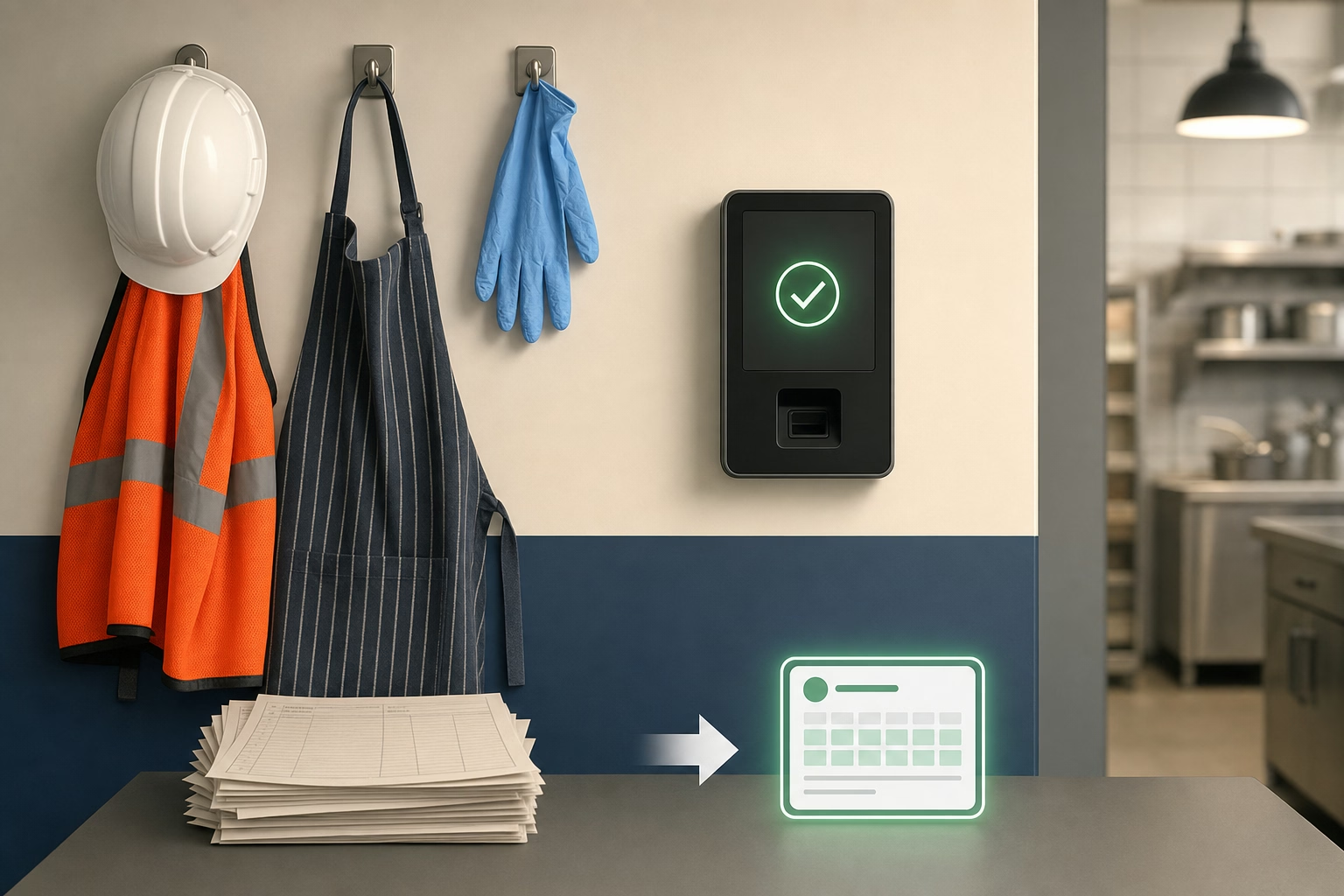
At 10 employees, a missed punch becomes an hour of the owner’s Sunday night fixing a pay run. Paper timesheets and spreadsheet trackers usually stop scaling around this mark because the cost of a single mistake outgrows the cost of software.
Here are 10 time clock tools compared at the 10-user price point, with notes on setup effort, mobile reliability, GPS, and how each tool’s bill behaves when the team grows to 15 or 25.
At-a-glance comparison
| Tool | Price at 10 users | GPS in base plan | Single-location best? | Growth to 25 users |
|---|---|---|---|---|
| ShiftFlow | $59.90 | ✅ | ✅ | $149.75 |
| Homebase | Free (1 location) | ❌ Plus tier | ✅ Free tier | $30 / location (Essentials) |
| Jibble Free | $0 | ✅ | ✅ | $0 |
| Connecteam | $29 flat | ✅ | ✅ | $29 flat |
| When I Work | $40-$70 (bundled) | T&A add-on required | ✅ | Essentials + T&A / Pro + T&A |
| OnTheClock | ~$45 | ✅ | ✅ | ~$105 |
| Deputy | $50-$90 | ✅ (all tiers) | ✅ | $125-$225 |
| Hubstaff | $70 | ❌ Add-on + tier | ✅ | $175 Starter |
| Buddy Punch | $63.90 | ✅ | ✅ | $131 |
| QuickBooks Time | $100 Premium | ✅ | ✅ QB users | $220 |
How we picked
For a 10-person team, we cared less about enterprise breadth and more about whether the product works cleanly on day one and still makes sense a year later.
- Monthly bill at 10 with the core workflow turned on. Not the teaser price of an entry tier.
- Setup effort. Could an owner or office manager get everyone clocking in without a long implementation project?
- Mobile app quality. At this size, most teams live in the phone app, so reliability mattered more than flashy extras.
- Room to grow. We checked whether the same tool still looked sensible at 20 or 25 employees.
- Feature fit. GPS, scheduling, kiosk mode, and payroll exports were weighed based on what a 10-person team realistically needs.
- Decision clarity. Tools ranked lower when the plan structure made a small team guess which version to buy.
Current pricing and feature availability were checked against vendor pricing pages and compared with the source material used in this draft.
ShiftFlow
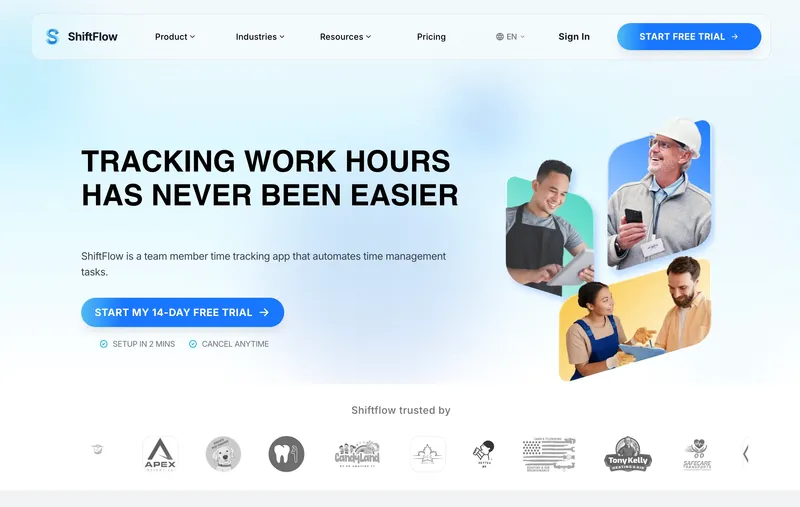
ShiftFlow charges $5.99 per seat on a single plan. A 10-person team pays $59.90 a month; 15 users is $89.85; 25 users is $149.75. GPS, selfie verification, scheduling, kiosk mode, payroll exports, overtime settings, and a Windows desktop app are all in that rate. There is no tier to pick between, and no cheap-plan-now / complete-plan-later decision. The honest limitation: ShiftFlow’s best fit is teams under 50. A growing business that already expects to cross 100 employees and needs deeper enterprise integrations or multi-state compliance automation will eventually want something heavier. For a real 10-person operation, the setup is short and the bill stays predictable as the team hires the 11th through 25th person.
Best for: Small businesses of exactly 10 hourly workers who want a single predictable bill with GPS, scheduling, and Windows desktop all included.
Pricing
| Plan | Price |
|---|---|
| Monthly | $5.99 / user / month |
| Annual | $60 / user / year (saves ~17%) |
Free trial: 14 days, no credit card required.
Ratings
- Apple App Store: ⭐⭐⭐⭐⭐ 4.8/5
- Google Play: ⭐⭐⭐⭐⭐ 4.8/5
Homebase
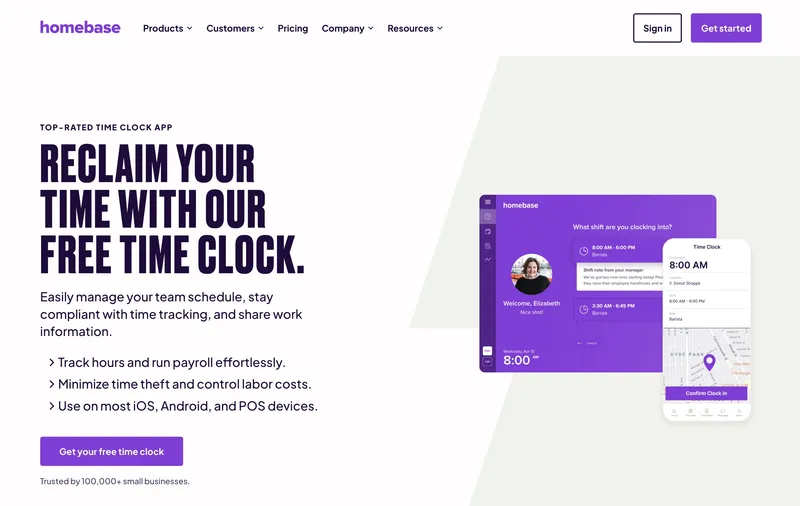
Homebase Basic is $0 a month for up to 10 employees at a single location. Not $0 at 11 employees; not $0 at a second address. Right at the 10-person mark, the free tier fits exactly. The mobile app is one of the most polished in the category, drag-and-drop scheduling is genuinely good, hiring and onboarding are built in, and POS integrations with Square, Clover, and Toast are real for small restaurants and retail. Paid plans are $30 per location monthly on Essentials, $70 on Plus (GPS included), $120 on All-in-One. The structural limit: the 11th employee pushes off free, and every new address doubles the bill. Homebase is a strong answer for single-location 10-person teams that plan to stay under 10. For teams about to hire the 11th person or open a second site, the math shifts against it sooner than older comparisons suggest.
Best for: Single-location small restaurants, retail stores, cafes, and service businesses with 10 employees at one address.
Pricing
| Plan | Price |
|---|---|
| Basic | Free (1 location, up to 10 employees) |
| Essentials | $30 / location / mo |
| Plus | $70 / location / mo |
| All-in-One | $120 / location / mo |
Free trial: 14-day trial on paid plans.
Ratings
- Apple App Store: ⭐⭐⭐⭐⭐ 4.8/5
- Google Play: ⭐⭐⭐⭐ 4.2/5
- Capterra: ⭐⭐⭐⭐ 4.6/5
Jibble
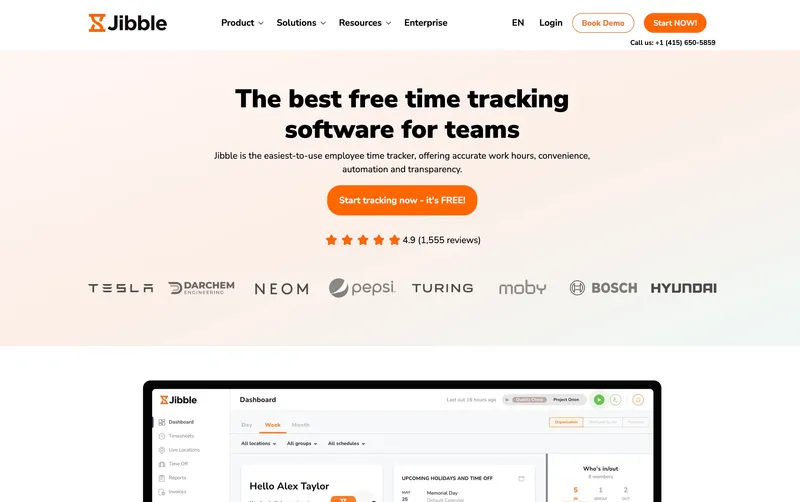
Jibble is the most convincing free option for a 10-person team that does not live in one place. If the crew rotates between job sites, works in the field, or clocks in remotely, the free tier covers far more of the real workflow than most buyers expect: GPS, kiosk mode, attendance reports, and identity-verification options are already there. That makes it a stronger fit than single-location tools for the kinds of businesses that outgrow paper timesheets but still need the budget to stay at zero. The tradeoff is that the free plan is still a lightweight operating model. Support is limited, and richer reporting or pay logic arrives later. For a distributed 10-person team, though, Jibble is a much more practical answer than a lot of “free plan” mentions in this category.
Best for: Multi-site or distributed 10-person teams (cleaning crews, field service, remote) that want $0 monthly cost with GPS included.
Pricing
| Plan | Price |
|---|---|
| Free | $0 (unlimited users) |
| Premium | €3.99 / user / mo |
| Ultimate | €6.99 / user / mo |
Jibble lists prices in EUR on its site; at current rates these convert to roughly $4.30 and $7.50 USD respectively. Check Jibble’s site for the current US rate.
Free trial: Free tier is permanent. 14-day trial on Premium and Ultimate.
Ratings
- Apple App Store: ⭐⭐⭐⭐⭐ 4.8/5
- Google Play: ⭐⭐⭐⭐⭐ 4.7/5
- Capterra: ⭐⭐⭐⭐⭐ 4.8/5
Connecteam
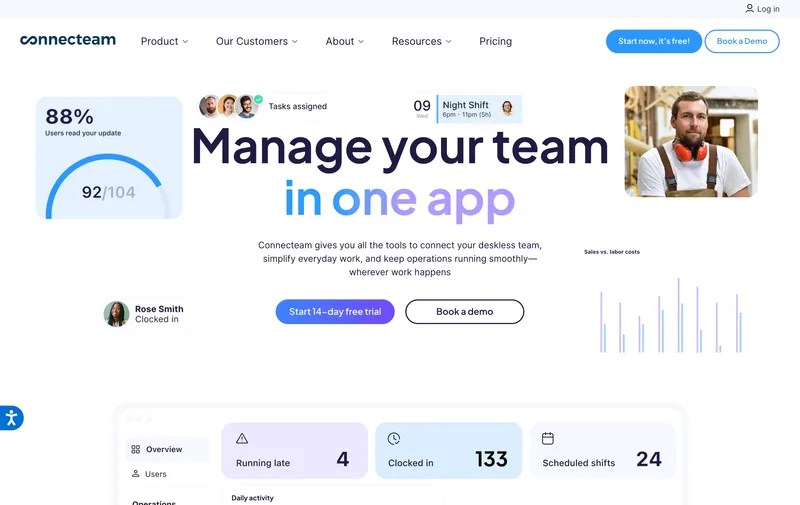
Connecteam is the best alternative for owners who are less worried about today’s 10-person setup than about what the same software will cost at 18 or 25 employees. The flat $29 Basic plan removes a lot of budget anxiety during that stage, because the bill does not change every time one more person gets hired. It also now includes GPS clock-ins, which makes the entry tier more complete than many older comparisons suggest. Where Connecteam still feels different from the top two is in product shape: it is better for teams that want an operations app with time tracking inside it, not just a simple clock. For growing small teams, though, that broader shape can be a plus rather than a complication.
Best for: Service businesses of 10 employees today growing toward 25 or 30, where a flat $29 bill and built-in GPS clock-ins are valuable.
Pricing
| Plan | Price |
|---|---|
| Small Business | Free (up to 10 users) |
| Basic (annual / monthly) | $29 / $35 per mo (first 30 users) + $0.80-$1 per extra |
| Advanced (annual / monthly) | $49 / $59 per mo (first 30 users) + $2.50-$3 per extra |
| Expert (annual / monthly) | $99 / $119 per mo (first 30 users) + $4.20-$5 per extra |
Free trial: 14-day trial on paid plans.
Ratings
- Apple App Store: ⭐⭐⭐⭐⭐ 4.8/5
- Google Play: ⭐⭐⭐⭐⭐ 4.7/5
- Capterra: ⭐⭐⭐⭐⭐ 4.7/5
When I Work
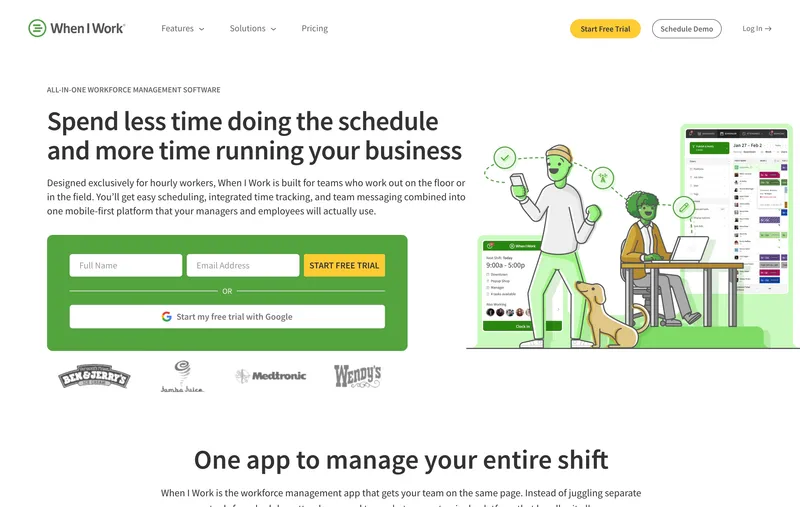
When I Work is scheduling-first with time tracking as a paid add-on. Essentials is $2.50 per user, Pro $5, Premium $8 on the scheduling side; Time & Attendance adds $1.50 per user on Essentials or $2 per user on Pro and Premium. Bundled for actual time-clock use, that means $4 / $7 / $10 per user. For a 10-person single-location team using time tracking, the bill is $40 on Essentials bundled, or $70 on Pro bundled for multi-location. The scheduling side is still among the most polished in this category, especially for small retail stores, cafes, salons, and shift-based service teams where shift swaps and availability posting happen weekly. When I Work remains strongest when scheduling is the main job and time tracking rides alongside it.
Best for: Small retail, hospitality, or shift-based teams of 10 at a single location whose scheduling workflow is the main job.
Pricing
| Plan | Price |
|---|---|
| Essentials | $2.50 / user / mo (single-location) |
| Pro | $5 / user / mo (multi-location) |
| Premium | $8 / user / mo |
Free trial: 14-day trial.
Ratings
- Apple App Store: ⭐⭐⭐⭐⭐ 4.8/5
- Google Play: ⭐⭐⭐⭐⭐ 4.8/5
- Capterra: ⭐⭐⭐⭐⭐ 4.5/5
OnTheClock
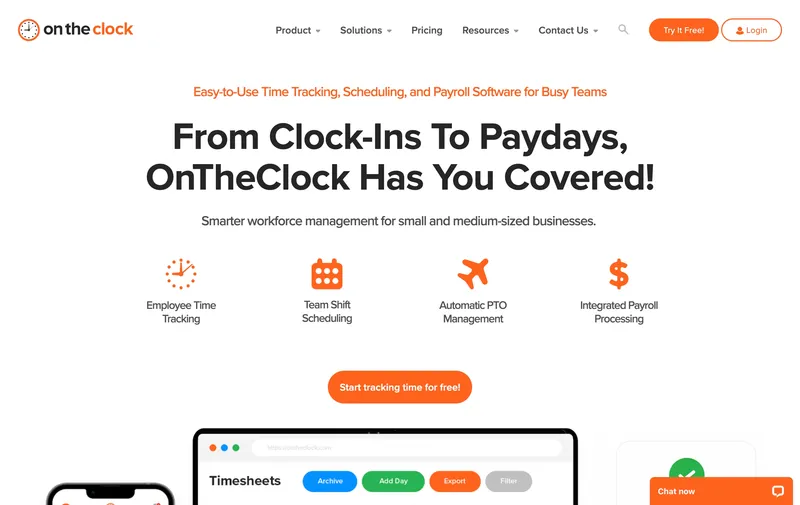
OnTheClock’s single paid plan is $5 a month base plus $4 per user, so a team of 10 lands at about $45 a month with GPS, kiosk, scheduling, and direct integrations with QuickBooks, Gusto, ADP, and Square all in the base plan. The structure is easy to understand and easy to budget for a small team. The tradeoff is mainly about how much depth the workflow needs over time. Teams with very layered permissions, reporting, or customization needs may eventually want more complexity than the product is trying to offer. For a 10-person team that wants a no-nonsense paid tool with GPS and a simple setup, it is a legitimate option.
Best for: Cost-conscious 10-person teams that need GPS and payroll integrations in one paid plan and do not need UI polish or advanced customization.
Pricing
| Plan | Price |
|---|---|
| Free trial | 30 days |
| Standard | $5 / mo base + $4 / user / mo |
Free trial: 30-day trial.
Ratings
- Apple App Store: ⭐⭐⭐⭐⭐ 4.7/5
- Google Play: ⭐⭐⭐⭐⭐ 4.6/5
- Capterra: ⭐⭐⭐⭐⭐ 4.7/5
Deputy
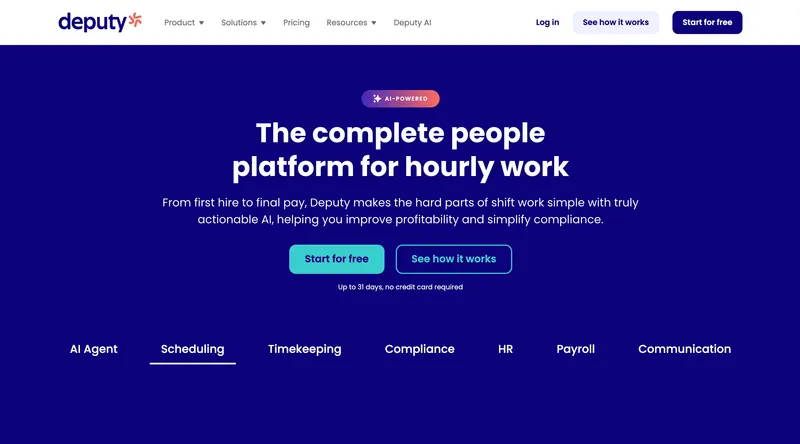
Deputy’s current monthly lineup is Lite at $5 per user, Core at $6.50, and Pro at $9, with a $30 minimum monthly spend on monthly billing. For a team of 10, that means roughly $50 on Lite, $65 on Core, or $90 on Pro. Deputy’s compliance tooling, scheduling depth, and labor controls remain especially relevant for shift-based industries. In jurisdictions with Fair Workweek laws (New York City, Seattle, Philadelphia, Oregon, Chicago), even a 10-person hospitality or retail team may care about that policy layer. The main caveat is that the current pricing model is no longer the older Scheduling-versus-Time & Attendance split many comparison posts still quote, so buyers should compare the live Lite/Core/Pro feature matrix rather than rely on stale price tables.
Best for: Hospitality, retail, and healthcare teams of 10 in Fair Workweek jurisdictions whose main pain is shift compliance.
Pricing
| Plan | Price |
|---|---|
| Lite | $5 / user / mo |
| Core | $6.50 / user / mo |
| Pro | $9 / user / mo |
| Enterprise | Custom |
Monthly billing note: Lite, Core, and Pro monthly plans carry a $30 minimum spend.
Ratings
- Apple App Store: ⭐⭐⭐⭐⭐ 4.7/5
- Google Play: ⭐⭐⭐⭐ 4.3/5
- Capterra: ⭐⭐⭐⭐⭐ 4.6/5
Hubstaff
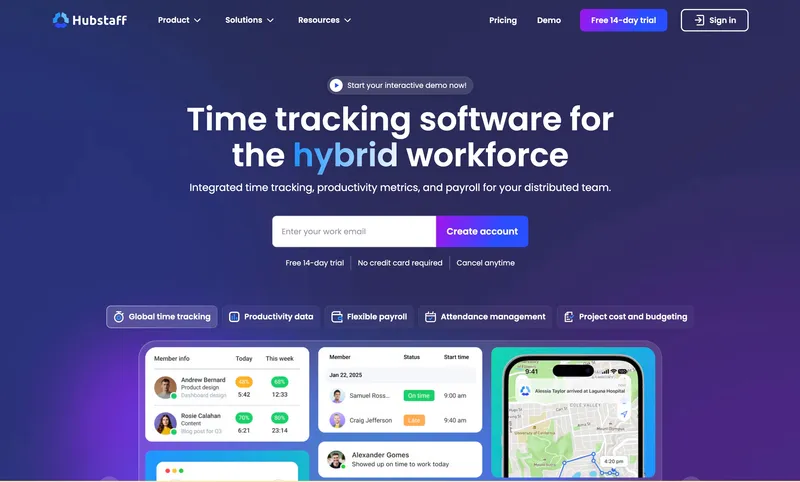
Hubstaff Starter at $7 per user per month puts a 10-person team at $70 a month with no base fee. The feature story on Starter is productivity monitoring: activity levels, app and URL tracking, idle detection, timesheet approvals. For a 10-person remote or distributed team where productivity visibility is genuinely useful (agencies, software shops, virtual assistant teams), Hubstaff is the category leader and the Starter price is honest. The break happens when you need GPS or screenshots. Locations (GPS) is a $3.33 per user add-on only available on Team at $10 per user, so a 10-person team that needs GPS on Hubstaff is at about $133 a month (Team plus Locations), which is more than ShiftFlow, Homebase Plus at one location, or Deputy’s current monthly tiers. For a 10-person remote team that does not need GPS, Starter at $70 a month is honestly priced. For a field team that needs GPS, it is the wrong tool at this size.
Best for: Remote or distributed 10-person teams (agencies, software shops, virtual assistants) that want productivity monitoring without GPS needs.
Pricing
| Plan | Price |
|---|---|
| Starter | $7 / user / mo |
| Grow | $9 / user / mo |
| Team | $10 / user / mo |
| Enterprise | $25 / user / mo |
| Locations | +$3.33 / user / mo (Team tier or above) |
| Insights | +$2.50 / user / mo |
| Screenshots | +$2.50 / user / mo |
Free trial: 14-day trial.
Ratings
- Apple App Store: ⭐⭐⭐⭐ 4.5/5
- Google Play: ⭐⭐⭐⭐ 4.3/5
- Capterra: ⭐⭐⭐⭐ 4.6/5
Buddy Punch
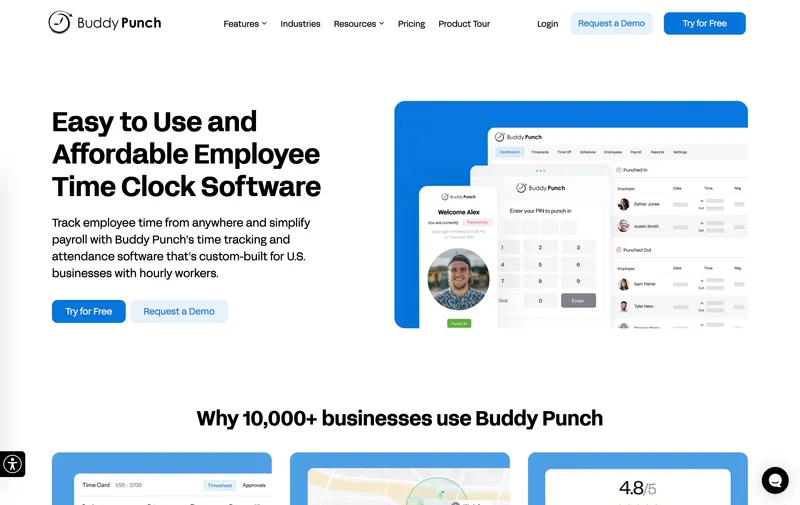
Buddy Punch’s Starter plan at $4.49 per user plus $19 a month base fee puts a 10-person team at $63.90, or $83.90 with the $2 per user real-time GPS add-on enabled. Buddy Punch Starter already captures GPS coordinates on punches; basic geofencing lives on the Pro tier, and the $2 per user add-on covers real-time GPS tracking rather than basic location-aware punches. The feature differentiator at this scale is identity verification: facial recognition, photo capture, PIN, QR code, and mobile app all in the base plan. For a 10-person team where buddy-punching across unsupervised shifts or remote sites is a real concern (night security, cleaning crews, shift rotation at a single store), that verification depth is a genuine advantage. The main pricing consideration is simply the base-fee structure and how it feels at smaller headcounts. For a 10-person team that specifically values identity verification, Buddy Punch is a legitimate pick.
Best for: 10-person teams with night or unsupervised shifts where facial recognition or photo verification at clock-in matters.
Pricing
| Plan | Price |
|---|---|
| Starter | $4.49 / user / mo + $19 / mo base fee |
| Pro | $5.99 / user / mo + $19 / mo base fee |
| Real-Time GPS add-on | $2 / user / mo |
Free trial: 14-day trial.
Ratings
- Apple App Store: ⭐⭐⭐⭐⭐ 4.8/5
- Google Play: ⭐⭐⭐⭐⭐ 4.8/5
- Capterra: ⭐⭐⭐⭐⭐ 4.8/5
QuickBooks Time
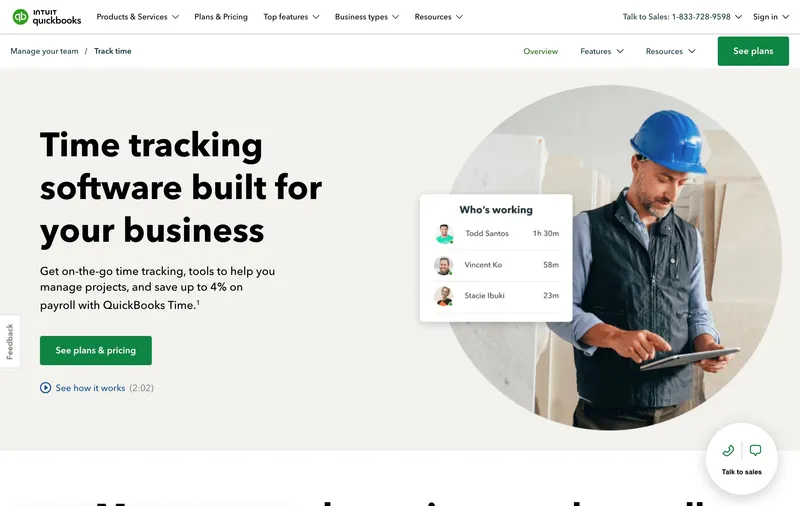
QuickBooks Time (the former TSheets) is the right answer when your accounting already runs on QuickBooks. The two-way sync with QuickBooks Online, Desktop, and Payroll is genuinely deep, and for a 10-person team that pays bi-weekly, that integration can save real reconciliation time at close. Premium runs $20 a month base plus $8 per user, so a 10-person team is $100. Elite is $40 base plus $10 per user ($140 for 10 users). GPS is included on both Premium and Elite. Reviewers flag occasional sync glitches when the team operates outside the QuickBooks ecosystem and frequent app updates that sometimes affect kiosk flows. For a 10-person QuickBooks Payroll household, the integration can be worth paying close attention to.
Best for: 10-person small businesses running QuickBooks Online or QuickBooks Payroll who want native two-way sync.
Pricing
| Plan | Price |
|---|---|
| Premium | $20 / mo base + $8 / user / mo |
| Elite | $40 / mo base + $10 / user / mo |
Free trial: 30-day trial.
Ratings
- Apple App Store: ⭐⭐⭐⭐ 4.5/5
- Google Play: ⭐⭐⭐⭐ 4.3/5
- Capterra: ⭐⭐⭐⭐⭐ 4.7/5
How to choose
Three questions decide this for a 10-person team.
Question 1: Single location or multi-site? A 10-person team at one address (restaurant, retail store, office, salon) gets genuine value from Homebase’s free single-location tier or When I Work’s scheduling-first design. A 10-person team across multiple addresses (cleaning crews, field service, home health) wants per-user pricing where new locations do not multiply the bill, which points to ShiftFlow, OnTheClock, or Jibble.
Question 2: Where does payroll run? QuickBooks Payroll households should weigh QuickBooks Time’s two-way sync heavily; the $100 Premium price is justified by saved reconciliation time. Gusto, ADP Run, and Paychex households handle CSV imports natively, so any tool with clean CSV export fits. Harvest users invoicing by the hour should use Harvest itself rather than a workforce tool.
Question 3: What does your team do at the clock-in moment? Desk workers at a single office rarely need GPS or selfie verification; Clockify Free or Toggl Track Free is enough. Field workers at client sites need GPS; ShiftFlow, Jibble, OnTheClock, or QuickBooks Time Premium all include it. Shift workers in a restaurant or retail store benefit from scheduling-first tools; Homebase, When I Work, or Deputy. Match the tool to the clock-in moment first; optimize price second.
Real monthly bill for a 10-person team with GPS
| Tool | Monthly cost | Notes |
|---|---|---|
| Jibble Free | $0 | GPS in free tier |
| Homebase Free (1 location) | $0 | No GPS on free; Plus at $70/loc for GPS |
| Connecteam Basic | $29 | GPS clock-ins included in Basic |
| OnTheClock Standard | ~$45 | GPS in base plan |
| Deputy Pro | $90 | Current top published monthly tier |
| ShiftFlow | $59.90 | All features included, no tier climbing |
| Homebase Plus (1 location) | $70 | GPS included, single location |
| Buddy Punch Starter | $63.90 | GPS on punches (geofencing on Pro) |
| When I Work + T&A | $40-$70 | Bundled with time tracking add-on |
| Hubstaff Team + Locations | ~$133 | $10 Team + $3.33 Locations per user |
| QuickBooks Time Premium | $100 | $20 base + $8/user, GPS included |
Best by use case
- Best all-features-included for 10 employees: ShiftFlow
- Best free single-location option: Homebase
- Best free multi-site or distributed option: Jibble
- Best flat monthly bill stable through growth: Connecteam Basic
- Best scheduling-first for a shift-based team of 10: When I Work
- Best cheap paid plan with GPS: OnTheClock
- Best Fair Workweek compliance at 10 employees: Deputy
- Best productivity monitoring for a remote team of 10: Hubstaff Starter
- Best identity verification for unsupervised shifts: Buddy Punch
- Best for QuickBooks Payroll households: QuickBooks Time Premium
Final recommendation
Best overall: ShiftFlow. $59.90 a month for 10 users with GPS, selfie verification, scheduling, Windows desktop, and kiosk mode all included. Best for teams of 10 that want feature depth without tier climbing. Pricing: $5.99 / user / month.
Best free option for a single-location team: Homebase. $0 for one address up to 10 employees, with polished scheduling and mobile app; the right call for small restaurants, cafes, or retail shops sitting at the free-plan cap. Pricing: Free (1 location, up to 10 employees).
Best free option for a multi-site team: Jibble. $0 for unlimited users with GPS on the free tier; the right call when the team works across addresses. Pricing: Free.
If your 10-person team will still be running the same tool at 15 and 20 people, start with the 14-day ShiftFlow trial. No credit card, full access. The bill at the end of the trial is seat count times $5.99, and it stays that shape as the team grows.
Frequently asked questions
What is the best time clock software for a team of 10 employees?
For a team of 10, ShiftFlow at $59.90 a month is the most complete option: GPS, selfie verification, scheduling, kiosk mode, Windows desktop app, and payroll exports all in one plan. For a single-location retail or restaurant team, Homebase Basic at $0 still works at exactly 10 employees. For teams prioritizing $0 monthly cost with GPS, Jibble Free at $0 works at any size. For shift-compliance-first teams (hospitality, retail), Deputy Pro at $90 a month is the current comparison point.
How much does time clock software cost for 10 employees?
For a team of 10, the paid tools range from free to about $100 a month. ShiftFlow is $59.90, Homebase Basic is free for 1 location up to 10 employees (Essentials $30 per location, Plus $70), Jibble free is $0, Connecteam Basic is $29, OnTheClock is about $45, When I Work with time tracking starts at $40 for a single-location team or $70 for multi-location, Deputy runs $50 to $90 depending on plan, Hubstaff Starter is $70, Buddy Punch Starter is $63.90, and QuickBooks Time Premium is $100. Features differ by tier, so compare the real bill with the features you need turned on.
Does a 10-person team need GPS time tracking?
It depends on where the team works. Field teams of 10 (cleaning crews, electricians, plumbers, security, mobile service) generally need GPS to verify clock-ins at client sites. Single-location teams of 10 (a small restaurant, retail store, office) usually do not. If you need GPS, ShiftFlow, Jibble free, OnTheClock, QuickBooks Time Premium, and Connecteam Basic all include GPS clock-ins in the base plan; Homebase gates GPS on Plus. Buddy Punch Starter captures GPS coordinates on punches; basic geofencing is on the Pro tier, and real-time GPS is a $2/user add-on.
What happens when my team grows past 10?
Per-user tools grow linearly: ShiftFlow at $5.99 per seat means 15 users is $89.85, 25 users is $149.75. Flat-fee tools like Connecteam Basic stay at $29 until 30 users. Homebase per-location stays flat as long as you stay at one location; adding locations multiplies the bill. Free tools like Jibble stay free but cap feature depth. Pick a pricing model that matches your growth plan: linear for predictable scaling, flat-fee for a team that will not cross 30, free if the feature cap works long-term.
Can a 10-person business use free time clock software?
Yes. Jibble free covers unlimited users with GPS, kiosk, PIN entry, and basic reporting. Homebase free covers one location with up to 10 employees and no GPS on the free tier. Clockify free covers up to 5 users without GPS for project-based tracking. Connecteam free covers up to 10 users with the Small Business plan. For a team of 10, any of these free options can work if the features fit. The limits to watch are reporting depth, overtime rules, and customer support, which usually sit behind paid tiers.
How do I migrate a 10-person team to new time clock software?
Export historical time entries from the old tool as a CSV, store it for recordkeeping, then start fresh in the new tool at the beginning of a pay period. Onboard the team in a single session rather than rolling out over weeks; at 10 people, one hour of group training covers most of the workflow. Run one pay period in parallel with the old tool if you want a sanity check. Most tools on this list have onboarding under one day for a 10-person team.
Does ShiftFlow work for a team of 10?
Yes. ShiftFlow is purpose-built for small and mid-sized teams, with its sweet spot at 5 to 50 employees. A team of 10 pays $59.90 a month flat with no base fee, no add-ons, and every feature in the single plan: GPS, selfie verification, scheduling, Windows desktop, kiosk, overtime, payroll exports. Onboarding typically takes under a day including setting up schedules and pay rates. The 14-day free trial requires no credit card.
What should a 10-person team prioritize when picking time clock software?
Four factors in order. First, where does the team work? Single location favors Homebase; multi-site favors per-user tools. Second, do you need GPS? Field teams almost always do; single-location often does not. Third, where does payroll run? QuickBooks Payroll users get the most value from QuickBooks Time; everyone else can use CSV-friendly tools like ShiftFlow, Deputy, or Homebase. Fourth, what is the realistic growth path? Pick a tool whose pricing stays sensible at the team size you will be in 12 to 18 months, not just today.
- time-clock-software
- team-of-10
- small-business
- small-team
- software-comparison
- time-tracking