Best Time Tracking Software with No Base Fee in 2026
For small teams, a base fee changes the math fast. This guide compares no-base-fee tools by effective seat cost at 5, 10, and 25 users.
A $19 monthly base fee sounds reasonable until you do the math at 5 users. At that team size it adds $3.80 to every seat, which is bigger than some tools’ entire per-user price. At 50 users the same $19 fee adds $0.38 per seat, essentially invisible. Base fees are a small-team tax that almost disappears as the team grows.
Here are 10 time tracking tools with no monthly base fee, compared by effective per-user cost at 5, 10, and 25 users and by what changes at the per-seat price point when GPS or scheduling gets turned on.
At-a-glance comparison
| Tool | Per-user price | Base fee | Cost at 5 users | Cost at 25 users | GPS in base plan |
|---|---|---|---|---|---|
| ShiftFlow | $5.99 / user | None | $29.95 | $149.75 | ✅ |
| Jibble Free | Free (unlimited) | None | $0 | $0 | ✅ |
| Connecteam | $29 / mo flat (first 30) | None | $29 | $29 | ✅ |
| When I Work | $4-$7 / user (bundled) | None | $20-$35 | $100-$175 | Included in T&A add-on |
| Deputy | $5-$9 / user | None | $30-$45 | $125-$225 | ✅ (all tiers) |
| Hubstaff | $7 / user (Starter) | None | $35 | $175 | ❌ Add-on + tier |
| Toggl Track | $9 / user | None | $45 | $225 | ❌ |
| Harvest | Teams plan | None | See site | See site | ❌ |
| Homebase | Free / per location | None | $0 | $30 / location | ❌ Plus tier |
| Clockify | Free (up to 5 users) | None | $0 | See paid tiers | ❌ Pro tier |
How we picked
We ranked these tools on how honest the pricing stayed for very small teams, where even a modest fixed monthly charge can distort the per-user value.
- Base-fee math at 5, 10, and 25 users. The same tool can look very different depending on team size.
- Visibility of fixed charges. If a fee existed, it needed to be obvious before signup.
- Feature completeness. A no-base-fee product still lost ground if the useful workflow required a higher tier.
- Room to grow. We checked whether the pricing stayed sensible as the team moved from small to mid-sized.
- App quality. Ratings were reviewed by store so one weak mobile experience did not get hidden inside an average.
- Buyer usefulness. Products ranked lower if the invoice was technically simple but the workflow still felt compromised.
Plan details and pricing were checked against current vendor pages and aligned with the research already gathered for this draft.
ShiftFlow
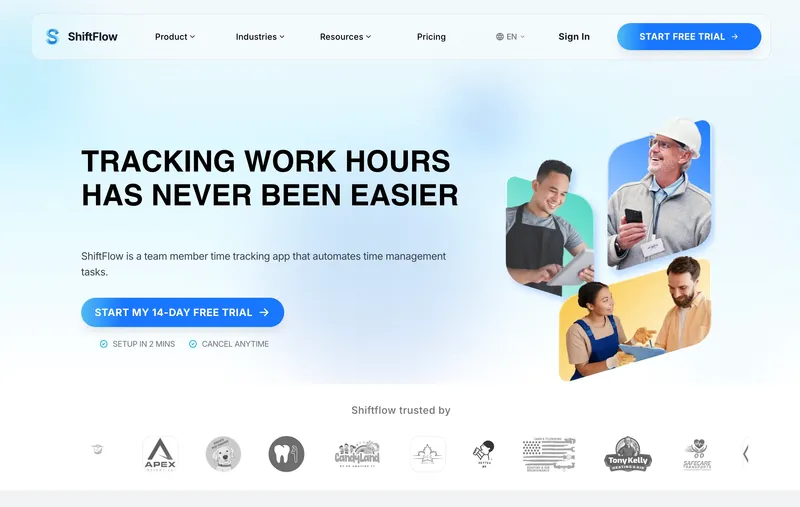
ShiftFlow charges $5.99 per seat with no monthly base fee, no platform fee, and no admin license fee. A 5-person team pays $29.95; 10 users pays $59.90; 25 users pays $149.75; 50 users pays $299.50. The number is always seat count times price. GPS, scheduling, kiosk mode, selfie verification, and Windows desktop access are all included in the same per-seat rate. The real limitation: there are no restaurant POS integrations. If your team runs on Toast, Square, or Clover and you expected sales data to flow back into timesheets for labor-cost reporting, that handoff does not exist. General small-business and field teams rarely need it. Restaurants and cafes do, and should price it in before committing.
Best for: Small businesses of 5 to 50 employees who want the monthly bill to equal the seat count times a clean per-user rate with every feature included.
Pricing
| Plan | Price |
|---|---|
| Monthly | $5.99 / user / month |
| Annual | $60 / user / year (saves ~17%) |
Free trial: 14 days, no credit card required.
Ratings
- Apple App Store: ⭐⭐⭐⭐⭐ 4.8/5
- Google Play: ⭐⭐⭐⭐⭐ 4.8/5
Jibble
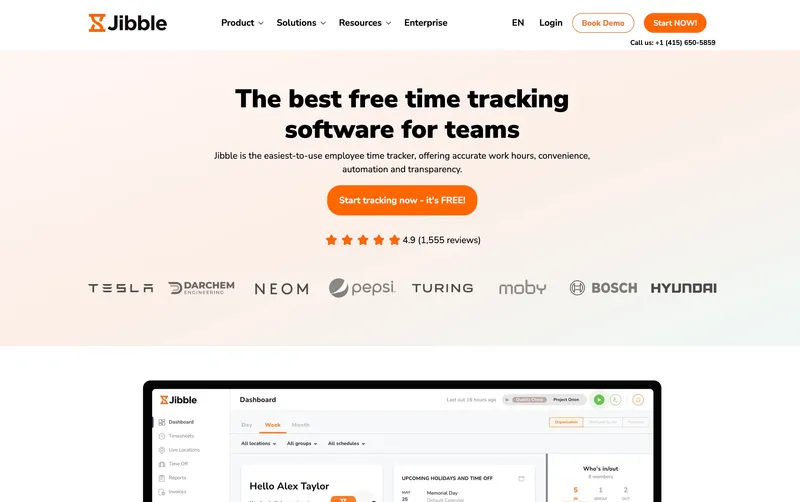
$0 per user, $0 base fee, $0 platform fee. Jibble’s free tier is the only entry in this ranking where the total bill is literally zero, with GPS and kiosk mode included, not gated to a paid upgrade. For a 5-person team where even a $19 base fee adds $3.80 per seat of invisible tax, that shape of pricing is genuinely distinctive. The catch is depth, not dollars. Support is gated to paid tiers, overtime handling is workable but basic, and reporting gets thin once the business starts running more sophisticated pay rules. For owners whose top priority is keeping the bill at zero as long as possible, Jibble holds up longer than any other free tier on the list.
Best for: Small businesses and solo operators at any team size who want $0 a month regardless of headcount.
Pricing
| Plan | Price |
|---|---|
| Free | $0 (unlimited users) |
| Premium | €3.99 / user / mo |
| Ultimate | €6.99 / user / mo |
Jibble lists prices in EUR on its site; at current rates these convert to roughly $4.30 and $7.50 USD respectively. Check Jibble’s site for the current US rate.
Free trial: Free tier is permanent. 14-day trial on Premium and Ultimate.
Ratings
- Apple App Store: ⭐⭐⭐⭐⭐ 4.8/5
- Google Play: ⭐⭐⭐⭐⭐ 4.7/5
- Capterra: ⭐⭐⭐⭐⭐ 4.8/5
Connecteam
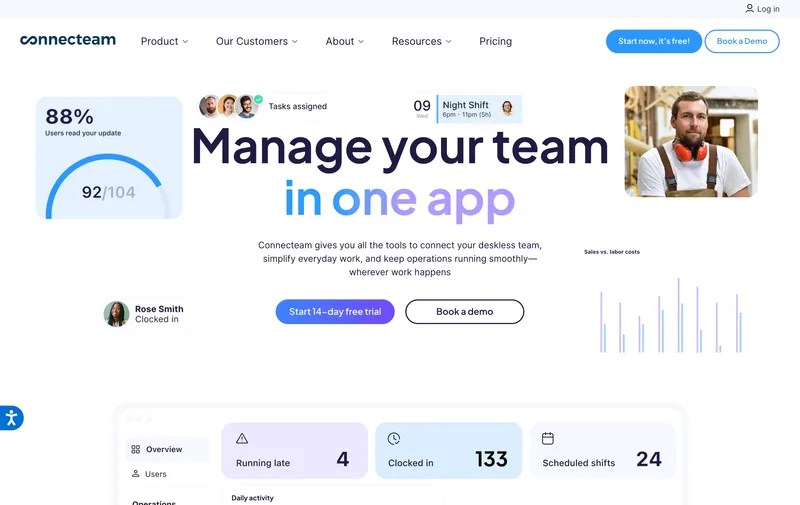
$29 a month flat, no per-user charge underneath, no admin fee layered on top. That is the whole Connecteam Basic bill through 30 employees. It is a legitimate “no base fee” answer in the sense that matters most to buyers (nothing fixed gets added to the invoice), even though mathematically flat-fee pricing is a different shape from no-base-fee per-user pricing. Basic includes GPS clock-ins, which makes the $29 plan actually usable rather than a teaser. The decision point is workflow scope. Teams that need broader automations or heavier reporting end up on Advanced at $49 or Expert at $99, which is a tier climb, not a base fee, but is still a pricing step worth planning for.
Best for: Small service or retail teams from 5 to 30 employees that want one flat monthly charge with GPS clock-ins already included.
Pricing
| Plan | Price |
|---|---|
| Small Business | Free (up to 10 users) |
| Basic (annual / monthly) | $29 / $35 per mo (first 30 users) + $0.80-$1 per extra |
| Advanced (annual / monthly) | $49 / $59 per mo (first 30 users) + $2.50-$3 per extra |
| Expert (annual / monthly) | $99 / $119 per mo (first 30 users) + $4.20-$5 per extra |
Free trial: 14-day trial on paid plans.
Ratings
- Apple App Store: ⭐⭐⭐⭐⭐ 4.8/5
- Google Play: ⭐⭐⭐⭐⭐ 4.7/5
- Capterra: ⭐⭐⭐⭐⭐ 4.7/5
When I Work
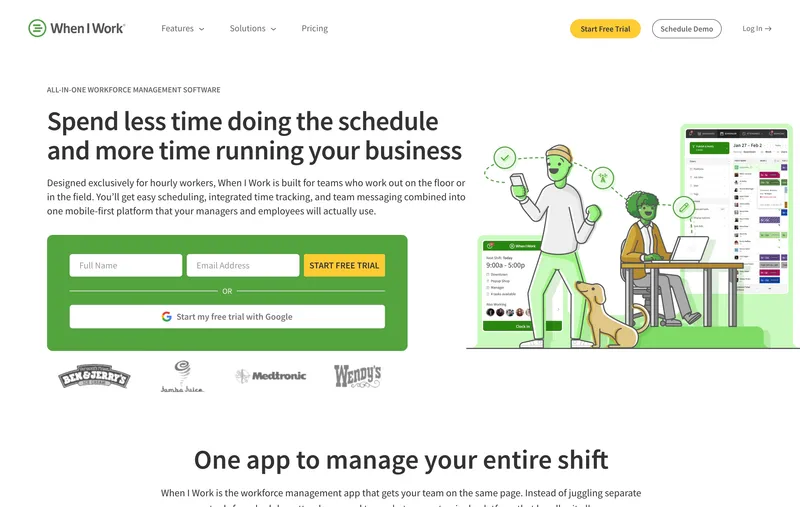
When I Work is scheduling-first: Essentials $2.50 per user, Pro $5, Premium $8, with no platform fee underneath any tier. Time tracking is a paid add-on ($1.50 per user on Essentials, $2 on Pro and Premium), so the bundled time-clock-included price is $4 / $7 / $10 per user. For a 5-person single-location team using time tracking, the bill is $20 on Essentials bundled; 25 users bundled on Essentials runs $100. The limitation is category: buyers who need GPS verification, selfie verification, or field reporting depth will outgrow When I Work before they outgrow its pricing shape. For small shift teams where the schedule is the job, the per-user math is still honest. For teams where time tracking is the primary need, price the bundled tier, not the scheduling-only sticker.
Best for: Small retail, hospitality, or cafe teams whose scheduling workflow is the primary job and who want clean per-user pricing with no base fee.
Pricing
| Plan | Price |
|---|---|
| Essentials | $2.50 / user / mo (single-location) |
| Pro | $5 / user / mo (multi-location) |
| Premium | $8 / user / mo |
Free trial: 14-day trial.
Ratings
- Apple App Store: ⭐⭐⭐⭐⭐ 4.8/5
- Google Play: ⭐⭐⭐⭐⭐ 4.8/5
- Capterra: ⭐⭐⭐⭐⭐ 4.5/5
Deputy
Deputy’s current monthly lineup is Lite at $5 per user, Core at $6.50, and Pro at $9, with a $30 minimum monthly spend on monthly billing. For a 5-person team, that means roughly $30 on Lite because of the minimum spend, $32.50 on Core, and $45 on Pro. The compliance tooling (Fair Workweek alerts, break-rule enforcement, auto-scheduling) still runs deeper than almost any other tool on this list for shift-based industries. The caveat is that the current pricing model is no longer the older Scheduling-versus-Time & Attendance split many comparison posts still quote, so buyers should compare the live Lite/Core/Pro matrix rather than rely on stale $4.50 and $6 numbers. Deputy is the right answer when compliance depth is the dominant requirement and the team is in a Fair Workweek jurisdiction (NYC, Seattle, Philadelphia, Oregon, Chicago).
Best for: Hospitality, retail, and healthcare teams of 5 to 50 whose main problem is shift compliance and Fair Workweek rules.
Pricing
| Plan | Price |
|---|---|
| Lite | $5 / user / mo |
| Core | $6.50 / user / mo |
| Pro | $9 / user / mo |
| Enterprise | Custom |
Monthly billing note: Lite, Core, and Pro monthly plans carry a $30 minimum spend.
Ratings
- Apple App Store: ⭐⭐⭐⭐⭐ 4.7/5
- Google Play: ⭐⭐⭐⭐ 4.3/5
- Capterra: ⭐⭐⭐⭐⭐ 4.6/5
Hubstaff
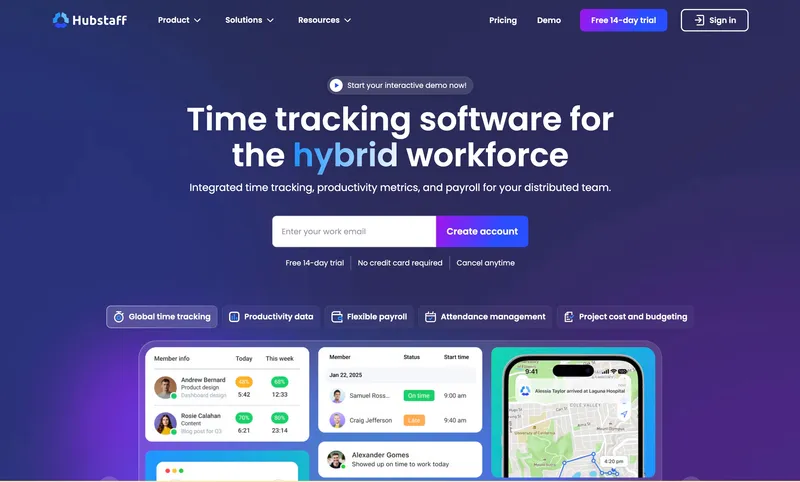
Hubstaff Starter at $7 per user has no monthly base fee. A 5-person team pays $35, a 10-person team pays $70. The Starter plan covers productivity monitoring features (activity levels, app and URL tracking, idle detection) that no-base-fee tools at this price point otherwise do not offer. For a small remote or distributed team that wants to see activity percentages and app usage without paying a base fee, Hubstaff Starter is the right no-base answer. The transparency weakens as soon as add-ons turn on. Locations (GPS) is a $3.33 per user add-on available only on the Team tier at $10 per user. So a 5-person team that needs GPS on Hubstaff is at $66.65 a month (Team plus Locations), nearly double the Starter sticker price. The base-fee-free promise is real on Starter; the add-on math is where the total bill grows faster than the sticker implies.
Best for: Small remote or distributed teams (agencies, software shops, virtual assistants) that want productivity monitoring on Starter without GPS needs.
Pricing
| Plan | Price |
|---|---|
| Starter | $7 / user / mo |
| Grow | $9 / user / mo |
| Team | $10 / user / mo |
| Enterprise | $25 / user / mo |
| Locations | +$3.33 / user / mo (Team tier or above) |
| Insights | +$2.50 / user / mo |
| Screenshots | +$2.50 / user / mo |
Free trial: 14-day trial.
Ratings
- Apple App Store: ⭐⭐⭐⭐ 4.5/5
- Google Play: ⭐⭐⭐⭐ 4.3/5
- Capterra: ⭐⭐⭐⭐ 4.6/5
Toggl Track
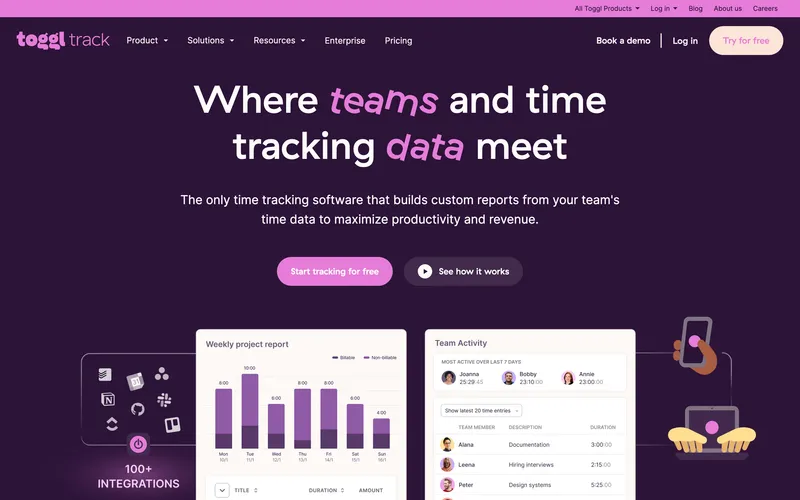
Toggl Track’s pricing has no base fee at any tier: Free for up to 5 users, Starter at $9 per user, Premium at $18, and Enterprise on custom pricing. A 5-person team on the free plan is $0 a month; a 10-person team on Starter is $90. No base fee, no add-ons, each tier’s feature list is on the pricing page. The simplicity matches the product: Toggl is a fast, clean timer for project-based time tracking from a laptop. Features like scheduled reports, required fields, and audit logs live on Premium, which takes a 10-person team to $180 a month. The structural gap for a general small business is category fit. Toggl has no GPS, no kiosk, no scheduling, no payroll export for hourly workforces. For a 5-person creative agency or consultancy tracking project hours, Toggl is the right no-base-fee answer. For a 5-person cleaning crew, it is off-category regardless of pricing shape.
Best for: Freelancers and creative teams of 5 to 10 tracking project hours from laptops without workforce features.
Pricing
| Plan | Price |
|---|---|
| Free | $0 (up to 5 users) |
| Starter | $9 / user / mo |
| Premium | $18 / user / mo |
| Enterprise | Custom |
Free trial: 30-day trial on Premium.
Ratings
- Apple App Store: ⭐⭐⭐⭐⭐ 4.7/5
- Google Play: ⭐⭐⭐⭐⭐ 4.6/5
- Capterra: ⭐⭐⭐⭐⭐ 4.7/5
Harvest
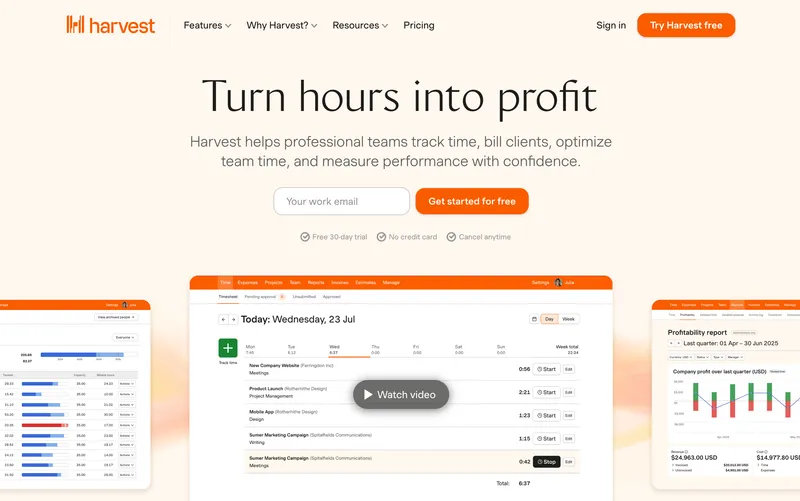
Harvest now uses Free, Teams, and Enterprise rather than the older single Pro plan many comparison posts still quote. The invoicing loop (track hours, tag client, invoice directly from those hours with Stripe or PayPal) still does a job no other no-base-fee tool in this list does at all. The free tier covers one user with two projects, enough for a solo freelancer to run an entire business. The structural tradeoff is feature scope. Harvest has no GPS, no kiosk, no scheduling, and reviewers note feature depth limits once the business grows past “track hours and send an invoice.” For small consultancies that bill by the hour, Harvest is still one of the cleanest no-base-fee answers. Outside billable-hour use cases, the tool is narrower than it looks.
Best for: Small consultancies, freelancers, and creative agencies that track billable hours and invoice clients from the same tool.
Pricing
| Plan | Price |
|---|---|
| Free | $0 (1 user, 2 projects) |
| Teams | $11 / user / mo (or $9 / user / mo billed annually) |
| Enterprise | $17.50 / user / mo (or $14 / user / mo billed annually) |
Free trial: 30-day trial on Teams.
Ratings
- Apple App Store: ⭐⭐⭐⭐ 4.5/5
- Google Play: ⭐⭐⭐⭐ 4.3/5
- Capterra: ⭐⭐⭐⭐⭐ 4.5/5
Homebase
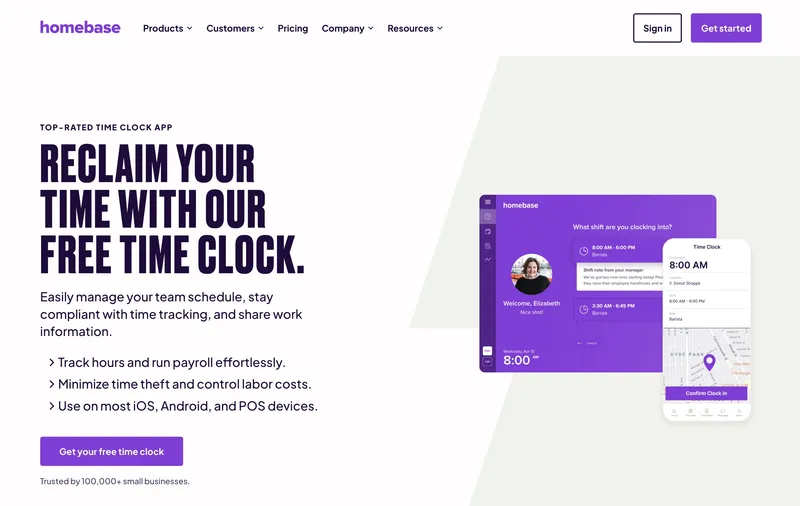
Homebase’s pricing is one bill per location, not per seat plus a platform fee. For a single-address team with up to 10 employees, Basic is free. Once the team outgrows that cap, Essentials is $30 per location per month. The per-location math means the 11th employee does not change the bill; the second address doubles it. That fits restaurants, cafes, and retail stores where POS integrations with Square, Clover, and Toast matter as much as time tracking, and where most businesses only run one physical location. GPS does not arrive until Plus at $70 per location, which is a real constraint for two-site operators. Homebase avoids the base-fee trap cleanly. The fit is narrow: single-address operators, not distributed field teams.
Best for: Single-location restaurants, retail stores, cafes, and service businesses that want a clean bill with no monthly base fee.
Pricing
| Plan | Price |
|---|---|
| Basic | Free (1 location, up to 10 employees) |
| Essentials | $30 / location / mo |
| Plus | $70 / location / mo |
| All-in-One | $120 / location / mo |
Free trial: 14-day trial on paid plans.
Ratings
- Apple App Store: ⭐⭐⭐⭐⭐ 4.8/5
- Google Play: ⭐⭐⭐⭐ 4.2/5
- Capterra: ⭐⭐⭐⭐ 4.6/5
Clockify
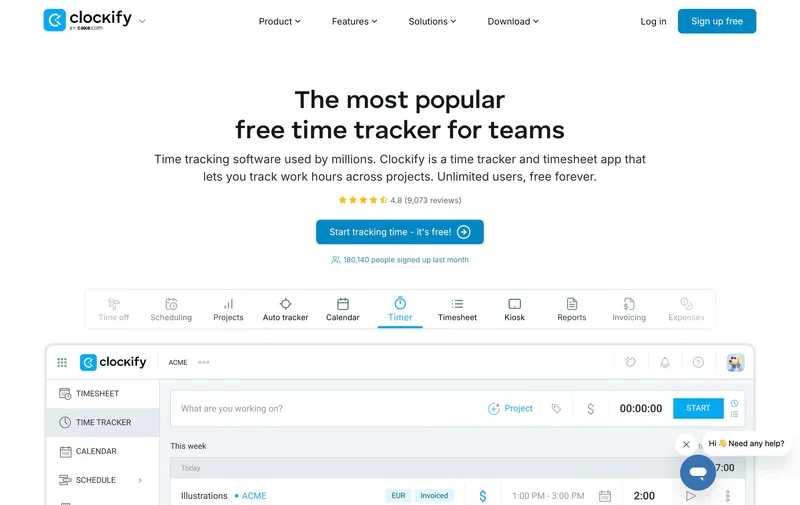
Clockify is the cleanest reminder that “no base fee” alone does not make a tool a workforce fit. The pricing itself is clean: free for up to 5 users and unlimited projects, then paid tiers starting at $4.99 per user with no base fee on top. A 5-person team can pay $0; a 10-person team on Basic lands at $49.90; a 25-person team on Basic is $124.75, still cheaper than most paid competitors. For project-based teams, that is a real advantage. The structural limit is that Clockify is built for desk and project work, not attendance-heavy hourly operations. GPS does not arrive until Pro at $9.99 per user, and kiosk or site-verification workflows are not the center of gravity. Truly no-base-fee, but the right answer for agencies and consultancies, not for a mobile crew trying to verify who arrived where.
Best for: Small project-based teams tracking billable hours against projects from laptops without workforce-style attendance needs.
Pricing
| Plan | Price |
|---|---|
| Free | $0 (up to 5 users, unlimited projects) |
| Basic | $4.99 / user / mo |
| Standard | $6.99 / user / mo |
| Pro | $9.99 / user / mo |
| Enterprise | $14.99 / user / mo |
Free trial: Free tier is permanent. 7-day trial on paid plans.
Ratings
- Apple App Store: ⭐⭐⭐⭐ 4.5/5
- Google Play: ⭐⭐⭐⭐ 4.4/5
- Capterra: ⭐⭐⭐⭐⭐ 4.7/5
How to choose
Three questions decide this for a buyer who wants to avoid base fees.
Question 1: How big is the team today? Base fees matter most at 2 to 15 users. At 5 users, a $19 base fee adds $3.80 per seat effective; at 15 users, $1.27; at 50 users, $0.38. If your team is 15 or fewer, a no-base-fee tool like ShiftFlow, Jibble, Connecteam Basic, or When I Work keeps more dollars in payroll. If your team is 30+, the base fee math stops mattering and feature comparisons become the deciding factor.
Question 2: What features do you need at the per-user price? A $7 Hubstaff Starter seat with no base fee sounds great until you discover GPS is a $3.33 per user add-on only on Team tier at $10. In this ranking, the tools that include GPS without adding a monthly base fee are ShiftFlow, Jibble free, and Connecteam Basic. OnTheClock also includes GPS in its base plan, but its $5 monthly platform fee is exactly why it sits outside this list. If GPS is non-negotiable, start there.
Question 3: What is the realistic team-size trajectory? If you expect to grow past 30 employees in the next year, flat-fee tools like Connecteam Basic will exit their cap ($1 per user beyond 30 on monthly billing) and the math changes. If you expect to stay at 5 to 15 long-term, flat-fee and no-base-fee per-user are both honest options. If you are growing fast, per-user linear pricing (ShiftFlow, When I Work, Deputy) is the most predictable.
Effective per-user cost at 5, 10, 25, 50 users
| Tool | 5 users | 10 users | 25 users | 50 users |
|---|---|---|---|---|
| Jibble Free | $0 | $0 | $0 | $0 |
| Connecteam Basic | $5.80 / user | $2.90 / user | $1.16 / user | $0.98 / user |
| When I Work Essentials + T&A | $4 / user | $4 / user | $4 / user | $4 / user |
| Deputy Lite | $6 / user | $5 / user | $5 / user | $5 / user |
| Hubstaff Starter | $7 / user | $7 / user | $7 / user | $7 / user |
| OnTheClock | $5 / user | $4.50 / user | $4.20 / user | $4.10 / user |
| ShiftFlow | $5.99 / user | $5.99 / user | $5.99 / user | $5.99 / user |
| Toggl Track Starter | $0 (free) | $9 / user | $9 / user | $9 / user |
| Harvest Teams | See site | See site | See site | See site |
| Buddy Punch Starter | $8.29 / user | $6.39 / user | $5.25 / user | $4.87 / user |
| QB Time Premium | $12 / user | $10 / user | $8.80 / user | $8.40 / user |
Reading the table: clean per-user tools keep the same per-seat math across team sizes, while flat-fee or capped-free tools change for reasons unrelated to a base fee. Tools with base fees show a different pattern: the effective per-seat price starts high and flattens as the team grows. A $19 base fee at 5 users is $3.80 per seat; at 50 users, $0.38. The base-fee penalty is almost entirely a small-team penalty.
Best by use case
- Best no-base-fee all-features-included: ShiftFlow
- Best $0 total bill at any team size: Jibble
- Best flat monthly fee through 30 employees: Connecteam Basic
- Best cheap no-base-fee with scheduling: When I Work
- Best compliance-first no-base-fee: Deputy
- Best no-base-fee productivity monitoring: Hubstaff Starter
- Best simple no-base-fee timer for knowledge work: Toggl Track
- Best no-base-fee invoicing: Harvest
- Best no-base-fee single-location time clock: Homebase
- Best $0 no-base-fee project timer: Clockify
Final recommendation
Best overall no-base-fee option: ShiftFlow. $5.99 per seat flat with GPS, selfie verification, scheduling, Windows desktop, and kiosk mode all included. $29.95 for a 5-person team, $149.75 for 25 users, no additions. Pricing: $5.99 / user / month.
Best $0 total at any team size: Jibble. Free for unlimited users with GPS included on the free tier. Pricing: Free.
Best flat monthly fee for teams under 30: Connecteam Basic. $29 flat, the whole bill, with GPS clock-ins already included. Pricing: $29 / month flat.
If you want a 5-to-25-person team’s monthly time tracking bill to be exactly seat count times seat price with no fine print, the 14-day ShiftFlow trial is the fastest way to verify that is what the invoice actually looks like. No credit card required.
Frequently asked questions
What does “no base fee” mean in time tracking software?
No base fee means the vendor charges you only for seats used, with no additional flat monthly charge on top of the per-user price. A tool at $5.99 per user with no base fee charges exactly $5.99 times team size. A tool at $4.49 per user with a $19 monthly base fee charges $4.49 times team size plus $19 every month regardless of how many seats you use. At small team sizes, the base fee can effectively double or triple the sticker per-user cost.
Which time tracking tools have no monthly base fee?
ShiftFlow ($5.99 per user), Jibble (free for unlimited users), Connecteam ($29 per month flat through 30 users), When I Work ($4 to $10 per user bundled with time tracking), Deputy ($5 to $9 per user), Hubstaff ($7 per user on Starter), Toggl Track ($9 per user on Starter), and Clockify (free or $4.99 and up on paid tiers) all charge no monthly base fee on top of the listed plan price. OnTheClock uses a small $5 monthly base fee. Other products in the category, such as Buddy Punch, QuickBooks Time, Workyard, and ClockShark, also use separate fixed monthly charges in some plans.
How much does a base fee add at a 5-person team?
At 5 users, a $19 monthly base fee adds $3.80 per user to the effective seat cost. That means a 5-person team on a $4.49-per-user plan plus a $19 base fee pays $41.45 a month, or $8.29 effective per seat. At 10 users the same $19 base fee only adds $1.90 per user. At 50 users it adds $0.38 per user. Base fees hit small teams hardest and amortize as the team grows.
At what team size does a base fee stop mattering?
A base fee effectively stops mattering once the per-user amortization drops below a dollar. For a $19 monthly base fee, that happens around 20 users ($0.95 per user); for a $40 base fee, around 40 users ($1.00 per user); for a $50 base fee, around 50 users. If your team is larger than those thresholds, base fees become rounding errors on the total bill. If your team is smaller, base fees are a real line item and a no-base-fee tool saves real money.
Does ShiftFlow have a base fee?
No. ShiftFlow charges $5.99 per user per month (or $60 per user per year on annual billing) with no monthly base fee, no admin license fee, no per-location fee, and no paid add-ons. At 5 users the bill is $29.95; at 10 users $59.90; at 25 users $149.75; at 50 users $299.50. The seat price does not change, and no fixed line item gets added on top.
Why do some vendors charge a base fee?
Vendors usually frame the base fee as covering admin dashboard access, account management, or platform infrastructure. Practically, it acts as a minimum monthly charge that protects revenue at small team sizes (where per-user fees alone would not cover support and overhead). For a vendor targeting mid-market teams of 50 or more, a $19 base fee is nearly invisible and makes the per-seat math cleaner. For a small business at 5 to 10 employees, the same base fee is a meaningful hit on the monthly bill.
Is a no-base-fee tool always cheaper?
Not always. At small team sizes, no-base-fee pricing often lands lower because fixed monthly charges have not had time to amortize. At larger team sizes, a product with a base fee can still work out well depending on the seat price. Use the team size you will actually be at to compare.
Can I negotiate out of a base fee?
Sometimes. Vendors occasionally waive the base fee for annual contracts, multi-year commitments, or nonprofit discounts. It is worth asking sales before signing, especially for annual billing. The cleaner approach is picking a tool that never charges a base fee in the first place, so the predictable bill does not depend on discount negotiation renewed annually.
- time-tracking
- time-clock-software
- no-base-fee
- small-business
- software-comparison
- per-user-pricing
- flat-pricing