Best Time Clock Software with No Per-Location Fees in 2026
Multi-site teams do not need another fee every time a new address opens. This guide compares headcount-based pricing, GPS, and multi-location cost.
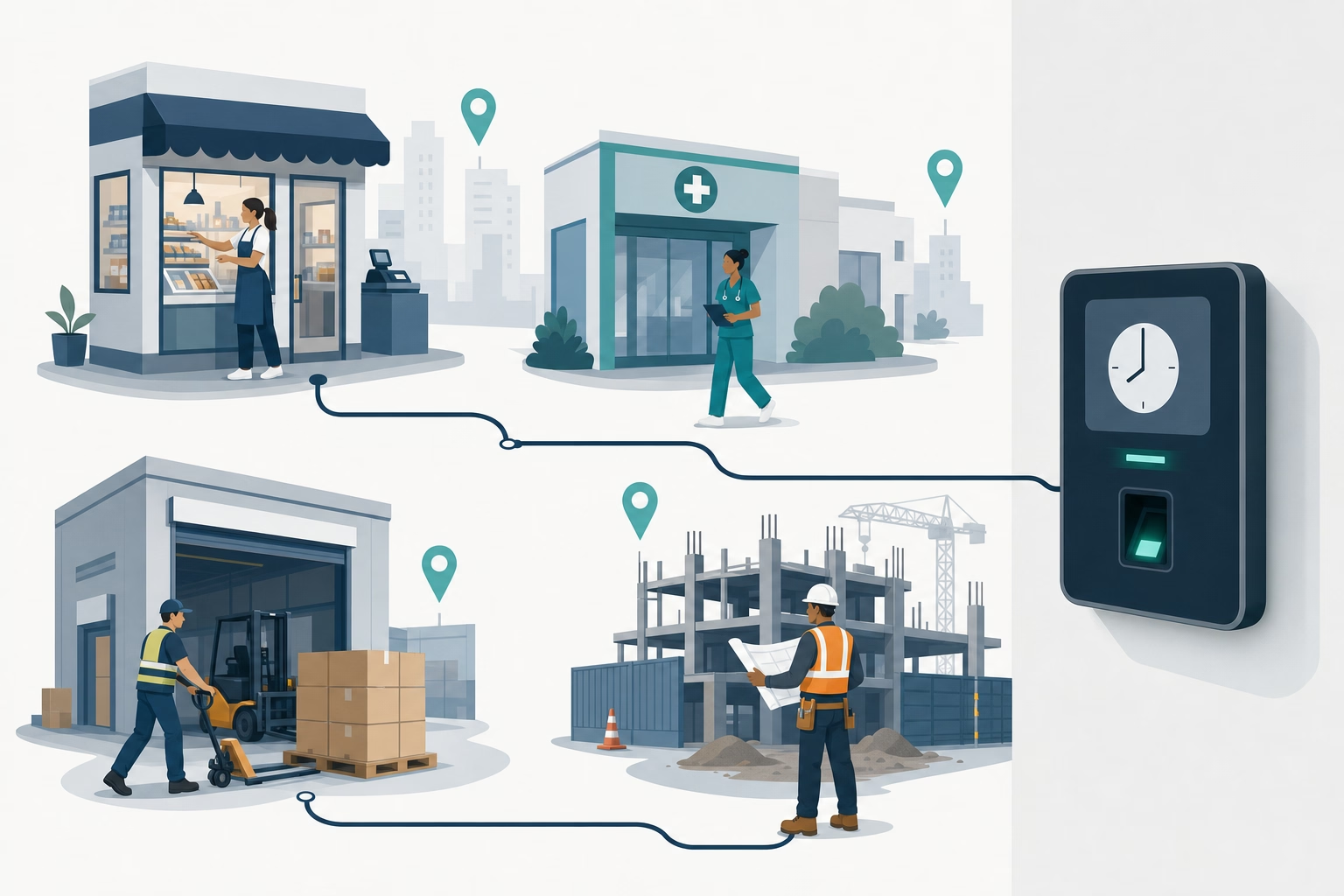
Homebase Plus at $70 per location times 5 addresses is $350 a month, regardless of headcount. Open a sixth site and it becomes $420. A seventh, $490. That is what per-location pricing does: the bill scales with real estate, not with the people you hire.
Here are 10 time clock tools that charge by headcount instead, compared on multi-site workflow (cross-site visibility, per-site reporting, GPS) and what the real bill looks like at 25 employees across 5 locations.
At-a-glance comparison
| Tool | Starting price | Per-location fee | GPS included | Free plan |
|---|---|---|---|---|
| ShiftFlow | $5.99 / user / mo | None | ✅ | 14-day trial |
| Jibble | Free (unlimited) | None | ✅ | ✅ (unlimited) |
| Connecteam | $29 / mo (first 30 users) | None | ✅ | ✅ (up to 10) |
| OnTheClock | $5 base + $4 / user / mo | None | ✅ | 30-day trial |
| Buddy Punch | $4.49 / user + $19 base | None | GPS in base | ❌ |
| Clockify | Free (up to 5 users) | None | ❌ (Pro tier) | ✅ (up to 5) |
| Deputy | $5 / user / mo | None | ✅ (all tiers) | ❌ |
| QuickBooks Time | $8 / user + $20 base | None | ✅ | 30-day trial |
| Hubstaff | $7 / user / mo | None | ✅ | 14-day trial |
| ClockShark | $9 / user + $40 base | None | ✅ | 14-day trial |
How we picked
Nothing made this list unless it avoided per-location pricing altogether. From there, we ranked the tools on whether they still made sense for a multi-site operator after GPS, approvals, and payroll workflow entered the picture.
- Real monthly bill at 25 users across multiple sites. We cared about the working invoice, not the smallest possible starter price.
- GPS in the plan that small businesses are likely to buy. For this use case, GPS is not optional window dressing.
- Cross-site visibility. Can a manager review punches, edits, and attendance across locations without stitching together multiple workspaces?
- Payroll workflow. Exports and integrations needed to be credible for Gusto, ADP, Paychex, or QuickBooks-based payroll.
- Mobile reliability. App Store, Google Play, and Capterra ratings were read separately to spot consistency issues.
- Buyer fit. A cheap tool ranked lower if it still created admin work for a five-location team.
Plan structure, pricing, and key feature gates were checked against current vendor pricing pages and then compared with the sources referenced in this draft.
ShiftFlow
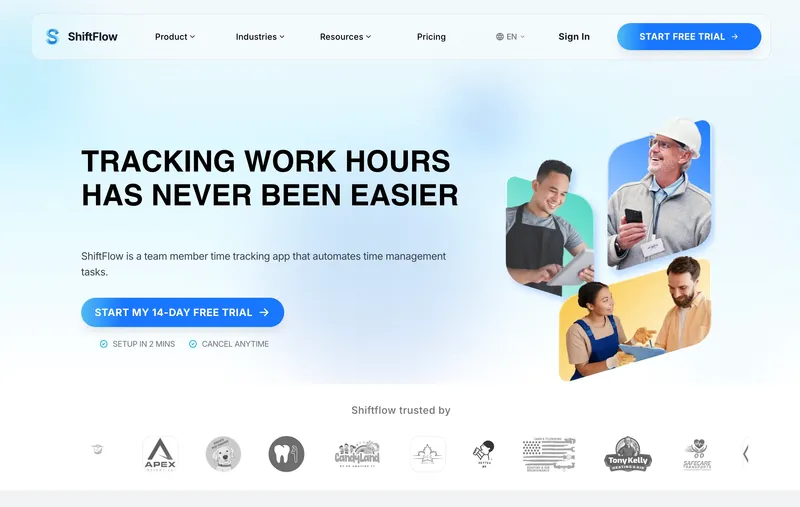
ShiftFlow charges $5.99 per seat whether the team works at one address or fifteen. A 25-person crew across 5 locations pays $149.75 a month; the same crew across 10 locations still pays $149.75. GPS, selfie verification, scheduling, kiosk mode, and payroll exports are all inside that rate. The honest limitation: ShiftFlow’s integration library is smaller than Deputy’s or When I Work’s. For a multi-site business that wants direct integrations beyond the major payroll systems (Gusto, ADP Run, Paychex, QuickBooks Online via CSV), the catalog is narrower. For the majority that run one of those four, the CSV handoff works cleanly and the address-count math does not move.
Best for: Multi-site businesses with 10 to 50 hourly workers across 2 to 8 locations who want GPS, selfie verification, and a Windows desktop app in one flat per-seat bill.
Pricing
| Plan | Price |
|---|---|
| Monthly | $5.99 / user / month |
| Annual | $60 / user / year (saves ~17%) |
Free trial: 14 days, no credit card required.
Ratings
- Apple App Store: ⭐⭐⭐⭐⭐ 4.8/5
- Google Play: ⭐⭐⭐⭐⭐ 4.8/5
Jibble
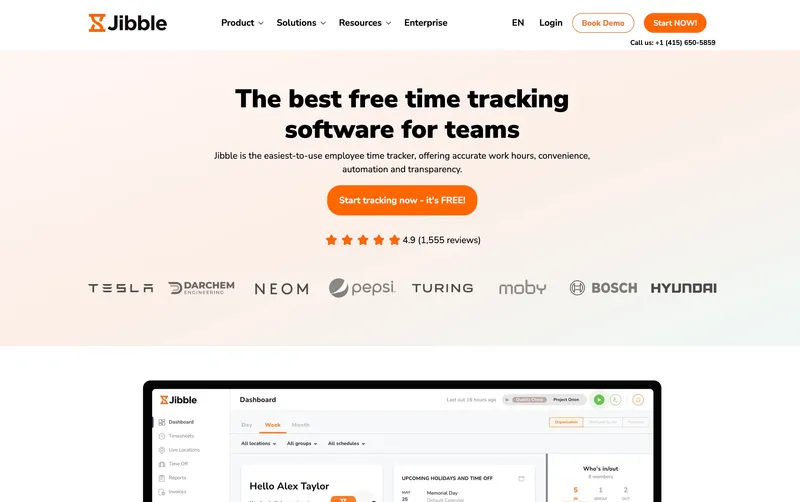
$0 per user, $0 per location, across any number of sites. Jibble’s free tier removes the location question completely, with GPS and kiosk mode included so the ranking is not just rewarding a hollow freemium offer. The limits show up in operational depth, not at the invoice: per-site labor reporting, tighter overtime control, and direct support all push toward Premium (€3.99 per user, roughly $4 USD). For multi-site operators whose first goal is escaping location-based pricing and whose workflow is simple enough for the free tier, it is the most attractive option on the page.
Best for: Budget-first multi-site operators and solo owners of small multi-site businesses who need GPS, kiosk, and basic timesheets for any team size at zero monthly cost.
Pricing
| Plan | Price |
|---|---|
| Free | $0 (unlimited users) |
| Premium | €3.99 / user / mo |
| Ultimate | €6.99 / user / mo |
Jibble lists prices in EUR on its site; at current rates these convert to roughly $4.30 and $7.50 USD respectively. Check Jibble’s site for the current US rate.
Free trial: Free tier is permanent. 14-day trial on Premium and Ultimate.
Ratings
- Apple App Store: ⭐⭐⭐⭐⭐ 4.8/5
- Google Play: ⭐⭐⭐⭐⭐ 4.7/5
- Capterra: ⭐⭐⭐⭐⭐ 4.8/5

Connecteam
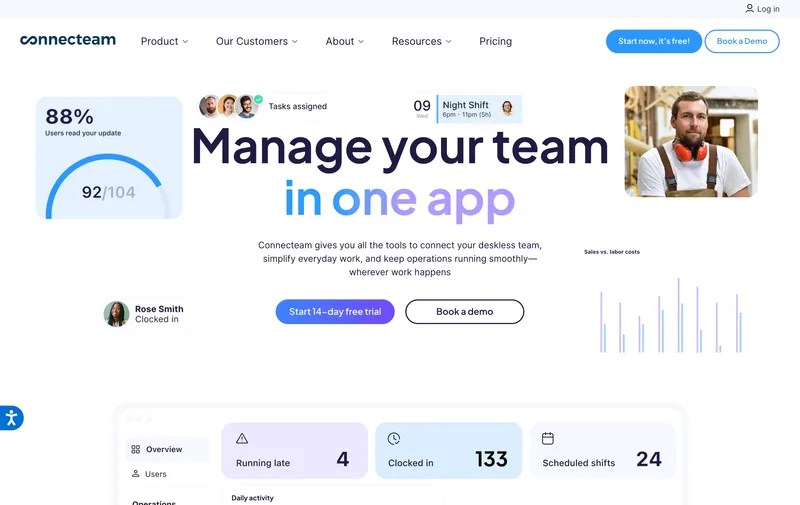
$29 a month flat for up to 30 users regardless of how many sites those users work at (annual billing; $35 monthly). That is the shape multi-site operators are looking for when leaving per-location pricing: the bill does not climb when site three opens. Basic includes GPS clock-ins, so verifying attendance across sites does not require a tier upgrade. The limit: past 30 employees, or when the workflow needs automations, the tier climb to Advanced or Expert is a real price step. For sub-30 teams across multiple sites, Connecteam is one of the cleanest alternatives to location billing in the category.
Best for: Multi-location service businesses with fewer than 30 employees who prioritize a flat monthly bill with GPS clock-ins included.
Pricing
| Plan | Price |
|---|---|
| Small Business | Free (up to 10 users) |
| Basic (annual / monthly) | $29 / $35 per mo (first 30 users) + $0.80-$1 per extra |
| Advanced (annual / monthly) | $49 / $59 per mo (first 30 users) + $2.50-$3 per extra |
| Expert (annual / monthly) | $99 / $119 per mo (first 30 users) + $4.20-$5 per extra |
Free trial: 14-day trial on paid plans.
Ratings
- Apple App Store: ⭐⭐⭐⭐⭐ 4.8/5
- Google Play: ⭐⭐⭐⭐⭐ 4.7/5
- Capterra: ⭐⭐⭐⭐⭐ 4.7/5
OnTheClock
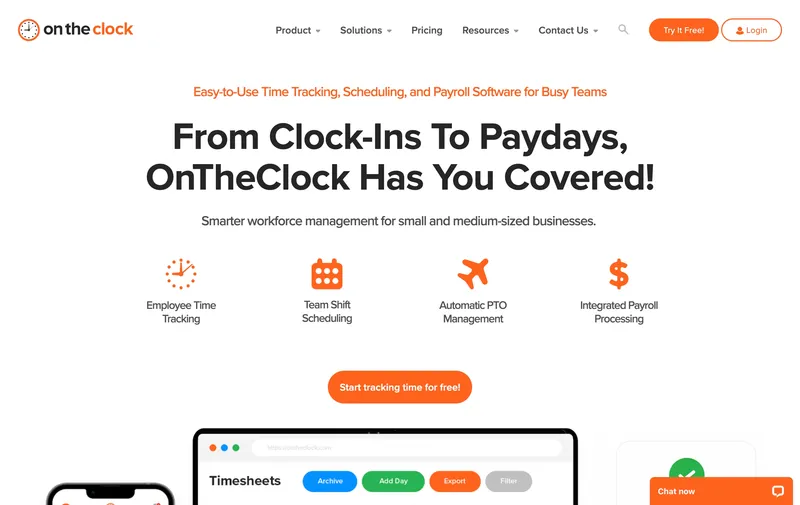
$5 a month base plus $4 per user regardless of site count. OnTheClock lands at $105 a month for a 25-person team across any number of locations, with GPS, scheduling, job costing, and payroll integrations (QuickBooks, Gusto, ADP, Square) in one paid plan. The caveat is workflow depth, not billing. Teams expecting tiered permissions, layered approval chains, or richer reporting will outgrow it. For multi-site operators who just want reliable GPS-verified clock-ins across several sites at the cheapest working price, OnTheClock is a strong paid option.
Best for: Cost-conscious multi-site businesses that need GPS-enabled time tracking across locations without paying for scheduling, chat, or compliance depth.
Pricing
| Plan | Price |
|---|---|
| Free trial | 30 days |
| Standard | $5 / mo base + $4 / user / mo |
Free trial: 30-day trial.
Ratings
- Apple App Store: ⭐⭐⭐⭐⭐ 4.7/5
- Google Play: ⭐⭐⭐⭐⭐ 4.6/5
- Capterra: ⭐⭐⭐⭐⭐ 4.7/5
Buddy Punch
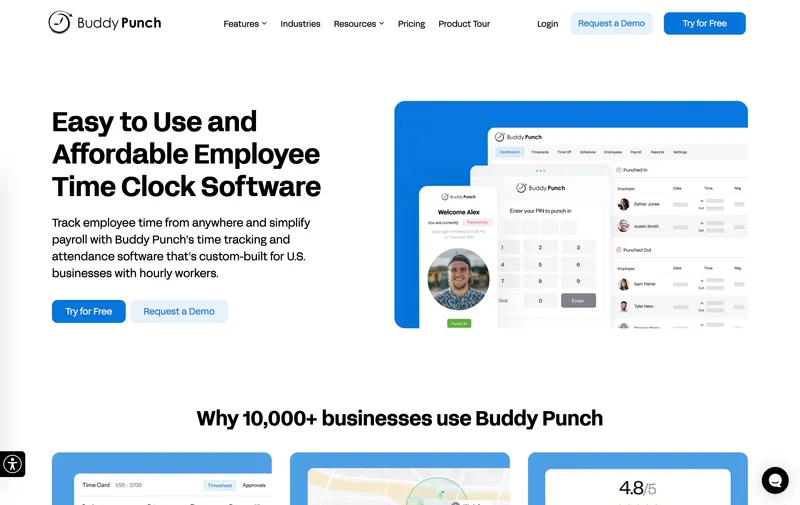
Buddy Punch’s multi-site story is solid: no per-location fee, one of the widest clock-in menus in this category (PIN, QR code, facial recognition, photo capture, and mobile app), and GPS coordinates on punches already in the Starter plan (basic geofencing lives on Pro at $5.99 per user). For a 25-person team at 5 sites, Buddy Punch runs about $131 a month (the $19 base fee plus $4.49 per user), or $181 with the real-time GPS add-on at $2 per user. Facial recognition in the base plan is a genuine differentiator for unsupervised sites where buddy-punching is a real risk. The friction is the stack of add-on fees. The $19 monthly base means a team of 5 is effectively paying $8.29 per user rather than the $4.49 sticker, and the real-time GPS add-on pushes per-seat cost higher once you account for it. Buddy Punch is the right call for multi-site operators whose top concern is verifying the right person is clocking in, especially across locations without supervisors, and who accept a base fee in exchange for that verification depth.
Best for: Multi-site businesses prioritizing identity verification (facial recognition, photo capture) over the absolute lowest bill.
Pricing
| Plan | Price |
|---|---|
| Starter | $4.49 / user / mo + $19 / mo base fee |
| Pro | $5.99 / user / mo + $19 / mo base fee |
| Real-Time GPS add-on | $2 / user / mo |
Free trial: 14-day trial.
Ratings
- Apple App Store: ⭐⭐⭐⭐⭐ 4.8/5
- Google Play: ⭐⭐⭐⭐⭐ 4.8/5
- Capterra: ⭐⭐⭐⭐⭐ 4.8/5
Clockify
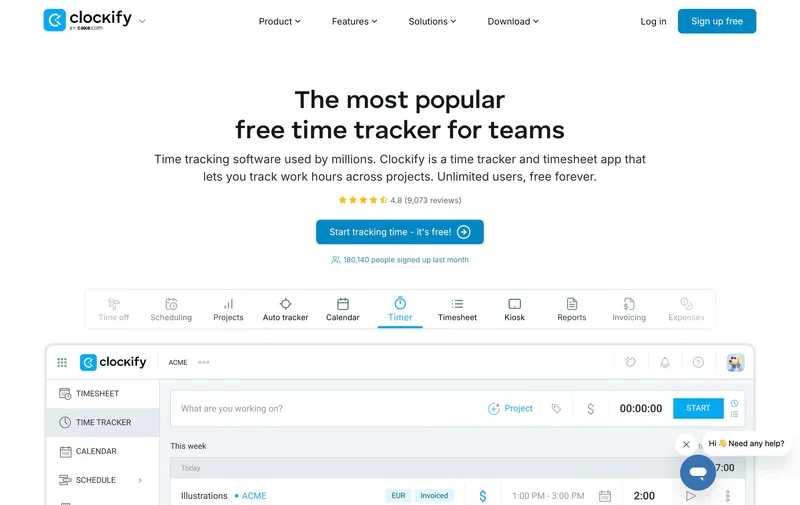
Clockify’s free plan is one of the most generous in the category: up to 5 users, unlimited projects, multi-workspace support, and a functional timer that can run across any number of locations at $0. For a multi-site agency or consultancy tracking billable hours against projects, the free plan often covers the entire use case. Paid plans unlock timesheet approvals, scheduled reports, and required fields starting at $4.99 per user on Basic. The structural problem for this post is GPS: Clockify does not include GPS on the free tier, and full location tracking lives on Pro at $9.99 per user. For a multi-site team that actually needs to verify clock-ins at specific addresses, that tier-climb undermines the free-plan pitch. Clockify is a legitimate free-tier answer for multi-site operations whose team works from laptops at known addresses and does not need geofenced clock-ins. For field-heavy multi-site work, the GPS gap matters.
Best for: Multi-site agencies, consultancies, and desk-based teams that track project hours across locations without needing GPS verification at the clock-in moment.
Pricing
| Plan | Price |
|---|---|
| Free | $0 (up to 5 users, unlimited projects) |
| Basic | $4.99 / user / mo |
| Standard | $6.99 / user / mo |
| Pro | $9.99 / user / mo (includes GPS) |
| Enterprise | $14.99 / user / mo |
Free trial: Free tier is permanent. 7-day trial on paid plans.
Ratings
- Apple App Store: ⭐⭐⭐⭐ 4.5/5
- Google Play: ⭐⭐⭐⭐ 4.2/5
- Capterra: ⭐⭐⭐⭐⭐ 4.7/5

Deputy
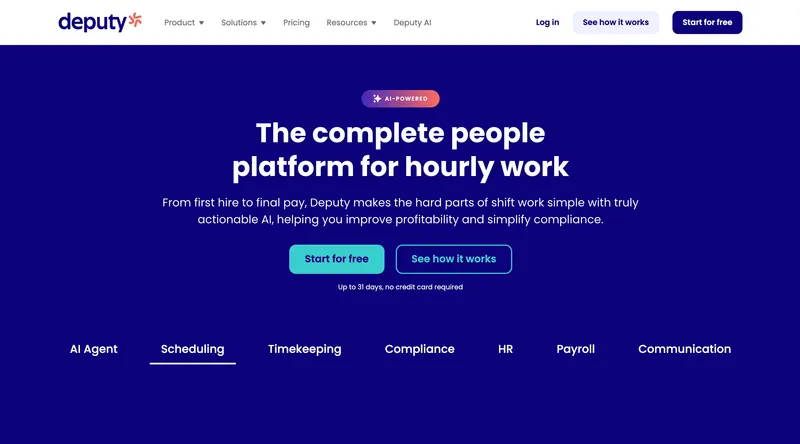
Deputy is where multi-site operators in hospitality, retail, and healthcare land when their dominant problem is shift compliance rather than pure cost. The current monthly lineup is Lite at $5 per user, Core at $6.50, and Pro at $9, with a $30 minimum monthly spend on monthly billing. A 25-person team runs about $125 to $225 a month, and Deputy’s compliance tooling (Fair Workweek, break and overtime enforcement, auto-scheduling) still runs deeper than most tools in this list. The main caveat is that the current pricing model is no longer the older Scheduling-versus-Time & Attendance split many comparison posts still quote. Deputy is the right call for a multi-site operation whose main pain is schedule compliance rather than pure clock-in verification. For a simpler “track hours, export payroll” job, the tools higher on this list are lighter.
Best for: Multi-site hospitality, retail, and healthcare teams of 25 to 100 whose main problem is shift compliance and fair workweek rules.
Pricing
| Plan | Price |
|---|---|
| Lite | $5 / user / mo |
| Core | $6.50 / user / mo |
| Pro | $9 / user / mo |
| Enterprise | Custom |
Monthly billing note: Lite, Core, and Pro monthly plans carry a $30 minimum spend.
Ratings
- Apple App Store: ⭐⭐⭐⭐⭐ 4.7/5
- Google Play: ⭐⭐⭐⭐ 4.3/5
- Capterra: ⭐⭐⭐⭐⭐ 4.6/5
QuickBooks Time
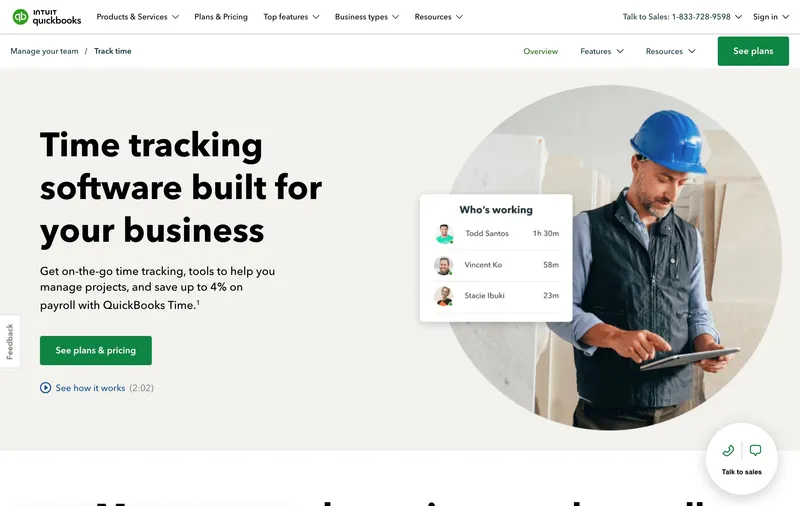
QuickBooks Time is a particularly relevant option when your accounting already runs on QuickBooks and your multi-site payroll needs to flow back into QuickBooks Payroll without a CSV in between. GPS, geofencing, and mileage tracking are all on the Premium tier, and the two-way sync with QuickBooks Online, Desktop, and Payroll is genuinely deep. The multi-site story is straightforward: there is no per-location fee, so the bill is driven by headcount alone. Premium runs $20 a month base plus $8 per user, and Elite is $40 a month base plus $10 per user. For a 25-person multi-site team, that works out to $220 on Premium or $290 on Elite. Buyers should weigh that cost against how much real admin time the QuickBooks integration saves in their workflow.
Best for: Multi-site small businesses that already run QuickBooks Payroll or QuickBooks Online and want deep two-way sync.
Pricing
| Plan | Price |
|---|---|
| Premium | $20 / mo base + $8 / user / mo |
| Elite | $40 / mo base + $10 / user / mo |
Free trial: 30-day trial.
Ratings
- Apple App Store: ⭐⭐⭐⭐ 4.5/5
- Google Play: ⭐⭐⭐⭐ 4.3/5
- Capterra: ⭐⭐⭐⭐⭐ 4.7/5
Hubstaff
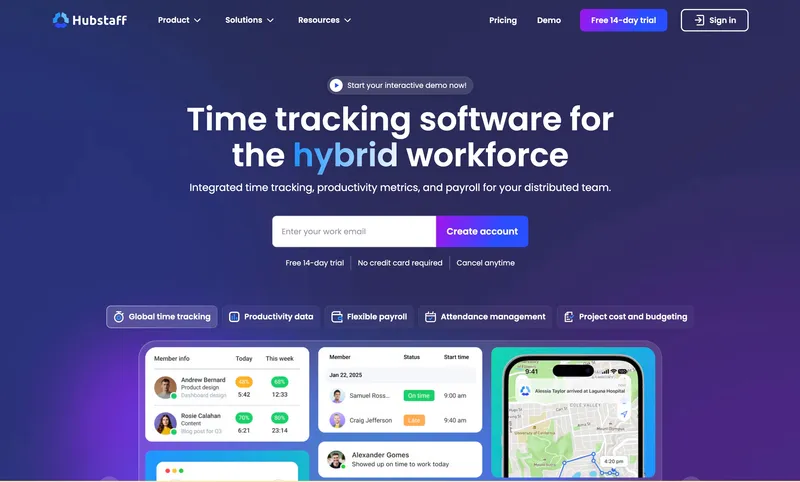
Hubstaff’s per-user pricing starts at $7 on Starter and goes up to $25 on Enterprise, with no per-location fee at any tier. For a multi-site operation that mixes on-site field crews with remote office or admin staff, Hubstaff’s productivity tracking features (idle time detection, app and URL activity for remote workers, project time allocation) do a job no other tool on this list does in the same package. GPS and geofencing are included in Starter. The multi-site caveat is feature creep: Hubstaff is built to monitor worker activity, which means a lot of the interface assumes screenshots, keystroke counts, and productivity percentages matter. For a multi-site cleaning crew or retail chain where the worker is physically at a site doing physical work, those features are irrelevant and the tool can feel over-built. Add-ons for advanced GPS fleet tracking, insights, and locations can also push the real monthly bill higher than the sticker suggests. Hubstaff is the right pick for a multi-site operation with genuinely remote or hybrid staff.
Best for: Multi-site businesses with a mix of on-site and remote workers who want a single tool for GPS punches plus remote productivity tracking.
Pricing
| Plan | Price |
|---|---|
| Starter | $7 / user / mo |
| Grow | $9 / user / mo |
| Team | $10 / user / mo |
| Enterprise | $25 / user / mo |
Free trial: 14-day trial.
Ratings
- Apple App Store: ⭐⭐⭐⭐ 4.5/5
- Google Play: ⭐⭐⭐⭐ 4.3/5
- Capterra: ⭐⭐⭐⭐ 4.6/5
ClockShark
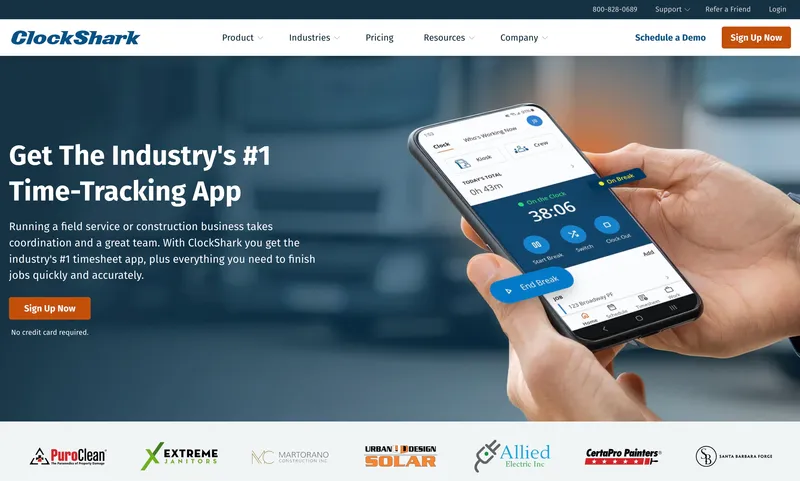
ClockShark is purpose-built for construction and field-trade businesses that run crews across multiple job sites. No per-location fee, GPS with breadcrumb trails, job costing by site, and multiple clock-in methods (mobile, kiosk, PIN) are all standard. For a 25-person field crew across 5 active job sites, ClockShark runs about $265 a month (the $40 base plus $9 per user). The feature story is highly specific to construction: GPS breadcrumbs capture movement between sites during a shift, job costing rolls up labor to specific projects for bid accuracy, and the product understands crew, foreman, and back-office roles natively. The structural caveats match what reviewers across sources report: GPS and sync glitches when crews work in signal-poor locations, and QuickBooks setup that takes longer than it should. ClockShark is most relevant for construction or trades operations running multiple concurrent job sites.
Best for: Construction, electrical, plumbing, and field-trade crews with 10 to 50 workers across concurrent job sites who need job costing and GPS breadcrumbs.
Pricing
| Plan | Price |
|---|---|
| Standard | $40 / mo base + $9 / user / mo |
| Pro | $60 / mo base + $11 / user / mo |
Free trial: 14-day trial.
Ratings
- Apple App Store: ⭐⭐⭐⭐⭐ 4.7/5
- Google Play: ⭐⭐⭐⭐ 4.3/5
- Capterra: ⭐⭐⭐⭐⭐ 4.7/5

How to choose
The decision hinges on three questions, and the right tool falls out of the answers.
Question 1: How many locations are you running today and in 12 months? Per-location tools (Homebase, 7shifts) are genuinely cheaper at one location and hurt at three or more. If you are single-site and plan to stay that way, Homebase’s free tier or 7shifts’ single-location free plan can work. If you are multi-site today or planning to be within a year, a per-user tool from this list will save real money. At 5 locations with 25 employees, Homebase Plus costs about $350 a month versus ShiftFlow’s flat $149.75, and that delta only grows with each new address.
Question 2: Do you need GPS in the base plan? For unsupervised multi-site work (cleaning, security, maintenance, distributed retail), GPS is the feature that makes clock-ins mean something. ShiftFlow, Jibble (free), OnTheClock, QuickBooks Time, Connecteam Basic, Hubstaff, and ClockShark include GPS clock-ins in the base product. Buddy Punch Starter captures GPS coordinates on punches; basic geofencing is on the Pro tier, and real-time GPS is a $2 per user add-on. Clockify Basic still does not include GPS. If GPS is non-negotiable, price the tier that actually includes it.
Question 3: What payroll system does your back office run? For teams on QuickBooks Payroll, QuickBooks Time’s native two-way sync saves real time at period close and may justify the per-user-plus-base-fee math. For teams on Gusto, ADP Run, Paychex, or a CSV import workflow, any tool with clean CSV export works fine. ShiftFlow, OnTheClock, Deputy, Connecteam, and Buddy Punch all handle this cleanly.
Real monthly bill for a 25-person team across 5 sites
| Tool | Monthly cost | GPS |
|---|---|---|
| Jibble Free | $0 | ✅ Included |
| Connecteam Basic | $29 | ✅ Included |
| OnTheClock Standard | ~$105 | ✅ Included |
| Clockify Basic | ~$100 | ❌ Pro tier required |
| Buddy Punch Starter | ~$131 | ✅ Coordinates on punches |
| Buddy Punch with Real-Time GPS | ~$181 | ✅ Add-on included |
| Deputy Core | $162.50 | ✅ Included |
| ShiftFlow | $149.75 | ✅ Included |
| Hubstaff Starter | ~$175 | ✅ Included |
| QuickBooks Time Premium | $220 | ✅ Included |
| ClockShark Standard | ~$265 | ✅ Included |
| Homebase Plus × 5 sites | ~$350 | ✅ Included |
| 7shifts × 5 sites | ~$250 | ❌ Schedule-first |
Best by use case
- Best flat per-seat multi-site pricing with GPS + selfie in base plan: ShiftFlow
- Best genuinely free multi-site option: Jibble
- Best flat monthly fee for teams under 30: Connecteam
- Cheapest paid per-user tool with GPS: OnTheClock
- Best for facial recognition and photo verification: Buddy Punch
- Best free plan for desk-based project teams: Clockify
- Best for Fair Workweek and compliance-heavy shift rules: Deputy
- Best for QuickBooks Payroll households: QuickBooks Time
- Best for mixed on-site and remote worker teams: Hubstaff
- Best for construction and field trades across job sites: ClockShark
Final recommendation
Best overall: ShiftFlow. Flat $5.99 per seat across any number of sites, with GPS, selfie verification, scheduling, and a Windows desktop app all included. Best for multi-site businesses with 10 to 50 hourly workers who want feature breadth without tier climbing. Pricing: $5.99 / user / month.
Best free multi-site option: Jibble. Free for unlimited users with GPS included; the right call when cost is the only axis that matters and your workflow fits the free-tier feature cap. Pricing: Free.
Best affordable paid tool with GPS: OnTheClock. $5 base plus $4 per user, GPS included, at about $105 a month for 25 users; the cheapest working paid option in this category. Pricing: $5 / mo base + $4 / user / month.
If adding a new address should not reopen the pricing conversation, start with the 14-day ShiftFlow trial. No credit card, full access. The bill at the end of the trial will still be seat count times $5.99, however many sites you tested it at.
Frequently asked questions
What is per-location pricing in time clock software?
Per-location pricing charges a monthly fee for every business address where you clock employees, regardless of how many employees you have. Homebase now charges $30 per location per month on Essentials (up to $120 on All-in-One); 7shifts charges $49.99 per location per month on The Works (its time-tracking tier). For a business operating 5 locations, the bill is 5 times the single-site price, which escalates fast as the business grows. Per-user tools charge by headcount instead, so the math scales with team size rather than addresses.
Which time clock software has no per-location fees?
Most per-user time clock tools have no per-location fees, including ShiftFlow ($5.99 per user), Jibble (free for unlimited users), Connecteam ($29 per month for the first 30 users), OnTheClock ($5 base + $4 per user), Buddy Punch ($4.49 per user + $19 base), Deputy ($5 to $9 per user), Clockify (free and per-user paid tiers), QuickBooks Time ($8 to $10 per user + $20 to $30 base), Hubstaff ($7 per user), and ClockShark ($9 per user + $40 base). The two big names that do charge per location are Homebase and 7shifts.
How much does per-location pricing cost at 5 locations?
Homebase Plus (which includes GPS) at $70 per location runs about $350 per month for 5 locations regardless of team size. Homebase Essentials at $30 per location is about $150 per month for 5 locations but does not include GPS. 7shifts at $49.99 per location on The Works (its time-tracking tier) runs about $250 per month for 5 locations. By comparison, ShiftFlow charges a flat $149.75 per month for a 25-person team across any number of locations, with GPS included.
Is there a free time clock software with no per-location fees?
Yes. Jibble offers a free plan for unlimited users with GPS tracking included and no per-location fee. Clockify offers a free plan for up to 5 users without GPS (GPS is on paid tiers). Homebase has a free plan but it is limited to one location. For a genuinely free multi-site option with GPS, Jibble is the most usable answer.
Does ShiftFlow charge per location?
No. ShiftFlow charges $5.99 per user per month (or $60 per user per year on annual billing), with no per-location fee, no base fee, and no add-ons. The same per-seat price applies whether your team works at one address or fifteen. GPS, selfie verification, scheduling, kiosk mode, and a Windows desktop app are all included in the single plan.
When does per-location pricing actually make sense?
Per-location pricing can work well when each location has a large headcount. A single restaurant with 30 employees on a per-location plan may pay less than it would on a per-user product. The math changes as locations are added, especially when headcount is spread across multiple sites. Count both employees and locations before picking a model.
How do I switch from a per-location plan to a per-user plan?
Export your historical time entries from the current tool as a CSV (every tool on this list supports CSV export), store it for recordkeeping, then start fresh in the new tool at the beginning of a pay period. Reassign employees, rebuild any scheduling rules, and run one pay period in parallel if you want a sanity check. Do not try to import old punches into the new system; starting clean on day one of a period avoids reconciliation headaches.
Do per-user plans include GPS for multi-site tracking?
Most do, but check the specific tier. ShiftFlow includes GPS and selfie verification in its base $5.99 plan. Jibble includes GPS in its free tier. OnTheClock includes GPS on its paid plan. Connecteam Basic now includes GPS clock-ins. Buddy Punch Starter captures GPS coordinates on punches; basic geofencing is on the Pro tier, and real-time GPS is a $2 per user add-on. QuickBooks Time includes GPS on both Premium and Elite. Clockify only offers GPS on Pro ($9.99 per user). If GPS matters, price the plan that actually includes it.
- time-clock-software
- multi-site
- multi-location
- no-per-location-fee
- flat-pricing
- software-comparison
- small-business
- field-service