Best Homebase alternatives for multi-location small businesses
Homebase Plus charges $70 per location — at 8 sites, that's $560/month. 10 alternatives that price per user instead, with 2026 monthly bills.
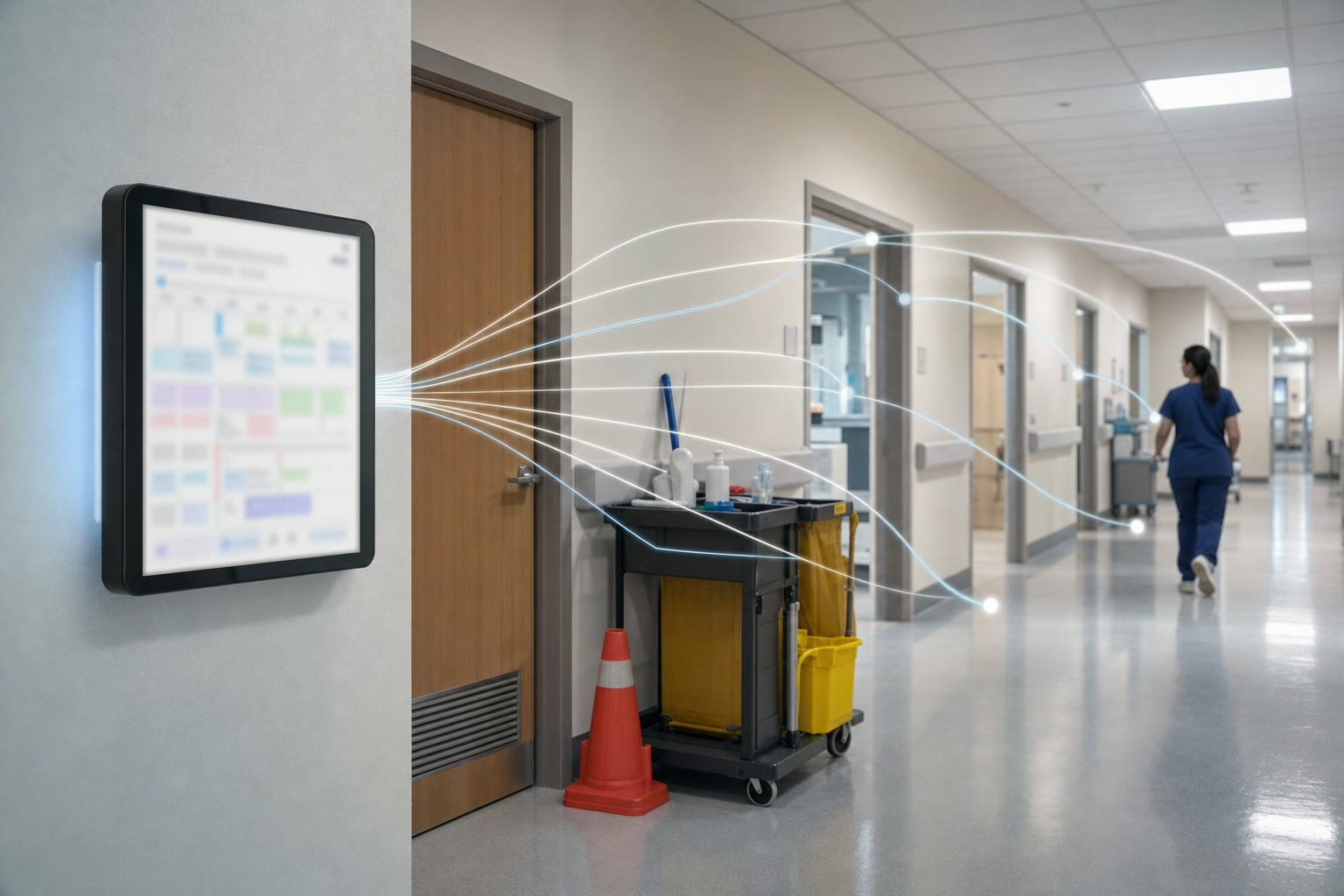
A cleaning company we talked to runs five crews through eight commercial buildings on a weekly rotation. On Homebase Plus, that single fact (eight locations, $70 each) sets the floor at $560 a month before anyone clocks in. Move the same crew onto a tool priced per seat and the bill drops below $200. That delta — and not any feature checklist — is what pushes most multi-site operators off Homebase.
To be fair, Homebase earns a lot of its installed base. The free single-location tier is useful for a coffee shop or a single salon, the scheduler is friendly to non-technical managers, the hiring/onboarding module is rare at the price, and the payroll add-on (around $39/month + $6/employee) gives one-location owners a single vendor for the whole back office. The problem isn’t the product; it’s the meter. Per-location billing rewards single-site businesses and punishes anyone running 3+ sites — multi-store retail, multi-shop service brands, multi-site cleaning, regional franchisees. The 10 tools below are the alternatives we’d actually shortlist for those operators, with multi-site cleaning as the running example because it surfaces the cost gap most starkly.
For a requirements-first view of site hierarchy, cross-location staffing, local manager access, and attendance, start with our multi-location employee scheduling software comparison.
At a glance
| Tool | Multi-location pricing | GPS at clock-in | Scheduling | Free plan | Direct payroll |
|---|---|---|---|---|---|
| ShiftFlow | Per seat, no location fee | ✓ | ✓ | 14-day trial | CSV/PDF |
| Connecteam | Per user, no location fee | ✓ | ✓ | ✓ (≤10 users) | ✓ |
| When I Work | Per user, no location fee | Limited | ✓ | 14-day trial | ✓ |
| Deputy | Per user, no location fee | ✓ | ✓ | 31-day trial | ✓ |
| ClockShark | Per user + $40 base | ✓ | ✓ | 14-day trial | ✓ |
| Buddy Punch | Per user + $19 base | Add-on | ✓ | 14-day trial | ✓ |
| Jibble | Per user, no location fee | ✓ | Limited | ✓ (unlimited) | ✓ |
| Sling | Per user, free up to 30 employees | ✗ | ✓ | ✓ (≤30 users) | Limited |
| OnTheClock | Per user + $5 base | ✓ | ✓ | 30-day trial | ✓ |
| Clockify | Per user, no location fee | Paid only | Limited | ✓ (5 users) | CSV |
How we picked
We weighted eight criteria toward the multi-site SMB operator who is either looking at Homebase or already paying for it:
- Per-user or flat pricing — never per-location
- GPS at clock-in for crews working off-site
- Scheduling that can rotate the same workers through multiple sites
- Mobile-first UI that doesn’t assume a desk and a monitor
- Direct payroll integration with Gusto, QuickBooks Online Payroll, ADP, or Paychex (or a clean CSV path)
- Federal weekly + state daily overtime calculation
- A consolidated multi-location view, not separate dashboards per site
- Recent ratings on the App Store, Google Play, and Capterra
Pricing, plan names, and ratings were pulled from three roundups current to early 2026 and reconciled against each vendor’s own pricing page. Where two sources disagreed by more than 20%, we went with whichever the vendor was advertising the day we wrote this.
1. ShiftFlow: best overall for multi-site cleaning crews and small multi-location operations
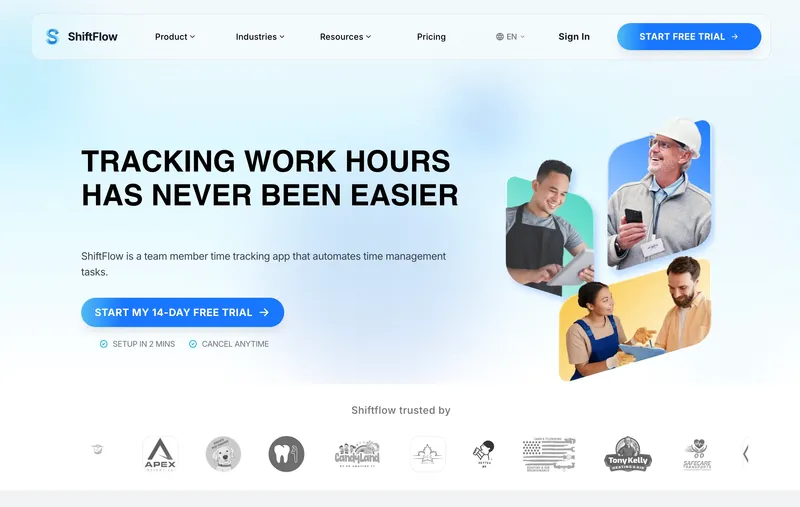
ShiftFlow is one plan, $5.99 per seat monthly or $60 per seat annually, and adding a ninth or tenth client site doesn’t move the bill. GPS at clock-in, geofencing, multi-site scheduling, selfie verification, and CSV/PDF payroll exports all sit inside that single price. The 12-person, 8-site cleaning scenario lands at $71.88/month here versus $560 on Homebase Plus.
The tradeoff is no built-in payroll module like Homebase’s add-on, and CSV-only payroll exports rather than a two-way sync. For operators where the per-location bill is the dominant pain, the math wins.
Best for: Multi-site cleaning, multi-store retail, and service brands whose Homebase invoice is being driven primarily by location count.
Pricing
| Plan | Price |
|---|---|
| Monthly | $5.99 per seat |
| Annual | $60 per seat per year |
Free trial: 14 days, no credit card required.
Ratings
- Apple App Store: 4.8/5
- Google Play: 4.8/5
- Capterra: 4.8/5
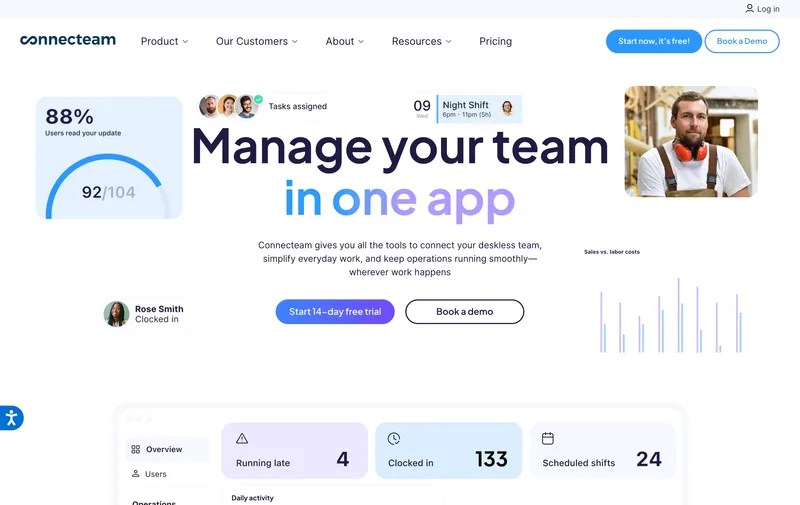
2. Connecteam: best free option for crews under 10 workers across unlimited locations
If the crew is under 10 people, Connecteam is hard to beat — the Small Business plan is free, includes GPS clock-in, basic scheduling, and team messaging, and doesn’t care how many sites the team rotates through. The cliff is at user 11. Move there and Basic ($29/month for the first 30 users) becomes the entry point, with geofence enforcement (blocking, not just notifying) gated behind Advanced ($49/month for 30) and Expert ($99/month for 30) above that. Basic supports geofencing for up to 10 sites, which works for most small cleaning operations until enforcement matters.
Best for: Operations under 10 employees that need GPS time tracking and don’t want to pay per location.
Pricing
| Plan | Price |
|---|---|
| Small Business | Free up to 10 users (unlimited locations) |
| Basic | $29/month for first 30 users |
| Advanced | $49/month for first 30 users |
| Expert | $99/month for first 30 users |
Free trial: Free plan; 14-day trial on paid tiers.
Ratings
- Apple App Store: 4.9/5
- Google Play: 4.9/5
- Capterra: 4.6/5

3. When I Work: best for retail and service businesses with predictable rotating shifts
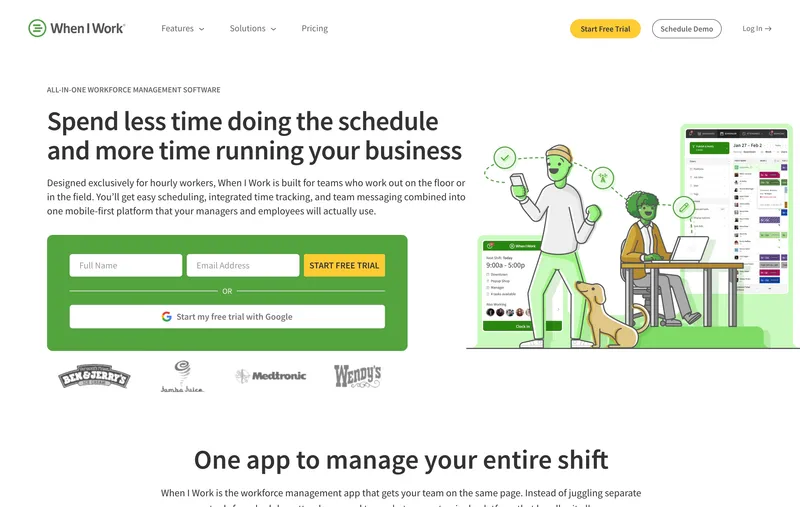
When I Work has the deepest scheduling experience on this list. Drag-and-drop, self-service shift swaps, availability windows, and a multi-location plan that supports unlimited storefronts under one account — for managers who live inside the schedule, this is the most pleasant tool here. The catch for cleaning specifically is that GPS at clock-in is limited; When I Work captures the time, not consistently the location. The Time & Attendance and Payroll add-ons also push the real per-user cost above the headline $2.50 Essentials price, so build those into any quote you compare.
Best for: Retail, hospitality, and shift-heavy service brands where scheduling is the primary problem and GPS verification is a nice-to-have.
Pricing
| Plan | Price |
|---|---|
| Essentials | $2.50 per user per month |
| Pro | $5 per user per month (multi-location) |
| Premium | $8 per user per month |
| Time & Attendance add-on | Additional cost |
Free trial: 14 days, no credit card required.
Ratings
- Apple App Store: 4.8/5
- Google Play: 4.8/5
- Capterra: 4.5/5
4. Deputy: best for multi-state operations with compliance complexity
Deputy is what you reach for when state lines start showing up in your timecards. It ships with an actual pay-rule library — California daily overtime, predictive scheduling rules in Oregon and New York City, automated meal-and-rest break enforcement — that none of the cheaper tools on this list match. It also has demand forecasting that integrates with POS data, which is the closest analog to what Homebase Plus offers on labor forecasting.
The size question matters. Deputy is engineered for shift-based businesses that have outgrown the spreadsheet, and at 25+ headcount the Lite plan ($5/user/month) is competitive. Below that, the learning curve and the periodic UI friction (third-party reviews consistently flag “occasional app glitches” and a clunky leave-management workflow) start to feel disproportionate. For 12 cleaners across 8 sites Deputy and ShiftFlow land near each other on price; the question is whether you’re paying for compliance automation or paying for simplicity.
Best for: 25+ workers across multiple states, or any operator where missed break compliance is a real liability.
Pricing
| Plan | Price |
|---|---|
| Lite | $5 per user per month |
| Core | $6.50 per user per month |
| Pro | $9 per user per month |
Free trial: 31 days.
Ratings
- Apple App Store: 4.6/5
- Google Play: 4.4/5
- Capterra: 4.6/5
5. ClockShark: best for cleaning crews already on a job-costing workflow
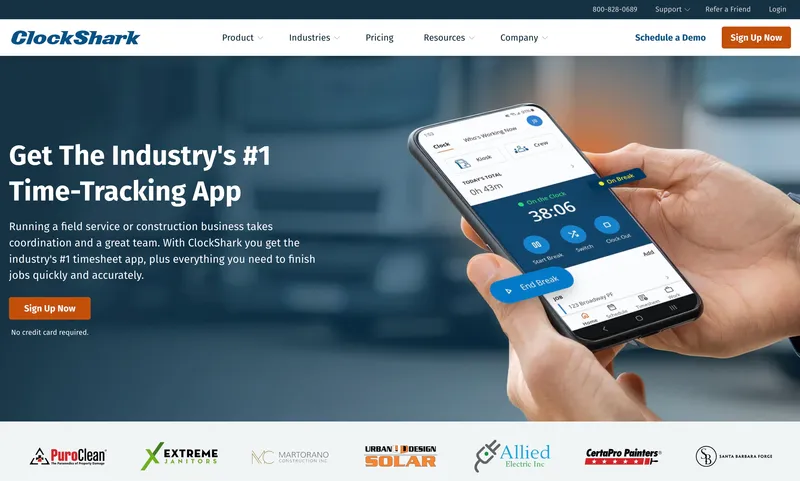
If you bill cleaning contracts by the hour and need labor data tied back to a specific job for invoicing, ClockShark is the most natural fit on this list. It does continuous GPS breadcrumbs (not just a clock-in pin), geofenced reminders, and clean mid-shift job switching, so a four-hour office job followed by a three-hour medical-suite job lands in two billable buckets without manager cleanup. For operations where billable-hours-by-contract is core to how you make money, ClockShark’s job-costing layer is the differentiator.
The friction is the cost structure: $9 per user per month plus a $40 monthly base fee makes ClockShark the most expensive option here at low headcount, and reviews flag GPS accuracy issues and slow app loads on older Android devices.
Best for: Cleaning, HVAC, or trade contractors who invoice by job and need timesheets that map directly to the contract.
Pricing
| Plan | Price |
|---|---|
| Standard | $9 per user per month + $40/month base |
| Pro | Higher tier |
Free trial: 14 days.
Ratings
- Apple App Store: 4.5/5
- Google Play: 4.0/5
- Capterra: 4.7/5
6. Buddy Punch: simple multi-method clock-in for crews of mixed device adoption
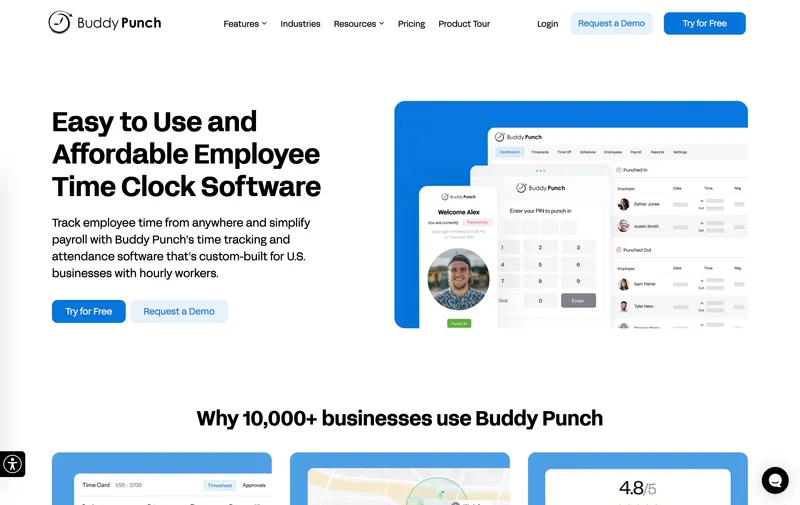
Buddy Punch’s bet is that not every worker has the same phone, the same comfort with apps, or the same employment status. Workers can punch in from a personal phone, a shared kiosk, with a PIN, or via QR code, which is useful when a cleaning operation runs a mix of W-2 staff, 1099 subs, and seasonal hires. Drag-and-drop scheduling and 17 payroll integrations cover the back-office side.
Two specific gotchas in the pricing. First, the headline per-user numbers (Starter at $4.49 annual / $5.49 monthly; Pro at $5.99 annual / $6.99 monthly) sit on top of a $19 monthly admin fee. Second, basic GPS at clock-in is included on paid plans, but the Real-Time GPS Add-on for live location dashboards runs about $2/user/month extra. A 12-person crew on Pro annual with live GPS works out to ≈$115/month (12 × $5.99 + $19 base + 12 × $2 GPS) — well under Homebase’s eight-location bill, but $40+ above ShiftFlow for a similar feature set.
Best for: Operators who actually need the multi-method clock-in flexibility — mixed W-2/1099 crews, kiosk + mobile combinations, contractors without smartphones.
Pricing
| Plan | Price |
|---|---|
| Starter | $4.49/user annual ($5.49 monthly) + $19/month base |
| Pro | $5.99/user annual ($6.99 monthly) + $19/month base |
| Real-Time GPS Add-on | ≈$2/user per month for live location dashboards |
| Enterprise | Higher tier |
Free trial: 14 days, no credit card required.
Ratings
- Apple App Store: 4.9/5
- Google Play: 4.6/5
- Capterra: 4.8/5

7. Jibble: best free option with unlimited users and biometric verification
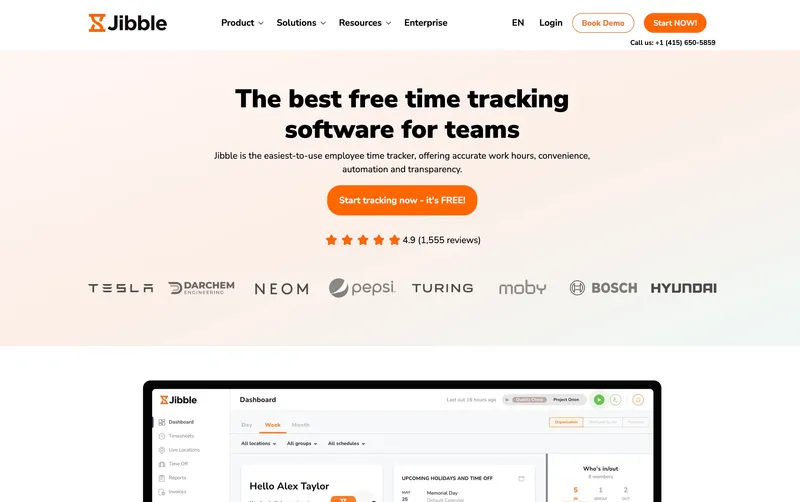
Jibble’s free tier is the most generous on user count: unlimited people, GPS at clock-in, kiosk mode, and automated timesheets, all at $0. The two ceilings to know about: only 2 geofences and no facial recognition on Free — both gate to Premium. For a multi-site operation that needs the basics across more than 10 workers (which would push Connecteam off the table), Free Jibble does the job.
Premium (~€3.99/user per month; verify USD rate with the vendor) opens up unlimited geofence enforcement, facial recognition, live tracking, and richer reporting. Scheduling is thinner here than in Connecteam, Deputy, or When I Work — operations that need real shift rotation logic at the schedule level will end up either upgrading or running scheduling in a separate tool.
Best for: Crews larger than Connecteam’s free 10-user cap who need GPS time tracking without paying.
Pricing
| Plan | Price |
|---|---|
| Free | $0, unlimited users (2 geofences max) |
| Premium | ~€3.99/user per month (verify USD with vendor) |
| Ultimate | Higher tier |
Free trial: Free plan; 14-day trial on paid tiers.
Ratings
- Apple App Store: 4.8/5
- Google Play: 4.7/5
- Capterra: 4.8/5
8. Sling: best free scheduling for unlimited locations
Sling Free is unusual: scheduling for up to 30 employees across unlimited locations, with shift assignment, internal messaging, and labor-cost alerts, at $0. If you need a better scheduler than Homebase Basic but you already have time tracking solved, this is a real free tier — and Homebase doesn’t offer a comparable scheduling-only path across multiple sites.
The two limits are easy to miss. Mobile time tracking starts at Premium ($2/user monthly, $1.70 annual), and the kiosk plus advanced reports live on Business ($4/user monthly, $3.40 annual). Sling is also scheduling-first by design, so pairing it with a separate time clock means running two tools — at which point a single per-user tool is usually simpler. Reviews note that Sling occasionally schedules over stated unavailability and that the mobile view is thinner than the web app.
Best for: Operators under 30 employees who already have time tracking handled and just want a free, multi-site-friendly scheduler.
Pricing
| Plan | Price |
|---|---|
| Free | $0, up to 30 employees, unlimited locations (scheduling only) |
| Premium | $2/user monthly ($1.70 annual) (adds mobile time tracking) |
| Business | $4/user monthly ($3.40 annual) (adds kiosk + advanced reports) |
Free trial: Free plan; trials on paid tiers.
Ratings
- Apple App Store: 4.6/5
- Google Play: 4.4/5
- Capterra: 4.6/5
9. OnTheClock: budget-friendly per-user pricing for small multi-site operations
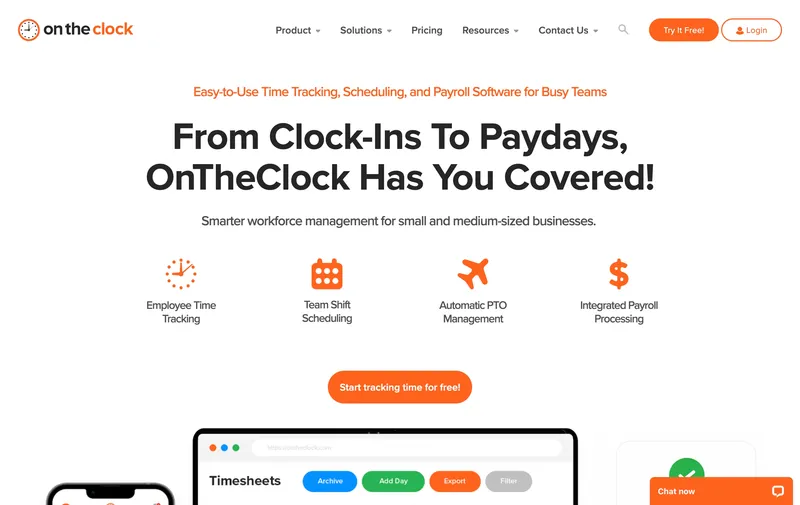
OnTheClock undercuts almost everyone here on price: $4 per user per month plus a $5 monthly base, with GPS, multi-location support, mobile clock-in, and PTO management included. For a five-person two-site operation, that’s $25/month total — cheaper than ShiftFlow at small headcount and a fraction of any Homebase paid tier. Direct integrations with ADP, QuickBooks, Gusto, and Square cover the common payroll setups.
Where it falls short: OnTheClock effectively requires connectivity to function, and offline behavior is weaker than ShiftFlow, ClockShark, or Timeero. If your crews work in basements, parking structures, rural sites, or anywhere cellular drops out, expect missed punches that have to be reconciled by a manager later.
Best for: Very small multi-site operations on reliable connectivity who want the lowest predictable bill.
Pricing
| Plan | Price |
|---|---|
| Standard | $4 per user per month + $5/month base |
Free trial: 30 days, no credit card required.
Ratings
- Apple App Store: 4.7/5
- Google Play: 4.0/5
- Capterra: 4.7/5
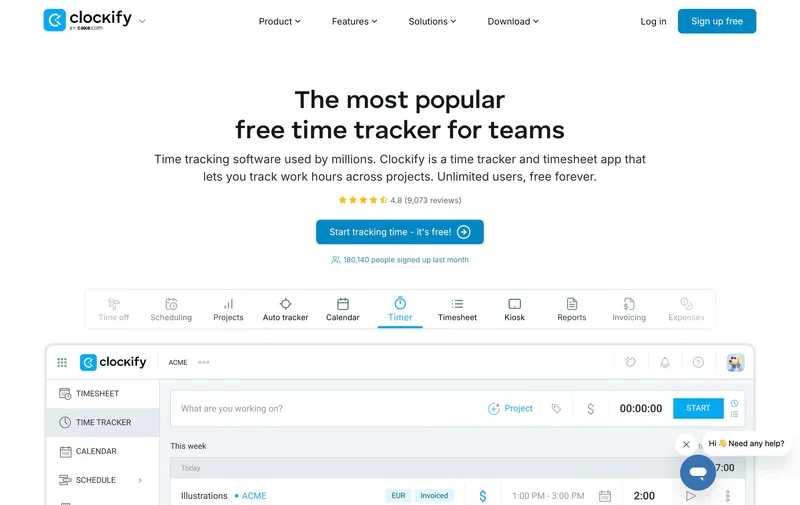
10. Clockify: best free time tracking with project-level reporting
Clockify is the odd entry on this list because it’s not a shift app — it’s a project-time tracker that some small services use as a Homebase substitute. The free tier handles up to 5 users with unlimited time tracking, basic kiosk mode, and project-based hour categorization. For a tiny operation that bills clients by project hours, that’s a serviceable $0 setup. Pro at $7.99/user/month annual ($9.99 monthly) adds GPS, advanced reporting, and more integrations.
The mismatch shows up fast. There’s no real shift scheduling, overtime calculation is basic, and free-tier payroll integration is limited. Anyone running an actual shift-based crew across multiple sites will outgrow Clockify in a month or two — but if billable hours are the unit you care about and the crew is tiny, it’s free and it works.
Best for: Sub-5-person services that bill by project hours and don’t need scheduling.
Pricing
| Plan | Price |
|---|---|
| Free | $0, up to 5 users |
| Basic | $3.99 per user per month |
| Pro | $7.99/user per month (annual; $9.99 monthly) |
Free trial: Free plan; trials on paid tiers.
Ratings
- Apple App Store: 4.6/5
- Google Play: 3.5/5
- Capterra: 4.8/5

How to choose
In practice three questions decide this: how does the vendor meter you, do you fit in a free tier, and how clean is the path into your payroll system.
Pricing model. This is what most operators are actually shopping for. The table below benchmarks the same scenario — 12 employees rotating across 8 client sites, monthly billing assumed unless noted, mid-tier plan where applicable, no extra add-ons unless they’re required for parity — across every tool on the list.
| Tool | Plan | Monthly bill (12 users, 8 sites) |
|---|---|---|
| ShiftFlow | Single plan | $71.88 |
| Connecteam | Basic (free under 10) | $29 (Basic) or $0 (free under 10 only) |
| When I Work | Pro | $60 |
| Deputy | Lite | $60 |
| ClockShark | Standard | $148 ($108 + $40 base) |
| Buddy Punch | Pro + Real-Time GPS | $115 ($72 + $19 base + $24 GPS) |
| Jibble | Premium | ~€48 (or $0 free, verify USD) |
| Sling | Free or Premium | $0 (≤30 emp scheduling) or $24+ (time tracking) |
| OnTheClock | Standard | $53 ($48 + $5 base) |
| Clockify | Pro | $96 (12 × $7.99 annual) |
| Homebase | Plus (8 locations) | $560 |
The Homebase row is the whole argument for this post. Eight of the ten alternatives come in under 30% of that bill. Switching to annual billing where available (ShiftFlow, Buddy Punch, Sling, Clockify) compresses the gap further.
Free tiers worth using. Three of these have free tiers that hold up for multi-site work, and each one fails in a different way. Connecteam stops at 10 users. Jibble caps geofences at 2 and locks facial recognition behind Premium. Sling caps employees at 30 and excludes time tracking. If your operation slots cleanly under one of those ceilings, start free and upgrade only when you hit the actual wall.
Payroll integration. Deputy, Connecteam, When I Work, OnTheClock, ClockShark, and Buddy Punch all ship native two-way connections to multiple payroll platforms. ShiftFlow exports to CSV, which imports cleanly into Gusto and QuickBooks Online Payroll but isn’t a live two-way sync. Homebase itself bundles a payroll add-on (≈$39/month + $6/employee), which is a real convenience advantage if you want one vendor for both — almost no one on this list replicates that.
Best by use case
- Multi-site cleaning, retail, or services where Homebase’s per-location bill is the problem: ShiftFlow
- Crews under 10 with no budget: Connecteam free
- Crews over 10 that still want a free GPS time clock: Jibble free
- Free scheduling-only across many sites: Sling free
- Scheduling-heavy retail and hospitality: When I Work
- State-line crossings or break-compliance liability: Deputy
- Job-costed cleaning, HVAC, and trade contracts: ClockShark
- Mixed W-2/1099 crews wanting kiosk + PIN + QR options: Buddy Punch
- Lowest predictable bill at small headcount: OnTheClock
- Sub-5 services billing by project hour: Clockify
Final recommendation
For most multi-site SMBs leaving Homebase over the pricing model, ShiftFlow is the cleanest swap: $5.99/seat ($60/seat annual), GPS, geofencing, multi-site scheduling, and CSV payroll exports, with no per-location surcharge no matter how many client sites get added. The 12-person, 8-site operation pays $71.88/month here against $560 on Homebase Plus. QuickBooks-first shops, multi-state operators with daily-OT complexity, and contract-billing cleaners may prefer QuickBooks Time, Deputy, or ClockShark respectively.
Two other shortcuts worth knowing. Connecteam free is the right answer if the crew is under 10 and the budget is zero. OnTheClock at $4/user + $5 base is the cheapest predictable bill at small headcount — about $53/month for the 12-person scenario, less than ShiftFlow — and the offline weakness is the only reason we don’t recommend it more often.
FAQ
Why is Homebase so expensive for multi-location businesses?
Homebase prices by location, not by user. The free Basic plan covers one location only. Each additional location moves an operation to a paid tier (Essentials at $30 per location per month, Plus at $70 per location, All-in-One at $120 per location). For a 4-location operation on Plus, that’s $280 a month before any per-employee math. The same operation on a per-user-priced tool typically pays a fraction of that. The model works for single-location small businesses; it scales poorly for multi-site operations.
Does Homebase still have a free plan?
Yes. Homebase Basic remains free for one location with up to 10 employees, with scheduling, time clock, and team messaging included. The free plan is competitive for single-location operations. The pricing pain starts at location two, when Essentials or higher tiers become required.
Are there free Homebase alternatives that work for multiple locations?
Three on this list. Connecteam Small Business is free for up to 10 users across unlimited locations. Jibble Free supports unlimited users with GPS clock-in and a kiosk (facial recognition and unlimited geofences require Premium). Sling Free covers scheduling for up to 30 employees across unlimited locations, with no time tracking on the free tier. Each has tradeoffs, but for a strict multi-site free use case all three are workable.
What’s the best Homebase alternative for cleaning businesses?
For most multi-site cleaning operators, ShiftFlow’s flat per-seat pricing removes the per-location bill that drove the search. ClockShark is the better answer when labor data has to feed contract invoicing. Connecteam is the lowest-cost option for crews under 10. Buddy Punch fits cleaning crews that mix W-2 and 1099 workers and want flexible clock-in methods on a single app.
How do I migrate from Homebase to a new time tracking tool?
Three steps cover most migrations: export historical timesheets from Homebase as CSV (Settings > Reports), set up the new tool with the same shift patterns and pay rates, and run one full pay period in parallel before cutting over. Most tools on this list import employee data directly from CSV; check the new vendor’s onboarding docs for format specifics. Plan for one to two weeks of overlap so configuration issues surface before they hit payroll.
Can I keep my existing payroll provider when switching from Homebase?
Yes, in almost every case. Homebase has built-in payroll, but the time data exports cleanly into Gusto, QuickBooks Online Payroll, ADP, or Paychex via direct integrations or CSV. Switching time tracking does not require switching payroll. Confirm that the alternative tool has either a direct integration or clean CSV export to your specific payroll provider before committing.
What features does Homebase have that some alternatives don’t?
The payroll add-on (≈$39/month + $6/employee) is the convenience play — one vendor for time tracking and payroll. The hiring and onboarding module is the other genuine differentiator at the price point. For single-location or two-location operations that value those, Homebase Plus or All-in-One can still be the right answer. Around the third location, the per-location math usually flips the decision.
- homebase-alternatives
- time-tracking
- multi-location
- scheduling-software
- cleaning-business
- software-comparison
- time-clock-software