7 Best Cleaning Business Scheduling Apps (2026)
Compare 7 cleaning scheduling and time tracking apps for recurring routes, GPS verification, multi-site hours, payroll exports, and simple mobile clock-ins.
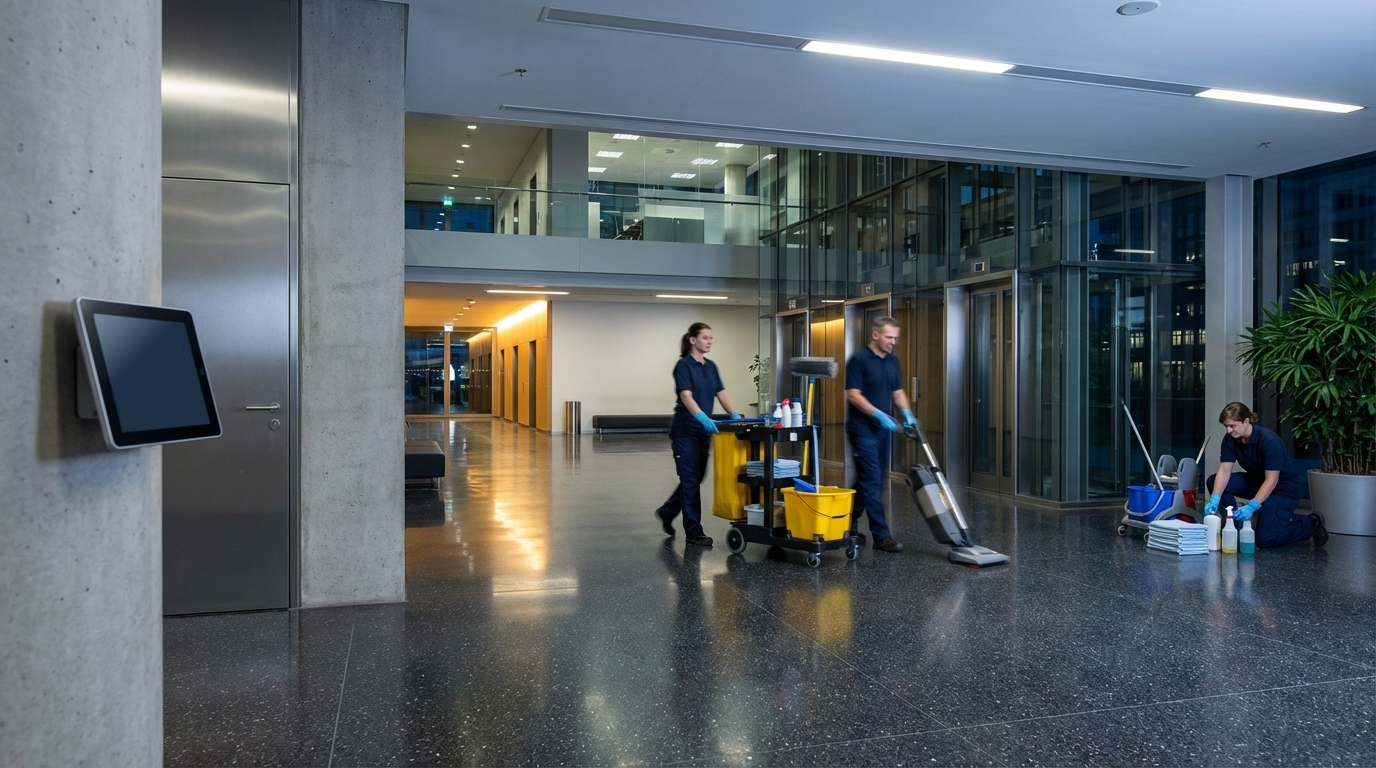
You Need Scheduling and Time Tracking, but Which One Works for Cleaning?
You search “best time tracking software” and get a list of 30 tools. Half are built for freelancers billing by the hour at a laptop. A quarter are restaurant scheduling tools with a time clock bolted on. The rest are enterprise platforms that need a week-long onboarding.
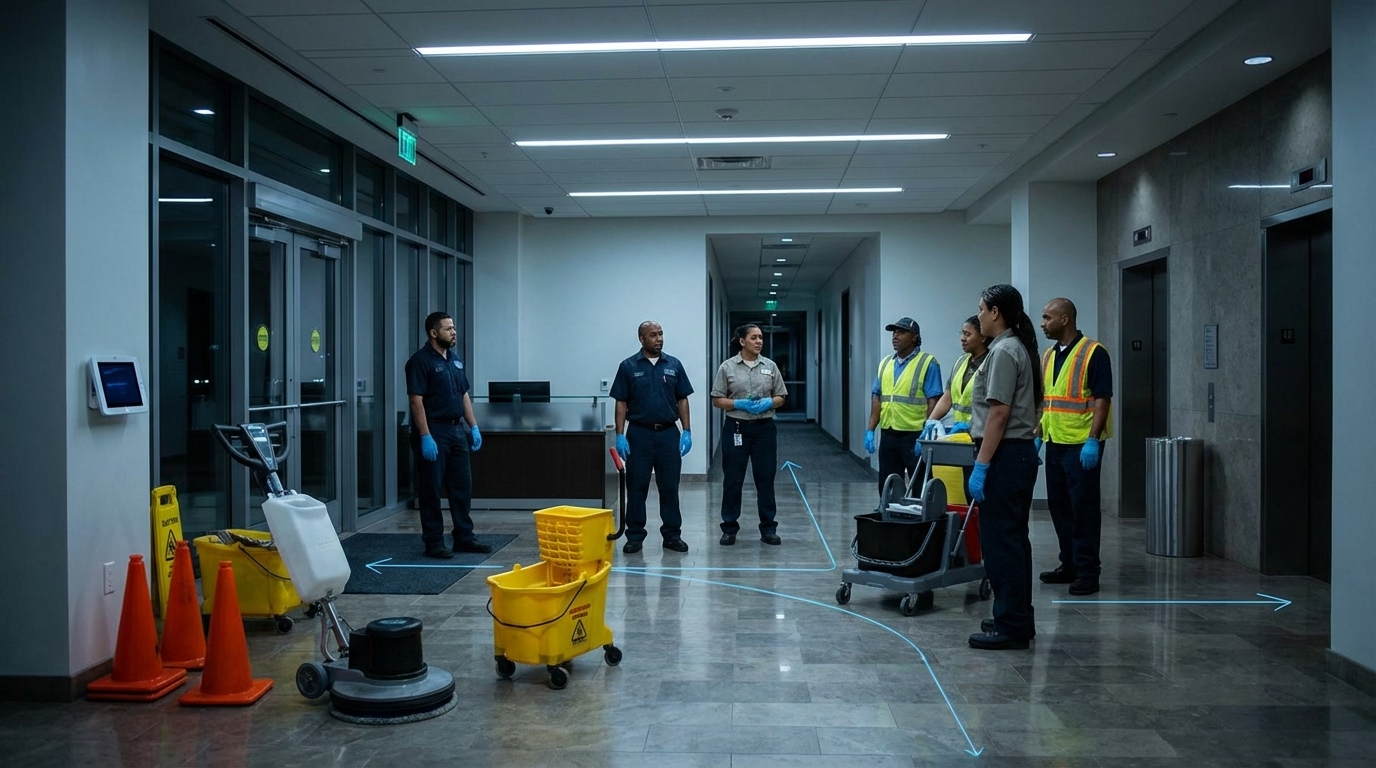
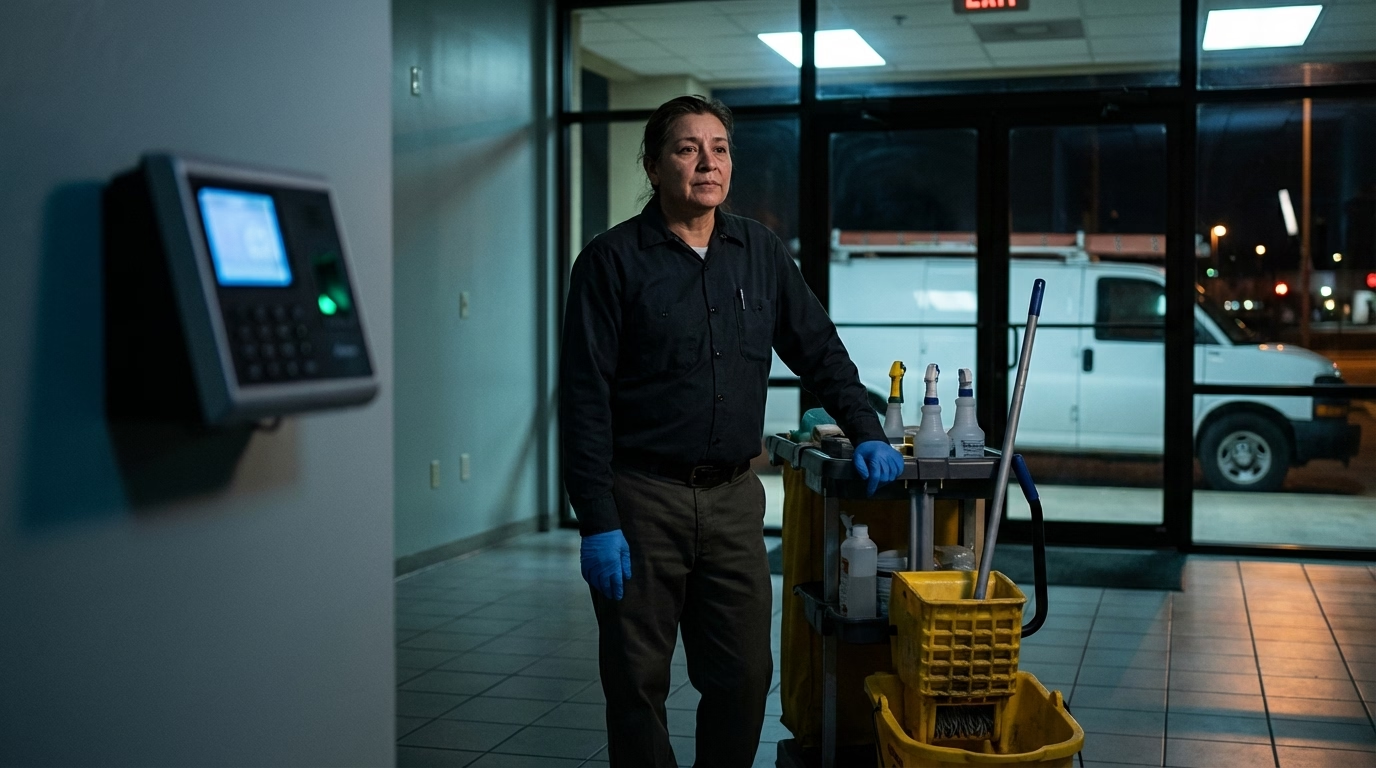
None of them say “built for cleaning businesses” on the homepage. And that is the problem — because the way cleaning companies track time is genuinely different from every other industry. Your crews work unsupervised at client sites. They move between buildings in a single shift. They clock in from parking lots at 6 PM, work in basements with no cell signal, and you need per-client hours for invoicing, not just a daily total.
We looked at the most commonly recommended time tracking tools and evaluated each one specifically for commercial cleaning operations. Not from a features page — from the perspective of a cleaning business owner who needs GPS that works indoors, scheduling for rotating routes, and a clock-in simple enough that a cleaner can use it in the dark without training. For very small teams (under five people), a spreadsheet might still be enough — but most cleaning businesses outgrow it fast.
What Makes Cleaning Different from Other Industries
A restaurant needs one time clock at one location. A cleaning company needs time tracking that works across ten, twenty, or fifty different client sites. That difference shapes everything.
Mobile GPS clock-in. Non-negotiable. Your cleaners clock in from a phone at client sites, and you need GPS to confirm they are at the right building. Every tool on this list has GPS — but how well it works indoors (where cleaning actually happens) varies widely. Understanding common GPS time tracking problems will help you tell the difference.
Multi-site job tracking. You bill clients individually, so you need hours broken down by location — not just a daily total per cleaner. This is the feature that separates cleaning-ready tools from everything else. For a deeper dive, see our guides on tracking hours across multiple sites and per-client billable hours.
Geofencing. Restricts clock-ins to a specific radius around each job site. Prevents the “clocked in from the parking lot 20 minutes early” problem — and gives you proof of arrival for client disputes. Some tools include this free, others lock it behind paid tiers.
Offline mode. Basements, interior hallways, buildings with no cell signal. The software needs to queue punches locally and sync when connectivity returns. If it does not, you will lose data on every night shift.
Simple interface. Your cleaners are not tech workers. Many work overnight and speak different languages. If clock-in takes more than two taps, adoption will be a fight.
Payroll-ready exports. Hours by employee, by day, with overtime flagged — in a format your payroll provider can actually import.
Scheduling. If you assign specific cleaners to recurring routes each night, the schedule needs to carry the team member, shift, and client site into the clock-in record. Availability, open shifts, schedule publishing, and last-minute changes matter more than a calendar view. The advantage of employee scheduling and time tracking software is that managers can compare the planned shift with the actual arrival and hours without reconciling two systems. For the scheduling process itself, read our employee scheduling guide; for a wider field-team comparison, see the GPS time tracking apps with scheduling.
Short on time? Here is the cheat sheet.
| Your situation | We recommend | Why |
|---|---|---|
| You need GPS + scheduling + per-client hours in one place | ShiftFlow | Built for multi-site field crews |
| You have under 10 team members and zero budget | Connecteam | Free plan includes GPS, geofencing, and checklists |
| You run a small crew and want the simplest setup | Homebase | Drag-and-drop scheduling with GPS snapshots |
| You bill clients per hour and need job costing | Busybusy | Per-project tracking with GPS breadcrumbs |
| Scheduling is the headache, time tracking is secondary | When I Work | Best scheduler that also tracks time |
| You want free and only need basic hour tracking | Clockify | Unlimited free users, project-based tracking |
| You need strong scheduling with payroll integrations | Deputy | Shift swaps, availability, and wide payroll support |
If one of those fits, grab the free trial and skip the rest. If you want the full picture, keep reading.

Best cleaning scheduling and time tracking software compared
1. ShiftFlow — best for multi-site cleaning operations
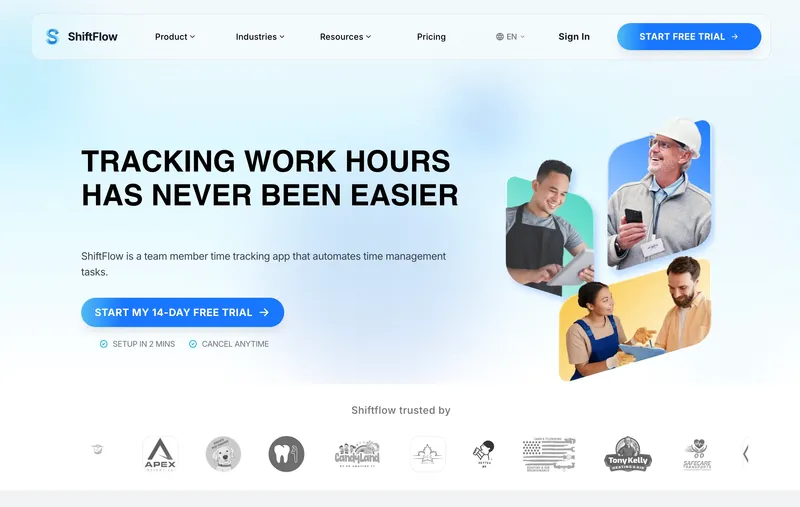
Full disclosure: ShiftFlow is our product, and it is on this list. We will be upfront about what it does well and where it falls short compared to everything else we evaluated.
The core idea behind ShiftFlow’s time clock is that your schedule and your clock are the same thing. When a cleaner clocks in, you immediately see whether they are at the right location, on time, and working the correct route. GPS verification grabs coordinates at clock-in and checks them against geofences you set per job site. Timesheets build themselves from punch data. Overtime and breaks are calculated automatically.
Per-client hour tracking is the default view, not a workaround — which matters when your invoicing depends on knowing exactly how long each building took. Offline mode queues punches when your cleaners are in basements or buildings with no signal, and syncs when connectivity returns.
Where it falls short: Reporting is still catching up to more established platforms. If you need deep job costing with cost codes and equipment tracking, Busybusy goes deeper. We do not have task checklists like Connecteam does. We are a young product and we know it — but the core (scheduling, GPS clock-in, per-site timesheets) is solid.
Pricing: $5.99/seat/month or $60.00/seat/year. 14-day free trial.
2. Connecteam — best all-in-one for deskless teams
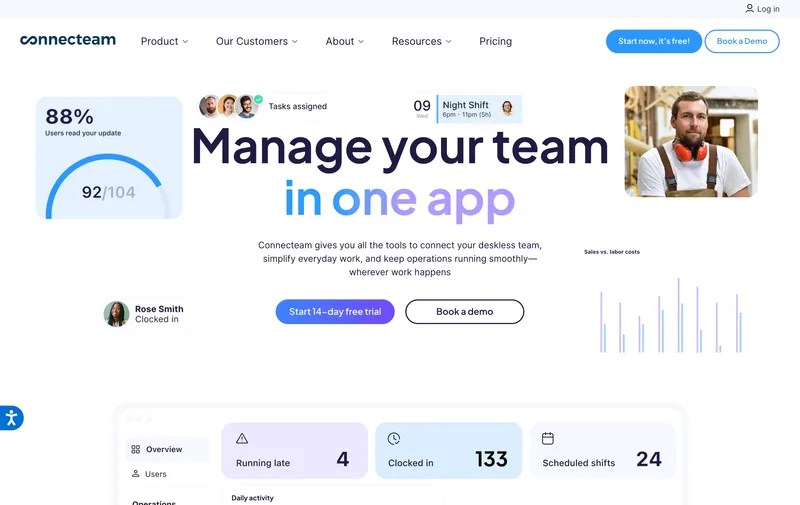
Connecteam is an all-in-one workforce management platform built for deskless teams — and cleaning is one of their core use cases. GPS time clock, geofencing, scheduling, task checklists, team messaging, and training modules all live in one place.
The standout feature for cleaning is the task checklist. You can attach a cleaning checklist to each job site so team members confirm specific areas were serviced before clocking out. That is genuinely useful if clients question whether a cleaning was completed — you have timestamped proof. The free plan is generous: up to 10 users get full access to everything, including GPS, geofencing, and all three product hubs.
Where it gets complicated: Connecteam packs so many features that setup takes effort. If you only need time tracking and scheduling, the communication, training, and HR tools add clutter your cleaners will never touch. The bigger gotcha is pricing — the $29/month figure on the website is per hub, not for the whole platform. Operations, Communications, and HR are separate purchases. A cleaning company wanting all three on the Basic plan is looking at $87/month, not $29.
Pricing: Free for up to 10 users (full features). Paid from $29/month per hub for up to 30 users.
3. Homebase — best free plan for small crews
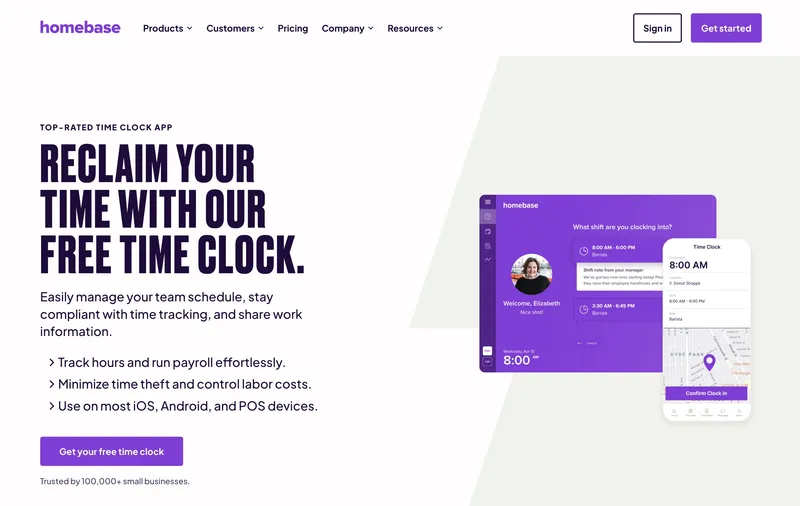
Homebase is built for small, hourly businesses — restaurants, retail, salons. It is not designed for cleaning specifically, but the simplicity is its advantage. Drag-and-drop scheduling, a mobile time clock with GPS snapshots at punch, and integrations with Gusto and QuickBooks. Your cleaners can be clocking in within 15 minutes of setup.
Homebase does have geofencing, which several competitor reviews get wrong. You can set a radius around a location and restrict clock-ins to that area. GPS captures location at punch but does not track continuously during shifts — a reasonable balance for most small cleaning operations.
The limitation for cleaning: Homebase is designed around single-location businesses. You can create multiple “locations,” but the workflow assumes team members report to one place. If you manage 15 client sites and need per-location hour tracking for invoicing, you will spend more time configuring workarounds than actually tracking time. For a small crew with a handful of regular sites, it works. For a commercial operation managing routes across a city, look at Connecteam or Busybusy instead.
Pricing: Free for 1 location and up to 20 team members. Paid from $20/month per location (annual) or $24.95/month monthly.
4. Busybusy — best for job costing per client
Busybusy is time tracking software built for construction and field service. The terminology feels like a hard hat — “projects,” “cost codes,” “equipment tracking” — but the underlying model maps surprisingly well to cleaning. Set up each client location as a project, and Busybusy tracks hours against it automatically. GPS breadcrumb trails show where a cleaner traveled during their shift, and the offline mode actually works, which matters when your crew is in a basement with zero signal.
The job-costing angle is the real differentiator. If you price contracts based on labor hours per site and need to know exactly what each building costs you, Busybusy gives you that data without spreadsheet gymnastics.
Where it falls short: Scheduling is limited. Busybusy assumes your crew knows where to go — it does not have the route-assignment or shift-swap features you get from Connecteam, Deputy, or When I Work. If building the nightly schedule is a pain point, you will need a separate tool. The construction-centric interface also means your cleaners will see terms like “job site foreman” that do not quite fit.
Pricing: Free plan with basic GPS time tracking. Pro from $9.99/user/month + $40/month admin fee.
5. Deputy — best scheduling with payroll integrations
Deputy is a workforce management platform used across hospitality, retail, healthcare, and field services. The scheduling tools are strong — shift swapping, availability management, demand-based scheduling, and auto-scheduling based on rules you define. The time clock includes GPS verification, and it integrates with a wide range of payroll providers (ADP, Gusto, Paychex, QuickBooks, and more).
For cleaning companies where the primary chaos is “who is going where tonight,” Deputy handles that well. The interface is cleaner than Connecteam’s and easier for team members to learn.
The cost problem: Deputy charges per user per month, and the features you actually need for cleaning are on the higher tiers. Geofencing requires the Premium plan. Job-level tracking (hours per client location) is possible but takes configuration — it is not the default view. For a 25-person cleaning crew on the Premium plan, you are looking at $175+/month. At that price, you should be comparing it directly against Connecteam’s all-in-one offering.
Pricing: From $5/user/month (Lite). Core: $6.50/user/month. Minimum $30/month spend.
6. When I Work — best when scheduling is the real problem
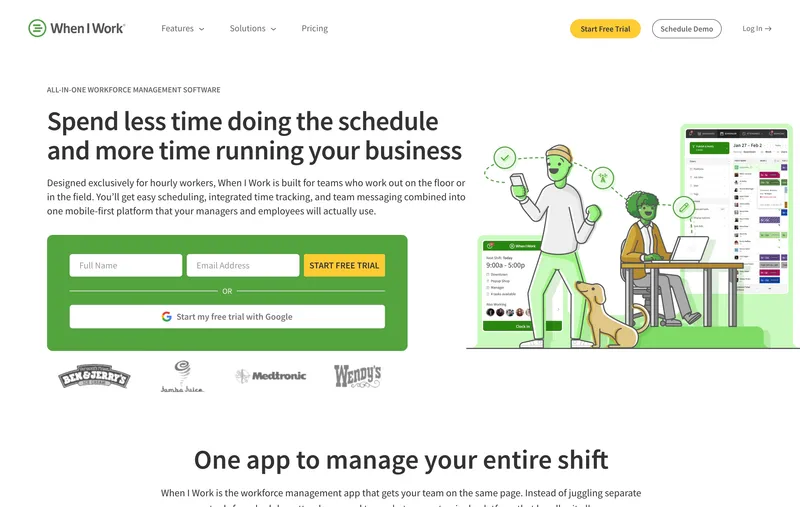
If building the weekly schedule is the part of your job that makes you want to quit, When I Work is built for you. It is a scheduling tool first, time clock second. Team members see their schedule and clock in from it. Shift swaps, open shifts, and push notifications when schedules change are all strong. For cleaning companies that run recurring weekly routes, the scheduling experience is noticeably better than tools that bolt on scheduling as an afterthought.
Geofencing is included. GPS captures location at clock-in and clock-out but does not track live during shifts. Built-in team messaging helps coordinate last-minute changes — a late-night “can you cover building 7?” text that reaches the right person fast.
The trade-off: Time tracking is secondary to scheduling in When I Work’s design. Per-location hour tracking requires using “positions” or “tags” in ways that are not immediately obvious. If your primary need is accurate time data by client location for invoicing, you will find the tracking features too basic. But if scheduling is the headache and time tracking just needs to be “good enough,” this is the pick.
Pricing: From $2.50/user/month (single location) or $5/user/month (multi-location). 14-day free trial, no free plan.
7. Clockify — best free tracker for solo operators
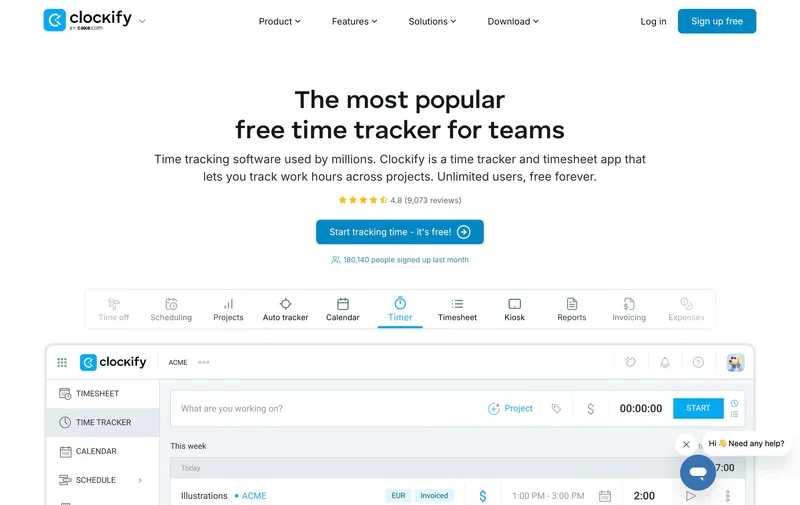
Important distinction: Clockify is a time tracker, not a time clock. It is built around timers, manual timesheet entry, and project-based billing — designed for freelancers and agencies at desks. The free plan is genuinely unlimited: users, projects, no expiration, no catch.
For a solo cleaning operator or a very small team that just needs to log hours by client, Clockify works. Create a “project” for each client location, start the timer when you arrive, stop when you leave. The reports break down hours by project, which maps to per-client invoicing.
Why it does not fit most cleaning businesses: GPS is locked behind the Pro plan ($7.99/user/month). There is no geofencing on any plan. No scheduling module. The clock-in flow requires manually selecting the correct project before starting the timer — one extra step that adds real friction when a cleaner is walking into a building at night and just wants to tap and go. If you have more than five team members or need location verification, Clockify is not designed for your use case.
Pricing: Free forever with unlimited users. Paid from $3.99/user/month. GPS requires Pro at $7.99/user/month.
Side-by-side comparison
| Software | GPS | Geofencing | Free Plan | Multi-site Tracking | Scheduling | Pricing |
|---|---|---|---|---|---|---|
| ShiftFlow | Yes | Yes | 14-day trial | Yes (default) | Yes | $5.99/seat/mo or $60/yr |
| Connecteam | Yes | Yes | Yes (10 users) | Yes | Yes | Free / $29/mo per hub |
| Homebase | Snapshots | Yes | Yes (1 location) | Limited | Yes | Free / $20/location |
| Busybusy | Breadcrumbs | No | Yes | Yes (job costing) | Limited | Free / $9.99/user + $40 |
| Deputy | Yes | Premium only | No | Configurable | Yes | From $5/user |
| When I Work | At punch | Yes | No | Via tags | Yes | From $2.50/user |
| Clockify | Pro only | No | Yes | Via projects | No | Free / $3.99/user |
How to Choose the Right Software for Your Cleaning Business
Skip the feature comparison paralysis. Ask yourself three questions:
What is actually broken right now? If you are overbilling clients because you cannot track per-site hours, you need job-level tracking (Busybusy or Connecteam). If nobody knows who is going where tonight, you need scheduling (When I Work or Deputy). If buddy punching is bleeding money, you need GPS and geofencing.
How tech-savvy is your crew? The most powerful software in the world is useless if your cleaners will not open it. Download it on your phone and try to clock in. Two taps or fewer is the bar. Homebase and When I Work clear it. Clockify and Busybusy do not.
What is the real cost? A $5/user/month tool for 20 cleaners is $100/month. Compare that to the hours you spend chasing timesheets, the billing errors from missed punches, and the labor cost leaks from bad data. For most cleaning businesses, the software pays for itself within the first pay period.
How to Actually Make the Switch
Pick one route or one crew. Run the software alongside your current method for two weeks. Do not roll it out to everyone on day one — that is how you end up with 15 confused cleaners and a group chat full of screenshots asking “what do I press?”
Watch what happens. Are clock-ins accurate? Are your cleaners actually using it, or are they texting you their hours like before? Is your Friday payroll run faster? If the answer is yes on all three, roll it out company-wide.
The best scheduling and time tracking software for your cleaning business is the one your team will actually use. Features matter, but simplicity matters more. A powerful tool that your cleaners refuse to open is worse than a basic one they use every shift.
Related cleaning workforce guides
- Best GPS time tracking apps with scheduling
- Best time clock software for small businesses
- How to track cleaning staff hours across multiple job sites
- How to track billable hours by client
- How to verify cleaners arrived on site
- How to fix missed punches in a cleaning business
- How to stop buddy punching and time theft in cleaning crews
Sources
- cleaning-business
- time-tracking
- time-clock-software
- janitorial
- cleaning-crews
- gps-time-tracking
- mobile-time-clock
- software-comparison
- employee-scheduling
- shift-scheduling