How to Track Cleaning Staff Hours Across Multiple Job Sites
Cleaning crews work multiple client locations per shift. Learn how to track hours accurately across job sites and stop losing money to timesheet gaps.
Total Hours Don’t Tell You Enough
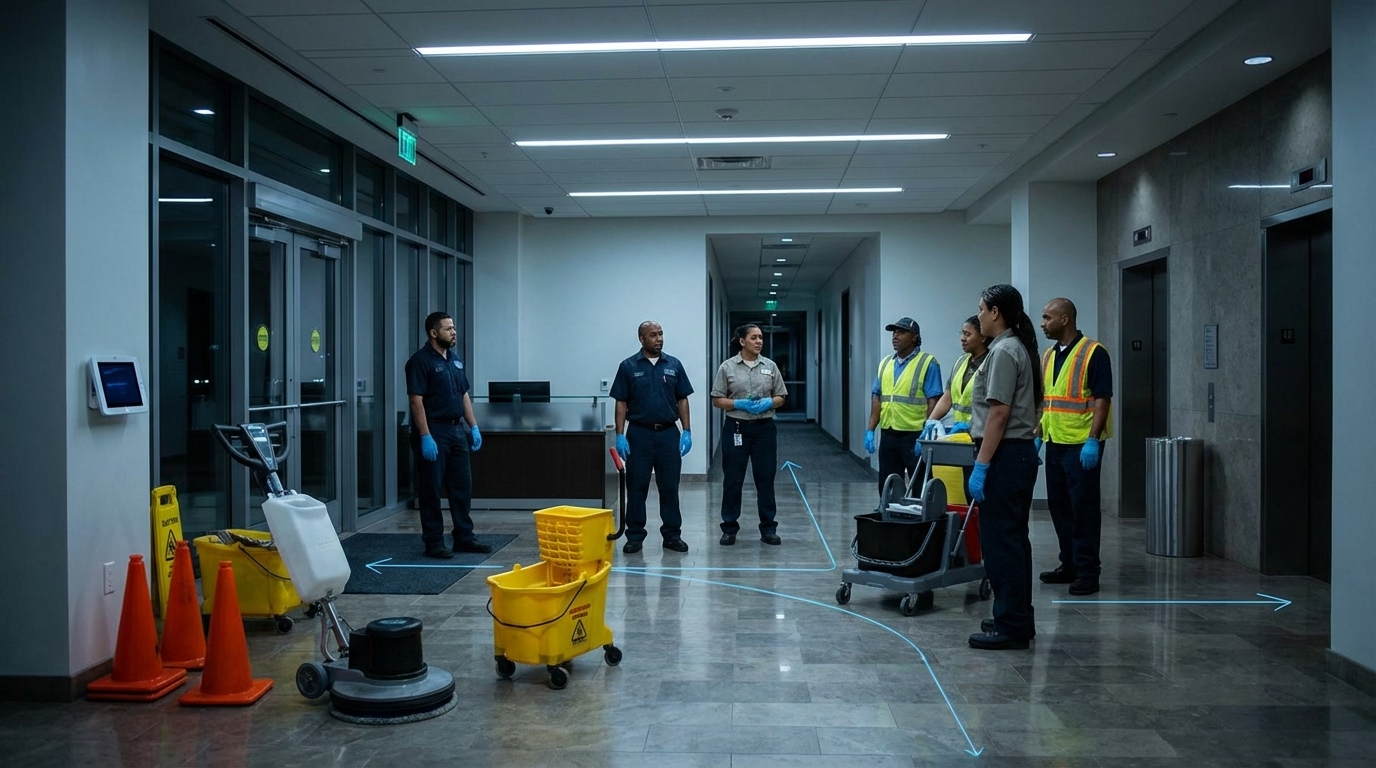
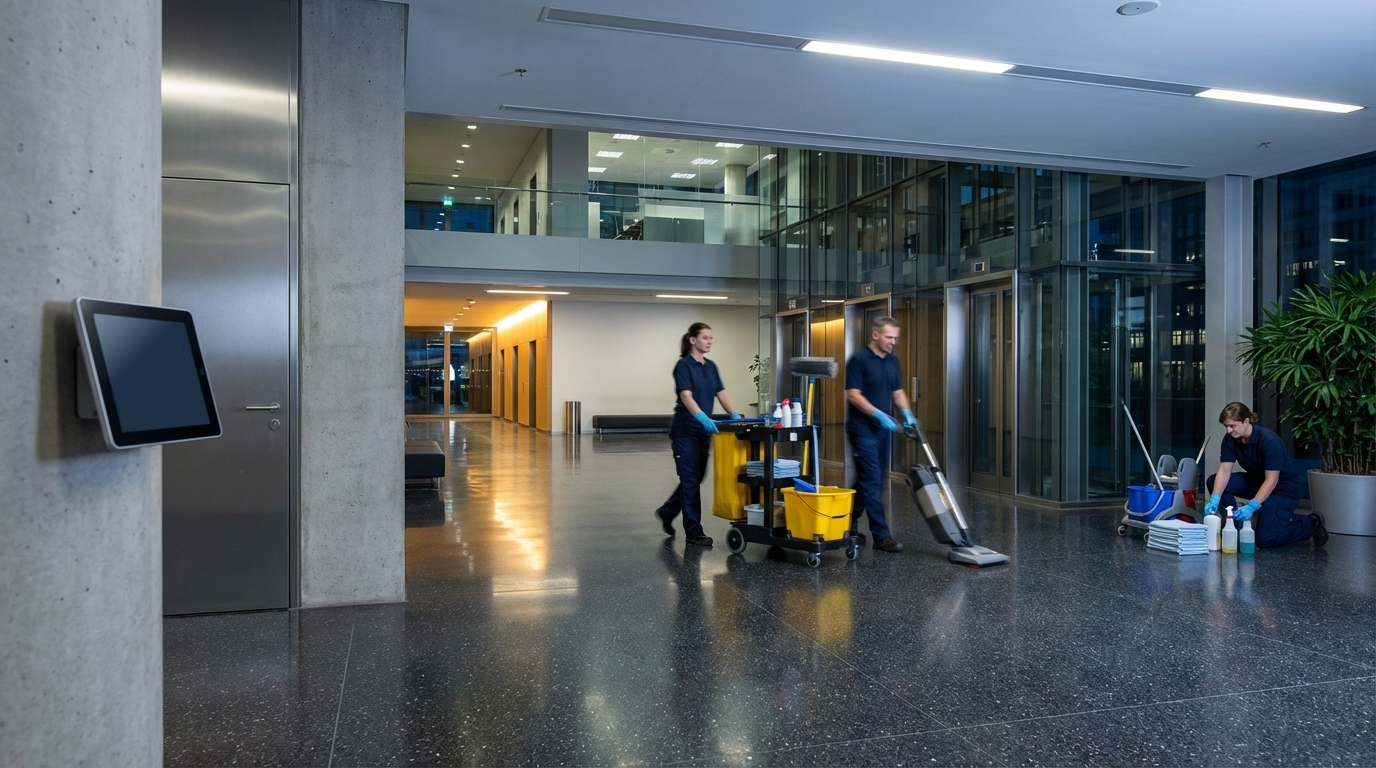
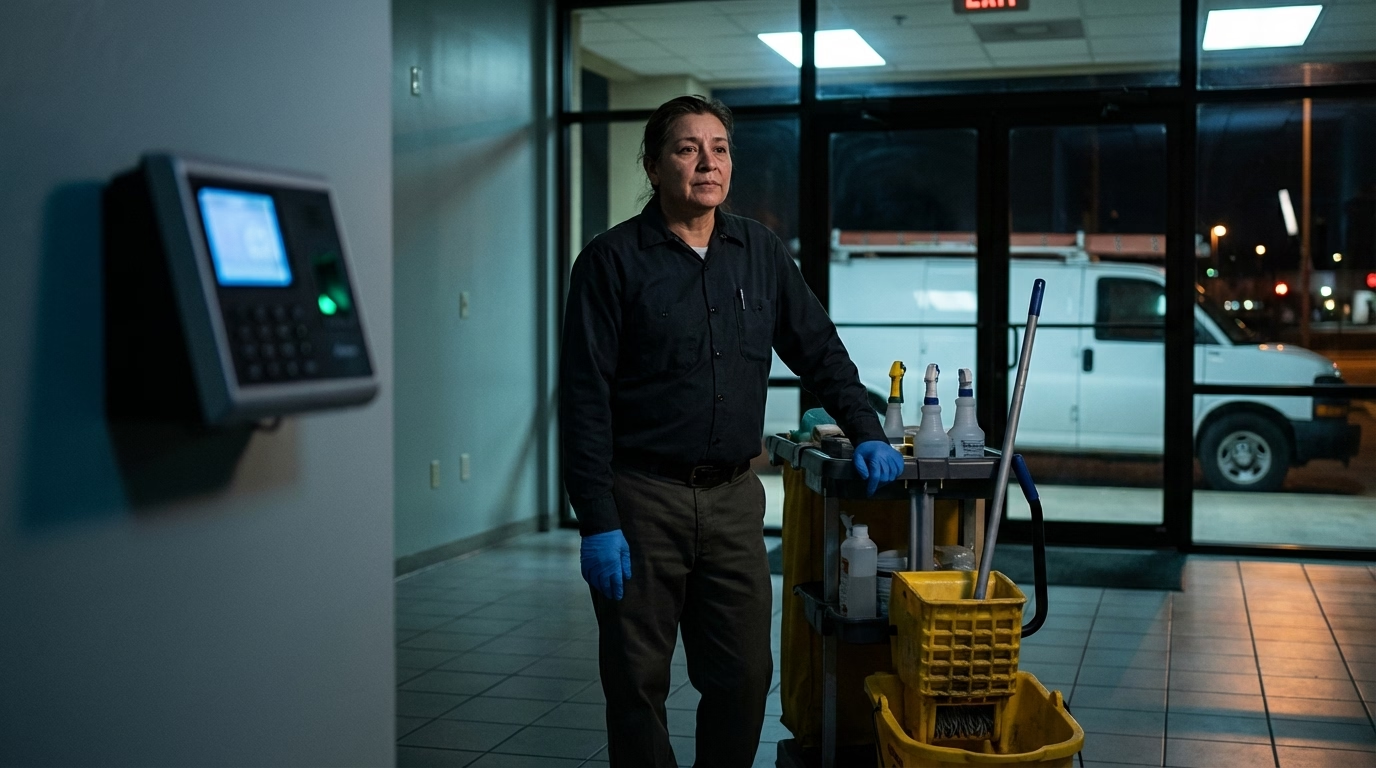
Building A at 6 PM. Building B at 8:30. Building C at midnight. Three sites, one cleaner, one shift. You know the total hours. But which client gets billed for what?
Without site-level data, billing’s a guess, per-client profitability is invisible, and problems like overstaffing and scope creep stay hidden. Paper timesheets can’t solve this — they depend on memory, produce a steady stream of missed punches, and can’t verify anyone was actually where they said they were.
What Your Tracking System Actually Needs
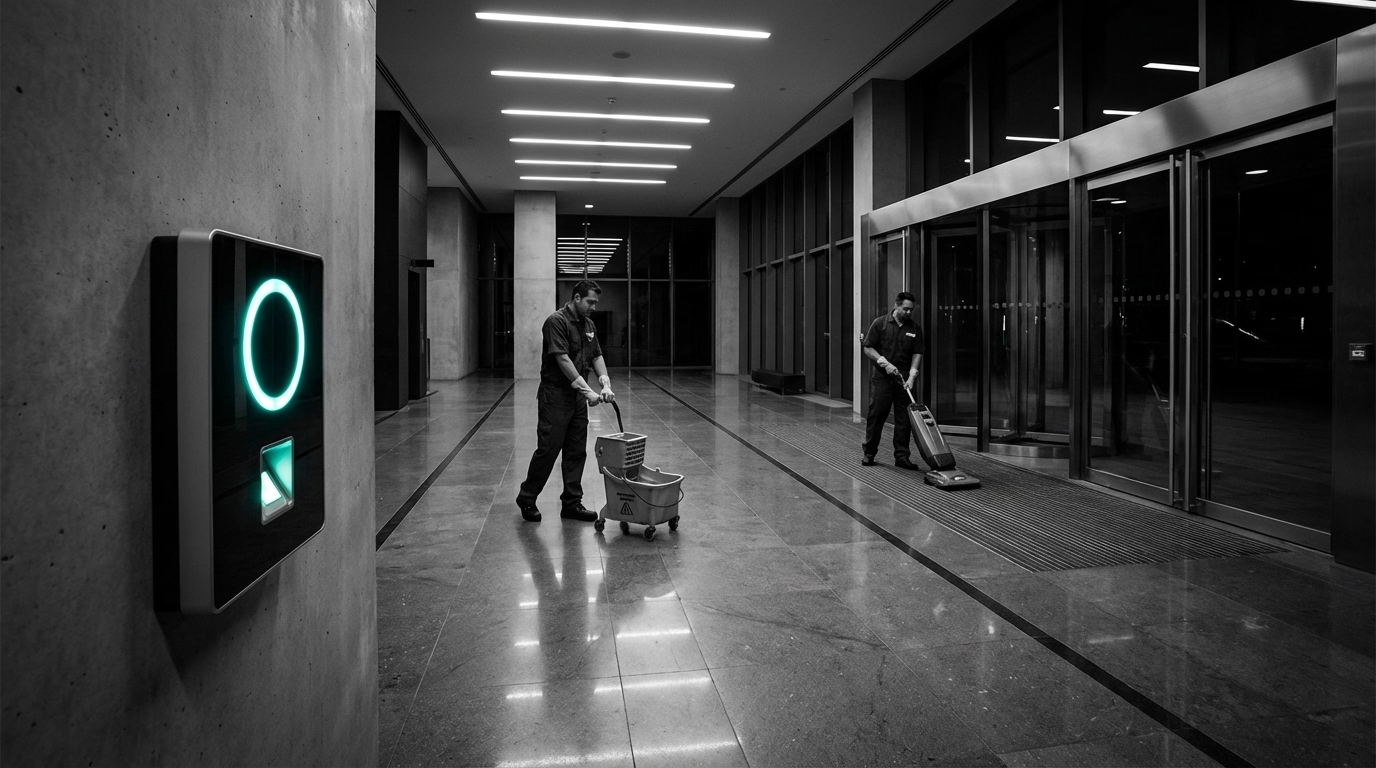
Site-level clock-in and clock-out. Each location gets its own time record. Cleaner arrives at the dentist’s office → clocks in. Finishes → clocks out. Drives to the coworking space → clocks in again. Simple, but it’s the foundation for everything else.
GPS at every punch. Not for surveillance — for accuracy. When a client asks whether your crew was there Thursday night, you answer with data, not a phone call to your team lead.
Travel time tracked separately. The drive between sites is part of the job, but it shouldn’t get lumped into a client’s billable hours. Your system needs to log it as its own category — paid for payroll, excluded from client invoices. (Travel time also has specific payroll implications worth getting right.)
Mobile-first, two-tap clock-in. Your cleaners are carrying mops, not laptops. If it takes more than two taps to clock in on a phone, compliance drops.
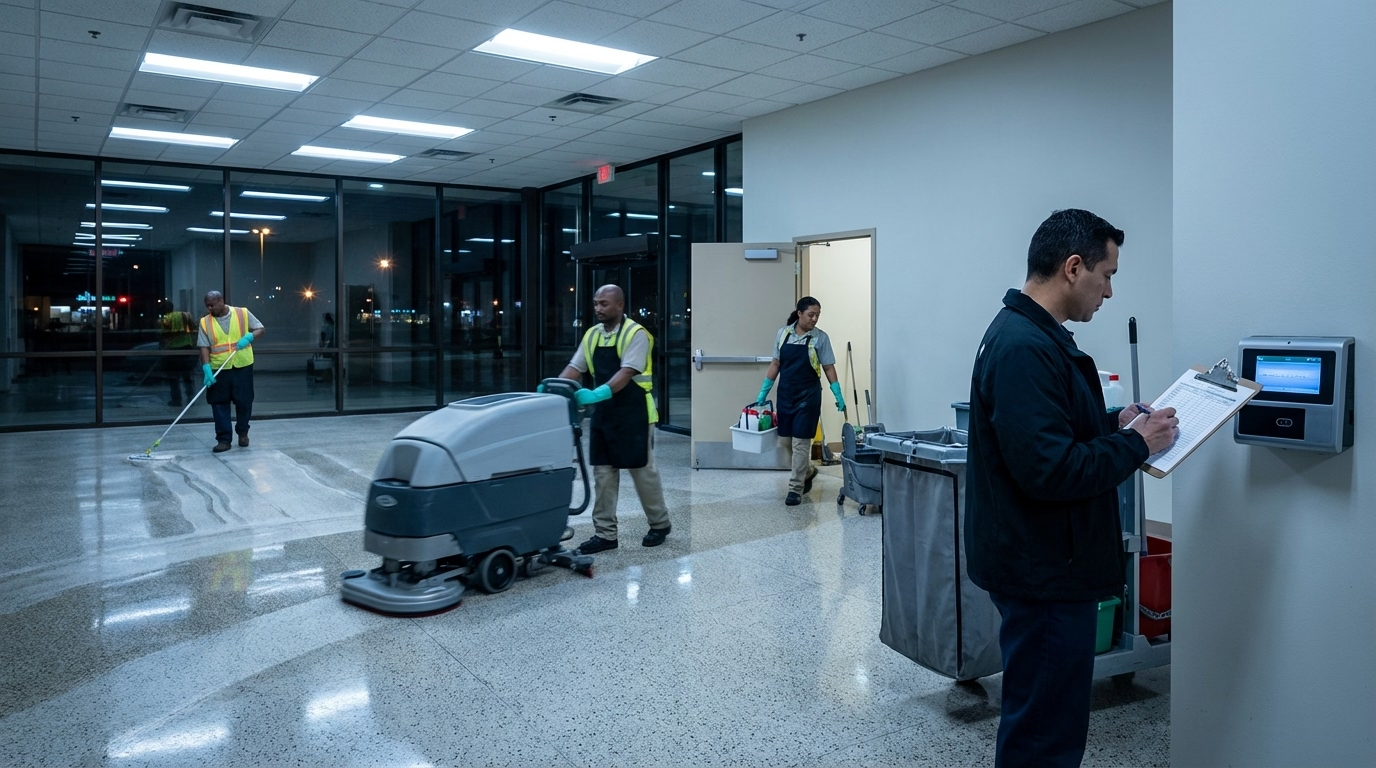
Reports broken down by client. At the end of the week, you need to see total hours per location. That’s what drives your invoicing. If the system can’t break it down by site, it’s not solving the problem.
What This Looks Like in Practice
Set up your client locations with addresses and geofences. When a cleaner opens the app at a building, the system records the time, tags it to that client, and captures GPS. When they drive to the next job and clock in there, a new entry starts. The gap between sites gets logged as travel time.
End of the pay period: 2.5 hours at the dentist’s office, 2 hours at the coworking space, 3 hours at the accounting firm, 45 minutes of travel. You bill each client on actual hours, pay your team accurately, and spot any sites running over budget.
No chasing timesheets. No guessing. No Friday afternoon spent reconciling paper with the schedule.
Switching Without Disrupting Your Crews
Don’t overcomplicate the rollout. Start with one crew or one route. Set up their most common locations. Run the software alongside the current method for one pay period so you can compare.
Most teams pick it up fast because it’s simpler than filling out a paper timesheet. Clock in when you arrive, clock out when you leave. The software handles the rest.
The real value shows up on the back end — when you run payroll and invoicing with accurate, site-level data, you stop leaving money on the table. That same data also becomes the foundation for bidding new contracts accurately. For an overview of how it all comes together, see the janitorial time tracking page.
Frequently Asked Questions
How do you track cleaning staff hours across multiple job sites?
Use a mobile time clock where cleaners clock in and out at each site individually. GPS verification confirms they’re at the right location, and the system automatically tags hours to the correct client. At the end of the week, you get a clean breakdown by site without any manual sorting.
Why is tracking hours at multiple cleaning locations so hard?
Cleaners work alone at night, travel between sites in a single shift, and have no supervisor on location. Paper timesheets can’t capture site-level detail accurately — they depend on memory, lead to rounding, and produce a steady stream of missed punches and corrections.
Can time tracking software separate hours by client location?
Yes. Most cleaning-focused software lets you assign job codes or client locations so that every clock-in gets tagged to a specific site. This makes it straightforward to bill clients on actual hours and track labor costs per contract.
What’s the best way to track travel time between cleaning sites?
Have cleaners clock out of one site and clock in at the next. The gap gets logged as travel time — paid for payroll, excluded from client billing. Some software lets you create a separate “travel” job code to keep it cleanly separated in reports.
Sources
- cleaning-business
- time-tracking
- multiple-job-sites
- janitorial
- cleaning-crews
- mobile-time-clock
- gps-time-tracking
- field-employees