Why GPS Time Tracking Fails for Cleaning Crews
GPS time tracking sounds perfect for cleaning businesses, but signal issues, battery drain, and privacy pushback cause real problems. Here is what actually works for cleaning crews.
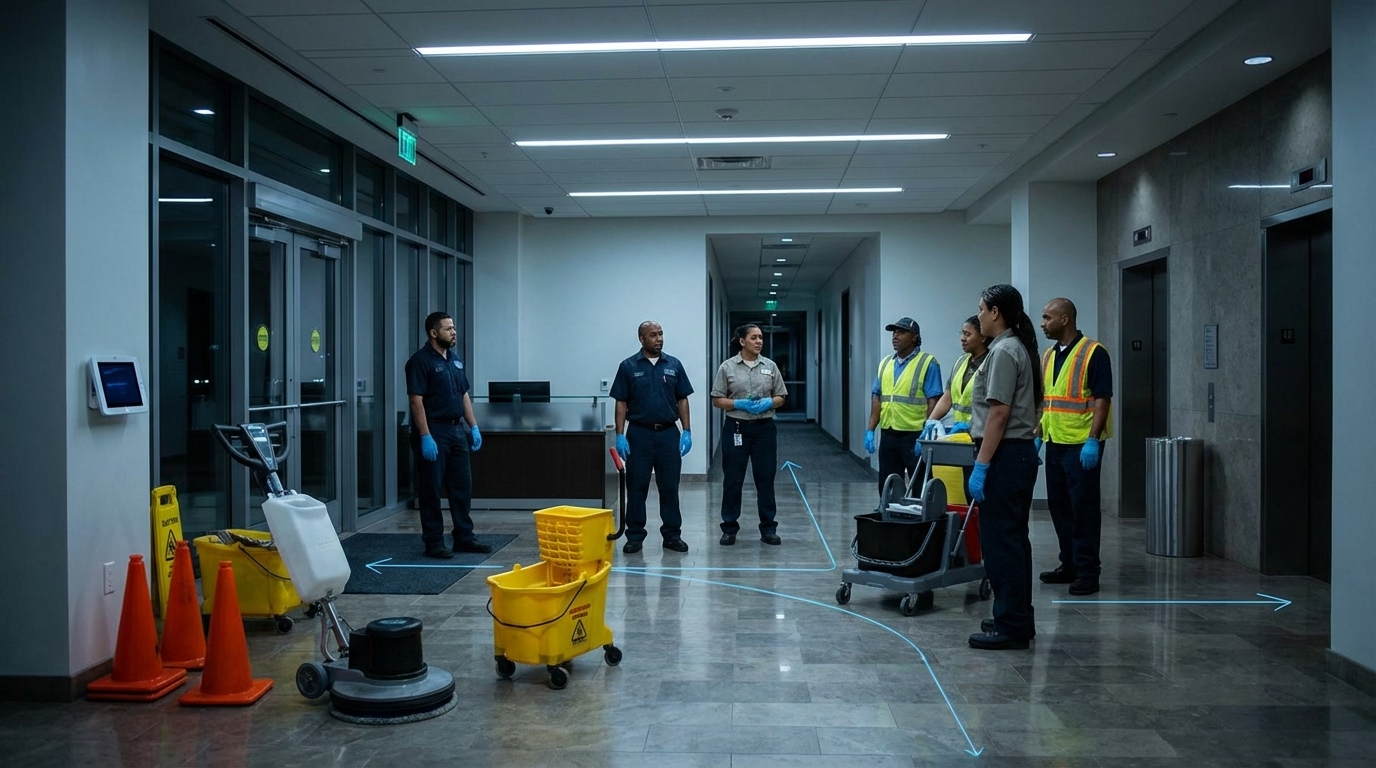
Every Vendor Leads With GPS. Here’s What They Don’t Tell You.
GPS is the headline feature on every time tracking tool marketed to cleaning businesses. And it genuinely works — when your cleaners are outside, near windows, with a clear sky.
The problem? Cleaning doesn’t happen outside.
Where GPS Breaks Down
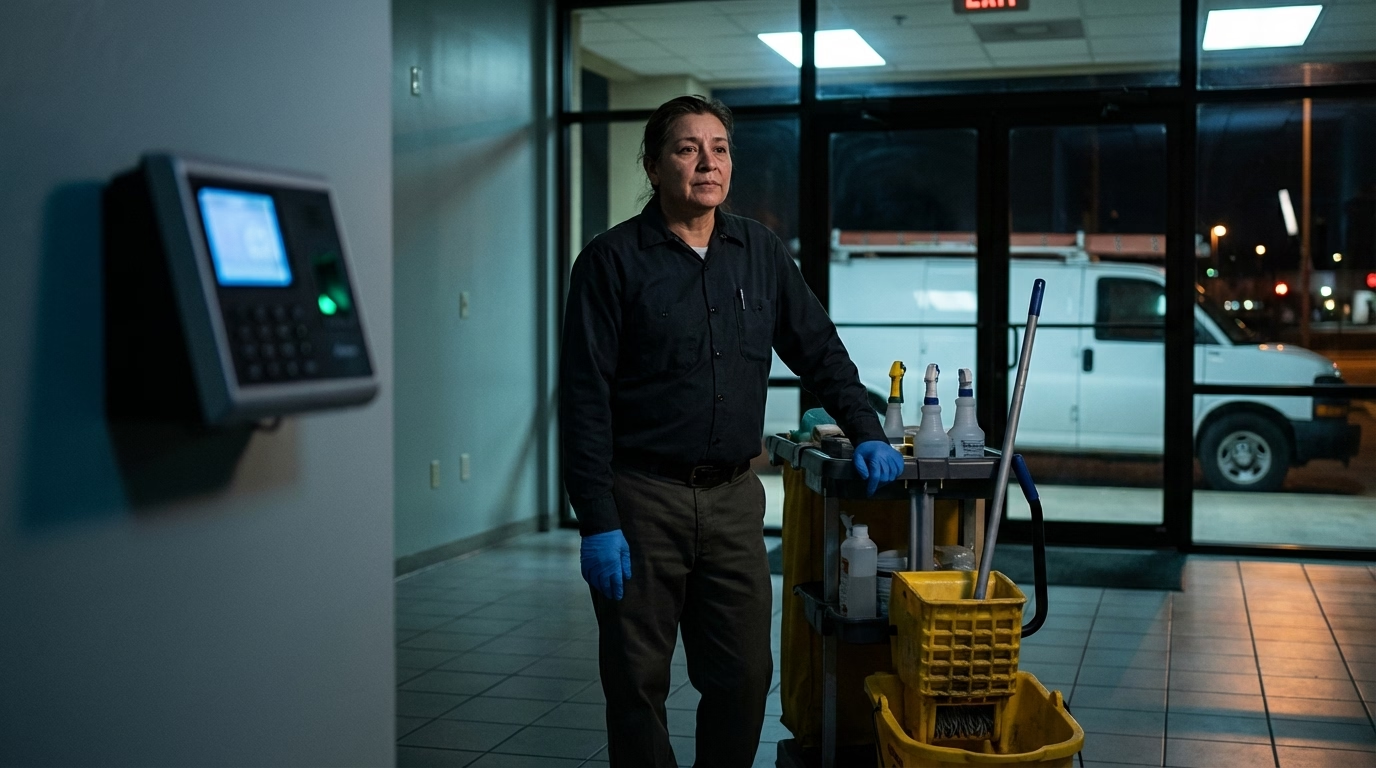
Indoors, it’s basically guessing. GPS signals degrade through roofs, walls, and floors. In a multi-story concrete building, the signal can drop entirely. The software either captures nothing, falls back to cell tower triangulation (off by hundreds of meters), or uses the last known location — which might be the parking lot from twenty minutes ago. This isn’t an edge case. It’s the default scenario for cleaning.
Drift makes geofencing unreliable. Even with a signal, GPS coordinates jump around in urban areas. A 50-meter geofence might reject someone standing inside the building. A 300-meter geofence lets someone clock in from the gas station across the street. Good luck finding the sweet spot.
Battery drain kills adoption. Continuous tracking throughout a 6–8 hour overnight shift drains batteries fast. Your cleaners need their phones to get home at 2 AM. Guess what gets closed first? The adoption problem is worse than the technical one.
Cold starts miss the clock-in. If a phone hasn’t used GPS recently, it can take 30 seconds to several minutes to lock on — especially indoors. A cleaner who opens the app and immediately taps clock-in might get zero GPS data.
What Works Instead: Layer Your Verification
Don’t ditch GPS. Just don’t rely on it alone.
Capture GPS at clock-in only. Skip continuous tracking. A point-in-time capture at clock-in and clock-out is all you actually need — it confirms the cleaner was at the job site without the battery drain or privacy concerns. Bonus: it’s more reliable because the cleaner is usually still near the building entrance, not three floors underground.
Set geofences, but be realistic about radius. 100–200 meters works for most commercial sites. Tight enough to be meaningful, loose enough to handle drift. You can always adjust per location.
Use Wi-Fi positioning as a fallback. Modern phones can estimate location from nearby Wi-Fi networks — even without connecting. It works indoors where GPS doesn’t, accurate to within 3–15 meters in most commercial buildings. The best software does this automatically when GPS fails.
Add photo verification. A timestamped photo of the lobby doesn’t depend on satellites or Wi-Fi. And for client disputes, it’s way more convincing than a GPS coordinate on a report. For the full setup on combining photos, GPS, and checklists, see our guide on verifying arrival with proof of service.

Getting Your Team on Board
Here’s the part most people skip: the tech doesn’t matter if your team won’t use it.
Tell them exactly what it tracks — and what it doesn’t. “The app records your location when you clock in and out. That’s it. It doesn’t track you during the shift. It doesn’t track you after work.” That one sentence eliminates most privacy pushback.
Address the battery thing head-on. Point-in-time GPS uses a fraction of the battery that continuous tracking does. Most cleaners won’t even notice it.
Start with one crew. Let a willing team run it for two weeks. Their experience makes the rollout to everyone else dramatically easier.
Frame it as protection. When a client claims your crew didn’t show up, GPS records prove they did. That’s not surveillance — that’s having your team’s back.
Questions to Ask When Evaluating Software
Before you buy anything, cut through the marketing. Our comparison of the best time tracking software for cleaning businesses covers how each platform handles these issues. But here’s your shortlist:
- Does it work offline and sync later?
- Does it fall back to Wi-Fi positioning when GPS fails?
- Can you set geofence radius per location?
- Does it drain battery with continuous tracking, or just capture location at clock-in?
- Does it support photo verification?
If a vendor can’t answer these clearly, they’re selling you outdoor GPS in an indoor industry. For an overview of how all these layers come together, see the janitorial time tracking page.
Frequently Asked Questions
Why doesn’t GPS work well for cleaning crews?
GPS signals weaken significantly inside buildings — especially basements, stairwells, and structures with concrete and steel framing. Since cleaning happens almost entirely indoors, the software often can’t get an accurate fix at the moment of clock-in. It either fails, falls back to cell tower triangulation (off by hundreds of meters), or uses a stale location from the parking lot.
Does GPS tracking drain phone batteries?
Continuous tracking throughout a shift? Yes, significantly. But software that only captures GPS at clock-in and clock-out uses a fraction of that power. Most cleaners won’t even notice the difference. The key is choosing point-in-time capture over continuous tracking.
What’s better than GPS for verifying cleaning crew locations?
A layered approach: GPS at clock-in for general proximity, geofencing to enforce boundaries, Wi-Fi positioning as an indoor fallback (accurate to 3–15 meters), and photo verification for visual proof. No single method is reliable alone, but combined they cover each other’s gaps.
How do cleaners feel about GPS tracking?
The biggest concerns are privacy (tracking personal time), battery drain, and feeling surveilled. Software that only captures location at clock-in and clock-out — not during the shift — gets much better adoption. Being upfront about what’s tracked and what isn’t eliminates most pushback.
Sources
- cleaning-business
- gps-time-tracking
- time-tracking
- janitorial
- cleaning-crews
- geofencing
- mobile-time-clock
- field-employees