How to Verify Cleaners Arrived on Site (GPS and Proof)
Client complaints about no-shows are one of the fastest ways to lose a cleaning contract. Learn how to verify your crew arrived on site with GPS, photos, and digital proof.
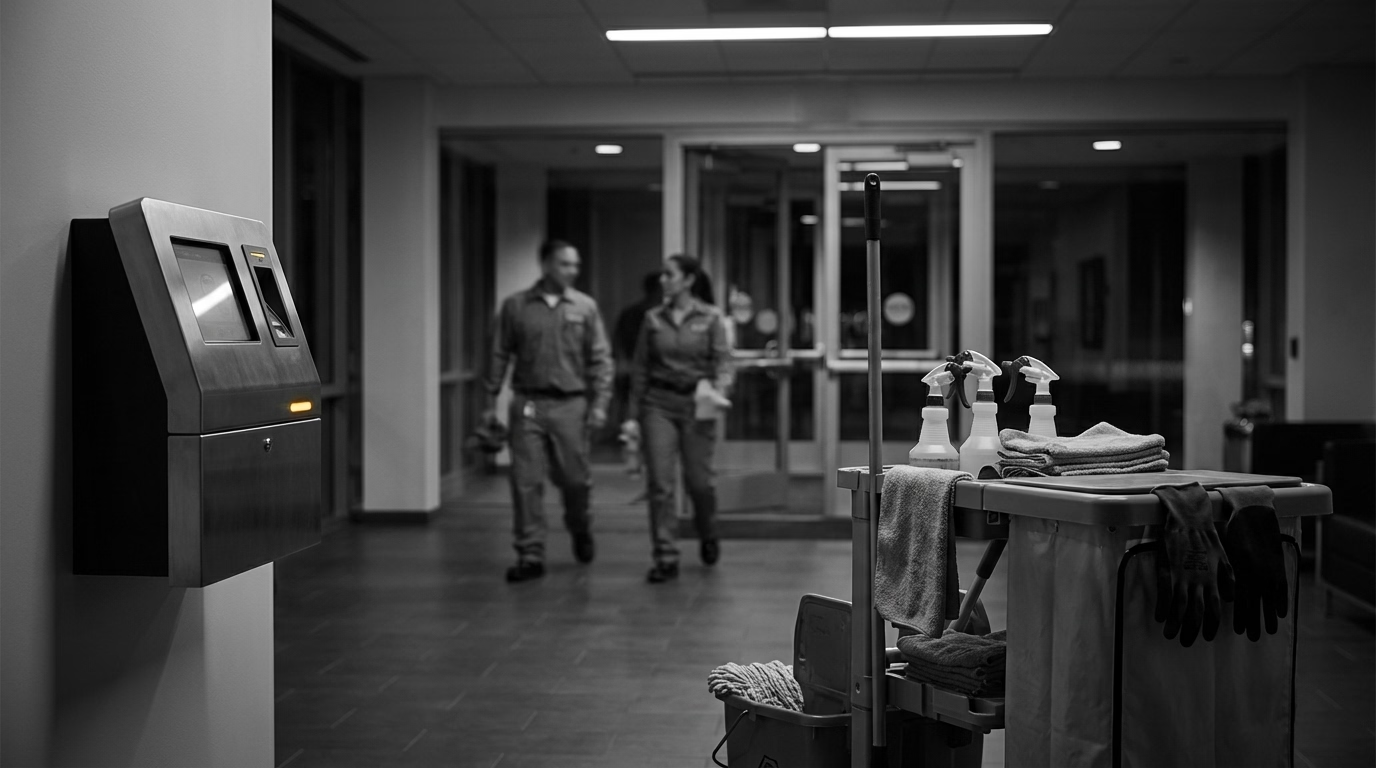
“Your Crew Didn’t Show Up Last Night.”
That email from your biggest client. Your team lead says they were there. The property manager says they weren’t. And you? You’ve got no way to prove it either way.
So you apologize, send an emergency crew, and eat the cost. Do this enough times and you don’t just lose the argument — you lose the contract.
The same lack of verification makes it harder to catch buddy punching internally too. Here’s how to close the gap.
Four Layers of Proof (Use Them Together)
1. GPS at clock-in
The baseline: where was the cleaner’s phone when they punched in? GPS captures coordinates at that exact moment — a timestamped record confirming they were at or near the job site.
It answers the fundamental question (were they at the right building?) but not everything else. It won’t tell you if they stayed the full shift or what they actually did. And it has real limitations indoors — worth understanding before you build your whole system around it.
2. Geofencing
GPS records where someone was. Geofencing enforces where they need to be. Draw a virtual boundary around each site, and the system blocks (or flags) any clock-in from outside it.
Small office? 100-meter radius. Large campus? 300. Set it per location and the system handles the rest.
3. Photos at arrival and departure
This one’s underrated. A timestamped photo at clock-in documents the space before cleaning. A photo at clock-out shows the finished result.
For client disputes, it’s a game-changer. Instead of arguing about whether the crew showed up, you forward the before-and-after photos to the property manager. A photo of a clean lobby beats a GPS coordinate every time.
4. Digital checklists
Bathrooms cleaned. Trash emptied. Floors mopped. Checklists don’t prove the work was done perfectly, but combined with GPS and photos, they create a detailed picture of what was delivered — and when.
How to Roll It Out
Start with your highest-risk accounts. You don’t need full verification at every site on day one. Focus on your biggest contracts, newest clients, and any account where there have been complaints. That’s where proof of service has the most value.
Set up geofences. Add client addresses to your system and set boundaries — 100–200 meters works for most commercial buildings. Tight enough to be meaningful, wide enough for GPS drift.
Be upfront with your team. Cleaners will see GPS and photo requirements as a trust issue if you don’t explain the why. Tell them directly: this protects them too. When a client falsely claims a no-show, GPS proves they were there. When hours are disputed, timestamps back up their claim. Frame it as protection, not surveillance.
Don’t wait for complaints to look at the data. Review GPS logs and photos regularly. A cleaner consistently clocking in late at a specific site? Address it before the client notices. Photos showing sloppy results? That’s a training opportunity, not a firing offense.
The point isn’t just having proof when things go wrong. It’s catching problems early so things go right more often.

What This Looks Like in One System
Using separate tools for GPS, photos, checklists, and time tracking just creates more work. The advantage comes from combining everything.
Cleaner opens the app → clocks in → system captures time, checks GPS against the geofence, prompts for an arrival photo. Clock-out runs the same process in reverse. All of it ties to one record the manager can pull up in seconds.
Client calls the next morning? Clock-in at 7:02 PM. GPS confirmed at the address. Arrival photo showing the lobby before cleaning. Clock-out at 10:15 PM. Departure photo showing the finished space.
That’s the difference between “I think they were there” and “here’s the proof.”
Verification turns cleaning from invisible labor into a documented service — and that documentation is what keeps contracts. For an overview of how it all works together, see the janitorial time tracking page.
Frequently Asked Questions
How do I prove my cleaning crew showed up to a job site?
Use time clock software with GPS verification that captures the cleaner’s location at clock-in. Add photo capture at arrival and departure for timestamped visual proof. GPS coordinates + timestamps + photos create a verifiable record you can share with clients in seconds.
What is geofencing for cleaning businesses?
A virtual boundary around a job site. When a cleaner tries to clock in, the system checks whether their phone is inside the geofence. If they’re outside the boundary, the clock-in is blocked or flagged for review. It prevents clocking in from a different building’s parking lot — or from home before driving to the site.
Is GPS tracking legal for cleaning employees?
During work hours, yes — generally legal in the U.S. when employees are informed. Several states (California, Connecticut, New York) require advance notification, and it’s best practice everywhere. Include it in your employee handbook, have team members acknowledge the policy, and only track during work hours — never personal time.
How do I handle client complaints about cleaners not showing up?
With GPS-verified time records, you pull up the exact clock-in time and location for the night in question. If the cleaner was there, you’ve got proof — GPS, timestamp, and arrival photo. If they weren’t, you know immediately and can take action. Either way, it’s a data-driven conversation instead of a he-said-she-said.
Sources
- cleaning-business
- gps-verification
- proof-of-service
- janitorial
- cleaning-crews
- time-tracking
- geofencing
- client-management