10 Best Construction Time Tracking Apps (2026)
Compare the 10 best time tracking apps for construction crews in 2026, scored on GPS accuracy, offline reliability, payroll integration, and how the price scales as your crew grows.

Construction time tracking is one of the few back-office problems where getting it wrong shows up in three places at once: late payroll, underbilled jobs, and job-cost data so noisy you can’t bid the next project accurately. Most small contractors we’ve talked to are running some combination of paper time cards, a foreman texting hours, and a spreadsheet that gets re-keyed every Friday.
The right scheduling and time tracking app replaces that workflow with GPS-verified clock-ins, timesheets that build themselves, and payroll exports your provider actually accepts. The catch is that the market has 40-plus tools claiming to do this, and the differences between them matter more than the marketing pages let on — base fees, offline behavior on remote sites, and how the price scales past 10 workers are where most crews get burned.
This guide compares the 10 time tracking apps we think are worth considering for small and mid-sized construction crews in 2026. Each one is scored on GPS accuracy, offline reliability, payroll integration, construction-specific features like cost codes and certified payroll, and how the real monthly bill compares across a 10-person crew.
Best time tracking software for construction at a glance
| Brand | GPS + Geofence | Offline Mode | Payroll Integrations | Best For | Starting Price |
|---|---|---|---|---|---|
| ShiftFlow | ✓ | ✓ | ✓ | Small and mid-sized crews who want one flat price | $5.99/user/mo |
| Workyard | ✓ | ✓ | ✓ | Construction-specific GPS and cost coding | $6/user/mo + $50 base |
| Buddy Punch | ✓ | ✗ | ✓ | PTO and compliance automation | $5.49/user/mo + $19 base |
| busybusy | ✓ | ✓ | ✓ | Equipment-heavy heavy civil crews | $11.99/user/mo + $40 admin |
| ClockShark | ✓ | ✓ | ✓ | Franchises and distributed teams | $9/user/mo + $40 base |
| Timeero | ✓ | ✓ | ✓ | Small field service teams | $4/user/mo |
| SmartBarrel | ✓ | ✓ | ✓ | Union crews requiring audit trails | Consultation-based |
| ExakTime | ✓ | ✓ | ✓ | Large workforces at fixed locations | $9/user/mo + base |
| Jibble | ✓ | ✓ | Limited | Budget-conscious crews under 5 | Free; paid from $3.99 |
| QuickBooks Time | ✓ | ✓ | ✓ | Companies already on QuickBooks | $8/user/mo + $20 base |
How we picked
Construction time tracking is different from office time tracking. The tool has to work on a phone, in the sun, through spotty cell service, with workers wearing gloves, sometimes while the worker is 40 feet up a ladder. We weighted seven criteria:
- GPS accuracy and geofencing for site verification
- Offline capability for remote sites with no signal
- Payroll integrations with QuickBooks, Gusto, ADP, Paychex, Sage
- Construction-specific features like cost codes and certified payroll
- Total monthly cost for a real crew, with base fees and per-location charges included
- Crew adoption: one or two-tap clock-in, bilingual support
- Kiosk and buddy-punch prevention that works with PPE
- Pricing transparency: public per-user pricing, no hidden fees
Prices reflect publicly listed plans as of April 2026. Quote-based and per-tier pricing can vary; check the vendor’s pricing page before committing.
ShiftFlow
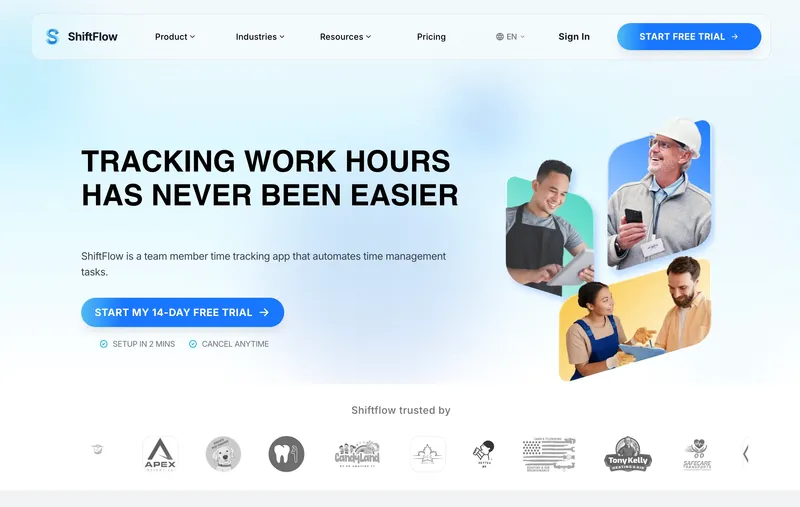
ShiftFlow’s pitch for construction is direct: one flat $5.99 seat price, no base fee, no per-location fees. The app ties scheduling and the time clock together, so when a crew member clocks in, the punch is checked against the assigned shift and you can see a no-show the moment it happens. GPS verification with job-site geofences is standard, offline mode queues punches in basements and underground work and syncs when connectivity returns, and job codes cover cost-code tracking for contractors that need it. Construction-native specialists further down this list (Workyard, busybusy, SmartBarrel) add deeper workflows for certified payroll, equipment tracking, or prevailing-wage automation; which direction fits your shop depends on how much of that specialist machinery you actually need day-to-day.
Best for: Specialty contractors (electrical, plumbing, HVAC, roofing) and small general contractors with 5 to 50 workers rotating across multiple job sites.
Pricing
| Plan | Price |
|---|---|
| Monthly | $5.99/user/month |
| Annual | $60/user/year (saves ~17%) |
Free trial: 14 days, no credit card required.
Ratings
- Apple App Store: ⭐⭐⭐⭐⭐ 4.8/5
- Google Play: ⭐⭐⭐⭐⭐ 4.8/5
Workyard
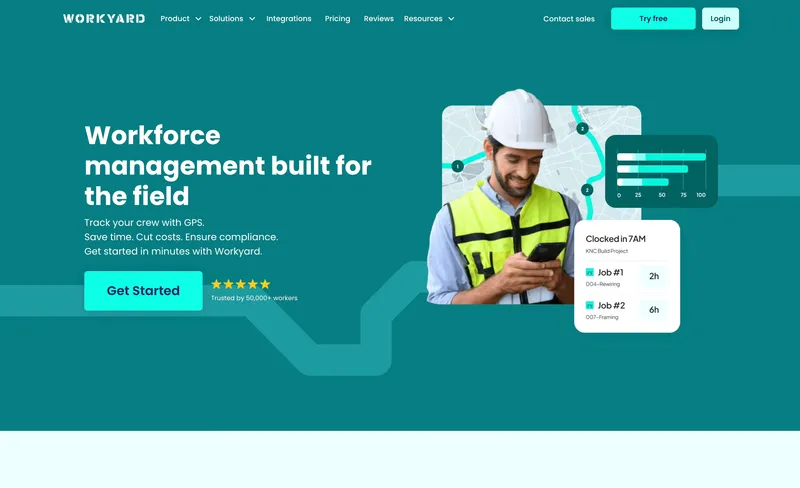
Workyard was built specifically for construction and field-service workforces, and the depth shows: continuous GPS tracking, custom geofences, automated cost code assignment, native two-way QuickBooks sync, and preconfigured state-specific compliance rules. When I tested it, the GPS accuracy was genuinely the best on this list, and the cost code auto-assignment saved real office time. Pricing is $6/user plus a $50 monthly base fee; the fit is strongest for crews running prevailing-wage jobs or already centered on QuickBooks, where the certified-payroll and two-way-sync work pays for itself.
Best for: General contractors and specialty contractors with 20+ workers who need cost codes, prevailing wage, and certified payroll.
Smaller crews weighing simpler attendance workflows against that construction depth can compare our Workyard alternatives for small contractors.
Pricing
| Plan | Price |
|---|---|
| Starter | $6/user/month + $50 base |
| Pro | $13/user/month + $50 base |
Free trial: 14 days, no credit card required.
Ratings
- Apple App Store: ⭐⭐⭐⭐ 4.1/5 (~230 reviews)
- Google Play: ⭐⭐⭐⭐ 4.0/5
- Capterra: ⭐⭐⭐⭐⭐ 4.8/5 (70+ reviews)
Buddy Punch
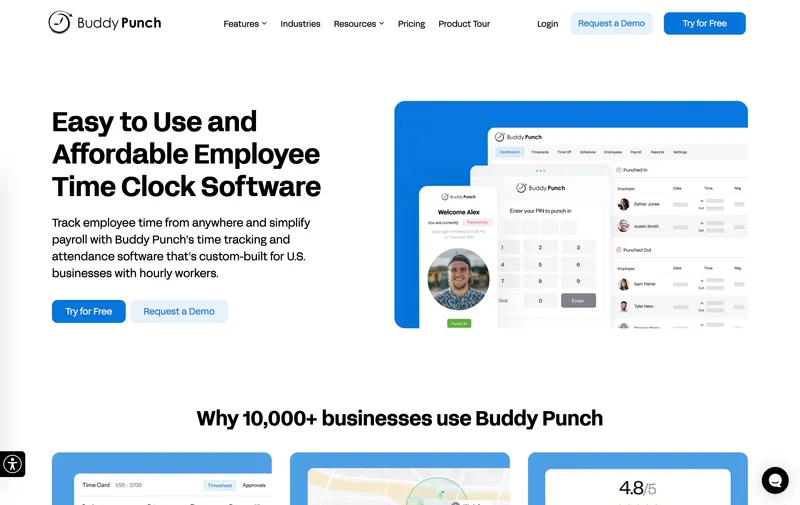
Buddy Punch’s strength is flexibility at clock-in and depth on PTO accrual. Workers can punch via mobile, kiosk, PIN, QR, SSO, or facial recognition, and the PTO engine handles the kind of multi-rule accrual that most competitors simplify into on/off toggles. When I tested it, the compliance tooling was legitimately deep, especially for states with complex overtime rules. The hard limitation is offline mode: Buddy Punch does not support true offline clock-in, which means crews on remote or underground sites will see clock-ins fail when signal drops.
Best for: Small to mid-sized contractors (5 to 30 workers) in states with complex PTO or overtime rules, running jobs with consistent cell service.
Pricing
| Plan | Monthly | Annual |
|---|---|---|
| Starter | $5.49/user + $19 base | $4.49/user + $19 base |
| Pro | $6.99/user + $19 base | $5.99/user + $19 base |
| Enterprise | $11.99/user + $19 base | $10.99/user + $19 base |
Ratings
- Apple App Store: ⭐⭐⭐⭐⭐ 4.9/5
- Google Play: ⭐⭐⭐⭐ 4.5/5
- Capterra: ⭐⭐⭐⭐⭐ 4.8/5 (1,100+ reviews)

busybusy
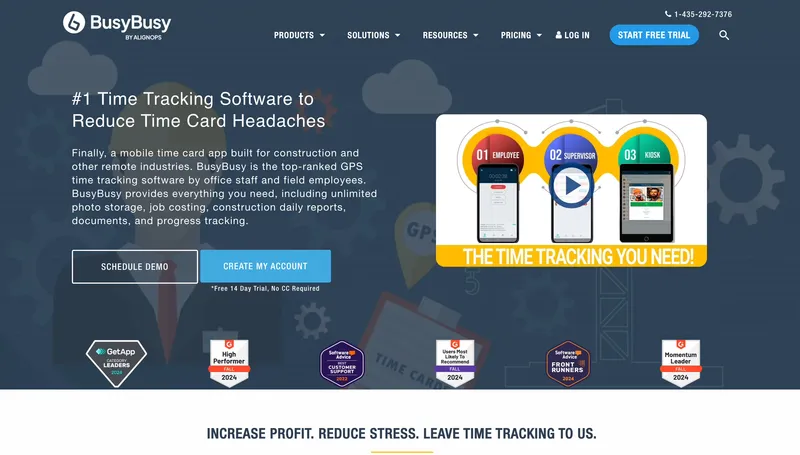
busybusy is the only tool on this list with built-in equipment tracking. For heavy civil contractors running expensive machinery (excavators, loaders, cranes) across sites, knowing equipment hours alongside labor hours directly supports job-costing and utilization reports. Integrated injury reporting is another bonus for OSHA-regulated sites. Pricing is $11.99/user plus a $40 admin license on paid plans, which lands it above general-purpose time trackers; the value equation works best when equipment utilization is a meaningful part of your job-cost story.
Best for: Heavy civil, excavation, and demolition contractors managing expensive equipment alongside labor.
Pricing
| Plan | Monthly | Annual |
|---|---|---|
| Free | Free (limited features) | N/A |
| Pro | $11.99/user + $40 admin | $9.99/user + $40 admin |
| Premium | $17.99/user + $40 admin | $14.99/user + $40 admin |
Ratings
- Apple App Store: ⭐⭐⭐⭐ 4.1/5
- Google Play: ⭐⭐⭐⭐ 4.0/5
- Capterra: ⭐⭐⭐⭐ 4.5/5 (440+ reviews)
ClockShark
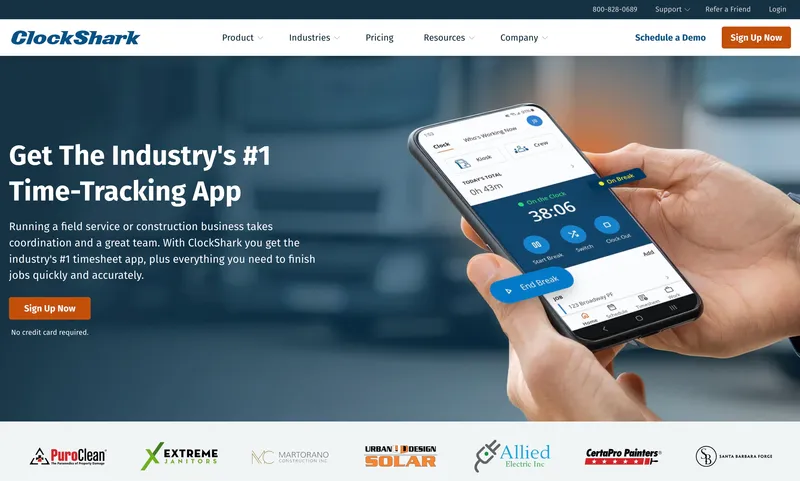
ClockShark consolidates time tracking, job costing, CRM, and invoicing into one app, which is appealing for a small contractor who doesn’t want to subscribe to three tools. The facial recognition on kiosk mode is well-executed. The catch: facial recognition only works in kiosk mode, not on personal phones, so distributed crews lose the anti-buddy-punching layer. I also noticed the app store ratings are much lower than Capterra’s, which usually signals the mobile experience lags the desktop admin side.
Best for: Small contractor franchises (HVAC, electrical, plumbing franchises) that want time tracking, scheduling, and invoicing in one platform.
Pricing
| Plan | Price |
|---|---|
| Standard | $9/user/month + $40 base |
| Pro | $11/user/month + $60 base |
Free trial: 14 days, no credit card required.
Ratings
- Apple App Store: ⭐⭐⭐ 2.9/5
- Google Play: ⭐⭐⭐⭐ 3.6/5
- Capterra: ⭐⭐⭐⭐⭐ 4.7/5 (1,900+ reviews)
Timeero
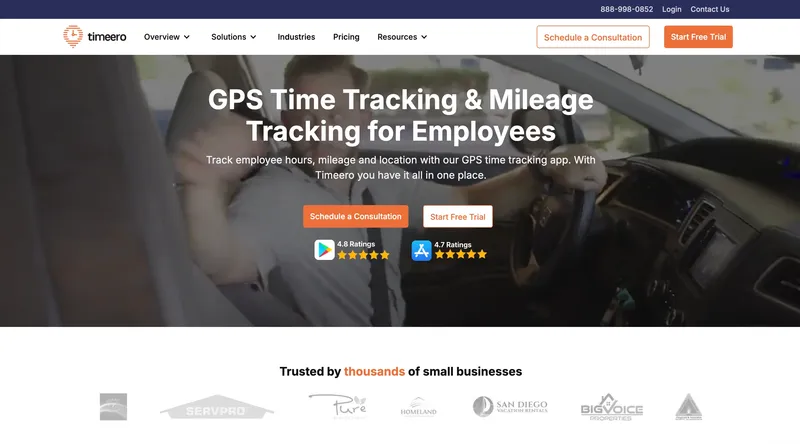
Timeero is a general-purpose field service tracker that works across construction, home health, delivery, and agriculture. What sets it apart for construction is mileage tracking with route maps, which matters for crews reimbursed for truck mileage between sites. Offline mode is supported across the paid tiers, so crews on remote sites with spotty cell service still get their punches queued and synced. The interface is simple — purpose-built for field use rather than polished-for-office aesthetics.
Best for: Small field service teams (1 to 20 workers) that need combined time and mileage tracking.
Pricing
| Plan | Monthly Price |
|---|---|
| Basic | $4/user/month (max 10 users) |
| Pro | $8/user/month (most popular) |
| Premium | $11/user/month |
| Enterprise | Custom (typically 250+ users) |
Ratings
- Apple App Store: ⭐⭐⭐⭐⭐ 4.7/5 (800+ reviews)
- Google Play: ⭐⭐⭐⭐⭐ 4.7/5
- Capterra: ⭐⭐⭐⭐ 4.5/5 (110+ reviews)
SmartBarrel
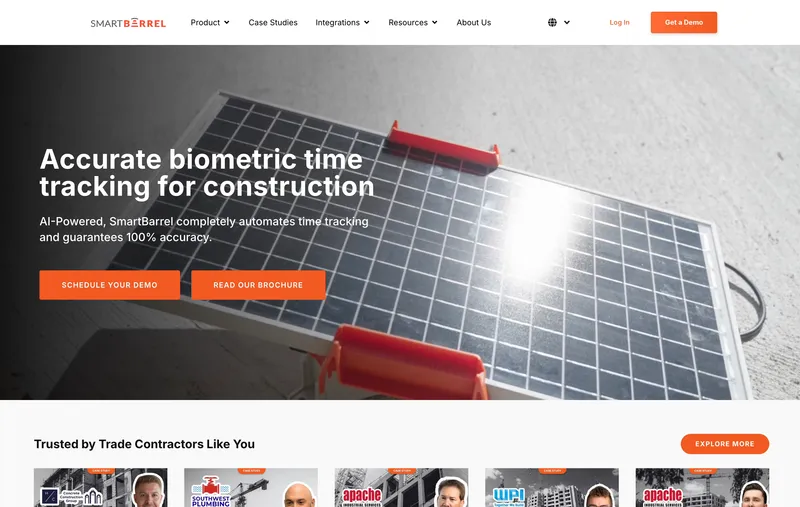
SmartBarrel targets commercial and self-perform GCs with ruggedized hardware time clocks backed by a mobile app. The TimeClock 4.0 is solar-powered, magnetic-mount, and has built-in LTE, which means it works on remote sites with no power and no cell service. The AI facial verification works with hard hats, safety glasses, and gloves, and geofenced jobsites can be set anywhere from 50 to 1,500 meters in radius. The trade-off: pricing is consultation-based only, which slows down evaluation, and the product is most at home on fixed or semi-fixed commercial jobsites rather than single-day residential service calls.
Best for: Trade contractors and self-perform GCs managing 20+ workers per job site requiring biometric verification and certified payroll.
Pricing
Consultation-based. Per-worker fee plus a hardware subscription per TimeClock 4.0 device.
Ratings
- Capterra: ⭐⭐⭐⭐⭐ 4.9/5 (14 reviews)

ExakTime (now Arcoro Time)
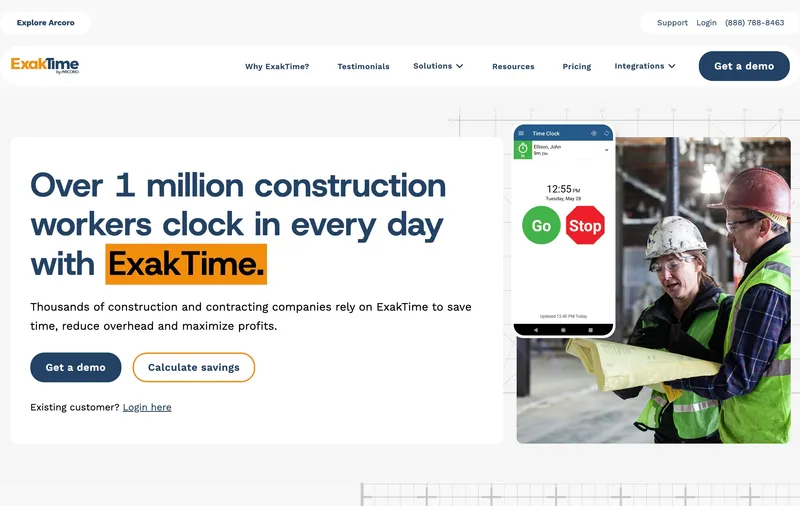
ExakTime, now part of Arcoro’s HR suite, is optimized for large construction crews at fixed locations. The green “Go” and red “Stop” buttons designed around universal road signs are a small but genuine usability win for non-English-speaking workers. The FaceFront biometrics and rugged physical time clocks are strong. The pricing model requires sales contact for most tiers, which makes it hard to evaluate. Recent reviews also flag time tracking accuracy concerns, which is a red flag for any time clock.
Best for: Large commercial GCs with 50+ workers on long-duration fixed-location projects already using the Arcoro HR suite.
Pricing
| Plan | Price |
|---|---|
| Essential | $9/user/month + base fee |
| Professional | Custom quote |
| Elite | Custom quote |
Free trial not available.
Ratings
- Apple App Store: ⭐⭐⭐ 2.9/5
- Google Play: ⭐⭐⭐⭐ 3.8/5
- Capterra: ⭐⭐⭐⭐ 3.5/5 (4 reviews)
Jibble
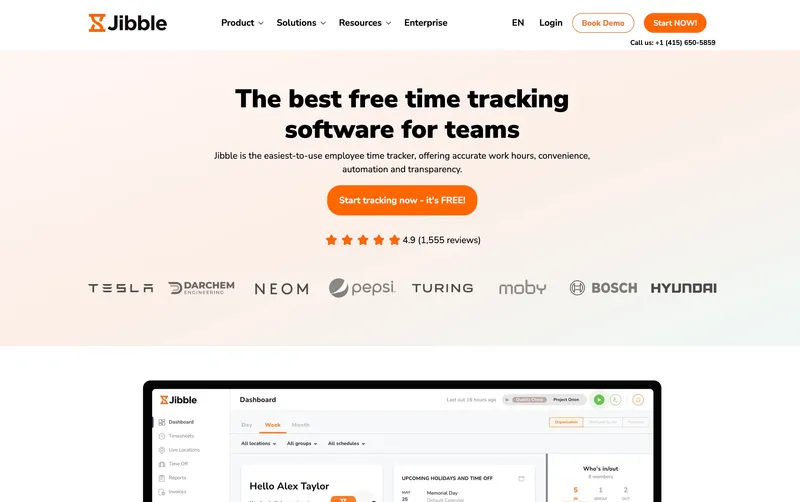
Jibble has the most generous free plan in the category: unlimited users, GPS clock-in, facial recognition, and automated timesheets at $0. For a crew of 3 to 5 people trying to move off paper without paying anything, Jibble is the obvious starting point. The catch is it’s not construction-specific. No cost codes, no prevailing wage support, no certified payroll. Once you grow past a few workers or need real job costing, you will outgrow it.
Best for: Very small construction crews (1 to 10 workers) who need free time tracking with GPS.
Pricing
| Plan | Price |
|---|---|
| Free | $0 for unlimited users |
| Premium | $3.99/user/month |
| Ultimate | $7.99/user/month |
| Enterprise | Custom |
Ratings
- Apple App Store: ⭐⭐⭐⭐⭐ 4.8/5
- Google Play: ⭐⭐⭐⭐⭐ 4.8/5
- Capterra: ⭐⭐⭐⭐⭐ 4.8/5 (1,600+ reviews)
QuickBooks Time
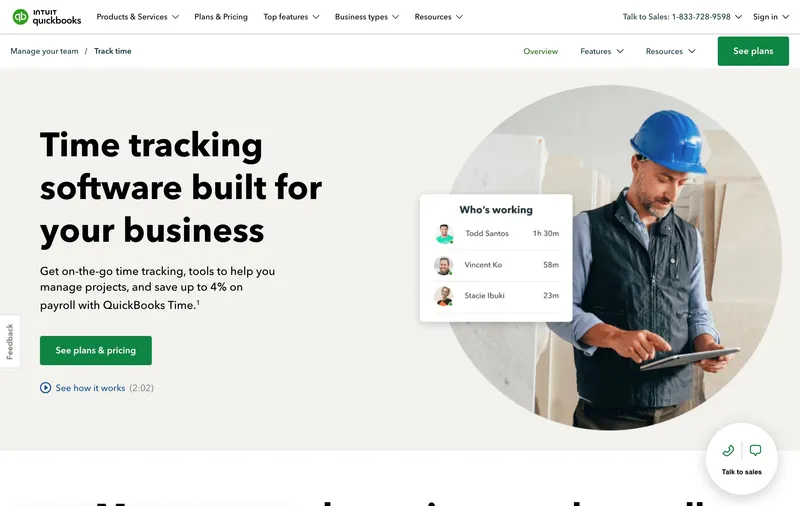
QuickBooks Time (formerly TSheets) has one clear advantage: native two-way sync with QuickBooks Online and QuickBooks Payroll. Job codes, customer lists, and service items flow in from QuickBooks, and approved hours flow back for invoicing and payroll. For a construction firm already deep in QuickBooks, this eliminates the weekly manual export. In testing, the sync was solid, but scheduling was noticeably weaker than dedicated tools and only one approver per workflow is a genuine limitation for crews with multiple foremen.
Best for: Construction firms already running QuickBooks Online or QuickBooks Desktop for accounting.
Pricing
| Plan | Price |
|---|---|
| Premium | $8/user/month + $20/month base |
| Elite | $10/user/month + $40/month base |
Ratings
- Apple App Store: ⭐⭐⭐⭐⭐ 4.7/5
- Google Play: ⭐⭐⭐⭐ 4.3/5
- Capterra: ⭐⭐⭐⭐⭐ 4.7/5 (7,000+ reviews)
How to choose the best construction time tracking software
The decision hinges on three questions: how big is your crew, how much are you willing to pay in base fees, and how construction-specific do your features need to be.
Crew size. For 1 to 10 workers, flat per-seat pricing (ShiftFlow) or a free tier (Jibble) usually covers it. For 10 to 50, the choice is between a general time tracker like ShiftFlow and a construction-specialist like Workyard, depending on how much project depth you need. For 50+, the specialist tools (Workyard, SmartBarrel) scale into enterprise payroll workflows that go beyond what most general time trackers cover.
Base fees. Base fees quietly add $228 to $600 per year on top of per-user pricing. ShiftFlow and Jibble have none. Workyard ($50), ClockShark ($40 to $60), busybusy ($40 admin), Buddy Punch ($19), and QuickBooks Time ($20 to $55) all do. For a 10-person crew, the base fee alone is often more than the per-user cost.
Construction-specific features. If you run prevailing wage jobs, union work, or need certified payroll, you need Workyard, SmartBarrel, or busybusy. If you need native QuickBooks two-way sync, you need QuickBooks Time or Workyard. If you mostly just need to know who clocked in where, ShiftFlow’s simpler plan covers it without the overhead.
Real monthly bill for a 10-person crew
| Tool | Monthly bill for 10 users |
|---|---|
| Jibble | $0 (free) |
| Timeero Basic | $40 |
| ShiftFlow | $59.90 |
| Buddy Punch Starter (monthly) | $73.90 |
| QuickBooks Time Premium | $100 |
| Workyard Starter | $110 |
| ClockShark Standard | $130 |
| busybusy Pro (monthly) | $159.90 |
Sticker prices and real monthly bills are usually different because of base fees and admin licenses.

Best construction time tracking software by use case
- Flat predictable pricing, 1 to 50 workers: ShiftFlow
- Construction-specific features and QuickBooks sync: Workyard
- Equipment tracking alongside labor: busybusy
- Complex PTO accrual rules: Buddy Punch
- Franchise with invoicing built in: ClockShark
- Mileage tracking for field service: Timeero
- Union crews without smartphones: SmartBarrel
- Already deep in QuickBooks: QuickBooks Time
- Free forever for very small crews: Jibble
Final recommendation
Best Overall: ShiftFlow. Flat $5.99/seat with no base fee, GPS verification, offline mode, and shift-aware clock-in all in one plan. Works across iOS, Android, Windows, and web. Best for small and mid-sized construction crews (5 to 50 workers).
Best for Construction-Specific Features: Workyard. Deepest cost coding, native QuickBooks sync, preconfigured state-specific compliance. $6/user + $50 base.
Best for Equipment-Heavy Crews: busybusy. Only tool with built-in equipment hours tracking alongside labor. $11.99/user + $40 admin.
Ready to see ShiftFlow in action? Start your 14-day free trial today. No credit card required.
Frequently asked questions
What is the best time tracking app for a small construction company?
For crews under 50 workers, ShiftFlow is the best overall pick because it charges one flat $5.99/seat with no base fee. A 10-person crew pays $59.90 per month, everything included. For very small crews (1 to 5 workers) who need free software, Jibble is the strongest alternative.
Do construction time tracking apps work without cell signal on remote job sites?
Most of the apps on this list support offline clock-in. ShiftFlow, Workyard, busybusy, ClockShark, Timeero, and Jibble all do. Buddy Punch does not, which is a hard limitation on remote sites with spotty signal.
What does time tracking software cost for a construction crew of 10?
At April 2026 pricing: Jibble free, Timeero $40, ShiftFlow $59.90, Buddy Punch $73.90, QuickBooks Time $100, Workyard $110, ClockShark $130, busybusy $159.90. Sticker prices and real bills usually differ because of base fees and admin licenses.
Can I use time tracking data to bid construction jobs more accurately?
Yes, and it is one of the highest-value uses of this data. By tracking actual hours against job codes on completed projects, you build a database of what similar work really costs in labor. Workyard and QuickBooks Time have built-in job costing reports; other tools on this list export to CSV.
What construction time tracking apps integrate with QuickBooks?
QuickBooks Time has the deepest native integration since it is an Intuit product. Workyard, busybusy, and ClockShark all offer two-way sync with both QuickBooks Desktop and Online. Buddy Punch and Jibble have direct one-way integrations that push hours into QuickBooks Online. ShiftFlow exports to CSV that imports into QuickBooks.
How do I stop buddy punching on my construction crew?
Use an app with biometric or photo verification. SmartBarrel uses self-learning facial recognition that works with hard hats and safety glasses. Workyard and Buddy Punch both support photo ID at clock-in. For construction crews, photo-based verification generally works better than fingerprint scanners because workers often have wet or dirty hands.
What is the best free time tracking app for construction?
Jibble has the strongest free plan: unlimited users, GPS, facial recognition, and automated timesheets at $0. busybusy also offers a free tier but with more feature limitations. Crews that will outgrow free within 12 months should start on a paid tool to avoid the migration headache.
Related construction guides
- construction
- time-tracking
- time-clock-software
- construction-crew
- gps-time-tracking
- geofencing
- mobile-time-clock
- software-comparison