How to Verify Your Crew Actually Showed Up to the Job Site
When you run several sites at once, you cannot be on all of them. A clock-in by itself only tells you a button was pressed. Here is how to know the crew was actually on site, on time, without driving around to check.
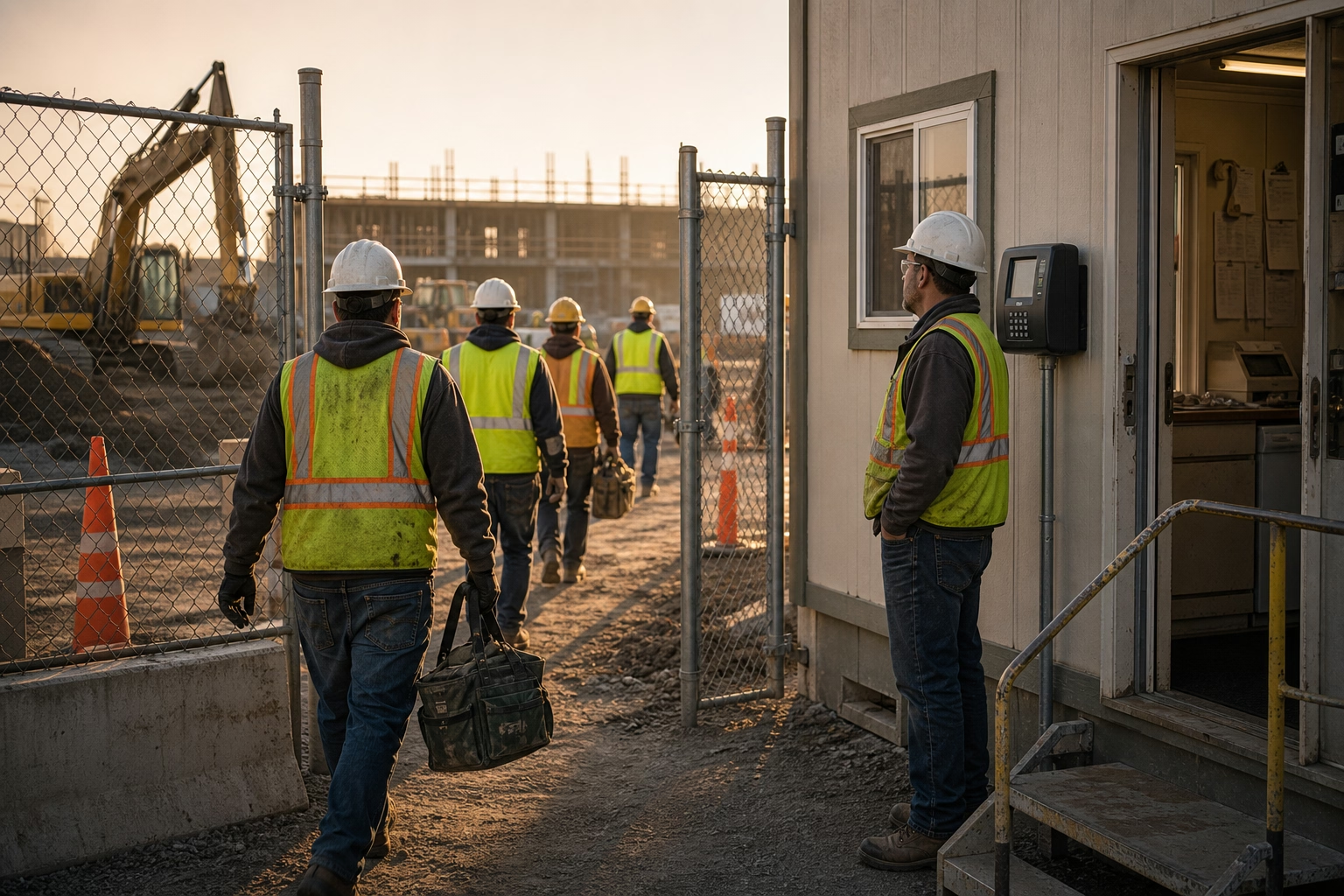
A Timestamp Doesn’t Tell You Where the Crew Is
You run four sites. You can stand on one of them. The other three are running on trust — and trust is fine right up until the morning a client calls to ask why nobody was at his property at 8 a.m. when your timesheet says the crew started at 7.
A plain clock-in tells you when, never where. The app says someone tapped “clock in” at 7:02 and stops there. That punch could come from the job site. From a truck in the parking lot. From a coffee shop down the road. From a guy still in bed who’ll roll in at 7:40. If all you have is a timestamp, “did the crew actually show up, on time, where they were supposed to be” is a question you can’t answer from the office. You find out by driving over, or you find out from an angry client.
This is the question underneath missed punches and buddy punching. Not just whether a punch happened, but whether it represents a real person, really on site, really at that time.
What Doesn’t Give You Proof
A timestamp alone. Like we said — it records when, not where or by whom. A claim, not evidence.
A text from the foreman. “We’re all here, boss” is secondhand, after the fact, and exactly as reliable as the foreman’s own attention that morning. It also doesn’t scale past the one site he’s standing on.
Calling the site. You interrupt the work to confirm the work is happening, you only cover one site per call, and a phone answered tells you a phone was answered.
Driving the loop. It works. It also costs you your entire morning. The whole reason to run multiple sites is that you can’t be on all of them, so a verification method that makes you physically visit each one defeats the point.
Every one of these is a way of asking instead of knowing. Proof means the record itself shows where the punch came from and who made it.
What Actually Proves Arrival
Three things, captured at the moment of the punch, turn “I’m on my way” into a fact you can check from anywhere.
GPS location on every clock-in. The punch carries the coordinates it was made from. Now the record doesn’t just say 7:02 — it says 7:02, at this location. A punch from the parking lot reads differently from a punch at the work area, and a punch from across town is obvious on its face.
A geofence around each site. Draw a boundary around the job once. A clock-in inside it confirms the worker was physically there; one attempted from outside gets flagged or blocked. The geofence is what converts a raw GPS dot into a clean yes-or-no: was this punch made on site, or not. It’s the same mechanism that keeps hours landing on the right job when a crew runs several sites.
A selfie on the punch. GPS proves the location. The photo proves the person. A quick picture attached to the clock-in means the record shows the right face on site at that time, not just that someone holding a phone was. Together, GPS and a selfie answer both halves of the question — where, and who.
A live view across all your sites. Pull up one screen and see who’s clocked in, at which site, with location confirmed, right now — from your truck, from the office, from another job. The three sites you can’t stand on stop running on faith. You know, at a glance, that the crews are where they’re supposed to be, and you only get in the truck when the screen tells you something’s off.

What Verified Arrival Fixes on the Job
The morning windshield tour you used to run to spot-check sites gives that time back, because the dashboard already told you who started where. You stop burning a half-day confirming what a screen could show in five seconds, and you only get in the truck when something is actually off.
It also cleans up the numbers that ride on those start times. When the location confirms a punch landed on the right job, the hours land on the right job too — so your job costing reflects who was actually on which site, not who tapped in from a truck between two addresses. When a client claims nobody showed, you’ve got a timestamped, located, photo-verified record instead of a he-said argument. And the behavior shifts without a confrontation. When everyone knows arrival is verified at the site, “I’ll be there by 7” turns into being there by 7, because the start of the shift is now a fact instead of a claim.
What Gets Captured, and What Doesn’t
This verifies the punch, not the day. ShiftFlow captures a location and a photo when someone clocks in, while they’re on the clock — it doesn’t follow them around the site or track them continuously, and you shouldn’t pitch it as if it does. Tell the crew exactly what’s captured and when, keep it to a short written policy, and check your state’s rules, since location capture at work varies by state — and on a personal phone, some states want explicit consent, not just notice. Framed as “we verify that the shift started on site,” it reads as fair, and the honest majority of your crew will have no problem with it.
Run more sites than you can personally watch, and verified arrival is what turns four jobs into one dashboard. See how a time clock built for construction gives you GPS-and-photo proof of arrival on every punch, or put ShiftFlow on your jobs and trade the morning windshield tour for one screen.
Frequently Asked Questions
How can I tell if my crew actually showed up without driving to the site?
A GPS-stamped, selfie-verified clock-in gives you proof of arrival you can see from anywhere. The punch carries the location it was made from and a photo of who made it, so a live dashboard shows you who’s on which site right now — no driving over to confirm it in person.
Does a clock-in by itself prove someone is on site?
No. A plain clock-in only proves a button was pressed, which could happen from a truck, a parking lot, or a couch. To prove arrival you need the punch tied to the site’s location through GPS and a geofence, and ideally a photo, so the record shows where it was made and by whom.
What is a geofence and how does it confirm arrival?
A geofence is a virtual boundary you draw around a job site. A clock-in made inside the boundary confirms the worker was physically there; one attempted from outside it gets flagged or blocked. It turns “I’m on my way” into a verifiable fact instead of a claim you take on faith.
Is verifying arrival the same as tracking workers all day?
No, and the difference matters. Proof of arrival captures a location and a photo at the moment of the punch, while the worker’s on the clock — it isn’t continuous all-day tracking. You’re verifying that the shift started on site, not following someone around the job, and being clear about that distinction keeps the crew on board.
- construction
- gps-time-tracking
- proof-of-arrival
- selfie-verification
- job-site
- field-service
- accountability
- time-clock