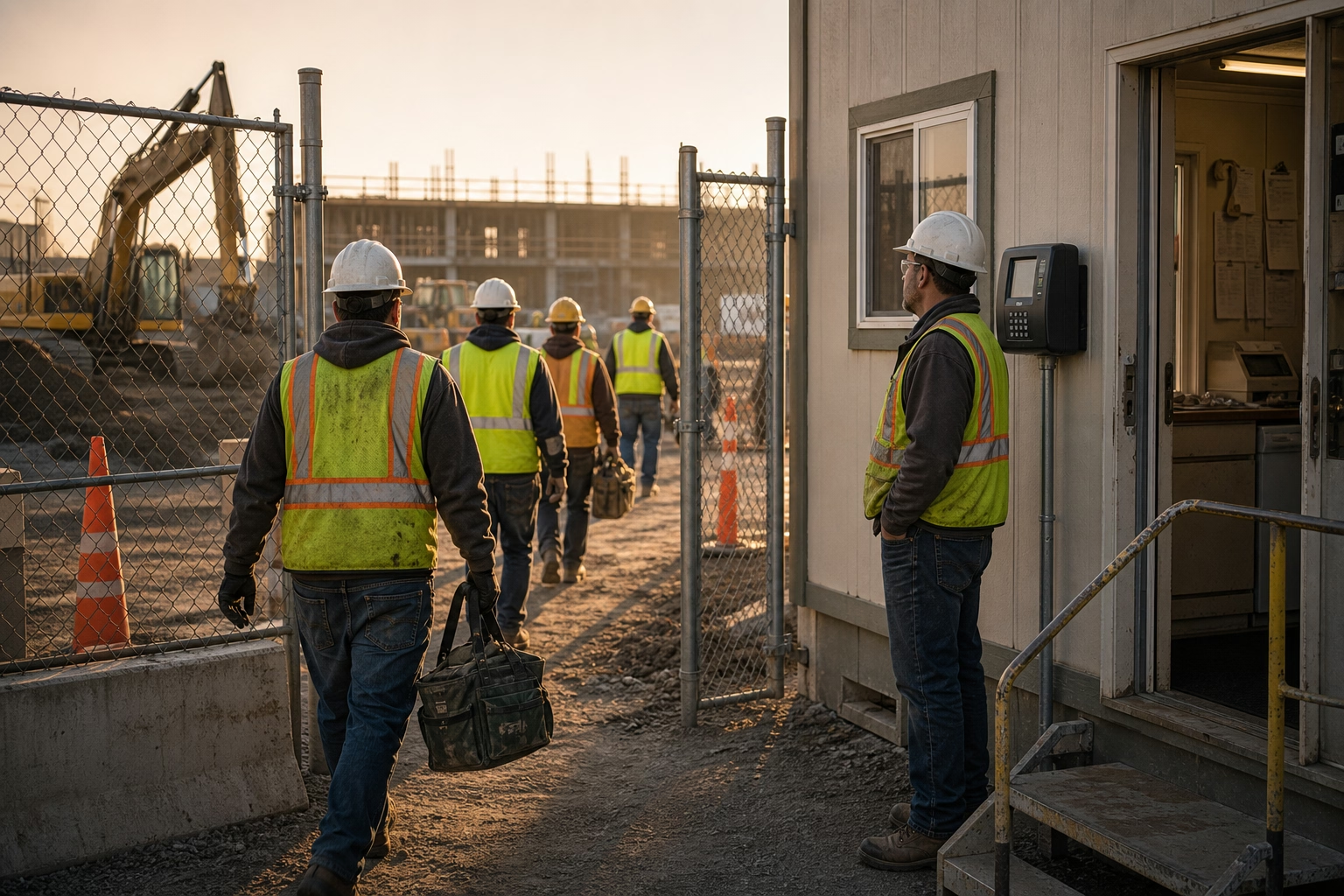
Field Employee Time Tracking: A Practical 2026 Guide
Most field time tracking systems do not fail at the time clock. They fail three weeks later, in payroll reconciliation. Here is what actually works for field service operations — and how to tell when your current setup has quietly broken.

Most Field Time Tracking Systems Do Not Fail at the Time Clock
If you run a cleaning, construction, or HVAC operation, you already know the numbers in your payroll system are not quite right. You have seen the rounding. You have seen the timesheets that arrive on Monday with hours that do not match the schedule. You have had a client push back on an invoice and had nothing to show them but a written form. You have looked at a job-cost report and known, in your gut, that the labor line was wrong.
It is tempting to assume the failure is at the time clock and go hunting for a better app. Usually it is not. The failure is three weeks later, in payroll reconciliation, when no one can explain why the totals do not match. It is two months later, when a client asks for proof of hours and you cannot produce it. It is at year-end, when you back into the realization that fixed-bid jobs have been quietly losing money because labor was 12% over plan and nobody flagged it.
Field time tracking does not break loudly. It tends to mislead you, quietly, for months — and by the time you notice, the cost is already on your books.
This is a guide for operators who already know they have this problem. It leans opinionated, because once you run the math on what each method actually costs, the choices tend to get clearer than the marketing suggests.
Why Most Field Systems Quietly Fail
Three failure modes show up in nearly every operation that has not solved this yet.
They rely on self-reporting. Anything that does not verify location at the moment of clock-in is essentially self-reporting, even if the dashboard dresses it up. Phone-based check-ins, paper timesheets, and even most app-based tools without GPS verification all collapse to the same thing: the team member tells you what they want you to know, and you write it down. Self-reported data is generous. Five extra minutes here, a rounded-up departure there. At a 20-person crew, five minutes per shift, five days a week, fifty weeks a year, is over 400 hours of unworked time landing in payroll. At $22/hour fully loaded, that is roughly $9,000 a year — and it grows with the team.
They optimize for the back office, not the field. Most time tracking systems are designed by people whose mental model is an office worker at a desk, not a crew lead in a basement with no signal. The result is workflows that work fine on a demo but fall apart in real conditions: clock-ins that require a working data connection, photo uploads that take 30 seconds on slow LTE, mandatory job-code selections that tempt the crew lead to “just clock everyone in under whatever job is closest.” Every step the field has to take, they will eventually stop taking.
They generate data nobody looks at until payroll. A time tracking system that only matters at the end of the pay period has already failed at its actual job. The point of tracking time is to see problems while you can still fix them — late starts, missed lunches, overtime accumulating mid-week, geofence exceptions on a specific crew. If your manager opens the dashboard once every two weeks to approve timesheets, the system is a glorified data-entry tool, not a control surface.
How Each Method Breaks As You Scale
The methods most field operations use are not arbitrary. Each one works at a specific size, and each one breaks at the next. The trap is that the breakage is silent — by the time you notice you have outgrown a method, you have been overpaying or under-billing for a year.
Two- or three-person crews: phone calls and texts. When the manager is in the truck with the team, this works fine. The supervisor sees the team start and stop. Honor system, more or less. The cracks appear when you hire the fourth person and one of the original three becomes a crew lead at a separate job. Now nobody is watching at one of the sites, and the texts start arriving with hours you have no way to verify. This is the moment most operators reach for the next method, usually about six months too late.
Five to ten people across two or three sites: paper timesheets. Paper looks like control. It is not. Hours get filled in from memory at the end of the week, by the same person whose hours are being reported. Friday afternoons get spent chasing missing sheets. By the time a sheet hits the office, the work it covers is a week old, and any reconciliation against the schedule depends on the manager remembering details from the week before. Errors compound silently. This is also the stage where the first real billing dispute usually shows up — a client questions an invoice, you go to the timesheet, and you discover the timesheet is your only evidence and it does not actually prove anything.
Ten to twenty people across multiple sites: centralized check-in or kiosks. Operators at this size try one of two patches. The first is a yard or depot check-in: everyone reports to one location at the start of the shift, clocks in there, and drives to the job site. This pays for travel time that may or may not be compensable and ignores the actual on-site hours, which is what your clients are buying. The second is kiosk-based clock-in at each site — works fine if your crews go to the same building every day, completely impractical if 15 of them rotate through 30 client locations on a weekly schedule.
Twenty-plus people on rotating sites: anything other than GPS-verified mobile collapses. At this size, the operations that survive are the ones that picked GPS-verified mobile clock-in by year three and stopped trying to retrofit older methods. The ones that did not picked it eventually anyway, but spent two extra years chasing reconciliation problems and absorbing payroll inflation along the way.
The pattern is the same across cleaning, construction, and HVAC: each method works for one stage, and the upgrade always feels expensive until you do the math on what the current method is actually costing you.
What This Is Costing You Right Now
Field service operators usually underestimate the cost of a broken time tracking system by a factor of two or three because they only count the obvious bucket — payroll. There are four buckets, and they compound.
Payroll inflation. Self-reported time inflates. Industry surveys typically put the average at roughly four to five hours per week per employee across all industries, but the field-specific number is typically higher because oversight is lower. Even at a conservative 15 minutes per shift per person, a 10-person operation is bleeding around $14,000 a year in unworked time at $22/hour. Triple-digit operations are losing six figures.
Manager hours. The crew supervisor or office manager who reconciles timesheets every Friday is not free. Four to six hours per week, fifty weeks per year, at a fully loaded rate of $50/hour, is $10,000 to $15,000 per manager per year — spent on data entry that should have been automated. Multiply by the number of managers doing it, then add the work they did not get to because they were chasing time cards.
Billing disputes. Service businesses that bill by the hour live or die on their ability to defend invoiced hours. A single dispute on a $5,000 monthly contract that costs you 5% in conceded hours to keep the relationship is $3,000 a year, before anyone factors in the cost of the manager hours spent re-litigating. A handful of disputed contracts adds up to a real number, and the disputes are easier to win — usually instantly — when you have GPS-verified clock-in records to email back.
Compliance exposure. The U.S. Department of Labor’s Wage and Hour Division recovers hundreds of millions in back wages each year, with overtime and recordkeeping violations among the most common causes. The FLSA requires employers to keep accurate records of hours worked for non-exempt team members, and “we lost the timesheets” is not a defense. For field operations specifically, the recordkeeping risk is higher because the data is always more contested. State-level wage-and-hour suits routinely settle for six figures.
Add the four together and the math usually flips. The cost of staying with the current system tends to be larger than the cost of replacing it — and unlike most operational expenses, this one quietly grows every quarter you put it off.

What Actually Matters in Field Time Tracking Software
If you are evaluating tools, four things tend to matter most. The rest is mostly nice-to-have.
GPS verification on every punch. The foundation. Every clock-in and clock-out should record location automatically. Without it, you are paying for software that decorates self-reported data. With it, your defense in any future billing or wage dispute is one CSV export away.
Geofencing. GPS records where someone clocked in. Geofencing decides whether to allow it. For multi-site operations, this is the difference between catching off-site punches in retrospect and preventing them in the first place. If your software does not support per-site geofences with configurable enforcement, keep looking.
Offline mode. Field crews lose service. The app should queue clock-ins locally and sync when connectivity returns, with the original timestamp preserved. Software that requires a live data connection will lose punches in basements, parking garages, and rural sites — and every lost punch becomes a payroll exception.
Direct payroll integration. The handoff to payroll is where the largest errors enter. Direct integration with QuickBooks, Gusto, ADP, or Paychex eliminates the manual re-entry step. CSV export is a fallback, not a feature. If your team is going to type numbers into another system, you have not actually solved the problem.
A few features matter less than the marketing suggests. Photo verification is real but mostly redundant if you already have GPS and geofencing. Facial recognition is usually overkill for field operations and adds friction at clock-in. AI-driven analytics tend to demo well and deliver marginal day-to-day value. None of these are bad — they are just not what makes or breaks the tracking. The four above are.
For a side-by-side comparison of tools that handle these four well, see our best time clock app for field employees roundup. For the technical mechanics of how clock-in actually works, time clock software is the underlying category.
What Rollout Actually Looks Like
Two things tend to go wrong with field-tracking rollouts. Either the company tries to switch the entire team at once and gets buried in support tickets and resentment, or they roll out the software but never train the managers, and the new system ends up feeling like the old system with extra steps.
Three things separate clean rollouts from painful ones.
Be specific about what is and is not tracked. Crews assume the worst. Tell them, in writing, that GPS captures location only at clock-in and clock-out events — not continuously, not during lunch, not after they punch out. Put it in the handbook. Reference it in the timekeeping policy. The most common source of pushback is the (usually false) belief that the company is tracking team members all day.
Pilot with one crew for two weeks before scaling. Pick the smallest crew or the one with the most patient supervisor. Use that two weeks to find what trips them up and fix the rollout plan before you scale. Whatever breaks during the pilot will break ten times worse if you skip it.
Run the first pay period in parallel. For one full pay cycle, run the new system alongside whatever you are doing now. Compare totals. The new numbers usually come in lower than the old ones, and the gap is the size of the problem you have been carrying. That gap is also the strongest internal case for the switch.
A Real Scenario
A commercial cleaning operator with 22 team members rotating through 12 office buildings. Before the switch, the office manager reconciled paper timesheets every Friday — about four hours of work, give or take. Hours regularly disagreed with what supervisors remembered, and one large client had pushed back on invoiced hours twice in the previous quarter.
After moving to GPS-verified mobile clock-in with geofencing, three things changed in the first 60 days.
Friday reconciliation dropped from four hours to under thirty minutes. The timesheets were already accurate when the manager opened them on Monday. Her job became reviewing the flagged exceptions, not building totals from scratch.
The next billing dispute resolved in twelve minutes. When the client questioned invoiced hours for the previous month, the manager pulled the GPS-verified clock-in and clock-out records for every shift at that location and emailed the report. The client signed off the same day.
Two team members who had been quietly inflating their end-of-shift hours self-corrected — not because anyone confronted them, but because GPS verification made the inflation impossible. End-of-shift hours dropped by 20 to 30 minutes for two specific people, with no policy change required.
None of these outcomes required new processes. They came from removing the manual reconciliation steps the previous system had been forcing on everyone.
If your field tracking is producing numbers you do not fully trust, the cost of staying with what you have is bigger than it looks and gets worse every quarter. ShiftFlow’s time clock is built for field service operations: GPS-verified clock-in, per-site geofences, offline mode, and direct payroll handoff — the four things that matter, without the friction layer that kills adoption.
Further Reading
- Best Time Clock App for Field Employees — Side-by-side comparison of GPS-verified time clock apps by industry
- How to Track Employee Time Effectively in 2026 — Six methods compared with a decision framework
- How to Prevent Time Theft in the Workplace — Strategies including GPS verification and geofencing
- GPS Tracking Laws by State — Notification and consent requirements for employers
Sources
- field-employee-time-tracking
- gps-time-tracking
- mobile-time-tracking
- geofencing
- time-clock
- field-service
- construction
- cleaning