Best Time Clock App for Field Employees in 2026
Field teams need more than a basic clock-in button. Compare GPS-verified time clock apps built for construction, cleaning, HVAC, and landscaping crews that work across multiple job sites.
Why Field Teams Need a Different Time Clock
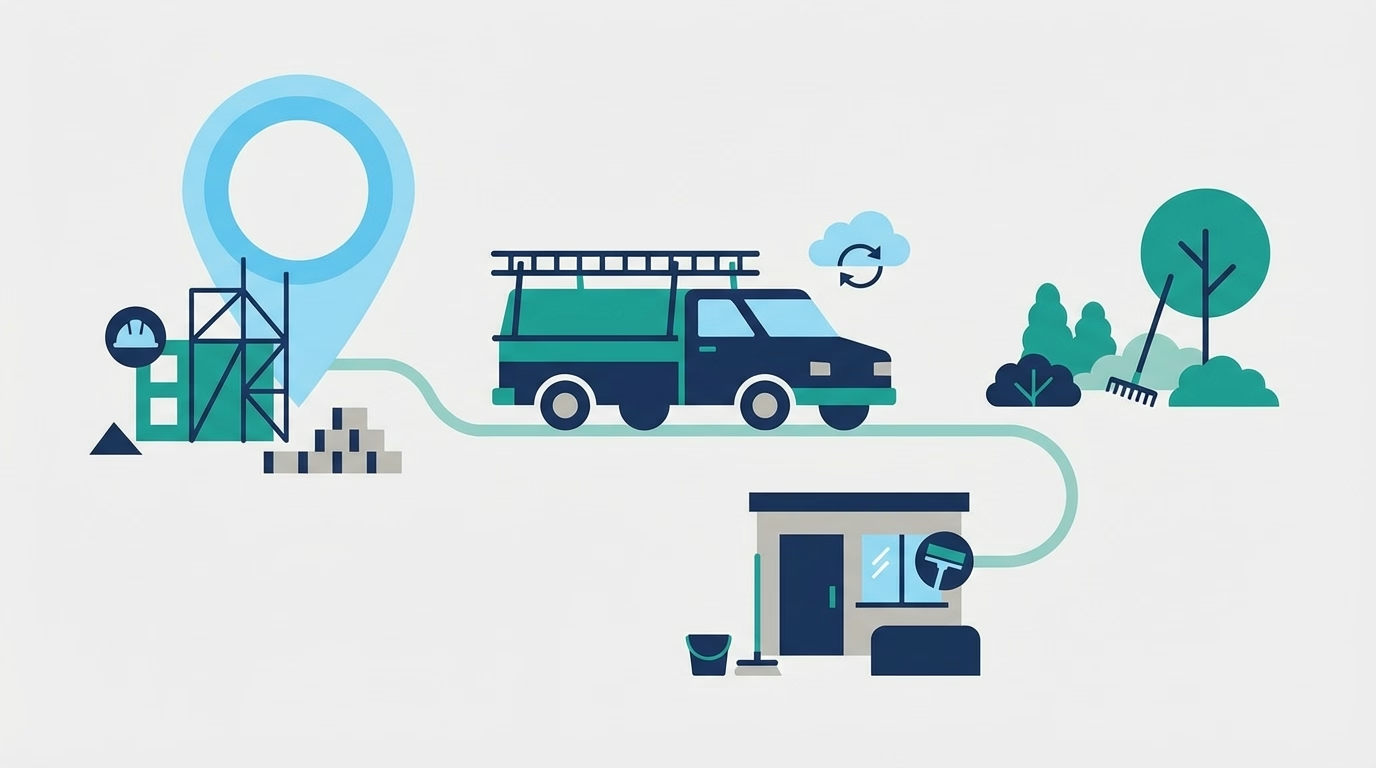
A basic time clock works fine when everyone clocks in at the same building. Field teams break that assumption. Crew members start shifts at scattered job sites, drive between locations, and often work in areas with spotty cell service.
The problems that follow are predictable: inaccurate time records, no proof of job site presence, buddy punching across locations, and hours of weekly admin work reconciling paper timesheets with actual job costs.
A time clock app built for field employees solves these problems with GPS verification, geofencing, offline mode, and mobile-first design. The right tool turns a chaotic time tracking process into something that runs on autopilot.
Quick Answer
The best time clock app for field employees includes GPS-verified clock-ins, geofencing to restrict punches to job sites, offline mode for low-connectivity areas, and direct payroll export. Top options in 2026 include ShiftFlow, ClockShark, Busybusy, Connecteam, and Homebase—each with different strengths depending on your industry and team size.
Must-Have Features for Field Time Tracking
GPS Verification
GPS tracking records the location of every clock-in and clock-out, verifying job site presence and creating a location-stamped audit trail. Most field apps capture a snapshot at clock-in and clock-out — not a real-time breadcrumb trail. For a detailed breakdown of how GPS and geofencing work in time clock software, see What Is Time Clock Software.
Geofencing
Geofencing draws a virtual boundary around a job site. When a team member tries to clock in, the app checks whether their phone is inside the fence. If they are outside the radius, the clock-in is either blocked or flagged for manager review.
This eliminates the “clocked in from the parking lot of the gas station” problem. For businesses billing clients by the hour, geofencing provides proof that hours were worked on-site.
Offline Mode
Cell service disappears inside buildings, on rural job sites, and underground. A field time clock app that requires a constant internet connection will fail exactly when your team needs it most.
Offline mode caches clock-in data locally on the phone and syncs to the cloud when connectivity returns. The phone’s built-in GPS chip works without internet, so location data is still captured even offline.
Photo Verification
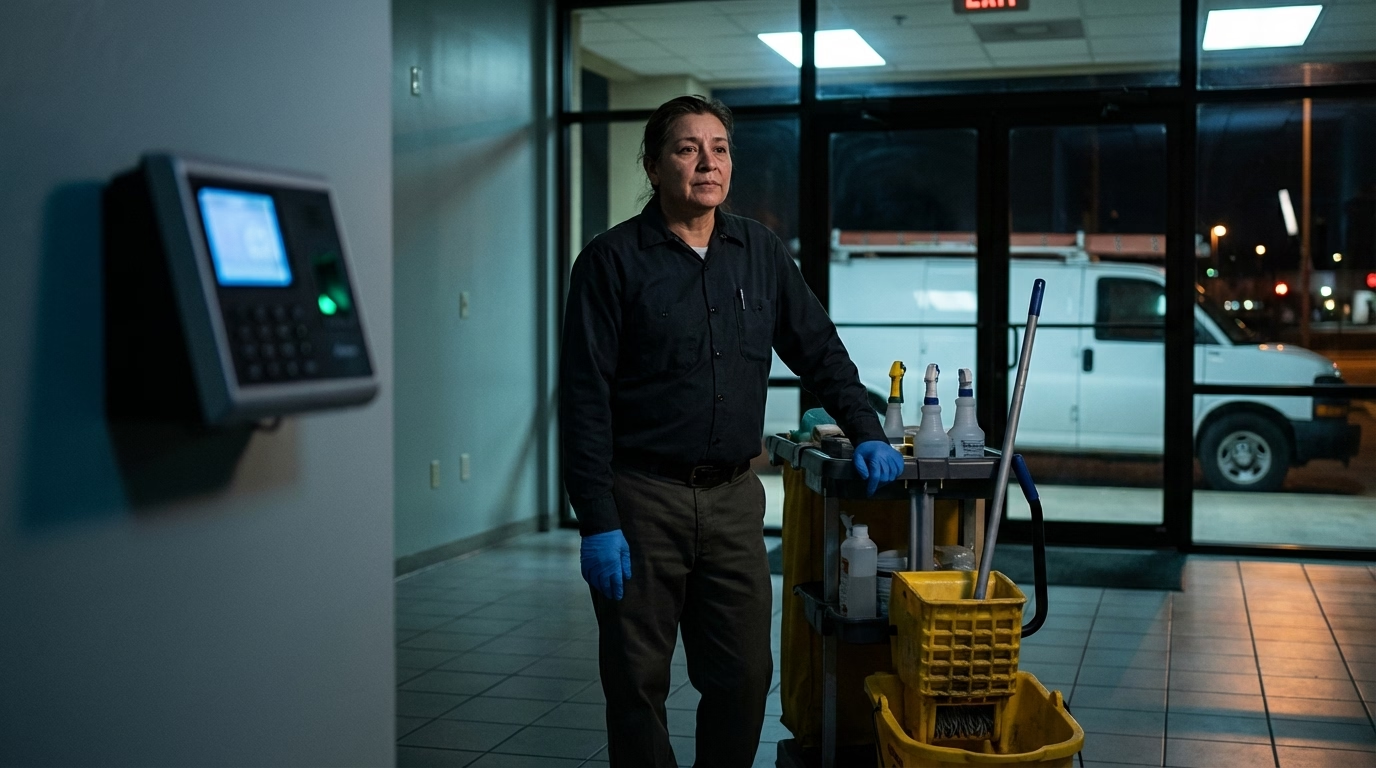
Some field time clock apps capture a selfie at clock-in. This eliminates buddy punching without requiring biometric hardware—the team member’s face is the verification. Photos also serve as documentation for clients who want proof of on-site presence.
Job Code Tracking
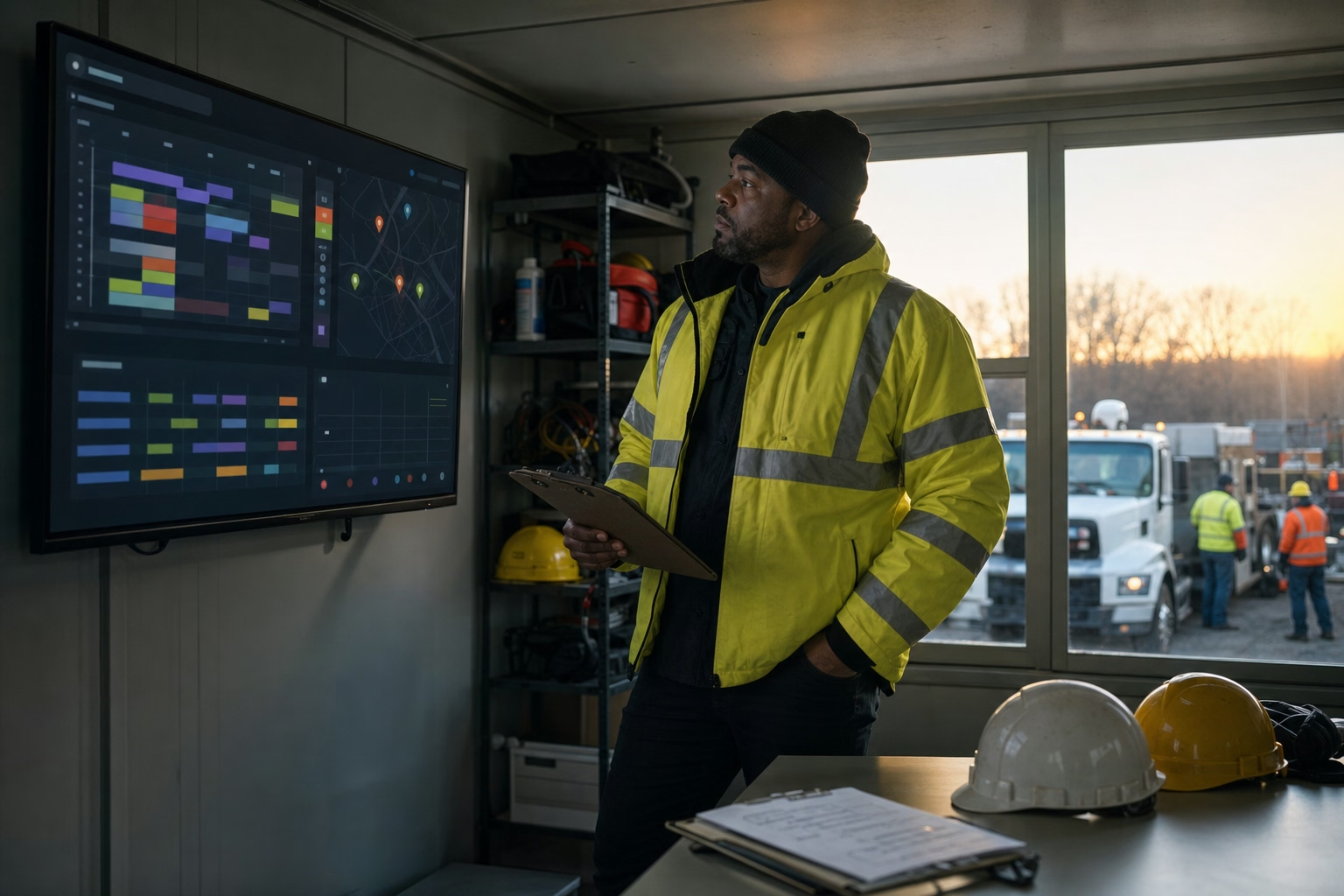
Field teams often work on multiple jobs or clients in a single day. Job code tracking lets team members tag their hours to specific projects, clients, or cost centers. This data feeds into job costing reports so you can see which jobs are profitable and which are bleeding labor hours.
Simple Mobile Interface
Field team members are not sitting at desks. They are wearing gloves, standing in the sun, or rushing between tasks. The app needs to work with one tap—no login screens, no multi-step flows, no tiny buttons. If the clock-in process takes more than five seconds, adoption will suffer.
Top Field Time Clock Apps Compared
| App | GPS | Geofencing | Offline Mode | Photo Verification | Job Codes | Starting Price |
|---|---|---|---|---|---|---|
| ShiftFlow | Yes | Yes | Yes | Yes | Yes | $5.99/seat/mo |
| ClockShark | Yes | Yes | Yes | No | Yes | $40 base + $9/user/mo |
| Busybusy | Yes | Yes | Yes | Yes | Yes | Free (basic), $9.99/user/mo (pro, annual) |
| Connecteam | Yes | Yes | Yes | No | Yes | Free (up to 10), $29/mo (up to 30 users) |
| Buddy Punch | Yes | Yes | Limited | Yes | Yes | $19 base + $4.49/user/mo |
| Homebase | Snapshot only | Yes | Limited | No | No | Free (basic), $20/location/mo (annual) |
ShiftFlow
ShiftFlow is built specifically for shift-based teams that work across multiple job sites. GPS-verified clock-ins, geofencing, offline mode, and photo capture are all standard—not premium add-ons. The mobile interface is designed for field crews who need one-tap clock-ins without fumbling through menus.
Strong time tracking with automatic overtime calculations and direct payroll export. Scheduling is built in, so field managers can assign team members to job sites and track attendance from one dashboard.
Best for: field service teams, cleaning companies, security, and multi-site operations that need GPS + scheduling in one platform.
ClockShark
A field-focused time clock with strong job costing and QuickBooks integration. Popular with construction companies that need to track labor hours by project and export to certified payroll. The mobile app includes GPS breadcrumb trails for crew members who move between sites during the day.
Best for: construction, trades, and businesses that bill clients by the hour.
Busybusy
Construction-specific time tracking with GPS, equipment tracking, and daily reporting. The free tier covers basic clock-in and GPS for unlimited users, making it a low-risk starting point for small crews. Pro features include job costing, PTO tracking, and certified payroll reports.
Best for: small to mid-size construction crews that want to start free and scale.
Connecteam
An all-in-one field operations platform that includes time tracking alongside communication, task management, and training. The time clock module includes GPS, geofencing, and automatic break deductions. Free for up to 10 users.
Best for: field teams that also need internal communication and task assignment in one app.
Buddy Punch
Known for its ease of use, Buddy Punch is a time and attendance tracking, scheduling, and payroll solution. Team members can clock in and out from anywhere using the mobile app, with GPS tracking and geofencing to confirm location accuracy. Coordinates appear on timecards at clock in and clock out, and off-site punching can be blocked entirely. Multi-site scheduling is supported, and hours can be assigned directly to specific jobs or projects so costing across locations stays accurate.
Best for: small to mid-size businesses that want accurate time tracking, scheduling, and payroll in a platform that is easy to set up and use.
Homebase
Primarily a scheduling tool that includes basic time tracking with GPS snapshots. The free tier covers one location with scheduling, time tracking, and messaging. Less field-focused than the other options—GPS captures a location at clock-in but does not offer continuous tracking or detailed geofencing.
Best for: single-location businesses (restaurants, retail) with some field activity.
How to Evaluate for Your Industry
Construction and Trades
Priorities: job costing, certified payroll, equipment tracking, multi-site GPS. Your time clock needs to tag hours to specific projects so you can track labor costs per job, generate certified payroll reports for government contracts, and prove on-site presence for client billing.
Look for ClockShark or Busybusy if construction-specific reporting is your top priority. ShiftFlow if you also need robust scheduling. Buddy Punch is a good fit for crews that value ease of use and integrated payroll over deep job costing.
Cleaning and Janitorial
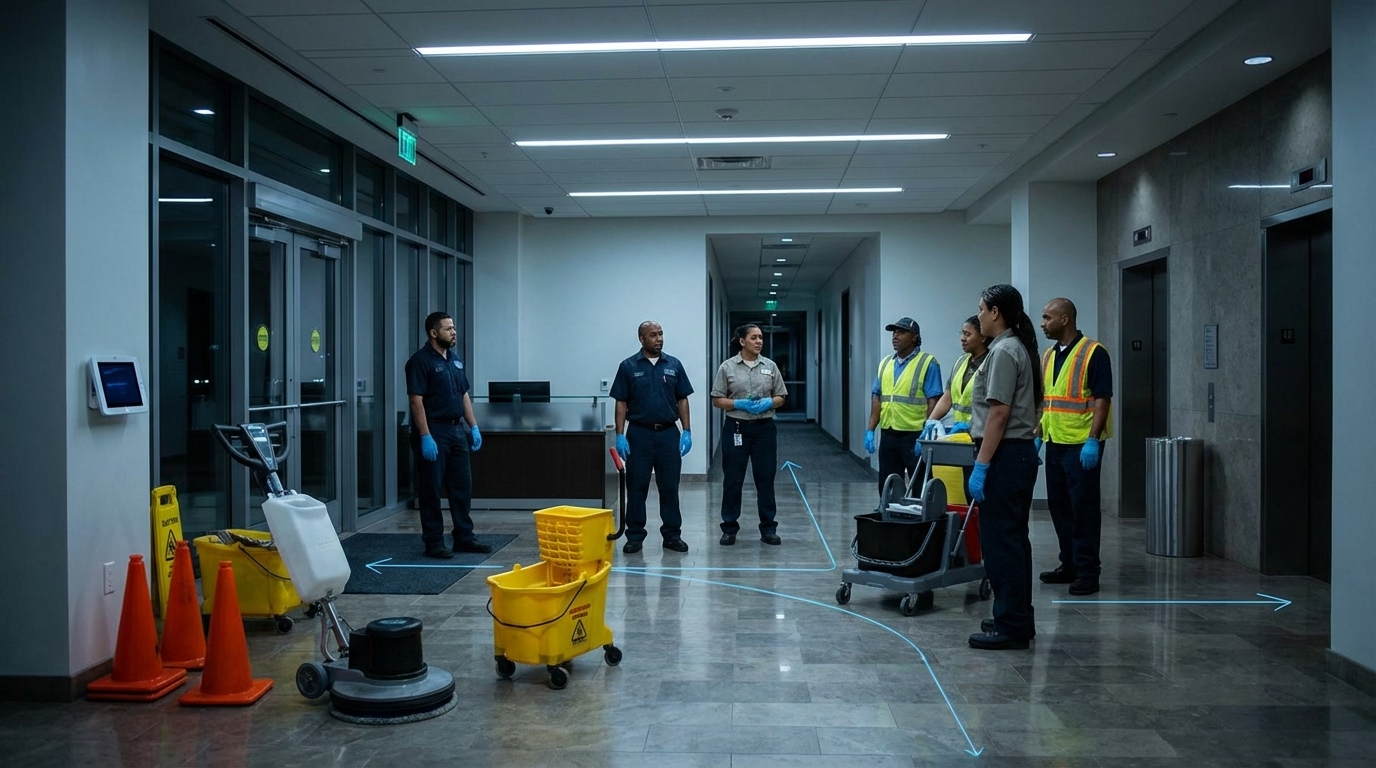
Priorities: geofencing (proving team members were on-site), photo verification, simple scheduling across multiple client locations. Cleaning companies often serve dozens of locations with rotating crews, so the time clock needs to handle frequent site changes without confusion.
ShiftFlow, Connecteam, and Buddy Punch handle multi-site scheduling and GPS well. Geofencing is especially valuable here—clients want proof their cleaning crew was on-site for the contracted hours.
HVAC and Field Service
Priorities: dispatching, drive-time tracking, job-by-job hour allocation. HVAC technicians visit multiple clients per day, so the time clock should support switching between job codes without clocking out and back in. Integration with field service management software is a plus.
Buddy Punch works well here—technicians can assign hours to specific jobs from the mobile app, and off-site punches can be blocked to keep billable time tied to the right client.
Landscaping
Priorities: crew-based clock-in (one supervisor clocks in the whole crew), offline mode for rural sites, weather-related schedule flexibility. Landscaping crews often start at a yard, load equipment, and head to sites with no cell service.
Look for apps with crew clock-in capability and strong offline mode. Busybusy’s construction features translate well to landscaping operations. Buddy Punch is a simpler alternative for crews working in areas with reliable cell coverage that want scheduling and payroll in one place.

Implementation Tips for Field Crews
Start with One Crew
Do not roll out to every team member on day one. Pick your most tech-comfortable crew, run the app for two weeks, collect feedback, and iron out issues before expanding. This builds internal champions who can help onboard other crews.
Set Up Geofences Before Launch
Map every active job site and set geofence radii before team members start using the app. A 200–500 foot radius works for most sites. Too tight and legitimate clock-ins get rejected; too wide and the geofence loses its value.
Address GPS Privacy Upfront
Team members will have questions about location tracking. Be transparent: explain that GPS captures a snapshot at clock-in and clock-out (not continuous tracking during the shift), the data is used for payroll accuracy and client billing, and tracking stops when they clock out.
Put the policy in writing and include it in your timekeeping policy. Review GPS tracking laws in your state to ensure compliance.
Make Clock-In Effortless
Remove every barrier. Pre-install the app on company devices. Set up automatic login. Put the clock-in button on the home screen. The harder it is, the more likely team members will “forget” and create manual entries that defeat the purpose of automated tracking.
Review Data Weekly
The value of a field time clock is not just in the clock-ins—it is in the patterns that emerge. Review overtime trends, job cost ratios, and attendance anomalies weekly. Use the data to adjust schedules, redistribute workloads, and catch problems before they become expensive.
Further Reading
- 10 Best Time Clock Software for Employees in 2026 — broader software comparison
- How to Track Employee Time Effectively in 2026 — time tracking methods compared
Field teams deserve a time clock that works where they work—not one that breaks the moment they leave the office. ShiftFlow’s time clock gives your field crews GPS-verified clock-ins, geofencing, offline mode, and one-tap simplicity on any phone.
Sources
- U.S. Bureau of Labor Statistics — Industries at a Glance: Construction — workforce data for field-heavy industries
- Society for Human Resource Management — Managing Workplace Monitoring and Surveillance — employer GPS tracking guidelines and best practices
- National Law Review — Key Considerations When Monitoring Employees Using GPS Tracking Devices — state-by-state GPS consent requirements
FAQ
What is the best time clock app for field employees?
The best field time clock app depends on your team size and industry. For construction and trades, Busybusy and ClockShark offer job costing and certified payroll. For cleaning and landscaping, Connecteam and Homebase provide simple GPS clock-ins with scheduling. For field service broadly, ShiftFlow combines GPS verification, geofencing, and offline mode in a mobile-first interface designed for hourly field crews.
Do field time clock apps work without internet?
Yes, most field-focused time clock apps offer offline mode. The app caches clock-in data locally on the device and syncs to the cloud when connectivity is restored. GPS coordinates are still captured offline using the phone’s built-in GPS chip, which does not require an internet connection to determine location.
How do I roll out a time clock app to field crews?
Start with one crew for a two-week pilot. Pre-install the app on devices, set up geofences for active job sites, and address GPS privacy questions upfront. Collect feedback, resolve issues, then expand to other crews. Internal champions from the pilot group help onboard the rest of the team. For state-by-state GPS legality details, see our guide on GPS tracking laws.
How does geofencing work for time clocks?
Geofencing creates a virtual boundary around a job site. When a team member tries to clock in, the app checks whether their phone’s GPS coordinates fall within the defined area. If they are outside the fence, the clock-in is either blocked or flagged for manager review. This ensures people are physically at the job site when they start their shift.
What features should I look for in a field time clock app?
The five essential features for field teams are: GPS verification to confirm clock-in locations, geofencing to restrict clock-ins to job sites, offline mode for areas without connectivity, a simple mobile interface that requires no training, and payroll export to eliminate manual data entry. Photo verification and job code tracking are valuable bonuses for teams that need client-facing documentation.