What Is Time Clock Software and How Does It Work?
Time clock software replaces paper timesheets with digital clock-ins that calculate hours, track overtime, and export to payroll automatically. Here is how it works under the hood.

What Is Time Clock Software?
Time clock software is a digital system that records when team members start and end work, calculates total hours including overtime and breaks, and exports the data to payroll. It replaces paper timesheets, spreadsheets, and wall-mounted punch clocks with automated tracking that runs on phones, tablets, or computers.
The software works as a digital version of the mechanical time clock—but instead of stamping a paper card, it captures a timestamped record in the cloud. From there, everything that used to happen manually (reading cards, adding hours, calculating overtime, keying data into payroll) happens automatically.
Quick Answer
Time clock software is a digital system where team members clock in and out from a phone, tablet, or computer. The software calculates hours, applies overtime rules, and exports totals to payroll—replacing manual timesheets and eliminating data entry errors.
How Time Clock Software Works: Step by Step
Step 1: Team Member Clocks In
A team member opens the app, taps a button, and their clock-in is recorded. Depending on the software, this can happen through a mobile app, web browser, shared kiosk tablet, or even SMS.
Some systems add a verification layer at this step—GPS location, a selfie, a fingerprint scan, or a requirement to be connected to a specific Wi-Fi network. This is what prevents buddy punching, where one person clocks in for another.
Step 2: The System Records the Timestamp
The clock-in time is stored in the cloud with metadata: who clocked in, when, where (if GPS is enabled), and from what device. This creates a tamper-proof audit trail that is far more reliable than paper records.
Step 3: Breaks and Activity Are Tracked
During the shift, the software can track paid and unpaid breaks, job codes or departments, and task-level time allocation if the platform supports it. Team members may clock in and out of breaks manually, or the system can auto-deduct based on rules you configure.
Step 4: Team Member Clocks Out
At the end of the shift, the team member clocks out the same way they clocked in. The software calculates the total shift duration, subtracts any unpaid breaks, and adds the hours to their running total for the pay period.
Step 5: Hours Are Calculated Automatically
The software applies your overtime rules—federal (40-hour weekly threshold) and any state-specific rules like California’s daily overtime after 8 hours. It totals regular hours, overtime hours, and double-time hours separately so payroll is processed correctly.
This is where time clock software saves the most time. Instead of a manager spending hours each pay period calculating totals from paper timesheets, the math happens instantly and accurately.
Step 6: Data Exports to Payroll
When the pay period closes, the manager reviews the timesheet for flagged entries (missed clock-outs, unusually long shifts, manual edits) and approves the hours. The approved data exports directly to payroll software—QuickBooks, Gusto, ADP, or whatever platform the business uses.
No manual data entry. No re-keying numbers. No transcription errors.
Core Features of Time Clock Software
GPS and Geofencing
Most time clock software can record the location of each clock-in and clock-out, and geofencing can restrict punches to designated job sites. For a detailed comparison of GPS and geofencing features across field-focused tools, see our guide on time clock apps for field employees.
Overtime Calculations
The software tracks hours against federal and state overtime thresholds in real time, alerting managers when a team member is approaching overtime so they can adjust schedules before costs escalate.
Break Tracking
Configure paid and unpaid break rules, auto-deductions, and state-mandated rest period compliance. The system enforces break policies consistently without relying on self-reporting.
Audit Trail
Every clock-in, clock-out, edit, and approval is logged with timestamps and user IDs — creating a compliance-ready record for wage disputes, labor audits, or internal investigations.
Timesheet Automation
The software generates timesheets automatically from clock-in data, pre-calculates totals, and flags anomalies for manager review — replacing manual timesheet creation entirely.
Payroll Integration
Direct export to payroll platforms (QuickBooks, Gusto, ADP, and others) eliminates the most error-prone step in the pay cycle.
Types of Time Clock Software
Cloud-Based (SaaS)
The most common type. The software runs in the cloud, team members access it through apps or browsers, and data syncs in real time. No hardware to buy or maintain. Updates are automatic. This is what most small and mid-size businesses use.
Best for: teams of any size, multi-location businesses, remote or field workers
On-Premise
Installed on local servers. The business owns the hardware and manages updates. Rare in 2026 outside of highly regulated industries (government, defense) that require data to stay on internal networks.
Best for: organizations with strict data residency requirements
Kiosk or Tablet-Based
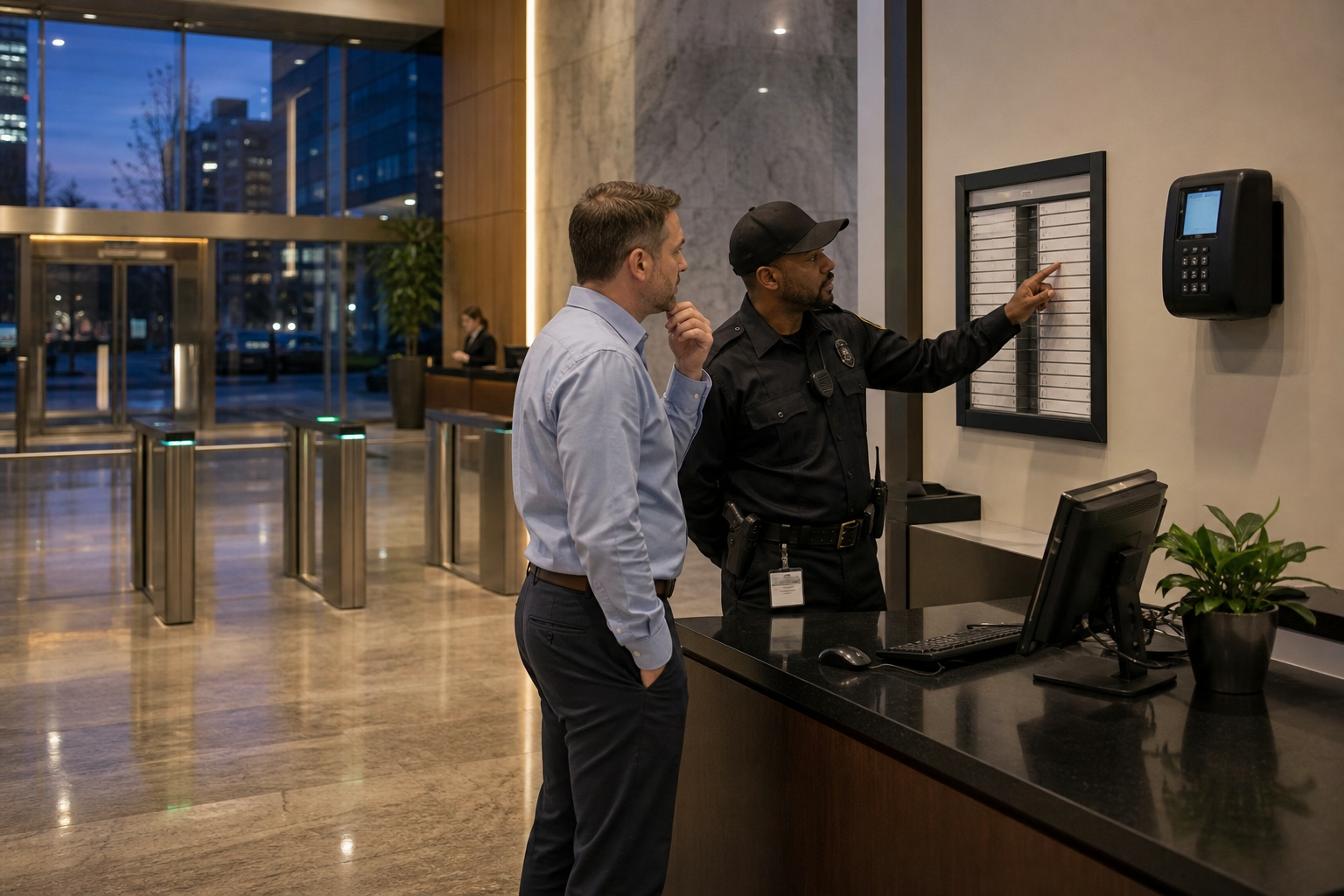
A shared device (usually a tablet) mounted at a central location. Team members clock in by tapping their name, entering a PIN, or scanning a badge. Combines the physicality of a wall-mounted clock with digital record-keeping.
Best for: warehouses, restaurants, retail stores, and single-location teams
Biometric
Uses fingerprint, facial recognition, or iris scans to verify identity at clock-in. Eliminates buddy punching entirely since biometric data cannot be shared. Can run as standalone hardware or as a feature within a mobile app (using the phone’s fingerprint sensor or camera).
Best for: high-security environments, teams with significant buddy punching problems
What to Look for When Evaluating Time Clock Software
Ease of Use
If your team members cannot figure out how to clock in and clock out in under a minute, adoption will fail. Prioritize simple interfaces with minimal steps to start and end a shift.
Mobile Support
Most hourly team members will clock in from their phones. The app should work on both iOS and Android, support offline mode for areas with poor connectivity, and use minimal battery.
Overtime and Compliance Rules
Make sure the software supports your state’s specific overtime rules, not just the federal 40-hour threshold. California and Alaska require overtime after 8 hours in a day, Nevada requires daily overtime for employees earning below 1.5 times the minimum wage, and Colorado requires overtime after 12 hours in a day. Generic software may not handle these state-specific rules.
Payroll Integration
Check that the software exports to your specific payroll provider. A generic CSV export works but adds manual steps. Direct API integration is cleaner.
Reporting
Look for labor cost reports, overtime trends, attendance patterns, and per-job or per-department breakdowns. The data is only useful if you can act on it.
Pricing Transparency
Watch for hidden fees—per-location charges, setup fees, minimum user counts, or charges for features like GPS that should be standard. Compare options side by side before committing.
Time Clock Software vs Time Tracking Software
These terms get used interchangeably, but they solve different problems.
| Time Clock Software | Time Tracking Software | |
|---|---|---|
| Primary use | Shift-based attendance | Project and task tracking |
| Users | Hourly team members | Salaried, freelance, or project workers |
| Key output | Payroll hours | Billable hours, productivity data |
| Clock-in method | One-tap punch in/out | Timer start/stop per task |
| Best for | Restaurants, construction, healthcare, retail | Agencies, consulting, software teams |
Many modern platforms combine both capabilities. If your business runs on shifts and you need payroll-ready hours, time clock software is the right starting point. See our Further Reading below for a broader comparison of methods.

Further Reading
- How to Track Employee Time Effectively in 2026 — Six methods compared with a decision framework
- Clock In, Clock Out: What It Means and How to Do It Right — Clock-in methods and best practices
- Automatic vs Manual Time Tracking: Which Is Better? — Cost analysis and ROI of switching methods
- How to Create an Effective Timekeeping Policy — Building a time tracking policy around your software
Time clock software turns a manual, error-prone process into something that runs on autopilot. If your team is still using paper timesheets or a wall-mounted punch clock, ShiftFlow’s time clock handles clock-ins, hour calculations, overtime tracking, and payroll exports from any device.
Sources
- U.S. Department of Labor — Fact Sheet #22: Hours Worked Under the FLSA — federal requirements for recording employee hours
- PayrollOrg (formerly American Payroll Association) — Payroll Best Practices — data on manual time entry error rates
- Society for Human Resource Management — On the Clock — overview of time tracking technology adoption trends
FAQ
What is time clock software?
Time clock software is a digital system that records when team members start and end work, calculates total hours including overtime and breaks, and exports that data to payroll. It replaces paper timesheets and mechanical punch clocks with automated tracking that works from phones, tablets, or computers.
How does time clock software calculate hours?
When a team member clocks in and out, the software records exact timestamps and calculates the duration. It automatically subtracts break periods, applies overtime rules based on your state and federal requirements, and totals hours by day, week, or pay period. The calculations happen in real time so managers can see current labor costs at any point.
Is time clock software the same as time tracking software?
Not exactly. Time clock software focuses on shift-based attendance—recording when people start and stop work for payroll. Time tracking software is broader and often includes project-level tracking, billable hours, and productivity analytics. Many modern tools combine both, but if your primary need is tracking shifts and hours for payroll, time clock software is the better fit.
Do employees need a smartphone to use time clock software?
No. While mobile apps are the most common way to clock in, most time clock software also supports web browsers, shared tablets or kiosk devices, and even SMS-based clock-ins. Some platforms offer all of these options simultaneously so teams can choose the method that fits their work environment.
How much does time clock software cost?
Most cloud-based time clock software charges $3–10 per active user per month. Some platforms offer free tiers for small teams or basic features. Enterprise solutions with advanced integrations and dedicated support can run $10–15 per user per month. There is typically no hardware cost since team members use their own phones or a shared tablet.
- time-clock-software
- time-tracking
- time-and-attendance
- payroll
- gps-time-tracking
- geofencing
- employee-time-clock
- overtime