Best Flat-Rate Time Tracking Software for Small Businesses in 2026
Flat-rate pricing sounds simple until the team grows. This guide compares which tools keep the bill readable once GPS, payroll exports, and more users are added.
$29 a month for up to 30 employees. $5.99 per seat with no base fee. $0 for unlimited users on a free tier. Those are three real “flat-rate” pitches from three real products on this list, and for a 25-person team they work out to $29, $149.75, and $0. “Flat” means different things, and the difference changes the monthly bill by an order of magnitude.
Here are 11 options compared by what “flat” actually means inside each plan and what the bill does when you turn on GPS or hire five more people.
At-a-glance comparison
| Tool | Starting price | Truly flat? | GPS included | Free plan |
|---|---|---|---|---|
| ShiftFlow | $5.99 / seat / mo | Flat per seat, one tier | ✅ | 14-day trial |
| GoodDay | $4 / user / mo (Professional) | Per user, tiered | ❌ | ✅ (up to 15; time tracking starts on Professional) |
| Connecteam | $29 / mo (first 30 users) | ✅ (first 30) | ✅ | ✅ (up to 10) |
| Jibble | Free (unlimited) | ✅ (free tier) | ✅ (free tier) | ✅ (unlimited) |
| Homebase | Free (1 location) | Per location | ❌ (Plus tier) | ✅ (1 location, up to 10) |
| Clockify | Free (up to 5 users) | Per user (paid) | ❌ (Pro tier) | ✅ (up to 5) |
| ProofHub | $50 / mo flat | ✅ | ❌ | 14-day trial |
| Toggl Track | $9 / user / mo | Per user | ❌ | ✅ (up to 5) |
| Harvest | Teams plan | Per user / usage-based | ❌ | ✅ (Free plan) |
| Deputy | $5 / user / mo | Per user, tiered | ✅ (all tiers) | ❌ |
| QuickBooks Time | $20 base + $8 / user / mo | Per user + base fee | ✅ | 30-day trial |
How we picked
We did not rank these tools on price alone. For this list, a tool moved up when the pricing model stayed easy to understand after the first few operational decisions, not just when the entry number looked cheap.
- Pricing model. Truly flat, flat per seat, per location, or per-user plus base fee.
- Feature lock-in risk. Whether GPS, scheduling, payroll export, and kiosk mode stay in the base plan or force an upgrade later.
- 25-seat math. We priced every tool at a realistic small-business size to catch billing quirks that do not show up on the starter tier.
- Payroll handoff. Whether the product supports a clean export or a direct integration without extra admin work every pay period.
- Mobile credibility. App Store and Google Play ratings were reviewed separately instead of averaged into one number.
- Fit for the buyer. A tool dropped if it was technically inexpensive but still awkward for a 25-person hourly team.
Pricing and plan details were cross-checked against current vendor pricing pages and the source set used in this draft, with obvious mismatches corrected before ranking.
ShiftFlow
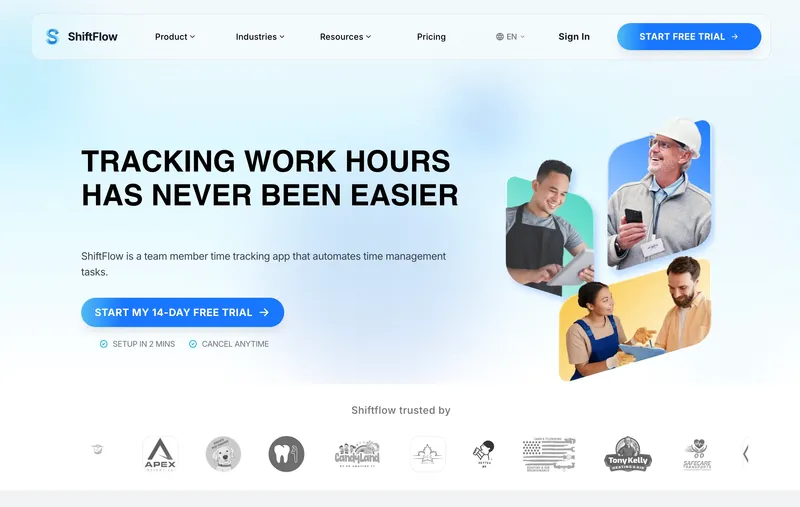
ShiftFlow charges $5.99 per seat on a single plan. GPS, kiosk mode, scheduling, selfie verification, and payroll exports are all included, with no base fee and no per-location charge. A 25-person team pays $149.75, which is seat count times price and nothing else. The honest limitation: there is no native two-way QuickBooks sync. If your accounting lives in QuickBooks Online, the CSV export works cleanly, but you will be importing it manually each pay period. That is the tradeoff for getting every feature in one line item instead of spread across three tiers plus add-ons, and for many 10-to-50-person hourly teams it is the right tradeoff.
Best for: Small businesses with 10 to 50 hourly workers who want one predictable monthly invoice, with GPS, scheduling, and Windows desktop all included.
Pricing
| Plan | Price |
|---|---|
| Monthly | $5.99 / user / month |
| Annual | $60 / user / year (saves ~17%) |
Free trial: 14 days, no credit card required.
Ratings
- Apple App Store: ⭐⭐⭐⭐⭐ 4.8/5
- Google Play: ⭐⭐⭐⭐⭐ 4.8/5
GoodDay
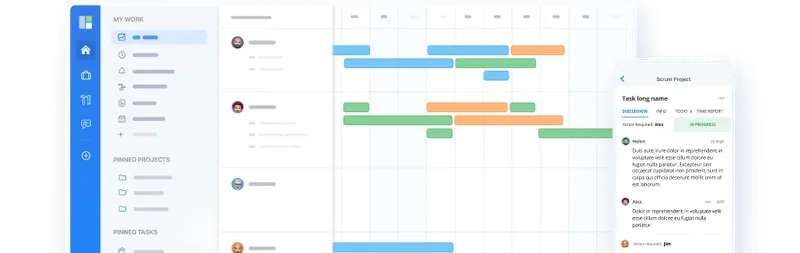
GoodDay is a work management platform with built-in time tracking on its Professional plan at $4 per user per month. For a 25-person team, that is $100 a month. Users can run a task timer, report time manually, review daily or weekly time in My Time, and analyze time by project or user.
The Professional plan also includes unlimited storage, Gantt views, unlimited automations, custom fields, advanced analytics, advanced integrations, recurring work, and API access.
That makes GoodDay a stronger fit than a standalone timer for agencies, consultancies, software teams, and other project-based businesses that want hours connected to the work itself. GoodDay is project-first rather than field-clock-first.
Best for: Project-based teams that want low-cost time tracking bundled with full project and work management.
Pricing
| Plan | Price |
|---|---|
| Free | $0 (up to 15 users; time tracking not included) |
| Professional | $4 / user / month (time tracking included) |
| Business | $7 / user / month (time tracking included) |
| Enterprise | Custom (time tracking included) |
Free trial: Free plan for up to 15 users.
Ratings
- Capterra: ⭐⭐⭐⭐⭐ 4.7/5

Connecteam
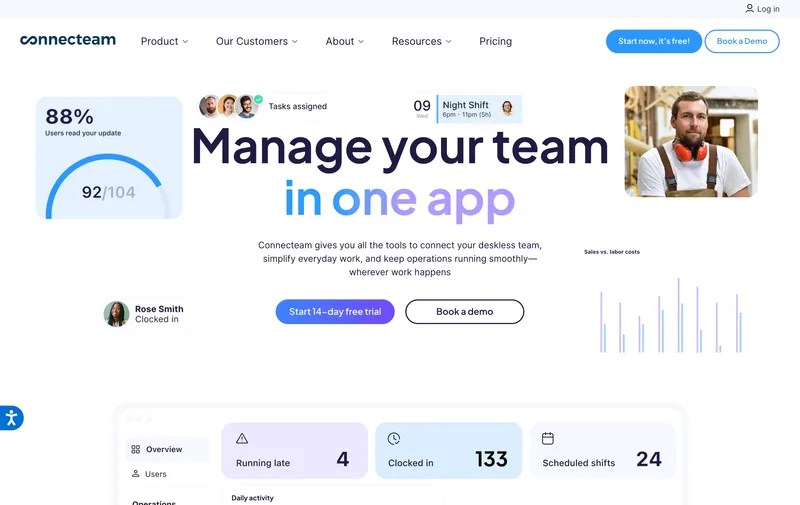
$29 a month, total, whether the team is 8 people or 30. Connecteam Basic is one of the few products on this list where “flat” means literally flat, not flat-per-seat, and GPS clock-ins now come included on Basic instead of being gated to Advanced. The flatness breaks two ways. The $29 cap ends at 30 users, with $1 per user charged beyond that. And moving to anything past basic time tracking (more automations, broader workflows) means climbing the tier ladder to Advanced at $49 or Expert at $99. For teams that will stay under 30 and do not need heavy automation, it is the cleanest sub-$50 monthly bill in the category.
Best for: Service businesses with fewer than 30 employees doing in-store or single-site work, where GPS verification is a nice-to-have rather than a requirement.
Pricing
| Plan | Price |
|---|---|
| Small Business | Free (up to 10 users) |
| Basic (annual / monthly) | $29 / $35 per mo (first 30 users) + $0.80-$1 per extra |
| Advanced (annual / monthly) | $49 / $59 per mo (first 30 users) + $2.50-$3 per extra |
| Expert (annual / monthly) | $99 / $119 per mo (first 30 users) + $4.20-$5 per extra |
Free trial: 14-day trial on paid plans.
Ratings
- Apple App Store: ⭐⭐⭐⭐⭐ 4.8/5
- Google Play: ⭐⭐⭐⭐⭐ 4.7/5
- Capterra: ⭐⭐⭐⭐⭐ 4.7/5
Jibble
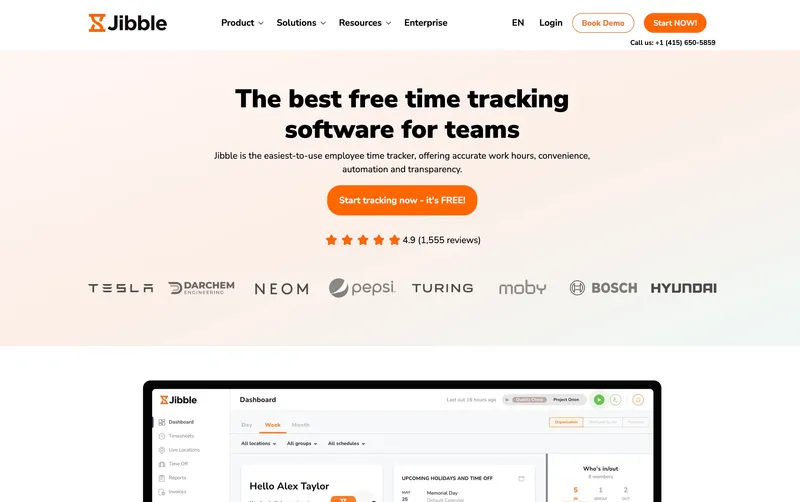
$0 a month for unlimited users, with GPS and kiosk mode included on the free tier. That is not a 14-day trial and not a 10-employee cap, and it is the only free offer on this list that works that way. The free plan is enough to run clock-ins for a small crew on day one. The limitation is depth rather than sticker price: reporting is thin, customer support is gated to paid tiers, and overtime handling is workable but basic. For owners whose top priority is keeping the monthly bill at zero, Jibble is the clearest answer in the category. Once the team needs structured pay rules or real support response times, Premium (€3.99 per user, roughly $4 USD) starts making sense.
Best for: Small businesses and solo operators who want free time tracking with GPS for a team of any size and do not need deep payroll or job-cost reporting.
Pricing
| Plan | Price |
|---|---|
| Free | $0 (unlimited users) |
| Premium | €3.99 / user / mo |
| Ultimate | €6.99 / user / mo |
Jibble lists prices in EUR on its site; at current rates these convert to roughly $4.30 and $7.50 USD respectively. Check Jibble’s site for the current US rate.
Free trial: Free tier is permanent. 14-day trial on Premium and Ultimate.
Ratings
- Apple App Store: ⭐⭐⭐⭐⭐ 4.8/5
- Google Play: ⭐⭐⭐⭐⭐ 4.7/5
- Capterra: ⭐⭐⭐⭐⭐ 4.8/5
Homebase
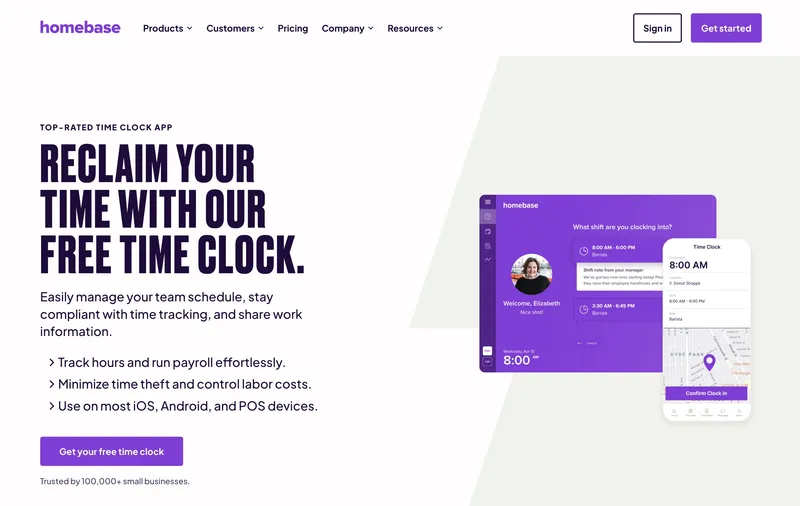
For a single address (one cafe, one retail shop, one restaurant) Homebase charges by location, not by headcount. Basic is free for up to 10 employees, and Essentials is $30 per month flat. That number does not move when the 11th employee is hired. This is why Homebase belongs on a flat-rate list even though it is not flat in the usual sense: inside one location, the bill behaves like a flat fee. Outside one location, it does not. Open a second site and the monthly bill doubles, and GPS lives on the Plus tier at $70 per location, so a two-site operator who wants geofenced clock-ins is at $140 a month before counting any other feature. Homebase is the right answer for fixed-location operators and a poor one for expanding businesses.
Best for: Small restaurants, retail stores, cafes, or service businesses operating out of a single address and valuing scheduling and hiring tools alongside time tracking.
Pricing
| Plan | Price |
|---|---|
| Basic | Free (1 location, up to 10 employees) |
| Essentials | $30 / location / mo |
| Plus | $70 / location / mo |
| All-in-One | $120 / location / mo |
Free trial: 14-day trial on paid plans.
Ratings
- Apple App Store: ⭐⭐⭐⭐⭐ 4.8/5
- Google Play: ⭐⭐⭐⭐ 4.2/5
- Capterra: ⭐⭐⭐⭐ 4.6/5
Clockify
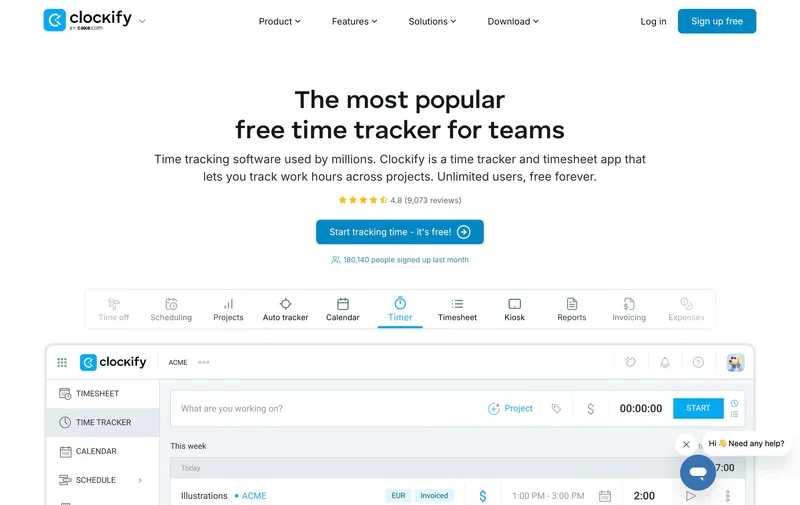
Clockify is a desk-and-project timer with one of the more generous free tiers in software: up to 5 users, unlimited projects, a functional timer, and basic reporting at $0. Paid tiers run from $4.99 a user on Basic to $14.99 on Enterprise, all per-seat with no base fee. For a small consultancy or agency tracking billable hours against projects, the free plan often covers the whole operation. The structural gap is field work. Clockify was built for knowledge-work timing, not attendance, so GPS lives on a higher tier than at field-first tools, and buyers frequently cite timesheet-editing friction and a reporting UX that takes longer than it should to learn. For a laptop team tracking hours against projects, the free tier is legitimately hard to beat. For a crew on a job site, the center of gravity is in the wrong place.
Best for: Small agencies, consultancies, and freelance teams tracking billable hours against projects from desks or laptops.
Pricing
| Plan | Price |
|---|---|
| Free | $0 (up to 5 users, unlimited projects) |
| Basic | $4.99 / user / mo |
| Standard | $6.99 / user / mo |
| Pro | $9.99 / user / mo |
| Enterprise | $14.99 / user / mo |
Free trial: Free tier is permanent. 7-day trial on paid plans.
Ratings
- Apple App Store: ⭐⭐⭐⭐ 4.5/5
- Google Play: ⭐⭐⭐⭐ 4.4/5
- Capterra: ⭐⭐⭐⭐⭐ 4.7/5

ProofHub
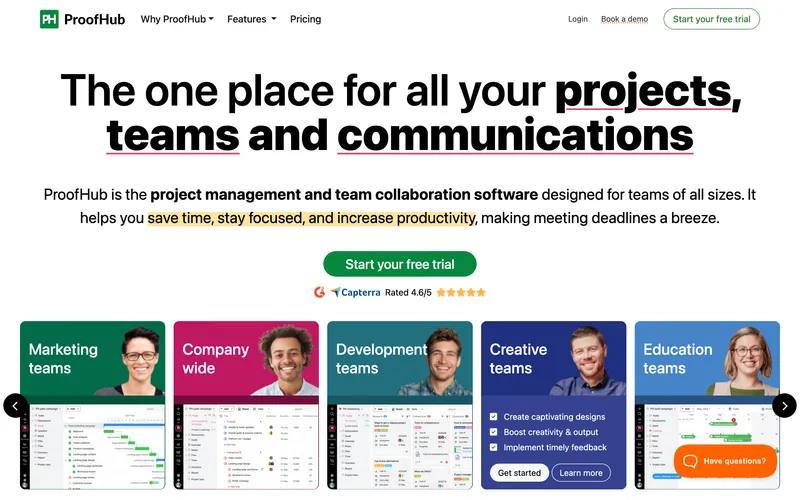
ProofHub is a project management platform with time tracking bundled in. $50 a month flat on Essential, $150 on Ultimate Control, unlimited users either way. For a 30-person creative or marketing team tracking hours against projects, the per-seat math stops mattering entirely; adding five more people does not move the bill. The mismatch is category. There is no GPS, no kiosk, no geofencing, and no native payroll export, because ProofHub is not built for hourly field work. The Kanban board, Gantt chart, and proofing flow come in the subscription whether the team opens them or not. If the question inside your team is “what project is this hour on,” ProofHub is one of the cheapest right answers. If the question is “did the crew show up on site,” it is the wrong category, not just the wrong tool.
Best for: Small project-based teams (agencies, marketing, creative studios) of 10 to 30 people who want one flat monthly bill for project management plus time tracking.
Pricing
| Plan | Price |
|---|---|
| Essential | $50 / mo flat (40 projects, 15GB storage, unlimited users) |
| Ultimate Control | $150 / mo flat (unlimited projects, 100GB storage, unlimited users) |
Free trial: 14-day free trial.
Ratings
- Apple App Store: ⭐⭐⭐⭐ 4.3/5
- Google Play: ⭐⭐⭐⭐ 4.0/5
- Capterra: ⭐⭐⭐⭐ 4.6/5
Toggl Track
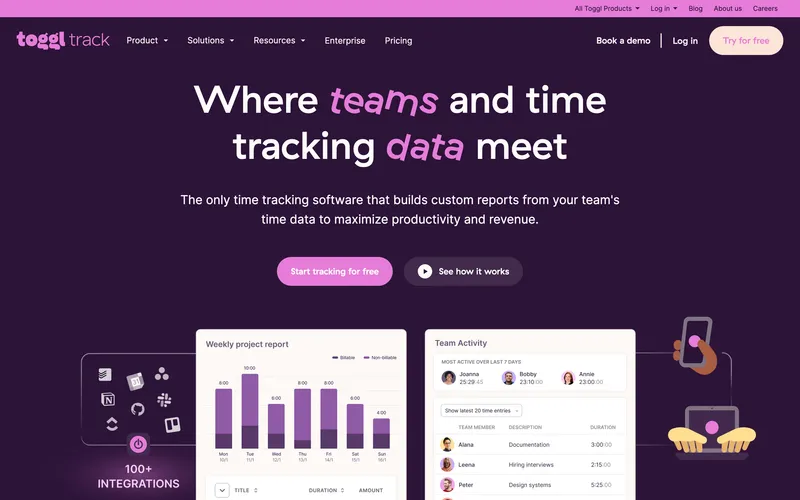
Toggl Track is the timer most freelancers and small creative teams reach for first. $9 a user on Starter, $18 on Premium, free for up to five users, no base fee at any tier. The one-click timer, project tags, and weekly reports set up in minutes. The structural gap is category, not execution: Toggl is a timer, not a workforce tool. There is no GPS, no kiosk, no scheduling, no native payroll export for hourly pay rules. Verifying a crew on site or running overtime rules against a pay period is not what it does. Reviewers also note that bulk-editing logged time can be fiddly. For a small office team answering “how many hours went into which client,” Toggl is clean and predictable. For a field team, it is the wrong category.
Best for: Freelancers, consultants, and small creative teams tracking client hours from a laptop.
Pricing
| Plan | Price |
|---|---|
| Free | $0 (up to 5 users) |
| Starter | $9 / user / mo |
| Premium | $18 / user / mo |
| Enterprise | Custom |
Free trial: 30-day trial on Premium.
Ratings
- Apple App Store: ⭐⭐⭐⭐⭐ 4.7/5
- Google Play: ⭐⭐⭐⭐⭐ 4.6/5
- Capterra: ⭐⭐⭐⭐⭐ 4.7/5
Harvest
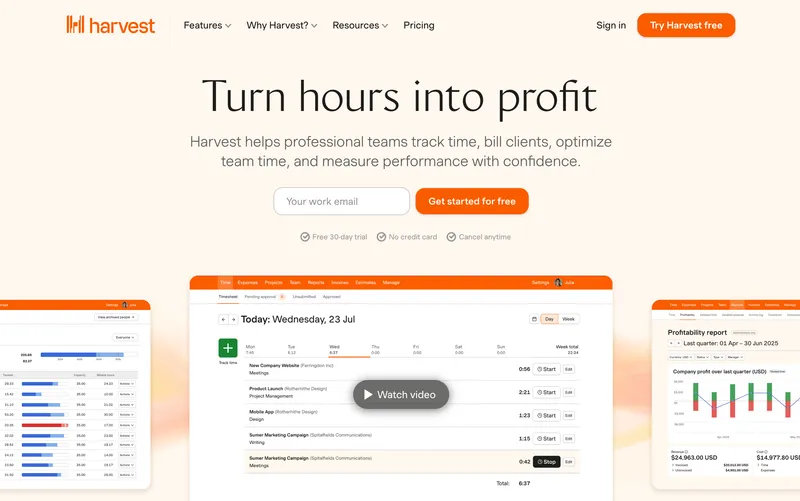
Track hours, tag them to a client, invoice directly from those hours with Stripe or PayPal collecting payment. That loop is what Harvest does, and for a small consultancy that bills by the hour, it removes the most annoying part of the month. The current pricing page uses Free, Teams, and Enterprise (the older single Pro plan a lot of comparison posts still quote is gone), with some usage scaling by invoices, projects, and clients. Outside the invoicing loop, the product is thin. There is no GPS, no kiosk, no scheduling, and reviewers flag weak handling of complex payment structures once the business grows past “bill by the hour.” For consultants and freelancers whose month ends in an invoice, Harvest is still the cleanest small tool on the list. For everyone else, most of what they need lives in a different category.
Best for: Small consultancies, freelancers, and creative agencies that track billable hours and invoice clients directly from their timesheet.
Pricing
| Plan | Price |
|---|---|
| Free | $0 (1 user, 2 projects) |
| Teams | See current pricing page |
| Enterprise | Custom |
Free trial: 30-day trial on Pro.
Ratings
- Apple App Store: ⭐⭐⭐⭐ 4.5/5
- Google Play: ⭐⭐⭐⭐ 4.3/5
- Capterra: ⭐⭐⭐⭐⭐ 4.5/5
Deputy
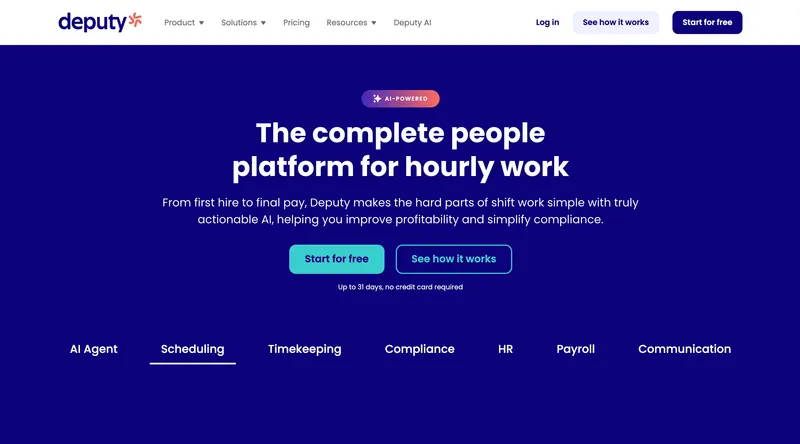
In a Fair Workweek jurisdiction (NYC, Seattle, Philadelphia, Chicago, Oregon), the cost of a scheduling mistake is a pay premium owed to the employee, not just a manual timesheet fix. Deputy’s break-rule enforcement, overtime alerts, and split-shift logic go deeper than almost any tool in this list on exactly that problem. The monthly lineup is Lite at $5 a user, Core at $6.50, and Pro at $9, with a $30 minimum on monthly billing; a 25-person team runs $125 to $225 depending on tier. Two things keep it out of the top slot here. The older Scheduling-versus-Time-and-Attendance split many comparison posts still quote no longer exists, so buyers should price the live Lite/Core/Pro matrix instead of stale $4.50 numbers. And reviewers note that scheduled-hours-versus-actual-timesheet reconciliation still needs manual cleanup. For hospitality, retail, and healthcare teams where compliance is the dominant problem, Deputy is the right call. For a simpler “track hours, export payroll” job, it is more tool than the team needs.
Best for: Hospitality, retail, and healthcare teams of 25 to 100 whose main problem is shift compliance and scheduling.
Pricing
| Plan | Price |
|---|---|
| Lite | $5 / user / mo |
| Core | $6.50 / user / mo |
| Pro | $9 / user / mo |
| Enterprise | Custom |
Monthly billing note: Lite, Core, and Pro monthly plans carry a $30 minimum spend.
Ratings
- Apple App Store: ⭐⭐⭐⭐⭐ 4.7/5
- Google Play: ⭐⭐⭐⭐ 4.3/5
- Capterra: ⭐⭐⭐⭐⭐ 4.6/5

QuickBooks Time
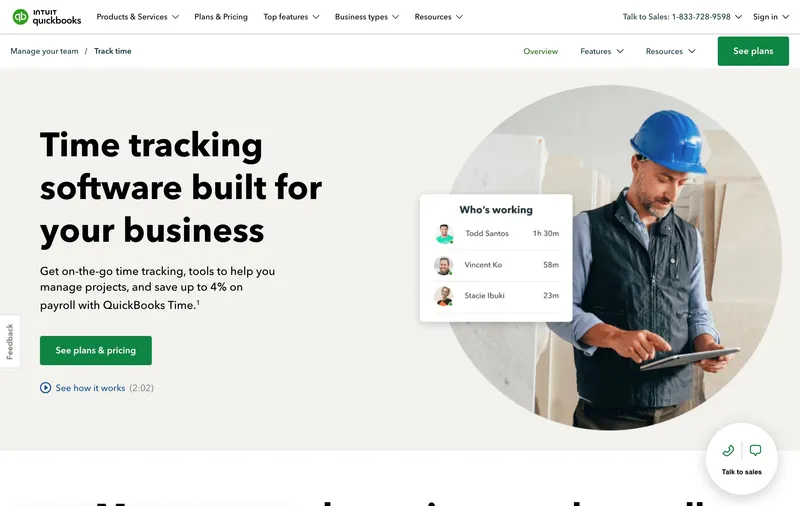
If your accounting already runs on QuickBooks Online, Desktop, or Payroll, QuickBooks Time’s two-way sync is the deepest integration in this category. Time entries flow into payroll runs without a CSV in between, which saves a real amount of manual work at pay-period close. The pricing has to be said plainly: Premium is $20 a month base plus $8 per user, Elite is $40 a month base plus $10 per user. A 25-person team pays $220 on Premium or $290 on Elite. Flat-rate it is not. Reviewers also flag periodic sync glitches for teams outside the QuickBooks ecosystem and app updates that occasionally break kiosk flows. QuickBooks Time is the right tool if QuickBooks is where payroll already lives. For a 25-person team whose payroll runs on Gusto or ADP, it is the most expensive option on this list.
Best for: Small businesses running QuickBooks Payroll or QuickBooks Online who want native two-way sync.
Pricing
| Plan | Price |
|---|---|
| Premium | $20 / mo base + $8 / user / mo |
| Elite | $40 / mo base + $10 / user / mo |
Free trial: 30-day trial.
Ratings
- Apple App Store: ⭐⭐⭐⭐ 4.5/5
- Google Play: ⭐⭐⭐⭐ 4.3/5
- Capterra: ⭐⭐⭐⭐⭐ 4.7/5
How to choose
If you strip the marketing language away, the choice usually comes down to three practical questions.
Question 1: Is “flat-rate” about the total bill or about the per-seat rate? If you want one invoice number that does not move as you hire, Jibble (free unlimited) or ProofHub ($50 flat) or Connecteam ($29 for first 30) are the literal matches. If you want a predictable per-seat rate with no tiers, base fees, or add-ons to worry about, ShiftFlow’s $5.99 per seat is the shape you are looking for.
Question 2: Do you need GPS and field features or desk and project features? Field-first tools keep GPS, selfie verification, kiosk mode, and geofencing in the base plan (ShiftFlow, Jibble, Homebase Plus). Desk-first tools (GoodDay, Clockify, Toggl, Harvest, ProofHub) skip those and focus on project tagging and billable hours. Picking the wrong category is the most common mistake: a field crew on Toggl Track does not get the GPS it needs, and a marketing agency on ShiftFlow pays for a Windows desktop app it never opens.
GoodDay belongs in the desk-and-project category. Its time tracking is tied directly to tasks and projects, with a timer, manual reports, daily and weekly time views, and analytics.
Question 3: How deep is your QuickBooks dependency? If your accounting lives in QuickBooks Online or Desktop with QuickBooks Payroll, QuickBooks Time’s native sync saves real time at the end of the month, even with the base fee. If your payroll runs on Gusto, ADP Run, Paychex, or a CSV import, tools with clean CSV export (ShiftFlow, Deputy, Homebase) all work fine and cost less.
Real monthly bill for a 25-person team
| Tool | Monthly cost | Notes |
|---|---|---|
| Jibble Free | $0 | GPS included, feature limits |
| Connecteam Basic | $29 | GPS clock-ins included |
| Connecteam Advanced | ~$94 | Higher-tier workflow tools |
| GoodDay Professional | $100 | Project-first; time tracking included, no GPS field clock |
| Clockify Basic | ~$124.75 | No GPS, desk-first |
| ShiftFlow | $149.75 | All features included |
| Homebase Plus (3 sites) | $210 | Per-location, with GPS |
| Deputy Core | $162.50 | Compliance-first |
| Toggl Track Starter | $225 | Desk-first, no GPS |
| Harvest Teams | See site | Invoicing-first |
| QuickBooks Time Premium | $220 | Base fee + per user |
Best by use case
- Best flat-per-seat pricing with all features included: ShiftFlow
- Best low-cost time tracking and project management: GoodDay
- Best truly-flat price for a team under 30: Connecteam
- Best free forever for unlimited users: Jibble
- Best for a single-location business: Homebase
- Best for project-based time tracking: Clockify
- Best truly-flat price for project management + time: ProofHub
- Best for freelancers and small creative teams: Toggl Track
- Best for consultants who invoice by the hour: Harvest
- Best for shift compliance in hospitality or healthcare: Deputy
- Best for businesses already on QuickBooks Payroll: QuickBooks Time
- Best for field crews that need GPS in the base plan: ShiftFlow
Final recommendation
Best overall: ShiftFlow. Flat $5.99 per seat with GPS, scheduling, Windows desktop, and kiosk mode included in one plan. Best for small businesses with 10 to 50 hourly workers who want one predictable invoice. Pricing: $5.99 / user / month.
Best for project-based teams: GoodDay. Professional is $4 per user per month and includes time tracking, project management, Gantt views, unlimited automations, custom fields, advanced analytics, advanced integrations, and API access. A 25-person team pays $100 per month. Best for teams that want time tracking inside a broader project management platform.
Best truly-flat price for a team under 30: Connecteam. One $29 flat fee for your first 30 users on Basic, though GPS lives on the Advanced tier. Pricing: $29 / month flat (first 30 users).
Best free option: Jibble. Free forever for unlimited users with GPS included. The feature cap is real, so test it against your workflow first. Pricing: Free.
If you want the shortest path to a predictable monthly bill for a small hourly team, start with ShiftFlow’s 14-day trial. No credit card, full access. If the simplicity does not hold up in day-to-day use, you will know inside the first week.
Frequently asked questions
What does “flat-rate” time tracking actually mean?
The term gets used two ways. In the strict sense, flat-rate means one total monthly fee regardless of how many users (ProofHub’s $50 flat, Jibble’s free unlimited, Connecteam’s $29 for the first 30). In the loose sense, it means one flat per-seat price with no tiers, no base fees, and no features held back for an upsell, which is how tools like ShiftFlow at $5.99 per seat describe their pricing. Both are more predictable than tiered per-user pricing with admin fees on top.
Is flat-rate time tracking software cheaper than per-user pricing?
It depends on team size and pricing model. Truly flat tools like ProofHub or Connecteam Basic keep the monthly bill steady through a usage band, which is their core pitch. Per-seat tools like ShiftFlow stay predictable because the seat price does not change, even though the total still scales with hiring. The practical question is whether you want one steady monthly number, one steady seat price, or a product whose total changes as features and team structure change.
What should I watch for when a vendor says “flat pricing”?
Three fine-print items. First, base fees: Buddy Punch, Workyard, ClockShark, and QuickBooks Time add a monthly admin fee of $19 to $55 on top of the per-seat price. Second, tiers: Connecteam’s flat $29 covers 30 users on Basic, not Advanced, and moving to GPS jumps you a tier. Third, per-location fees: Homebase’s monthly bill multiplies by the number of business addresses, not the number of employees. Always price the tool at your real team size including the features you actually need.
Does flat-rate software include GPS tracking?
Not always. ShiftFlow includes GPS and selfie verification in the base per-seat plan, and Jibble’s free tier includes GPS. Connecteam’s Basic ($29 flat) now includes GPS clock-ins. Homebase gates GPS on the Plus tier at $70 per location. QuickBooks Time includes GPS on both Premium and Elite. If GPS matters for your workflow, price the plan that actually includes it rather than the sticker-priced base plan.
Which flat-rate software has the best payroll export?
For teams on Gusto, ADP Run, Paychex, or QuickBooks Online, a clean CSV export is usually enough and works fine in ShiftFlow, Homebase, Deputy, and Connecteam. For teams on QuickBooks Payroll specifically, QuickBooks Time’s two-way sync is the deepest in this category and saves manual reconciliation at period close. Harvest is the best option if you invoice by the hour rather than run a traditional payroll.
Can I run a small business on a free flat-rate plan?
Sometimes. Jibble’s free plan for unlimited users is the most usable free option on this list; for a team that clocks in and out in simple patterns, it genuinely works. Clockify free is usable for desk-based project tracking but weaker for field work. Homebase free covers a single location up to 10 employees and is great for a first restaurant or retail store. The limits to watch are reporting depth, overtime rules, and customer support, which is almost always gated behind a paid tier.
Does ShiftFlow have a free plan?
No, ShiftFlow has a 14-day free trial with no credit card required, then $5.99 per seat per month or $60 per seat per year on the annual plan. The positioning is “every feature in one plan” rather than “free feature-limited tier.” For teams that need GPS, Windows desktop, kiosk mode, and payroll exports in the same subscription, the math works. For teams that only need basic time tracking for a handful of people, Jibble or Clockify’s free tiers are honestly a better starting point.
How do I switch time tracking software without losing history?
Most tools on this list support CSV exports of historical time entries, so the migration path is: export a CSV from the old tool, store it for recordkeeping, then start fresh in the new tool. Some tools (QuickBooks Time, Homebase) can import CSVs of past entries if you need continuity; others (Toggl, Jibble) keep old data but do not import. The practical advice: switch at the start of a pay period, not mid-period, so your first full month on the new tool is clean.
- time-tracking
- time-clock-software
- flat-rate-pricing
- small-business
- software-comparison
- payroll-export