Best Time Clock Software for Teams of 20 in 2026
At 20 employees, approvals and reporting start to matter as much as clock-ins. This guide compares the tools that still hold up at that stage.
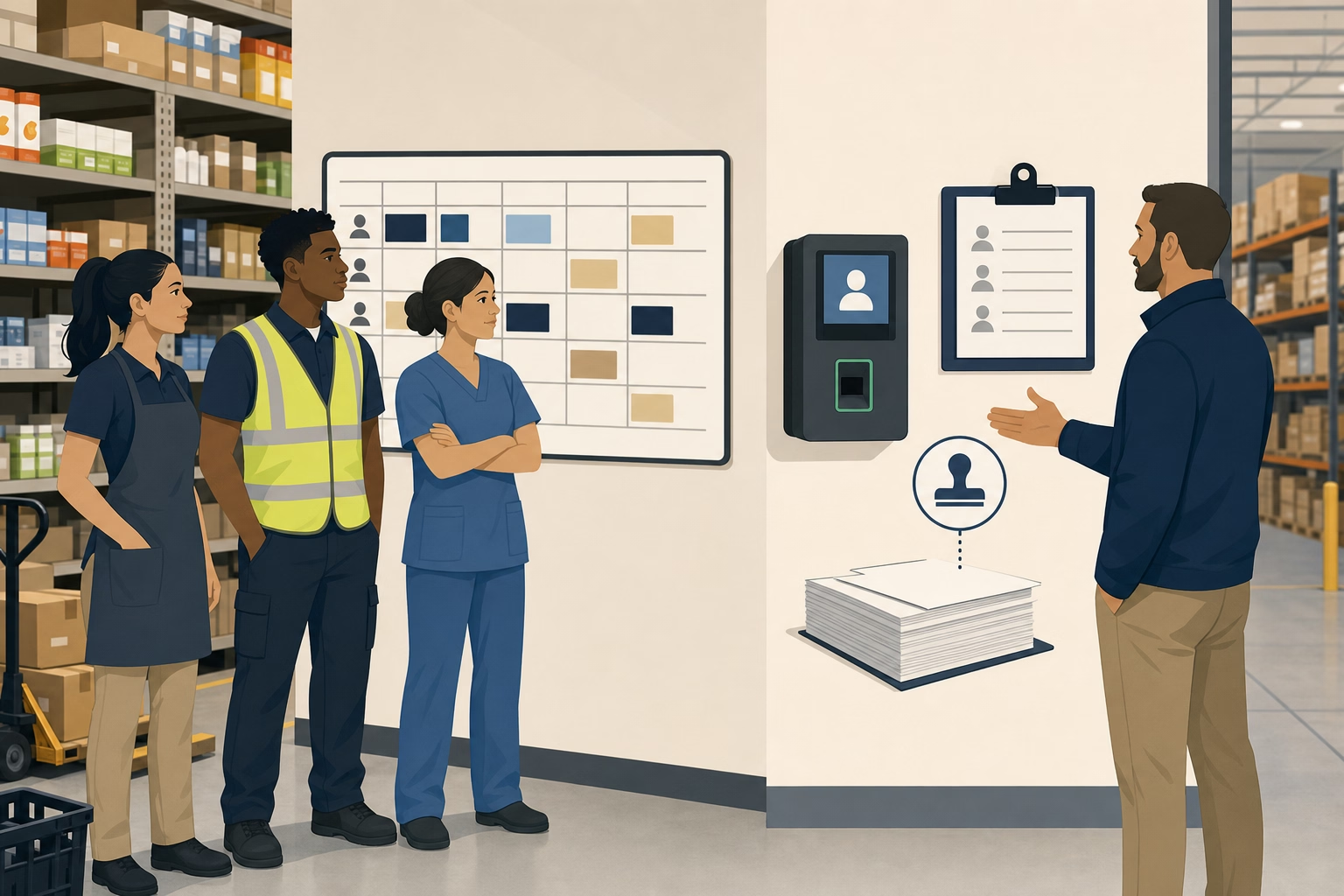
At 20 employees there’s usually a manager layer between the owner and the crew, and the questions change. Not “did everyone clock in,” but “who approved this punch edit, and why does last Thursday’s report show 4 hours that no shift covers?” Clock-ins stop being the problem; approvals, role permissions, and reporting depth become the job.
Here are 10 time clock tools compared at the 20-user price point, with notes on manager permissions, approval workflows, reporting depth, and how each tool’s bill behaves when the team hits 25 or 50.
At-a-glance comparison
| Tool | Price at 20 users | GPS in base plan | Role permissions | Growth to 50 users |
|---|---|---|---|---|
| ShiftFlow | $119.80 | ✅ | ✅ | $299.50 |
| Connecteam Basic | $29 flat | ✅ | ✅ | $49 flat |
| Jibble Free | $0 | ✅ | Limited | $0 |
| Deputy | $100-$180 | ✅ (all tiers) | ✅ | $250-$450 |
| When I Work | $80-$140 (bundled) | T&A add-on required | ✅ | Essentials + T&A / Pro + T&A |
| OnTheClock | ~$85 | ✅ | ✅ | ~$205 |
| Homebase | $30 / location | ❌ Plus tier | ✅ | $30 / location |
| Hubstaff Starter | $140 | ❌ Add-on + tier | ✅ | $350 Starter |
| Buddy Punch | $108.80 | ✅ | ✅ | $243.50 |
| QuickBooks Time | $180 Premium | ✅ | ✅ | $420 Premium |
How we picked
For a 20-person team, we ranked these tools on whether they could handle operational complexity without forcing the business into enterprise pricing too early.
- Real monthly bill at 20 users. We priced the versions that actually include GPS, scheduling, and manager permissions.
- Role structure. Owner, admin, supervisor, and approver controls mattered more here than they did in the 10-person comparison.
- Approval workflow. Punch edits, schedule changes, and time-off requests needed to be manageable without side-channel admin work.
- Reporting depth. We looked for labor cost visibility, overtime tracking, and usable site or job breakdowns.
- Path to 50 users. A good 20-person tool should not fall apart financially or operationally when the team doubles.
- Operational fit. Products ranked lower when they were easy to buy but hard to manage once multiple supervisors got involved.
Pricing, plan gates, and major feature claims were reviewed against current vendor pages and then checked against the sources cited in this draft.
ShiftFlow
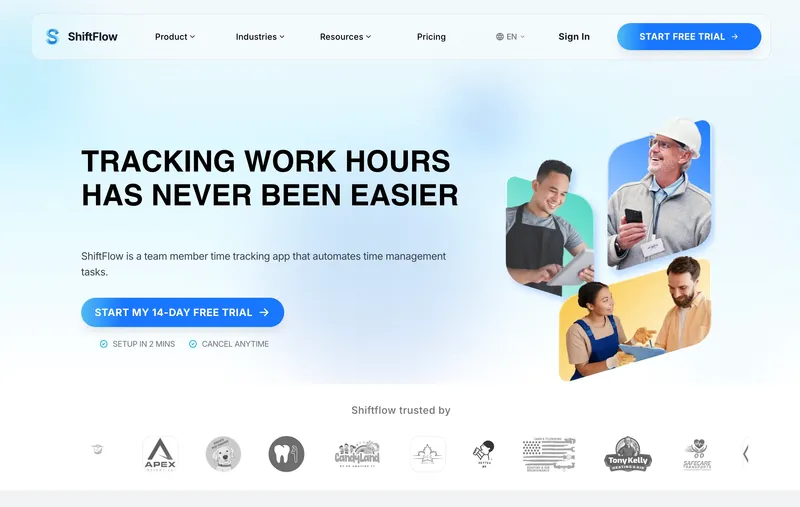
ShiftFlow charges $5.99 per seat on a single plan. A 20-person team pays $119.80 a month; 25 users is $149.75; 50 users is $299.50. GPS, selfie verification, scheduling, approvals, kiosk mode, payroll exports, reporting, and role-based access are all inside that rate. At 20 people, the value of a flat price is not the sticker number. It’s that managers can run approvals and payroll without a tier climb and without bolting on another tool. The honest limitation: Fair Workweek and predictive-scheduling compliance are not ShiftFlow’s deepest area. Teams in NYC, Seattle, Philadelphia, Chicago, or Oregon running retail or food ops should compare Deputy directly, because Deputy’s policy automation still goes further on break-rule enforcement and split-shift logic. Outside compliance-heavy jurisdictions, ShiftFlow is the cleaner all-in-one for a 20-person operation.
Best for: Small businesses with exactly 20 employees (or growing past 20) who want GPS, scheduling, role permissions, and reporting depth in one bill.
Pricing
| Plan | Price |
|---|---|
| Monthly | $5.99 / user / month |
| Annual | $60 / user / year (saves ~17%) |
Free trial: 14 days, no credit card required.
Ratings
- Apple App Store: ⭐⭐⭐⭐⭐ 4.8/5
- Google Play: ⭐⭐⭐⭐⭐ 4.8/5
Connecteam Basic
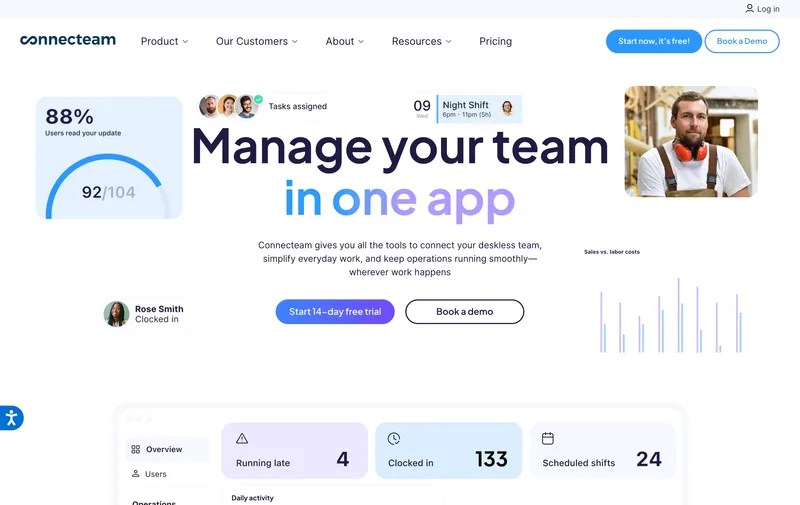
Connecteam’s Basic plan is $29 a month for up to 30 users, so a team of 20 pays the same $29 as a team of 30. Among paid tools on this list, that is still the cheapest bill for a 20-person team by a wide margin. The mobile app is polished, the chat and onboarding modules handle the kind of internal communication a 20-person team genuinely uses, and role-based permissions are solid in the Basic tier. The key factual correction: Basic already includes real-time clock in and out with GPS, so the old “you have to upgrade for GPS” comparison is no longer accurate. Advanced and Expert are now about deeper automation and workflow breadth, not basic GPS clock-ins. For a 20-person team that wants a flat bill through 30 employees, Connecteam Basic is stronger than many older rankings give it credit for.
Best for: Service or retail teams at 20 employees that want a flat monthly bill through 30 employees with GPS clock-ins included.
Pricing
| Plan | Price |
|---|---|
| Small Business | Free (up to 10 users) |
| Basic (annual / monthly) | $29 / $35 per mo (first 30 users) + $0.80-$1 per extra |
| Advanced (annual / monthly) | $49 / $59 per mo (first 30 users) + $2.50-$3 per extra |
| Expert (annual / monthly) | $99 / $119 per mo (first 30 users) + $4.20-$5 per extra |
Free trial: 14-day trial on paid plans.
Ratings
- Apple App Store: ⭐⭐⭐⭐⭐ 4.8/5
- Google Play: ⭐⭐⭐⭐⭐ 4.7/5
- Capterra: ⭐⭐⭐⭐⭐ 4.7/5
Jibble
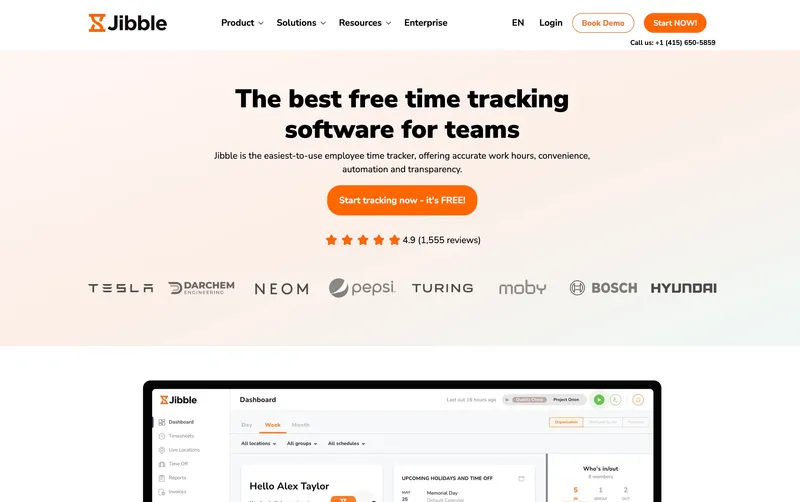
Jibble is still worth ranking this high at 20 employees because the free plan can genuinely carry a larger team if the workflow stays simple. Multi-site clock-ins, kiosk mode, GPS, and basic attendance all remain available without the bill moving off zero, which is unusual once a team gets this size. The main consideration is management structure. Once multiple supervisors need stronger permissions, cleaner reporting, or more direct support, the free tier begins to feel narrow. For teams whose operational complexity has not yet caught up with their headcount, though, it remains a practical low-cost option.
Best for: Multi-site or distributed 20-person teams with simple reporting needs and tolerance for community-based support.
Pricing
| Plan | Price |
|---|---|
| Free | $0 (unlimited users) |
| Premium | €3.99 / user / mo |
| Ultimate | €6.99 / user / mo |
Jibble lists prices in EUR on its site; at current rates these convert to roughly $4.30 and $7.50 USD respectively. Check Jibble’s site for the current US rate.
Free trial: Free tier is permanent. 14-day trial on Premium and Ultimate.
Ratings
- Apple App Store: ⭐⭐⭐⭐⭐ 4.8/5
- Google Play: ⭐⭐⭐⭐⭐ 4.7/5
- Capterra: ⭐⭐⭐⭐⭐ 4.8/5
Deputy
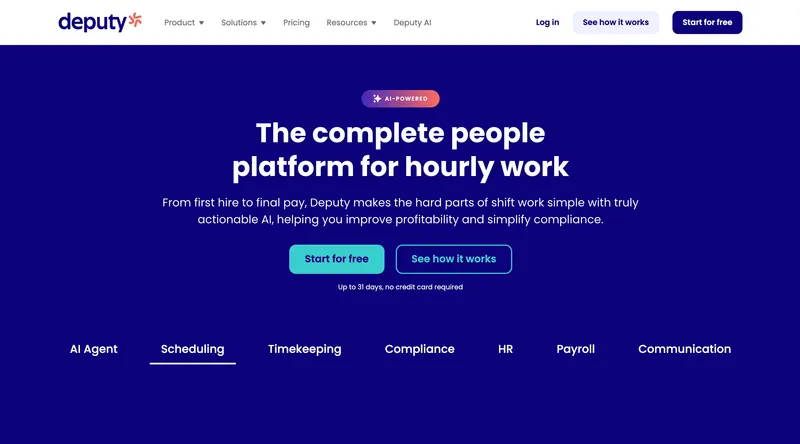
Deputy earns this slot because 20 employees is the point where compliance and schedule governance stop sounding theoretical. For retail, hospitality, and healthcare operators in Fair Workweek jurisdictions, predictive scheduling and break-rule enforcement are not edge cases; they become part of normal operations. Deputy is a particularly relevant option for teams that need that policy layer built into the product. Buyers with a narrower time-clock-and-payroll workflow should simply decide upfront whether this level of compliance depth matches the actual use case.
Best for: Hospitality, retail, and healthcare teams of 20 in Fair Workweek jurisdictions whose main problem is predictive scheduling and break-rule compliance.
Pricing
| Plan | Price |
|---|---|
| Lite | $5 / user / mo |
| Core | $6.50 / user / mo |
| Pro | $9 / user / mo |
| Enterprise | Custom |
Monthly billing note: Lite, Core, and Pro monthly plans carry a $30 minimum spend.
Ratings
- Apple App Store: ⭐⭐⭐⭐⭐ 4.7/5
- Google Play: ⭐⭐⭐⭐ 4.3/5
- Capterra: ⭐⭐⭐⭐⭐ 4.6/5
When I Work
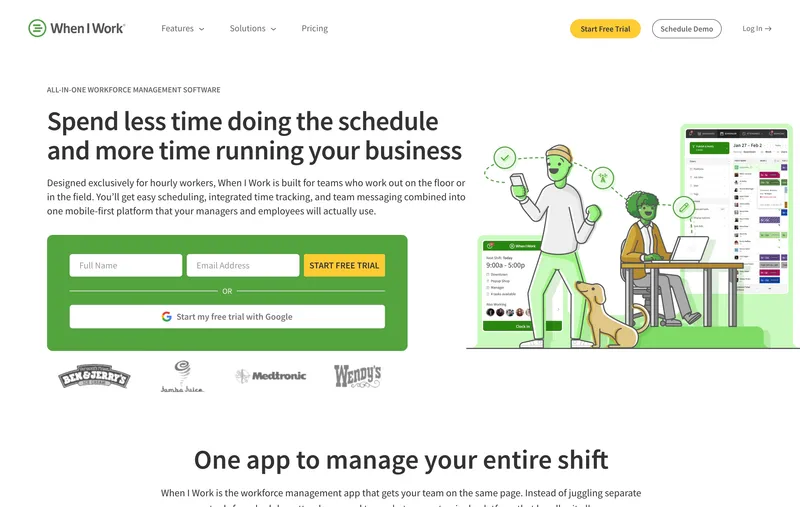
When I Work is scheduling-first with time tracking as a paid add-on. Essentials is $2.50 per user, Pro $5, Premium $8 on the scheduling side; Time & Attendance adds $1.50 per user on Essentials or $2 per user on Pro and Premium. Bundled for actual time-clock use, that puts a 20-person single-location team at $80 a month on Essentials bundled, $140 on Pro bundled, or $200 on Premium bundled. The scheduling side is still among the most polished in this category. For a growing shift-based retail, hospitality, or cafe team at 20 people, the shift swap flows, availability posting, and schedule template reuse are genuinely useful weekly. A team scanning comparison posts that quote “$2.50 per user” should remember that price covers scheduling only; time tracking adds on top.
Best for: Single-location shift-based teams of 20 in retail, hospitality, or cafe whose primary job is scheduling.
Pricing
| Plan | Price |
|---|---|
| Essentials | $2.50 / user / mo (single-location) |
| Pro | $5 / user / mo (multi-location) |
| Premium | $8 / user / mo |
Free trial: 14-day trial.
Ratings
- Apple App Store: ⭐⭐⭐⭐⭐ 4.8/5
- Google Play: ⭐⭐⭐⭐⭐ 4.8/5
- Capterra: ⭐⭐⭐⭐⭐ 4.5/5
OnTheClock
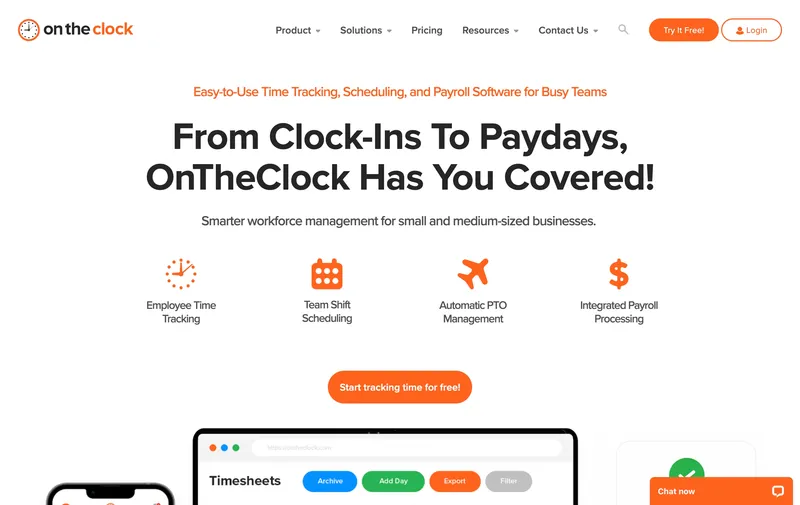
OnTheClock’s single paid plan is $5 a month base plus $4 per user, so a 20-person team lands at $85 a month with GPS, kiosk, scheduling, job costing, and direct integrations with QuickBooks, Gusto, ADP, and Square included. That makes it easy to understand and easy to budget at this team size. The tradeoff is workflow depth. Teams with more layered permissions, reporting, or customization needs may eventually want a broader system. For a 20-person team that wants GPS in a simple paid plan and whose workflows stay relatively clean, it is a legitimate pick.
Best for: Cost-conscious 20-person teams that need GPS in a paid plan and whose reporting and permission needs stay simple.
Pricing
| Plan | Price |
|---|---|
| Free trial | 30 days |
| Standard | $5 / mo base + $4 / user / mo |
Free trial: 30-day trial.
Ratings
- Apple App Store: ⭐⭐⭐⭐⭐ 4.7/5
- Google Play: ⭐⭐⭐⭐⭐ 4.6/5
- Capterra: ⭐⭐⭐⭐⭐ 4.7/5
Homebase
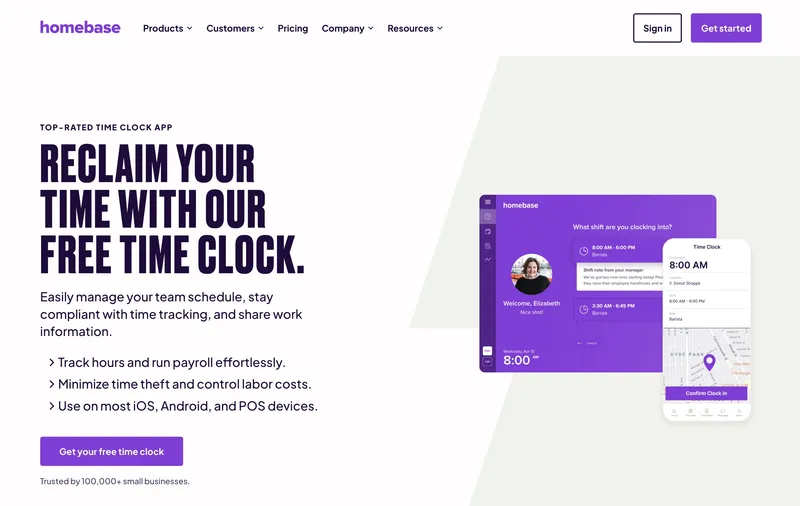
Homebase no longer belongs on a “free at 20 employees” shortlist, because Basic now caps at one location with up to 10 employees. At 20 employees, a single-location restaurant, retail store, or cafe starts on Essentials at $30 per location per month, with Plus at $70 and All-in-One at $120. The mobile app is still one of the most polished in this category, scheduling is genuinely good, hiring and onboarding are built in, and POS integrations with Square, Clover, and Toast still matter for food and retail use cases. The structural warning is the same as before, just earlier in the growth curve: every new location multiplies the bill, and GPS still sits on Plus. Homebase remains a strong single-location restaurant-and-retail tool at 20 employees, but it is no longer a free-plan edge case.
Best for: Single-location retail, restaurants, or cafes at 20 employees that value polished scheduling and POS integrations more than flat per-user pricing.
Pricing
| Plan | Price |
|---|---|
| Basic | Free (1 location, up to 10 employees) |
| Essentials | $30 / location / mo |
| Plus | $70 / location / mo |
| All-in-One | $120 / location / mo |
Free trial: 14-day trial on paid plans.
Ratings
- Apple App Store: ⭐⭐⭐⭐⭐ 4.8/5
- Google Play: ⭐⭐⭐⭐ 4.2/5
- Capterra: ⭐⭐⭐⭐ 4.6/5
Hubstaff
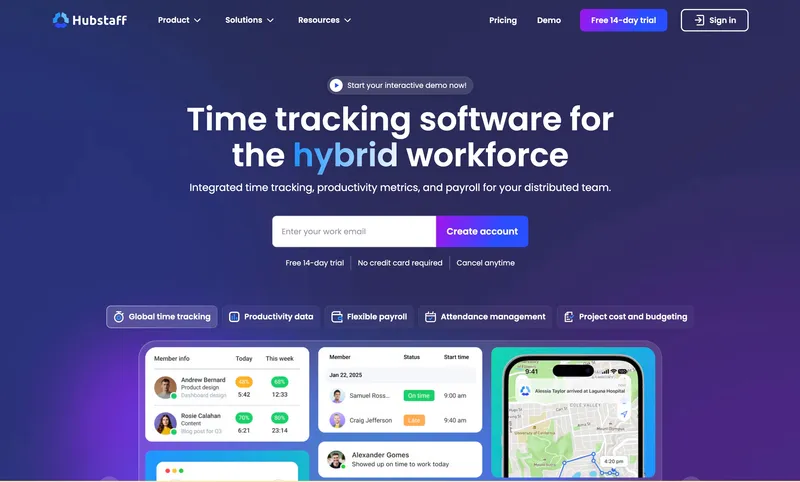
Hubstaff Starter at $7 per user puts a 20-person team at $140 a month, above the $100 threshold many small businesses use as a budget cap. No base fee at any tier, and the Starter plan covers productivity monitoring (activity levels, app and URL tracking, idle detection) in the base price. For a 20-person remote or distributed team (agencies, software consultancies, virtual assistants) where productivity visibility is a genuine requirement, Hubstaff is the category leader. The break happens when you need GPS. Locations is a $3.33 per user add-on only available on Team at $10 per user, so a 20-person team that needs GPS on Hubstaff is at about $267 a month (Team $200 plus Locations $66.60), which is significantly more than ShiftFlow at $119.80 or Deputy’s current compliance-focused tiers. For a 20-person remote team that does not need GPS, Starter still fits remote-monitoring scenarios well; for any field-team scenario that needs GPS, it is the wrong tool at this size.
Best for: Remote or distributed 20-person teams (agencies, software shops, VA teams) that want productivity monitoring without GPS.
Pricing
| Plan | Price |
|---|---|
| Starter | $7 / user / mo |
| Grow | $9 / user / mo |
| Team | $10 / user / mo |
| Enterprise | $25 / user / mo |
| Locations | +$3.33 / user / mo (Team tier or above) |
| Insights | +$2.50 / user / mo |
| Screenshots | +$2.50 / user / mo |
Free trial: 14-day trial.
Ratings
- Apple App Store: ⭐⭐⭐⭐ 4.5/5
- Google Play: ⭐⭐⭐⭐ 4.3/5
- Capterra: ⭐⭐⭐⭐ 4.6/5
Buddy Punch
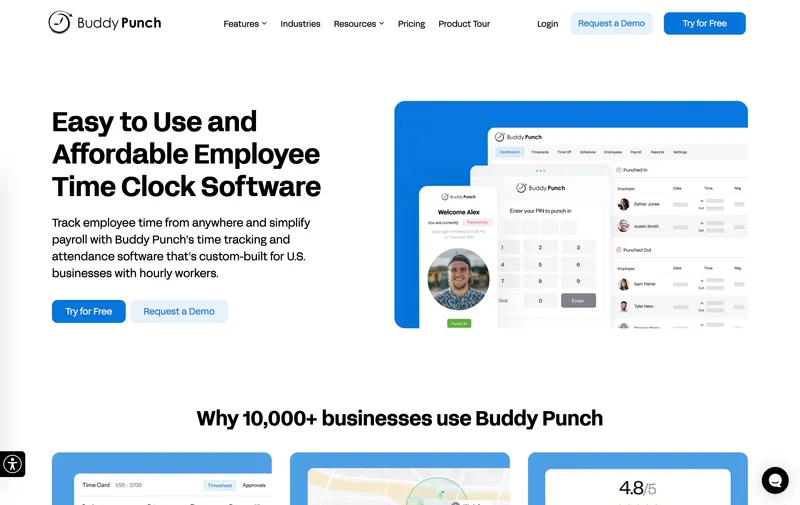
Buddy Punch’s Starter plan at $4.49 per user plus $19 a month base fee puts a 20-person team at $108.80, or $148.80 with the $2 per user real-time GPS add-on. Buddy Punch Starter already captures GPS coordinates on punches; basic geofencing is on the Pro tier, and the $2 per user add-on covers real-time GPS tracking rather than basic location-aware punches. At 20 users, the $19 base fee amortizes to $0.95 per user, which is reasonable, and the identity-verification depth (facial recognition, photo capture, PIN, QR code, mobile app in the base plan) is a genuine differentiator for unsupervised clock-ins. For a 20-person team with night shifts, rotating crews, or unsupervised sites where buddy-punching is a real risk, Buddy Punch’s verification is worth the math. The drawback for a feature-breadth comparison at 20 users is still the base-fee structure: ShiftFlow at $119.80 includes GPS, selfie verification, Windows desktop, kiosk, and scheduling all in the base plan for only slightly more than Buddy Punch Starter.
Best for: 20-person teams with unsupervised shifts or rotating crews where facial recognition and photo verification at clock-in are the primary requirement.
Pricing
| Plan | Price |
|---|---|
| Starter | $4.49 / user / mo + $19 / mo base fee |
| Pro | $5.99 / user / mo + $19 / mo base fee |
| Real-Time GPS add-on | $2 / user / mo |
Free trial: 14-day trial.
Ratings
- Apple App Store: ⭐⭐⭐⭐⭐ 4.8/5
- Google Play: ⭐⭐⭐⭐⭐ 4.8/5
- Capterra: ⭐⭐⭐⭐⭐ 4.8/5
QuickBooks Time
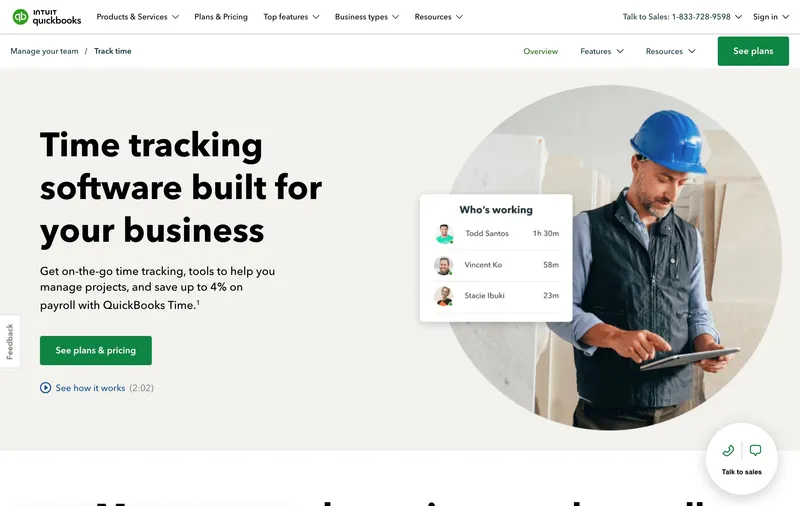
QuickBooks Time Premium at $20 base plus $8 per user is $180 a month for a 20-person team. The cost makes the most sense when payroll already runs on QuickBooks Payroll: the two-way sync with QuickBooks Online, Desktop, and Payroll is deep, and for a 20-person team running bi-weekly payroll, that integration can save meaningful reconciliation time at period close. GPS and geofencing are included in Premium, so a field team gets those in the base tier without an add-on. Reviewers flag occasional sync glitches when the team operates outside the QuickBooks ecosystem and frequent app updates that sometimes affect kiosk flows. For QuickBooks Payroll households, it is a very relevant option to evaluate closely.
Best for: 20-person small businesses running QuickBooks Online or QuickBooks Payroll who want native two-way sync.
Pricing
| Plan | Price |
|---|---|
| Premium | $20 / mo base + $8 / user / mo |
| Elite | $40 / mo base + $10 / user / mo |
Free trial: 30-day trial.
Ratings
- Apple App Store: ⭐⭐⭐⭐ 4.5/5
- Google Play: ⭐⭐⭐⭐ 4.3/5
- Capterra: ⭐⭐⭐⭐⭐ 4.7/5

How to choose
Four questions decide this for a 20-person team.
Question 1: Are you subject to Fair Workweek or predictive scheduling laws? If your team is in NYC, Seattle, Philadelphia, Chicago, or Oregon and you run a retail, food, or hospitality operation, Deputy’s compliance automation may justify the higher current monthly pricing. Outside those jurisdictions, simpler tools like ShiftFlow, Homebase, or When I Work cover the scheduling workflow without the compliance overhead.
Question 2: How layered is your operations? A team of 20 with one owner doing everything fits a simpler tool (Homebase paid, When I Work). A team of 20 with two shift leads, a bookkeeper, and an ops manager needs real role permissions and approval workflows (ShiftFlow, Deputy, Connecteam Basic).
Question 3: Where does payroll run? QuickBooks Payroll households should weigh QuickBooks Time’s two-way sync heavily despite the $180 price; the reconciliation time saved is real. Gusto, ADP Run, and Paychex households fit any CSV-friendly tool on this list.
Question 4: What is your 12-month headcount plan? If you will stay at 20 to 30, Connecteam Basic at $29 flat is the cheapest path. If you will be at 40 to 50 by this time next year, per-user tools like ShiftFlow or Deputy scale more predictably. Homebase free at exactly 20 is about to break for growing teams.
Real monthly bill for a 20-person team with GPS
| Tool | Monthly cost | Notes |
|---|---|---|
| Jibble Free | $0 | GPS in free tier |
| Connecteam Basic | $29 | GPS clock-ins included in Basic |
| Homebase Plus (1 location) | $70 | GPS included, single location |
| OnTheClock Standard | ~$85 | GPS in base plan |
| ShiftFlow | $119.80 | All features included, no tier climbing |
| Deputy Pro | $180 | Current top published monthly tier |
| When I Work + T&A | $80-$140 | Bundled with time tracking add-on |
| Buddy Punch Starter | $108.80 | GPS on punches (geofencing on Pro) |
| QuickBooks Time Premium | $180 | GPS included, QB two-way sync |
| Hubstaff Team + Locations | ~$267 | $10 Team + $3.33 Locations per user |
Best by use case
- Best all-features-included at 20 employees: ShiftFlow
- Best flat $29 bill for 20 employees: Connecteam Basic
- Best free option for distributed or multi-site 20-person teams: Jibble
- Best Fair Workweek compliance: Deputy
- Best scheduling-first for shift-based 20-person teams: When I Work
- Best cheap paid plan with GPS: OnTheClock
- Best single-location restaurant and retail tool: Homebase
- Best productivity monitoring without GPS: Hubstaff Starter
- Best identity verification for unsupervised shifts: Buddy Punch
- Best for QuickBooks Payroll households: QuickBooks Time Premium
Final recommendation
Best overall: ShiftFlow. $119.80 a month for 20 users with GPS, selfie verification, scheduling, Windows desktop, kiosk, and role permissions all included. Best for teams of 20 with a growing operations layer who want feature depth in one predictable bill. Pricing: $5.99 / user / month.
Best cheapest paid option: Connecteam Basic. $29 flat through 30 employees, with GPS clock-ins already included; right when the team will stay under 30 for a while. Pricing: $29 / month flat.
Best for Fair Workweek compliance: Deputy. Current monthly plans run from $5 to $9 per user, with Pro at $180 a month for 20 users and a $30 minimum monthly spend on monthly billing. Pricing: From $5 / user / month.
If the test is “can a manager, a bookkeeper, and a field supervisor all live in this tool without a second pricing discussion,” start with the 14-day ShiftFlow trial. Run one full pay period with real approvals. If it holds up, $119.80 a month is the whole invoice.
Frequently asked questions
What is the best time clock software for a team of 20 employees?
For a team of 20, ShiftFlow at $119.80 a month is the most feature-complete option with GPS, selfie verification, scheduling, Windows desktop, kiosk, and payroll exports all in one plan. Connecteam Basic at $29 flat is the cheapest paid option and now includes GPS clock-ins. Deputy remains the deepest Fair Workweek compliance pick, but current monthly pricing runs higher than older comparison tables suggest. Homebase Basic now caps at 10 employees, so a 20-person team compares Homebase as a paid single-location tool starting at $30 per location on Essentials.
How much does time clock software cost for 20 employees?
For a team of 20, paid tools range from free to about $180 a month. Jibble free is $0, Connecteam Basic is $29 (still flat through 30 users), Homebase Essentials is $30 per location, When I Work with time tracking starts at $80 for a single-location team or $140 for multi-location, OnTheClock is about $85, Deputy runs about $100 to $180 depending on plan, Hubstaff Starter is $140, Buddy Punch Starter is $108.80, ShiftFlow is $119.80, and QuickBooks Time Premium is $180.
Does the Homebase free plan still work at 20 employees?
No. Homebase Basic now covers one location with up to 10 employees. A team of 20 starts on paid plans, with Essentials at $30 per location per month, Plus at $70, and All-in-One at $120. If you are already at 20, compare Homebase as a paid single-location tool rather than as a free option.
Does a 20-person team need more than basic time tracking?
Usually yes. At 20 people, most small businesses start needing role-based permissions (manager vs worker access), approval workflows (who can edit a punch), and reporting depth (labor cost by job or site, not just total hours). The free and lowest-tier paid plans aimed at 5 to 10 person teams often cap these features. Tools that handle 20-person operations well include ShiftFlow (all features in base), Deputy (compliance-first), and Connecteam Advanced (hub-based workflows).
What happens at 20 employees that did not matter at 10?
Three things. First, there is usually a manager layer between you and the workers, so role-based permissions and approval workflows matter. Second, reporting depth matters more for labor cost analysis and overtime planning, especially if pay periods span multiple jobs or locations. Third, compliance exposure rises: Fair Workweek laws (in NYC, Seattle, Philadelphia, Oregon, Chicago) apply to retail and food teams with 20+ employees in several jurisdictions. Tools with deep compliance automation (Deputy, ADP) become genuinely relevant.
Should I pick per-user or flat-fee pricing at 20 employees?
Connecteam Basic at $29 flat is the only true flat-fee option on this list at 20 users, since the plan covers up to 30 employees. At 20 users, per-user tools run $60 to $180, so Connecteam wins on sticker if GPS is not required. Per-user tools win as the team grows past 30 and flat-fee tools exit their cap. If you expect to stay at 20 to 30 long-term, flat-fee saves money; if you expect to grow to 50+, per-user scales more predictably.
Does ShiftFlow work for a team of 20?
Yes. ShiftFlow is purpose-built for teams of 5 to 50, so 20 employees sits in the middle of its sweet spot. The monthly bill is $119.80 flat, with no base fee, no add-ons, and every feature in one plan: GPS, selfie verification, scheduling, Windows desktop, kiosk, overtime rules, payroll exports, role permissions. Onboarding a 20-person team typically takes one to two days including setting up manager permissions, schedules, and pay rates. The 14-day free trial requires no credit card.
When should a 20-person team upgrade from free time clock software?
The usual triggers are: the free-tier feature cap (reporting depth, overtime rules, multi-role permissions) blocks a daily workflow; customer support response times on free tier are too slow for payroll deadlines; your team is about to grow past the free plan size limit (Jibble has no limit, Homebase caps at 10, Connecteam caps at 10). If any of these apply, moving to a paid tool is usually a better investment than rebuilding workflows to stay inside free-plan constraints.
- time-clock-software
- team-of-20
- small-business
- growing-team
- software-comparison
- time-tracking