Best Time Tracking Software with No Add-Ons in 2026
Add-ons are where a simple time tracking bill usually stops being simple. This guide compares which tools keep the real workflow in the base plan.

Hubstaff’s pricing page shows $7 per user on Starter. A 25-person team that actually needs GPS ends up at $333 a month after the $3.33 Locations add-on and the required Team-tier upgrade (Team $10 + Locations $3.33, per user). Add Insights for app and URL tracking and the bill lands at $396. The sticker price is accurate; it describes a version of the product most buyers never use.
Here are 10 time tracking tools with no add-on stack. What is included is what you get, and turning on a feature does not mean opening a new invoice line.
At-a-glance comparison
| Tool | Starting price | Everything in one plan? | GPS in base plan | Paid add-ons? |
|---|---|---|---|---|
| ShiftFlow | $5.99 / user / mo | ✅ Single plan | ✅ | None |
| Jibble | Free (unlimited) | ✅ Free tier | ✅ | Paid tiers for upgrades |
| OnTheClock | $5 base + $4 / user / mo | ✅ Single paid plan | ✅ | None |
| Connecteam | $29 / mo (first 30 users) | ❌ Tiered | ✅ | None |
| When I Work | $4 / user / mo (bundled) | ❌ Tiered | Included in T&A | T&A add-on required |
| Harvest | Teams plan | Tiered by plan | ❌ | None |
| Toggl Track | $9 / user / mo | ❌ Tiered | ❌ | None |
| Deputy | From $5 / user / mo | ❌ Tiered | ✅ (all tiers) | None |
| Clockify | Free (up to 5 users) | ❌ Tiered | ❌ Pro tier | None |
| ProofHub | $50 / mo flat | ✅ Flat plans | ❌ | None |
How we picked
For this list, a tool scored well when the buyer could activate the normal small-business workflow without rebuilding the invoice from extras and upgrades.
- What is included in the plan most teams would actually buy. GPS, scheduling, kiosk mode, payroll export, overtime settings, and reporting all mattered.
- 25-user bill with the essentials turned on. We ignored teaser pricing that only worked in a stripped-down setup.
- Tier clarity. Single-plan products had an advantage, but tiered tools could still rank well if the feature gates were clear and sensible.
- GPS access. We marked whether GPS was standard, tied to a higher tier, or sold separately.
- App credibility. Ratings were reviewed by store instead of flattened into one blended score.
- Practical fit. A tool dropped if it was clean on paper but still too limited for a real hourly team.
Pricing and feature gates were checked against live vendor pages and reconciled against the research already used in this draft.
ShiftFlow
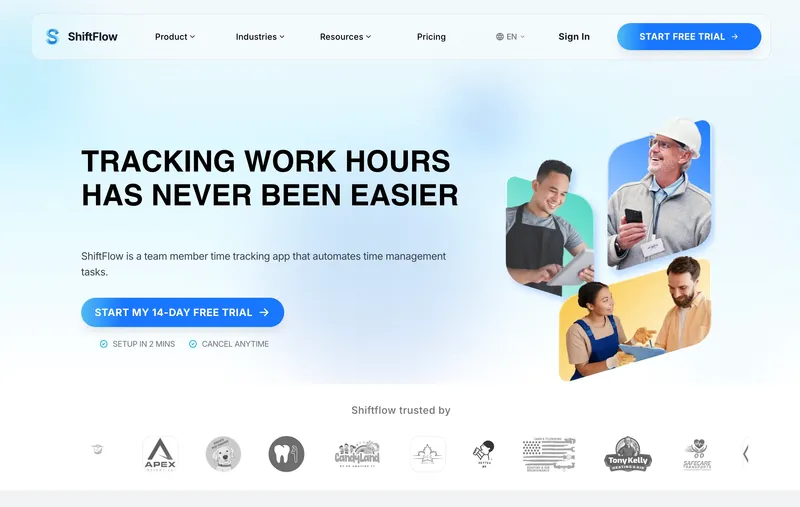
ShiftFlow has one plan and no add-ons: $5.99 per seat, every feature included. GPS, selfie verification, scheduling, kiosk mode, payroll exports, overtime settings, job costing, and Windows desktop are all inside that rate. A 25-person team pays $149.75, and turning features on later does not change that number. The honest gap: there is no productivity surveillance. Screenshots, keystroke logging, activity-level percentages, and app and URL tracking are not features, and they are not coming. Teams that want that category of monitoring should look at Hubstaff or Time Doctor instead. For teams that do not, skipping those add-ons entirely is why the bill is what it is.
Best for: Small businesses with 10 to 50 hourly workers who want GPS, scheduling, kiosk, and payroll export all in one predictable bill and who do not need productivity-monitoring features.
Pricing
| Plan | Price |
|---|---|
| Monthly | $5.99 / user / month |
| Annual | $60 / user / year (saves ~17%) |
Free trial: 14 days, no credit card required.
Ratings
- Apple App Store: ⭐⭐⭐⭐⭐ 4.8/5
- Google Play: ⭐⭐⭐⭐⭐ 4.8/5
Jibble
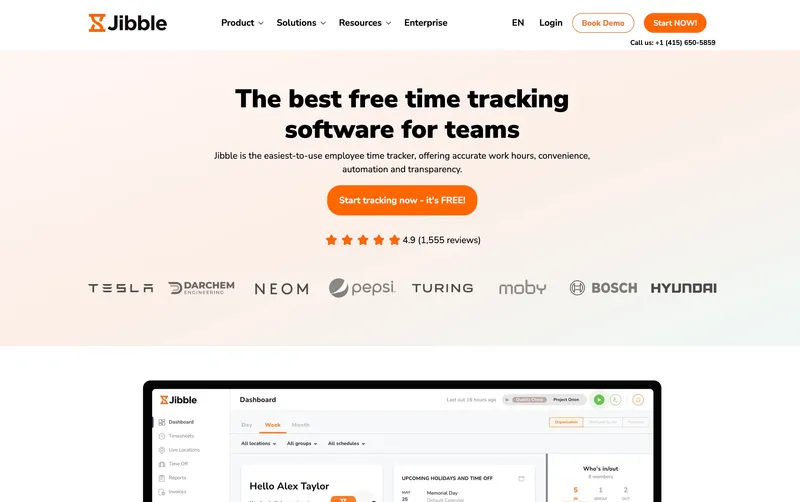
Jibble’s free tier is the clearest answer on this list to “I do not want to pay for an add-on to unlock GPS.” GPS, kiosk mode, selfie verification, and attendance reports are all on the free plan, not gated behind a paid module. A 25-person team pays $0 a month and runs the standard small-team clock-in workflow without buying anything extra. The limits show up in depth rather than at the invoice: support is community-only on free, overtime handling is basic, and custom pay rules require Premium (€3.99 per user, roughly $4 USD). The free tier goes further than most paid tiers’ no-add-on promises.
Best for: Small businesses of any size that want GPS, kiosk, and basic attendance at zero monthly cost, with the option to add automation later.
Pricing
| Plan | Price |
|---|---|
| Free | $0 (unlimited users) |
| Premium | €3.99 / user / mo |
| Ultimate | €6.99 / user / mo |
Jibble lists prices in EUR on its site; at current rates these convert to roughly $4.30 and $7.50 USD respectively. Check Jibble’s site for the current US rate.
Free trial: Free tier is permanent. 14-day trial on Premium and Ultimate.
Ratings
- Apple App Store: ⭐⭐⭐⭐⭐ 4.8/5
- Google Play: ⭐⭐⭐⭐⭐ 4.7/5
- Capterra: ⭐⭐⭐⭐⭐ 4.8/5

OnTheClock
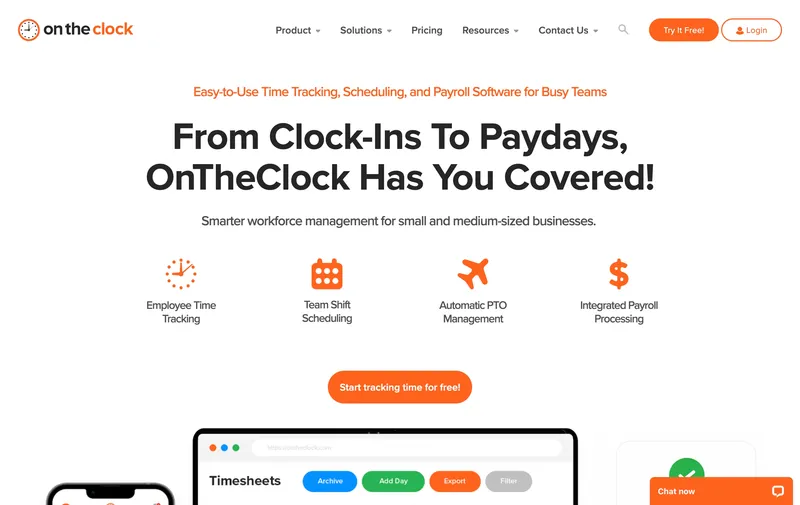
One paid plan at $4 per user plus a $5 monthly base fee, and nothing else to toggle. OnTheClock includes GPS, scheduling, job costing, PTO management, and payroll integrations (QuickBooks, Gusto, ADP, Square) in the single plan. A 25-person team pays about $105 a month. The $5 base fee exists; the fine print stops there. The limitation is workflow depth, not billing. Buyers who expect tiered permissions, approval chains, or more sophisticated reporting will eventually want a broader system. For a small business that wants GPS and payroll in one paid plan with no upsell matrix, OnTheClock is one of the cheapest working answers.
Best for: Cost-conscious small businesses that need GPS, scheduling, and payroll integrations in one paid plan and do not need enterprise-level customization.
Pricing
| Plan | Price |
|---|---|
| Free trial | 30 days |
| Standard | $5 / mo base + $4 / user / mo |
Free trial: 30-day trial.
Ratings
- Apple App Store: ⭐⭐⭐⭐⭐ 4.7/5
- Google Play: ⭐⭐⭐⭐⭐ 4.6/5
- Capterra: ⭐⭐⭐⭐⭐ 4.7/5
Connecteam
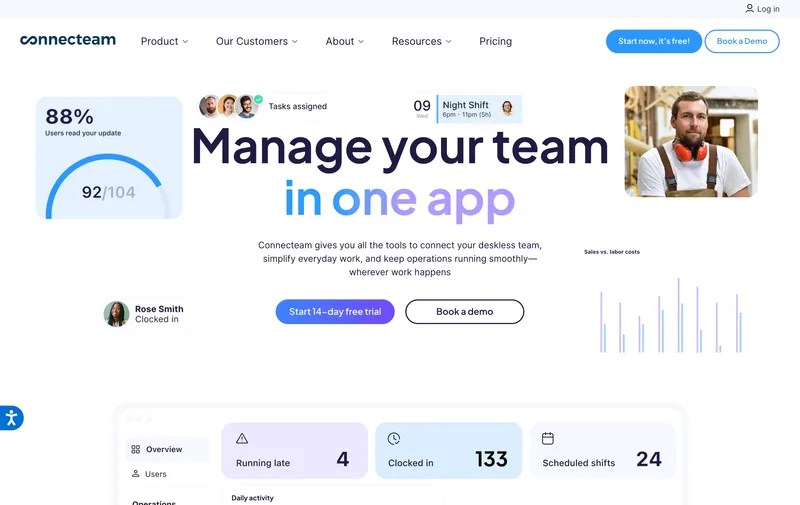
Connecteam solves the add-on problem by not having add-ons at all: every feature lives inside a tier, not as a module toggled on top. Basic at $29 a month through 30 users already includes GPS clock-ins, so verifying attendance does not require a tier climb. Advanced at $49 and Expert at $99 add broader operations tooling (automations, deeper reporting, workflow builder), and they are real upgrades, not cosmetic ones. For teams staying on Basic, the bill is $29 total, period. For teams that will outgrow Basic inside the year, the jump is a tier climb, not an add-on sprawl, which is a different kind of pricing decision.
Best for: Service businesses with under 30 employees who prioritize a flat monthly bill and want GPS clock-ins included from the start.
Pricing
| Plan | Price |
|---|---|
| Small Business | Free (up to 10 users) |
| Basic (annual / monthly) | $29 / $35 per mo (first 30 users) + $0.80-$1 per extra |
| Advanced (annual / monthly) | $49 / $59 per mo (first 30 users) + $2.50-$3 per extra |
| Expert (annual / monthly) | $99 / $119 per mo (first 30 users) + $4.20-$5 per extra |
Free trial: 14-day trial on paid plans.
Ratings
- Apple App Store: ⭐⭐⭐⭐⭐ 4.8/5
- Google Play: ⭐⭐⭐⭐⭐ 4.7/5
- Capterra: ⭐⭐⭐⭐⭐ 4.7/5
When I Work
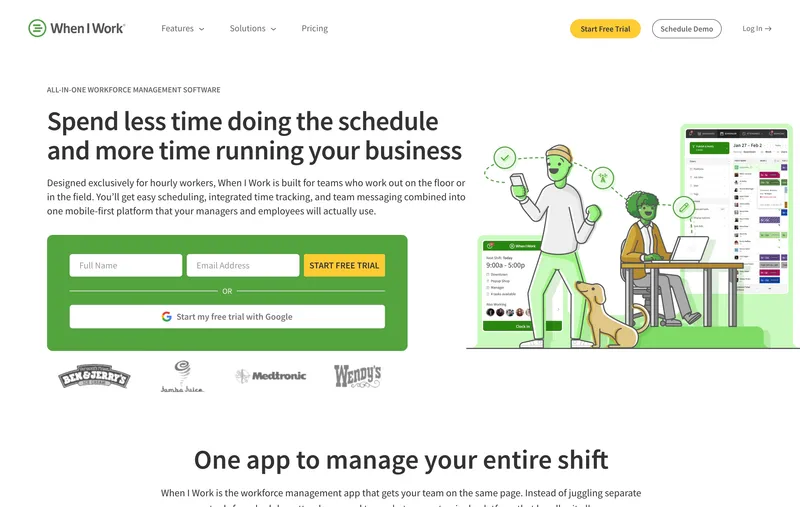
When I Work is on this “no add-ons” list with an asterisk: Time & Attendance is technically an add-on on top of the scheduling tiers, bundled into one predictable stack. Essentials is $2.50 per user, Pro $5, Premium $8 for scheduling; the T&A add-on costs $1.50 on Essentials and $2 on Pro/Premium, making bundled time-clock prices $4 / $7 / $10 per user. For a 25-person single-location team, Essentials bundled is $100 a month. The app is one of the most polished schedulers in the category, and the time clock side handles clock-in, clock-out, and break tracking cleanly. The tier caveat: GPS and advanced timekeeping features move up to Pro, and multi-location tools require Pro or higher. When I Work is the right call for a team where scheduling is the dominant pain, especially for retail, hospitality, or shift-heavy teams at a single location.
Best for: Small retail, hospitality, or shift-based teams whose scheduling workflow is the primary job and time tracking is a bundled feature.
Pricing
| Plan | Price |
|---|---|
| Essentials + T&A (bundled) | $4 / user / mo |
| Pro + T&A (bundled) | $7 / user / mo |
| Premium + T&A (bundled) | $10 / user / mo |
| Time & Attendance add-on | +$1.50 (Essentials) or +$2 (Pro/Premium) per user / mo |
Free trial: 14-day trial.
Ratings
- Apple App Store: ⭐⭐⭐⭐⭐ 4.7/5
- Google Play: ⭐⭐⭐⭐ 4.3/5
- Capterra: ⭐⭐⭐⭐⭐ 4.6/5
Harvest
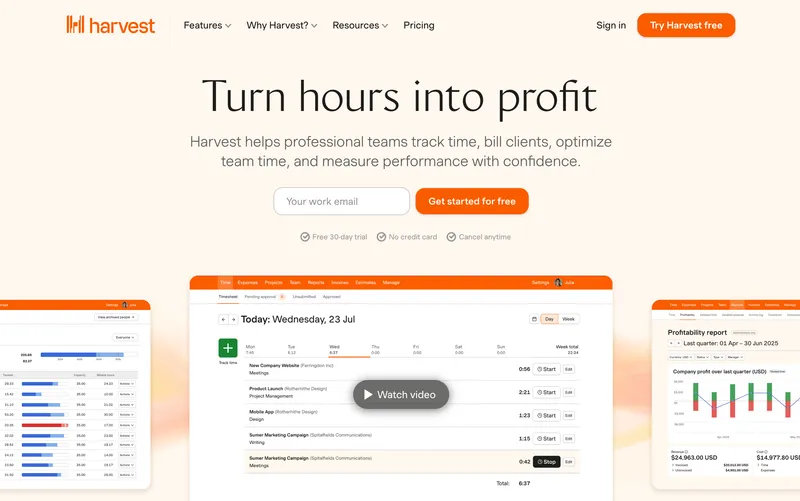
Harvest’s paid lineup is Teams at $11 per user per month ($9 annual) and Enterprise at $17.50 per user per month ($14 annual), with unlimited users and projects on both and no add-ons to toggle. For a 25-person consulting or creative team, Teams runs $275 a month, and the built-in invoicing does a job most time trackers do not do at all. The free tier covers one user with two projects, which is enough for a solo freelancer to run their business. The structural tradeoff is scope. Harvest has no GPS, no kiosk, no scheduling, and no payroll-focused overtime rules, and reviewers flag a capacity limit once a business grows past “track hours and send an invoice.” Clean two-tier no-add-on pricing for a narrow job. If you bill clients by the hour and want invoicing in the same tool, Harvest is the right answer. Outside that scenario, it is thin.
Best for: Small consultancies, freelancers, and creative agencies that track billable hours and invoice clients from the same tool.
Pricing
| Plan | Price |
|---|---|
| Free | $0 (1 user, 2 projects) |
| Teams | $11 / user / mo (or $9 / user / mo billed annually) |
| Enterprise | $17.50 / user / mo (or $14 / user / mo billed annually) |
Free trial: 30-day trial on Teams.
Ratings
- Apple App Store: ⭐⭐⭐⭐ 4.5/5
- Google Play: ⭐⭐⭐⭐ 4.3/5
- Capterra: ⭐⭐⭐⭐⭐ 4.5/5

Toggl Track
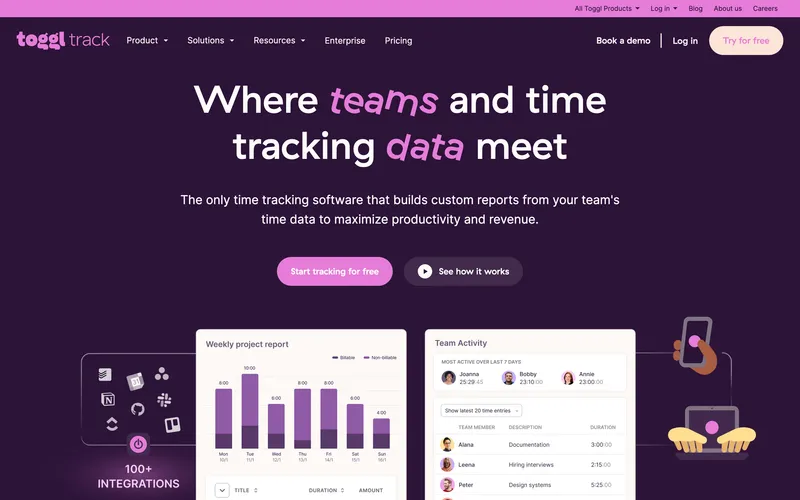
Toggl Track’s pricing has no add-ons at any level: Starter is $9 per user per month, Premium is $18, Enterprise is on custom pricing. Each tier includes what it includes, nothing extra to buy on top. The free plan covers up to five users with the core timer and reports. For a 25-person desk-based team, Starter runs $225 a month, which is on the higher end of this list per seat but the feature set at that price (project tagging, detailed reports, integrations, approval workflows on Premium) earns its cost for specific use cases. The tier ladder matters because advanced features like scheduled reports, required fields, and audit logs live on Premium, so a team that starts on Starter and grows into those needs moves its whole bill to $450 a month at 25 users. The structural gap for a general small business is category fit: Toggl is a timer and a project tracker, not a workforce tool. No GPS, no kiosk, no scheduling, no payroll export in the native sense.
Best for: Freelancers, agencies, and small creative teams tracking client hours from laptops without workforce features.
Pricing
| Plan | Price |
|---|---|
| Free | $0 (up to 5 users) |
| Starter | $9 / user / mo |
| Premium | $18 / user / mo |
| Enterprise | Custom |
Free trial: 30-day trial on Premium.
Ratings
- Apple App Store: ⭐⭐⭐⭐⭐ 4.7/5
- Google Play: ⭐⭐⭐⭐⭐ 4.6/5
- Capterra: ⭐⭐⭐⭐⭐ 4.7/5
Deputy
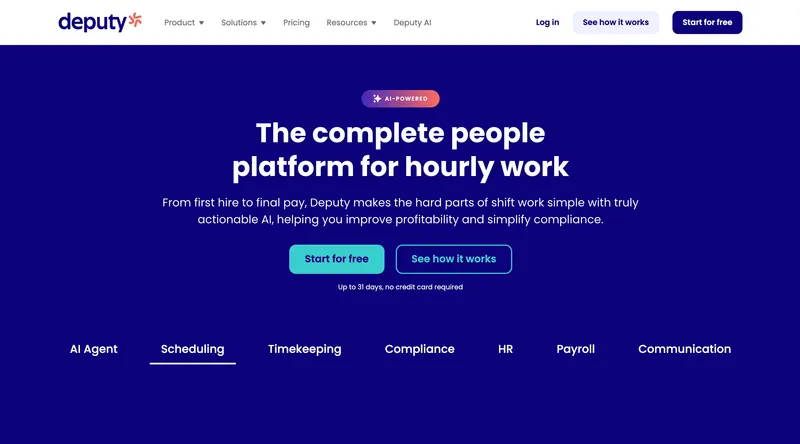
Deputy has tiers but no add-ons on top of them. The current monthly lineup is Lite at $5 per user, Core at $6.50, and Pro at $9, with a $30 minimum monthly spend on monthly billing. For a 25-person hospitality or healthcare team, that works out to about $125, $162.50, or $225 a month. The compliance tooling (break rule enforcement, Fair Workweek alerts, auto-scheduling) still runs deeper than almost any other tool on this list for shift-based industries. The main factual correction is that the current pricing model is no longer the older Scheduling-versus-Time & Attendance split many comparison posts still quote. Deputy remains the right answer for a multi-site hospitality, retail, or healthcare team whose main pain is shift compliance, but buyers should compare the live Lite/Core/Pro matrix rather than rely on stale $4.50 and $6 tables.
Best for: Multi-site hospitality, retail, and healthcare teams of 25 to 100 whose main problem is Fair Workweek and shift compliance.
Pricing
| Plan | Price |
|---|---|
| Lite | $5 / user / mo |
| Core | $6.50 / user / mo |
| Pro | $9 / user / mo |
| Enterprise | Custom |
Monthly billing note: Lite, Core, and Pro monthly plans carry a $30 minimum spend.
Ratings
- Apple App Store: ⭐⭐⭐⭐⭐ 4.7/5
- Google Play: ⭐⭐⭐⭐ 4.3/5
- Capterra: ⭐⭐⭐⭐⭐ 4.6/5
Clockify
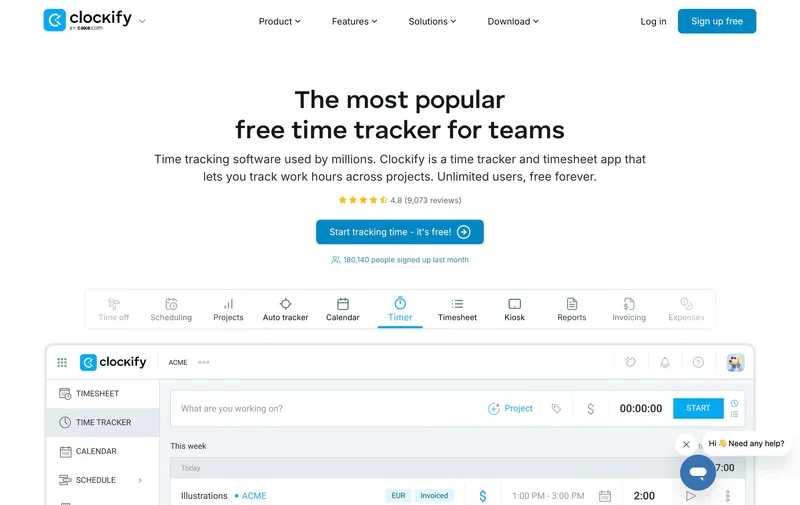
Free for up to 5 users and unlimited projects, then tiered from $4.99 a user on Basic to $14.99 on Enterprise. No add-on marketplace, no feature modules bolted on top of a tier. For a small consultancy or agency, the free plan usually covers the whole use case with a timer, manual entry, and basic reports; paid tiers add approvals, required fields, scheduled reports, and admin controls. The structural gap is category, not billing. Clockify is built for project and desk teams, so GPS, kiosk flow, and field verification sit further up the tier ladder than they do in workforce-first tools. The no-add-on promise holds cleanly; the category fit is the real question for most buyers.
Best for: Small agencies, consultancies, and freelance teams tracking billable hours against projects from desks or laptops.
Pricing
| Plan | Price |
|---|---|
| Free | $0 (up to 5 users, unlimited projects) |
| Basic | $4.99 / user / mo |
| Standard | $6.99 / user / mo |
| Pro | $9.99 / user / mo |
| Enterprise | $14.99 / user / mo |
Free trial: Free tier is permanent. 7-day trial on paid plans.
Ratings
- Apple App Store: ⭐⭐⭐⭐ 4.5/5
- Google Play: ⭐⭐⭐⭐ 4.4/5
- Capterra: ⭐⭐⭐⭐⭐ 4.7/5
ProofHub
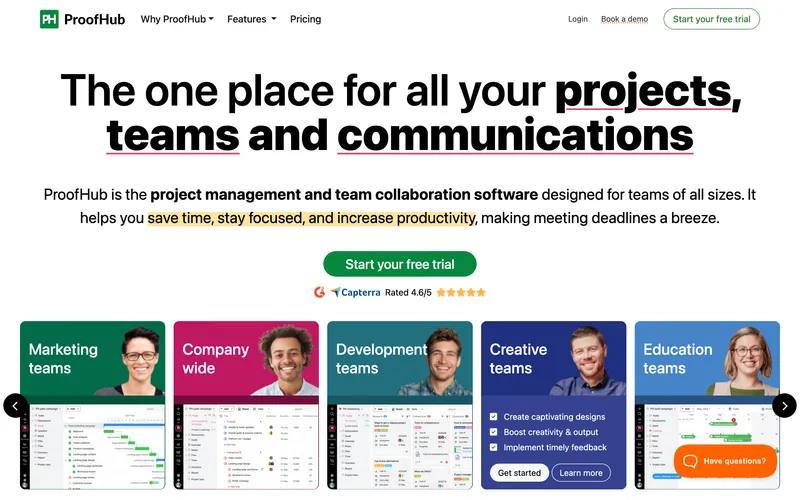
ProofHub is one of the few tools in this category where the bill stays flat and there is no add-on stack to decode. The Essential plan is $50 a month for unlimited users, and Ultimate Control is $150, again with unlimited users. That makes the pricing model unusually clean for a team that wants project management and time tracking in one subscription. The tradeoff is category fit. ProofHub is a project-management platform first and a workforce time clock second, so it lacks GPS verification, kiosk mode, geofencing, and native payroll exports. You are paying for Kanban boards, Gantt charts, proofing, and file collaboration alongside the timer. ProofHub earns the final spot because it is genuinely no-add-on pricing, but only the right fit for teams whose question is “what project is this hour on?” rather than “did the crew clock in on site?”
Best for: Small project-based teams of 10 to 30 people who want one flat monthly bill for project management plus time tracking.
Pricing
| Plan | Price |
|---|---|
| Essential | $50 / mo flat (40 projects, 15GB storage, unlimited users) |
| Ultimate Control | $150 / mo flat (unlimited projects, 100GB storage, unlimited users) |
Free trial: 14-day free trial.
Ratings
- Apple App Store: ⭐⭐⭐⭐ 4.3/5
- Google Play: ⭐⭐⭐⭐ 4.0/5
- Capterra: ⭐⭐⭐⭐ 4.6/5

How to choose
The easiest way to cut through the pricing noise is to answer three concrete questions.
Question 1: How many features do you actually use? A small business that only needs basic clock-in and a weekly report can get away with Hubstaff Starter or Clockify Basic. A team that needs GPS, scheduling, payroll export, and kiosk mode will save real money on a single-plan tool like ShiftFlow where all four are included at $5.99 per seat. Before picking a tool, list the features you will actually turn on, then price each candidate for that exact feature set. “Base price of the starter tier” is the number that gets people in trouble.
Question 2: Is productivity monitoring part of the job? Screenshot cadence, app and URL tracking, activity percentages, and idle detection are dominant features at Hubstaff, Time Doctor, and Apploye, and they are not features ShiftFlow, Homebase, When I Work, or Connecteam do at all. If monitoring is the reason you are buying, accept the add-on math and buy Hubstaff. If it is not, a single-plan tool without monitoring will serve better and cost less.
Question 3: Where does payroll run? For teams on QuickBooks Payroll, QuickBooks Time’s two-way sync saves real reconciliation work. For teams on Gusto, ADP Run, or Paychex, CSV export is the universal interface and tools like ShiftFlow, OnTheClock, Deputy, and Connecteam all handle it cleanly. Payroll integration is rarely an add-on in this category, so this question is more about preference than cost.
Real monthly bill for a 25-person team with GPS, scheduling, and payroll export
| Tool | Monthly cost | How it gets there |
|---|---|---|
| Jibble Free | $0 | Free tier includes GPS, kiosk, basic reports |
| Connecteam Basic | $29 | GPS clock-ins included in Basic |
| Connecteam Advanced | ~$94 | Higher-tier workflow tools |
| OnTheClock Standard | ~$105 | Single paid plan, GPS included |
| When I Work Essentials + T&A | $100 | Scheduling tier + time tracking add-on |
| Deputy Core | $162.50 | Current mid-tier published monthly price |
| Buddy Punch w/ Real-Time GPS add-on | ~$181 | $19 base + $4.49 per user + $2 real-time GPS add-on |
| ShiftFlow | $149.75 | $5.99 flat, every feature included |
| QuickBooks Time Premium | $220 | $20 base + $8 per user, GPS included |
| Toggl Track Starter | $225 | No GPS, desk-first |
| Harvest Teams | See site | No GPS, invoicing-first |
| Hubstaff Team + Locations + Insights | ~$396 | $10 tier + $3.33 Locations + $2.50 Insights, per user |
Best by use case
- Best everything-in-one-plan at a flat per-seat rate: ShiftFlow
- Best free tier with every core feature included: Jibble
- Best affordable single-paid-plan tool: OnTheClock
- Best flat monthly fee for teams under 30: Connecteam
- Best combined scheduling and time clock: When I Work
- Best invoicing plus time tracking in one plan: Harvest
- Best simple timer for project work: Toggl Track
- Best shift compliance with bundled Premium: Deputy
- Best free plan with no add-ons for project-based teams: Clockify
- Best truly-flat pricing with no add-ons for project-management-first teams: ProofHub
Final recommendation
Best overall: ShiftFlow. Flat $5.99 per seat with GPS, selfie verification, scheduling, Windows desktop, and payroll exports all included. Best for 10 to 50 person teams who want feature breadth without tier climbing or add-on toggles. Pricing: $5.99 / user / month.
Best free option: Jibble. Free for unlimited users with GPS included; the right call when budget is the dominant constraint and the free-tier feature cap fits your workflow. Pricing: Free.
Best project-based option with no add-ons: Clockify. Free for up to 5 users, then clean tiered upgrades without an add-on stack. Pricing: Free, then from $4.99 / user / month.
If you want to stop doing add-on math before every pricing comparison, start with the 14-day ShiftFlow trial. Turn on everything the team would actually use. The monthly bill at the end of the trial will still be seat count times $5.99.
Frequently asked questions
What counts as an add-on in time tracking software?
An add-on is an optional module that charges extra per user per month on top of the base plan for features most small businesses treat as core: GPS, location tracking, productivity monitoring, screenshots, or extended integrations. Hubstaff charges $3.33 per user for Locations (GPS), $2.50 for Insights, and $2.50 for More Screenshots. Buddy Punch charges $2 per user for real-time GPS on top of its Starter and Pro tiers (Starter captures GPS coordinates on punches; basic geofencing is on Pro). Add-ons are different from tier upgrades: a tier moves your whole team up a pricing level, while an add-on sits on top of the existing tier.
Which time tracking software includes GPS in the base plan with no add-on?
ShiftFlow ($5.99 per user), Jibble (free tier), OnTheClock ($5 base + $4 per user), QuickBooks Time (Premium and Elite), and Connecteam Basic all include GPS tracking in the base plan without an add-on. Hubstaff puts GPS tracking (called Locations) on a $3.33 per user add-on that is only available on Team and Enterprise tiers. Buddy Punch Starter captures GPS coordinates on punches; basic geofencing is on the Pro tier, and real-time GPS is a $2 per user add-on.
Is a single-plan time tracker cheaper than one with add-ons?
At 25 users, single-plan tools like ShiftFlow at $149.75 per month and OnTheClock at $105 per month beat add-on-stacked tools like Hubstaff Team plus Locations plus Insights at $396 per month on total cost. The break-even changes by scenario: a solo operator who only needs basic time tracking may pay less on Hubstaff Starter ($7) than on ShiftFlow ($5.99). Single-plan tools win as your team grows past 10 users and picks up GPS, scheduling, or payroll export requirements.
Does ShiftFlow have any add-ons?
No. ShiftFlow charges $5.99 per user per month (or $60 per user per year on annual billing). Every feature lives in the single plan: GPS and selfie verification, scheduling, kiosk mode, Windows desktop app, overtime rules, payroll exports, job costing, and reporting. There is no base fee, no per-location fee, and no paid add-ons to turn on later.
What should I watch for when evaluating add-on structures?
Four fine-print items. First, check whether GPS or location tracking is in the base plan or a paid add-on. Second, check whether the add-on requires a specific tier to be unlocked (Hubstaff Locations only works on Team or above, for example). Third, check whether productivity monitoring features you need (screenshots, activity levels, app tracking) are bundled or unbundled. Fourth, price the total at your real team size with the features you actually need, not the sticker price of the lowest tier.
Is Hubstaff a good pick if I want to avoid add-ons?
Hubstaff is the right pick if you want productivity monitoring (screenshots, activity levels, app and URL tracking) as your main feature set. It is the wrong pick if you want GPS tracking without a tier upgrade plus an add-on, since GPS lives on the $3.33 per user Locations add-on and requires the Team tier ($10 per user) or above. For a field team that needs GPS, ShiftFlow at $5.99 per user flat with GPS included is the cleaner answer.
What is the cheapest time tracking software with no add-ons and GPS?
Jibble is genuinely free for unlimited users with GPS included on the free tier, cheapest possible. Among paid tools, OnTheClock at $5 base plus $4 per user ($105 for 25 users) is the cheapest with GPS included in the base plan. ShiftFlow is $149.75 for 25 users with GPS, selfie verification, scheduling, Windows desktop, and kiosk all included; not the cheapest on sticker but the broadest feature set for a flat price.
How do tiers differ from add-ons?
A tier moves your entire team up a pricing level (Connecteam Basic to Advanced, Deputy Lite to Core or Pro, QuickBooks Time Premium to Elite). You pay the new per-user rate for everyone. An add-on is an optional module you toggle on that charges extra per user on top of the existing tier (Hubstaff Insights at $2.50 per user, Buddy Punch real-time GPS at $2 per user). Tools with no add-ons often still have tiers; the cleanest pricing is a single plan with no tiers and no add-ons, which is the ShiftFlow model.
- time-tracking
- time-clock-software
- no-add-ons
- all-features-included
- flat-pricing
- software-comparison
- small-business
- hubstaff-alternatives