What Is a Time Clock & How to Choose One
Time clocks range from $20 punch cards to $1,000+ biometric systems. Learn the different types, what they cost, and which makes sense for your business.
What Is a Time Clock?
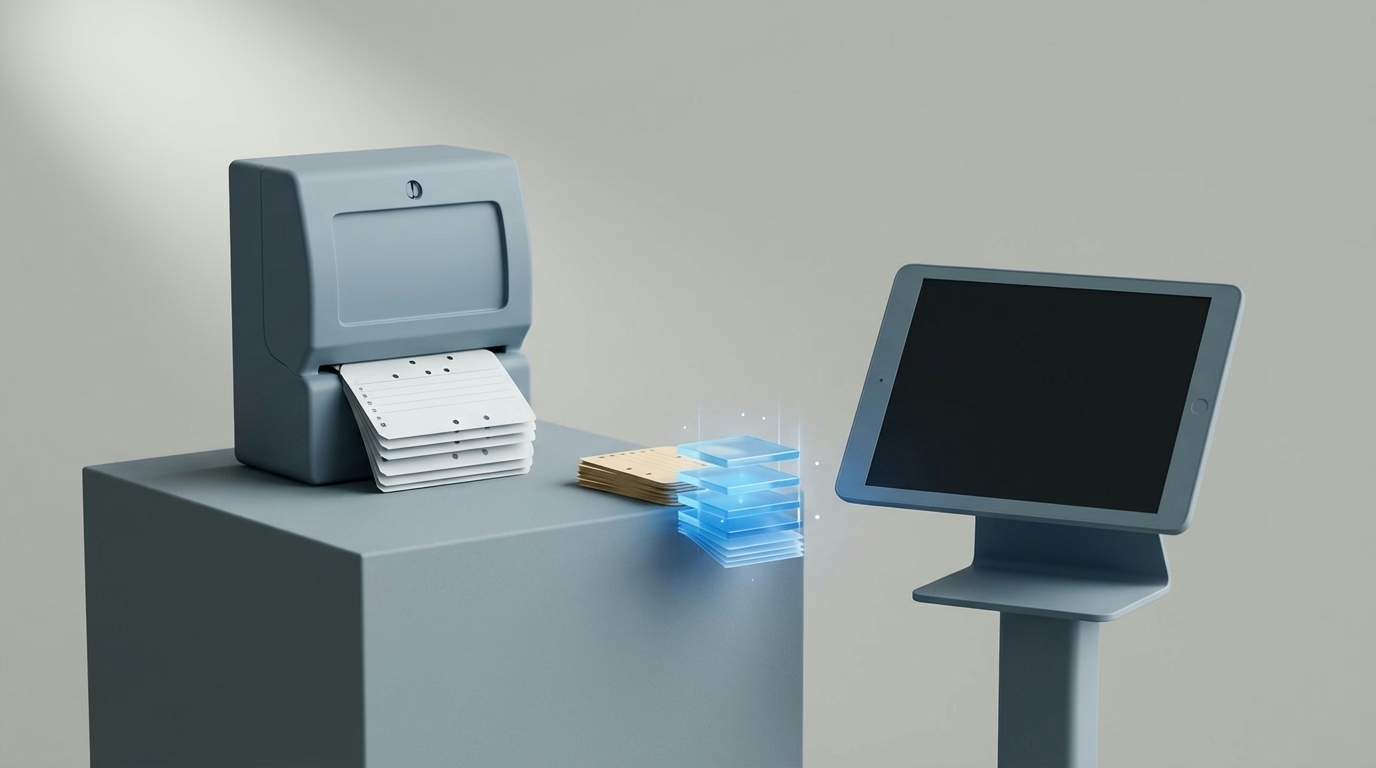
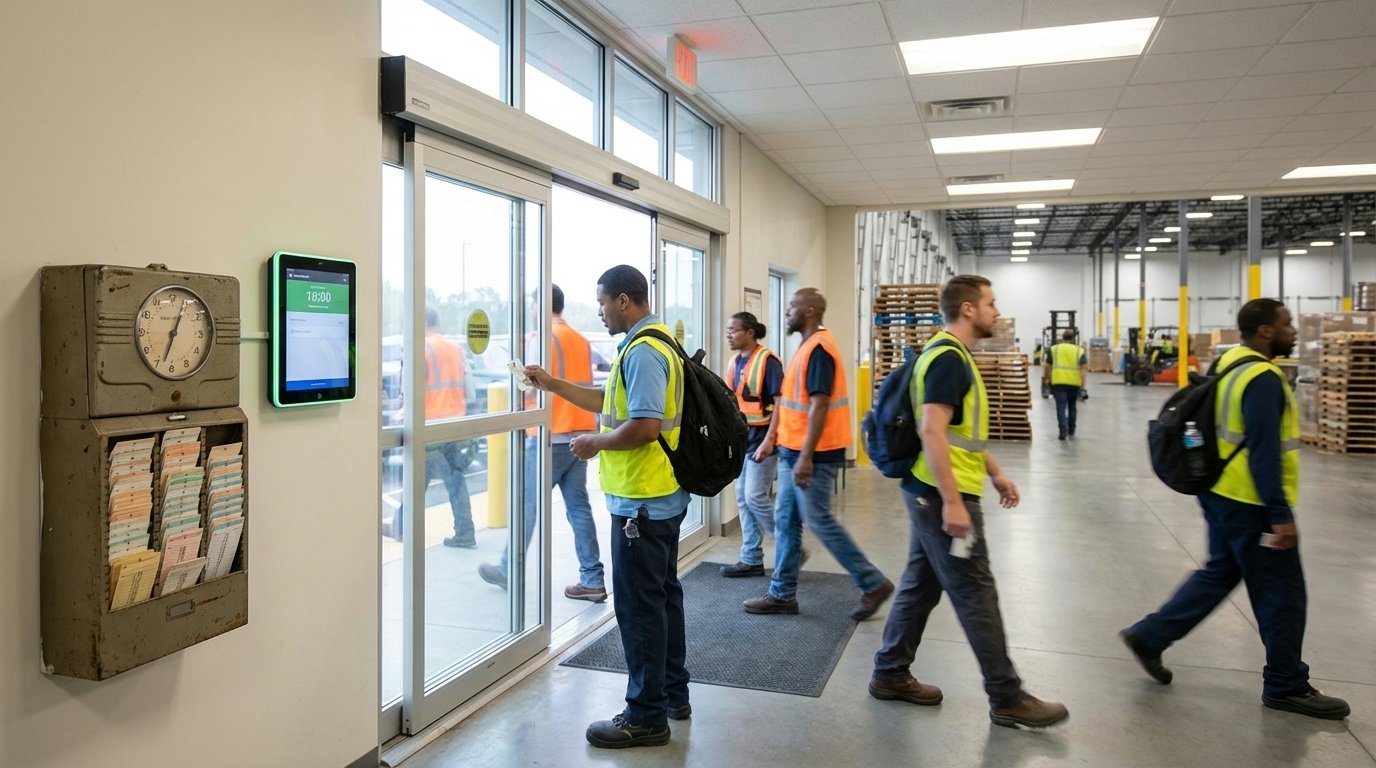
A time clock is a device or system that records when employees start and end their work shifts. The concept is over a century old—mechanical punch clocks date back to the 1880s—but the technology has evolved dramatically.
In 2026, time clocks range from simple wall-mounted punch devices to sophisticated biometric systems and cloud-based mobile apps. The goal remains the same: create an accurate record of hours worked for payroll and compliance.
Quick Answer
A time clock records employee clock-in and clock-out times. Modern options include punch cards, badge swipes, PIN entry, biometric scans (fingerprint/face), and mobile apps. The right choice depends on your team size, locations, and time theft concerns.
What Are the Different Types of Time Clocks?
Punch Card Clocks
The original time clock technology. Employees insert a paper card, and the clock stamps the time. Still used in some small businesses.
Cost: $20–100 for the clock, plus ongoing card costs Pros: Simple, no training needed, cheap upfront Cons: Easy to cheat, manual data entry for payroll, cards get lost
Badge/Proximity Card Clocks
Employees swipe or tap an ID badge to clock in. The system records the badge ID and timestamp digitally.
Cost: $100–400 for hardware, badges $2–5 each Pros: Fast, digital records, badges double as ID Cons: Buddy punching risk (sharing badges), badges get lost
PIN-Based Clocks
Employees enter a personal identification number to clock in. No physical badge needed.
Cost: $100–300 for hardware Pros: No badges to lose, cheaper ongoing costs Cons: PINs can be shared, slower than badge swipe
Biometric Time Clocks
Use fingerprint scans, facial recognition, or hand geometry to verify identity. The employee is the badge.
Cost: $200–1,000+ depending on features Pros: Eliminates buddy punching, highly accurate Cons: Higher upfront cost, privacy concerns, some employees uncomfortable
According to Nucleus Research, 74% of organizations experience payroll losses from buddy punching. Organizations using biometric time clocks can save an average of 2.2% of gross payroll by eliminating this form of time theft.
Mobile App Time Clocks
Employees clock in and out from their smartphones. Often includes GPS verification and photo capture.
Cost: $2–8 per employee per month (no hardware) Pros: Works anywhere, no hardware to maintain, GPS tracking prevents fraud Cons: Requires smartphones, cellular/wifi needed
Web-Based Time Clocks
Employees log into a website or kiosk to record time. Common for remote workers or computer-based jobs.
Cost: $2–8 per employee per month Pros: Accessible from any device, integrates with other systems Cons: Honor-system elements, easy to forget
How Much Do Time Clock Systems Cost?
As of 2026, costs vary widely by type:
| Type | Hardware Cost | Ongoing Cost | Best For |
|---|---|---|---|
| Punch card | $20–100 | Cards, manual processing | Very small teams |
| Badge swipe | $100–400 | Badge replacements | Single location, low security |
| PIN entry | $100–300 | None | Budget-conscious, single location |
| Biometric | $200–1,000+ | None | Time theft prevention |
| Mobile app | $0 | $2–8/employee/month | Multiple locations, field workers |
| Web-based | $0 | $2–8/employee/month | Remote workers, offices |
What About Total Cost of Ownership?
Hardware costs are just the beginning. Consider:
- Installation: Wiring, mounting, network setup
- Maintenance: Repairs, replacements, updates
- Consumables: Cards, badges, paper
- Software fees: Monthly subscriptions, updates
- Integration: Connecting to payroll systems
- Support: Training, troubleshooting
Cloud-based systems often cost more monthly but eliminate hardware headaches and include automatic updates.

How Do You Choose the Right Time Clock?
Consider Your Workforce
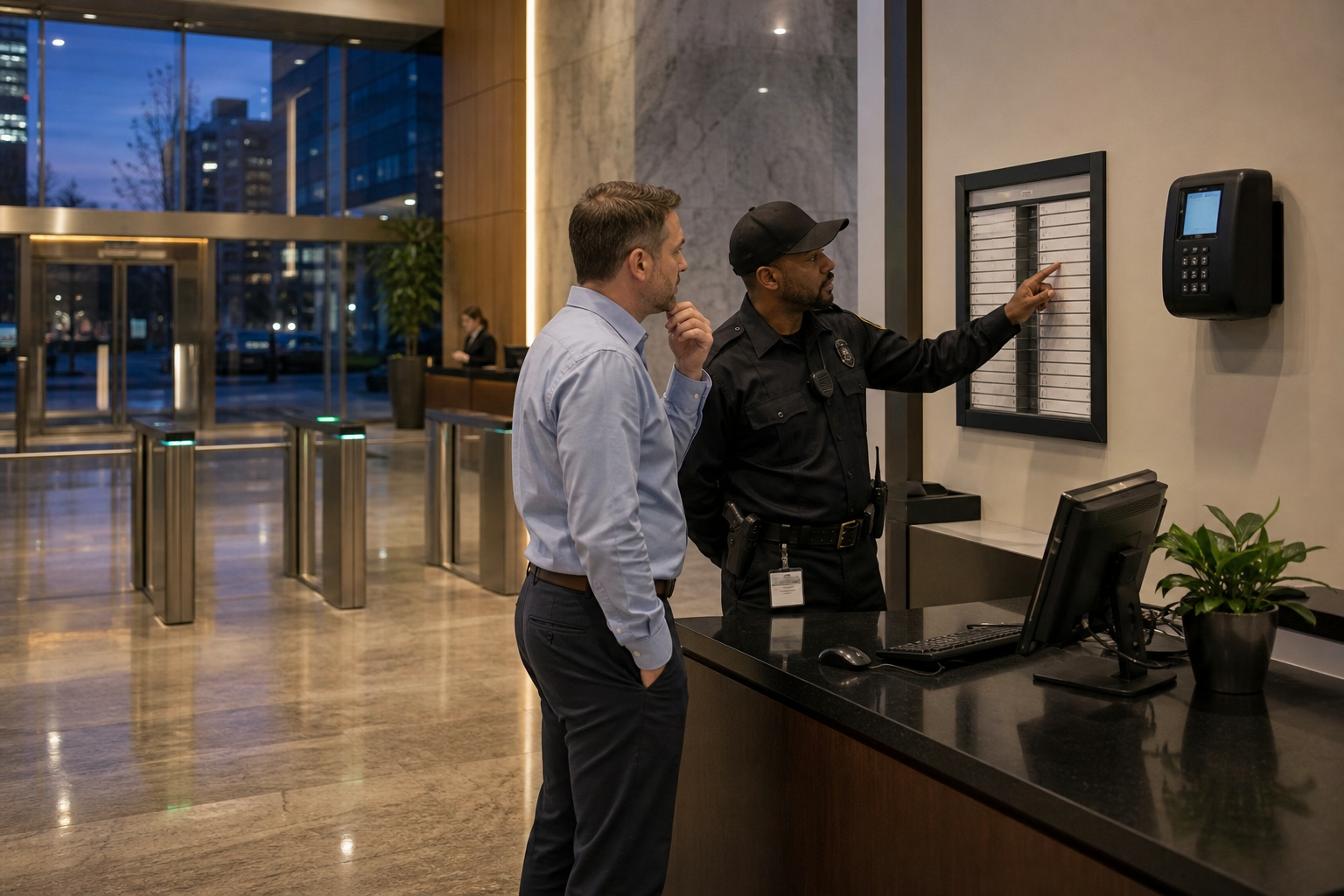
Single location with on-site workers? A wall-mounted clock (biometric or badge) makes sense. Everyone clocks in at the same place.
Multiple locations or field workers? Mobile apps with GPS verification let workers clock in from job sites while proving they’re actually there.
Remote or hybrid workers? Web-based systems with manager approval workflows handle workers who aren’t in a physical location.
High turnover? Avoid badge systems where you’re constantly issuing and deactivating cards. PIN or biometric systems have lower ongoing overhead.
Consider Your Concerns
Worried about time theft? Biometric clocks eliminate buddy punching. Mobile apps with GPS and photo capture provide verification for remote workers.
Need integration with payroll? Most modern systems connect directly to payroll providers (Gusto, ADP, Paychex, QuickBooks). Verify compatibility before buying.
Operating on a budget? Free time clock apps exist for basic tracking. Paid plans add features like scheduling, reports, and integrations.
Consider Compliance Needs
Your time clock needs to support:
- Break tracking: Recording meal and rest periods
- Overtime alerts: Warning when employees approach thresholds
- Audit trails: Documentation for labor law compliance
- Data retention: Storing records for required periods (2-3 years under FLSA)
Make sure any system you choose can capture the data you need for compliance in your jurisdiction.
What Features Should a Time Clock Have?
Essential Features
- Accurate time capture: Records to the minute
- Employee identification: Verifies who’s clocking in
- Timesheet export: Gets data into payroll
- Break tracking: Records meal and rest periods
- Basic reporting: Hours by employee, pay period totals
Valuable Features
- Overtime tracking: Calculates and alerts on overtime
- Schedule integration: Shows who’s early, late, or missing
- Mobile access: Managers can review from anywhere
- GPS verification: Confirms location at clock-in
- Photo capture: Visual verification of employee presence
Advanced Features
- Biometric verification: Fingerprint or facial recognition
- Geofencing: Auto clock-in/out when entering/leaving areas
- Job costing: Track time by project or department
- Reporting and insights: Labor analytics and trends
- API access: Custom integrations with other systems
How Do Time Clocks Connect to Payroll?
Modern time clocks eliminate manual data entry by connecting directly to payroll systems.
Common Integration Methods
Direct integration: Time clock software connects natively to your payroll provider. Approved hours flow automatically.
File export: Time clock exports a file (CSV, Excel) that you upload to payroll. Manual step, but still faster than re-entering data.
API connection: Custom integration for larger businesses or specialized payroll systems.
Popular Integrations
Most time tracking systems integrate with:
- QuickBooks Payroll
- Gusto
- ADP
- Paychex
- Square Payroll
Verify your time clock supports your payroll system before purchasing. Switching payroll providers later is painful.

What Are Common Time Clock Problems?
Forgotten Punches
Employees forget to clock in or out. Solution: automated reminders, manager alerts for missing punches, end-of-shift prompts.
Line Queues
Everyone clocking in at shift change creates bottlenecks. Solution: multiple clock stations, staggered shifts, mobile clock-in.
System Downtime
Hardware breaks or network goes down. Solution: backup procedures (paper log), cloud systems with offline mode, redundant hardware.
Buddy Punching
Employees clocking in for absent coworkers. Solution: biometric verification, photo capture, GPS confirmation.
Time Theft Gaming
Employees exploiting rounding rules or clocking in early. Solution: restrict early clock-ins, review rounding impact, monitor patterns.
What’s the Bottom Line?
The right time clock depends on your specific situation:
- Smallest budget, single location: PIN-based clock or free mobile app
- Time theft concerns: Biometric clock
- Multiple locations or field workers: Mobile app with GPS
- Remote workers: Web-based system with approval workflows
Any digital system beats paper timesheets for accuracy and payroll efficiency. The key is matching features to your actual needs—don’t pay for biometric if buddy punching isn’t a problem, and don’t skip GPS if you have workers at multiple sites.
Ready to modernize your time tracking? Try ShiftFlow’s free time clock or explore our full time tracking solution with GPS, scheduling integration, and payroll exports.
Sources
- U.S. Department of Labor – FLSA Recordkeeping Requirements
- Synerion – Biometric Time Clock Statistics
- American Payroll Association – Time and Attendance Best Practices
Further Reading
- Clock In Clock Out Methods – Understanding different clock-in approaches
- Timesheet Best Practices – From time clock to payroll
- Workforce Management Software – The complete picture
Frequently Asked Questions
What is a time clock?
A time clock is a device or system that records when employees start and end work shifts. It creates a record of hours worked for payroll processing, overtime tracking, and labor law compliance.
How much does a time clock cost?
Costs range widely: punch card clocks start at $20-50, badge systems run $100-400, biometric clocks cost $200-1,000+, and cloud-based software runs $2-8 per employee per month with no hardware.
What is the best time clock for a small business?
For single-location small businesses, a basic biometric clock ($200-400) or mobile app ($2-5/employee/month) offers the best value. Choose biometric to prevent buddy punching, mobile for flexibility and lower upfront cost.
What is a biometric time clock?
A biometric time clock uses physical characteristics—fingerprint, facial recognition, or hand geometry—to verify employee identity. It eliminates buddy punching since the employee themselves is the badge.
Can employees clock in from their phones?
Yes, mobile time clock apps let employees clock in from smartphones. Many include GPS verification to confirm location and photo capture to verify identity.
Do time clocks integrate with payroll?
Most modern time clocks integrate directly with payroll systems like QuickBooks, Gusto, ADP, and Paychex. This eliminates manual data entry and reduces errors.
How do I prevent buddy punching?
Use biometric time clocks (fingerprint or facial recognition), mobile apps with photo capture, or GPS verification that confirms the employee is at the work location.
What records do I need to keep?
The FLSA requires records of hours worked each day, total weekly hours, and pay basis. Records must be kept for 2-3 years. Your time clock should automatically maintain this documentation.
- time-clock
- time-tracking
- punch-clock
- biometric-clock
- employee-attendance
- time-and-attendance
- payroll