What’s included
This template is ready for the information and time records you need to collect. It includes:
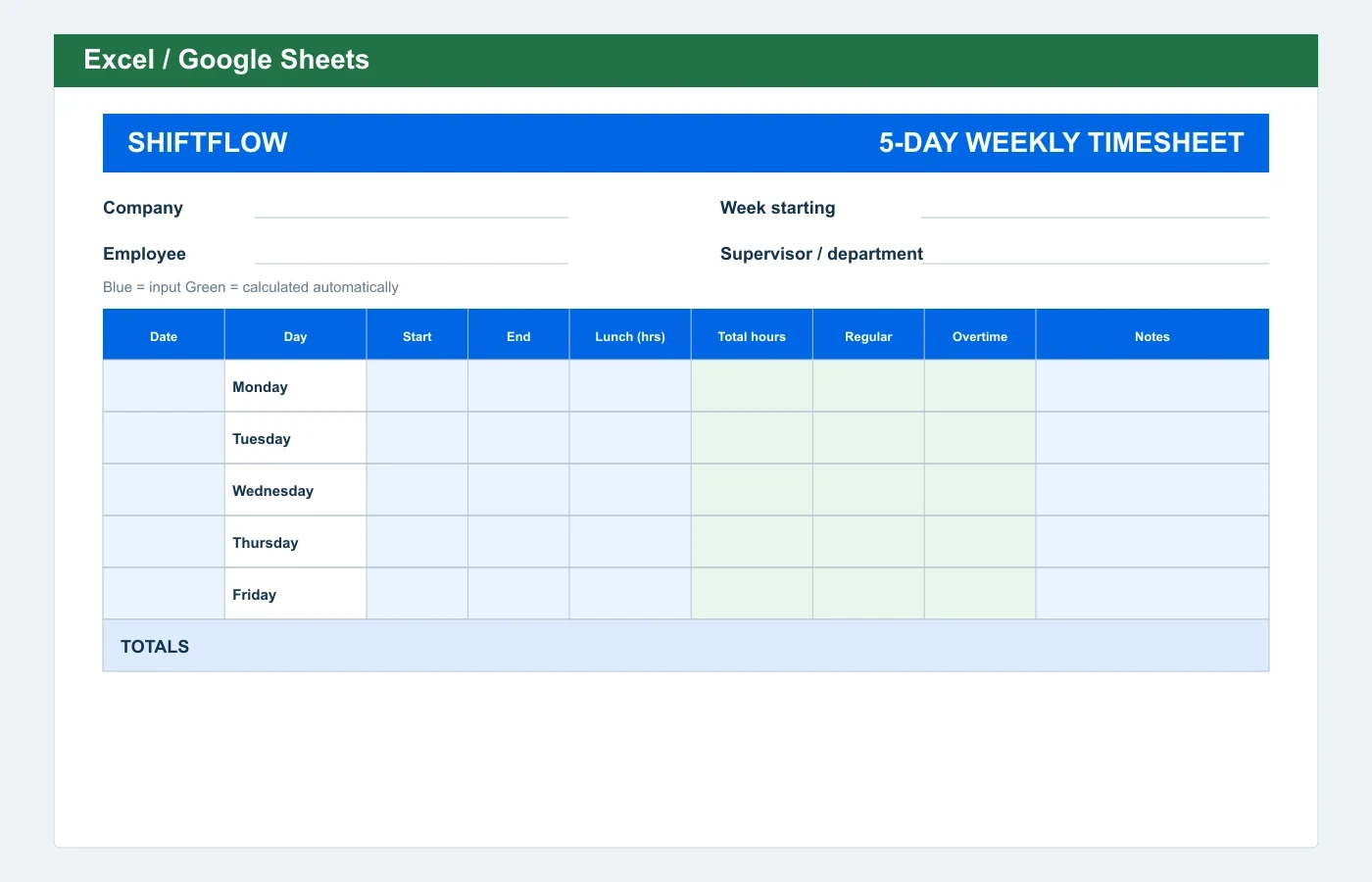
- Monday-to-Friday layout
- Start, end, and lunch breaks
- Regular and overtime hours
- Estimated weekly pay
Automatic weekly overtime split
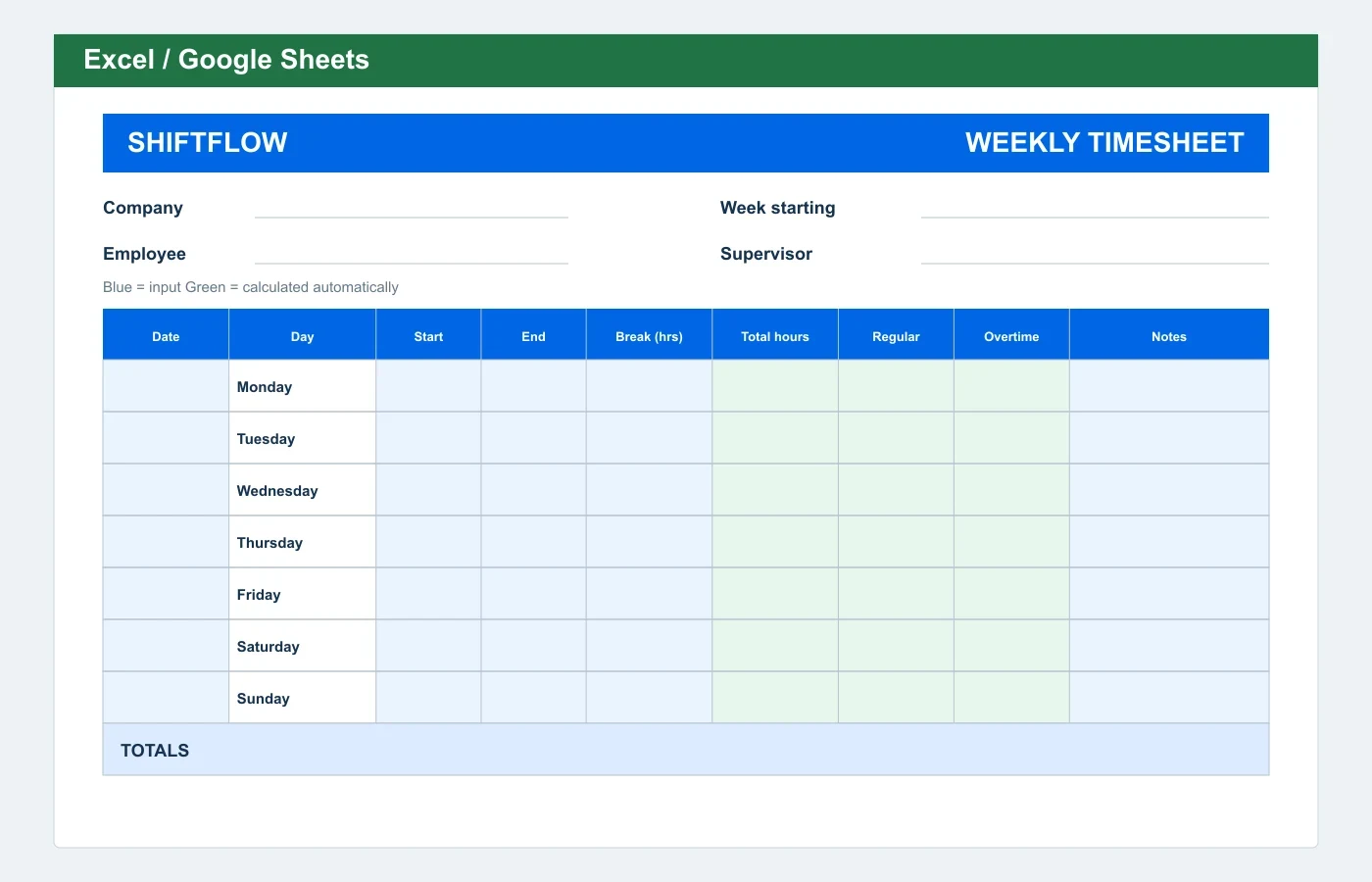
Enter start and end as clock times and the break duration in decimal hours. The spreadsheet calculates daily hours, then separates regular and overtime hours after the editable weekly threshold.
Review the formulas, overtime treatment, pay rates, and totals before using the completed sheet for payroll, billing, or compliance records.
Fields in this template
Timesheet details: Company, Week starting, Employee, Supervisor / department.
Entry columns: Date, Day, Start, End, Lunch (hrs), Total hours, Regular, Overtime, Notes.
How to use this timesheet template
- Choose a format. Use Excel or Google Sheets for formulas, Word to change the form layout, or PDF for a clean paper timesheet.
- Complete the timesheet. Fill in the header fields, then enter the time and work details for each row.
- Review and approve. Check the dates, hours, overtime treatment, notes, and totals before the appropriate people approve the record.
Which format should you choose?
Excel / Google Sheets
Best for entering time digitally and using the included formulas. Upload the XLSX file to Google Drive to use it in Sheets.
Editable Word
Best when you need to change labels, add business details, or adjust the form before printing. Enter totals manually.
Printable PDF
Best for a fixed one-page Letter-size form that team members complete by hand. The PDF does not calculate totals.
When a template is not enough
To calculate a time card immediately, enter clock-in, clock-out, and break times in the free Time Card Calculator.
For a repeatable team workflow, ShiftFlow Timesheet Software connects clock-ins, corrections, approvals, jobs, and payroll-ready records without passing files back and forth.
5-Day Weekly Timesheet Template FAQ
Is this 5-day weekly timesheet template free?
Yes. You can download the Excel, Word, or PDF version without creating an account or entering an email address.
Can I use the Excel template in Google Sheets?
Yes. Upload the XLSX file to Google Drive and open it with Google Sheets. The formulas carry over, but confirm the print layout after conversion.
What does the 5-day weekly timesheet template calculate?
Enter start and end as clock times and the break duration in decimal hours. The spreadsheet calculates daily hours, then separates regular and overtime hours after the editable weekly threshold.
Which file format should I download?
Choose Excel for spreadsheet calculations, Word when you need to edit labels or layout, and PDF when you want a one-page form to print and complete by hand.