
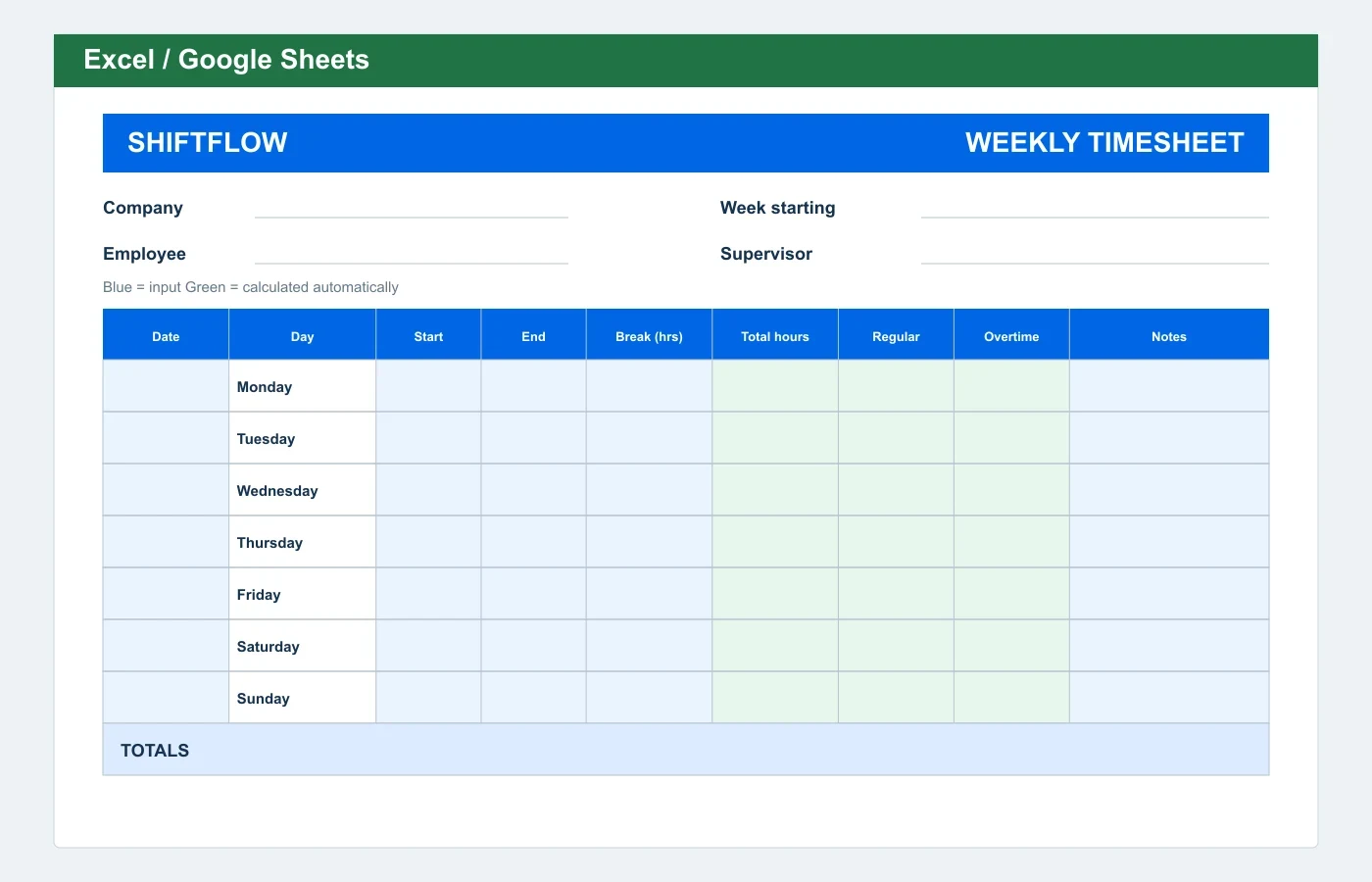
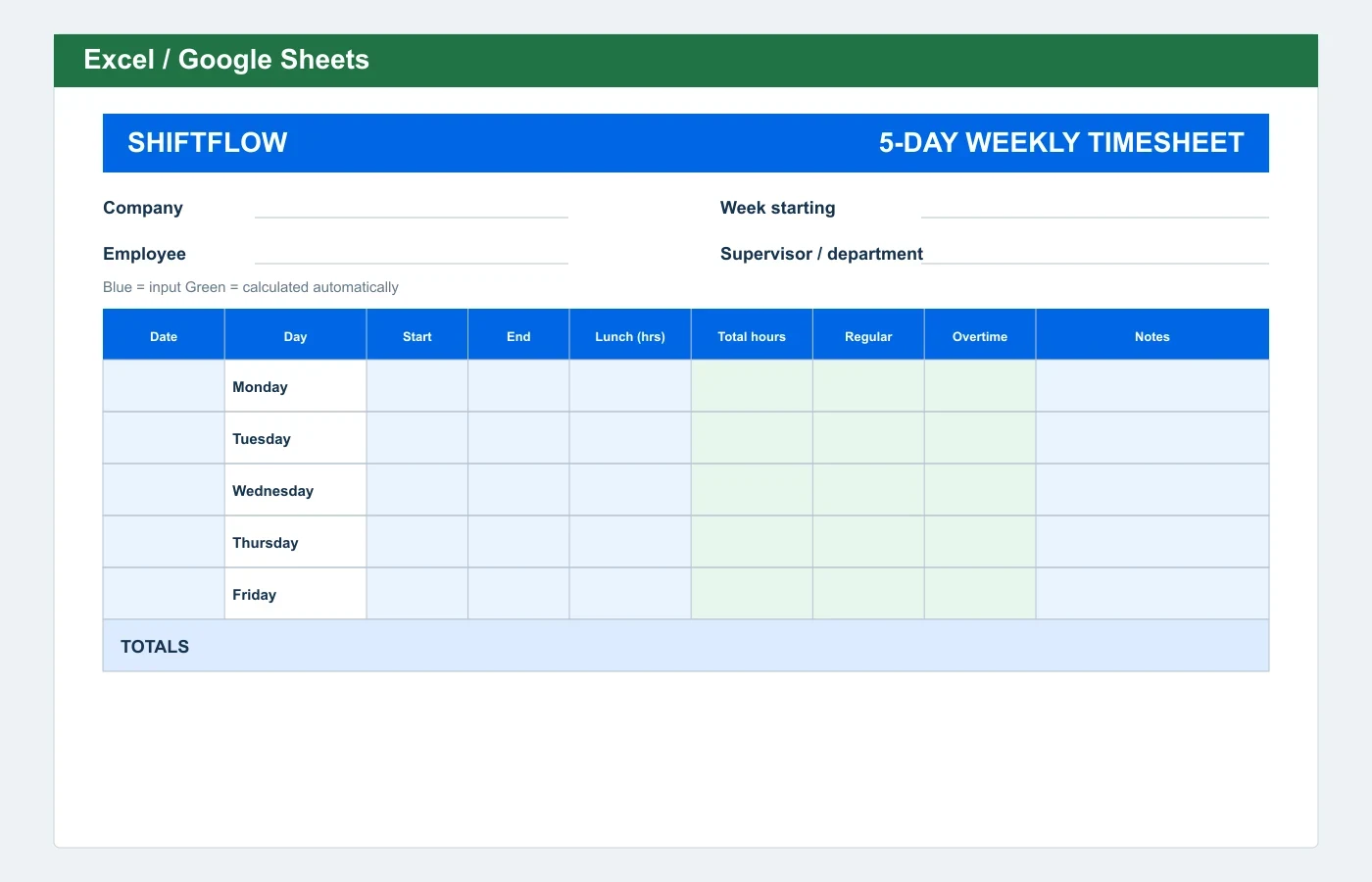
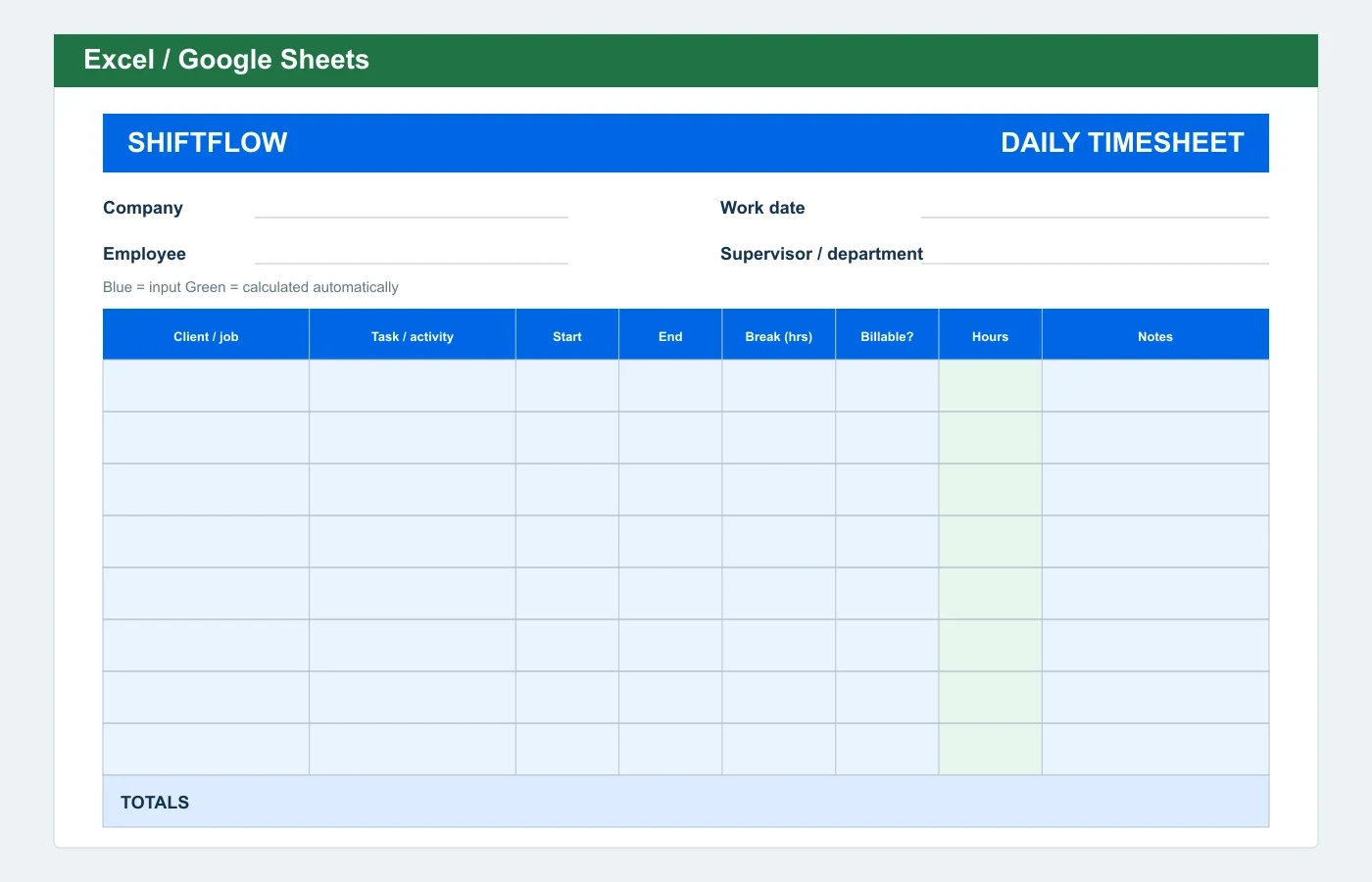
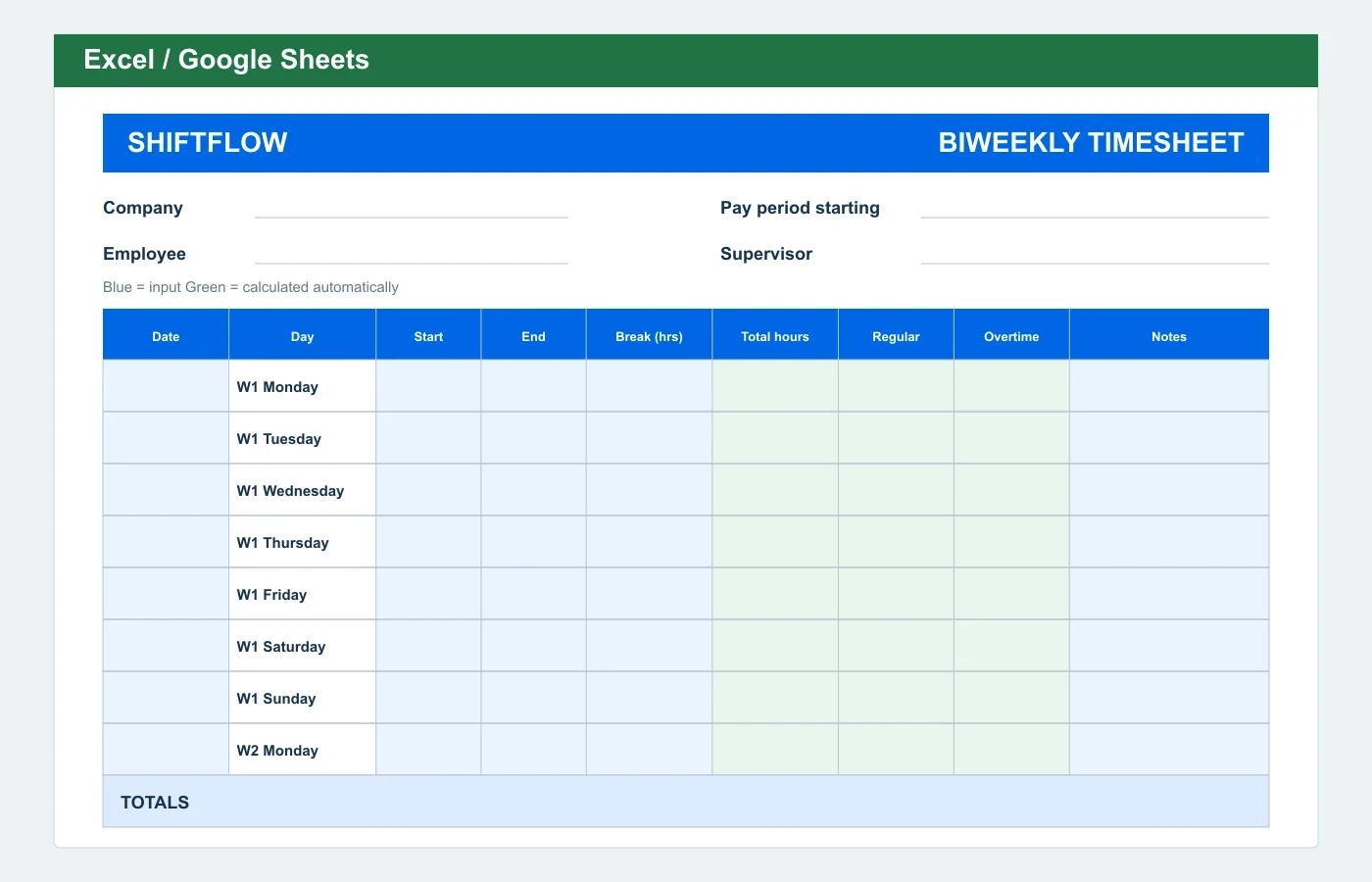
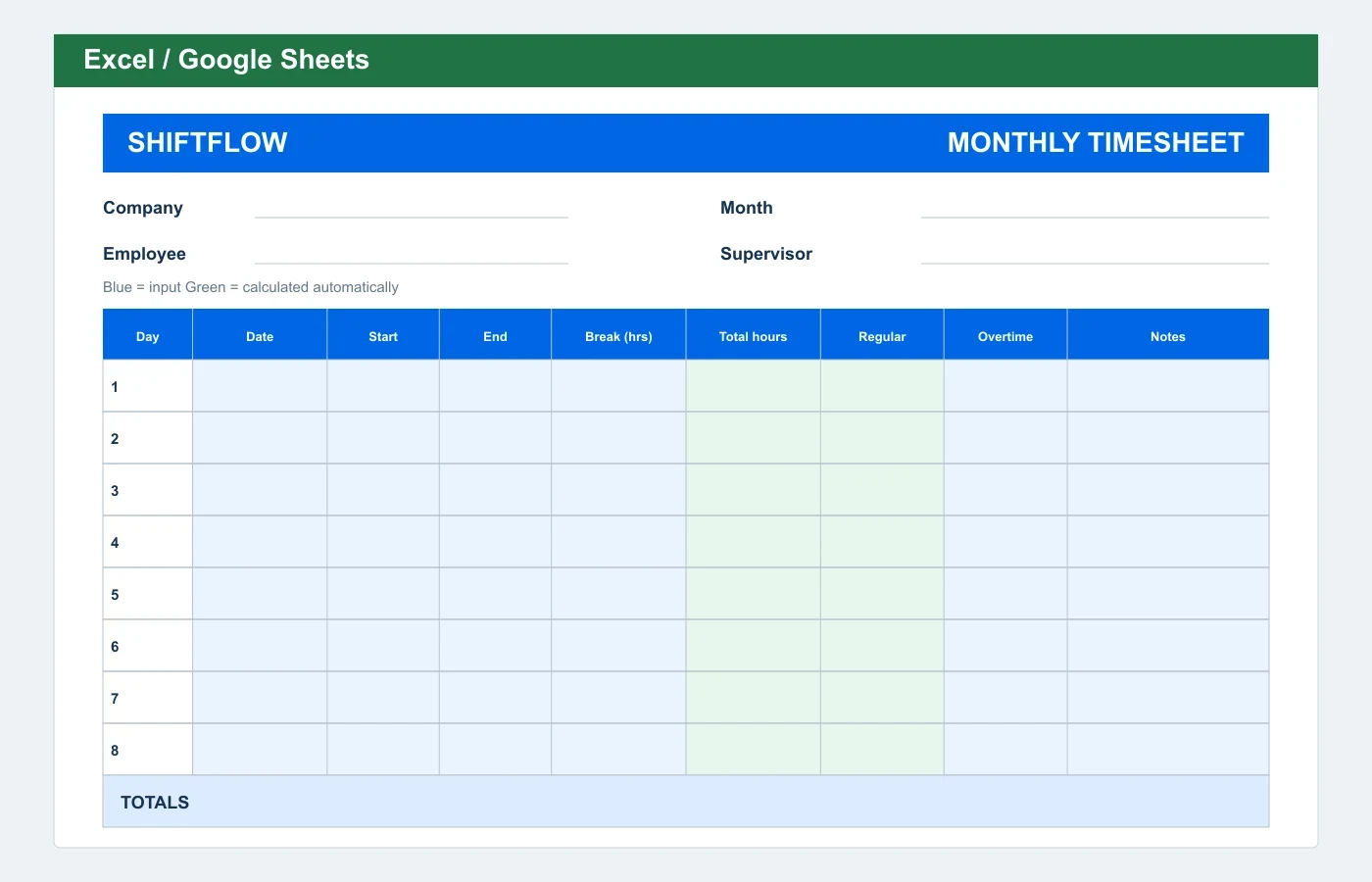
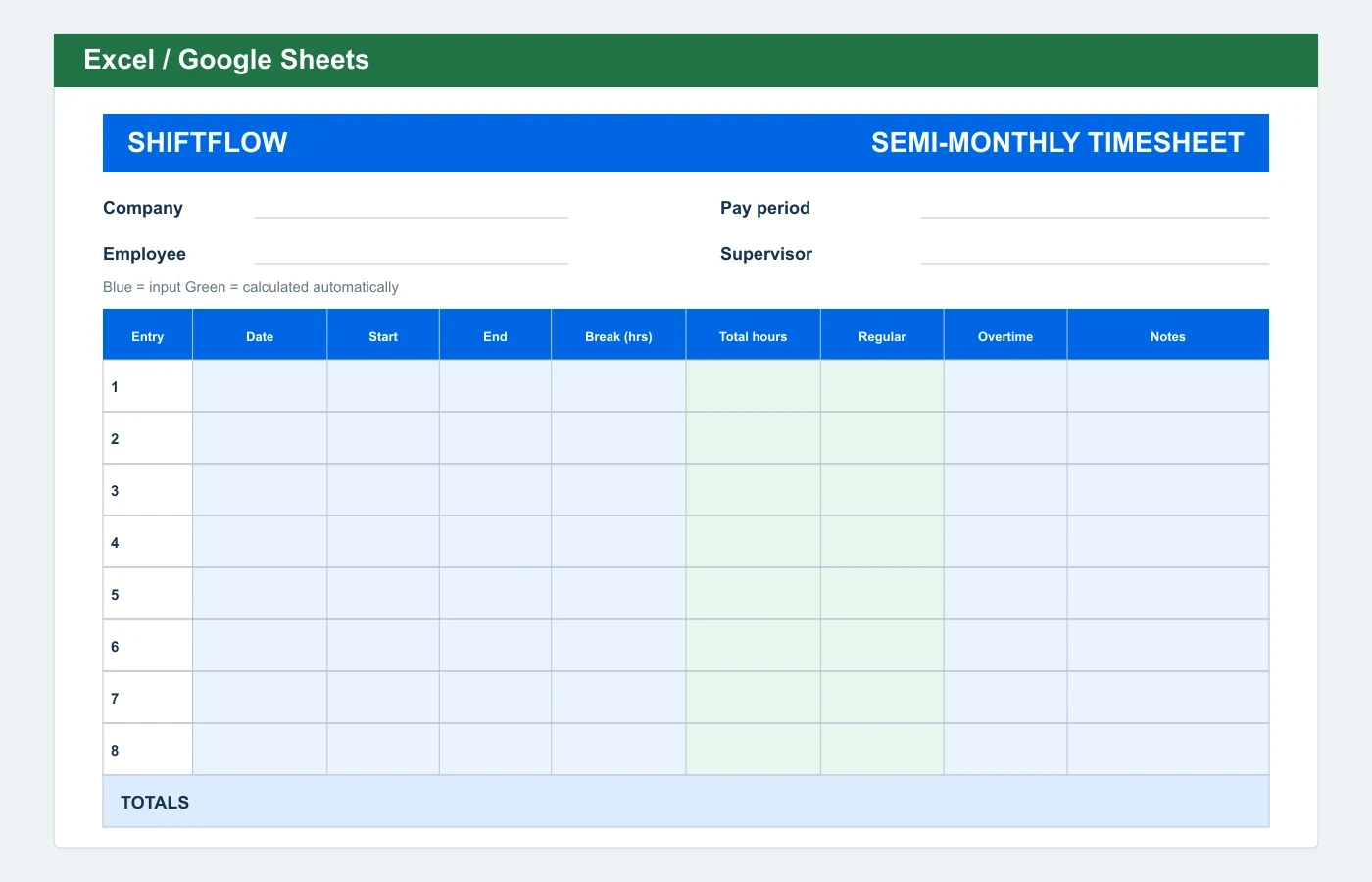
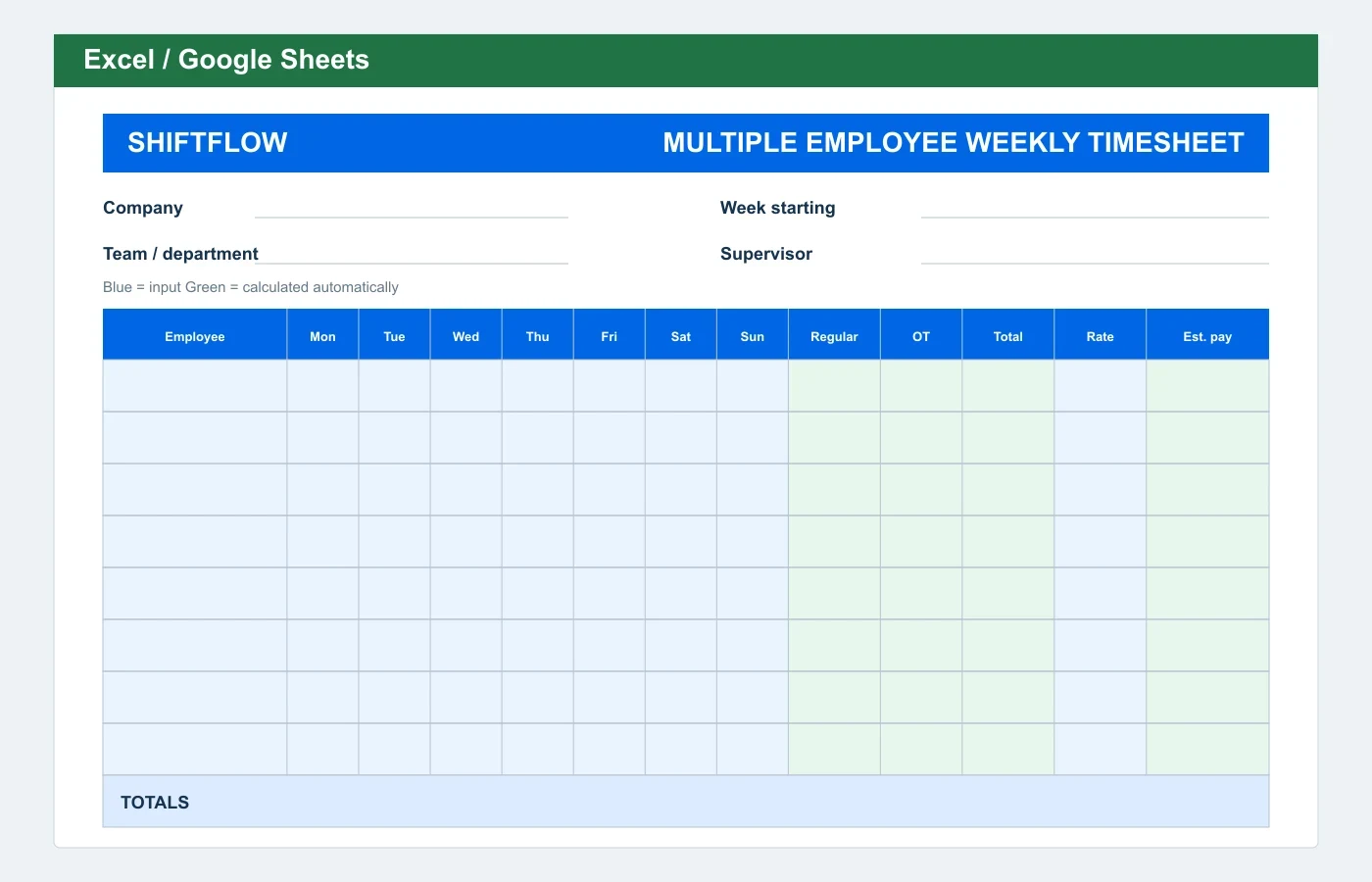
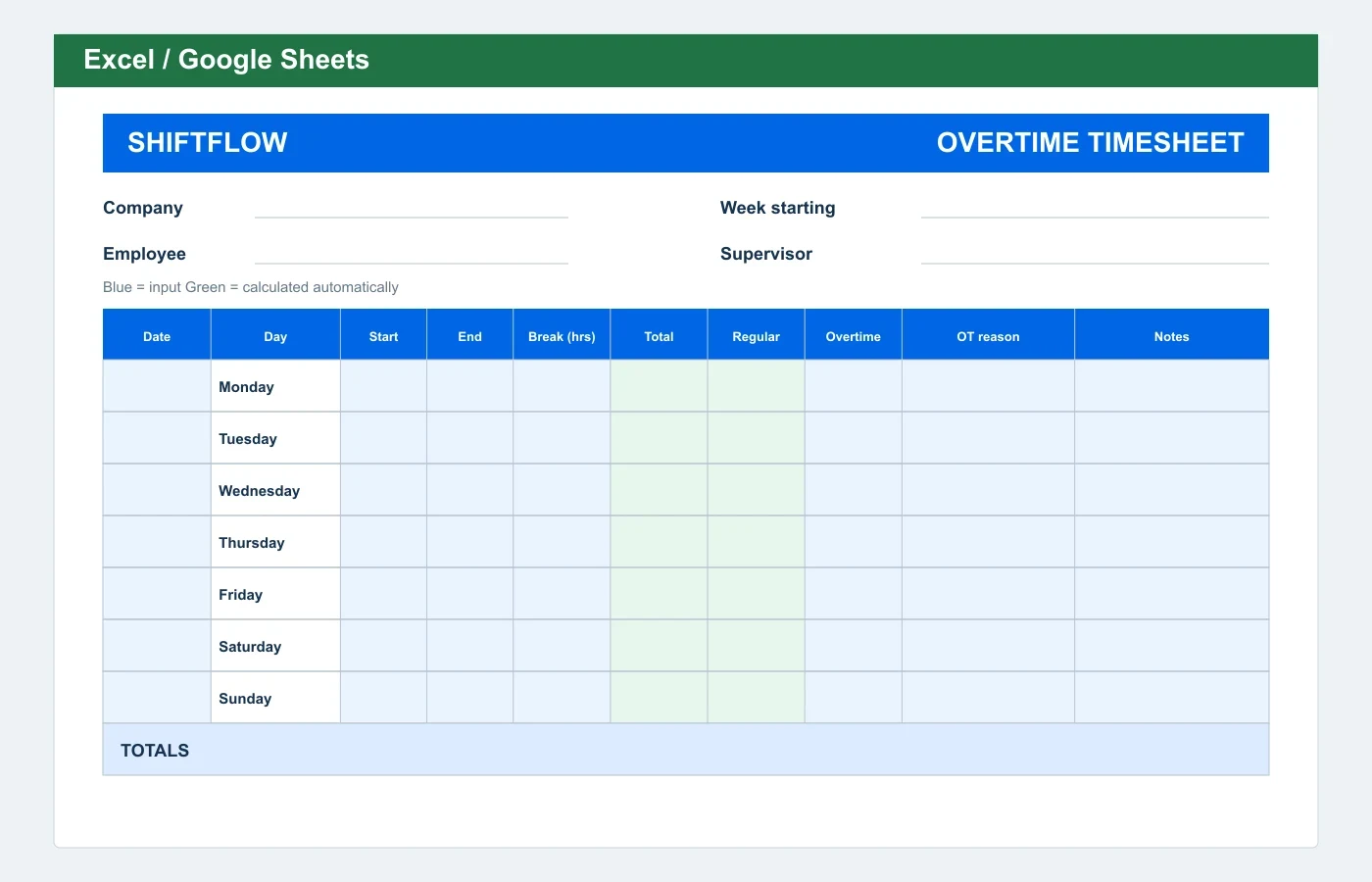
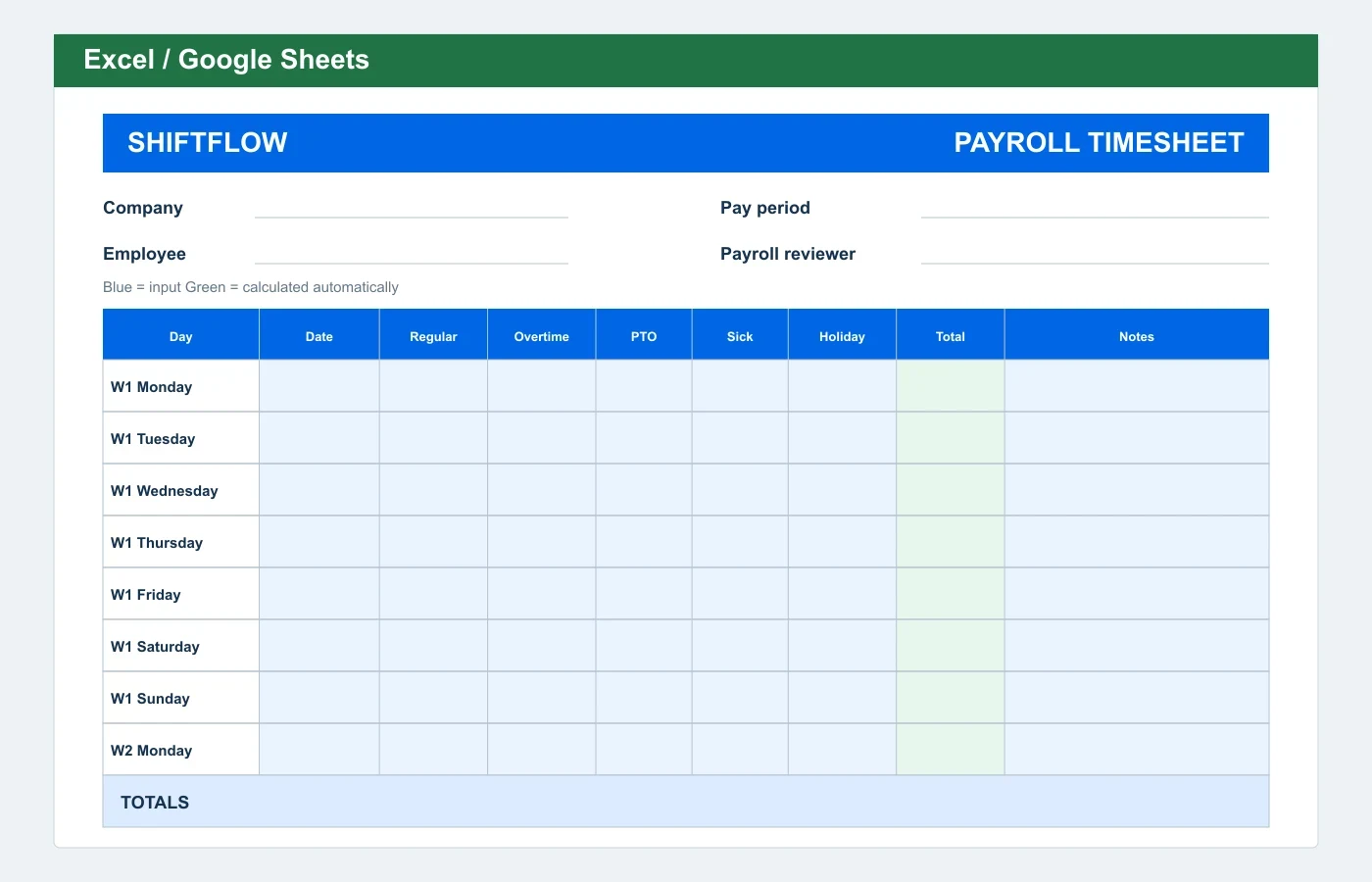
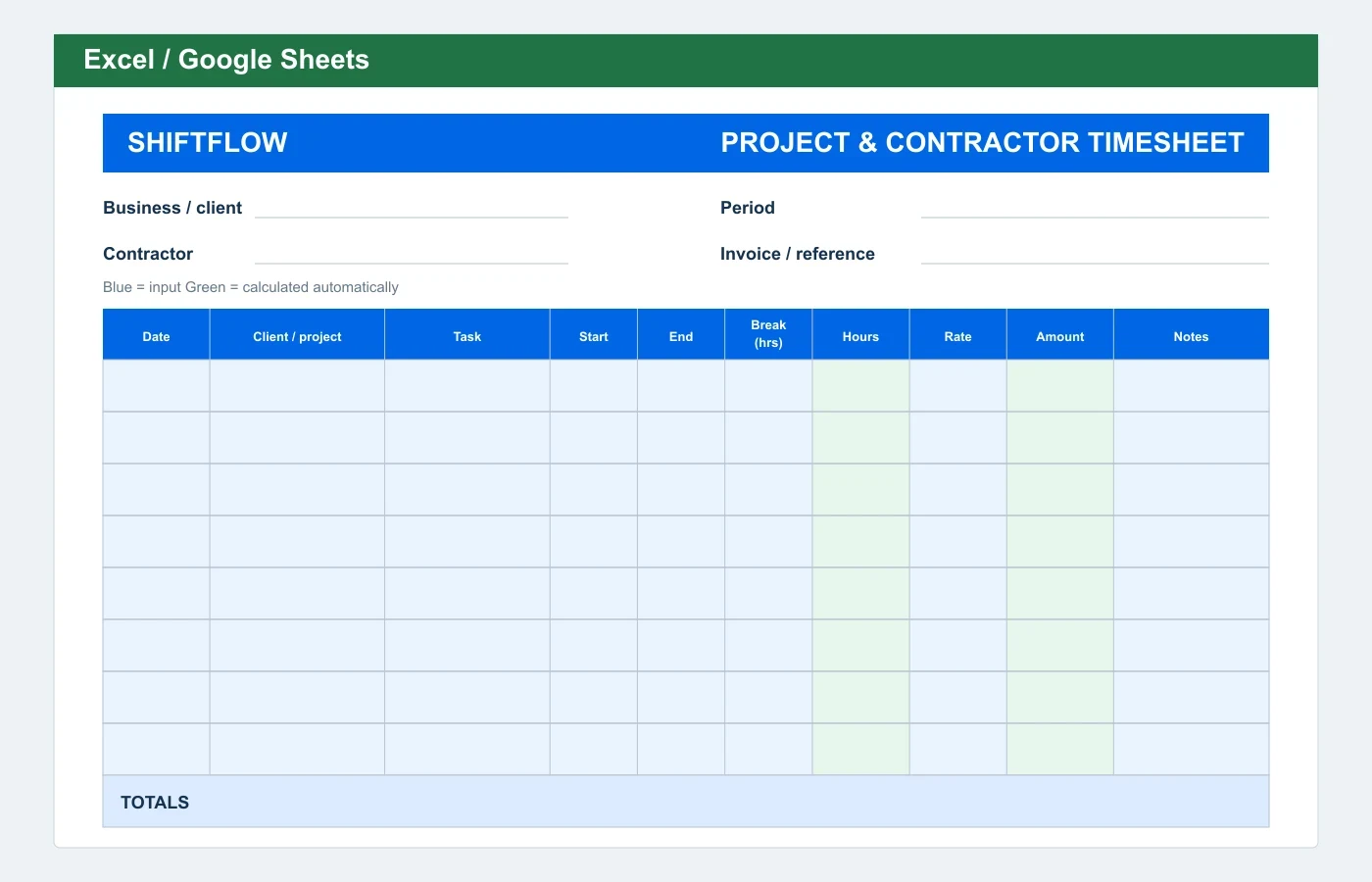
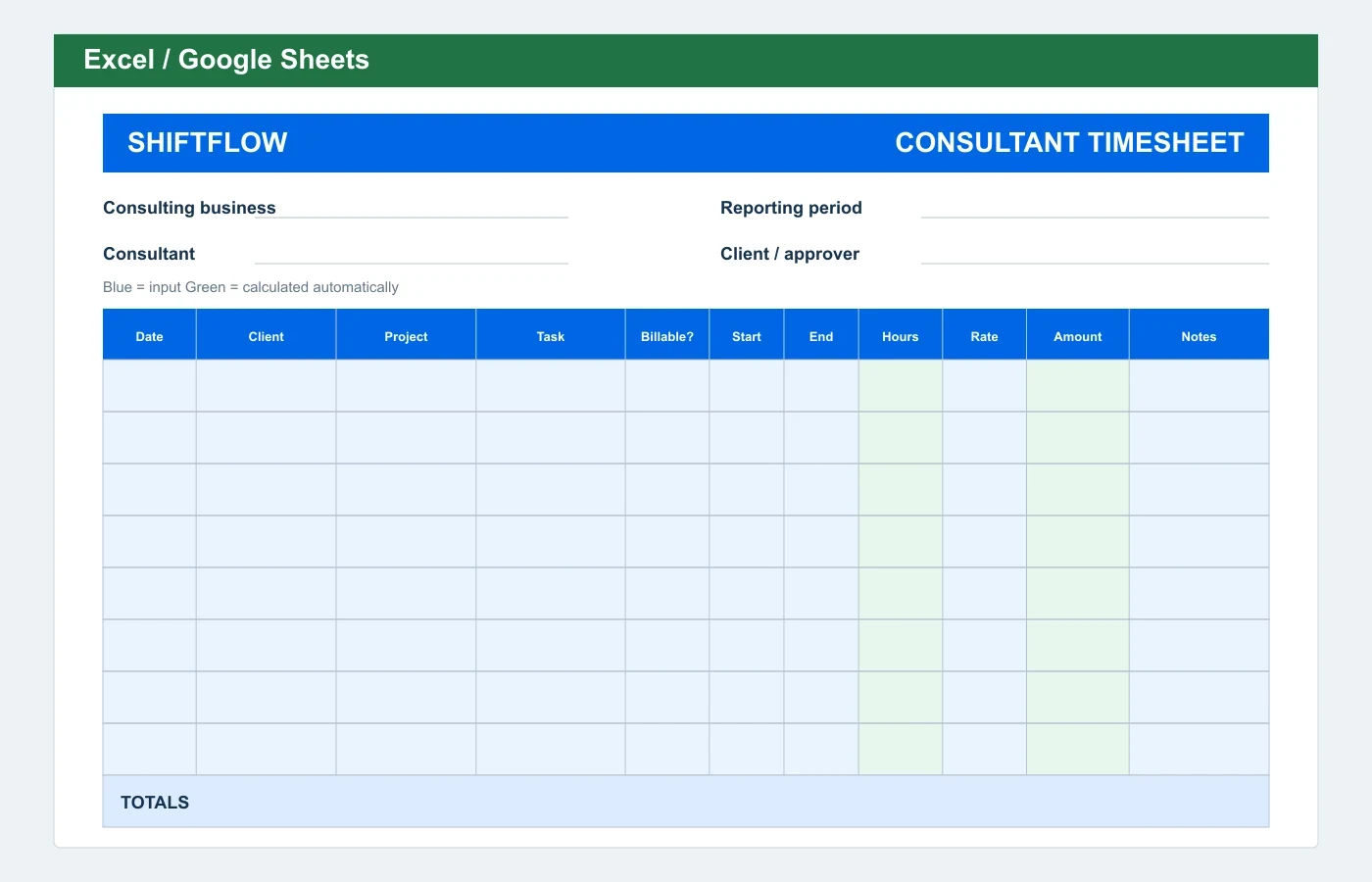
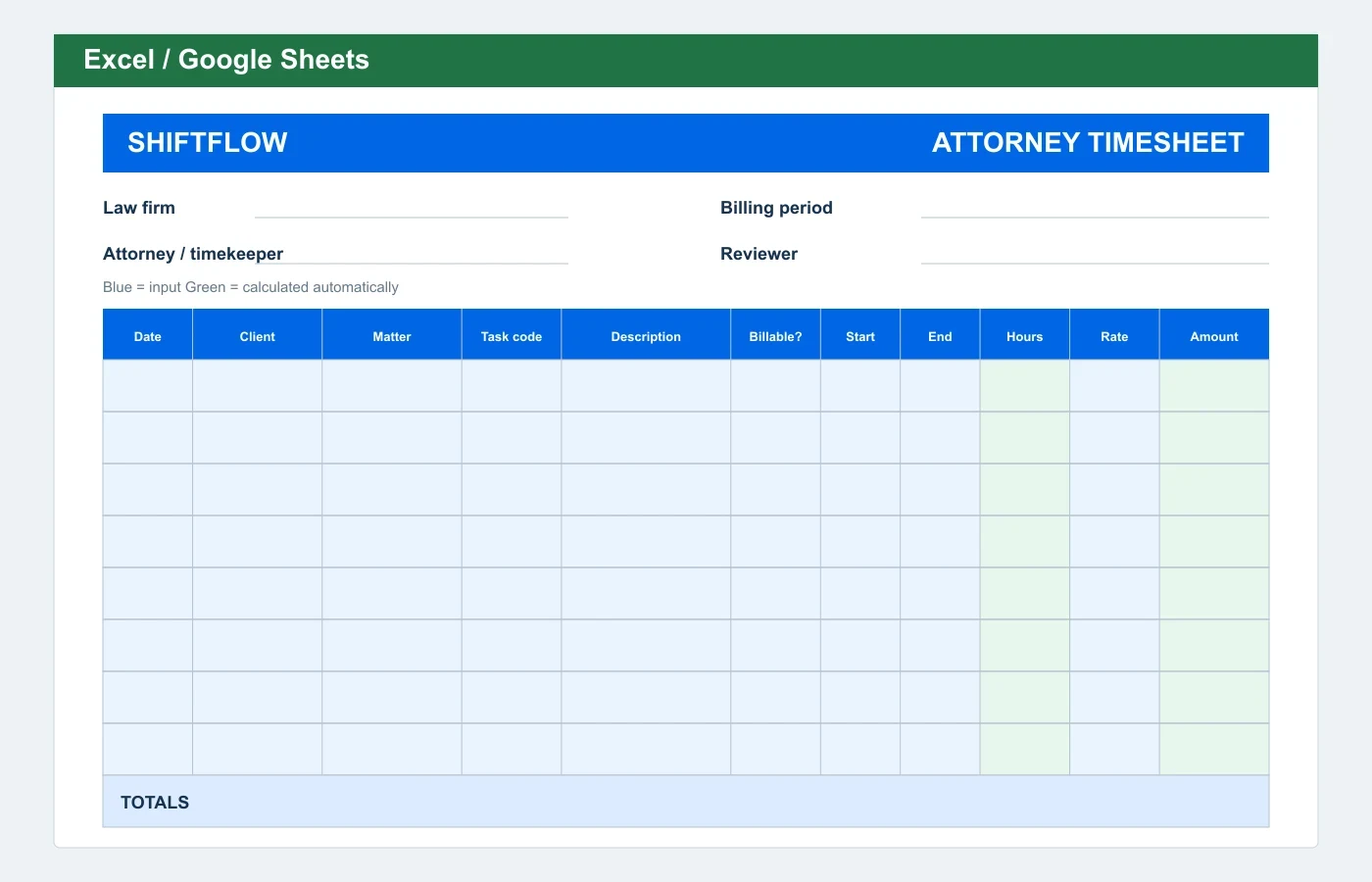
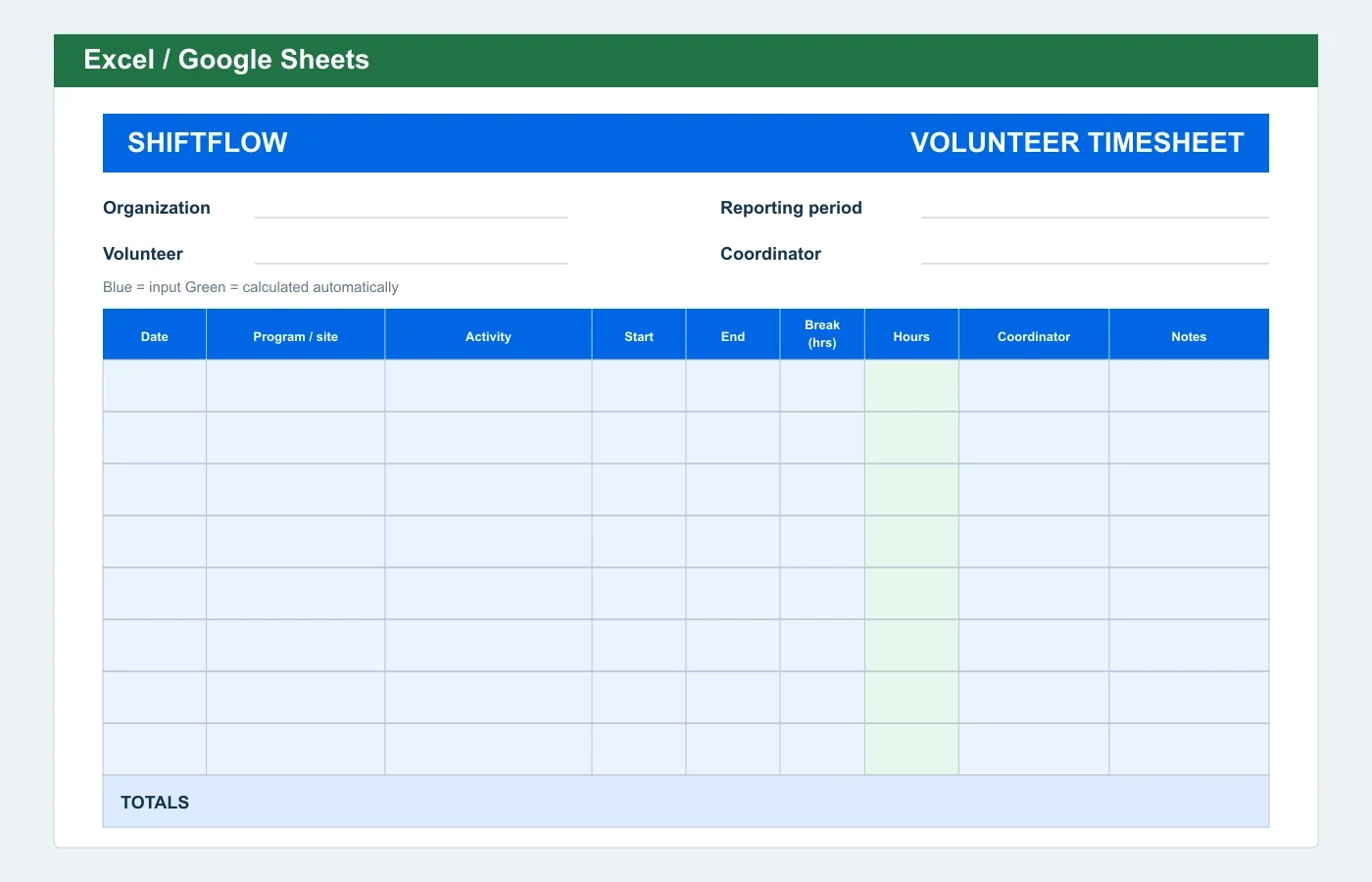
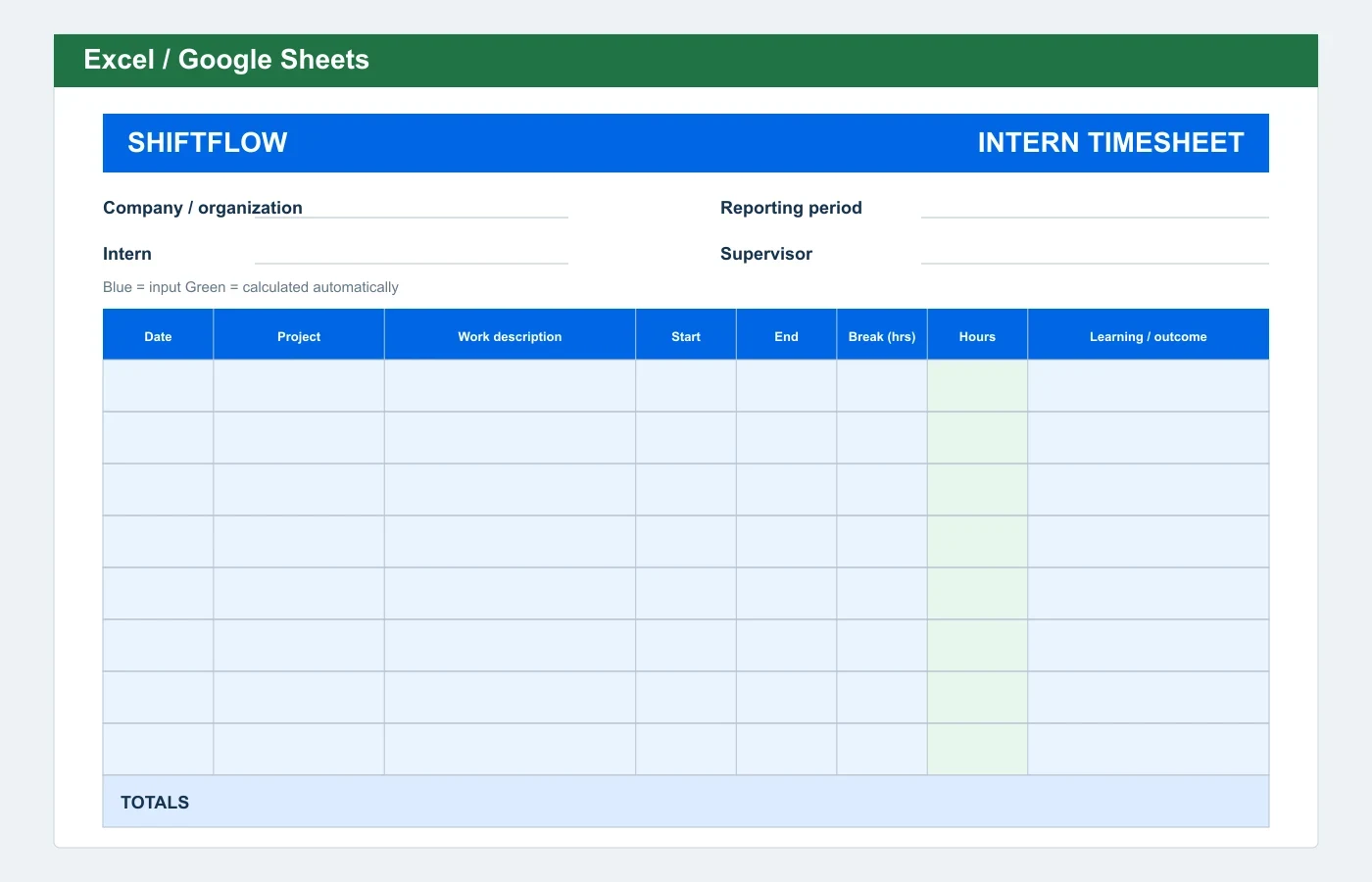
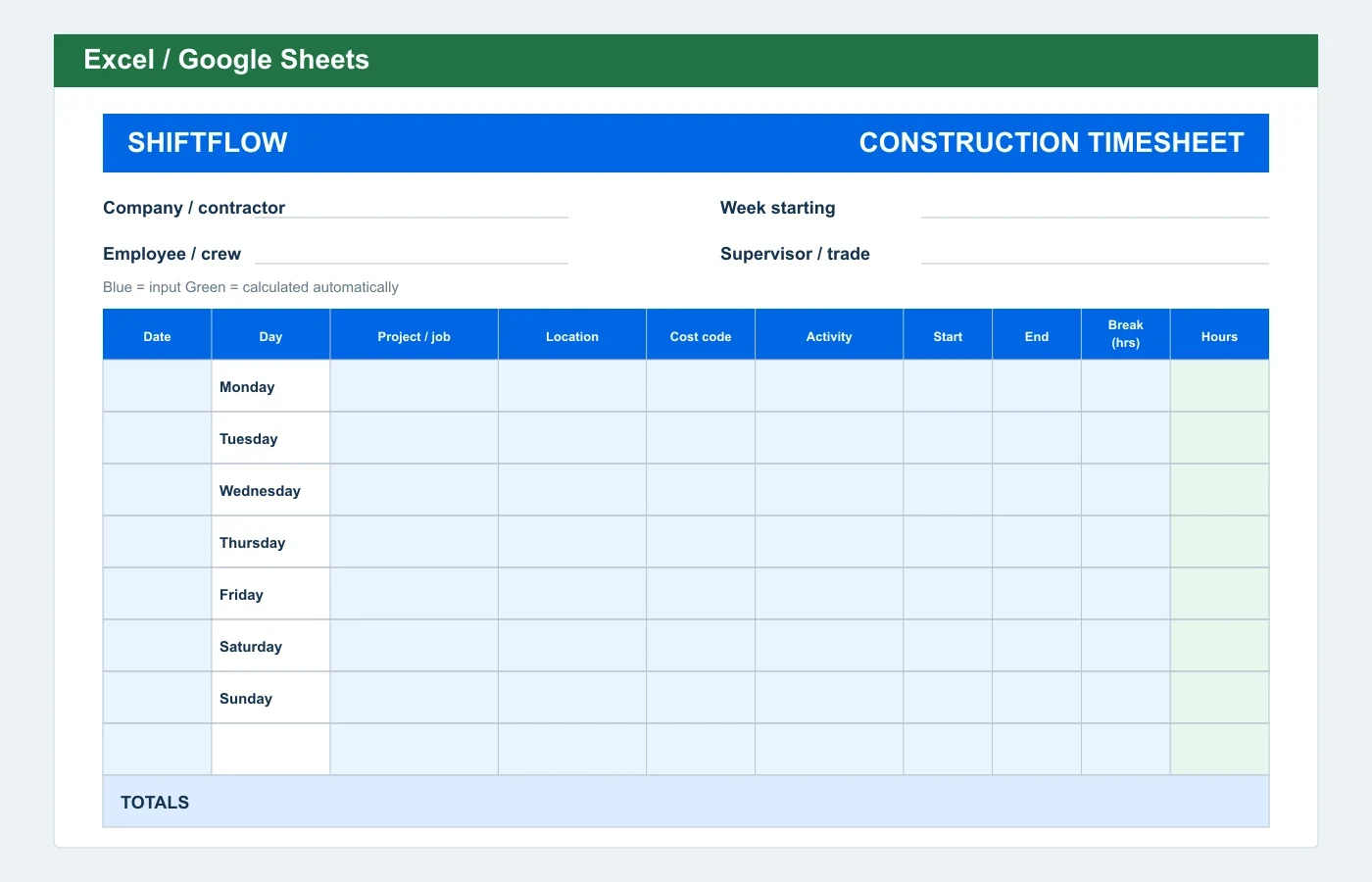
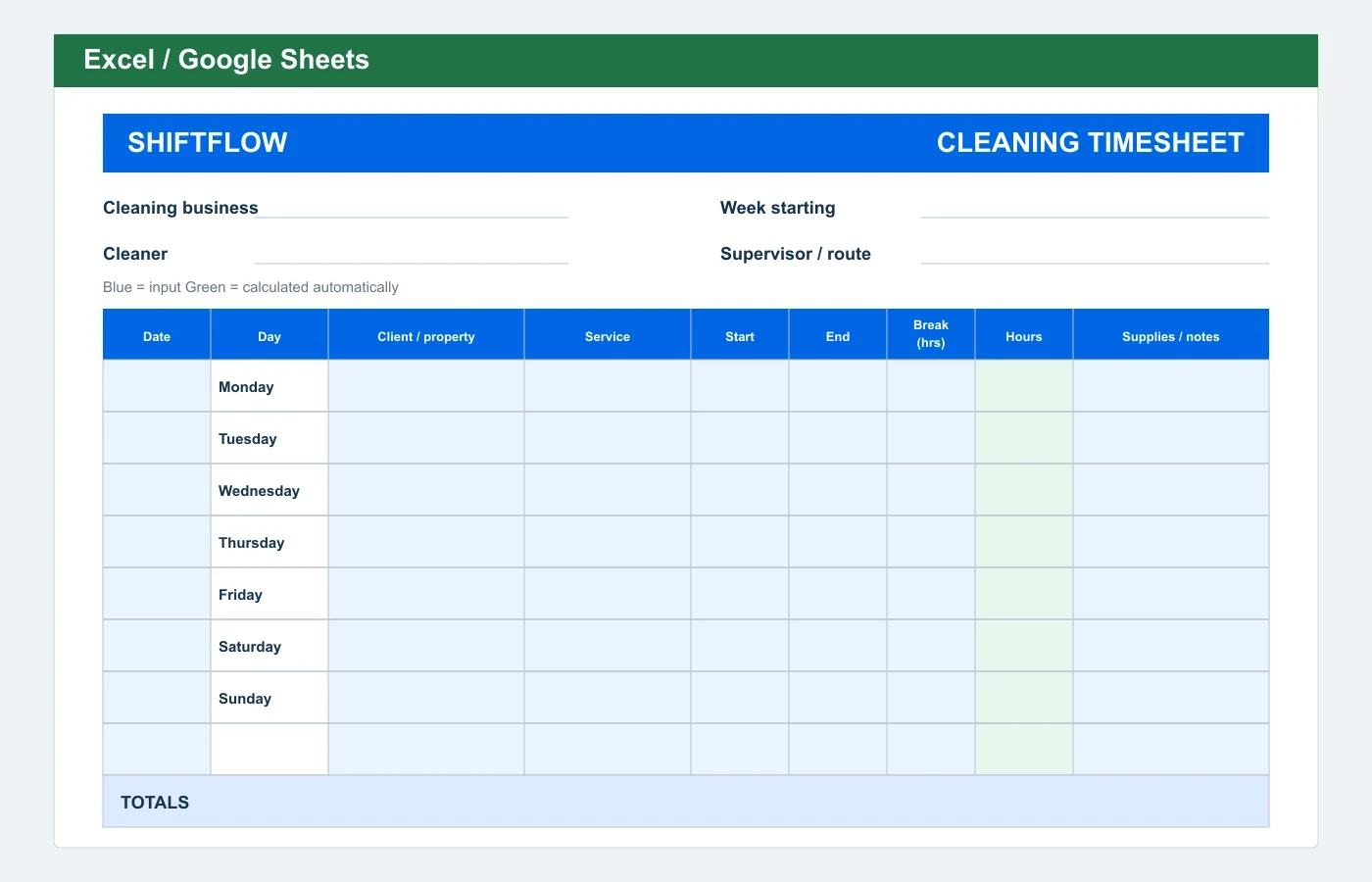
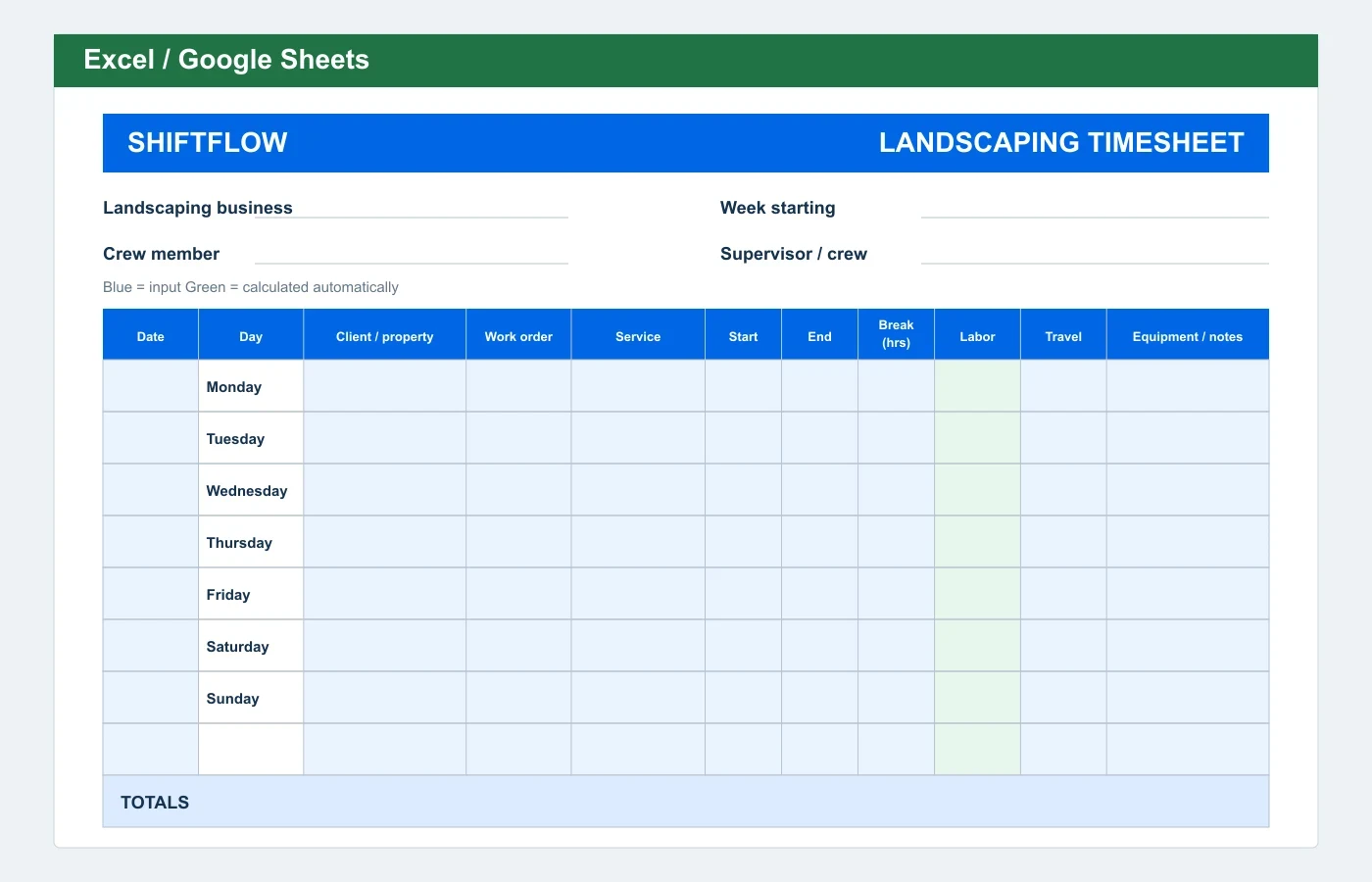
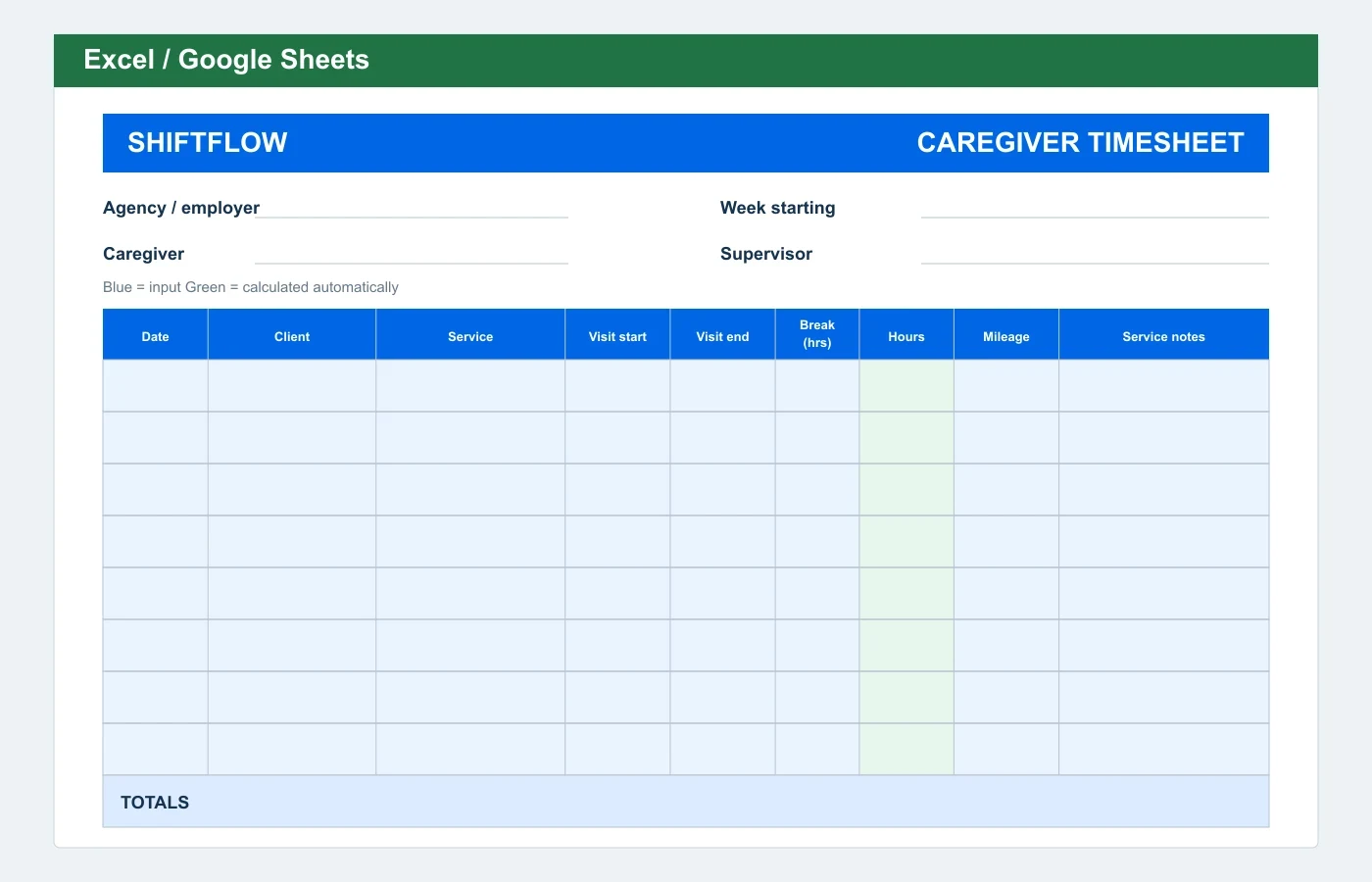
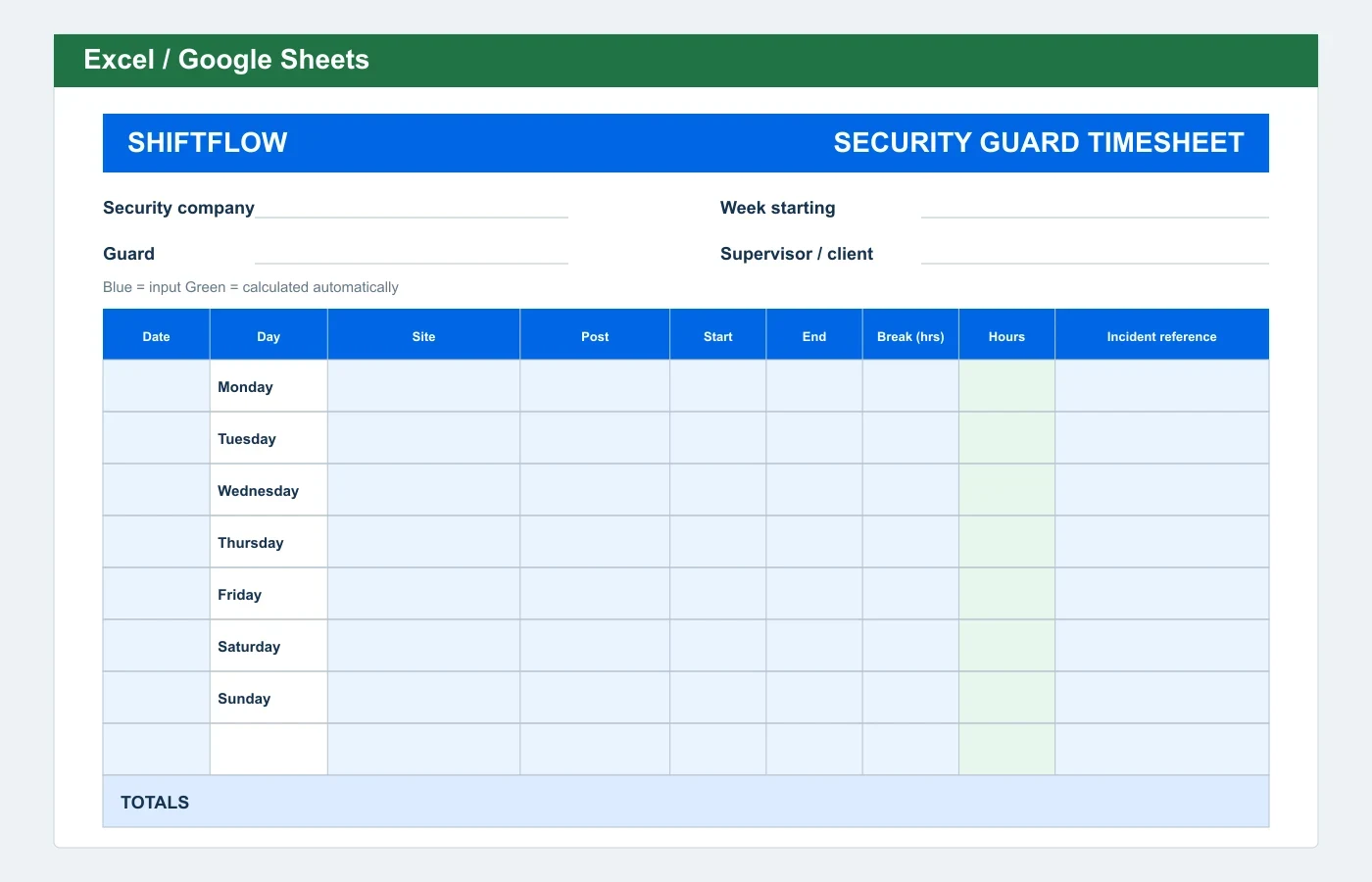
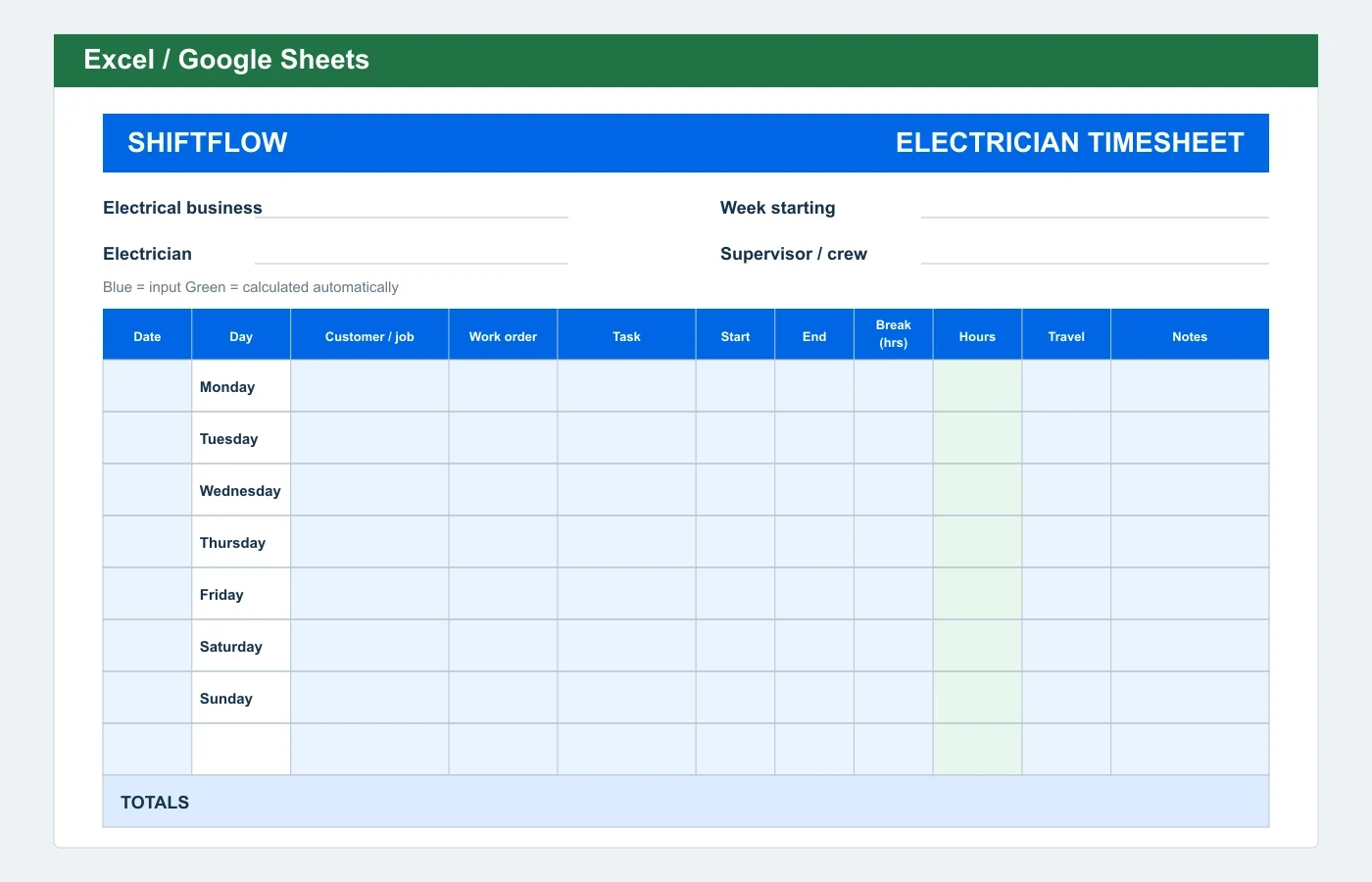
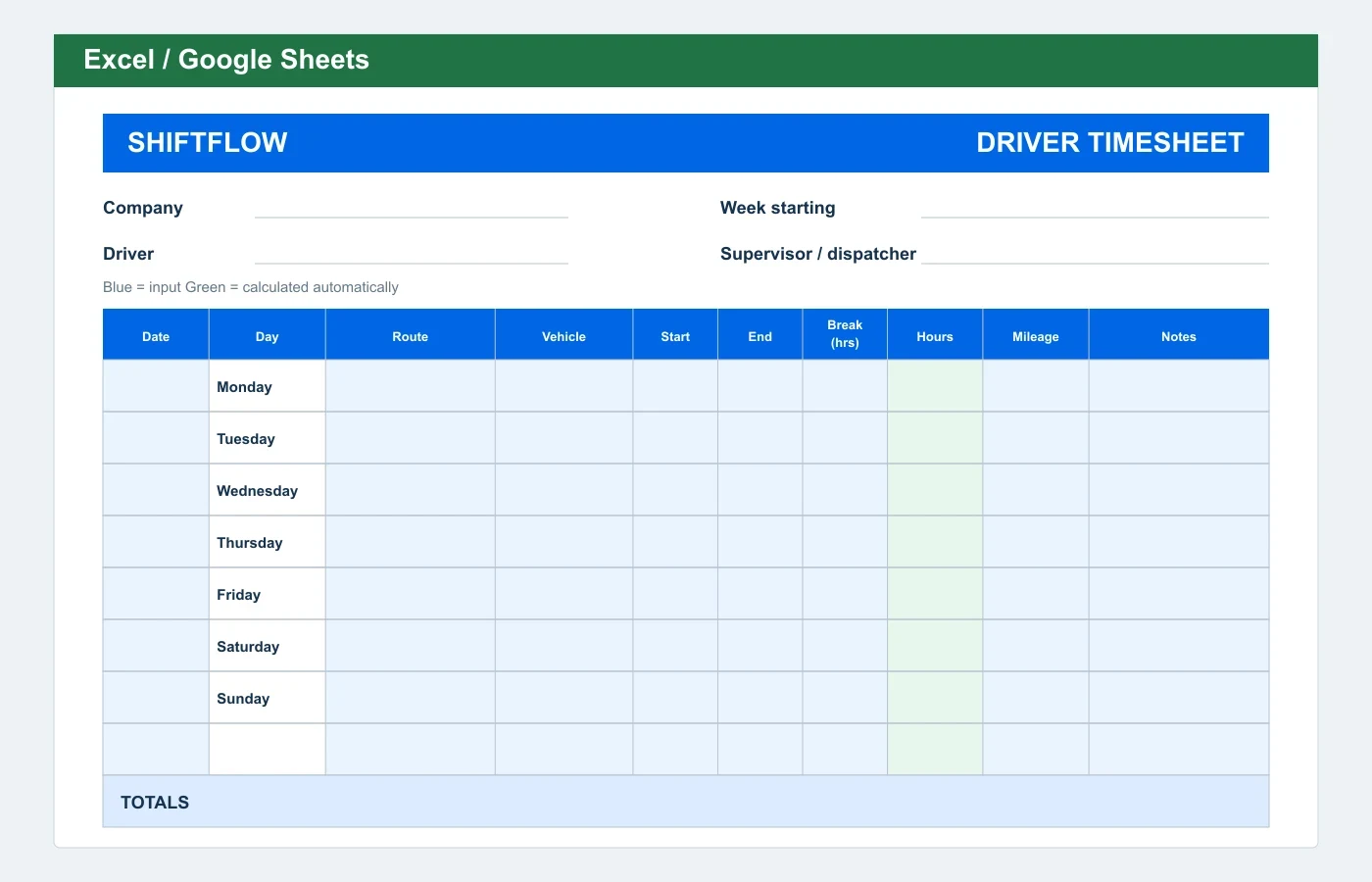
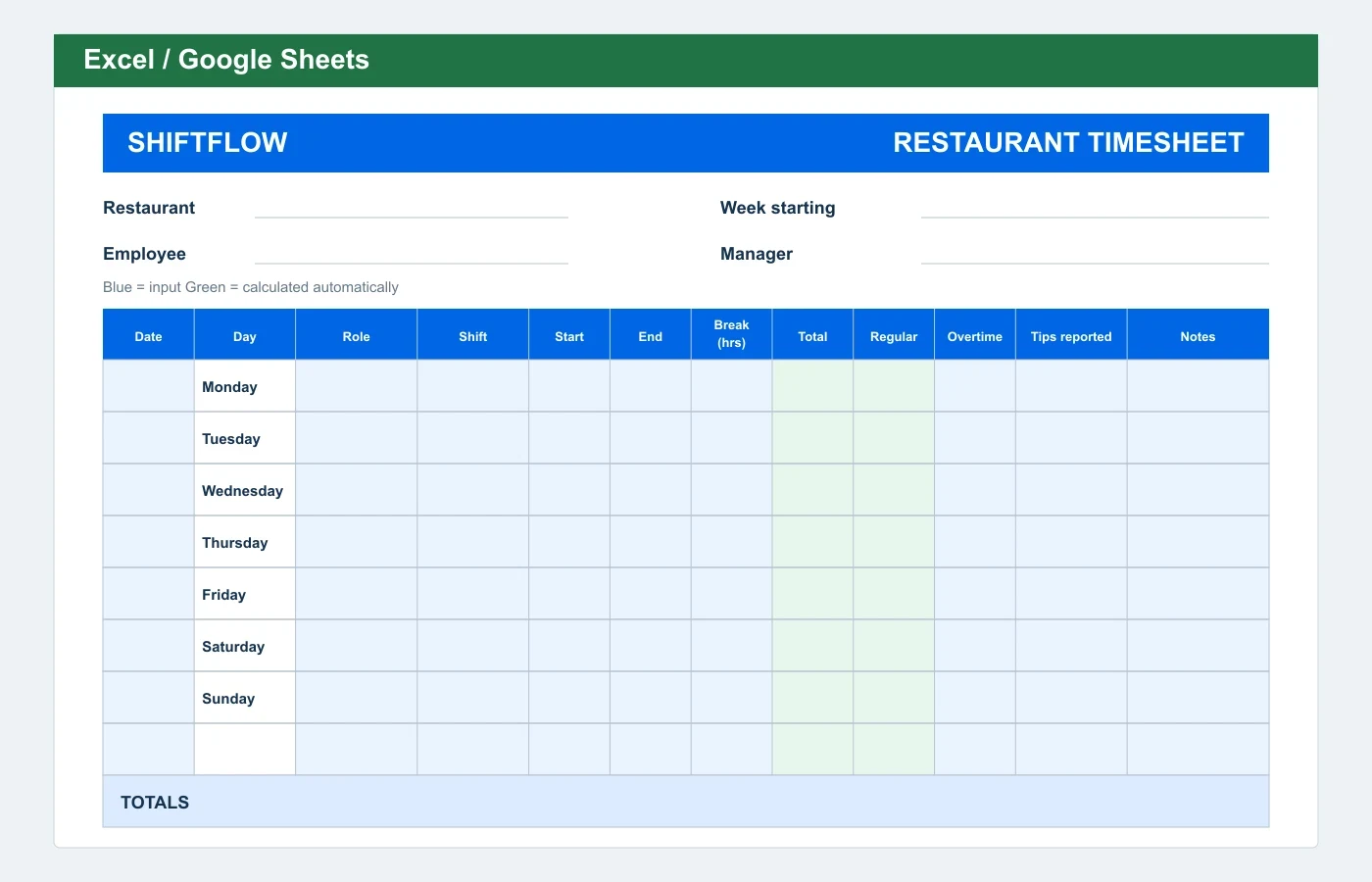
Which timesheet format should you use?
Excel or Google Sheets
Best when you want automatic hours, overtime, and pay calculations. Upload the XLSX file to Google Drive to use it in Sheets.
Editable Word
Best when you need to change labels, add company details, or adjust the table before printing. Enter totals manually.
Printable PDF
Best for a clean paper form that team members complete by hand. Each PDF is a one-page Letter-size document without automatic calculations.
When a downloadable template is not enough
To calculate a time card immediately, enter clock-in, clock-out, and break times in the free Time Card Calculator.
To manage ongoing time records for a team, ShiftFlow Timesheet Software connects clock-ins, jobs, corrections, approvals, and payroll-ready records in one workflow.
Timesheet template FAQ
Are these timesheet templates free?
Yes. Every Excel, Word, and PDF template is free to download without an account, email address, or sign-up form.
Can I use the Excel timesheet templates in Google Sheets?
Yes. Upload the XLSX file to Google Drive and open it with Google Sheets. The hour and pay formulas carry over, but you should confirm the print layout after conversion.
Do the Excel timesheet templates calculate hours and overtime?
Most individual Excel templates calculate hours from start and end clock times after subtracting a break duration entered in decimal hours, such as 0.5 for 30 minutes. Weekly and biweekly templates allocate overtime after an editable weekly threshold. Templates with manual overtime entry do not assume local rules.
Which timesheet file format should I use?
Use Excel or Google Sheets for automatic calculations, Word when you need to edit the layout or labels, and PDF when you want a one-page form to print and complete by hand.