How can contractors reduce no-shows for estimates?
Reduce no-shows for estimates with a practical contractor confirmation sequence, reminder texts, access checks, easy rescheduling, and attendance tracking.
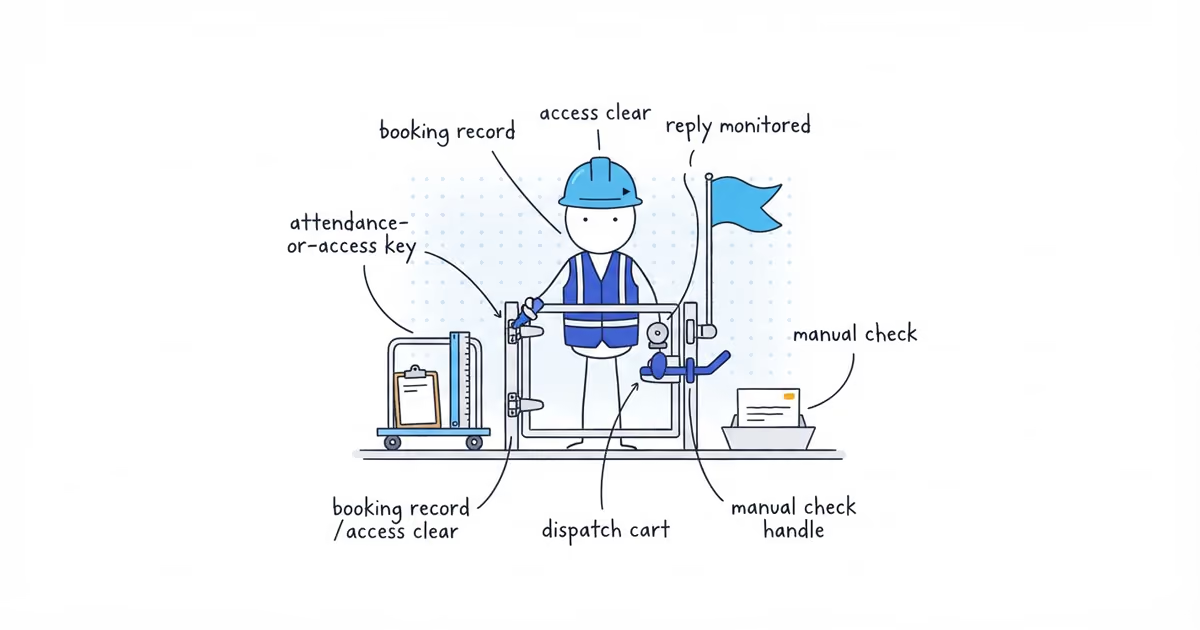
Contractors can reduce no-shows for estimates by protecting the appointment from booking to arrival. Record whether anyone must be onsite, confirm the details in writing, remind the customer, check unconfirmed visits before dispatch, and send an accurate on-my-way message.
Use this as a starting workflow, then adjust the timing to your booking lead time and real arrival windows. Keep one owner and one completion check for every step.
| Step | Trigger | Owner | Required details | Customer action | Complete when |
|---|---|---|---|---|---|
| 1. Booking record | Date and window agreed | Booker | Name, address, scope, window, onsite contact, attendance/access, contact channel | Confirm spoken details | All fields saved |
| 2. Written confirmation | After booking | Booker | Visit details, attendance/access, change path | Confirm, change, or cancel | Delivery and reply logged |
| 3. Day-before reminder | Working day before | Scheduler | Visit details and preparation | Confirm, change, or cancel | Reply logged |
| 4. Unconfirmed-visit decision | No reply before dispatch | Owner or dispatcher | Contact history, access, travel commitment | Answer manual check | Named decision logged |
| 5. On-my-way notice | Estimator is leaving | Estimator | Credible arrival time and access check | Report a change | Visit remains workable |
Does the customer need to be home for a contractor estimate?
Decide this before writing reminders. A customer is not a no-show merely because they are away.
An interior electrical estimate may require an adult onsite and access to the panel. If the estimator arrives inside the agreed window and nobody can provide required access, record a customer no-show or access failure.
For an exterior roof estimate, the owner may approve an inspection without being present. An empty house is then not a no-show, although a locked gate that blocks the agreed inspection is an access failure.
Write one of these requirements in the appointment record:
- Customer or onsite contact must be present.
- Customer presence is optional, but specific access is required.
- Customer presence is not required and exterior access has been approved.
Set the requirement from the scope and the way your business conducts that estimate. Do not automatically require every homeowner or decision-maker.
What to confirm when booking a contractor estimate
Every message should pull from one booking record: customer, service address, estimate purpose, date, arrival window, onsite contact, attendance requirement, access instructions, and agreed contact channel.
Current Acuity guidance on appointment reminders uses the same basics: who, when, where, preparation, and a change path.
“Estimate Thursday” is not a usable booking record. A reminder cannot fix missing details.
How to reduce estimate no-shows with confirmation messages
Suppose Clearline Electric booked an interior panel-replacement estimate with Maria. She needs to be home and the panel must be accessible. These four messages cover the working sequence without turning every appointment into a sales campaign.
Written confirmation
Hi Maria, this is Ben with Clearline Electric. Your panel-replacement estimate is booked for Thursday, September 10, between 2 and 3 p.m. at 48 Oak Street. An adult with access to the panel needs to be there. Reply CONFIRM, CHANGE, or CANCEL.
Day-before reminder
Hi Maria, Clearline Electric here. We are scheduled tomorrow between 2 and 3 p.m. for the panel estimate at 48 Oak Street. Please make sure we can reach the panel. Reply CONFIRM, CHANGE, or CANCEL.
Manual check when there is no confirmation
Hi Maria, I have not received your confirmation for tomorrow’s 2-3 p.m. estimate. Please reply CONFIRM, CHANGE, or CANCEL. If I do not hear back, I will call before deciding whether the visit can go ahead.
Silence is not permission to cancel without notice. Check the record, try the agreed channel once, then make and record a decision based on access, travel, and earlier responses.
On-my-way message
Hi Maria, this is Ben from Clearline Electric. I just left the previous job and expect to arrive at 2:25 p.m. If access has changed, reply here now.
Do not send it at a preset time if the truck has not moved. When the previous job runs long, send the new window and let the customer accept or change it.
How customers can confirm, change, or cancel an estimate
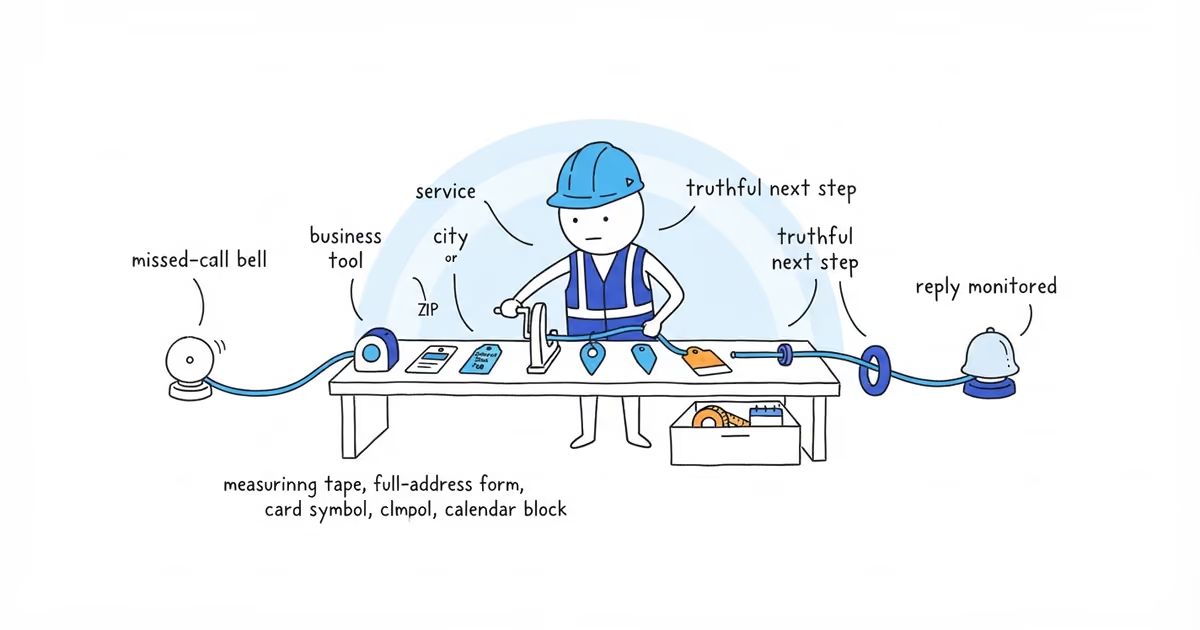
CONFIRM, CHANGE, and CANCEL only work when someone reads the response. Route replies to the owner, scheduler, or a monitored inbox that can update the appointment. Never tell customers to text a no-reply number.
Automation is optional. Twilio documents reminders scheduled when an appointment is created, but software does not decide attendance requirements, correct an address, or handle replies.
If you are deciding whether customers should choose a confirmed slot or only request a time, the online booking guide helps you test service clarity, duration, area, capacity, and exception handling before opening the calendar.
How to track estimate no-shows and access failures
Add these fields to a spreadsheet or calendar record:
| Field | What to record |
|---|---|
| Appointment | ID and scheduled date |
| Attendance or access | Who must be present, what access is required, or whether exterior access is approved |
| Confirmation | Confirmed, change requested, or no reply |
| Dispatch | Not dispatched, dispatched, or arrived |
| Outcome | One of the five categories below |
| Reason note | The observable reason, not a guess about the customer |
| Next action | Closed, rescheduled, manual follow-up, or internal correction |
Use exactly these outcome categories:
- Attended: The estimate happened as planned.
- Customer rescheduled before dispatch: The calendar changed before travel began.
- Customer canceled before dispatch: The slot was canceled before travel began.
- Customer no-show or access failure after dispatch: Required attendance or access was missing after the estimator committed the trip.
- Contractor-caused miss or late change: Your business missed the window, arrived too late for the customer, or changed the appointment.
Do not hide your own late arrivals inside the customer no-show count.
Run the sequence for a consistent test period. Find the first recurring failure: long booking lead times, missing confirmations, bad access notes, a weak arrival window, or your own schedule slipping. Fix that point and keep tracking; do not change all five steps at once.
A cancellation or no-show fee is a separate policy decision. Its terms, communication, and suitability need their own review; this sequence does not set an amount or say when to charge it. After a missed appointment, record the outcome and use a separate recovery and rebooking process.
Once the visit happens and you send the price, the estimate follow-up text guide helps you confirm delivery and give the customer one clear next step without mixing that sales conversation into attendance reminders.
Frequently asked questions
Should contractors charge a no-show fee for estimates?
No-show fees are separate from confirmation. If you consider one, review how customers receive the policy and whether it fits your business; no amount or enforcement rule is recommended.
How should I follow up after a missed estimate appointment?
Record attendance/access, dispatch, and any contractor delay first. Then use a separate recovery and rebooking process instead of another prevention reminder.
What should I text after sending an estimate?
Use a separate sales follow-up after delivering the price. Booking messages stop when the appointment ends; they cover attendance and access, not quote follow-up.
- pricing
- how-contractors-can-reduce-estimate-no-shows
- how-can-contractors-reduce-no-shows-for-estimates
- contractor-estimate-no-shows
- estimate-appointment-reminders
- contractor-estimate-confirmation-text
- estimate-attendance-tracker