Should Contractors Use Online Booking?
Decide whether contractor online booking fits each service, connect real availability, write accurate confirmations, and test the complete booking workflow.
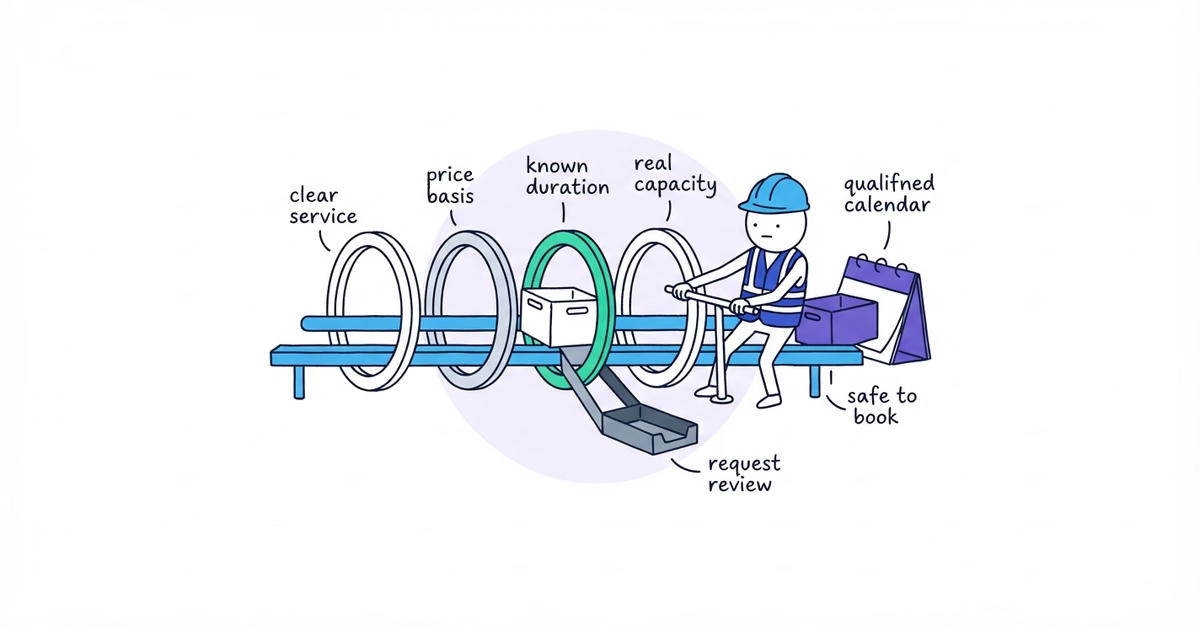
Contractors should use confirmed online booking only for services the website can schedule without guessing. A service is ready when all five conditions pass:
- the customer can choose the correct service without professional diagnosis;
- the price or pricing basis can be explained before booking;
- the visit duration is predictable enough to reserve capacity;
- the system can check service area, live availability, and required team skill;
- the request is not urgent or safety-sensitive under the business’s verified policy.
Use this decision tree:
Can the customer identify the service without diagnosis?
No → Request for review or call
Yes ↓

Are the price basis and duration predictable?
No → Request for review
Yes ↓

Can the system check area, capacity, and required skill?
No → Request for review
Yes ↓

Is the request non-urgent and appropriate for self-booking?
No → Verified call or review path
Yes → Offer confirmed online booking
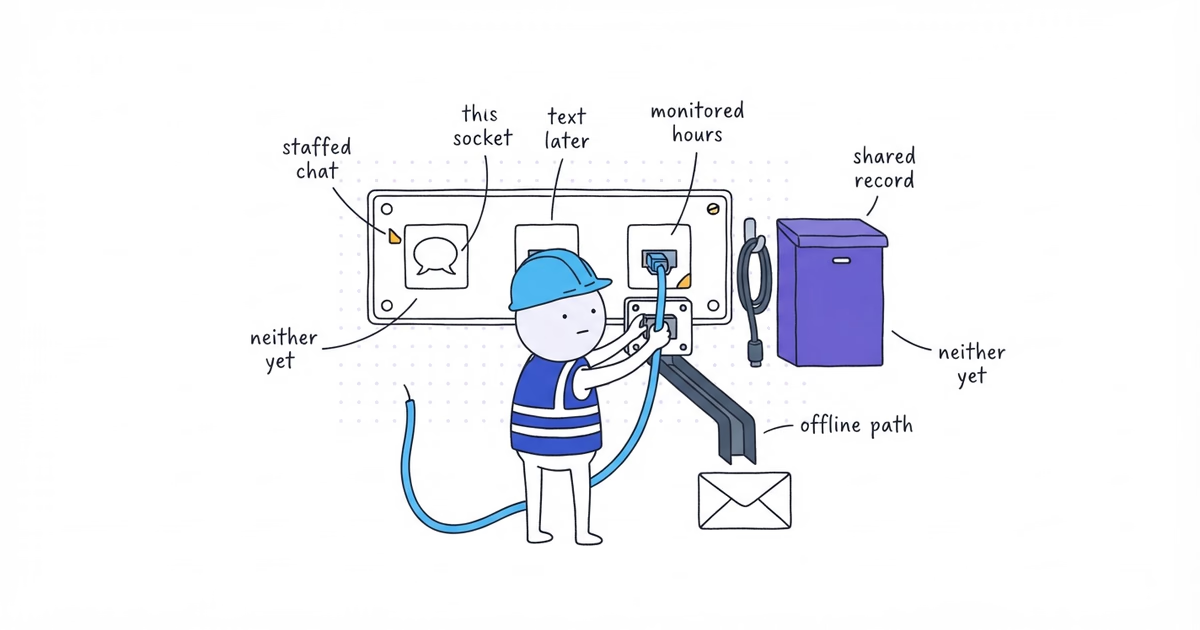
Online intake is useful even when confirmed booking is not. The important part is to tell the customer whether the selected time is reserved or merely requested.
What You Need Before Adding Online Booking
Gather selectable services, actual duration and buffers, pricing basis, area and capacity rules, approved urgent path, calendar access, change and cancellation rules, the exception owner, and test devices. Decide which services qualify before choosing software.
Step 1. Compare Confirmed Online Booking With an Appointment Request
Write the result the customer receives:
- Confirmed booking: real team capacity is reserved and the customer receives a date, time, or arrival window.
- Request for review: the customer submits job details or preferred times, but the team must accept or change them.
- Call: the customer and team speak before a scheduling promise is made.
| Result | Accurate button |
|---|---|
| Confirmed booking | Choose an appointment time or Book [defined service] |
| Request for review | Request service, Request an estimate, or Request a time |
| Call | Call [business] |
Do not write Book now at the beginning and We will contact you to confirm at the end. That is a request flow wearing a booking label.
Step 2. Decide Which Contractor Services Can Be Booked Online
Run each candidate service through the five conditions.
Can the customer identify the service?
A narrowly defined maintenance visit may be easy to choose. “Something is leaking” may describe several causes, scopes, skills, and time requirements. If a wrong selection reserves the wrong capacity, the service fails this condition.
Can the price basis be explained?
The customer must see the real price basis before committing. If it is unsettled, the contractor website pricing guide helps choose a fixed price, range, diagnostic fee, or minimum. Do not reveal a mandatory fee after confirmation.
Is the duration predictable?
Compare scheduled time with actual completed jobs where records exist. If the visit often overruns the proposed block or the first visit only determines the next scope, route it to review or book the diagnostic visit as its own defined service.
Can the system check area, capacity, and skill?
An open square on a calendar is not always usable capacity. The system may also need to account for:
- service location and travel;
- existing appointments;
- team working hours and leave;
- required license, skill, or equipment;
- arrival windows and buffers;
- the work already assigned to that route or shift.
Is the request appropriate for self-booking?
Use the business’s verified policy and qualified trade guidance. A website form should not invent a diagnosis or safety decision. Where the customer needs immediate conversation, route to the verified call path.
Step 3. Route Each Service to Booking, Request, or Call
Use one record per service:
Service:
Customer can identify it without professional diagnosis: Yes / No / Verify
Price or pricing basis shown before commitment: Yes / No / Verify
Duration predictable enough to reserve capacity: Yes / No / Verify
Area, capacity, and required skill checked live: Yes / No / Verify
Appropriate for self-booking under the verified policy: Yes / No / Verify
Result: Confirmed booking / Request for review / Call
Customer-facing action:
Rule owner and evidence:
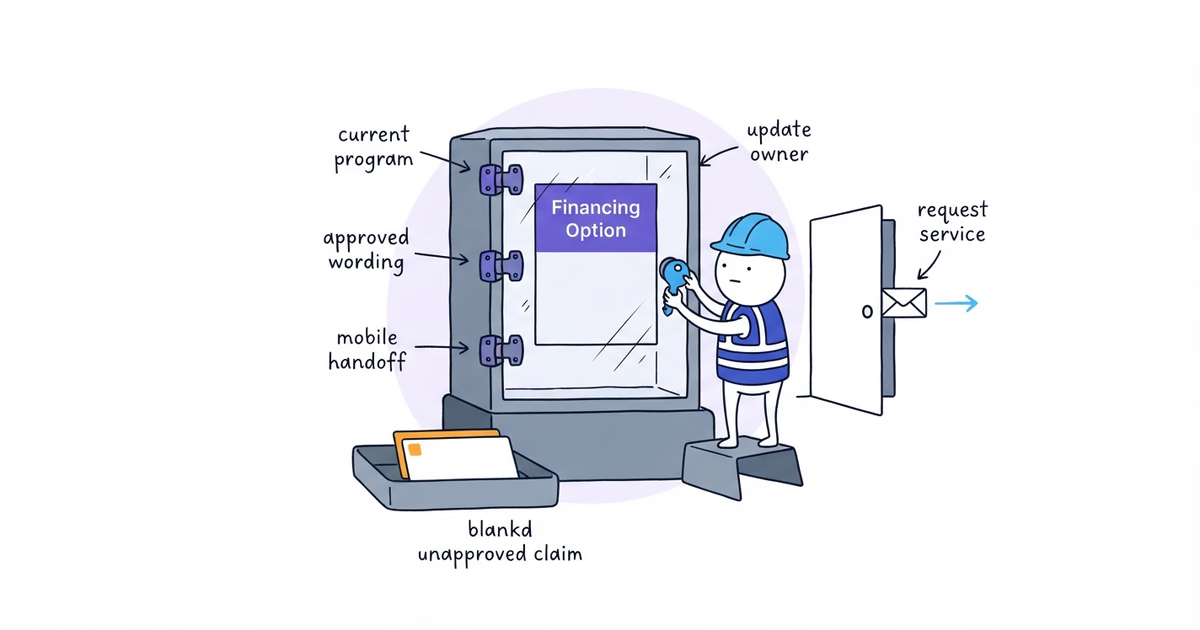
Northside must create separate records for drain clearing, leak repair, and water-heater repair. Every condition remains Verify until the qualified business owner supplies the pricing, duration, skill, capacity, and safety rules.
Use the least risky route that still moves the customer forward. Northside can keep Request service as the general path and add confirmed booking later for one narrowly defined service that passes every condition.
Step 4. Choose Contractor Online Booking Form Fields
For a confirmed booking, the system needs enough information to choose and reserve the correct slot:
- defined service or visit type;
- service location and coverage result;
- date, time, or arrival window;
- expected duration and buffers;
- required team skill or equipment;
- customer contact and confirmation channel;
- price or pricing basis acknowledged before confirmation;
- job details the team needs before arrival;
- answers that make the service ineligible for self-booking.
Use conditional questions to move an ineligible customer out of the booking route early. Do not turn the form into an automated diagnosis.
If an answer makes the scope uncertain, preserve the useful details but change the promise:
We received your service request and preferred time. It is not confirmed yet. Northside Plumbing will [verified next
step] during [verified hours or response window].
Step 5. Connect Online Booking to Real Availability
Configure:
- team working hours and public booking windows;
- existing jobs and other capacity commitments;
- travel and service-area restrictions;
- minimum notice and maximum advance booking;
- before-and-after buffers;
- skill or team assignment rules;
- temporary slot holds and duplicate prevention;
- timezone and daylight-saving behavior;
- leave, holidays, and blackout dates;
- what happens when the calendar or dispatch integration fails.
Test a simple availability rule immediately: block a slot in the operating calendar, then check whether the public booking flow removes it within the tool’s documented update behavior.
If the website calendar cannot reflect the team’s real capacity, call it a request calendar. Do not make the office resolve every conflict after the customer receives a confirmation.
Step 6. Write Booking, Rescheduling, and Cancellation Messages
For a real booking, use:
Your [defined visit] is booked for [date and time or arrival window] at [service location].

Pricing: [verified fixed price or pricing basis].
Next: [what the customer and team do].
To change or cancel: [working path and policy].
Reference: [booking ID].
For a request, use:
We received your requested time. It is not confirmed yet. Northside Plumbing will [verified next step] during
[verified hours or response window].
The confirmation should also state the selected service, customer contact channel, and any preparation information the business has verified. Do not add the customer to promotional messages by default because they booked a service.
Give the customer a working reschedule or cancellation path. Sending a reply to an inbox nobody monitors is not a change process.
Step 7. Assign Online Booking Exceptions
Name the primary owner and backup for:
- wrong-service selections;
- out-of-area attempts;
- double bookings or integration delays;
- unavailable skills or equipment;
- customer replies that change the scope;
- cancellations, reschedules, and no-shows;
- payment or provider failures, if payment is part of the flow;
- information that triggers the business’s urgent or safety process.
Create one record for each exception:
Exception:
Destination queue or alert:
Primary owner and backup:
Required customer result:
Required system result:
Test result:
Step 8. Test Contractor Online Booking End to End
Use a test service, staff member, or time window that cannot accidentally take customer capacity.
- Book an eligible desktop slot.
- Verify the reservation in the real calendar or dispatch system.
- Check the service, duration, location, skill, and customer details.
- Verify customer and team confirmations.
- Attempt the same or another blocked slot.
- Attempt an out-of-area or ineligible condition.
- Reschedule through the published path.
- Cancel through the published path.
- Repeat the eligible flow on a real phone.
- Confirm the completion is recorded as a booking or request accurately.
- Remove or label the test records.
A test passes only when the customer-facing result and the operating system agree.
Contractor Online Booking Decision Example
This hypothetical example uses a fictional maintenance service and operating rules. It is not a Northside service or recommendation:
Service: Fictional annual equipment check
Customer can identify it without diagnosis: Yes — one defined maintenance visit
Price basis shown before commitment: Yes — fixed visit price in the hypothetical policy
Duration predictable enough to reserve capacity: Yes — one 60-minute block plus a 15-minute buffer
Area, capacity, and required skill checked live: Yes — eligible ZIP codes and qualified calendar are connected
Appropriate for self-booking: Yes — fictional policy routes urgent or repair requests away from this service
Result: Confirmed booking
Customer-facing action: Choose an appointment time
Acceptance test: Reservation appeared once in the test calendar; blocked-slot, out-of-area, change, cancellation, and mobile tests passed
If any verified condition were No, the outcome would change to Request for review or the approved call path.
Online Booking Checklist for Contractors
Confirmed booking is ready when:
- the service passes all five conditions;
- the action and confirmation promise a real reservation;
- service area, capacity, duration, skill, buffers, and conflicts are enforced;
- the customer sees the price or pricing basis before commitment;
- ineligible and urgent cases move to an approved request or call path;
- the customer can change or cancel through a working process;
- exceptions have an owner and backup, and desktop/mobile tests reach the real operating system.
After the website path passes, the Google Business Profile booking-link guide helps choose a manual or provider-managed link and test the public path.
Stop after one defined service works from selection to calendar. Test every other service before adding it.
Frequently Asked Questions About Contractor Online Booking
Can a contractor use online booking without dispatch software?
Yes, but only when the available system can enforce real capacity, conflicts, service area, duration, and skill rules. If it cannot, collect preferred times and label the result as a request rather than a confirmed booking.
Should contractors charge a deposit for online booking?
Only when the business has an approved payment, cancellation, and refund policy for that service. Show the amount and terms before commitment, verify the payment in the operating system, and test failure and refund paths.
- contractor-website
- online-booking
- appointment-scheduling
- contractor-booking-form
- contractor