How Do I Make My Contractor Website Look More Professional?
Make your contractor website look professional with a 15-minute audit of clarity, real project photos, customer proof, mobile use, and contact details.
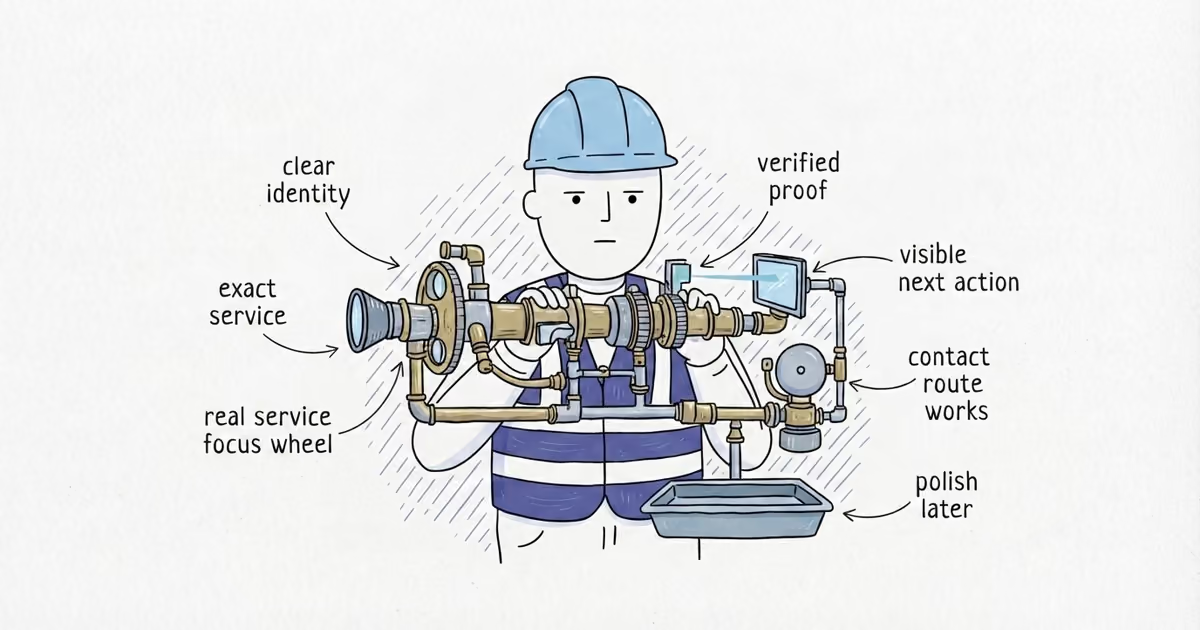
Within ten seconds, a customer should know who you are, what work you do, where you work, why they should trust you, and how to contact you. Fix wrong information, broken contact paths, misleading proof, mobile overlap, and unreadable text before changing fonts, colors, animations, or templates.
A professional contractor website is clear, credible, consistent, readable, and real. It need not look expensive or make the business appear larger.
Last verified: August 27, 2026 (United States).
How to Prepare a Contractor Website Audit
Open a signed-out browser so saved data does not hide the customer view. Use a real phone, not a narrow desktop window.
Sample four live paths:
- The homepage first screen
- One priority service page
- One available project, gallery, or proof page
- The contact page or active request path
Keep a verified record of the name, phone, services, area, hours or availability, and email beside you.
For every check, record Time, Page, Customer check, Pass or fail, Evidence, Severity, Repair owner, and Retest. No owner or retest means the failure remains open.
How to Run a 15-Minute Contractor Website Audit
Minutes 0–2: Run the Five-Part Test
- Time / Page: 0–2 minutes; homepage first screen.
- Customer check: Can a new visitor identify the business, service, area, one real proof signal, and a visible next action within ten seconds?
- Pass or fail / Evidence: Pass only if all five are clear. Record the missing item, not “looks dated.”
- Severity / Repair owner / Retest: Missing identity, service, or area is major friction. A wrong phone or misleading claim is a blocker. Assign the page owner and rerun the signed-out test.
If the first screen fails, send the recorded gap to the homepage guide. Do not rewrite the page during this audit.
Minutes 2–4: Check Reading Order and Contrast
- Time / Page: 2–4 minutes; homepage and priority service page.
- Customer check: Is there one obvious purpose? Are headings distinct, body copy readable, actions visible, type consistent, colors restrained, and spacing scannable?
- Pass or fail / Evidence: Record where the reading order breaks. Flag small copy, buttons that disappear, and text over busy images.
- Severity / Repair owner / Retest: Unreadable text or an obscured action is major friction. Assign the page editor or developer, then retest the same screen at normal phone size.
The W3C’s contrast guidance sets WCAG 2.2 Level AA minimums of 4.5:1 for normal text and 3:1 for large text, with exceptions. Its easy checks cover headings, alternative text, focus, zoom, and form labels, but are not a complete accessibility evaluation.
Minutes 4–7: Inspect the Main Images
- Time / Page: 4–7 minutes; homepage, service page, and available proof page.
- Customer check: Do key images show actual projects, people, vehicles, or process with permission? Are they relevant, sharp, and cleanly cropped?
- Pass or fail / Evidence: Flag blurry, stretched, overprocessed, irrelevant, or generic stock images. Save the page URL and a screenshot of the failed image.
- Severity / Repair owner / Retest: A misrepresented image is a blocker; weak key imagery is major friction. Assign the photo or page owner, replace it, and reopen both views.
Prefer one clear photo of the actual work to a polished stock scene that could belong to any company.
Minutes 7–10: Verify the Proof
- Time / Page: 7–10 minutes; service page and proof page.
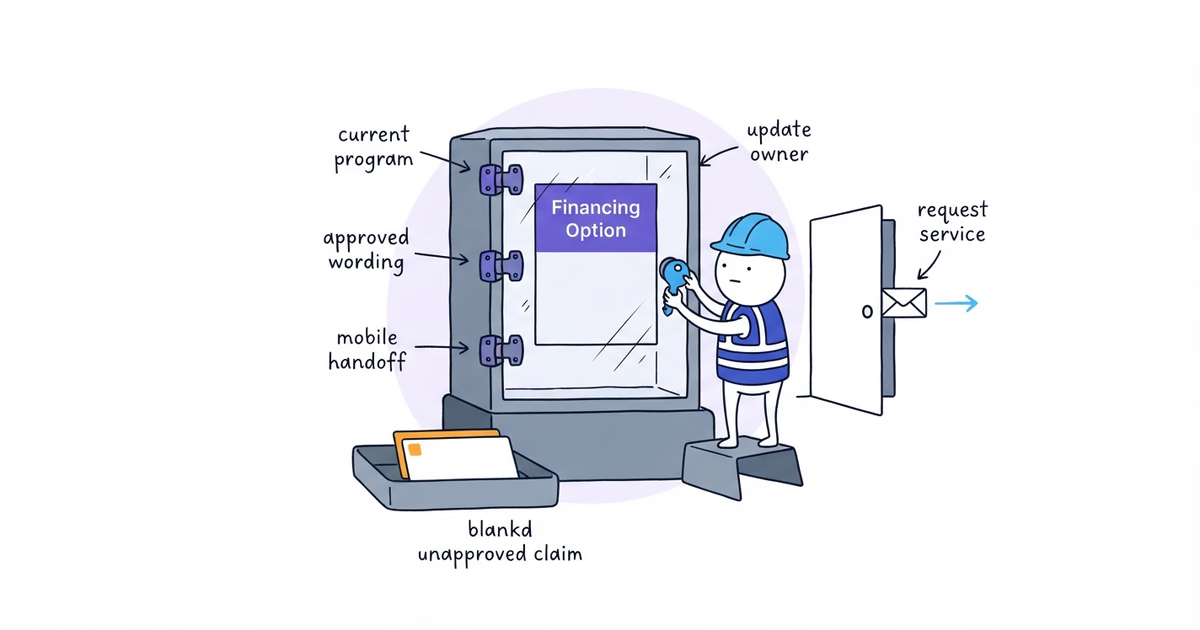
- Customer check: Does every review, badge, project claim, rating, business-age claim, credential, license, certification, guarantee, warranty, policy, statistic, or availability claim have current evidence?
- Pass or fail / Evidence: Check proof beside its claim. Record the source, date, record, project file, or policy owner. Fail unverifiable claims.
- Severity / Repair owner / Retest: Fabricated or misleading proof is a credibility blocker. Assign the business owner or record owner, remove or correct the claim, and retest the published page against the source.
The FTC’s reviews guidance covers fake or false reviews and relevant insider relationships. Use genuine reviews, disclose relevant relationships when required, and do not strengthen the customer’s result.
Minutes 10–12: Test the Site on a Real Phone
- Time / Page: 10–12 minutes; all sampled pages and one visible contact path.
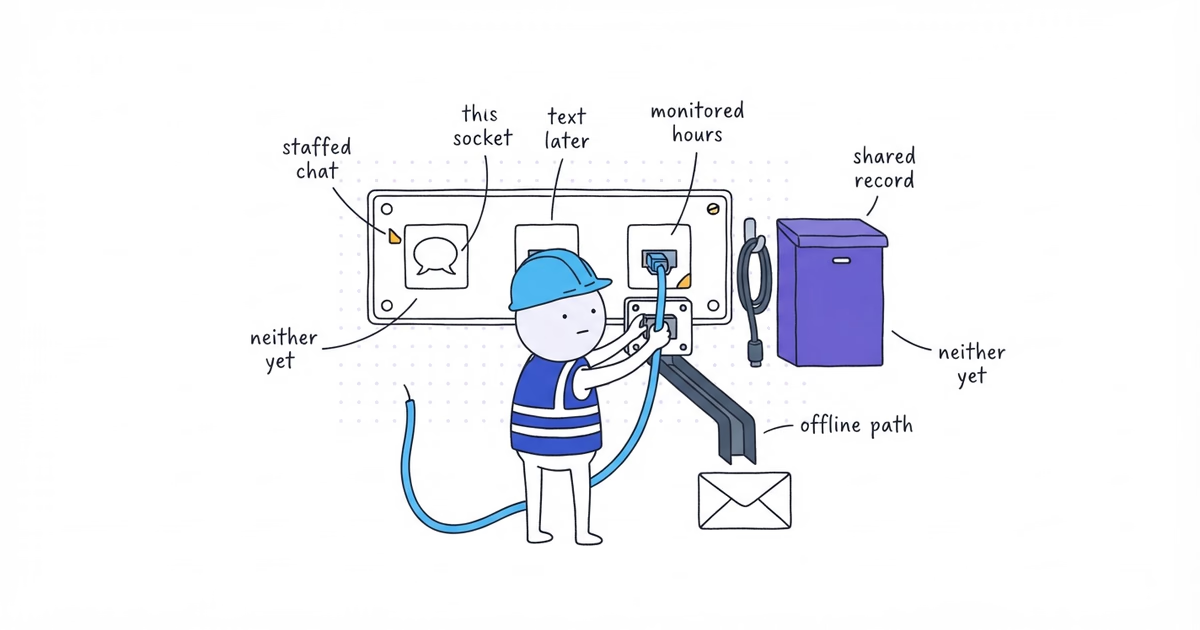
- Customer check: Find clipped text, overlap, unreadable copy, obscured actions, broken galleries, or cut-off images. Complete one call, email, or form path.
- Pass or fail / Evidence: Record the phone, URL, screenshot, and outcome. A tap fails if the call is wrong or the request never arrives.
- Severity / Repair owner / Retest: A page that cannot be used or a dead contact path is a credibility blocker. Assign the developer or contact-system owner and repeat the full path after repair.
Stop after confirming one route. Separate guides own mobile implementation, conversion, forms, booking, and tracking.
Minutes 12–14: Compare Business Details
- Time / Page: 12–14 minutes; all sampled pages.
- Customer check: Compare the displayed name, primary phone, service wording, service area, hours or availability, and email with the verified business record.
- Pass or fail / Evidence: Record the page, displayed value, and correct value for each contradiction.
- Severity / Repair owner / Retest: A wrong contact detail or materially false service claim is a credibility blocker. Other contradictions are major friction. Assign the person who controls the source and recheck every sampled occurrence.
This is a site consistency check, not a local SEO or Google Business Profile audit.
Minutes 14–15: Find Abandoned or Broken Elements
- Time / Page: 14–15 minutes; all sampled pages.
- Customer check: Look for placeholder copy, broken images, default template text, dead primary links, browser security warnings, stale team or service information, spelling errors, and contradictory details.
- Pass or fail / Evidence: Capture the URL and visible failure. Do not write “clean up site.”
- Severity / Repair owner / Retest: Security warnings, dead primary links, false details, and broken customer paths are blockers. Stale information and prominent broken media are major friction. Minor spelling, spacing, icon, or crop issues are cosmetic. Assign and retest each item.
How to Prioritize Contractor Website Fixes
Use three levels:
- Credibility blocker: Wrong business details, a browser warning, a dead contact path, fabricated or misleading proof, or a page unusable on a phone. Fix before sending customers to the site.
- Major customer friction: Unclear service or area, weak reading order, unreadable text, poor key imagery, or a hidden action. Fix after the blockers.
- Cosmetic polish: Inconsistent spacing, type, colors, cropping, or icons after the customer path works.
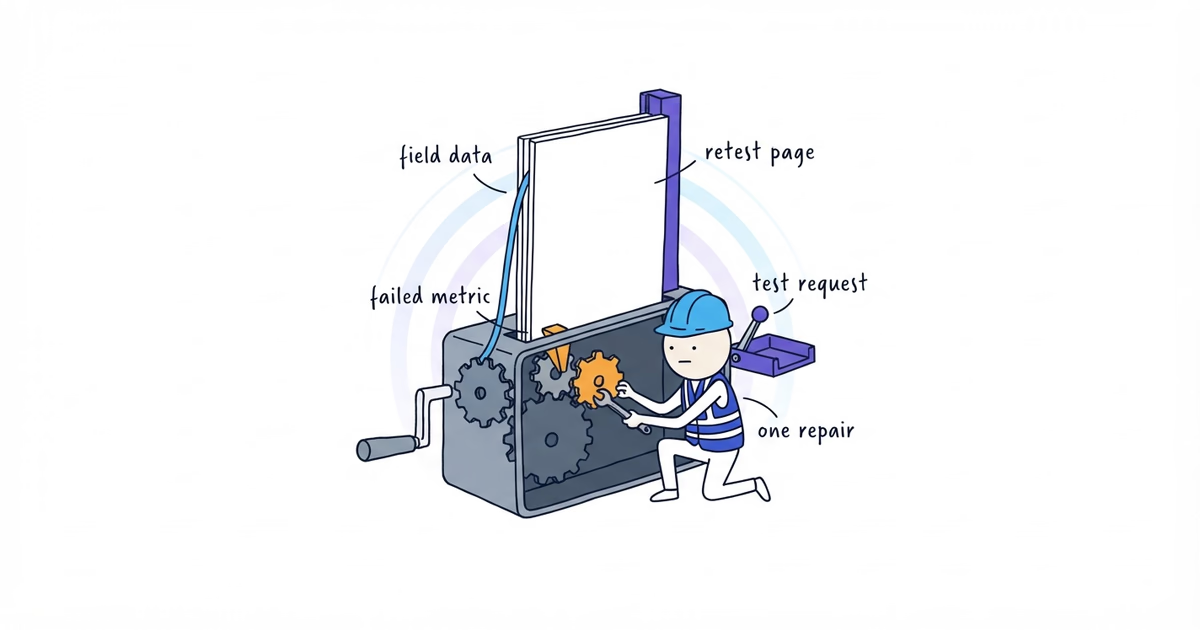
Give each failure an owner, make the repair, and repeat the same check.
Here is one clearly fictional completed row:
- Time: Minutes 10–12
- Page: Northside Plumbing contact page
- Customer check: Complete the request path on a real phone
- Pass or fail: Fail
- Evidence: The sticky footer covered the submit action on the test phone
- Severity: Credibility blocker
- Repair owner: Site developer
- Retest: Passed after the overlap was removed and a signed-out test request reached the intended inbox
When Is the Contractor Website Audit Finished?
Pass only when a customer can identify the business, service, area, proof, and next action; read without overlap or cutoff; verify the main claims and details; and complete one contact route.
Stop when every credibility blocker and major presentation failure in the sampled path passes its retest. Keep cosmetic items in a later queue. Do not rebuild the site or imitate a benchmark design merely because the working site uses a plain visual style.
If the audit exposes blockers or major failures and the current site is not a usable customer path, free website setup can build a mobile-ready site with services, service area, real photos, reviews, and a working call or quote route.
After the website retest passes, use the solo contractor professionalism audit to apply the same accuracy, contact, proof, document, arrival, and follow-through checks to the whole customer path.
Frequently Asked Questions
Can a contractor website look professional without a custom logo?
Yes. A clear business name, consistent identity, readable pages, real photos, verifiable proof, and a working contact path matter more in this audit. Creating or replacing a logo is a separate decision.
How many pages does a professional contractor website need?
There is no fixed number. This audit samples the homepage, one priority service page, one available proof page, and the contact path; deciding which pages the full site needs is a separate sitemap job.
Does a professional-looking contractor website guarantee more leads?
No. This audit checks whether customers can understand, trust, and use the site. Traffic, contact-action choices, form design, booking, tracking, and conversion measurement require separate work.
Sources
- contractor-websites
- how-to-make-contractor-website-look-professional
- professional-contractor-website
- contractor-website-audit
- contractor-website-visual-hierarchy
- contractor-website-trust-signals