How Do I Make My Contractor Business Look Professional if It Is Just Me?
Make your solo contractor business look professional with a 30-minute audit for accurate details, working contact paths, real proof, and clear follow-through.
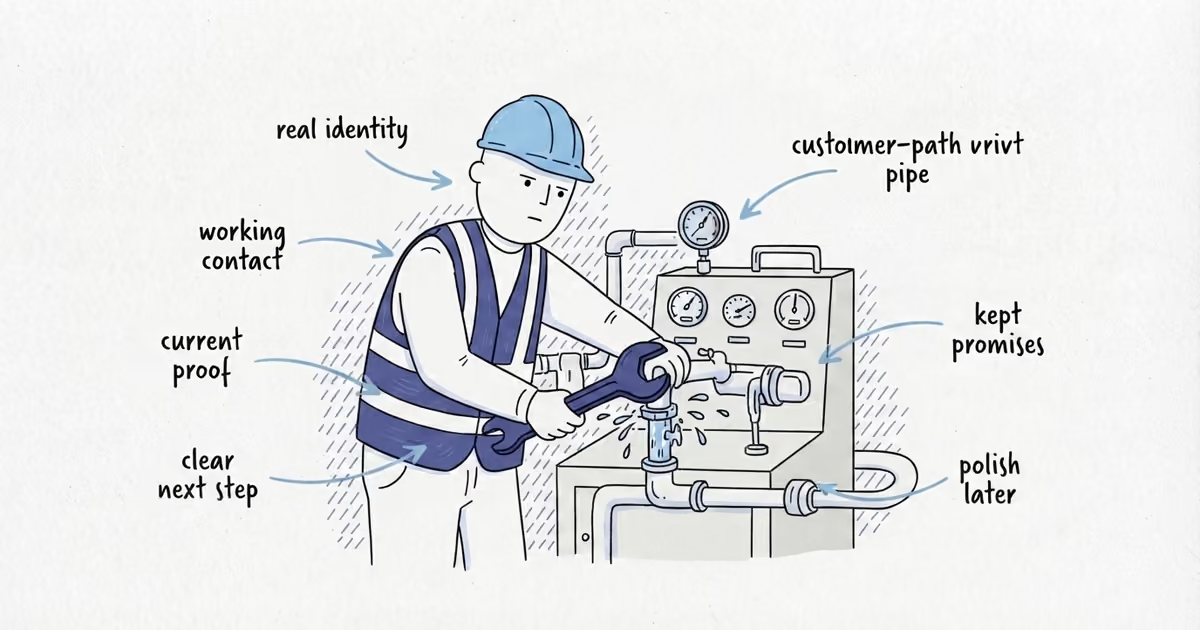
To make a solo contractor business look professional, do not pretend to be a bigger company. Use one real identity, a tested contact path, current proof, clear documents, an identifiable arrival, and dependable follow-through. Those matter more than a logo or corporate wording.
Last verified: August 27, 2026 (United States).
How to Make a Solo Contractor Business Look Professional
A customer should answer six questions:
- Who is this business?
- Can I reach it?
- Can it prove the facts that matter for my job?
- What happens next?
- Who will arrive at my property?
- Will the business do what it said it would do?
Fix false, conflicting, expired, or broken public information first. Then fix reachability, proof, documents, and arrival expectations. Improve the visuals only after the customer path works.
Keep Your Contractor Business Details Consistent
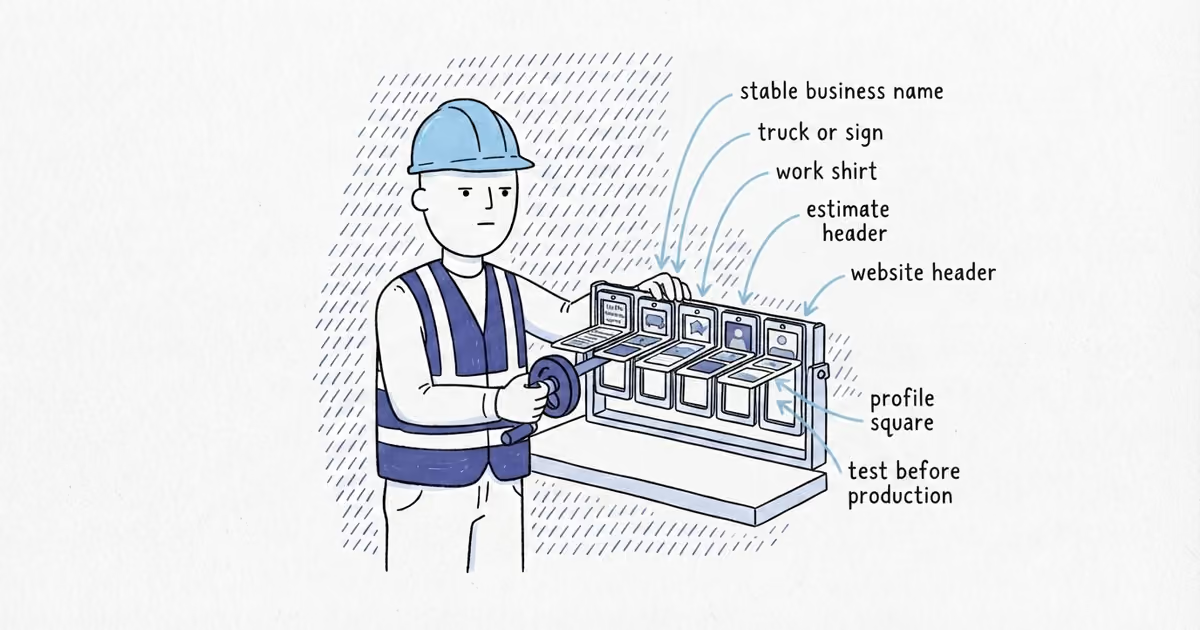
Search the exact business name. Compare its service, area, public phone, and hours on the website, Google Business Profile, estimates, and main listings.
Google’s business representation guidelines say the profile should reflect the real-world business. Do not add keyword services or cities to the name, present a virtual office as staffed, claim areas you do not serve, invent a crew, or use stock team photos as your company.
A solo owner can use their own name, the business name, and first-person language. “I will call when I leave the previous job” is more useful than “we” when no team exists.
Record website or Google Profile mismatches. If you cannot tell which website, profile, review, listing, or photo problem to fix first, an online presence audit gives you a prioritized review of the trust and contact gaps.
Test Your Contractor Phone, Email, or Form
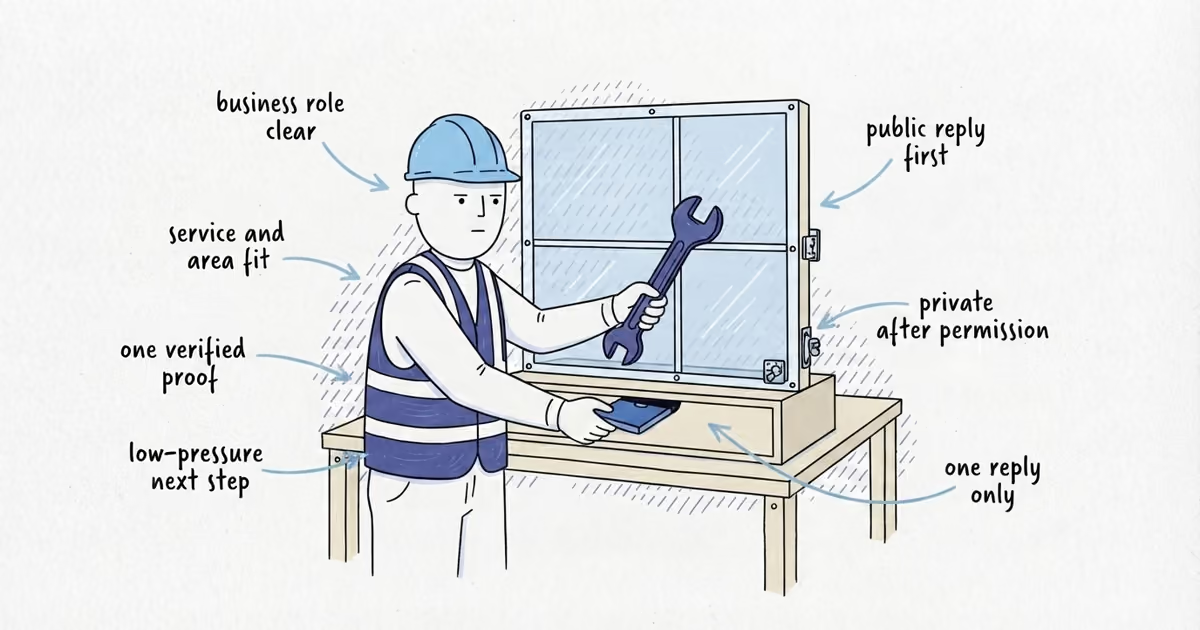
Test the main contact route from the customer’s side. Confirm the call rings correctly or the form arrives, the voicemail names the business, and one person owns the reply.
State when you normally return non-emergency calls or what follows a form submission. Do not promise a faster response than you can deliver.
When the route fails or ownership is unclear, use the contractor email and phone guide to choose the provider, routing, inbox, and number setup, then retest it. This check ends when one route works.
What Proof Makes a Contractor Look Professional?
Keep the minimum proof set small:
- One completed-work example relevant to the requested service
- One genuine review or reference
- Current license or insurance verification where it applies
The FTC’s home improvement guidance tells customers to check applicable licenses and insurance, recommendations and reviews, written estimates, and contractor details. The SBA notes that license and permit rules vary by activity and location, so verify what applies to your trade and jurisdiction.
The FTC’s reviews and testimonials guidance prohibits fake or false reviews and testimonials. Do not borrow credentials, strengthen a customer’s claim, or show another company’s work.
Use the contractor proof guide when you need more than this minimum set.
Make the Estimate, Arrival, and Follow-Through Clear
Open the estimate or work document on a phone. It passes this check when the customer can identify the business and job, understand the scope and price at the appropriate level, and see one clear way to accept or continue.
A polished header cannot rescue the wrong customer name, vague scope, or missing acceptance step. If the document fails this check, use the professional estimate guide to fix the identity, scope, exclusions, total, acceptance step, and delivered file.
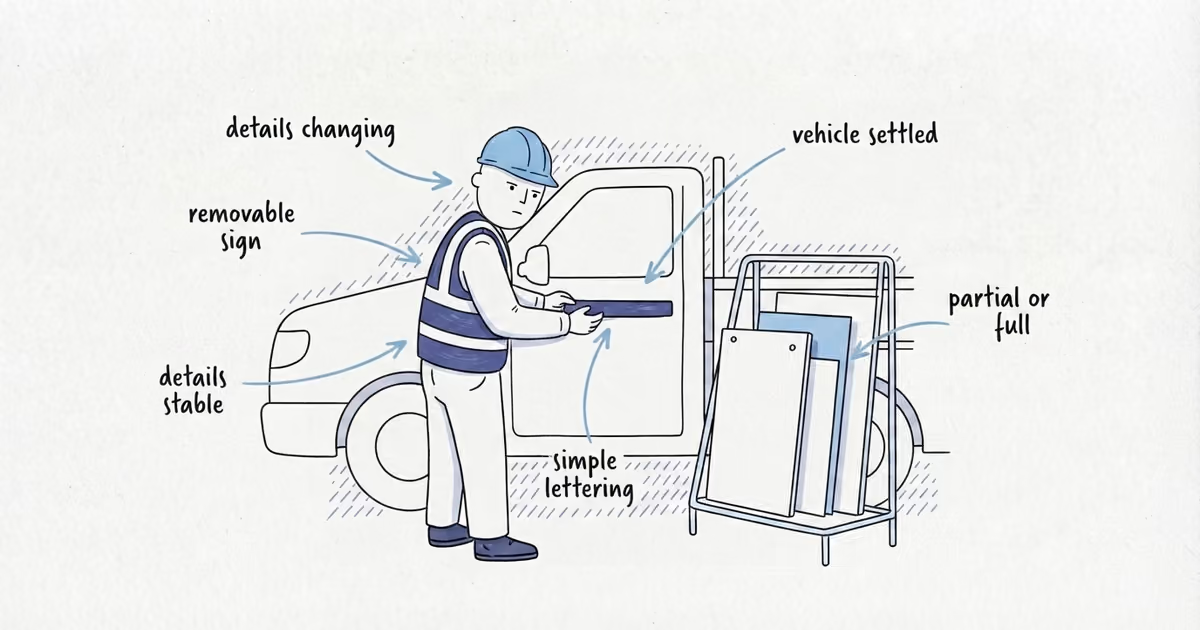
Before the appointment, say who is coming and how to identify them. A clean work shirt, a name in the confirmation, and an accurate vehicle description can work without a uniform program or wrap.
On site, make access, property protection, updates, cleanup, and closeout match the promise. The field-branding guide owns truck, uniform, and card decisions.
Keep the visible customer path short: acknowledge the inquiry, confirm the appointment, arrive within the stated window or send an update, explain material changes before acting, complete the agreed closeout, and send the promised paperwork.
Run a 30-Minute Contractor Professionalism Audit
Follow the same path a customer follows. Mark each row Pass, Fix now, or Later.
| Customer checkpoint | Pass condition | Evidence checked | Result | Next action if it fails |
|---|---|---|---|---|
| Identity accuracy | The same real name, service, area, phone, and hours appear on the main customer-facing surfaces | Search, website, Google Profile, estimate | Pass / Fix now / Later | Correct false, conflicting, or expired facts |
| Tested contact path | An outside test reaches the intended destination and the reply owner is clear | Call, voicemail, email, or form test | Pass / Fix now / Later | Repair the route and replace vague promises |
| Current relevant proof | One similar job, one genuine review or reference, and applicable current verification can be shown | Job, review, credential, or insurance record | Pass / Fix now / Later | Remove expired proof and gather a current replacement |
| Clear job document | The phone view identifies the business and job, states scope and price clearly enough, and shows one next step | Current estimate or work document | Pass / Fix now / Later | Fix the identity, job detail, or acceptance step |
| Identifiable arrival | The customer knows who is coming and what to expect for access, protection, updates, and cleanup | Appointment message and arrival explanation | Pass / Fix now / Later | Add truthful identification and property-care details |
| Promised follow-through | The customer receives the confirmation, change notice, closeout, and promised paperwork | One recent job from inquiry through closeout | Pass / Fix now / Later | Assign the missed handoff and correct the promise |
Anything false, broken, expired, or confusing is Fix now. Anything functional but visually plain can stay Later. A logo, wrap, or website redesign is not an extra pass condition.
Fix Contact Problems Before Buying Branding
Jordan runs a one-person plumbing business and plans a new logo and vehicle wrap. The audit finds an old public phone number, a voicemail that does not name the business, and a vague quick-callback promise.
Those contact rows are Fix now. Jordan corrects the controlled record, tests the route, records a truthful greeting, and states the next step. The job photo, genuine review, estimate, arrival message, and recent closeout pass. The logo and wrap stay Later until the name, number, service, and promises are stable.
Spend in that order: fix anything false, broken, or confusing first; standardize the customer path next; pay for visual upgrades last.
Frequently Asked Questions
Do I need a logo to make my contractor business look professional?
No. Use one readable business name and keep the customer path accurate and consistent. Spend on a logo only after the name, contact details, services, and operating promises are stable enough to reproduce.
Does a solo contractor need a commercial office to look professional?
No. A mobile or service-area contractor can look professional without a staffed office. Use the real location model, service area, and contact details instead of presenting a virtual office as a place customers can visit.
Sources
- local-seo-foundations
- how-to-make-contractor-business-look-professional
- how-to-make-a-contractor-business-look-professional
- solo-contractor-business
- contractor-professionalism-audit
- professional-contractor-business