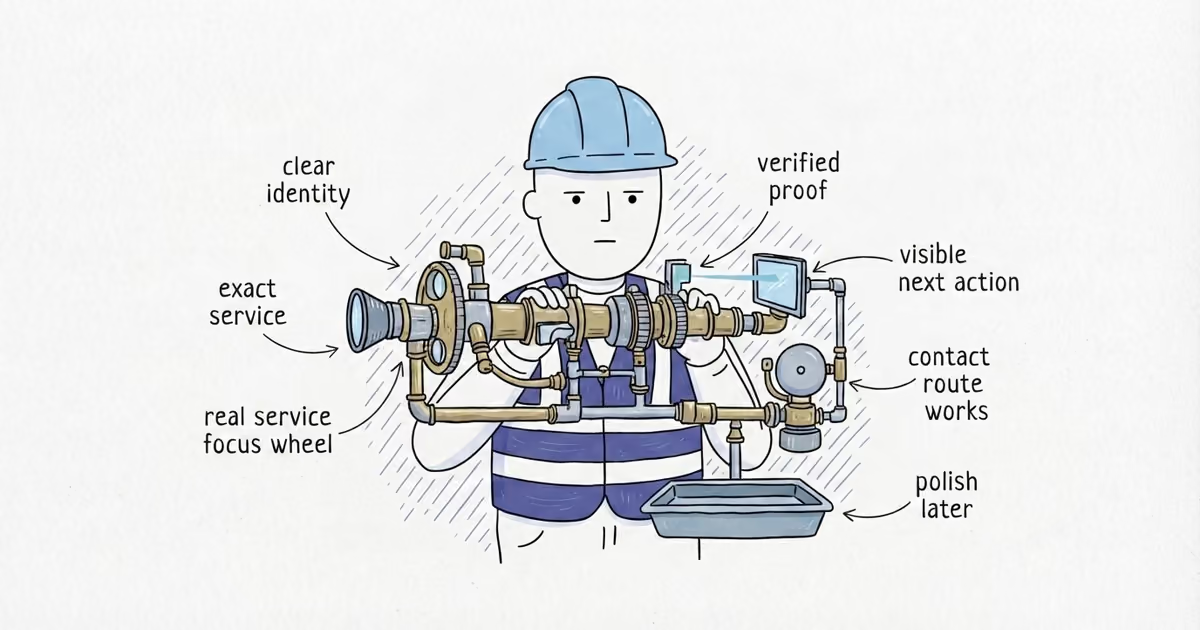
Should Contractors Use Live Chat or Text Messaging on Their Website?
Compare live chat and text messaging for a contractor website, set owners and hours, separate service replies from marketing, and test the selected channel.
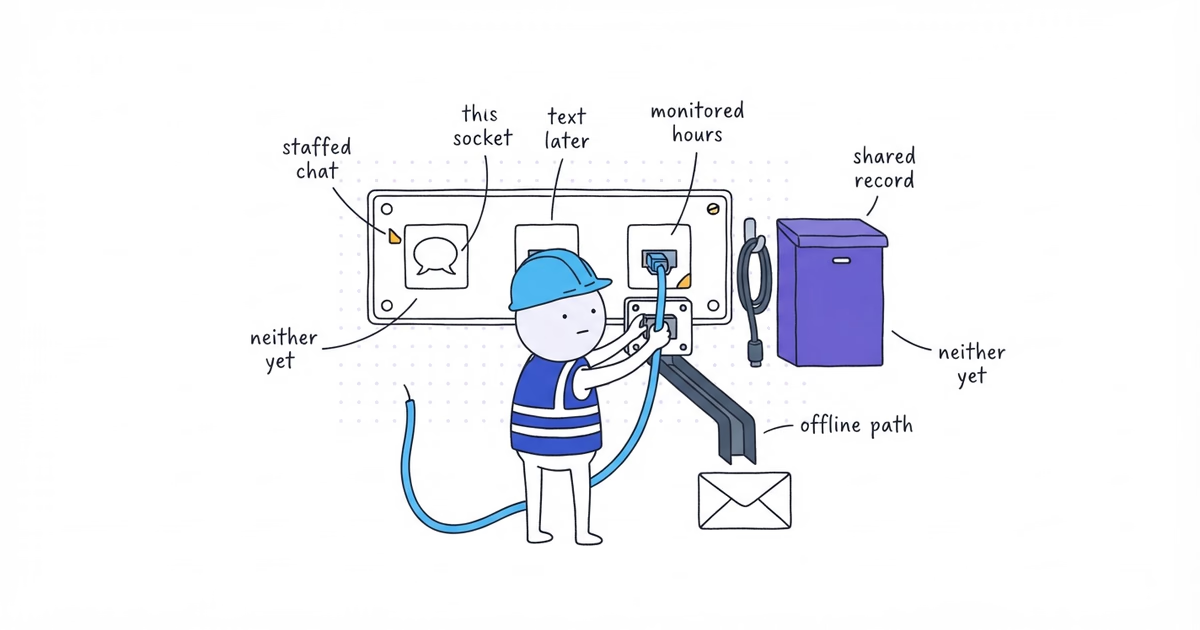
Use live chat when a person or a correctly configured system can respond while the visitor is still on the website. Use text when the customer needs to leave and continue the conversation later. Use both only when the handoff is clear.
Use neither until the business can name who owns the inbox, when it is monitored, what response it can truthfully promise, and when the conversation moves to a phone call.
| Customer need | Best starting path |
|---|---|
| Answer a quick question during the website visit | Staffed live chat |
| Continue after the visitor leaves | Text-enabled inquiry or follow-up with the proper process |
| Send job, location, and photo details for later review | Contact or service-request form |
| Choose a predictable service and reserve real capacity | Confirmed online booking |
| Handle a complex, urgent, or safety-sensitive situation | The business’s verified call path |
| No reliable owner or response process | Do not add chat or text yet |
Last verified: August 13, 2026 (United States).
What You Need Before Adding Live Chat or Text
Gather recent conversations, coverage hours, owner and backup, escalation rules, shared record system, approved messaging process, test devices, and a pre-installation speed result. Choose the workflow before the software.
Step 1. Match Customer Conversations to Contact Channels
Review recent conversations and assign each one to its simplest workable path. A Northside planning exercise might use:
| Conversation | Better path | Reason |
|---|---|---|
| “Do you serve this ZIP code?” | Live chat or short service-area answer | Quick known answer |
| Photos and details for a leak | Service-request form | Structured information needs later review |
| Change an existing arrival window | Text, if tied to the job record | Asynchronous scheduling exchange |
| Complex description needing triage | [verified Northside call or review path] | Conversation is more useful than long typing |
| Promotional seasonal offer | Separate approved marketing program | Not part of the requested service reply |
These are candidate routes, not Northside policies. Its qualified owner must approve them and define safety escalation.
Step 2. Choose Live Chat, Text, Chat-to-Text, or Neither
| Choice | Use it when |
|---|---|
| Staffed live chat | A quick answer changes the active visitor’s next step, someone covers the displayed hours, and the conversation can move cleanly to a form, booking, or call. |
| Text-enabled inquiry or follow-up | The customer benefits from replying later, the team monitors a shared inbox, the exchange attaches to the customer record, and the required messaging process is ready. |
| Chat-to-text handoff | Live chat is useful at first, but the visitor may leave; the approved handoff retains the transcript and owner. |
| Neither | Nobody owns the inbox, response delay contradicts the promise, records would be isolated, or consent and escalation are not ready. |
Keep the base paths until one messaging route has a complete operating record.
Step 3. Assign the Messaging Owner, Backup, and Hours
Complete this operating matrix before installing the widget:
| Decision | Northside rule |
|---|---|
| Channel and scope | [channel or neither; supported conversations] |
| Owner and backup | [roles] |
| Monitored hours | [verified hours] |
| Response wording | [truthful customer copy] |
| Offline behavior | [closed message, form, text handoff, or call] |
| Escalation | [form, booking, call, or internal owner] |
| Record location | [shared inbox, CRM, or job system] |
| Rules and test owners | [roles] |
Use a shared record when coverage requires more than one person. An automated greeting is not an instant response.
Step 4. Write Live Chat, Offline, and Text Messages
For live chat during staffed hours:
Northside Plumbing

Chat with our team during [verified hours]. Ask a quick service or area question, or tell us which service you need.
For [verified urgent or safety situation], follow [business-approved call instruction].
For offline chat:
Our chat team is offline.

Send a service request, or leave [approved contact detail] for a reply during [verified hours or response window]. This
inbox is not monitored for [verified urgent situations].
For text:
Message Northside Plumbing about [supported use]. We reply during [verified hours or response window]. For a complex or
urgent issue under our policy, call [verified phone].
If a minutes-based promise cannot be proved, state monitored hours and the next step. Automate online/offline status where possible; otherwise assign its owner and test holidays, time zones, and leave.
Step 5. Set Live Chat and Text Escalation Rules
Give the channel owner a route table:
| Customer message | Channel action |
|---|---|
| Known service or area question | Answer from verified information and offer the correct next path |
| Estimate needs location, description, or photos | Move to the structured service-request form |
| Service passes the booking test | Move to the confirmed-booking flow |
| Long, complex, or unclear description | Offer or arrange a call |
| Urgent or safety-sensitive information | Follow the business’s verified escalation process |
| Complaint or private account detail | Move to the approved private customer record and responsible team member |
| Marketing opt-out or preference request | Apply the approved messaging rule and record the request |
A chatbot may use only approved information and must not invent prices, availability, credentials, diagnoses, policies, or safety advice. Carry the relevant details and transcript into the approved destination when the conversation moves.
Step 6. Separate Service Texts From Marketing Texts
A number supplied for a service reply does not automatically enroll the customer in future promotions:
Requested service conversation
→ Use the number for the requested conversation and related service steps under the approved process

Optional marketing program
→ Separate enrollment, approved disclosure, stored consent evidence, sender identification, timing rules, and working
opt-out handling
US federal rules distinguish consent requirements for certain automated, prerecorded, and telemarketing messages. For covered messages, 47 CFR § 64.1200 recognizes phrases including stop, quit, end, revoke, opt out, cancel, and unsubscribe for revocation and sets requirements for honoring applicable requests.
This is not a complete texting compliance program. State law, message purpose, sending method, carrier and provider rules, and the actual workflow can change the requirements. Check current provider instructions and qualified counsel before automated or marketing texts launch.
Keep this as a messaging red-line check rather than the channel-selection test. Verify that:
- the website says what messages the customer is requesting;
- optional marketing enrollment is separate and not preselected;
- replies and opt-outs reach the shared system;
- staff can record a stop request and the provider suppresses covered future messages as required;
- opting out of marketing does not hide a separate active service request.
Step 7. Test the Chat Widget on Mobile and Desktop
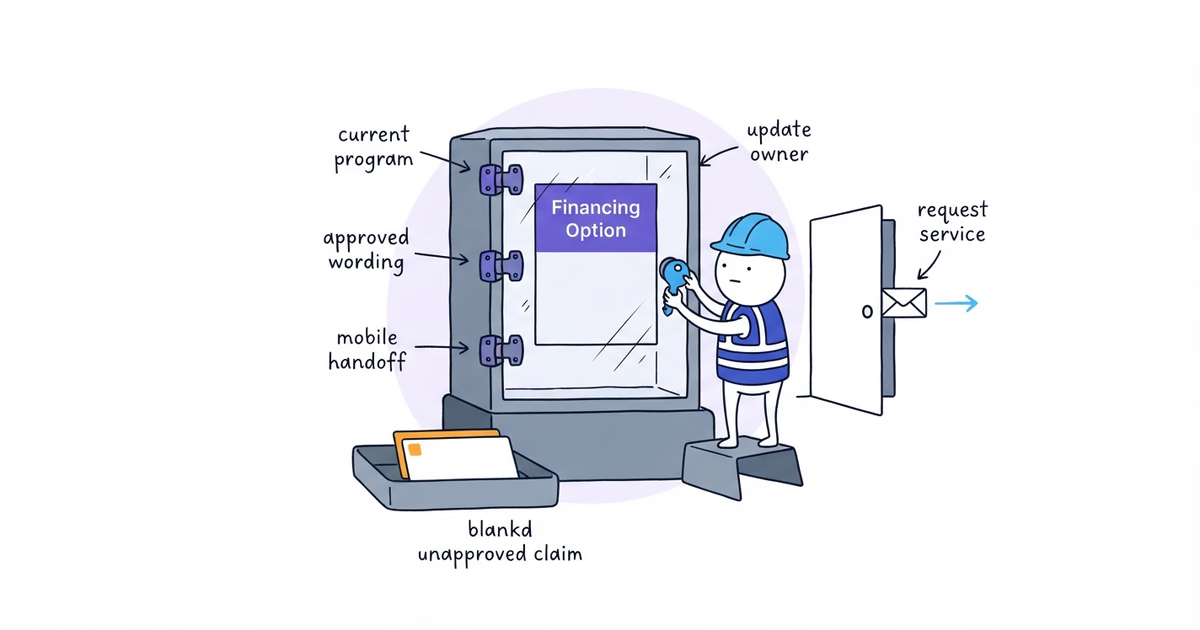
Use at most one floating launcher. On desktop and a real phone, open the navigation, CTA, form, booking flow, privacy controls, financing disclosures, keyboard, and device safe area around it.
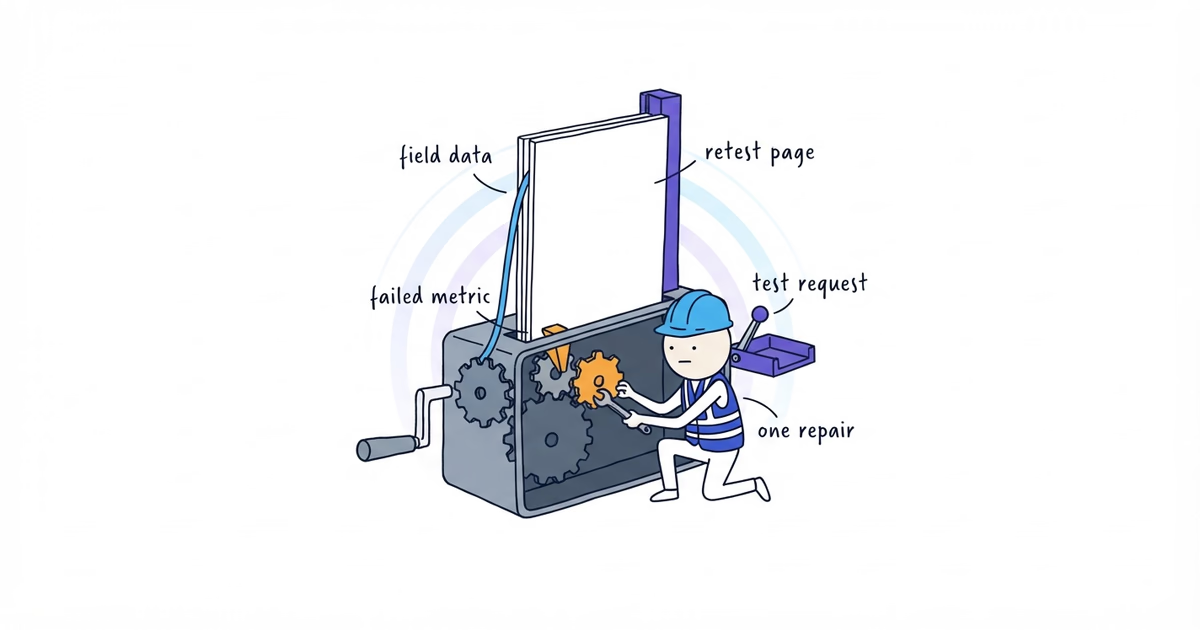
Require a clear name, visible keyboard focus, working close path, and no focus trap or horizontal scroll. Compare speed before and after installation; limit, change, or remove a widget that materially delays the page.
Step 8. Test Live Chat or Text End to End
Use clearly labeled test messages, never a fake emergency. Every launched option must pass:
- start the selected path on desktop and a real phone;
- verify the primary owner receives it in the shared system;
- answer one approved question and escalate one complex test to the call or form path;
- confirm the transcript and customer record;
- verify offline or unavailable behavior;
- verify the launcher does not cover another mobile action;
- record the expected result, actual result, owner, and pass/fail status.
Then test only the selected branch:
- Live chat: test staffed and offline states, response wording, close/reopen behavior, and transcript ownership.
- Text: leave the website, continue from the phone, verify replies reach the shared record, and test only the service-message or approved marketing rules the business actually uses.
- Chat-to-text: begin in chat, complete the approved handoff, leave the site, reply by text, and verify one continuous transcript and owner.
- Neither: confirm the widget is absent and the existing request form and call path still work.
Test any marketing opt-out separately in its approved environment. Do not launch with an unowned channel, escalation, history, or mobile failure.
Contractor Live Chat and Text Decision Example
This hypothetical example demonstrates the operating decision; it is not a real Northside setup:
Chosen channel: Staffed live chat only
Supported conversation: Quick service-area questions during displayed hours
Primary owner and backup: Office coordinator / office manager
Monitored hours: Fictional test hours, Monday–Friday, 9 a.m.–4 p.m.
Offline behavior: Close chat and show the service-request form
Escalation: Move job details to the form and complex questions to the verified call path
Record location: Shared test inbox
Marketing enrollment: None
Desktop/mobile test: Pass
Online/offline test: Pass
Decision: Launch live chat only; do not enable text handoff
Replace the fictional hours and roles with verified coverage and test results.
Live Chat and Text Messaging Checklist
Launch when the channel:
- matches a real need and has an owner, backup, and truthful hours;
- has working offline and escalation paths;
- keeps service replies separate from optional marketing enrollment;
- keeps messages in the team’s system;
- passes channel, mobile, performance, and escalation tests.
If the team also wants to expose the selected channel on Google, the Google Profile messaging guide helps check Chat availability, connect a business-controlled destination, and test the public path.
Stop after one workflow reaches the team record. Do not add both because a vendor bundles them. Neither yet is right when operations are not ready.
Frequently Asked Questions About Live Chat and Text for Contractors
Can a chatbot replace staff on a contractor website?
Only for narrow questions it can answer from approved information. A person still needs to own the conversation, handle exceptions, and take over when the system cannot answer without guessing about scope, price, availability, or safety.
Should website chat require a phone number before the conversation starts?
Only when the number is necessary for an explained chat-to-text handoff or follow-up. State how it will be used, keep service replies separate from marketing enrollment, and do not collect it by default for a staffed question that can be answered in chat.
Sources
- contractor-website
- live-chat
- text-messaging
- website-chat-widget
- contractor