How Fast Should a Contractor Website Load?
Learn how fast a contractor website should load, test Core Web Vitals in PageSpeed Insights, diagnose LCP, INP, and CLS failures, and verify each repair.
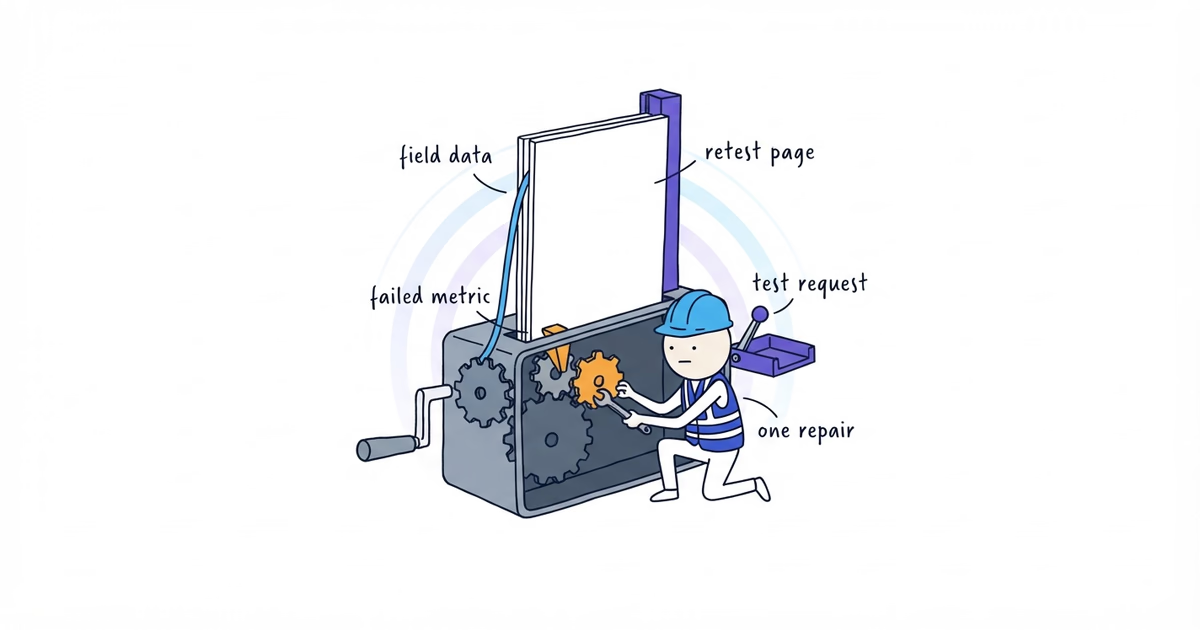
Aim to meet the current “good” Core Web Vitals thresholds at the 75th percentile, evaluated separately for mobile and desktop:
| Metric | Good threshold | What the customer experiences |
|---|---|---|
| Largest Contentful Paint (LCP) | 2.5 seconds or less | The main visible content appears promptly |
| Interaction to Next Paint (INP) | 200 milliseconds or less | The page responds promptly after an interaction |
| Cumulative Layout Shift (CLS) | 0.1 or less | Visible content stays in place while the page loads |
These web.dev thresholds do not guarantee rankings, leads, or conversion gains.
Last verified: August 13, 2026.
Do not target an overall Lighthouse score. Ask which important page fails for real visitors, which metric describes it, and why.
Create a Contractor Website Speed Test Record
Use one record per representative page:
Public URL and page type:
Device group: Mobile / Desktop
Field result: Pass / Fail / Not available
Field LCP, INP, and CLS:
Lab result and test date:
Failed metric:
Observed element or interaction:
Likely cause:
First repair:
Repair owner:
Customer action to retest:
Retest date and result:
Complete separate mobile and desktop records when field data is available. A score screenshot is not a diagnosis.
Choose Contractor Website Pages to Test
Gather public URLs, PageSpeed Insights access, a third-party script inventory, available original images and font settings, the deployment owner, a real phone, and a rollback method.
Step 1. Test Representative Contractor Website Pages
Test at least:
- the homepage;
- the highest-priority service page;
- the contact or service-request page;
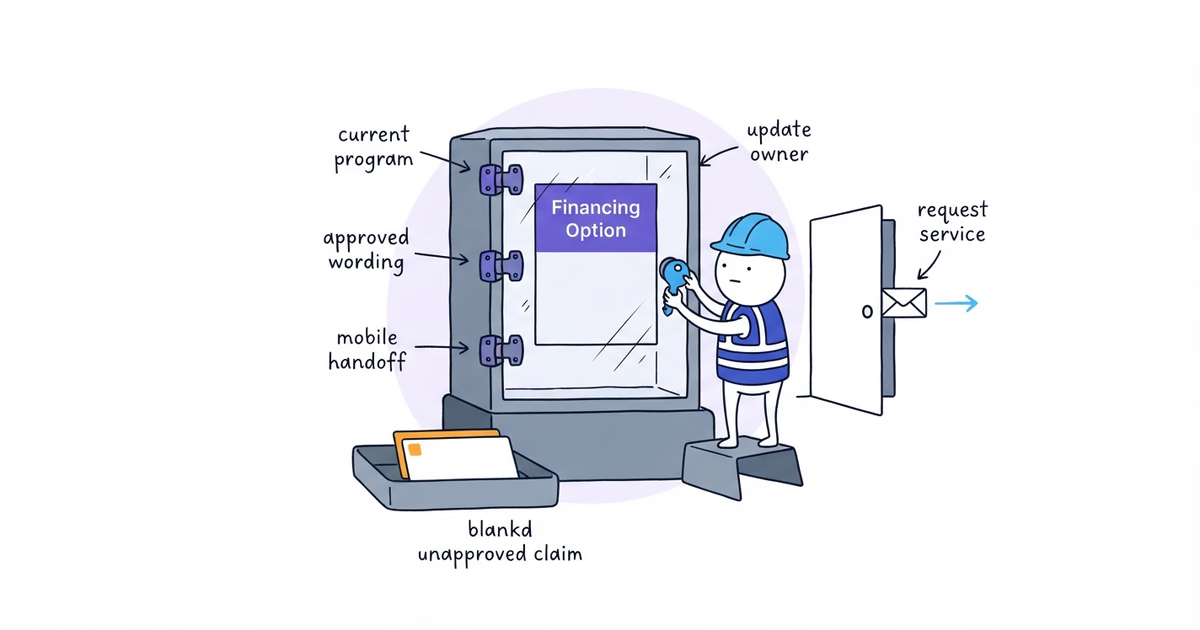
- a third-party booking, chat, financing, or other lead path when it adds a materially different loading pattern.
Use the final public URL after redirects. Start with mobile, but record desktop separately.
Choose different templates. Northside Plumbing should test its homepage, drain-clearing page, request page, and
[active lead-generating embed] rather than three similar service pages.
Step 2. Read Core Web Vitals Field Data Before Lab Results
Enter one public URL in PageSpeed Insights. Check whether it shows real-user field data for that URL or the site’s origin. Record the mobile and desktop Core Web Vitals assessment and each available metric value.
Keep the evidence types separate:
- Field data summarizes real visits across different devices, networks, page loads, and interactions. Current Web Vitals guidance uses the 75th percentile to assess whether the observed visits meet the thresholds.
- Lab data is a controlled test. Use it to reproduce likely problems and inspect repair opportunities. It does not prove that every customer experienced the simulated result.
If PageSpeed Insights has no field data for the page, write Field data not available. Use the lab diagnostics to start investigating and monitor field performance after release. Do not call the page fast because one lab run passed.
Repeat the lab test when results change sharply. Keep the URL, device category, date, and result together.
Step 3. Diagnose the Failed Core Web Vital
Use the failed metric to narrow the investigation. Do not respond to every recommendation at once.
If LCP Fails, Inspect the Main Visible Content
Inspect the largest contentful element identified by PageSpeed Insights. It may be the hero image or headline block.
Check:
- whether the image is oversized or lacks responsive variants;
- whether the image request starts late because of a background, script, or unnecessary loading behavior;
- whether the server response or cache is slow;
- whether styles, fonts, or client-side rendering delay visible content.
Do not automatically lazy-load an image that is expected in the first viewport and is responsible for LCP. Supporting images below the first viewport can load later; the primary visible asset needs to be discovered and delivered promptly.
Write the element and delivery problem in the worksheet. “Hero image requested after [script]” is useful; “site is
slow” is not.
If INP Fails, Reproduce the Delayed Interaction
Use the actual menu, form, booking, or chat control. Tap and type while watching for a delayed visual response.
Check:
- large JavaScript tasks or competing third-party scripts;
- a large client application on a simple page;
- expensive work on every keystroke or scroll;
- unnecessary work before the browser’s next frame.
Reduce, postpone, or divide unnecessary work, then repeat the same action. Do not remove necessary validation blindly.
If CLS Fails, Find the Space That Was Not Reserved
Load and use the page while watching which content moves. Check:
- media or embeds without reserved dimensions;
- widgets inserted above existing content;
- fonts, banners, errors, or animations that change layout after load.
Reserve the final footprint before content arrives. A shift that moves the phone number or submit button is a customer failure, not merely a score issue.
Step 4. Inventory Third-Party Website Code
Before compressing every local asset, create one record for each provider tool:
Script or widget:
Pages where it loads:
Customer task it supports:
Can it load only on those pages, later, or on request?
Is another tool doing the same job?
Owner:
Decision: Keep / Change / Remove
This measures the tool’s cost; it does not decide whether Northside should offer that channel.
Step 5. Make One High-Impact Website Speed Repair
Choose the repair most directly tied to the failed metric and important customer path.
Examples:
- LCP: resize and deliver the identified hero image correctly, or reduce the server delay that holds the main content back;
- INP: postpone an unnecessary third-party script, reduce a long interaction task, or avoid loading a large app on a simple page;
- CLS: reserve dimensions for the identified embed or stop inserting a banner above the action after load.
Do not change the host, image pipeline, fonts, chat, analytics, and page design in one release. You will not know which change helped or broke the request path.
What the business owner can do
The owner can:
- choose the representative URLs;
- save the field and lab results with the test date;
- record the LCP element, delayed interaction, or shifting component;
- identify third-party tools with no current customer job;
- assign one repair and protect unrelated parts of the page;
- repeat the customer action and verify team receipt.
What to send the developer
Turn the diagnosis into a bounded repair ticket:
Page and device group: [public URL], [mobile/desktop]
Field evidence: [metric/result or not available]
Lab evidence and date: [metric/result/date]
Observed failure: [specific element or interaction]
Requested repair: [one change tied to the failed metric]
Do not change in this ticket: [unrelated systems or design]
Customer acceptance test: [call/form/booking/menu action]
Team acceptance result: [expected system receipt]
Rollback method: [method]
Owner and target date: [role/date]
Avoid a ticket titled Make the website faster. Give the developer the failed page, evidence, component, and acceptance test.
Step 6. Rerun the Metric and the Customer Action
After deployment:
- confirm the public URL contains the change;
- repeat the lab test and later review available field data;
- open the page signed out on the same phone;
- use the repaired interaction and complete the affected call, request, or booking path;
- verify the test reaches
[system]; - check that no other metric or task regressed.
Passing a speed test while breaking the form is not an improvement. Neither is a faster incorrect hero image.
If the current site still cannot deliver its main page and customer action reliably after a bounded repair, our free website setup can replace it with a simpler website built around working service and contact paths.
See a Completed Diagnosis
This hypothetical example shows the finished output; it is not a real Northside measurement:
Public URL and page type: Northside homepage
Device group: Mobile
Field result: Not available
Lab result and date: LCP 4.1 seconds, August 13
Failed metric: LCP
Observed element: First-viewport hero image
Likely cause: The image request begins after a homepage script
First repair: Make the hero image discoverable without waiting for that script
Repair owner: Website developer
Customer action to retest: Identify drain clearing, tap Request service, and submit the test form
Retest result: Lab LCP 2.2 seconds; test form reached the test inbox; no new CLS or interaction failure
Field follow-up: Pending because field data is not yet available
Northside still needs separate records for its real homepage, drain-clearing page, request path, and active embed. If the metrics pass but the customer action fails, repair the action. Core Web Vitals do not replace a working path.
Contractor Website Speed Checklist
The first performance pass is complete when:
- representative lead-generating page types were tested;
- mobile and desktop results remain separate;
- field and lab evidence are labeled correctly;
- each failed metric has a named likely cause;
- third-party scripts have a purpose, loading scope, owner, and decision;
- one high-impact repair was deployed and can be rolled back;
- the same metric was retested;
- the customer can still complete the relevant action on a real phone;
- the test inquiry reaches the intended team system;
- continued field monitoring has an owner where data is missing or still needs time.
Stop the first repair cycle when the important pages meet the current field thresholds or the largest verified problem has been repaired and monitoring is assigned. Then work through the next failed row. Do not chase a perfect overall score after the customer path and Core Web Vitals already pass.
Frequently Asked Questions About Contractor Website Speed
How often should I test my contractor website’s speed?
Retest the affected pages after changing images, fonts, hosting, page templates, analytics, or third-party widgets. Also review field data on a schedule the team can maintain and investigate when customers report delay or an important page changes unexpectedly.
Should I remove analytics or call tracking to make my contractor website faster?
Do not remove a necessary measurement tool from every page without testing its actual cost and business purpose. Identify the failed metric, limit unnecessary or duplicate scripts, change one implementation at a time, and confirm that both the metric and the customer path still work.
Sources
- contractor-website
- website-speed
- core-web-vitals
- pagespeed-insights
- contractor