







Create an account
Sign up, add your company details, and list the jobs you want to track. Your account is ready in minutes.
Efficient setup, intuitive use, customizable options, and 24/7 support for seamless time tracking.
98% less
manual data entry work
89% fewer
errors in timesheet reporting
47% less
time spent on administrative tasks
EASILY MANAGE THE DAILY WORK
Teams track time in ShiftFlow to understand when work happens, how shifts actually run, and how hours flow into payroll, scheduling, and labor costs.
Time tracking is not just about recording hours, but about keeping the entire workforce timeline accurate and connected.
START MY 14-DAY FREE TRIAL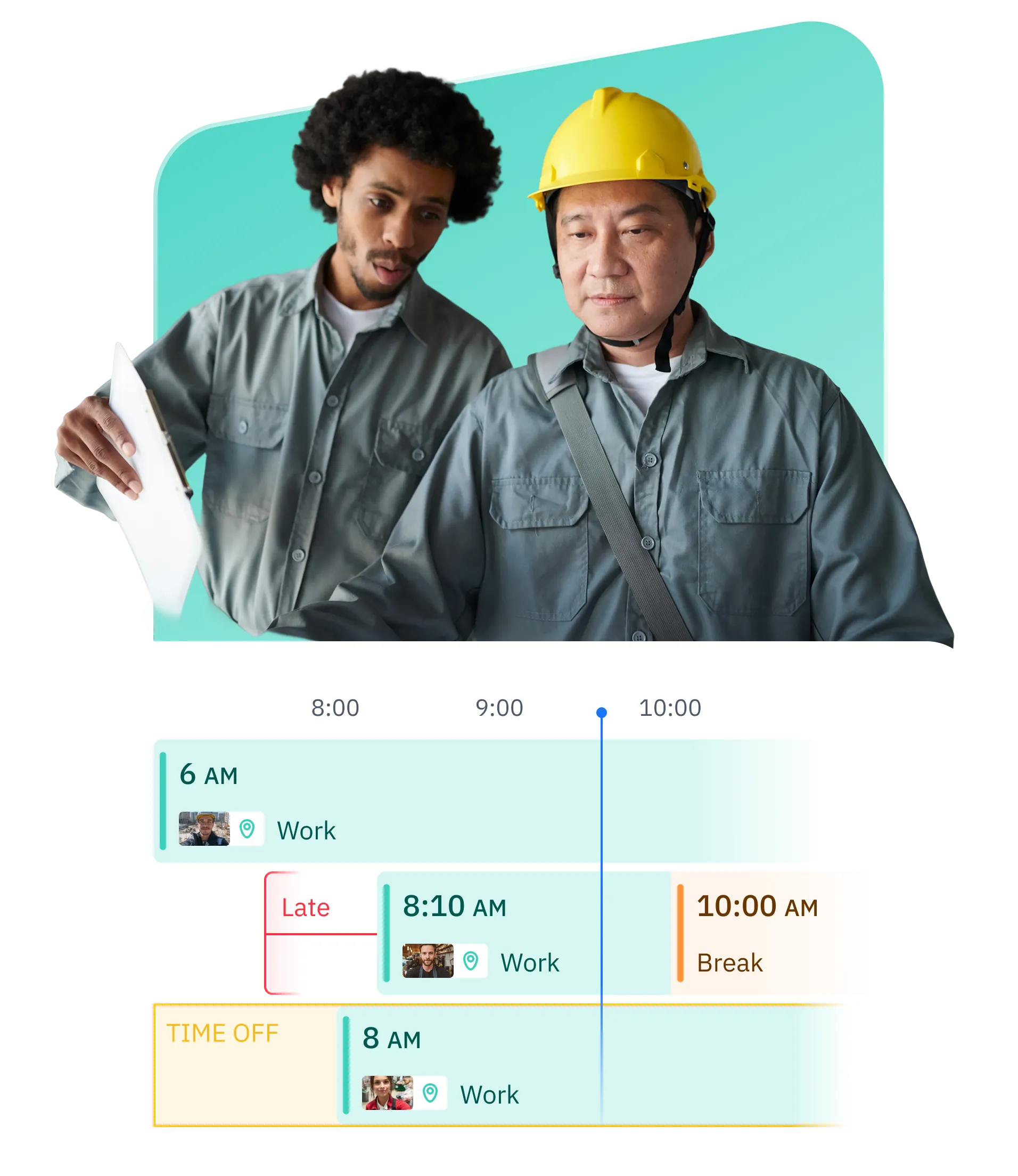
Teams track work hours as they happen across shifts, job sites, and locations. Real time tracking reduces missed punches and creates a reliable timeline of actual work, even when schedules change.
Tracked hours are automatically organized into payroll ready timesheets. Clean time data reduces payroll adjustments, supports overtime rules, and keeps pay runs predictable.
ShiftFlow standardizes how time is recorded across roles and teams. Consistent time records make approvals, reporting, audits, and labor cost analysis easier to manage.
Clear time records mean fewer questions, fewer reminders, and less manual cleanup before payroll. Issues are visible early instead of appearing at the last minute.
Track time across rotating shifts, split schedules, and non standard workdays. ShiftFlow adapts to how your workforce actually works instead of forcing fixed patterns.
Track billable hours alongside internal work time. Clear time records make it easier to support client billing and external reporting without manual reconciliation.
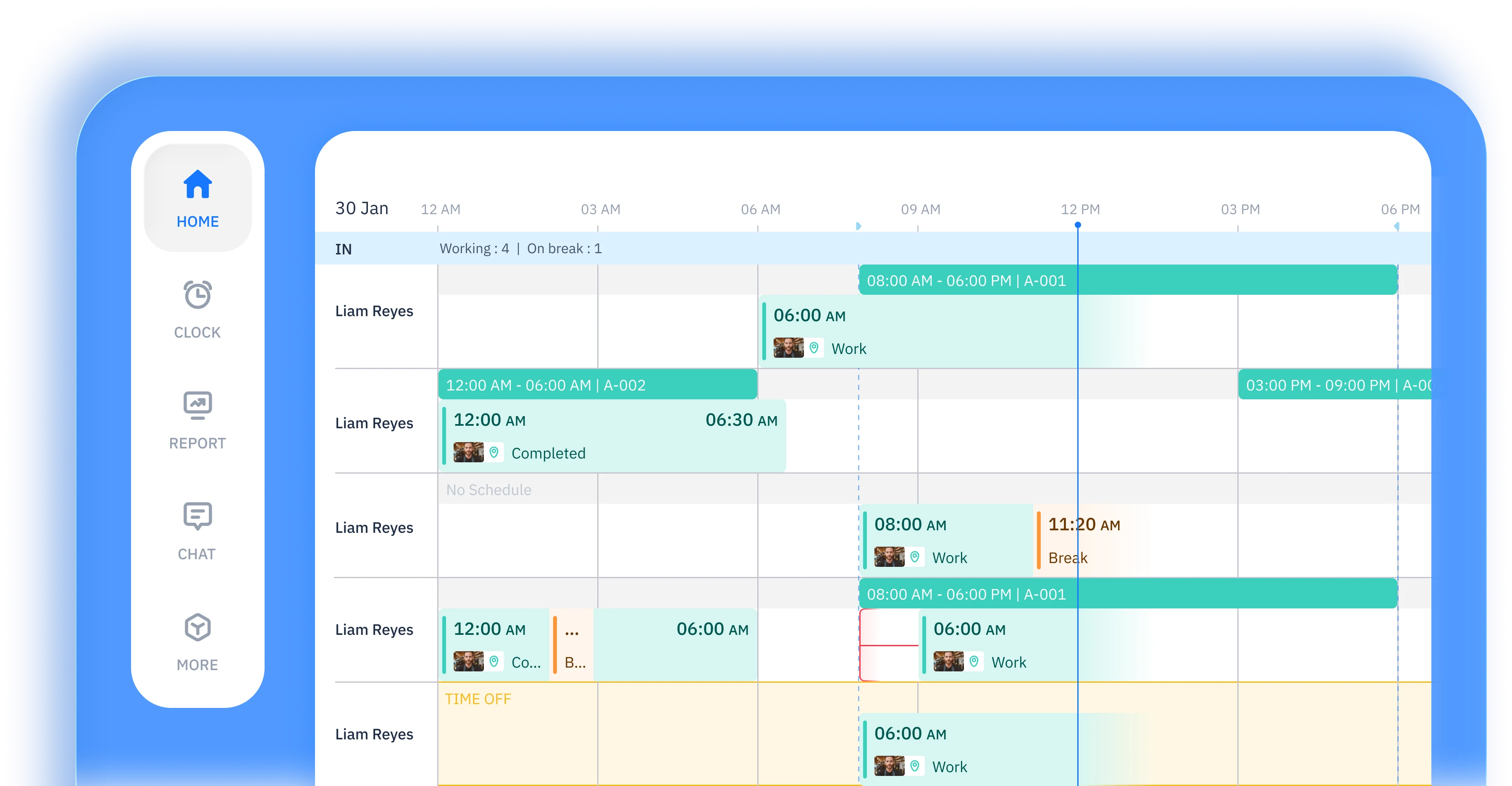
Work hours are captured automatically in the background as work happens. Time is recorded consistently across tasks, shifts, and workdays without relying on manual timers or memory.
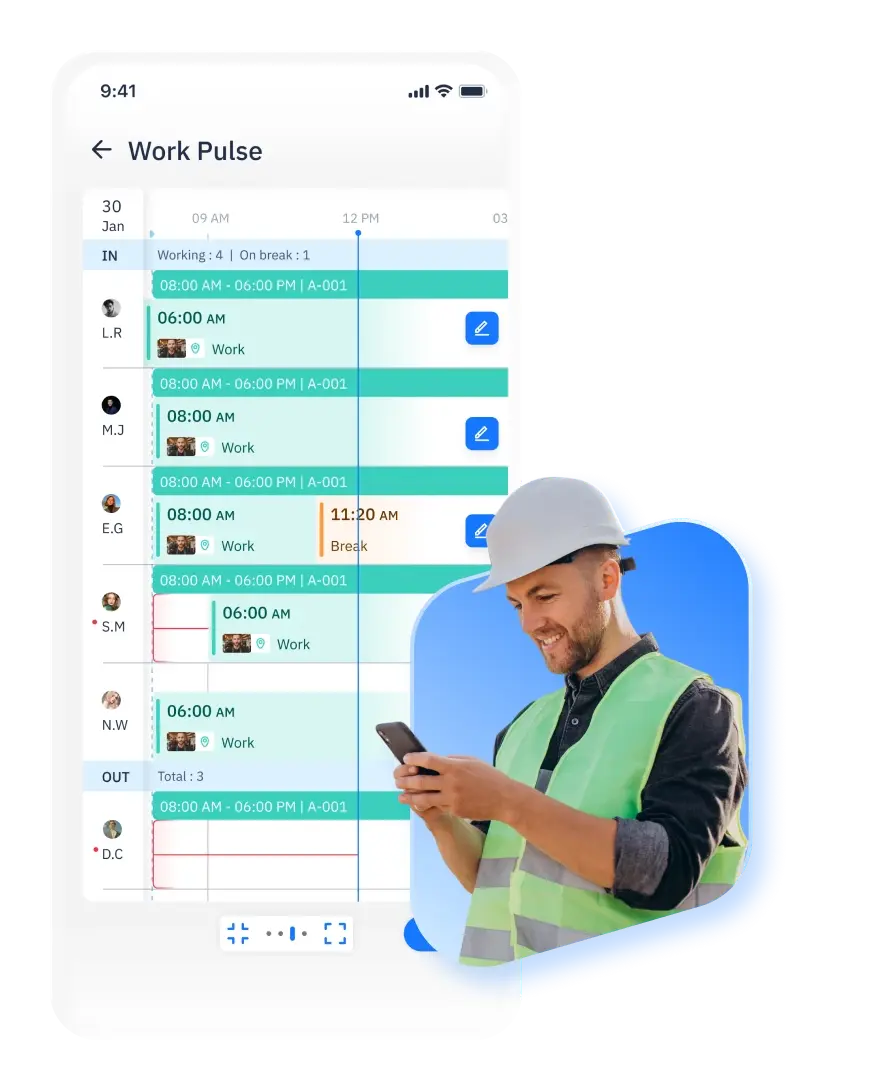
Tracked time appears in a clear timeline before submission. Entries can be adjusted to reflect how work actually happened, keeping records accurate without disrupting daily work.
Tracked time is organized into structured timesheets ready for review and approval. Once submitted, records remain consistent and reliable for payroll and reporting.
Time entries are checked against defined rules based on schedules, roles, or locations. Missing or inconsistent time is flagged early, helping teams maintain accurate records before approval.
Time tracking is designed with clear boundaries. Only confirmed time entries are shared, while private activity remains private. No screen recording, keystroke logging, or invasive monitoring is involved.
Work hours are tracked in the context of schedules and shifts. Time stays aligned with planned work, making reviews, validations, and downstream processes like timesheets and payroll more reliable.
works for you
From GPS tracking to automated timesheets,
we capture every work hour accurately and effortlessly
 START FOR FREE
Field teams, local businesses, and in-office teams use ShiftFlow to track work hours across changing schedules and locations. ShiftFlow is commonly used by businesses where work happens on job sites, on the move, or across multiple locations.

Clock in and out with one tap
Manually add or adjust time
Automatically track break time
Track hours by shift
Require clock-ins at specific locations
Review recorded work hours
Edit and correct time entries
Generate employee timesheets
Automatically clock out at shift end


Employer Choice
App of the Year
for 2025

Liam Reyes
Project Manager
ShiftFlow is the first time management tool we've used, and so far we love it! The best management tool!
Joe Chapman
Operations Director
ShiftFlow keeps our foremen and project managers aligned. We finally see who is on-site, who wrapped early, and how much each phase truly costs.
Emily Garcia
Site Supervisor
We tried various time tracking apps, but nothing is as easy as ShiftFlow. Very suitable for our team!!
SETUP IS EASY IN MINUTES
Sign up, add your company details, and list the jobs you want to track. Your account is ready in minutes.

Share the invite code from "More → Team Members". Team members follow guided instructions to download the app and join the right projects.

Once they join, team members tap "Clock In" on arrival. You get real-time visibility into every site and shift.
Sign up now to start a 14-day free trial and get your full crew on board

Explore time tracking methods, learn how to calculate billable hours, and find the right approach for your team.
Six time tracking methods compared — from paper timesheets to GPS-verified apps — with a decision framework for choosing.
How to set up time tracking that improves utilization, simplifies invoicing, and gives you real visibility into project profitability.
Billable hours formulas, utilization benchmarks by role, and a system for capturing more revenue.
How distributed teams track hours across time zones without micromanagement or surveillance.
The hidden costs of manual tracking and a step-by-step plan to switch to automated timesheets.
How automated timesheets work — from clock-in data to payroll-ready exports with approval workflows.
FAQ
Explore how-to articles and walkthrough designed to keep your team moving
Time tracking software helps teams understand how work hours are spent across days, projects, and shifts. For most teams, it's used to keep time records accurate, support payroll and reporting, and reduce the need for manual corrections.
ShiftFlow captures work activity in the background and turns it into a timeline you can review. Instead of starting and stopping timers, time is recorded as work happens, and only the entries you confirm become part of your timesheet.
No. ShiftFlow is designed for situations where timers are easy to forget. Time is captured automatically during the day, so you can review and adjust entries later instead of managing timers while you work.

No. ShiftFlow does not record screens, keystrokes, or mouse activity. It focuses on tracking time, not monitoring people. Employees control what becomes a time entry, and private activity stays private.
Yes. Teams can review and correct missed or incorrect time entries before approval. This helps keep timesheets accurate without breaking payroll workflows or starting over.
Yes. ShiftFlow is commonly used by field teams and local businesses where work happens across locations, job sites, or changing schedules. Automatic time tracking helps capture hours consistently, even when workdays aren't predictable.
Missed time happens. ShiftFlow allows teams to review timelines and fill in gaps before timesheets are finalized, so records stay accurate without relying on memory alone.
ShiftFlow supports exporting time data for payroll, reporting, and other systems. Teams can export timesheets or sync time data to reduce manual work and speed up payroll processes.