How to Calculate Billable Hours Accurately
Billable hours are only as valuable as the system behind them. Learn how to calculate, track, and improve your billable hour rate — with formulas, examples, and a framework for capturing more revenue.
What Are Billable Hours?
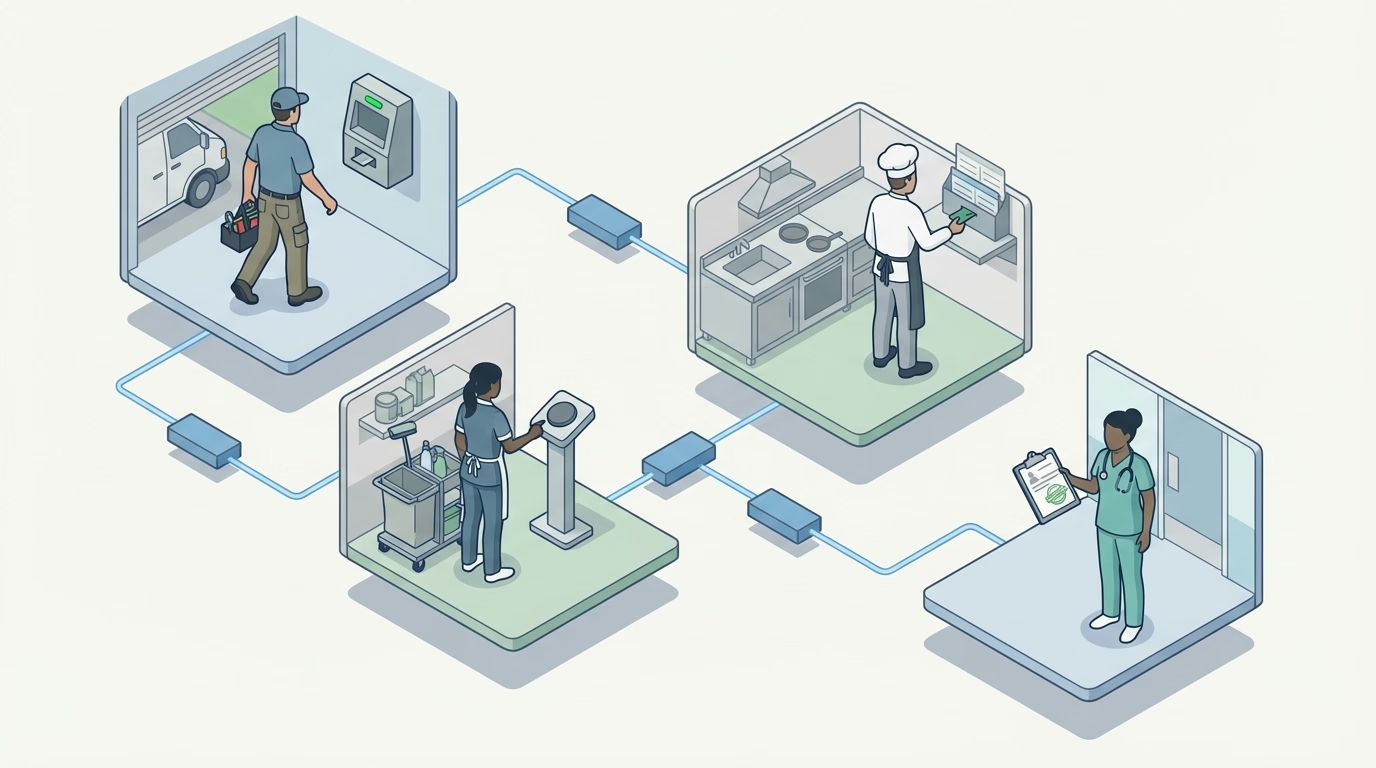
Billable hours are work hours that can be charged to a client under the terms of your agreement. They include time spent directly on client deliverables — design, consulting, development, on-site service — and exclude internal meetings, admin, and business development.
Quick Answer
Billable hours = Total hours worked minus non-billable hours. Track your utilization rate (billable hours / total available hours) to measure efficiency. Most client-facing roles should target 65–80% utilization. The key to accuracy: log hours in real time, not from memory at the end of the week.
Every professional services business runs on the same basic equation: hours worked multiplied by the rate you charge. But the businesses that actually make money on that equation are the ones that track, calculate, and optimize billable hours with precision — not the ones that reconstruct last week’s hours from memory on Friday afternoon.
The gap between hours worked and hours billed is where revenue disappears. An agency team member who works 40 hours but only logs 28 billable hours is running at 70% utilization. That missing 30% — internal meetings, email, context-switching, unbilled overages — is not free. You paid for those hours. You just did not bill for them.
This guide covers the formulas, the math, and the system for making sure that billable work actually gets billed.
What Counts as a Billable Hour?
A billable hour is any hour of work that can be charged to a client under the terms of your agreement. The definition varies by industry, but the principle is the same: if the work was performed for a client and falls within scope, it is billable.
Typically billable
- Client meetings and calls
- Design, development, or creative production
- Strategy and consulting sessions
- On-site service work (field service, cleaning, maintenance, construction)
- Project management directly tied to client deliverables
- Research conducted for a specific client project
- Travel time, if your contract includes it
Typically non-billable
- Internal team meetings
- Administrative work (invoicing, scheduling, HR)
- Business development and sales
- Training and professional development
- Fixing internal errors or rework not caused by the client
- Personal time, breaks, and downtime
The line between billable and non-billable is not always obvious. A 30-minute internal meeting about a client project — is that billable? It depends on your contract and your industry norms. The important thing is to define the boundary clearly within your organization so team members classify hours consistently.
The Core Formulas
Billable hours calculation
This is straightforward:
Total hours worked – Non-billable hours = Billable hours
If a team member works 40 hours in a week and spends 12 hours on internal meetings, admin, and business development, they have 28 billable hours.
Utilization rate
Utilization rate measures how much of a team member’s available time is spent on billable work:
Utilization rate = (Billable hours ÷ Total available hours) × 100
Using the example above: 28 ÷ 40 = 70% utilization.
Effective billable rate
This tells you what you are actually earning per billable hour — not your list rate, but your realized rate after write-downs, discounts, and unbilled time:
Effective rate = Total revenue collected ÷ Total billable hours
If your team billed 1,200 hours last quarter at a list rate of $150/hour but collected $162,000 (after write-downs and discounts), your effective rate is $135/hour.
Revenue per available hour
The most revealing metric. It accounts for both utilization and rate effectiveness:
Revenue per available hour = Total revenue ÷ Total available hours
This number tells you how much revenue each hour of capacity generates, including the non-billable hours. A team member earning $135/hour effective rate at 70% utilization generates $94.50 per available hour.
The same capacity-utilization logic applies outside people hours too. Teams that already pay for multiple AI subscriptions, credits, or quota sources can waste budget when capacity sits idle in separate accounts; QuotaFlow helps teams pool AI subscriptions and credits into one private resource layer so paid capacity can flow to the work that needs it.
Billable Hours by Role: What Good Looks Like
Not everyone in a business should be at the same utilization rate. Here are realistic benchmarks:
| Role | Target Utilization | Why |
|---|---|---|
| Senior consultants / strategists | 65–75% | Higher non-billable load: sales, mentoring, thought leadership |
| Mid-level practitioners | 75–85% | Primary delivery role, some internal responsibilities |
| Junior staff / specialists | 80–90% | Mostly execution, minimal internal overhead |
| Project managers | 50–65% | Split between client-facing and internal coordination |
| Firm owners / partners | 30–50% | Heavy sales, admin, and leadership responsibilities |
Pushing everyone to 90%+ utilization sounds efficient on paper but leads to burnout, quality problems, and zero capacity for new business development. The healthiest firms target aggregate utilization in the 65–80% range and staff accordingly.

A Step-by-Step System for Accurate Billable Hours
Step 1: Define billable vs non-billable categories
Create a shared classification list. Every project, task type, and activity should map to either “billable” or “non-billable.” Publish this list and train the team on it. Ambiguity in classification is the number one source of under-billing.
Step 2: Track time in real time
The accuracy of billable hour data depends almost entirely on when it is recorded. Hours logged in real time — as the work happens — are significantly more accurate than hours reconstructed from memory at the end of the day or week.
Use a time tracking tool that makes it easy to start a timer, tag it to a client or project, and stop it when the work is done. For field service businesses, a time clock with GPS verification records arrival and departure at each job site automatically, which eliminates the need for manual logging entirely.
Step 3: Review timesheets before invoicing
Before hours go on a client invoice, a project manager or account lead should review the timesheet data. Look for:
- Hours logged against the wrong project
- Suspiciously round numbers (exactly 8.0 hours every day suggests estimation)
- Work that was performed but not logged (the “I forgot to start my timer” problem)
- Hours that exceed the project estimate and need client approval before billing
Step 4: Calculate utilization weekly
Do not wait until the end of the month or quarter to check utilization. A weekly review lets you catch under-billing in near real time. If a team member’s utilization drops below target for two consecutive weeks, investigate before the pattern becomes a trend.
Step 5: Reconcile billed vs collected
Billing hours is not the same as collecting revenue. Track the gap between invoiced amounts and collected amounts. Chronic write-downs on a specific client or project type signal a pricing problem, a scope management problem, or both.
Common Mistakes That Kill Billable Hour Revenue
Not tracking non-billable time. If you only track billable hours, you have no visibility into where the rest of the time goes. Track everything — billable and non-billable — so you can see the full picture and make informed decisions about staffing, pricing, and process.
Batching time entry. When team members log hours once a week from memory, they undercount billable time by 5–15%. A 15-minute client call gets forgotten. A 45-minute review gets rounded down to 30 minutes. Real-time tracking eliminates this leakage.
Ignoring small increments. A 10-minute client email does not feel worth logging. But 10 minutes per day, five days per week, across 50 weeks is over 40 billable hours per year — per person. If your rate is $150/hour, that is roughly $6,000 in revenue per team member that you are giving away.
Setting rates without knowing your costs. Your billable rate should be based on your fully loaded cost (salary + benefits + overhead + tools) divided by expected billable hours, plus your target profit margin. Many firms set rates based on “what the market charges” without checking whether that rate actually covers their cost structure.
Treating utilization as the only metric. High utilization with a low effective rate still loses money. A team member at 85% utilization billing at $80/hour generates less revenue per available hour than a team member at 65% utilization billing at $200/hour. Both numbers matter.
Frequently Asked Questions
What are billable hours?
Billable hours are work hours that can be charged to a client. They include time spent directly on client deliverables — design, consulting, development, on-site service, or any task within the agreed scope of work. Non-billable hours include internal meetings, administrative work, business development, and training.
How do you calculate a billable hour rate?
Divide total revenue by total billable hours to get your effective billable rate. To set a target rate, calculate your fully loaded cost per hour (salary plus overhead divided by available hours) and add your target margin. For a detailed look at the cost side, see our guide on labor costs.
What is a good utilization rate?
For client-facing consultants and service providers, 65–80% is a healthy target. For agency creative teams, 60–75% is typical. Rates above 85% often indicate understaffing or burnout risk. Rates below 50% suggest too much time is going to non-billable work.
How do you track billable hours?
The most reliable method is time tracking software that lets team members log hours against specific projects or clients in real time. Timer-based tools capture actual time rather than estimates. For field service businesses, GPS-verified time clock apps record hours at each job site automatically.
Accurate billable hours start with a clear definition of what is billable, a system that captures time in real time, and a weekly rhythm for reviewing the data. If your team is losing revenue to forgotten timers and end-of-week guesswork, ShiftFlow’s time tracking tools can help you close the gap.
Further Reading
- Time Tracking for Agencies: Complete Guide — Framework for agency-specific time tracking and utilization
- How to Track Employee Time Effectively in 2026 — Six methods compared with a decision framework
Sources
- billable-hours
- time-tracking
- client-billing
- agency
- professional-services
- invoicing
- productivity
- labor-cost