Employee Profile Setup: Essential Fields & Best Practices (2026)
An employee profile is a digital record of employee information in HR systems. Learn what data is included, how profiles support HR processes, privacy protections, and how to keep your profile accurate and up to date.
You’re working a double shift. Your manager calls: “I’m sending you home—we’re overstaffed.” You’re confused. You check the schedule. Your name isn’t even on it today.
The problem? Your employee profile has the wrong availability. Or the wrong manager. Or outdated certifications. Or an old address so your W-2 got mailed to your previous apartment.
One wrong field in your employee profile can cost you hours, paychecks, emergency contact failures, or missed opportunities. Yet most employees never check it until something goes wrong.
Your employee profile isn’t just data—it’s how the company sees you. It determines what shifts you’re offered, whether you’re considered for promotions, if your emergency contact can be reached, and whether your paycheck goes to the right place.
Here’s how to keep your profile accurate—and why it matters more than you think.
What Is an Employee Profile?
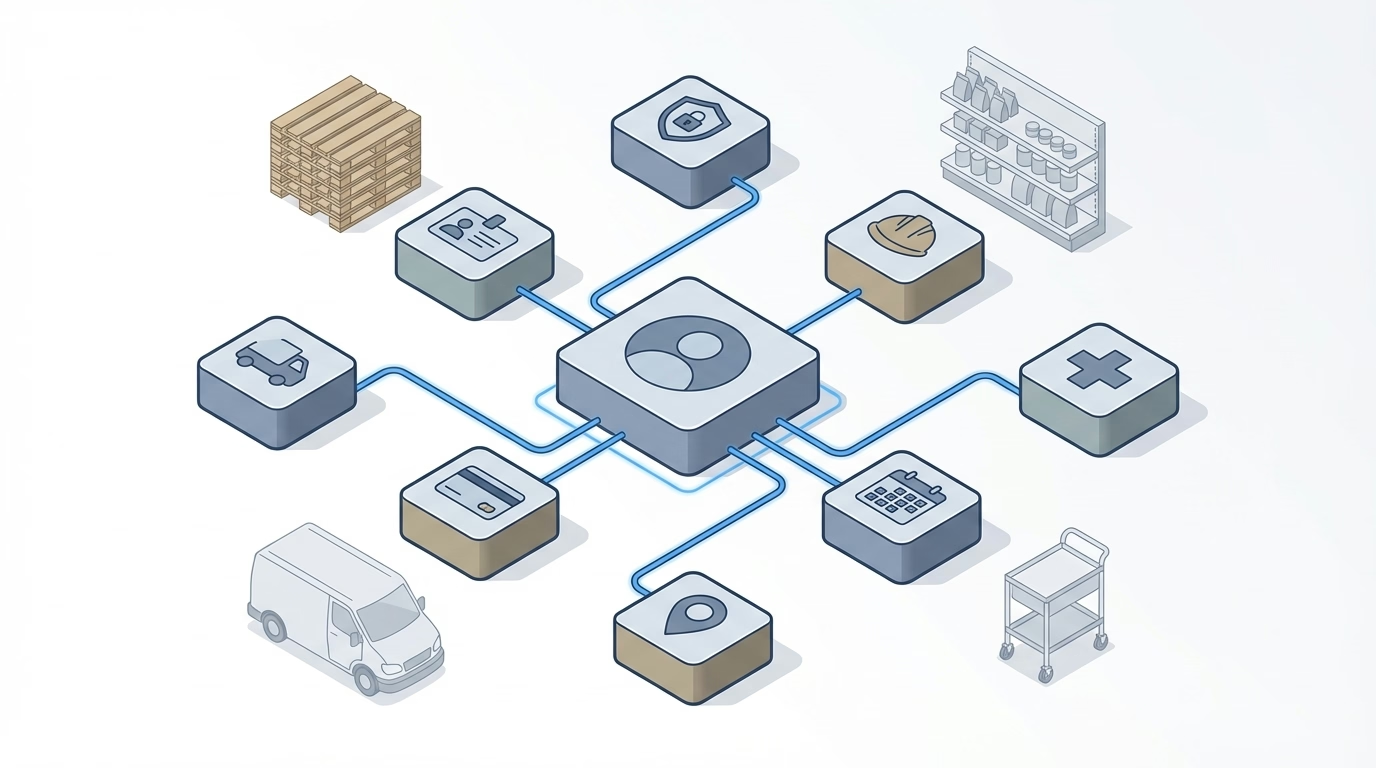
An employee profile is a digital record in an HR information system (HRIS) or workforce management platform that contains key information about an employee. It includes personal details, employment information, job role, compensation, skills, and other data used to support HR processes, payroll, scheduling, and team management.
Employee profiles serve as the central source of truth for employee information, making it easy for HR, managers, and sometimes team members themselves to access and update relevant data.
💡 Quick Answer
An employee profile is your digital record in the company’s HR or workforce system. It contains your contact info, job title, department, pay, skills, and other details used for scheduling, payroll, and management.
⚠️ What Happens When Your Profile Is Wrong
Wrong address: W-2s, paychecks, or benefits info go to old address Wrong emergency contact: No one reaches your family in a real emergency Outdated skills/certs: You’re passed over for shifts requiring those skills Wrong availability: Scheduled when you can’t work, or not scheduled when you can Old phone/email: Miss important schedule changes or company updates
Fix it now. Don’t wait for something to go wrong.
Essential Employee Profile Fields
✅ Profile Health Checklist (Do This Quarterly)
Critical Fields (Check Every 3 Months):
- ☐ Current address (for W-2s, benefits mail)
- ☐ Emergency contact info is accurate
- ☐ Phone number and email are current
- ☐ Availability/schedule preferences are up to date
- ☐ Banking info for direct deposit is correct
Important Fields (Check Every 6 Months):
- ☐ Skills and certifications haven’t expired
- ☐ Job title reflects current role
- ☐ Manager assignment is correct
- ☐ Time-off balances match your records
Nice-to-Have (Update as Needed):
- ☐ Profile photo is recent
- ☐ Preferred pronouns are listed
- ☐ Education/training history is current
Required fields for most HR systems:
- Personal info: Name, employee ID, contact details, emergency contact
- Employment: Job title, department, manager, start date, employment type
- Compensation: Pay rate, pay schedule
- Schedule: Standard hours, location (office/remote)
Recommended fields:
- Skills and certifications (for assignments and compliance)
- Photo (for badges and directories)
- Time-off balances
Optional fields (add based on needs):
- Performance ratings and goals
- Training history
- System access levels
How Is an Employee Profile Used?
HR Administration
- Maintain accurate employee records
- Process new hires, promotions, transfers, and terminations
- Track employment history and changes
Payroll Processing
- Calculate pay based on salary, hours worked, and deductions
- Verify employee information for tax and benefits purposes
- Process bonuses, commissions, and reimbursements
Scheduling and Shift Management
- Assign shifts based on availability, skills, and preferences
- Ensure proper coverage by role or certification
- Communicate schedule changes to team members
ShiftFlow’s platform uses employee profiles for accurate time tracking and shift management, ensuring the right people are scheduled at the right times.
Benefits Administration
- Enroll employees in health, dental, retirement, and other benefit plans
- Track eligibility and enrollment periods
- Manage life changes (marriage, new dependents, etc.)
Performance Management
- Track goals, reviews, and development activities
- Support employee evaluations
- Plan training and skill development
Internal Communication
- Provide employee directories for team members to find colleagues
- Display organizational charts and reporting structures
- Share contact information for collaboration
Compliance and Reporting
- Track certifications, licenses, and training expirations
- Ensure compliance with labor laws (overtime, breaks, working hours)
- Generate reports for audits or regulatory requirements
Talent Management
- Identify skills and qualifications for internal promotions or lateral moves
- Support succession planning
- Match employees with projects or opportunities
Who Can Access My Employee Profile?
Access depends on the organization’s policies and the specific system, but typically:
HR and Payroll Staff
Full access to all profile information to support administration, compliance, and payroll.
Managers and Supervisors
Access to relevant information for direct reports:
- Contact information
- Job details
- Schedule and availability
- Performance records
- Skills and certifications (for task assignment)
Managers usually cannot view sensitive data like salary (unless authorized) or medical information.
Employees (Self-Service)
Most systems allow employees to view and update certain parts of their own profile:
- Can typically update: Address, phone number, emergency contacts, personal details
- View-only: Job title, pay, employment dates, benefits enrollment
- Cannot change: System-managed fields like employee ID, department, or manager
Coworkers (Limited)
Some organizations share basic profile information in internal directories:
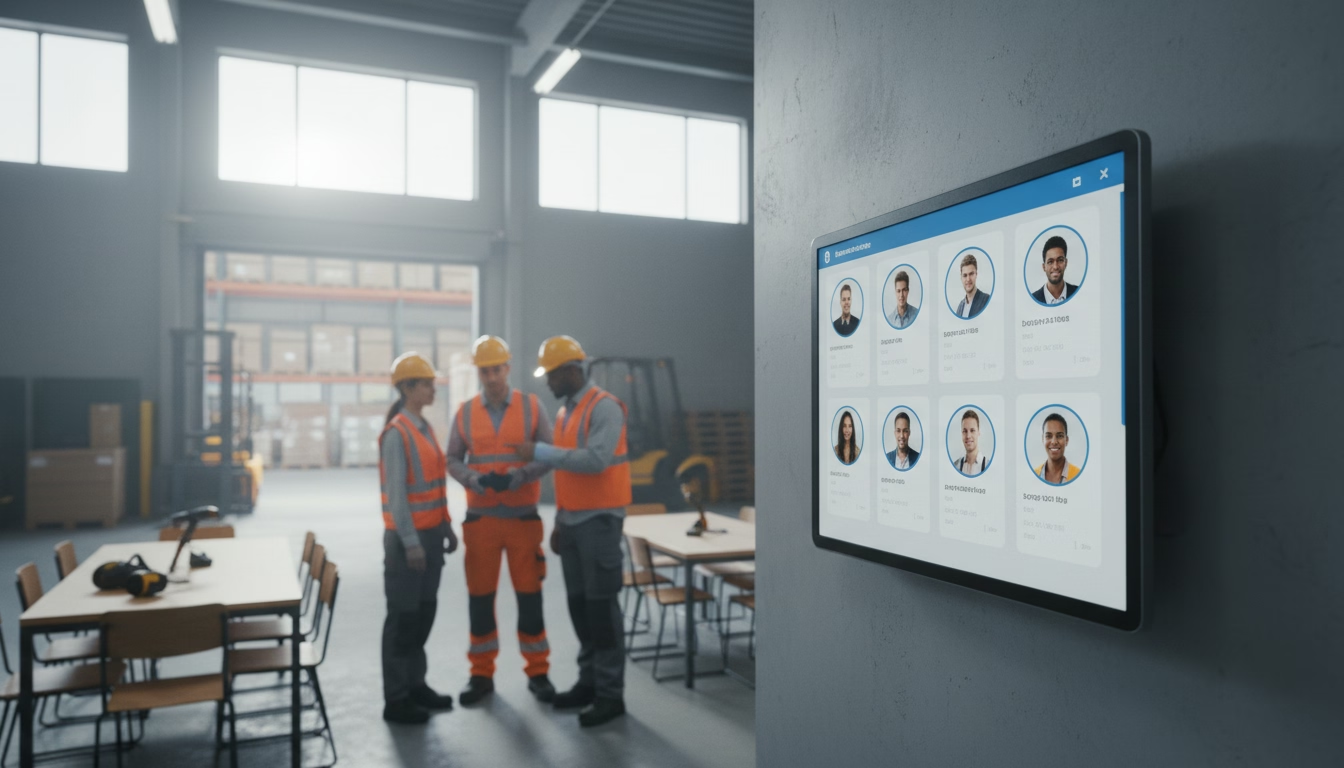
- Name, photo, job title, department
- Work email and phone number
Sensitive information (pay, personal contact info, performance records) is not shared with coworkers.
How Do I Update My Employee Profile?
Step 1: Log In to Your HR System
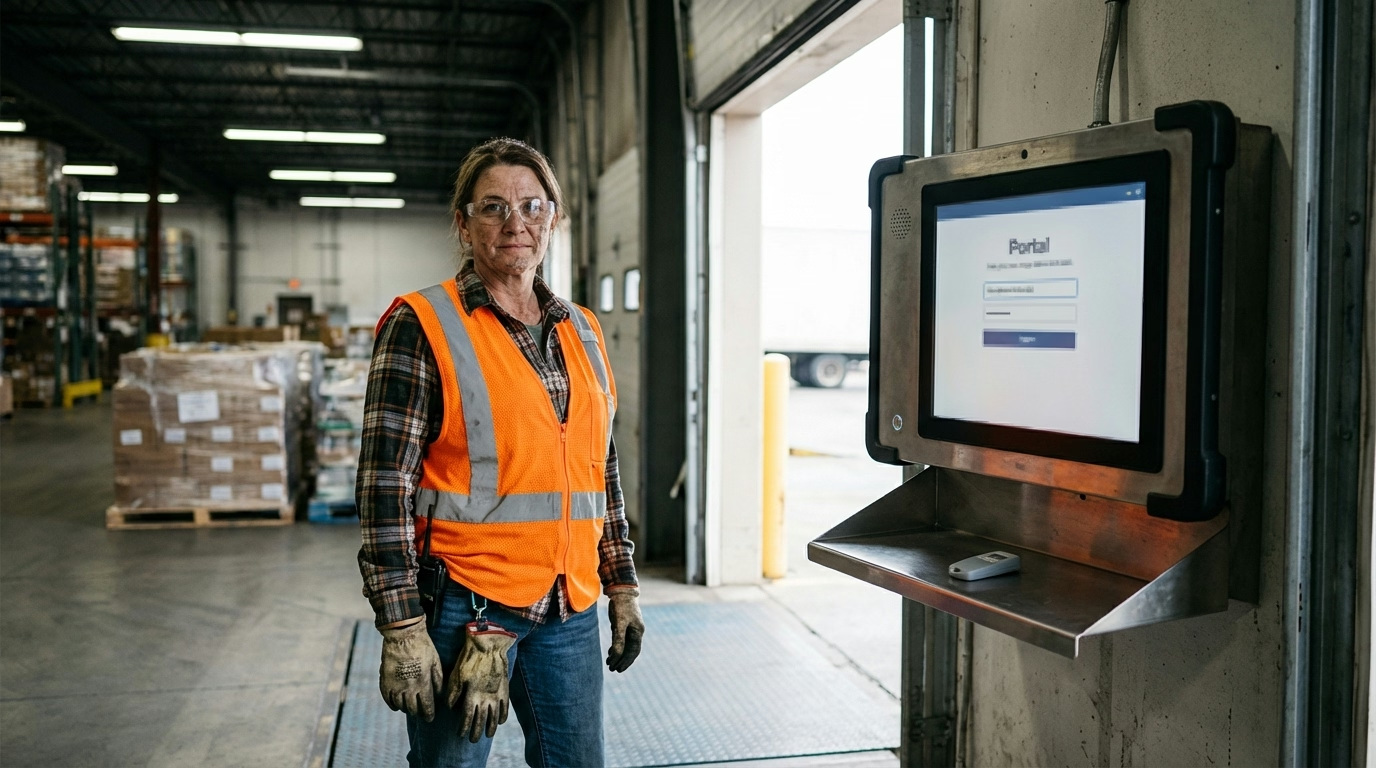
Most companies provide a self-service employee portal or app where you can access your profile.
Common platforms: BambooHR, Workday, ADP, Gusto, Paychex, ShiftFlow
Step 2: Navigate to Your Profile
Look for sections labeled:
- “My Profile”
- “Personal Information”
- “Employee Information”
- “Settings”
Step 3: Update Editable Fields
Common fields you can update yourself:
- Home address
- Phone number
- Email (personal)
- Emergency contacts
- Profile photo
- Password or login credentials
Step 4: Submit Changes
Some systems save changes automatically; others require you to submit or request approval from HR.
Step 5: Contact HR for Restricted Fields
For changes to:
- Job title or department
- Pay rate or compensation
- Benefits enrollment (outside open enrollment)
- Employment status
Submit a request to HR or your manager.
Why Is Keeping Your Profile Accurate Important?
Payroll and Tax Accuracy
Incorrect information can lead to:
- Pay sent to the wrong account or address
- Tax forms (W-2) mailed to an old address
- Missed deductions or incorrect withholding
Emergency Situations
In case of workplace injury or emergency, accurate emergency contact information ensures the right people are notified quickly.
Scheduling and Communication
Outdated phone numbers or email addresses can cause you to miss:
- Shift assignments or schedule changes
- Company announcements
- Time-sensitive communications from your manager
Benefits and Compliance
Accurate profile data ensures:
- Benefits are processed correctly
- Required training or certifications are tracked
- You receive time-off balances and approvals accurately
Career Development
Up-to-date skills and certifications help you be considered for:
- New projects or responsibilities
- Promotions or lateral moves
- Training opportunities
What Are My Privacy Rights?
Data Privacy Laws
Depending on your location, various laws protect employee data privacy:
U.S. laws:
- Some states have employee data privacy protections
- HIPAA protects medical information
- Federal laws regulate collection and use of Social Security numbers and background check data
International laws:
- GDPR (Europe): Strict data privacy protections, including rights to access, correct, and delete data
- CCPA (California): Provides access, correction, and deletion rights for California employees
Employer Obligations
Employers should:
- Limit access to employee profiles to authorized personnel
- Store data securely (encrypted systems, secure servers)
- Not share employee information with third parties without consent or legal requirement
- Provide a way for employees to access and correct their information
Your Rights
You generally have the right to:
- Access your employee profile and personnel records
- Correct inaccurate information
- Understand how your data is used and who has access
- Opt out of non-essential data sharing (such as for internal directories, depending on company policy)
Employee Profiles vs. Personnel Files
Employee profile: Digital record in an HR system used for day-to-day operations (scheduling, payroll, communication)
Personnel file: Physical or digital file containing formal documents (application, performance reviews, disciplinary actions, signed agreements)
Key difference: An employee profile is dynamic and operational; a personnel file is archival and legal.
Many organizations now store both in integrated digital systems, but they serve different purposes.
What’s the Bottom Line?
An employee profile is a digital record in an HR or workforce system containing key employee information—personal details, job role, compensation, skills, and contact information—used to support HR processes, payroll, scheduling, and team management.
Key points:
- Profiles centralize employee information for efficient administration and communication
- Access is typically limited to HR, managers, and the employee themselves (for self-service updates)
- Employees can usually update personal details like address, phone, and emergency contacts
- Keeping your profile accurate ensures correct pay, communication, scheduling, and benefits
- Privacy laws and company policies regulate how employee data is collected, used, and shared
Maintaining an accurate, up-to-date employee profile benefits both you and your employer by ensuring smooth operations and clear communication.
Looking for a workforce management platform with intuitive employee profiles? ShiftFlow’s workforce insights keep employee information organized, time tracking ensures accuracy, and GPS verification provides location accountability.
Sources
- Society for Human Resource Management – HR Resources
- U.S. Department of Labor – Workplace Data Privacy
- International Association of Privacy Professionals – Privacy Resources
Further Reading
- Employee ID – Understanding employee identification numbers
- Personnel Files – What’s in your personnel file
- Employee Records – Employment documentation and your rights
Frequently Asked Questions
What is an employee profile?
An employee profile is a digital record in an HR system containing employee information such as name, contact details, job title, department, employment dates, skills, compensation, and other data used for HR processes, payroll, and workforce management.
What information is in an employee profile?
Employee profiles typically include personal information (name, address, contact details), employment details (job title, department, start date), compensation, emergency contacts, skills and certifications, and sometimes photos or work history.
How do I update my employee profile?
Most HR systems allow employees to log in and update certain fields like contact information, address, emergency contacts, or personal details. Other fields (job title, pay, department) can only be changed by HR or managers. Check your company’s employee self-service portal.
Who can see my employee profile?
Access is typically limited to HR, payroll staff, your direct manager, and yourself. Some basic information (name, photo, job title) may be visible to coworkers in internal directories. Sensitive data like pay and performance records have restricted access.
What’s the difference between an employee profile and a personnel file?
An employee profile is a digital, operational record in an HR system used for scheduling, payroll, and communication. A personnel file is a collection of formal documents (applications, reviews, disciplinary records) used for legal and archival purposes.
Can I control what information is in my employee profile?
You can typically update personal details like address, phone, and emergency contacts. Other fields (job title, pay, department) are controlled by HR or your manager. You can request corrections if information is inaccurate.
Is my employee profile private?
Yes, to a degree. Access is limited to authorized personnel (HR, your manager, payroll). Employers should store data securely and not share it with unauthorized parties. Privacy laws (like GDPR or CCPA) provide additional protections in some locations.
Can my employer track me using my employee profile?
Employee profiles typically don’t include location tracking unless you use a mobile app for time tracking or scheduling that has location features (geofencing, GPS clock-in). If tracking is used, employers should disclose it and use it only for legitimate business purposes.
- employee-profile
- employee-information
- hr-system
- employee-data
- personnel-information
- employee-record