Restaurant Multiple Pay Rates: Tracking Guide
Multi-role restaurant staff create payroll errors when hours are not tracked by role. Learn how role-based time tracking prevents weighted overtime miscalculations, pay rate mistakes, and labor cost distortions.
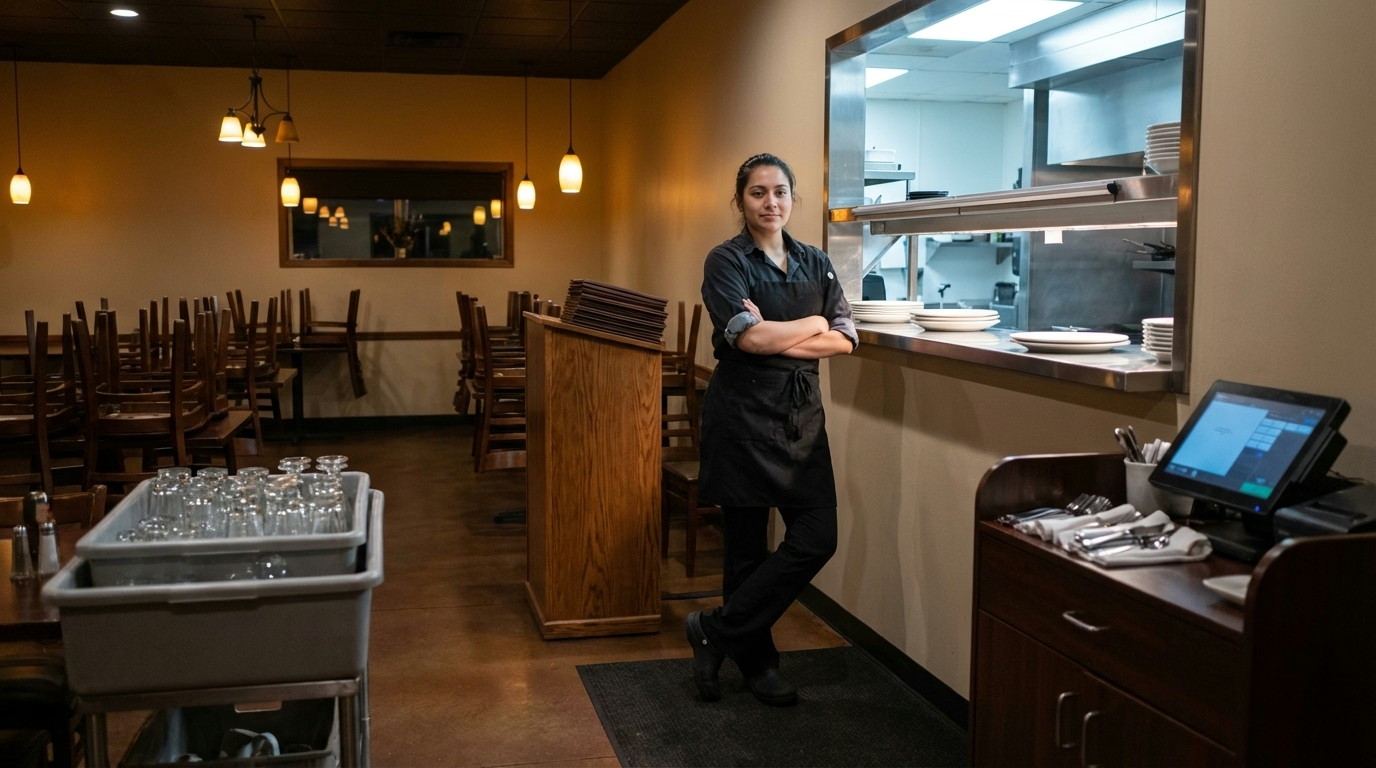
A team member at a casual dining restaurant works the lunch shift as a food runner at $14.00 per hour, takes a two-hour break, and returns for dinner service as a server at $5.50 per hour plus tips. The payroll system has one rate on file. Every hour that week is paid at $5.50—and the restaurant just underpaid 20 hours of non-tipped work by $8.50 each.
This is not an unusual scenario. In restaurants, multi-role staffing is the norm, not the exception. Bussers become hosts. Dishwashers pick up prep shifts. Servers cover the host stand. Every role change that carries a different pay rate requires the time tracking system to capture which role was worked, for how long, and at what rate.
When that data is missing or flattened into a single rate, every downstream calculation—payroll, overtime, tip credit, labor cost reporting—is wrong.
Why Multi-Rate Tracking Is a Restaurant-Specific Problem
Most industries assign one role and one rate to each employee. Restaurants break this model routinely because of how the business operates.
Tipped vs. Non-Tipped Roles Create Pay Rate Gaps
The gap between tipped and non-tipped rates in restaurants is larger than in almost any other industry. A server earning $2.13 per hour (federal tipped minimum) and the same person busing tables at $14.00 per hour represents a $11.87 hourly difference. If the time system does not distinguish which hours were worked in which role, the employer either underpays non-tipped hours or overpays tipped hours—both of which create problems.
Underpaying non-tipped hours is a wage violation. Overpaying tipped hours inflates labor cost and distorts the tip credit calculation. Neither outcome is acceptable at scale.
Cross-Training Means Constant Role Switching
Restaurants that cross-train staff to cover multiple positions—a practice that improves flexibility and reduces overtime—inadvertently create tracking complexity. A team member who buses tables from 11 a.m. to 2 p.m., hosts from 2 p.m. to 5 p.m., and serves from 5 p.m. to close works three distinct roles in a single day, potentially at three different rates.
Without a system that captures each role transition, the restaurant has no defensible record of what was actually worked. The team member’s timecard shows 12 hours—but at which rate?
Seasonal and Promotional Rate Changes Add Layers
Restaurants frequently adjust rates based on seasons, promotions, or market conditions. A summer rate for patio servers, a holiday premium for closers, or a training rate for the first 90 days—each creates a rate variant that must be tracked by effective date and applied to the correct hours.
When a rate change takes effect mid-week, the system must apply the old rate to hours worked before the change and the new rate to hours worked after. Manual tracking makes this nearly impossible to get right consistently.
The Payroll Errors That Multi-Rate Tracking Prevents
Flat-Rate Payroll on Multi-Rate Staff
The most common error is paying all hours at a single rate. This happens when the payroll system has one “primary” rate on file and the time tracking system does not send role-level detail. Every hour is paid at whatever rate payroll defaults to.
For a team member splitting 25 hours at $14.00 (busing) and 15 hours at $5.50 (serving), the correct gross pay is $432.50. Paying all 40 hours at $5.50 produces $220.00—an underpayment of $212.50 per week. Over a year, that single employee’s underpayment exceeds $11,000.
Weighted Overtime Miscalculation
When a multi-rate team member exceeds 40 hours, the overtime rate must be based on the weighted average of all rates worked that week. Restaurants that pay overtime at the “primary” rate—or worse, the lowest rate—underpay every overtime hour.
The weighted average calculation requires hours-by-role data. Without it, the payroll system cannot compute the blended rate, and any overtime payment is a guess.
Incorrect Tip Credit Application
The FLSA tip credit can only be applied to hours worked in a tipped occupation. If a server also works as a food runner (a non-tipped role), the tip credit applies only to the serving hours. Applying the tip credit to all hours—because the system does not distinguish roles—means the employer is paying less than minimum wage for non-tipped work.
The federal dual-job rule adds further complexity. Under the reinstated 1967 regulation (restored after the Fifth Circuit vacated the DOL’s 2021 80/20/30 rule in Restaurant Law Center v. DOL), the tip credit is available only when the employee is working in their tipped occupation. When a server switches to non-tipped duties like food prep or maintenance, the tip credit does not apply to those hours. Note that some states impose stricter thresholds, so check your state’s requirements. Role-level tracking is the only way to demonstrate compliance.
Labor Cost Distortion
Even when payroll calculates correctly, the absence of role-level hours distorts labor cost reporting. A restaurant that cannot separate server labor cost from busser labor cost from host labor cost cannot make informed scheduling decisions.
If the labor cost report shows $8,000 for “front of house” but cannot break that into $3,200 for servers, $2,800 for bussers, and $2,000 for hosts, the manager has no basis for deciding where to add or reduce hours. Every scheduling decision is made on incomplete data.
How Role-Based Time Tracking Works in Practice
Clock-In Role Selection
The foundation of role-based tracking is a system that asks the team member to select their role at clock-in. The interface presents the roles assigned to that team member’s profile, and the clock-in is tagged to the selected role.
This adds a few seconds to the clock-in process but eliminates hours of downstream reconciliation. The team member knows which role they are starting—making this a natural point to capture the data.
Mid-Shift Role Changes
A system designed for restaurants must support mid-shift role transitions. When a busser switches to hosting at 2 p.m., the system should allow a role change without requiring a full clock-out and clock-in. The transition creates a new time segment tagged to the new role, with the previous segment closed at the transition time.
Mid-shift role changes are where paper systems and basic time clocks fail. If the only option is to clock out and clock back in, the team member has a gap in their record, and the transition often gets forgotten during busy service.
Rate Table Management
Each role should be linked to a rate table that defines the current rate and any scheduled rate changes. When a team member clocks into a role, the system pulls the applicable rate from the table. Rate changes by effective date—not by manual payroll overrides—ensure the correct rate is applied automatically.
Rate tables should also handle location-specific rates for multi-unit operators. A server at the downtown location and a server at the suburban location may earn different base rates, even though the role title is identical.
Integration With Payroll and POS
Role-level time data must flow cleanly to payroll for accurate payment and to the POS for proper tip allocation and reconciliation. If the integration flattens role data into a single record, the payroll system cannot calculate weighted overtime, and the POS cannot verify tip credit eligibility.
Before selecting or configuring a restaurant time tracking system, test the integration path end-to-end. Clock in as a multi-role team member, work hours in two roles, exceed 40 hours, and verify that payroll receives role-level detail and calculates the weighted overtime rate correctly.

Building a Multi-Rate Tracking System That Scales
Define a Clean Role Taxonomy
Start with a list of every distinct role in the restaurant that carries a different pay rate or tip-credit status. Common roles include server, bartender, busser, food runner, host, prep cook, line cook, dishwasher, and shift lead.
Avoid creating roles for minor task variations—“server (patio)” and “server (dining room)” should only be separate roles if they carry different rates. The goal is a taxonomy that is detailed enough for accurate payroll and simple enough that team members can select the right role in under three seconds.
Assign Roles at the Employee Level
Each team member’s profile should list the roles they are authorized to work, along with the rate for each role. When the team member clocks in, the system presents only their assigned roles—not the full taxonomy. This prevents selection errors and ensures rate accuracy.
Audit Multi-Rate Payroll Weekly
Before every payroll run, generate a report of all team members who worked more than one role during the pay period. For each, verify that hours are correctly allocated by role, the rate applied to each role segment is correct, tip credit is applied only to eligible hours, and overtime (if any) uses the weighted average rate.
This audit adds 15–20 minutes to the weekly payroll process but catches the errors that create five-figure annual liabilities.
Train Team Members on Role Selection
Role-based tracking only works if team members select the correct role at clock-in. Include role selection in onboarding materials, post a quick-reference guide near the time clock, and review compliance during the first week. Most team members adopt the habit quickly once they understand it affects their pay.
Multi-Rate Tracking Checklist
- Define role taxonomy. List every role that carries a distinct pay rate or tip-credit status. Keep the list as short as accuracy allows.
- Assign roles per employee. Each team member’s profile should include only the roles they are authorized to work, with the correct rate for each.
- Enable clock-in role selection. Configure the time clock to require role selection at every clock-in. Test with multi-role team members.
- Support mid-shift role changes. Verify that your system allows role transitions without requiring a full clock-out/clock-in cycle.
- Maintain rate tables. Manage pay rates through a centralized rate table with effective dates. Do not rely on manual payroll overrides for rate changes.
- Verify weighted overtime. Confirm that your payroll system receives role-level hours and calculates the weighted average overtime rate for multi-rate team members.
- Audit tip credit eligibility. Ensure the tip credit is applied only to hours worked in tipped roles. Flag any team member with significant non-tipped hours for review, and check state-specific thresholds that may apply.
- Test the integration path. Run a test payroll with a multi-role, overtime-eligible team member. Verify that role-level detail flows from time clock to payroll and that the final payment is correct.
- Generate role-level labor reports. Configure labor cost reporting to break down hours and cost by role, not just by employee or department.
- Train team members. Include role selection procedures in onboarding. Post a visual guide at the time clock station.
The Bottom Line
Multi-role staffing is one of the things that makes restaurants operationally flexible. But that flexibility comes with a tracking obligation that most time systems handle poorly. When hours are not captured by role, payroll is wrong, overtime is miscalculated, tip credit compliance is unverifiable, and labor cost data is useless for scheduling decisions.
The fix is not complex: define your roles, assign rates, require role selection at clock-in, and verify the data before payroll runs. Restaurants that build this discipline into their daily operations pay their team members correctly, avoid weighted-overtime violations, and gain the role-level visibility they need to control labor cost without cutting corners.
- restaurant-time-tracking
- multiple-pay-rates
- role-based-tracking
- weighted-overtime
- restaurant-payroll
- labor-cost
- multi-role-staff