POS-Payroll Sync Errors: Restaurant Fix Guide
POS-payroll integration failures cause duplicate payments, missing hours, and tip allocation errors that cost restaurants thousands. Learn the root causes of sync errors and how to build a reconciliation workflow that catches them before payday.
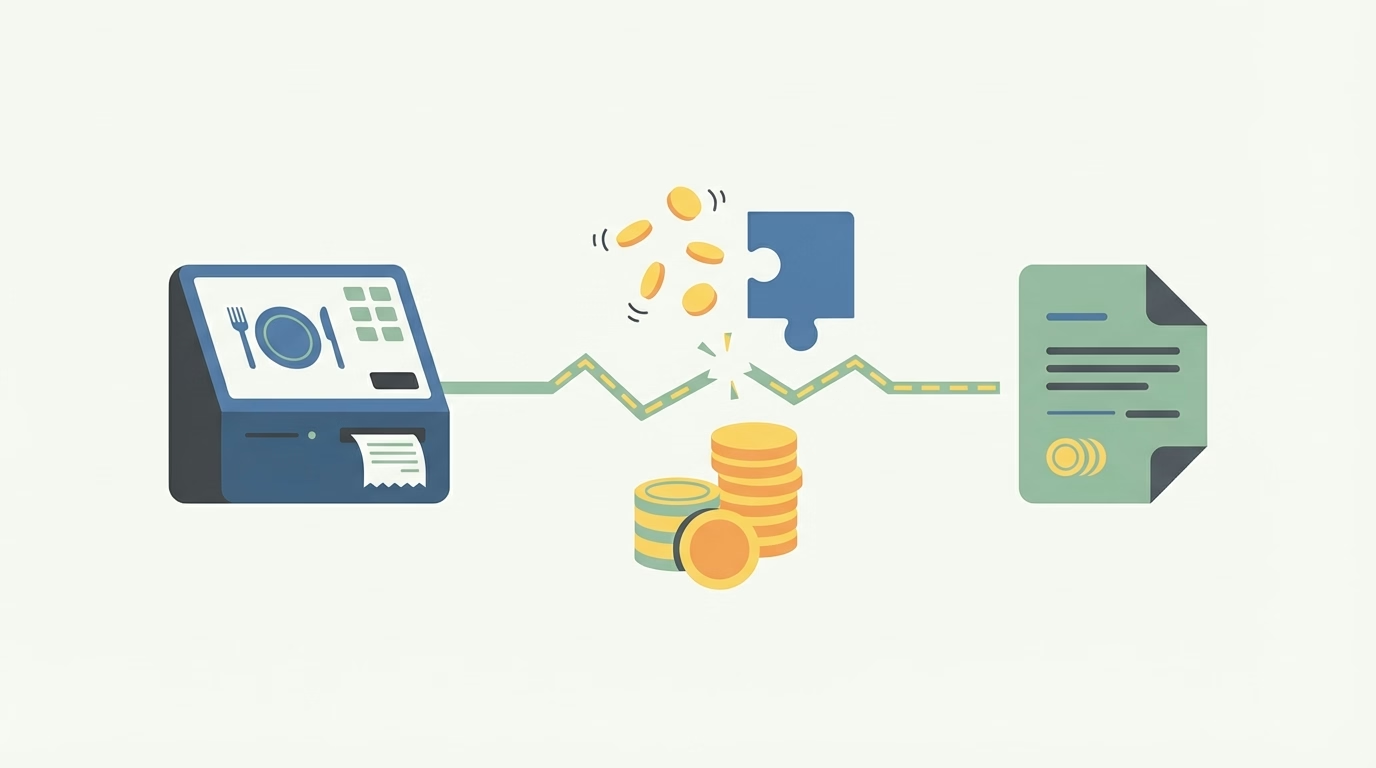
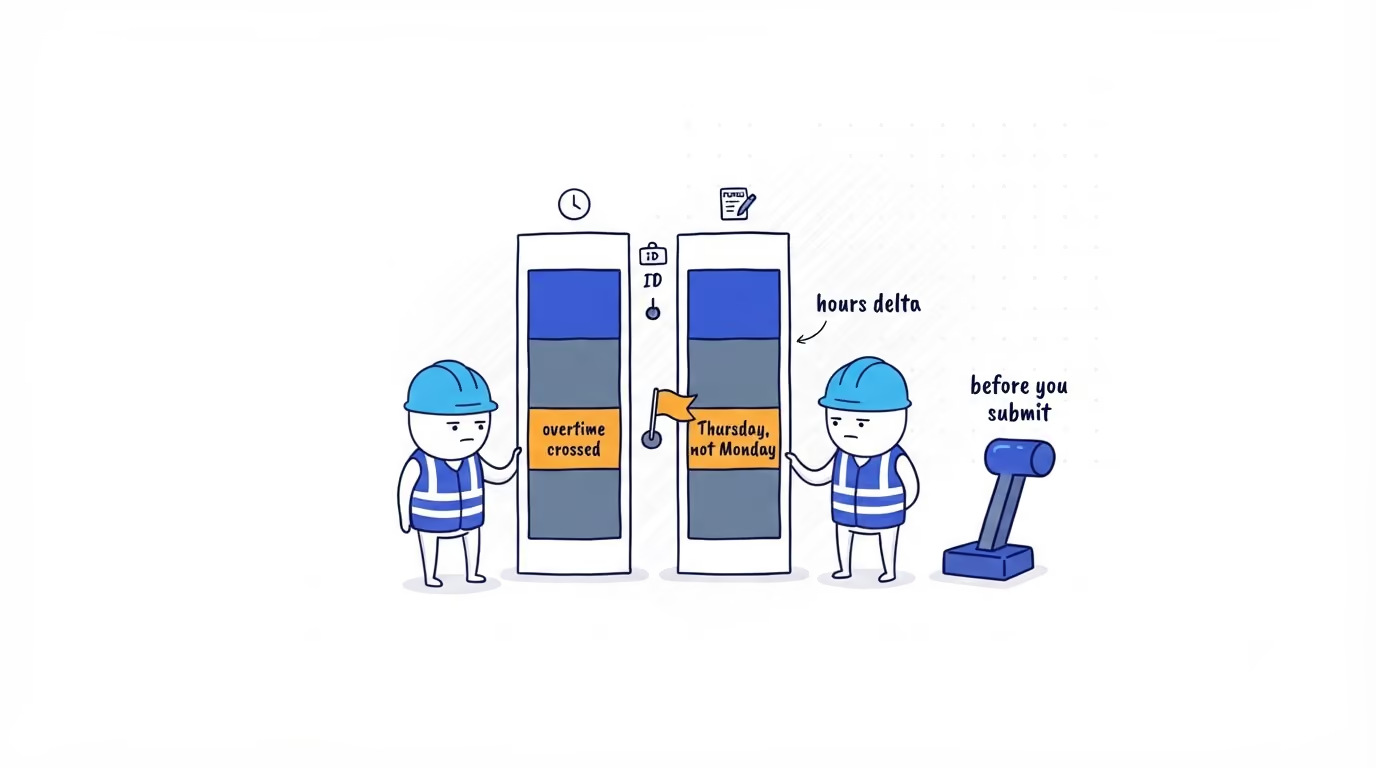
A restaurant manager runs payroll on Monday morning. The POS system shows that a server worked 38 hours last week. The time clock shows 42 hours. The payroll system imports the POS data and pays the server for 38 hours—missing four hours of overtime that the server will notice on Wednesday when the direct deposit hits.
Now multiply that by a staff of 40 across two locations, add tip allocation discrepancies and a new hire whose employee ID does not match between systems, and you have the kind of payroll disaster that consumes an entire management week to untangle.
POS-payroll sync errors are not theoretical. They are the single most common source of restaurant payroll inaccuracies, and they affect restaurants of every size—from single-location independents running Toast and Gusto to multi-unit operations integrating Square, 7shifts, and ADP.
Why POS-Payroll Integration Fails in Restaurants
Most restaurant operators assume that connecting their POS system to their payroll provider means the data flows correctly. In practice, these integrations are fragile, and the failure modes are specific to how restaurants operate.
Employee ID Mismatches
When a team member is created in the POS system with one identifier and in the payroll system with another, the integration cannot match the records. This happens more often than it should because POS systems and payroll systems are typically set up by different people at different times, employee names may be entered in different formats (e.g., “Mike” vs. “Michael”), and rehired team members may get a new ID in one system but retain their old ID in the other.
The result: hours worked in the POS system are either assigned to the wrong team member in payroll or dropped entirely because no matching record exists.
Role and Rate Discrepancies
A team member who works as a server at $5.50/hr and as a food runner at $14.00/hr needs both roles and rates accurately reflected in both systems. If the POS system tracks role-based clock-ins but the payroll system only has a single rate on file, every hour is paid at the wrong rate.
This error is particularly damaging when it intersects with overtime calculations. A weighted overtime rate requires accurate hours-per-role data. If the integration flattens role data into a single rate, overtime is miscalculated for every multi-role team member.
Tip Data That Does Not Translate
Tips introduce a layer of complexity that most integrations handle poorly. A POS system records tips as they are earned—per transaction, per server, per shift. Payroll needs tips aggregated by pay period, allocated according to tip pooling or tip-out rules, and reported alongside wages for tax purposes.
Between the POS and payroll, tip data passes through multiple transformations: individual transaction tips are aggregated to shift totals, shift totals are aggregated to pay-period totals, tip-pool distributions are calculated and applied, and credit card processing fees may be deducted. Each transformation is a potential failure point. A voided transaction in the POS that reverses a tip may not propagate to payroll. A tip-pool recalculation after the POS batch closes may miss the payroll cutoff.
Timing and Sync Frequency
Many POS-payroll integrations run on a batch schedule—once daily, typically overnight. Any changes made after the batch runs (late clock-outs, manager edits, tip adjustments) are not captured until the next sync cycle. If payroll is submitted before the next sync completes, those changes are lost.
Real-time integrations reduce this risk but introduce their own challenges. A real-time sync that encounters an error may silently skip a record, creating a gap that is harder to detect than a batch failure.
The Most Expensive Sync Errors
Not all sync errors are created equal. Some cause minor inconveniences; others create liabilities that persist for years.
Duplicate Payments
Duplicate payments occur when the same hours are imported into payroll twice—once from the POS and once from the time clock—because both systems are configured as data sources. A restaurant that runs a dedicated time clock alongside a POS with built-in time tracking is particularly vulnerable. If both systems feed into payroll without deduplication logic, every team member is paid double.
A single week of duplicate payments for a 30-person staff at an average of 35 hours and $15/hr produces over $15,000 in overpayments. Recovering overpayments is legally complicated: most states restrict an employer’s ability to deduct from future paychecks without written consent.
Missing Hours
The opposite of duplicate payments—hours recorded in one system but not imported into payroll—is equally damaging but harder to catch. Missing hours typically surface as team member complaints after payday, which erode trust, create administrative rework, and may constitute a wage violation if the underpayment is not corrected promptly.
Missing hours often cluster around specific failure points: new hires whose payroll profiles are not yet set up, team members who clocked in on a backup device during a time clock outage, or shifts that were manually entered after the sync cutoff.
Tip Allocation Drift
Tip allocation drift occurs when the cumulative difference between POS-reported tips and payroll-distributed tips grows over time. Each pay period, a small discrepancy—$5 here, $12 there—may go unnoticed. Over six months, a team member’s reported tip income may diverge from their actual tips by hundreds of dollars, creating tax reporting issues for both the team member and the restaurant.
Tip allocation drift is especially common in restaurants with complex tip-pooling arrangements, where the pool calculation happens in one system and distribution happens in another.
Pay Rate Lag
When a team member receives a raise or changes roles, the new rate must be updated in both the POS and payroll systems. If the POS is updated first but payroll is not—or vice versa—the team member is paid at the old rate for every hour worked until the discrepancy is caught.
A $1.00/hr rate lag for a full-time team member represents $160 per month in underpayment. Across a staff of 40 with frequent role changes and seasonal rate adjustments, rate-lag errors can compound to thousands per pay period.
Root Causes of Integration Mismatches
Understanding the root causes helps you build safeguards at the source rather than chasing symptoms.
No Single Source of Truth
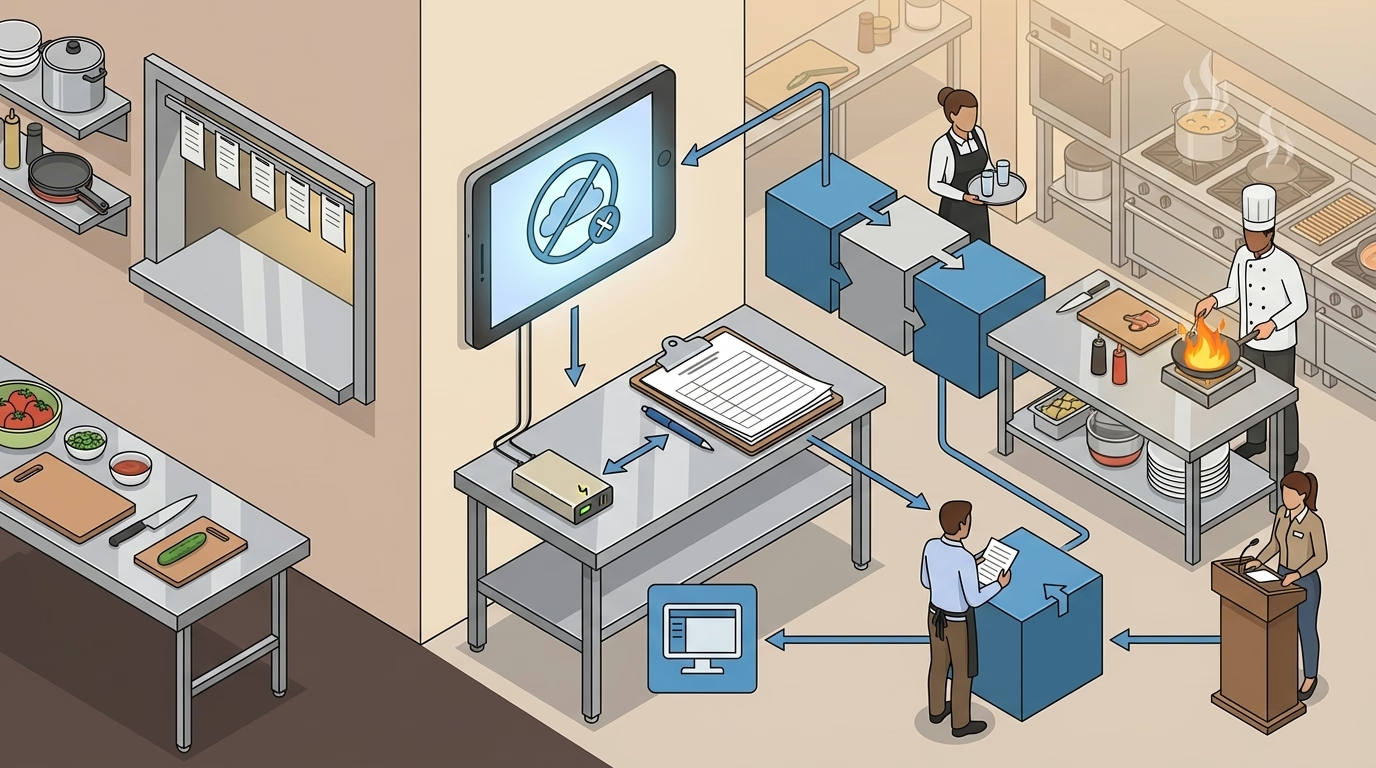
The fundamental problem in most restaurant tech stacks is that no single system is the authoritative source for employee data. The POS manages clock-ins and tips. The time clock manages hours. Payroll manages rates and deductions. The scheduling system manages shifts. When these systems disagree, there is no clear hierarchy for resolving conflicts.
Establishing a single source of truth—typically the time tracking system for hours and the payroll system for rates—eliminates the ambiguity that creates most sync errors.
Manual Data Entry at Multiple Points
Every manual entry point is a potential error source. A manager who re-enters a missed clock-in in the POS, another who adjusts tips in a spreadsheet, and a payroll administrator who manually overrides a rate—each introduces data that may not match the other systems. A time tracking system with proper audit controls reduces the need for manual overrides by capturing clean data at the source.
Inconsistent Rounding Rules
POS systems commonly round clock-in and clock-out times to the nearest 5, 6, 7, or 15 minutes. If the payroll system applies a different rounding rule—or no rounding at all—the two systems will never agree on total hours. A team member whose POS record shows 7:58 a.m. rounded to 8:00 a.m. and whose time clock shows the raw 7:58 a.m. timestamp has a two-minute discrepancy every shift. Over 250 shifts per year, that is over eight hours of variance per team member.
Timezone and DST Handling
Restaurants operating across multiple timezones—or even a single restaurant near a timezone boundary—may encounter sync errors when systems handle timezones differently. A POS server running in UTC and a payroll system running in local time will produce different shift boundaries during daylight saving time transitions, potentially splitting a single shift across two days.

Building a Reconciliation Workflow
The goal of a reconciliation workflow is to catch sync errors before they affect paychecks. A structured process turns payroll from a reactive scramble into a predictable routine.
Daily Spot Checks
Each day, compare three data points between the POS, time clock, and payroll staging:
- Total staff hours. The sum of all hours logged should match across systems within an acceptable tolerance (typically ±0.5% for rounding differences).
- Active employee count. The number of team members with recorded hours should be identical. A mismatch indicates a missing profile or unmapped employee.
- Tip totals. Daily tip totals from the POS should match the amounts staged for payroll. Flag any single-team-member variance greater than $10.
Daily spot checks take 10–15 minutes and catch the majority of sync failures within 24 hours—before they compound.
Pre-Payroll Reconciliation
Before submitting each payroll, run a comprehensive comparison:
- Employee-level hours: Compare hours per team member across POS, time clock, and payroll. Investigate any variance greater than 30 minutes.
- Role-based hours: For multi-role team members, verify that hours are correctly allocated by role and rate. Ensure weighted overtime calculations use the correct rate distribution.
- Tip reconciliation: Confirm that individual and pooled tips match between POS and payroll. Verify that credit card processing fee deductions are applied consistently.
- New hire and termination check: Confirm that every new hire has matching profiles in all systems and that terminated team members are deactivated everywhere.
- Rate verification: Spot-check pay rates for recently promoted, transferred, or rate-adjusted team members.
Exception Reporting
Configure your systems to generate automated exception reports that flag specific conditions: team members with hours in one system but not another, tip variances exceeding a threshold, timecard edits that occurred after the last sync, and clock-in/clock-out pairs that span an unusually long or short duration.
Exception reports transform reconciliation from a manual audit into a targeted investigation of known risk areas.
Post-Payroll Audit
After each payroll run, review the final output against the pre-payroll reconciliation. Confirm that corrections identified during reconciliation were applied, verify that overtime was calculated correctly for flagged team members, and check that tip distributions match the approved allocations.
Document the audit results. If a DOL investigator or auditor reviews your records, a documented reconciliation workflow demonstrates systematic compliance effort.
Sync Error Prevention Checklist
- Establish a single source of truth. Designate one system as authoritative for each data type: time clock for hours, payroll for rates, POS for tips. Configure integrations to flow from the authoritative source.
- Standardize employee identifiers. Use a single, unique ID for each team member across all systems. When creating new profiles, enter the ID in all systems simultaneously.
- Align rounding rules. Configure all systems to use the same rounding method and interval. Document the rule and verify it after any system update.
- Verify role and rate parity. When a team member’s role or rate changes, update all systems on the same day. Create a change-management checklist for rate adjustments.
- Run daily spot checks. Compare total hours, active employee count, and tip totals across systems every business day. Log the results.
- Reconcile before every payroll. Complete a full employee-level comparison of hours, tips, roles, and rates before submitting payroll. Flag and resolve all variances.
- Set up exception reports. Automate alerts for missing employees, hour variances, tip discrepancies, and post-sync edits.
- Audit tip pooling calculations. Verify that tip pool formulas in the POS match the distribution logic in payroll. Test with sample data after any configuration change.
- Test after system updates. POS and payroll vendors push updates regularly. After every update, run a test sync with known data to confirm the integration still works correctly.
- Document your reconciliation process. Write a standard operating procedure for daily checks, pre-payroll reconciliation, and post-payroll audits. Train every manager who touches payroll.
- Maintain a reliable time tracking foundation. The accuracy of every downstream system depends on the quality of the time data at the source. Ensure your time clock captures clean, verified punches.
The Bottom Line
POS-payroll sync errors are not a technology problem you can solve once and forget. They are an ongoing operational risk that requires structured processes to manage. The integration between your POS, time clock, and payroll system is only as reliable as the data going in and the reconciliation process checking what comes out.
Restaurants that treat payroll as a “set it and forget it” process are the ones that discover $40,000 in tip discrepancies during a year-end audit. Restaurants that run daily spot checks, reconcile before every payroll, and investigate exceptions in real time catch errors when they are a $50 fix—not a five-figure liability.
Build the reconciliation workflow. Run it every pay period. And when your systems disagree—because they will—trust the process to surface the problem before it reaches a paycheck.
- restaurant-time-tracking
- pos-payroll-sync
- payroll-errors
- restaurant-integration
- tip-allocation
- payroll-reconciliation
- restaurant-technology