How should a contractor explain a project timeline to a customer?
Explain a contractor project timeline with clear phases, active workdays, dependencies, schedule ranges, update triggers, and a customer-ready script.
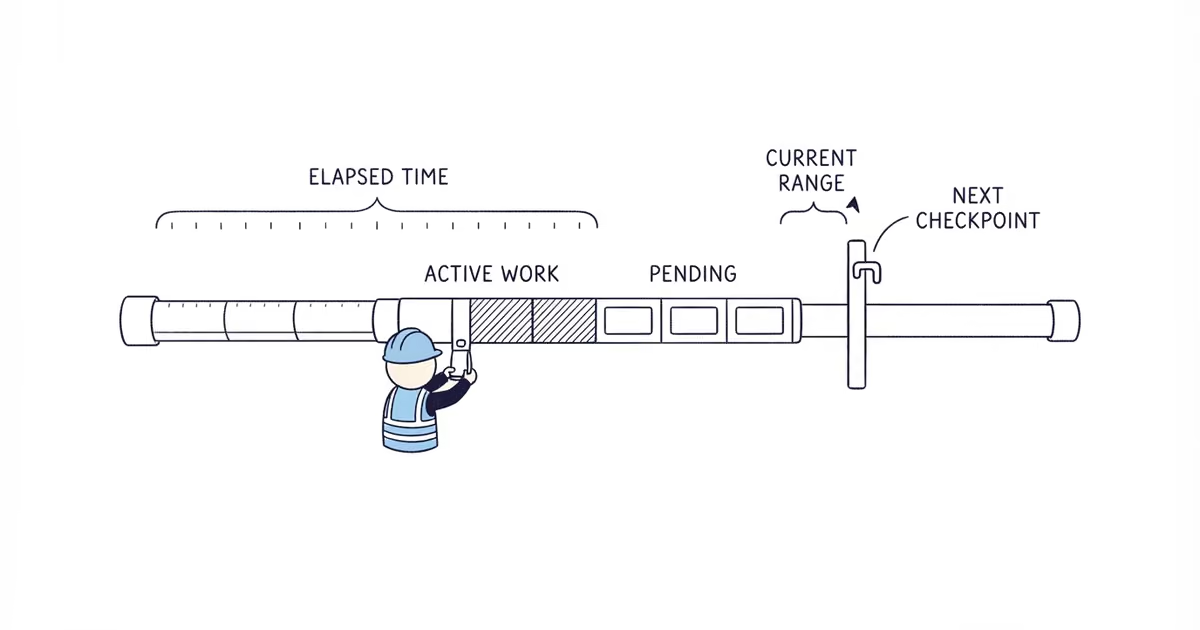
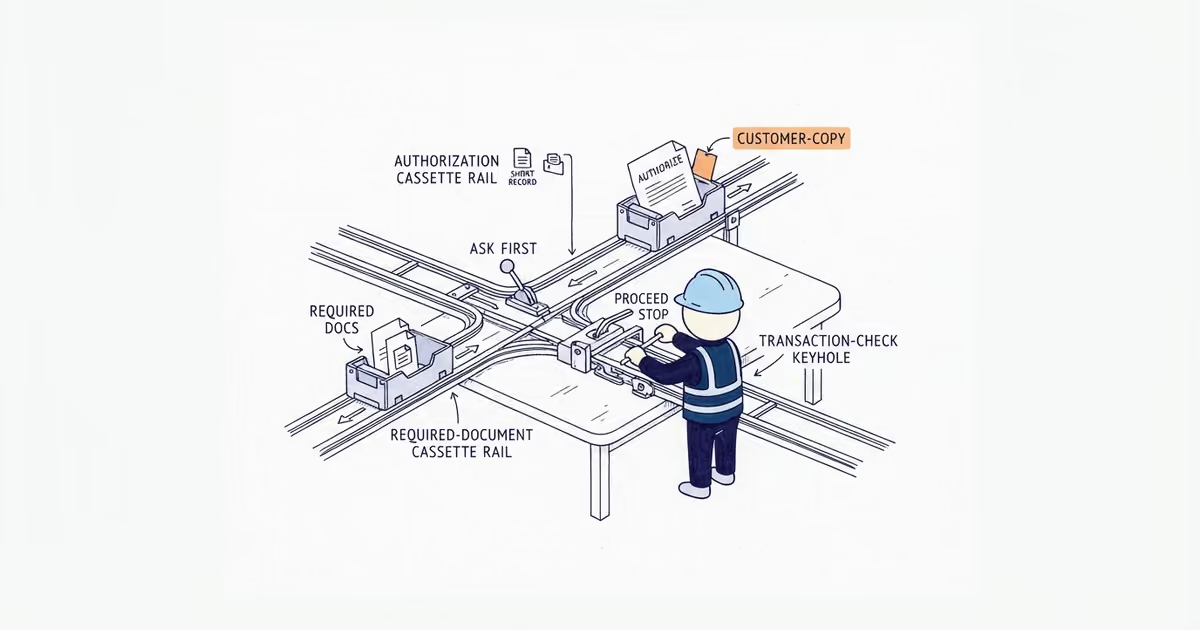
Explain a contractor project timeline as a sequence of phases. For each phase, show the crew’s active work, any waiting time or dependency, what unlocks the next phase, and what would cause the range to change. Then give the customer a current elapsed-time range based on what is confirmed today.
Use four labels consistently:
- Active work: The time the crew expects to spend performing a phase.
- Elapsed time: Active work plus named waits such as delivery, inspection, cure time, access gaps, or prerequisite work.
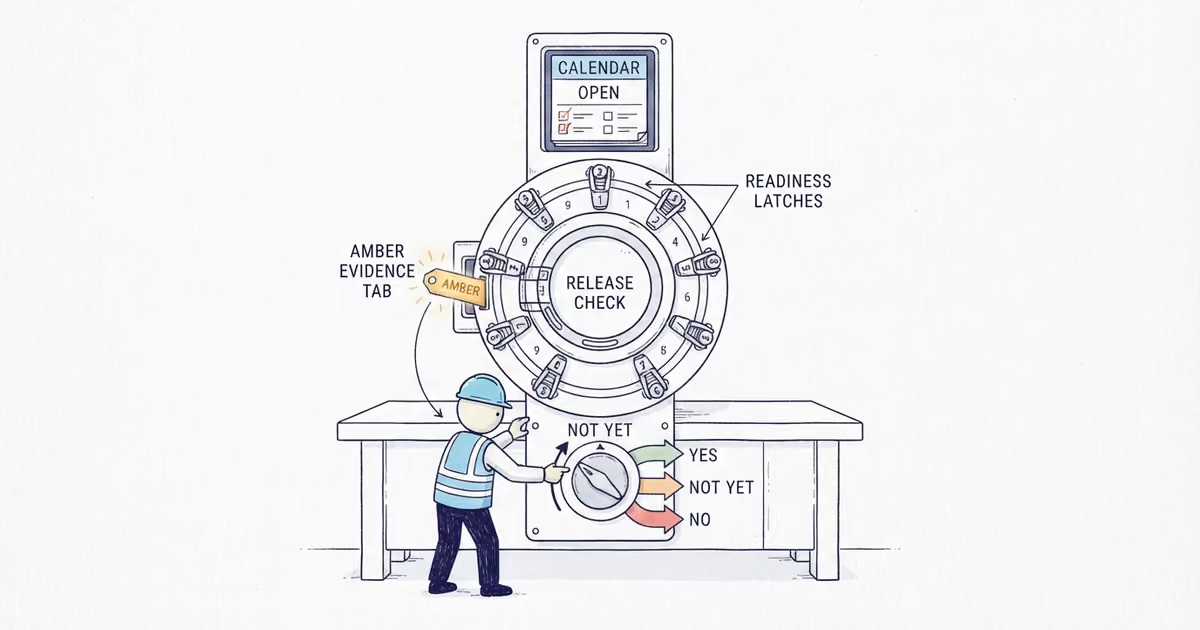
- Current range: The earliest and latest duration supported by the information available today.
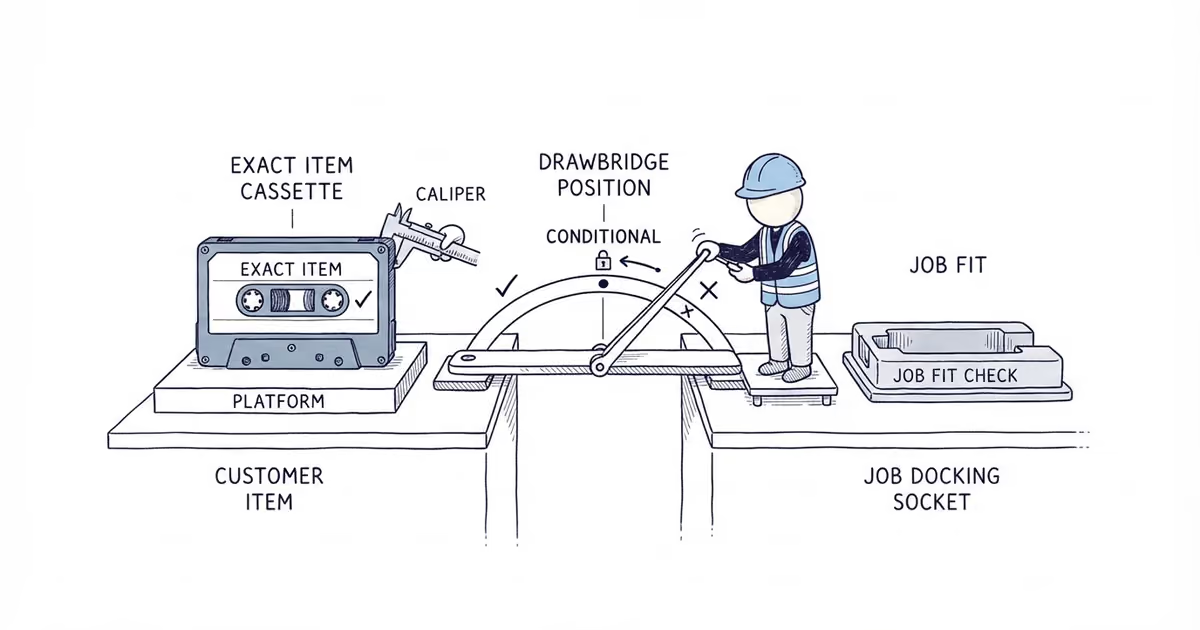
- Commitment: Only a date or range you are prepared and permitted to promise in the agreement.
Do not call six active workdays “about a week” when delivery and inspection could make the job span three calendar weeks.
How to build a contractor project timeline
Start with the proposed or accepted scope, then group the work into customer-visible phases. Use only phases the job needs: pre-start verification, ordering, site work, inspection, finish work, and final walkthrough are examples, not a required sequence.
Mark inputs as confirmed or pending before giving a range. A verified site measurement, approved selection, and agreed access window may be confirmed. Supplier delivery, permit status, inspection availability, third-party work, concealed conditions, or weather may still be pending. A pending item cannot quietly become a settled date.
The following deck example uses invented values to show the format. They are not typical durations or promises. Replace every value with verified facts for the actual job.
| Phase | What happens | Active work range | Waiting or dependency | Who or what clears the dependency | Customer-visible milestone | Update trigger |
|---|---|---|---|---|---|---|
| 1. Verify and order | Confirm dimensions, selected boards, and order details | Half a workday | Illustrative 5-8 calendar-day material lead time; delivery is pending | Supplier confirms delivery; contractor checks the order on arrival | Correct material is on site and checked | Supplier changes, splits, or misses delivery |
| 2. Demolish and inspect | Remove the existing deck surface and inspect exposed framing | 1 workday | No added wait if visible framing matches the scope assumption | Contractor completes the field check | Existing structure is exposed and documented | Concealed damage or dimensions differ from the scope basis |
| 3. Frame | Complete the stated framing work and reach the inspection point, where required | 2-3 workdays | Illustrative 1-3 calendar-day inspection wait; booking is pending | The party assigned under local rules and the agreement requests it; the work reaches the required ready condition | Framing is ready for the named inspection | Inspection status, appointment, or outcome changes |
| 4. Deck and finish | Install deck boards, rails, and the stated finish | 2-3 workdays | Illustrative 1-2 calendar-day finish interval, subject to product conditions and suitable weather | Product requirements and site conditions allow the next step | Deck surface and rails are complete | Unsuitable weather, site conditions, or required finish interval changes |
| 5. Final walkthrough | Check the stated work and record remaining scope items | Half a workday | Confirmed walkthrough access in this example | Contractor completes its check and the agreed walkthrough occurs | Walkthrough record is complete | Access changes or an incomplete scope item is found |
This table names only dependencies that affect timing. It does not assign every access, selection, permit, utility, or site duty. Those responsibilities belong in the job’s separate scope and responsibility records.
How to give a customer a project timeline range
Anchor the range to a clear event, such as order release, confirmed material arrival, or site access. Build the earliest and latest endpoints from active work, named waits, working days, and any overlap. Do not blindly add every number: two waits may overlap, while weekends can widen elapsed calendar time.
For the hypothetical deck above, the contractor might calculate an illustrative 17-26 calendar days from order release through walkthrough, including 6-8 active workdays. That range assumes the stated delivery window, framing that matches the scope basis, the named inspection where applicable, suitable finish conditions, and confirmed access.
The assumptions make the range useful. If material delivery and inspection are still pending, say so. Do not present either as booked or approved. A firm start or completion commitment belongs only in the actual agreement after checking the job facts and applicable requirements.
Use this four-sentence script:
Based on the information confirmed today, the project is currently planned for [elapsed-time range] from [starting event]. That includes about [active-work range] on site, plus [named lead time, inspection, cure time, or other dependency]. The next schedule checkpoint is [event]. We will update you if [specific trigger] changes the current range.
When to update a contractor project timeline
Use job-specific triggers instead of promising a universal daily or weekly update. Common triggers include:
- A supplier changes the lead time or a delivery is incomplete.
- An access or selection checkpoint is missed.
- A customer requests different work.
- The crew uncovers a site condition outside the scope basis.
- Prerequisite work by another party is late.
- Permit or inspection status, scheduling, or outcome changes.
- Weather or site conditions block the stated task.
- Required cure or dry conditions take longer than the current assumption.
- Your own ordering, staffing, coordination, or scheduling changes.
When a trigger occurs, tell the customer the phase completed, what changed, what work can and cannot continue, what decision or access is needed, and the revised range if the effect is known. If it is not known, give the next checkpoint instead. Record the impact without inventing an automatic fee, assigning blame, or claiming an unlimited extension.
If the trigger is a customer-requested scope change, the contractor scope-change guide shows how to pause the affected work, document and reprice the difference, and obtain approval before replacing the timeline.
How permits and inspections affect a project timeline
Last verified: August 31, 2026 (United States).
California’s Contractors State License Board provides a state-specific example in which covered home-improvement contracts can require a completion date and written direction about who obtains necessary permits. Seattle’s inspection guidance is a local example showing that inspection type, readiness, and scheduling matter. The U.S. Small Business Administration notes that permit requirements depend on business activity and location.
For the timeline, name the permit or inspection, the assigned requester under the agreement and local rules, the ready condition, and any work that can continue while it is pending. Do not assume who owns it, when it will occur, or what the result will be.
Frequently Asked Questions
Can a contractor promise to start tomorrow?
Only after the contractor has confirmed capacity and the job-specific prerequisites needed to start. If materials, access, approvals, site conditions, or other inputs remain pending, give the current range and next checkpoint instead of an unconditional start-date promise.
What happens to a contractor project timeline when the customer changes the scope?
Mark the affected phase and current range for review, while showing any unchanged work that can continue. Revise the timeline only after the scope change is documented and approved under the applicable agreement; the full change process belongs in its own record.
How often should a contractor update a customer about the project schedule?
Use the cadence agreed for the actual job, but do not wait for the next routine update when a named trigger changes the range or checkpoint. Report what changed, what can continue, and when the next schedule decision will be made.
Sources
- California Contractors State License Board: What Is a Contract?
- Seattle Department of Construction and Inspections: Inspections
- U.S. Small Business Administration: Launch your business
Contractor project timeline checklist
- The phases appear in the order the customer will see them.
- Active workdays and elapsed calendar time are labeled separately.
- Every waiting period or dependency is named.
- Confirmed and pending inputs are visibly different.
- The current range has a clear starting event and stated assumptions.
- Any committed date matches the actual agreement and applicable requirements.
- Update triggers and the next checkpoint are visible.
- The timeline agrees with the scope, responsibilities, price, and accepted version.
- pricing
- how-to-explain-contractor-project-timeline-to-customer
- how-should-a-contractor-explain-a-project-timeline-to-a-customer
- contractor-project-timeline
- project-timeline-for-customers
- active-workdays-vs-calendar-days
- contractor-schedule-update