How Do I Invoice an HVAC Diagnostic Visit That Turns Into a Repair?
Learn how to invoice an HVAC diagnostic visit that becomes a repair, show the agreed diagnostic fee, separate completed work, and hold future recommendations.
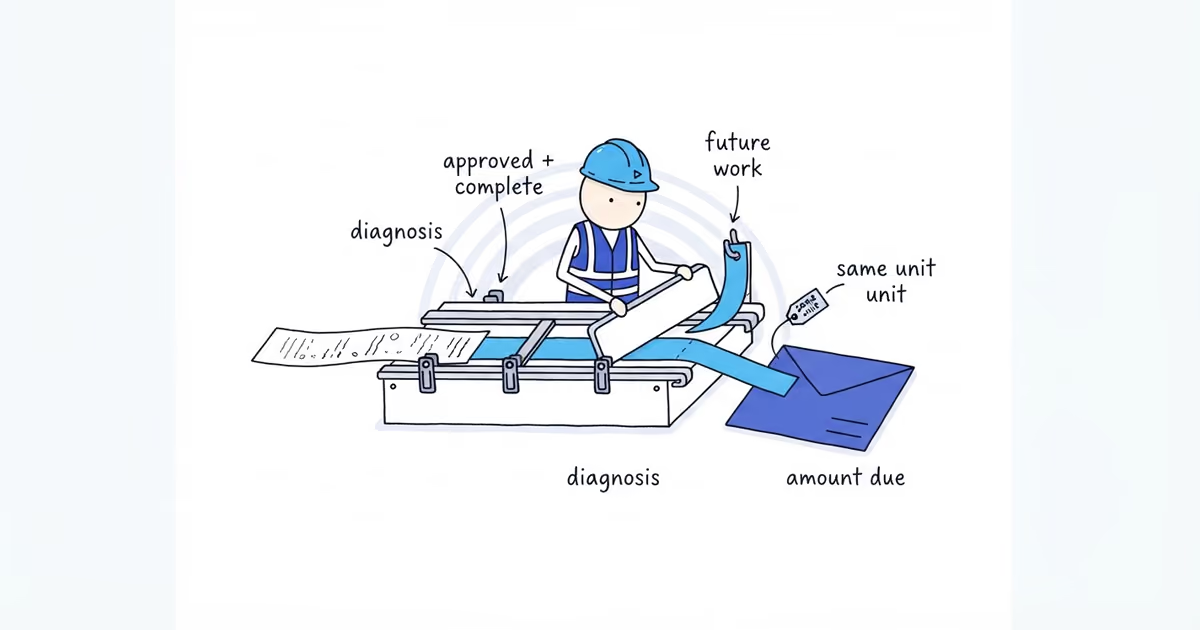
Invoice the completed diagnosis and only the repair the customer approved and the technician completed. Keep recommendations, declined options, backordered parts, and unfinished work out of Amount due.
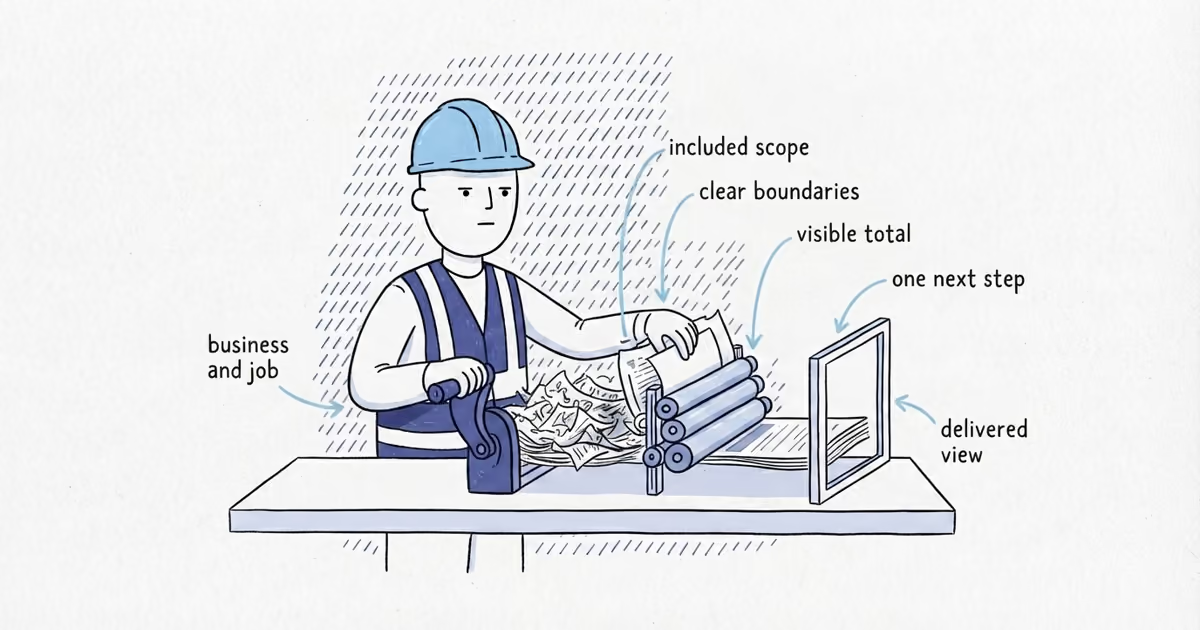
Do not copy the whole service ticket into the invoice. The ticket may contain readings, findings, photos, recommendations, and work still waiting for a decision. The invoice needs only the customer-facing description of what was sold and completed.
Identify the equipment first
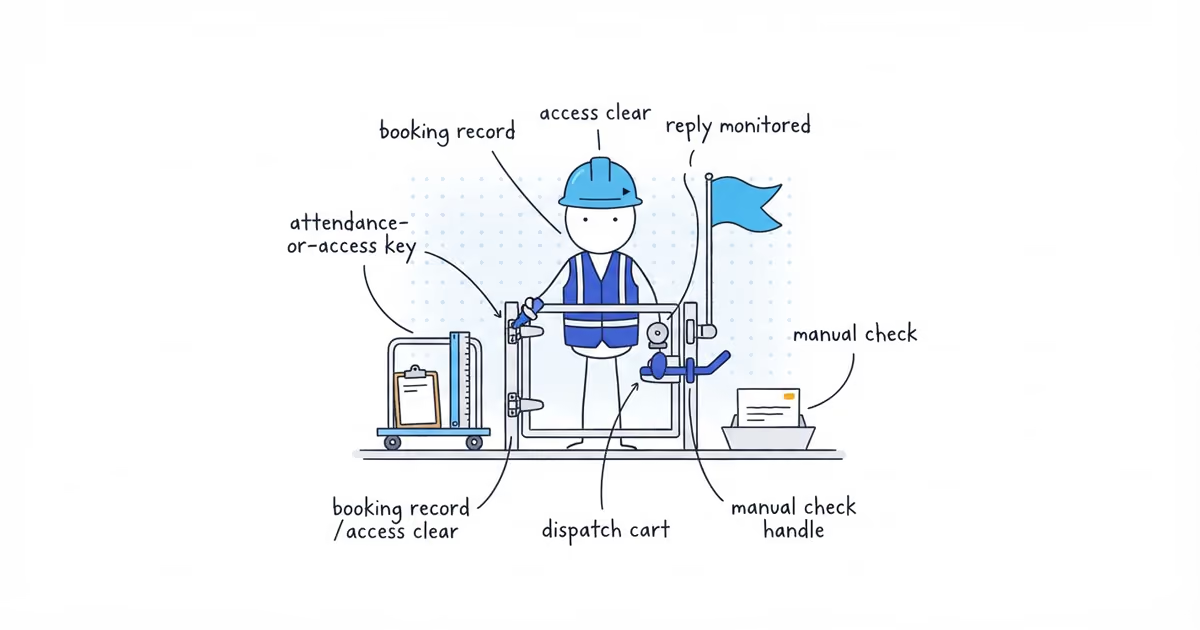
A property may have several systems. Start with the service address, equipment type and location, service date, and model or serial number when it helps distinguish the unit.
Use that same equipment identity for the diagnosis, installed parts, refrigerant entry, and warranty note. A line such as HVAC repair is too vague when the customer has two heat pumps or several rooftop units.
If the ticket names one unit and the draft invoice names another, return to the job record instead of guessing from memory.
Sort the ticket into three groups
| Ticket entry | Invoice treatment |
|---|---|
| Completed diagnosis | Bill it using the diagnostic-fee treatment already agreed with the customer. Describe the outcome in plain language. |
| Approved and completed repair | Include the completed labor, installed part, equipment, or refrigerant actually used, tied to the serviced unit. |
| Recommended, declined, deferred, backordered, or incomplete work | Keep it out of Amount due. Use a separate recommendation or estimate when needed. |
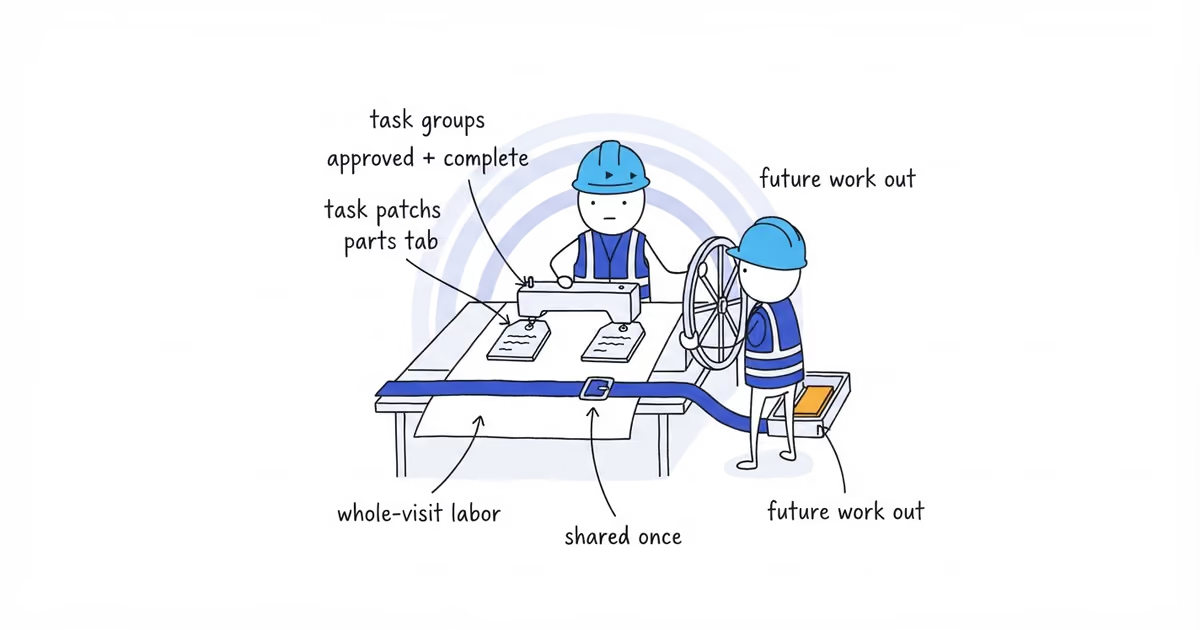
A repair belongs on the invoice only when it was both approved and completed. Approval without completion is future work. Completion without a usable approval record is a job-file issue that must be resolved before billing.
Keep technical readings, test sheets, detailed notes, and photos in the service record. The customer invoice should identify the completed work without becoming a transcript of every test.
Show the diagnostic fee the way it was sold
Use the booking confirmation, estimate, or service agreement. There are three common presentations:
- Separate fee: show the completed diagnostic visit, then the repair lines.
- Fee credited after repair: keep the diagnostic charge visible and show the matching credit.
- Included in the repair total: state that diagnosis is included and do not add a second charge.
Do not choose the treatment after the technician finishes. A credit also is not a payment received; it changes the charge under the agreement but does not mean cash reached the business.
Write customer-facing repair lines
Weak:
HVAC work
Useful:
Diagnosed no-cool condition on upstairs heat pump; identified failed contactor.
Replaced contactor on upstairs heat pump and completed the recorded post-repair operating check.
Say the operating check was completed only when the service record supports it. Do not change that sentence to system operating normally when the technician recorded another fault or recommended more work.
Parts should connect to the repair and equipment. Add refrigerant only when the record shows the type and quantity actually used. Carry forward only the warranty terms already documented for that part or repair.
Example: diagnosis becomes a completed repair
A fictional service ticket records:
- An August 21 no-cool diagnostic on the upstairs heat pump.
- A failed contactor.
- Customer approval for the replacement during the visit.
- The completed replacement and recorded operating check.
- A diagnostic fee that the original agreement credits after an approved repair.
- No refrigerant added.
- A future leak search recommended for a separate symptom.
The invoice shows the equipment and service date, completed diagnosis, completed contactor replacement, and the promised diagnostic-fee credit. It does not include refrigerant or charge for the future leak search.
The detailed readings, approval timestamp, and technician photos stay in the service file. A short recommendation can be sent separately so it is not mistaken for completed work.
Before sending, confirm that the equipment is consistent, the repair is approved and complete, the fee treatment matches the agreement, and every part, refrigerant quantity, and warranty note is supported.
Once those facts are clear, use ShiftFlow’s HVAC invoice generator to format the service address, equipment, diagnosis, completed repair lines, credits, totals, and customer PDF. It should not be used to decide what was approved or completed.
Frequently asked questions
What date should an HVAC invoice use when diagnosis and repair happen on different days?
Use the invoice’s actual issue date, and preserve the diagnosis and repair service dates in the job description or work references. Do not reuse the diagnostic date as the repair completion date when the technician returned later.
Should I use one HVAC invoice or two when the repair happens on a return visit?
Use one invoice only when the customer agreement and job record treat the diagnosis and repair as one billing event and the document can identify both dates clearly. Use separate invoices when the diagnostic visit was its own billing event or the later repair has a separate approval and completion record; do not charge the same diagnostic fee twice.
Sources
- ShiftFlow HVAC Invoice Generator, current tool page and implementation.
- pricing
- how-to-invoice-hvac-diagnostic-visit-that-turns-into-repair
- how-to-invoice-an-hvac-diagnostic-visit-that-turns-into-a-repair
- hvac-diagnostic-invoice
- hvac-repair-invoice
- hvac-diagnostic-fee-on-invoice
- hvac-diagnostic-to-repair-billing