What Should I Do After a Customer Accepts a Proforma Invoice?
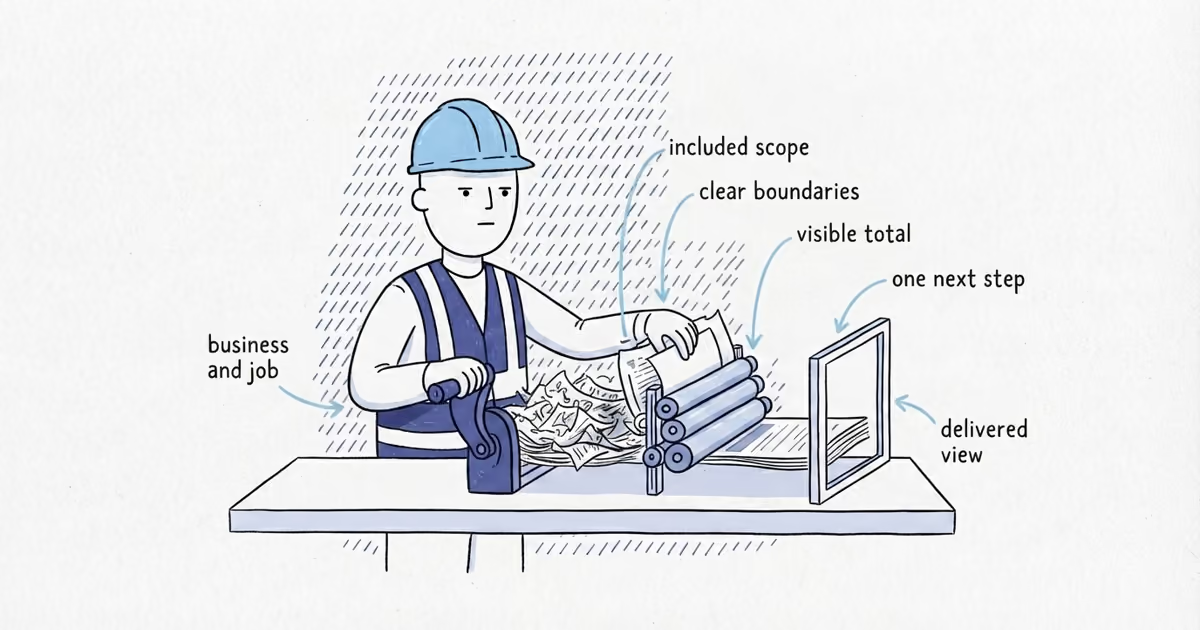
After a customer accepts a proforma invoice, preserve the accepted version, verify completed work, reconcile payments, and issue the correct final invoice.
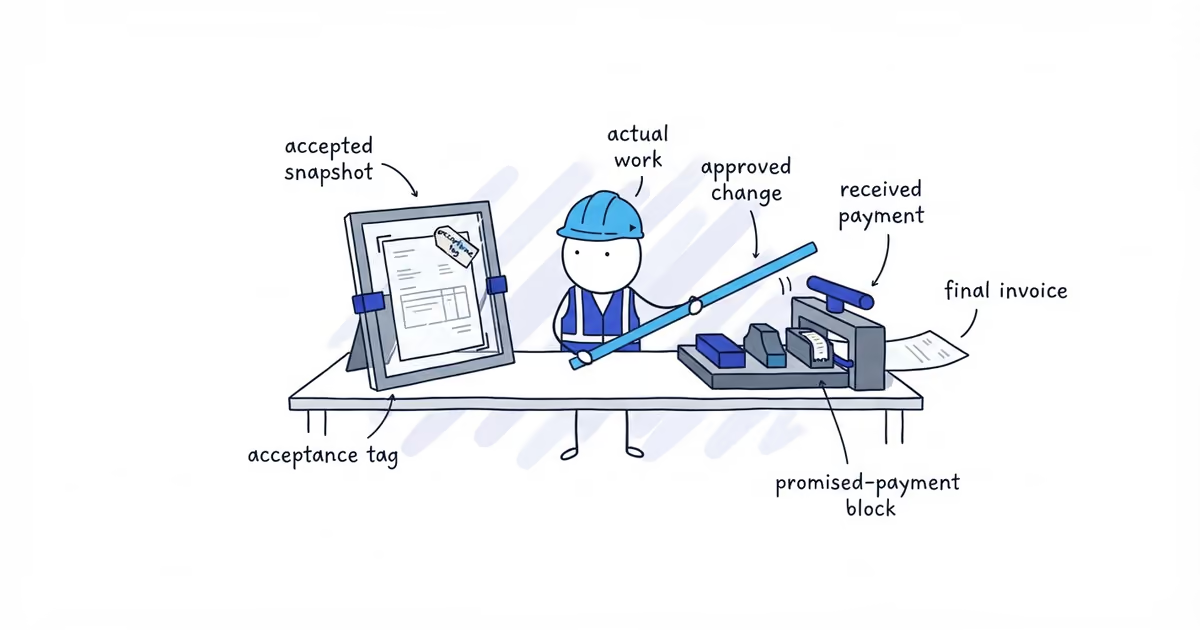
Preserve the exact proforma the customer accepted, along with proof of who accepted it, when, and how. Then deliver the work, compare what actually happened with what was proposed, account for approved changes and payments actually received, and issue the correct final invoice from those records.
Do not simply rename the accepted proforma “Invoice.” Acceptance approves the proposed basis or authorizes the next step under your arrangement with the customer. It does not prove that you completed the work or received payment.
A proforma is a preliminary commercial document. It is not a final invoice, tax invoice, payment receipt, or substitute for a signed contract. Keep those document statuses separate so your customer file shows what each event actually proves.
How to Turn an Accepted Proforma Invoice Into a Final Invoice
Use this six-stage handoff to move from an accepted proposal to an accurate final bill without changing the original record.
1. Freeze the accepted proforma
Save the exact version the customer saw and accepted. Record its proforma number and version, issue date, validity date, customer, proposed services, quantities, rates, estimated delivery or completion date, and payment terms.
Do not overwrite that file when the work changes. An accepted proforma is a snapshot of the proposal at that point in time. If you alter it later, you lose the clean comparison between the proposed work and the work that was delivered.
If you are preparing a domestic-service proposal for a future job and all the proposed inputs are ready, the ShiftFlow Proforma Invoice Generator can create a preliminary document for the customer before acceptance. Once accepted, preserve the exported version rather than editing it into the final invoice.
2. Record the acceptance separately
Your acceptance record should identify:
- Who accepted the proforma
- The acceptance date and time
- The channel used, such as email, a portal event, or a signed copy
- Any condition, question, or requested clarification attached to the acceptance
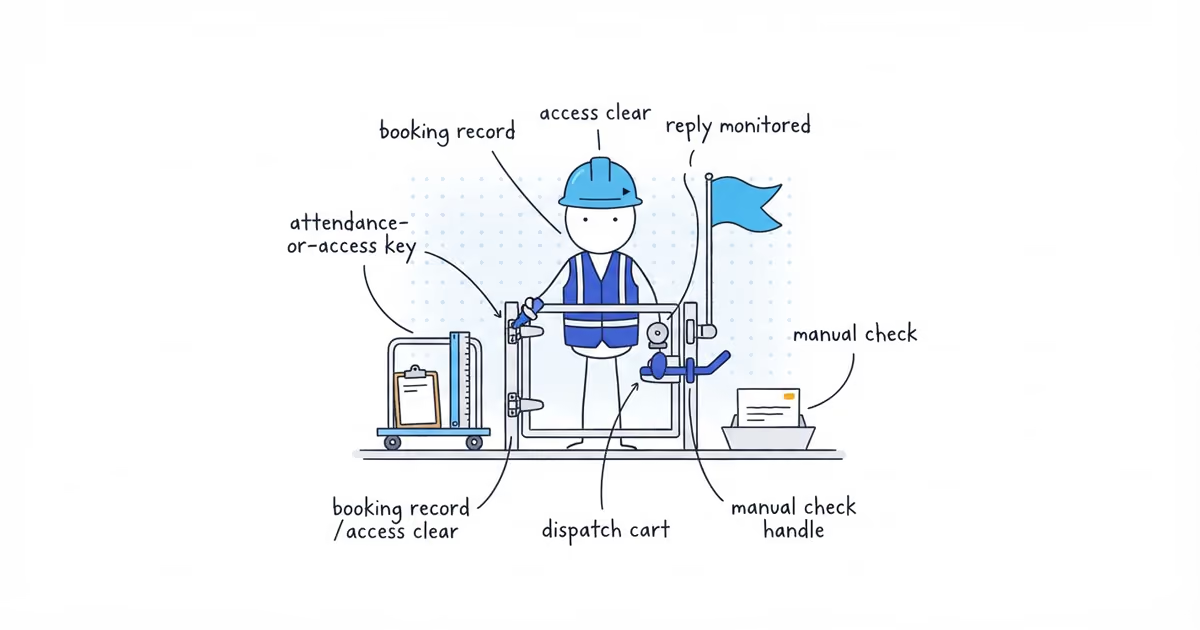
Keep the actual evidence. A note saying “customer approved” is weaker than the email, signed copy, portal record, or purchase reference that shows what the customer accepted.
This record proves acceptance. It does not prove delivery, completion, or payment, and it does not answer the legal question of whether a contract was formed.
3. Verify what was delivered
After the work takes place, create a fulfilment record based on the job itself. Include the service date or period, the service actually completed, the actual quantity, and the delivery or completion evidence you normally retain.
Keep planned and completed work separate. Two visits on the accepted proforma do not become two completed visits merely because the customer approved the proposal. The job record must show that both visits happened.
4. Reconcile the proposal with the actual job
Compare the accepted proforma with the fulfilment record line by line. For each item, record the proposed value, the actual value, and the final billable quantity or charge.
If the scope, quantity, or charge changed, attach the customer’s approval for that change before billing it. When a difference is still unapproved, the change-order communication guide helps you present the original scope, evidence, impact, and customer choices before the extra reaches a final invoice. Do not edit the original proforma to make an extra look as though it was included from the start.
Then check the payment record. Credit only deposits or other payments your business actually received. A promised transfer, expected check, or purchase reference is not money received and should not reduce the balance.
5. Choose the document that matches the current status
The next document depends on what has actually happened:
- Work not yet delivered: Keep the accepted proforma with the acceptance or booking record. Do not issue a receipt just because the customer accepted it.
- Work delivered and money due: Issue a final invoice using the completed work, approved changes, and received-payment credits you just reconciled.
- Money received: Record the payment against the final invoice and issue a receipt or paid confirmation when appropriate. The receipt proves payment, not acceptance or completion.
This is why changing the title on a proforma is not enough. A final invoice must reflect the billable delivery or completion event, not merely repeat the earlier proposal.
6. Keep the complete handoff file
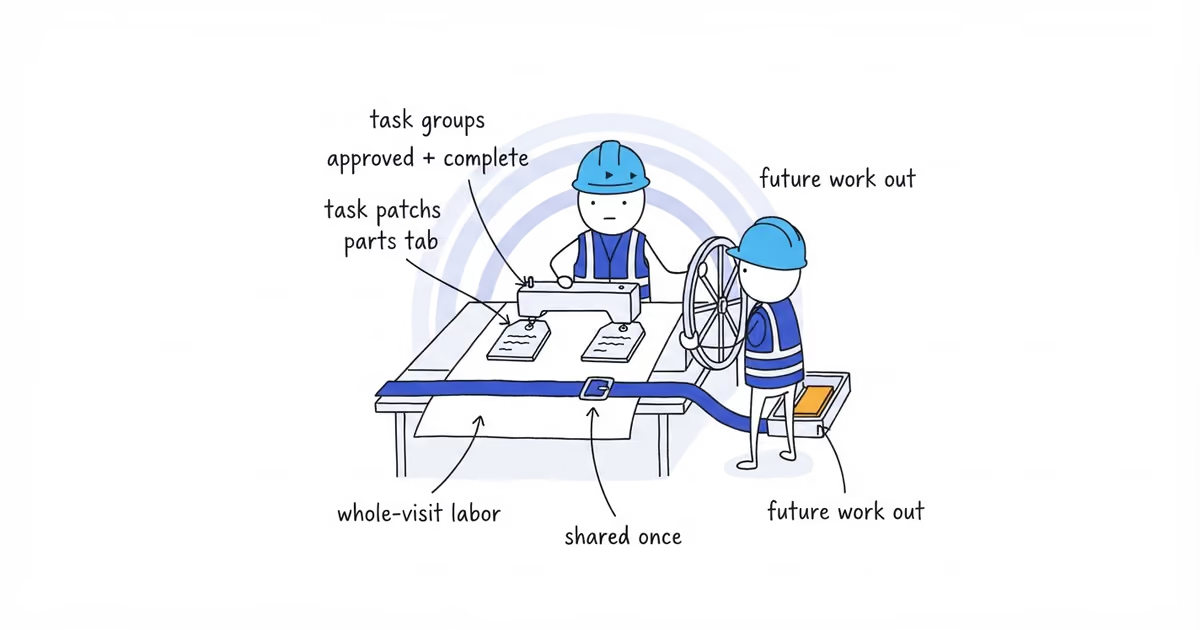
Retain the accepted proforma, acceptance evidence, delivery or completion record, approved changes, final invoice, and payment record or receipt together. You should be able to move through the file in order and see how the proposed work became the final amount due.
Accepted Proforma Invoice Example
The following amounts are fictional workflow inputs, not suggested service prices. Tax is omitted because its treatment depends on the job and jurisdiction.
Proforma PF-104 proposes two service visits at $600 each:
Accepted proposal: 2 x $600 = $1,200
Approved additional service:       +$150
Final invoice total:               $1,350
Advance payment actually received: -$300
Balance due:                       $1,050
The customer accepts PF-104, and the business preserves that version unchanged. The job record later shows that both visits were completed. A separate record shows that the customer approved the additional $150 service. The payment record confirms that the $300 advance reached the business.
Those actual records support a final invoice total of $1,350, a $300 payment credit, and a $1,050 balance. PF-104 still shows the original $1,200 proposal; it is not rewritten to include the extra or relabeled as the final invoice.
Before closing the handoff, check that the accepted snapshot is unchanged, acceptance evidence is saved, completed work supports every billed item, every extra has approval, and every payment credit matches money received. The final invoice should show the reconciled work and amount due. The payment record and receipt should show what was paid.
Frequently Asked Questions
What if the customer accepts a proforma with changes?
Save the response and record each requested change. If the proposal changes, prepare a clearly numbered new proforma and ask the customer to confirm that version before you proceed. Keep the earlier proforma and the customer’s message.
What if the customer pays before the work is complete?
Record only the amount that actually arrived and issue a receipt or payment confirmation when appropriate. Keep the work status as incomplete. When you create the final invoice, apply that payment once and retain its original payment record.
What if the customer accepts after the proforma’s valid-until date?
Keep the late acceptance record, but confirm that the proposed work, schedule, rates, and terms are still current before proceeding. If anything changed, issue a new proforma version and preserve both versions.
- pricing
- what-to-do-after-customer-accepts-proforma-invoice
- what-to-do-after-a-customer-accepts-a-proforma-invoice
- accepted-proforma-invoice
- proforma-invoice-to-final-invoice
- when-to-issue-a-final-invoice