Why Was My Google Business Profile Post Rejected or Not Showing?
Diagnose a rejected or missing Google Business Profile Post by confirming its state and testing copy, media, link, type, dates, and action one at a time.
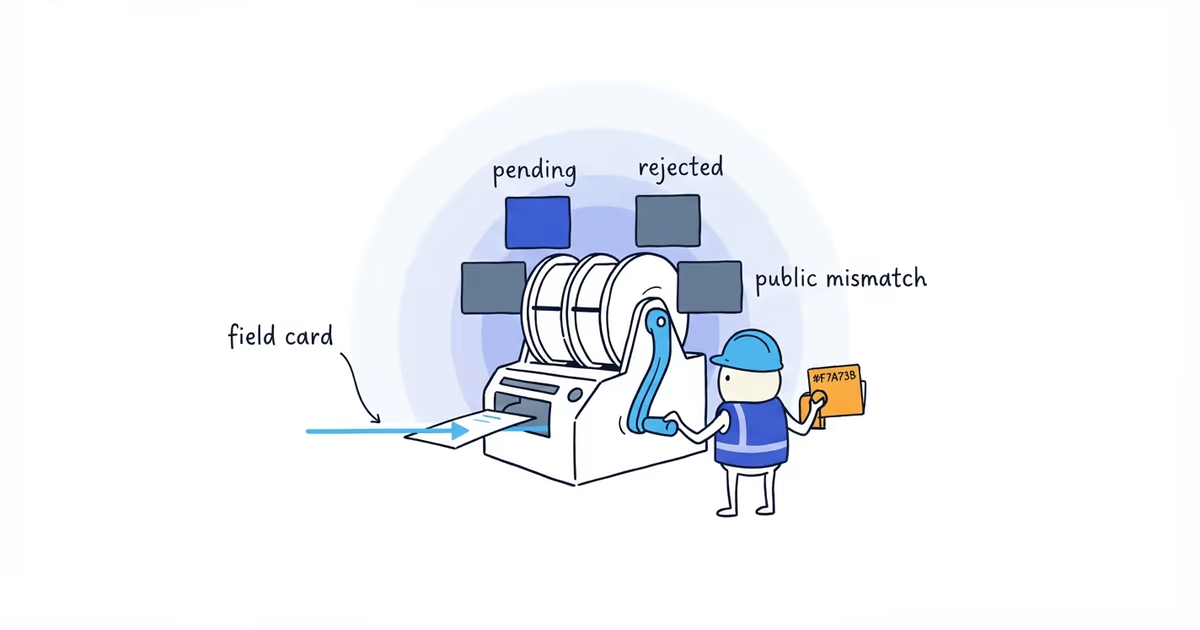
A Google Business Profile Post may be pending, rejected, live but hard to find, archived, deleted, or published on the wrong profile. Check which one happened before rewriting anything.
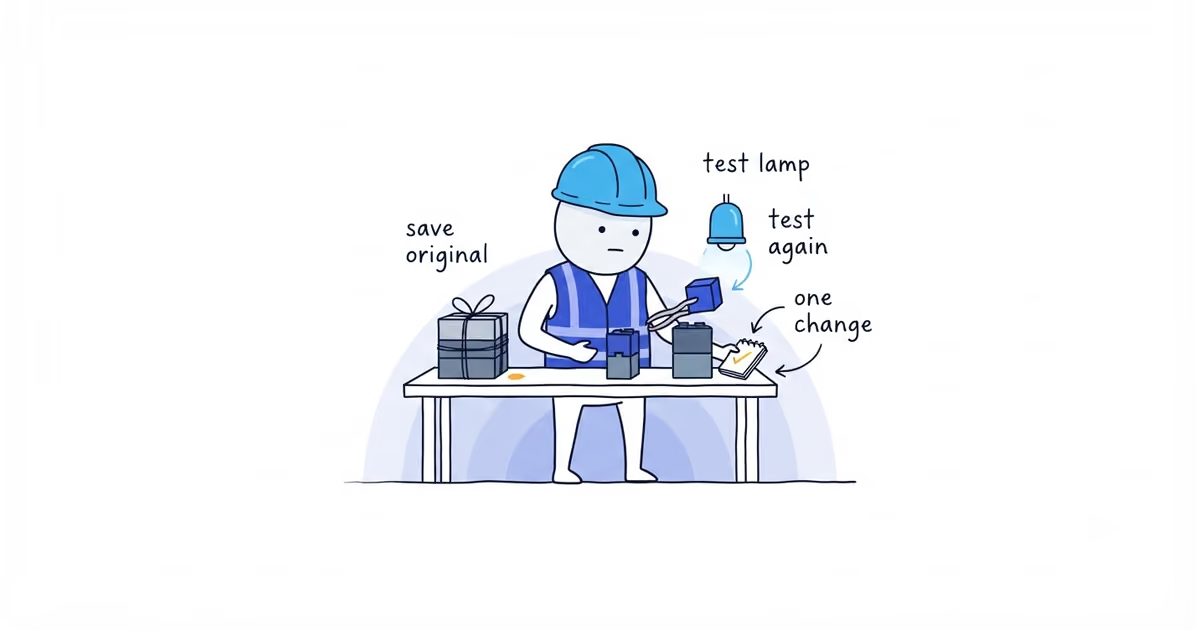
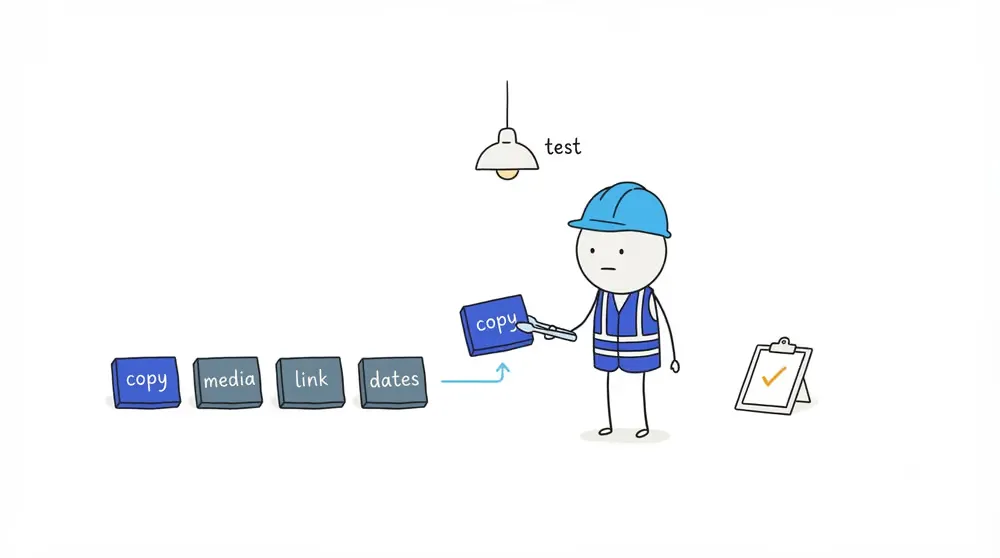
For a real rejection, save the original and change one thing at a time. Start with plain, policy-compliant copy. Then test the media, link, Post type, dates, and action separately. This shows which change matters and prevents another blind resubmission.
Identify why a Google Business Profile Post is missing
Check the correct business, management account, Post type, creation date, visible status, what a customer sees, and where the button should lead.
| State | What it means | First action |
|---|---|---|
| Pending | Review or processing is not complete | Record the time and avoid duplicate submissions |
| Rejected | One or more components did not pass | Preserve the original and begin policy/component checks |
| Live but not prominent | The Post is public but not where the owner expected | Confirm public access before editing |
| Archived | The Post reached its current lifecycle condition | Check age and date range rather than treating it as rejected |
| Deleted | It is no longer available as a current Post | Check account action, status, and evidence |
| Wrong profile | It was created for another listing or location | Stop retries and correct the target profile |
Google’s current help says Posts older than six months are archived unless a date range is specified. The old rule that every standard Post expires after seven days is not current guidance.
How to fix a rejected Google Business Profile Post
Use this order:
Confirm state and correct profile
-> Save the original and status evidence
-> Check policy-sensitive business and content categories
-> Test plain compliant copy
-> Test compliant media
-> Add the destination
-> Add the correct Post type, dates, and supported action
-> Verify the public result
Write down what you changed and what happened. If the copy, image, link, button, and offer terms all change together, the next approval or rejection tells you very little.
Check Google Post copy for rejection problems
Compare the body text with Google’s current Post and media policies. Look for:
- Prohibited or restricted content
- Personal or private information
- Misleading or unsupported claims
- Guarantees and fake urgency
- Unclear offer terms
- Content that does not represent the business
- Phone numbers in the body
Google’s current Post guidance warns that phone numbers in Post descriptions may cause rejection. Use the supported contact action where appropriate, but do not assume the phone number is the cause of every failure.
Check Google Post images and videos
Test the image or video separately. It should be relevant, privacy-safe, and representative of reality. Check significant alterations, excessive filters, AI-generated elements that misrepresent the business or work, restricted subject matter, personal information, and any text treatment that interferes with the real image.
Google has not published one safe text-overlay percentage. A ratio from a consultant is a preference, not a platform rule.
Check Google Post links, type, dates, and action
Open the destination independently. It should load, match the Post’s promise, and avoid deceptive redirects.
Then check:
- The current Post type fits the content.
- Offer or Event dates are correct.
- Eligibility, exclusions, and capacity are clear.
- The selected action is supported and points to the right place.
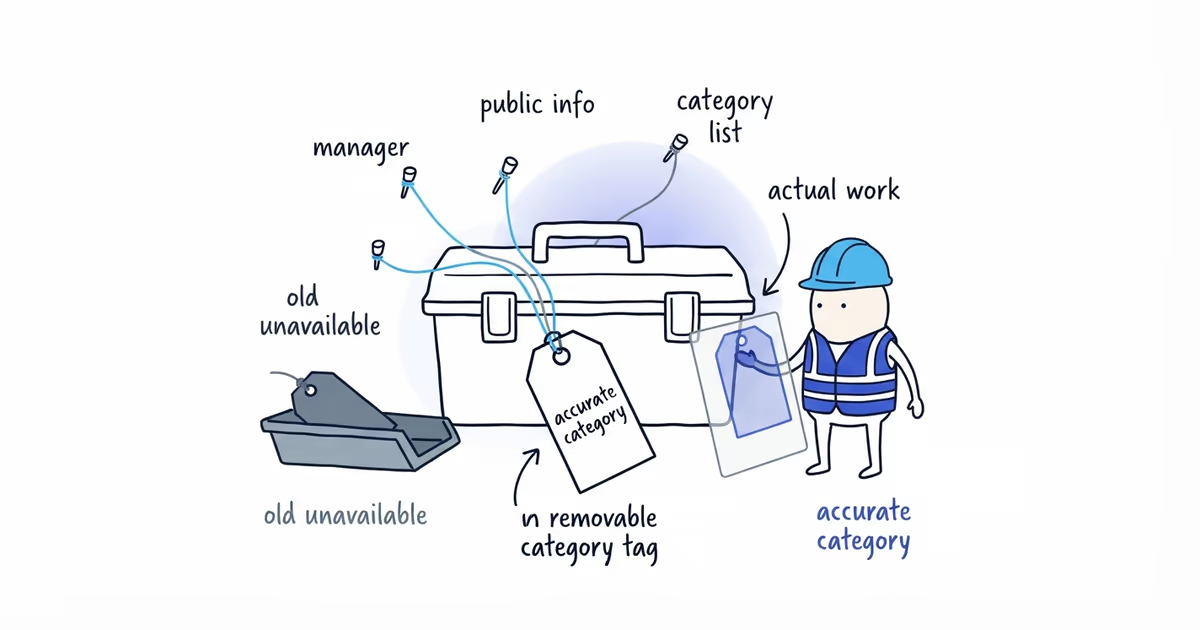
- The business category and subject are allowed to publish that content.
Confirm current Update, Offer, and Event controls in the live editor because Google changes the product.
Google Business Profile Post rejection example
An HVAC contractor publishes an offer containing a phone number in the body, a vague this week only deadline, a promotional image, and a booking button. The Post is rejected. The owner also discovers that nobody had agreed on the actual end date.
The owner saves the original and status screenshot, confirms the dates with the team, and tests plain factual copy without the phone number, image, or link. The new copy states which maintenance visit qualifies and removes the unsupported guaranteed savings claim.
When the plain version succeeds, the owner tests the policy-compliant image. Then the owner adds the booking destination and supported action. Each step is recorded.
The owner now has a working Post and a record of each change. That does not make any one removed element a universal rejection trigger for every business.
When to contact Google about a rejected Post
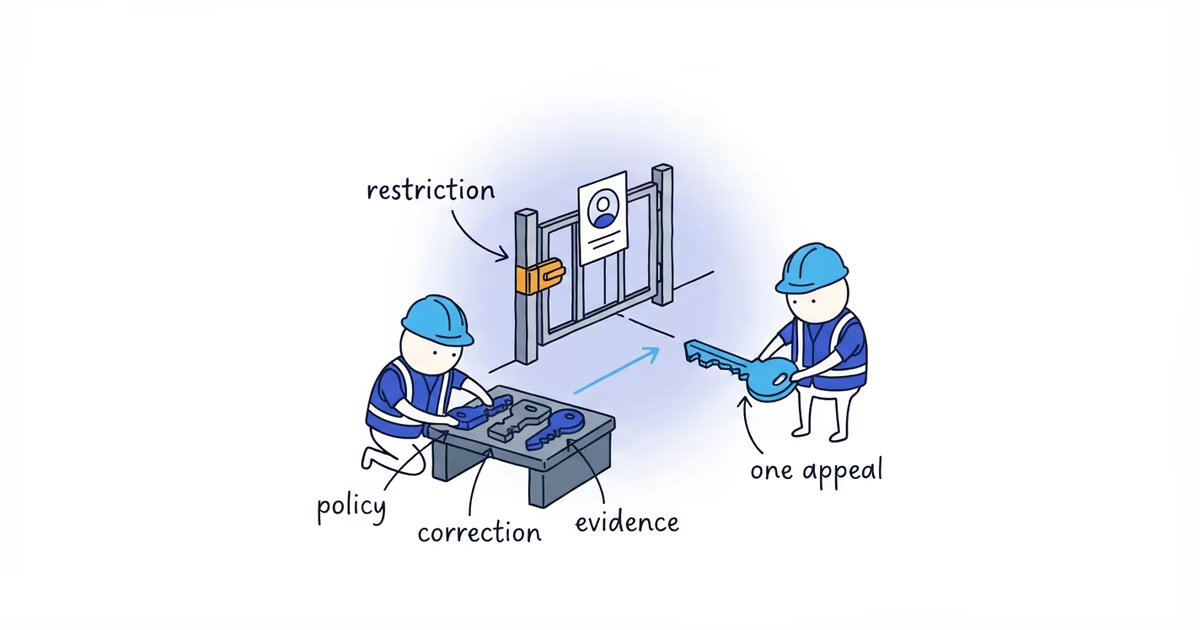
Prepare a support case when a clean, policy-compliant version still fails after you test one change at a time, or when the status conflicts with Google’s current documentation. Keep:
- Original copy and media
- Profile URL
- Post type and dates
- Destination URL
- Status screenshot
- Time observed
- Each component tested and its result
A rejected Post does not mean the whole profile is about to be suspended. Google has not published a retry count that automatically triggers suspension, but policy-violating content or behavior can lead to content removal or feature-access restrictions. Stop blind retries and document what actually happened.
Stop when you understand the status, a compliant Post is visible to customers, archiving explains why it disappeared, or you have enough evidence for support.
Frequently asked questions
Why did my old Google Post disappear?
It may have been archived rather than rejected. Google’s current help says Posts older than six months are archived unless a date range is specified.
Can too much text on an image reject a Google Post?
Google has not published one safe text-overlay percentage. Test a clean, relevant image on its own instead of relying on an unofficial ratio.
Will repeated Post rejection suspend my Business Profile?
Not automatically. Google has not published a retry count that suspends a Business Profile, but policy-violating content or behavior can lead to content removal or feature-access restrictions. Correct the issue instead of repeatedly resubmitting the same Post.
Sources
- google-business-profile
- google-posts
- post-rejected
- post-troubleshooting
- content-policy
- home-services