Why Was My Google Business Profile Suspended, and How Do I Fix It?
Learn why a Google Business Profile was suspended, audit the cited policy, prepare matching evidence, and submit the correct reinstatement appeal to Google.
Open Google’s Business Profile appeals tool before changing anything. It shows the affected profile, the restriction Google recorded, the policy tied to the decision, and whether that decision is eligible for appeal.
That information is more useful than a generic list of “common suspension causes.” Your job is to make one case: this is an eligible business, this profile represents it accurately, and these documents prove it.
Last verified: July 30, 2026 (United States).
Check why your Google Business Profile was suspended
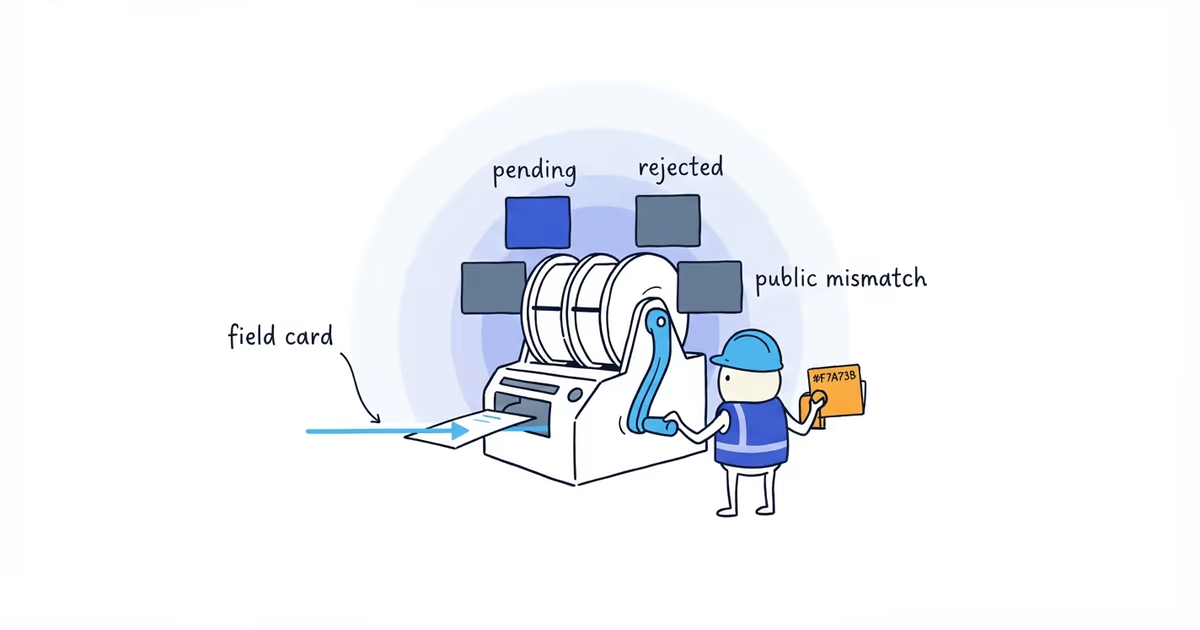
Confirm which of these situations applies:
- One profile has an eligible decision to appeal. Audit that profile against the cited policy, correct proven errors, and prepare evidence.
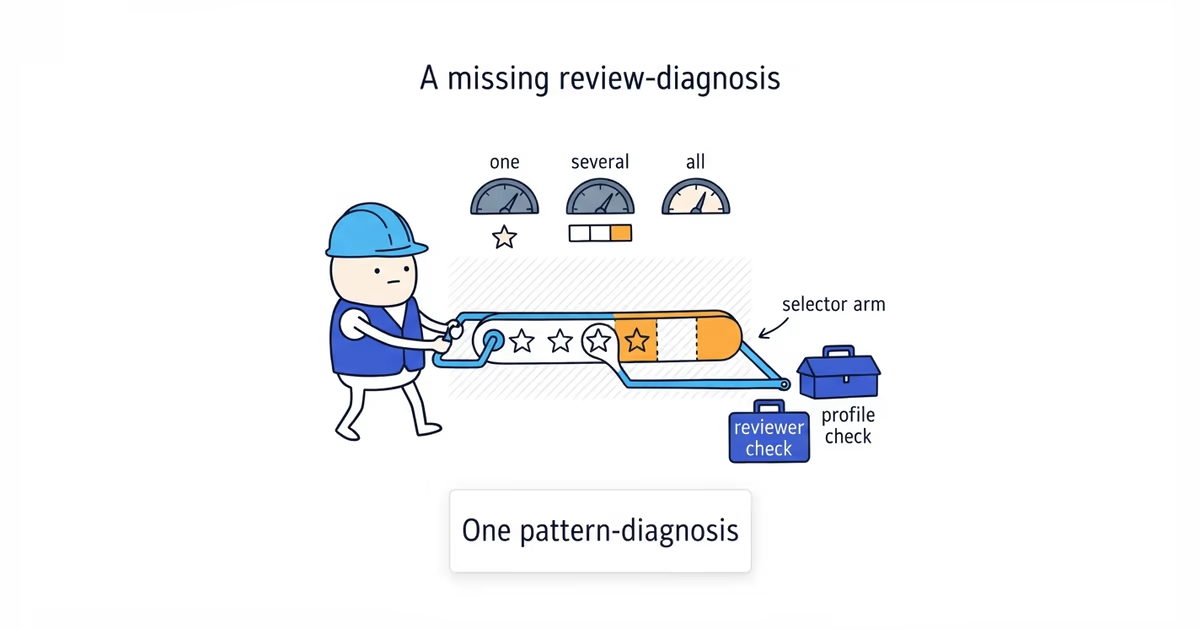
- Google has restricted the managing account. If several profiles disappear under the same login, changing one listing’s category or phone will not fix the restriction. Follow the account-level route Google shows.
- An appeal is already under review. Keep the profile and evidence stable. Do not create a replacement listing.
- Google denied the appeal and offers additional review. Find the missing correction or evidence before submitting again.
- The profile or decision does not appear. Confirm that you are signed in to the managing account. If it still does not appear, use Business Profile support for the state you can document.
Save a screenshot of the restriction, cited policy, profile identity, and available action. That becomes the first page of the case file.
Audit the Business Profile suspension policy
Google’s representation guidelines require the profile to describe an eligible, real-world business accurately.
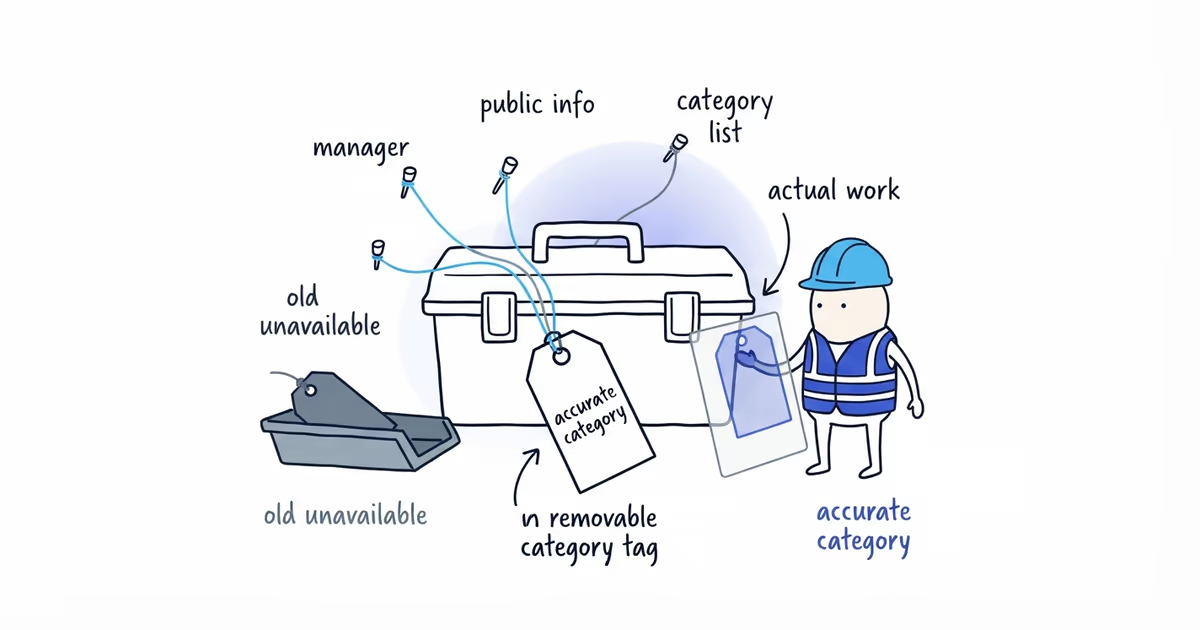
Check the core identity:
- Business name: Does it match the name used in the real world, without added services, cities, phone numbers, or taglines?
- Location model: Do customers visit a genuine staffed location, or should the business be configured as a service-area business with its address hidden?
- Category: Does the primary category describe what the business is?
- Service area: Does it describe where the business actually works rather than a list of places it hopes to rank?
- Contact information: Do the phone, website, and documents identify the same operation?
- Duplicate status: Is there already another profile for this business?
Use the policy Google cites to decide where to go deeper. Changing the name, category, service area, phone, and website at once does not make an appeal stronger. It makes the record harder to explain.
How a service-area plumber should handle a home address
Suppose a plumber travels to customers and does not receive customers at the owner’s home. The suspended profile displays that home as a customer-facing location, while the website describes a mobile service-area business.
The useful correction is not a new profile. It is to represent the existing business under the correct service-area model, then provide documents that connect the business to the profile. If Google cites a different policy, the example does not apply; follow the restriction actually shown.
If the address model is still unclear, our service-area Business Profile guide shows how to hide a private address, set the public service area, and avoid creating another profile.
Gather evidence for a Google Business Profile appeal
Google explicitly identifies these as useful evidence:
- Business registration
- Business license
- Tax certificate
- Utility bill
For location-based documents, the business name and address should match the profile being appealed.
The website or location photos can make the case easier to understand, but Google does not list them as substitutes for the documents above. Use them to show the customer-facing location or explain how a service-area business reaches customers.
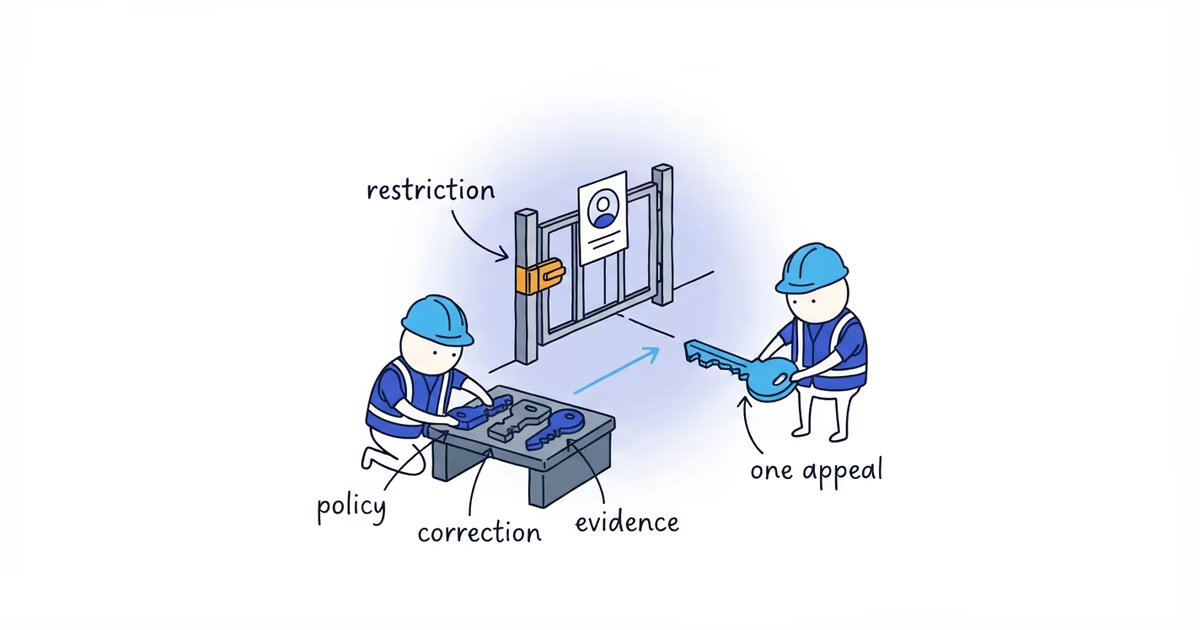
Use an evidence map instead of uploading a pile of files:
| What you need to establish | Evidence to use |
|---|---|
| The business exists | Registration, license, or tax document |
| The business is tied to the place | Matching utility bill; relevant signage for a customer-facing site |
| The profile represents it | Matching name, address, phone, website, and operating model |
| The cited problem was corrected | One sentence naming the correction and the document that proves it |
Prepare every file before opening the appeal. Google says the evidence form must be completed within 60 minutes after the appeal is submitted.
How to appeal a suspended Google Business Profile
- Sign in to the account that manages the restricted profile.
- Open the appeals tool and select the affected business.
- Read the reason and linked policy shown for that decision.
- Confirm that the profile is accurate or that your evidence demonstrates it already was.
- Submit the eligible appeal.
- Complete the evidence form within the 60-minute window.
- Save the confirmation and monitor the case in the appeals tool.
Keep the explanation short:
We operate as a service-area plumbing business and do not receive customers at the address. We corrected the profile to reflect that model. The attached registration and utility bill connect the business name and address to this profile; the website shows the same business name, phone, and service area.
Use wording like that only when it is true. Lost revenue, frustration, or accusations about a competitor do not establish eligibility.
Google currently says appeal reviews and decisions can take up to 5 business days. That is a review estimate, not a promise of reinstatement within five days. Do not submit another appeal for the same issue while a decision is pending.
Protect customer leads while the appeal is pending
Google warns businesses not to create another profile for the same business while an appeal is under review. A second listing adds a duplicate problem without fixing the original restriction.
Keep the customer path you control working:
- Put the correct phone, service area, hours, and request form on the website.
- Test calls and form submissions from outside the business phone system.
- Save dated screenshots when the public result or appeal status changes.
- Track missed calls and lead-source changes.
- Resume normal review requests only when the correct profile is available; never send customers to a replacement listing.
What to do if Google denies the Business Profile appeal
Do not submit the same explanation again. Read the decision and ask what remains unproven:
- Is the business itself eligible?
- Does the profile still conflict with the documents or real-world operation?
- Did the first packet omit the document that directly answers the cited policy?
- Is this actually an account restriction, ownership dispute, or duplicate case?
If the correct established profile is controlled by a former employee, agency, partner, or previous owner, our Business Profile ownership guide helps you choose the access-request path without creating a duplicate.
If Google offers additional review, use it for new relevant evidence or a correction missing from the first appeal. If no eligible decision appears, use Business Profile support with the profile URL, account, screenshots, and case history.
No one can guarantee reinstatement. The strongest appeal is not the longest one; it is the one in which the policy, correction, and evidence all point to the same eligible business.
Frequently asked questions
How long does a Google Business Profile suspension appeal take?
Google says appeal reviews and decisions can take up to five business days. That is an estimate for the review, not a guarantee that the profile will be reinstated within five days.
Will my Google reviews return after Business Profile reinstatement?
Reviews may return with the reinstated profile, but restoration is not guaranteed. If the profile returns without its reviews, contact Business Profile support with the previous and current Maps URLs and the reinstatement case reference.
Sources
- google-business-profile
- profile-suspension
- suspension-appeal
- profile-reinstatement
- appeal-evidence