Why Did My Google Business Profile Category Change?
Find out why a Google Business Profile category changed, verify whether it is accurate, restore the right category, and handle rejected or reverted edits.
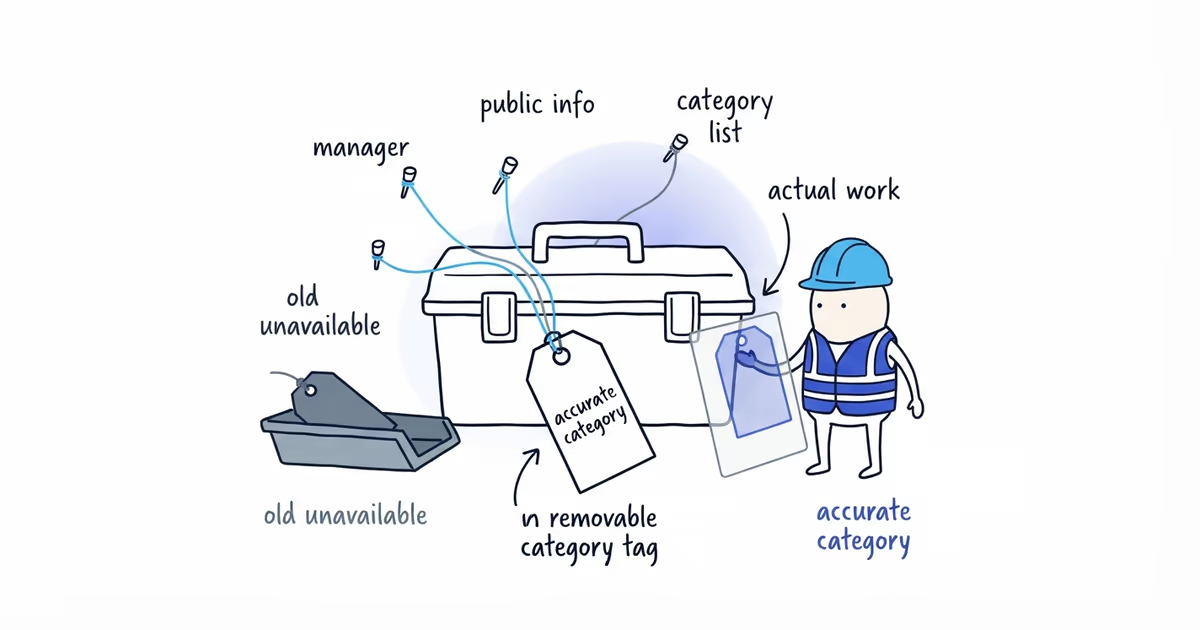
There are three useful explanations for an unexpected category change:
- Someone with access changed it.
- Google applied an update from information it found elsewhere.
- The old category was renamed, removed, or is no longer available for this profile.
Check them in that order. You may not be able to prove which person or source triggered the change, but you can determine whether the current category is accurate and whether the old one can still be selected.
Last verified: July 30, 2026 (United States).
Record the Google Business Profile category change
Before editing, write down:
- The current primary category
- Every additional category
- The former category, if you know it
- The date you first noticed the change
- Any email or Business Profile notification about an update
- Who currently has Owner or Manager access
- Whether the old category still appears in the live category selector
Take a signed-out screenshot of the public profile as well. Without this record, a correction that later reverts will look like the same unresolved problem.
Check who can change your Business Profile category
Ask every current manager, including an agency or former team member who still has access, whether they changed the primary or additional categories.
If the edit was intentional, judge the category on accuracy rather than on who made it. If nobody recognizes it, remove access that should no longer exist and secure the managing Google accounts. Then check whether Google presented the change as an update.
An unexplained change does not prove that a competitor edited the profile. Public suggestions can contribute information, but the final public result does not identify a particular competitor as the cause.
Check whether Google changed the Business Profile category
Google says it may update Business Profile information using reports and other sources.
Compare the category with the way the business describes itself publicly:
- Homepage title and main heading
- Service pages
- Permanent signage and branded vehicles
- Business registration or trade license where relevant
- Prominent business listings
Suppose a roofing company inherited a website that repeatedly calls it a “general contractor,” while roofing appears only on one service page. If Google changes the primary category toward general contracting, that public contradiction is worth correcting even though the website alone does not prove what caused the Google update.
If the website calls the company a general contractor but the trucks, licenses, and daily work all say roofing, fix that contradiction for customers. It still does not force Google to restore a category.
Check whether the old Google Business Profile category still exists
Open the category selector on the live profile and search for the former category. Google’s available categories can change and may vary by region.
If the old option is gone, the problem is not a rejected edit. Choose the closest current category that accurately describes the core business. Do not force the old category wording into the business name or description.
Use Services for individual jobs. A plumber can list drain clearing, leak repair, repiping, and water-heater work as services without treating each one as a separate business category.
Choose the accurate Google Business Profile category
Google’s category guidance says to choose a specific primary category and use as few additional categories as needed to describe the business.
Use this test:
If a customer asked, “What kind of business is this?” what is the most specific normal answer?
Then check two things:
- Does that answer describe the company’s main operation rather than an occasional job?
- Do the website, real-world branding, licenses where relevant, and actual services support it?
If several genuine service lines make the core operation hard to name, our multi-service contractor category guide helps weigh business identity, completed jobs, team capability, and customer experience.
Do not choose a category only because a higher-ranking competitor uses it. An HVAC contractor that occasionally installs a water heater does not become a plumbing company for category purposes.
An accurate category helps Google understand the business. It does not guarantee a ranking position, and changing it back does not guarantee that earlier visibility will return.
To separate category relevance from distance and prominence, our Google Maps category guide explains what an accurate category can and cannot change.
How to correct a Google Business Profile category
- Sign in to the account that manages the Business Profile.
- Open the business-information editor in Search or Maps.
- Select the most specific available primary category for the core operation.
- Keep only additional categories that describe genuine parts of the business.
- Save the edit and record the status shown.
- After Google processes it, check the same profile while signed out in Search and Maps.
If this check uncovers broader setup problems across categories, services, and the location or service-area model, ShiftFlow’s Google Business Profile setup helps bring those core fields into one accurate configuration.
Google can change interface labels, so use the category control shown on the live profile rather than an old screenshot from a tutorial.
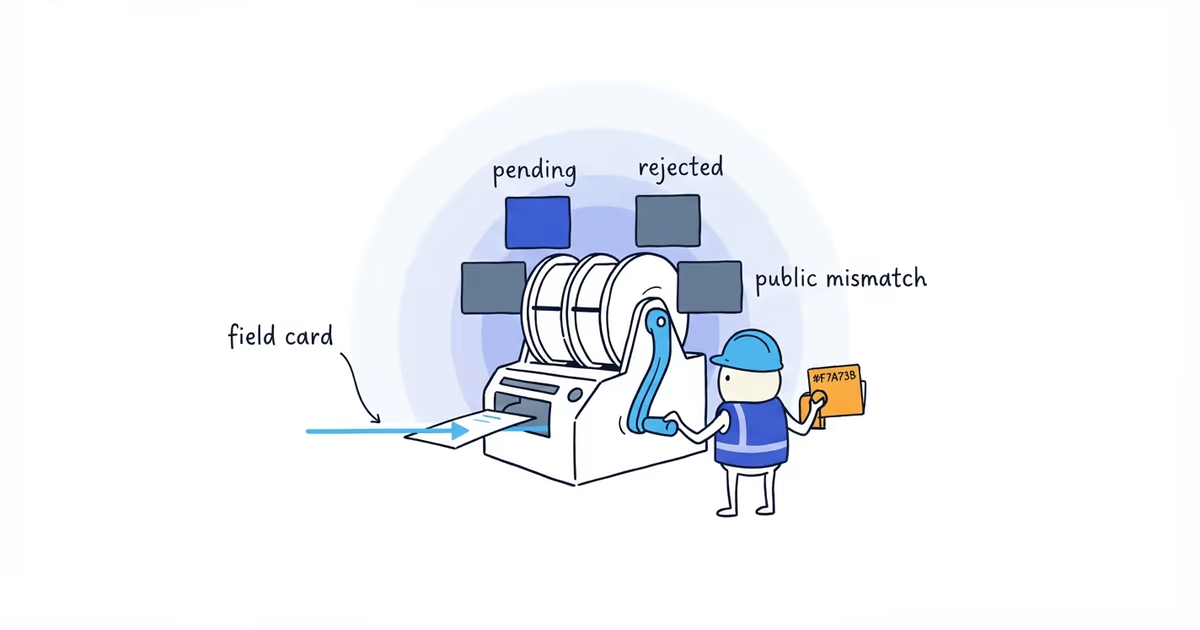
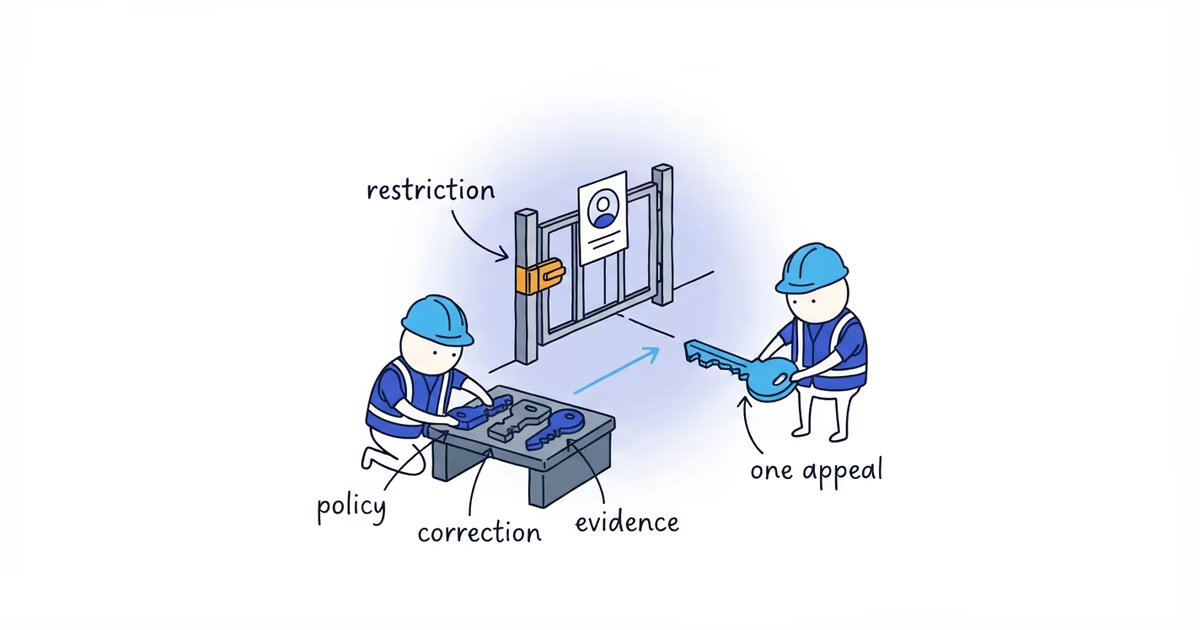
If the correction remains pending, is rejected, or appears and then reverts, stop submitting category variations. That is now an edit-status problem. Preserve the before-and-after screenshots and the evidence supporting the intended category, then use the appropriate rejected-edit or support route.
If the category changed after a duplicate decision or profile merge, compare both Maps URLs. A category edit cannot fix Google showing or consolidating the wrong business record.
Frequently asked questions
Can Google change my Business Profile category automatically?
Google says it may update Business Profile information using reports and other sources. First check whether an Owner or Manager made the change, then compare the new category with the business’s real-world operation and public information.
What if my old Google Business Profile category is unavailable?
Choose the closest current category that accurately describes the business’s core operation. Do not force the former category into the business name or description, and use Services for individual jobs.
Does changing a Google Business Profile category affect ranking?
An accurate category helps Google understand the business, but no category change guarantees a ranking position or restores previous visibility. Choose the category for accuracy rather than copying a higher-ranking competitor.
Sources
- google-business-profile
- business-categories
- primary-category
- category-change
- google-maps-ranking