Why Are My Google Business Profile Edits Pending or Rejected?
Fix pending or rejected Google Business Profile edits by identifying the status, collecting field-level proof, and using the correct Google support route.
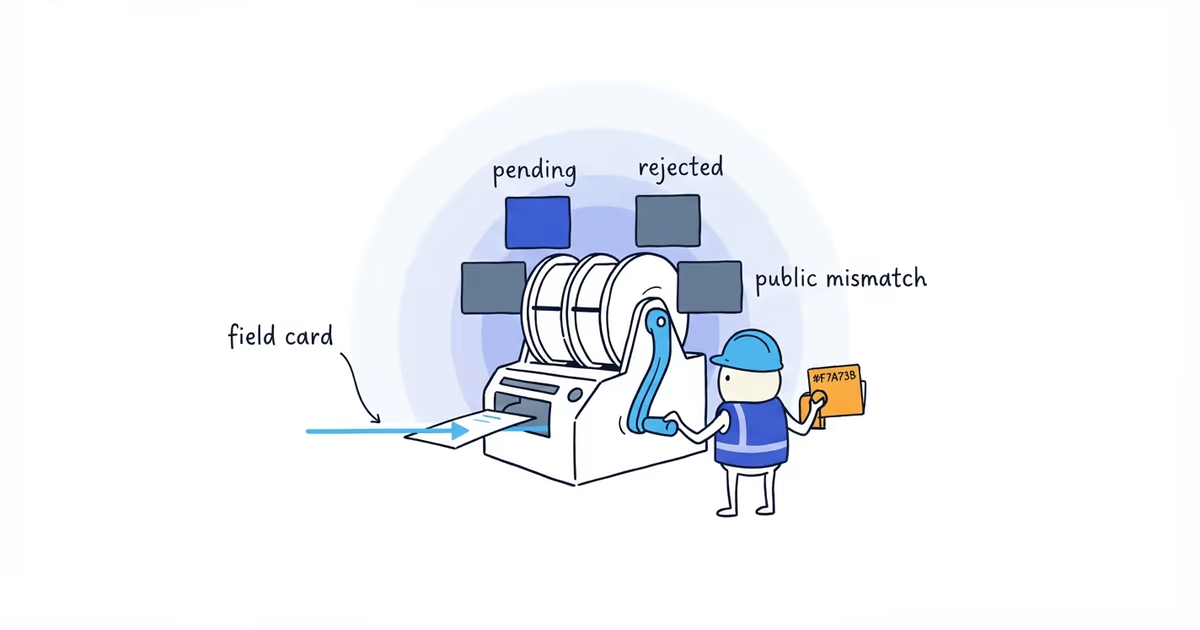
First identify the edit state. “Google will not update my profile” can mean four different things:
- Pending: Google has not finished reviewing the submitted value.
- Rejected or not approved: Google declined that edit.
- Reverted: The new value appeared and the old one later returned.
- Public mismatch: The manager shows the intended value, but Search or Maps does not.
Submitting the same change again does not tell you which problem you have. A dated incident record does.
Last verified: July 30, 2026 (United States).
Record the pending or rejected Business Profile edit
Work on one disputed field at a time. Record:
| Item | Example |
|---|---|
| Profile | Exact Google Maps URL |
| Field | Primary phone number |
| Previous value | 512-555-0140 |
| Intended value | 512-555-0199 |
| Manager status | Pending, rejected, approved, or no status shown |
| Public result | Value shown in signed-out Search and Maps |
| Submitted date | Date of the original edit |
| Proof | Website, official document, current operating information |
Take the manager and public screenshots on the same day. Confirm that Search and Maps open the same profile URL. An old-location or duplicate profile can look like a failed edit when Google is actually showing a different business record.
What to do when a Google Business Profile edit is pending
Check that the submitted value is accurate and follows Google’s Business Profile guidelines. Then leave that field stable while the review is unresolved.
Google says edits usually take up to 10 minutes to review, but sometimes take up to 30 days. Treat that as the published review range, not a promise for every field or case. An invented “wait 72 hours and submit again” rule can produce conflicting versions without resolving the first review.
While the value is pending:
- Keep the matching information correct on the business website.
- Test the phone, form, hours, or customer path affected by the edit.
- Save another screenshot only when the status or public result changes.
- Prepare direct proof in case Google rejects it.
If the status remains stuck and the profile offers no useful action, contact Google Business Profile support with the incident record.
How to fix a rejected Google Business Profile edit
Ask two questions:
- Does the intended value comply with Google’s rules?
- Can the business prove that this is the real value customers should see?
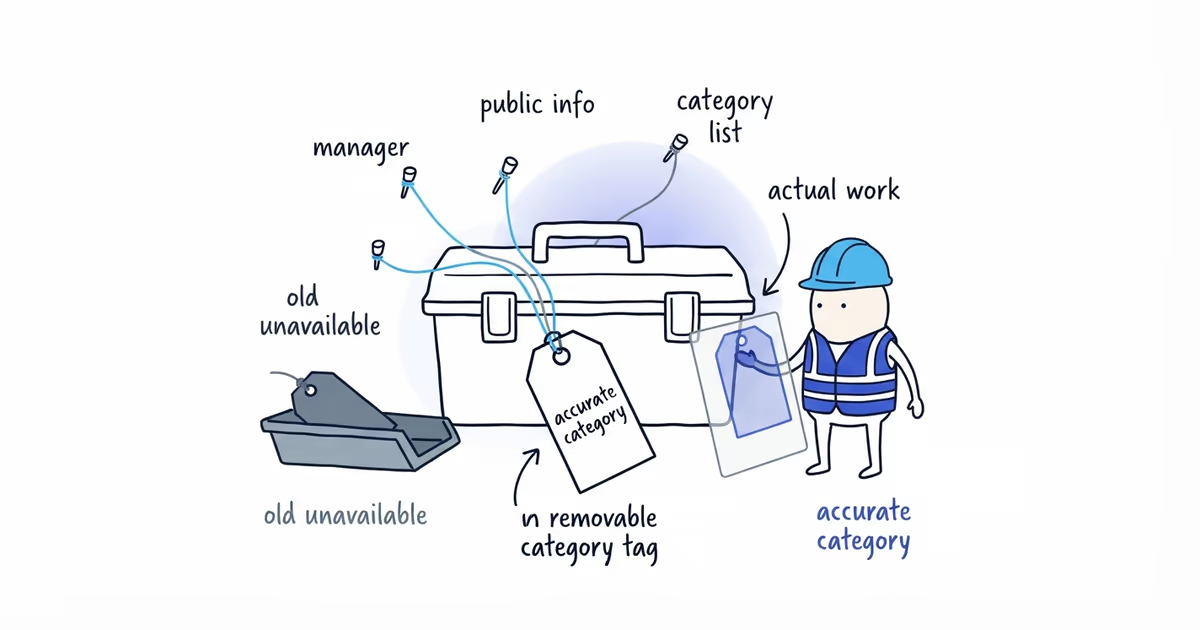
The proof depends on the field. A business name should match real-world branding. An address depends on whether customers genuinely visit the location. A category should describe what the business is. A phone should reach and be controlled by that business.
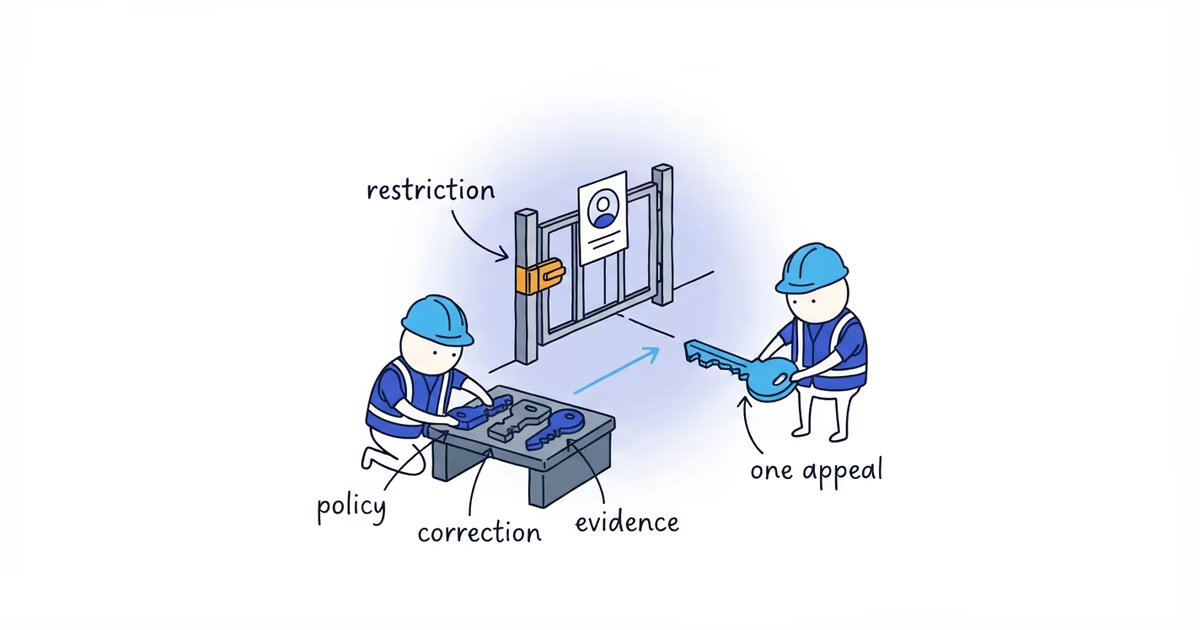
Correct your own mistake when the evidence does not support the edit. If it does, keep the appeal or support submission narrow: one field, one intended value, and the strongest matching proof.
For a business operating in the United States, use Business Profile support for the rejected edit.
If you are reading instructions written for the UK or European Economic Area, the route is different: eligible rejected edits can appear in the Business Profile appeals tool. A US account may not show that option.
Those routes can change. Follow the action available for the live account rather than a screenshot from an old tutorial.
Why Google Business Profile edits revert
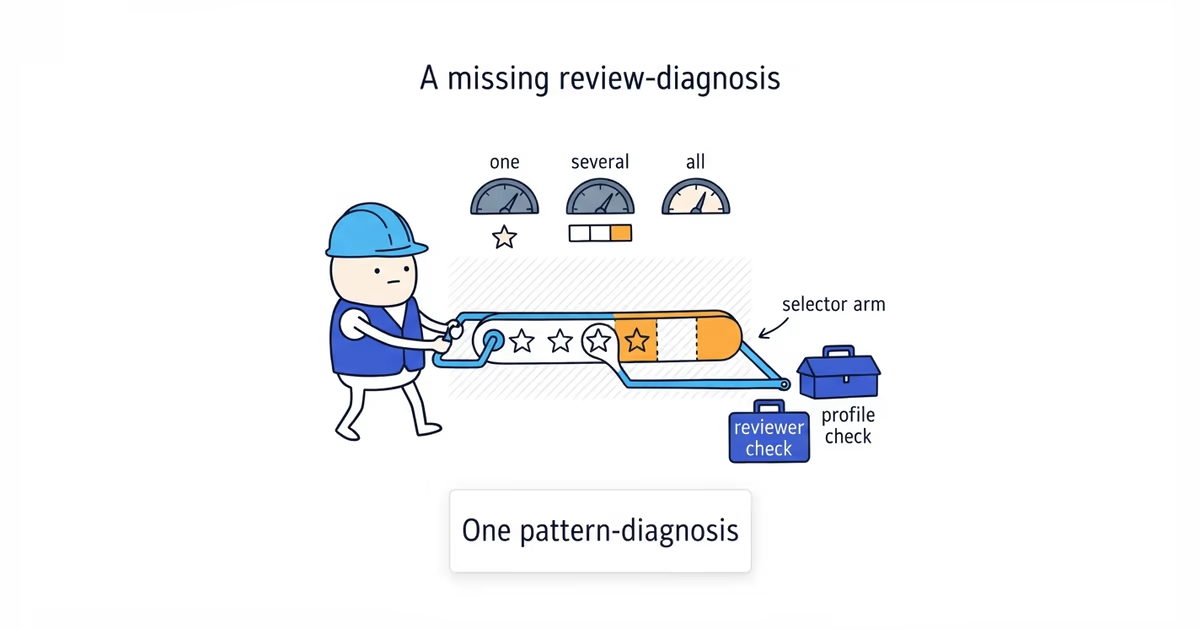
Google says it can update profile information using reports and other sources. When a value returns to an older version, check the public information associated with the business:
- Website header, footer, and contact page
- Public registration or licensing details where relevant
- Major listings still showing an old name, address, or phone
- An old-location or duplicate Google profile
- Website pages that contradict the current hours, service area, or business identity
Fix an old phone or address on the website because customers can still use it. Just do not treat that cleanup as a promise that Google will approve the profile edit. Submit the before-and-after screenshots and strongest proof through the appropriate support route.
If old contact details are also spread across directories and map services, ShiftFlow’s local listings cleanup helps align the main places customers use while the Google case follows its own support path.
When a duplicate profile causes the public mismatch
A roofing company changes its phone number in the profile manager. The manager shows the new number, but a signed-out search still shows the old number. The owner submits the edit three more times.
When the owner finally opens the result in Maps, the review count and address do not match the managed profile. Google is showing an old duplicate. More phone edits to the correct profile cannot fix that listing.
The next action is duplicate or ownership resolution, not another phone edit.
Fix a Business Profile that is correct in the manager but wrong publicly
Match the Maps URL, address or service area, website, review count, and phone. If the identity differs, stop treating the case as an edit problem.
If the public result is the correct established profile but another account controls it, our Business Profile ownership guide helps you request access without creating another listing.
If it is the same profile, send Google:
- The exact Maps URL
- A manager screenshot showing the intended value
- A signed-out Search and Maps screenshot showing the public value
- The original edit date and current status
- Proof that the intended value belongs to the business
In the United States, use Business Profile support. In the UK or EEA, use the appeals tool when the rejected edit appears as an eligible decision.
After Google processes the case, repeat the signed-out Search and Maps check. A value that looks right inside the manager is not enough.
Frequently asked questions
How long do Google Business Profile edits stay pending?
Google says edits usually take up to 10 minutes to review, but sometimes take up to 30 days. Treat that as a general review range, keep the field stable, and contact Business Profile support if it remains stuck beyond that range with no usable action.
Can I appeal a rejected Google Business Profile edit?
In the United States, take a documented rejected edit to Business Profile support. Eligible rejected edits in the UK or European Economic Area may appear in the Business Profile appeals tool instead.
Why did an approved Google Business Profile edit revert?
Google may update profile information using reports and other sources. Check that Search and Maps show the same profile, then compare the intended value with the business website, public records, and any old or duplicate listing.
Sources
- google-business-profile
- profile-edits
- pending-edits
- rejected-edits
- reverted-edits