6 Best Clockify Alternatives for Employee Scheduling and GPS Time Tracking (2026)
Compare six Clockify alternatives for employee scheduling and GPS time tracking, including the differences between rota scheduling, punch validation, geofencing, breadcrumbs, and live location tracking.

The best Clockify alternative for employee scheduling and GPS time tracking depends on what the business means by both terms. Our first pick is ShiftFlow for a small hourly or field team that needs weekly rota scheduling, Work Site validation, offline mobile clocking, and exportable timesheets. ClockShark is stronger when managers schedule work by job and need location breadcrumbs during the shift. Hubstaff is the deeper option for continuous routes and productivity monitoring.
Clockify remains a strong project time tracker. It organizes work around clients, projects, tasks, billable hours, reports, approvals, and resource plans. That is different from organizing team members around availability, open shifts, published rotas, attendance rules, and physical work sites. A business should switch only when that difference creates real administrative or field-work problems.
Prices and plan details were checked on August 4, 2026. Clockify Free currently supports up to five users, so a larger team should compare the paid seat total shown in its workspace and checkout.
The best Clockify alternatives at a glance
| Product | Best for | Scheduling model | GPS model | Offline position | Current pricing reference |
|---|---|---|---|---|---|
| ShiftFlow | Small teams that schedule shifts by Work Site | Weekly rota, publish flow, open shifts | Radius validation at clock events | Mobile clock events sync after connectivity returns | $5.99/seat/month or $60/seat/year |
| ClockShark | Job-based field scheduling and breadcrumbs | Crew, job, task, address, and directions | Punch locations, periodic breadcrumbs, and live map | Offline clock and GPS capture are documented | Standard $40/month plus $9/user/month |
| Hubstaff | Routes, job sites, and productivity monitoring | Recurring schedules and work orders | Live map, routes, job sites, and geofenced automation | Offline behavior remains unconfirmed | Team $10/seat/month billed annually |
| Deputy | Forecasting, labor rules, and compliance | Advanced and demand-based scheduling | Punch location plus optional blocking mobile geofence | iPad Kiosk can clock offline; mobile is read-only | Lite from $5/user/month |
| Homebase | One-location scheduling, attendance, and payroll | Availability, templates, openings, swaps | Mobile GPS and geofence attendance controls | Vendor describes outage continuity; scope is unclear | Free for one location and up to 10 team members |
| Buddy Punch | Layered punch enforcement | Add-on on Starter; included on Pro | Punch coordinates, blocking geofence, optional real-time | Offline behavior remains unconfirmed | Starter $4.99/user/month annually plus a $19 monthly base fee |
| Clockify | Project, client, task, and billable-time work | Project and team resource scheduling | Timer-linked locations and significant movement | Offline behavior remains unconfirmed | Current free-plan terms conflict across available sources |
Disclosure: ShiftFlow publishes this article and is one of the products evaluated. We rank it first only for the focused shift-scheduling and attendance scenario above; another product is the better choice when project billing, job dispatch, route monitoring, or forecasting drives the decision.
If you are choosing between project timers and shift-based attendance, start with our small-business scheduling and time tracking comparison. When location verification is decisive, test clock-event coordinates, geofence behavior, and route history as separate requirements.
1. ShiftFlow: best for a focused rota, Work Site, and offline workflow
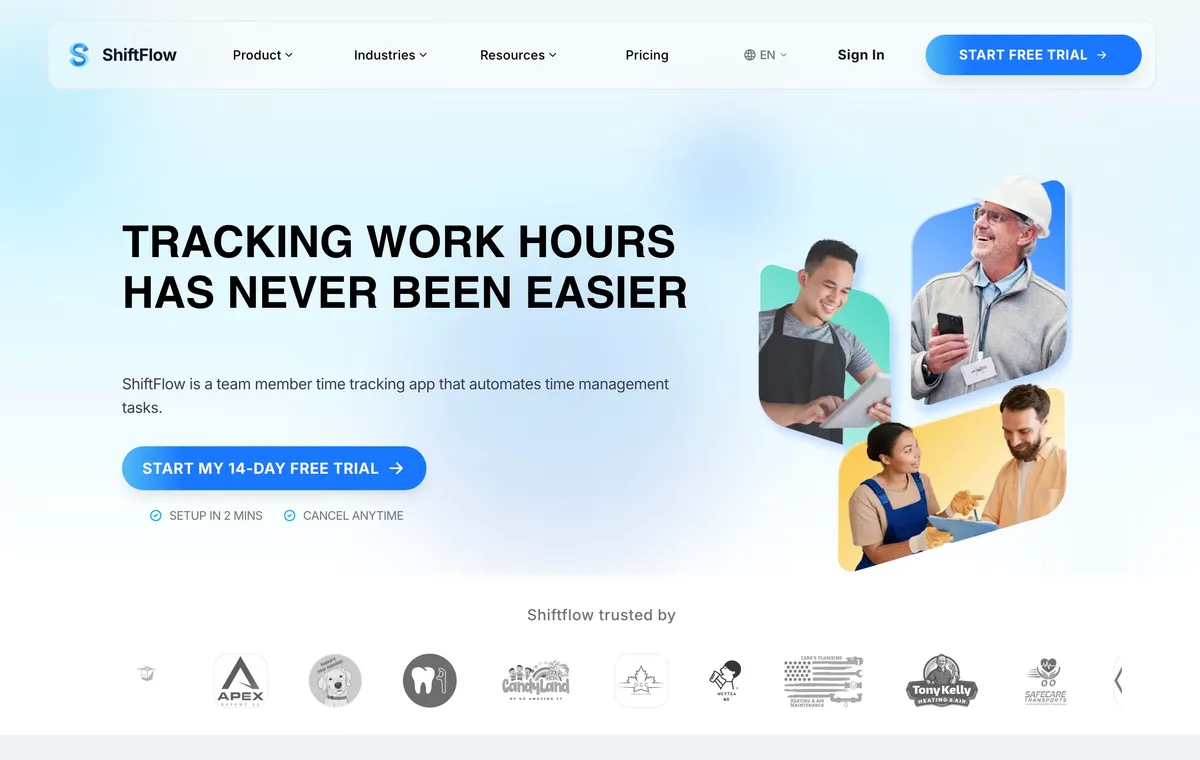
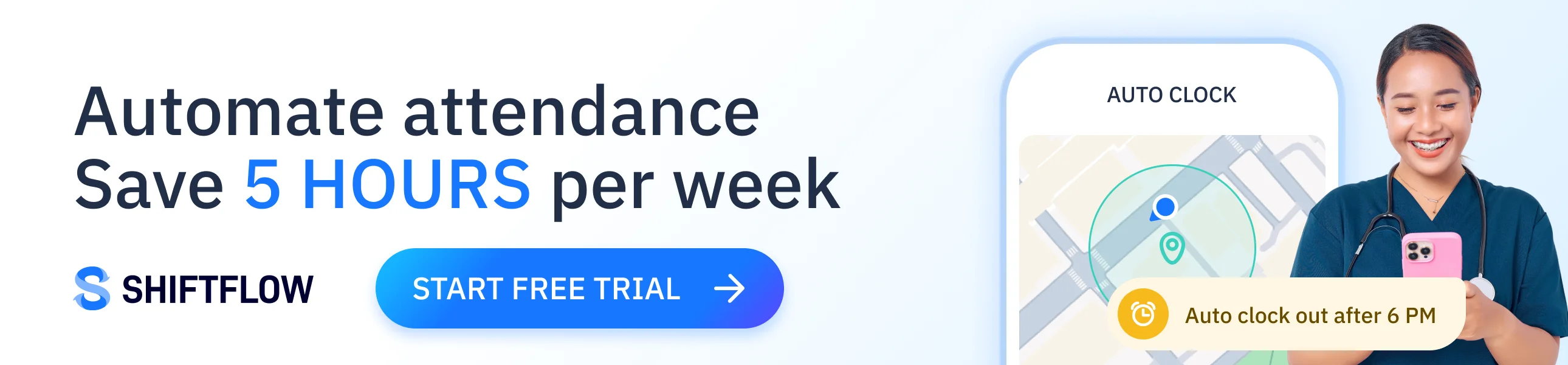
ShiftFlow’s scheduling and time tracking software is our first pick when a small hourly or field team needs to move from project timers to a weekly shift workflow. Managers build a draft schedule, review coverage, and publish the week when it is ready. Open shifts can be offered to eligible team members, while claim and release requests remain subject to manager review.
Work Sites connect scheduled work to named physical locations. Managers can configure a map location and radius, link Job Codes, and validate location at clock-in. This is punch validation, not continuous tracking: ShiftFlow does not publicly document live routes or location breadcrumbs throughout a shift.
The mobile clock also has a documented offline workflow. Team members can record clock-ins, clock-outs, breaks, and job changes against cached settings, then synchronize the timeline when service returns. Managers can review the resulting timesheets and export PDF or CSV reports.
ShiftFlow lists one visible feature set at $5.99 per seat monthly or $60 per seat yearly, with a 14-day trial. That is easier to model than a combination of base fees and GPS add-ons, but it is a narrower product than Clockify in several areas. ShiftFlow does not publicly document comparable project billing, invoicing, resource planning, utilization reporting, or continuous GPS.
Best for: A roughly 5–50-person team that schedules people into shifts at known Work Sites and values offline mobile punches more than project-accounting depth.
2. ClockShark: best for job scheduling and location breadcrumbs
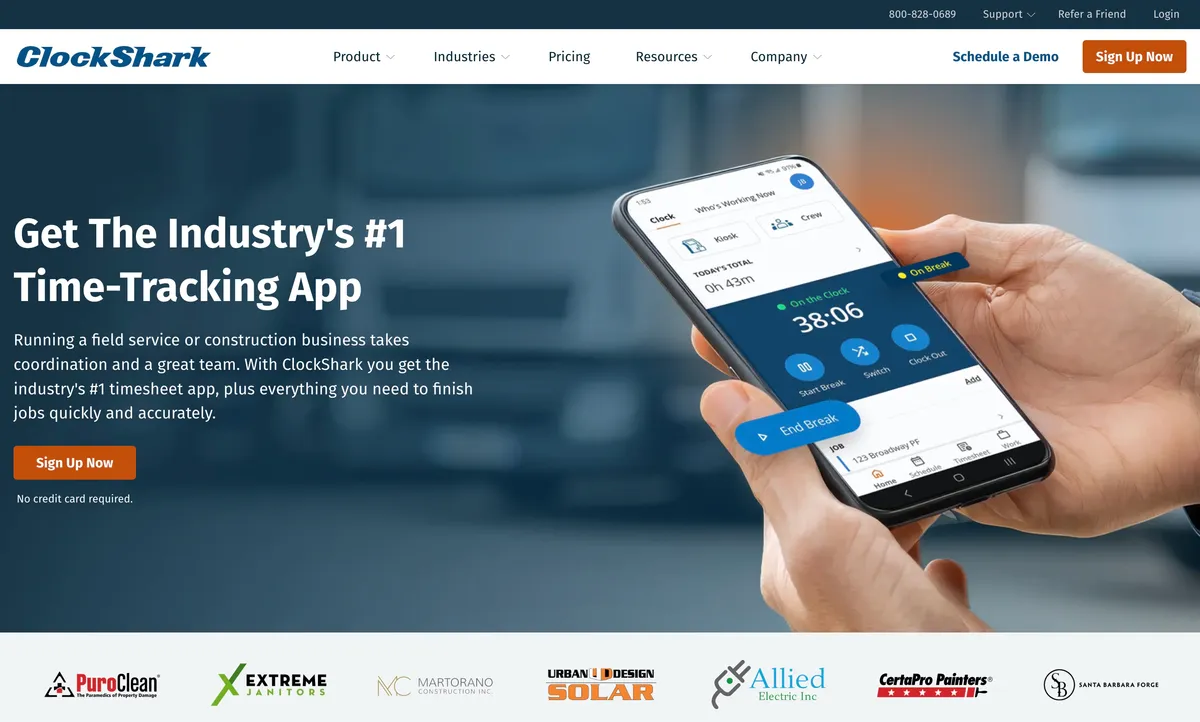
ClockShark is the field-specialist option for construction, trades, and service businesses that organize the day around jobs rather than generic shifts. Managers can assign crews to jobs and tasks, then attach addresses, directions, files, and other site context. That gives the field schedule more operational detail than a project-capacity timeline or a basic weekly rota.
Its location workflow spans several GPS modes. ClockShark documents coordinates at clock-in and clock-out, breadcrumbs collected at roughly 10–15-minute intervals while a team member is on the clock, and a live working map. It also documents offline clock-in, clock-out, and GPS capture, with records synchronized after connectivity returns.
The geofence boundary needs careful wording. ClockShark documents prompts that remind team members to clock in or out near a job site, not a hard block on every punch outside the boundary. A reminder should not be treated as an attendance restriction.
Standard is listed at $40 per month plus $9 per user monthly; Pro is $60 plus $11 per user. The current pricing page also displays a three-year contract term. Confirm the term, cancellation conditions, required tier, and final price before purchasing. This structure may be harder to justify for a very small team, but the job detail and movement history can make it the better operational fit.
Best for: A field business that dispatches crews to jobs and needs periodic movement history during working time.

3. Hubstaff: best for continuous routes and productivity monitoring
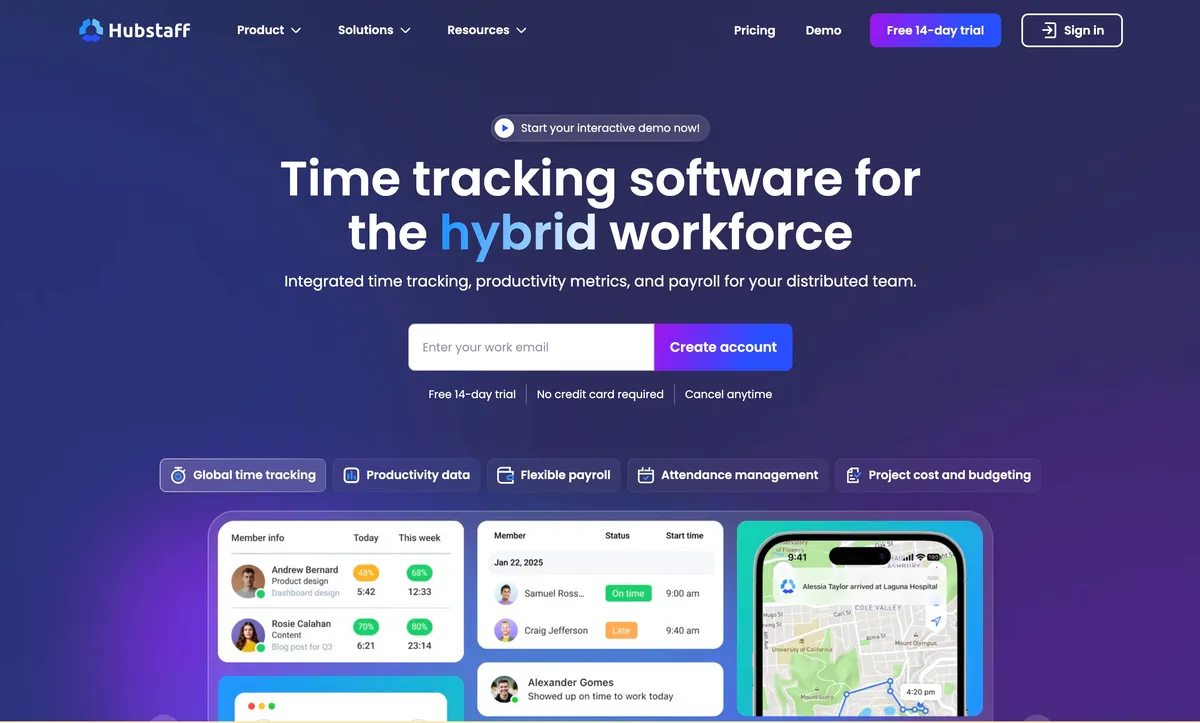
Hubstaff belongs in this comparison because it combines employee scheduling with a substantially deeper location and monitoring model. Team schedules can recur, managers can receive attendance alerts, and field workflows can include work orders and assignments. On the time side, Hubstaff adds approvals, exports, and project-oriented reporting.
The GPS feature goes beyond a coordinate attached to a punch. Hubstaff documents live maps, routes, job sites, and geofenced automatic clock-in and clock-out. That can answer where a mobile team traveled and automate attendance around a defined site, rather than merely validating a scheduled clock event.
That visibility comes with a material tradeoff. Hubstaff also offers screenshots, activity levels, and app and URL tracking for productivity monitoring. Those capabilities may be useful for a mixed office, remote, and field workforce, but they create a different employee experience and policy burden from a focused scheduling and attendance tool. A business should decide which monitoring features it will actually enable and explain that decision to team members.
Annual pricing is currently listed at $4.99 per seat monthly for Starter, $7.50 for Grow, $10 for Team, and $25 for Enterprise. Scheduling is included on Team rather than the lower tiers, so $10 per seat monthly is the relevant starting reference for this comparison. Hubstaff offers a 14-day trial but no permanent free plan. Offline behavior was not sufficiently resolved in the product dossier and should be included in a field pilot.
Best for: A mobile workforce that needs route history, geofenced automation, and productivity controls and is prepared to manage the additional monitoring implications.
4. Deputy: best for forecasting, compliance, and blocking mobile geofences
Deputy is the workforce-planning option in this group. Its scheduling model includes advanced scheduling, forecasting, auto-scheduling, and compliance capabilities. That makes it stronger than a project timer or focused weekly scheduler when managers must align staffing with demand and labor rules.
Deputy’s location controls also illustrate why GPS labels need qualification. The mobile geofence can be configured to block a clock-in or clock-out outside an approved radius. Deputy’s own documentation says that restriction does not apply to desktop, Kiosk, Web Time Clock, or breaks, so the control is only as strong as the permitted clock methods and account configuration.
Offline access is similarly device-specific. Deputy documents offline clocking for its iPad Kiosk, while its mobile app is read-only in offline mode. A team should test the exact devices used in the field rather than treating “offline” as one account-wide capability.
Current list prices are $5 per user monthly for Lite, $6.50 for Core, and $9 for Pro. Monthly plans have a $30 minimum invoice. Deputy can be more capability than a small team needs, but it is the stronger choice when demand forecasting and compliance are part of the scheduling decision rather than optional extras.
Best for: A business that needs labor-aware scheduling, formal controls, and a punch-blocking geofence on mobile devices.
5. Homebase: best for a one-location team that wants payroll nearby
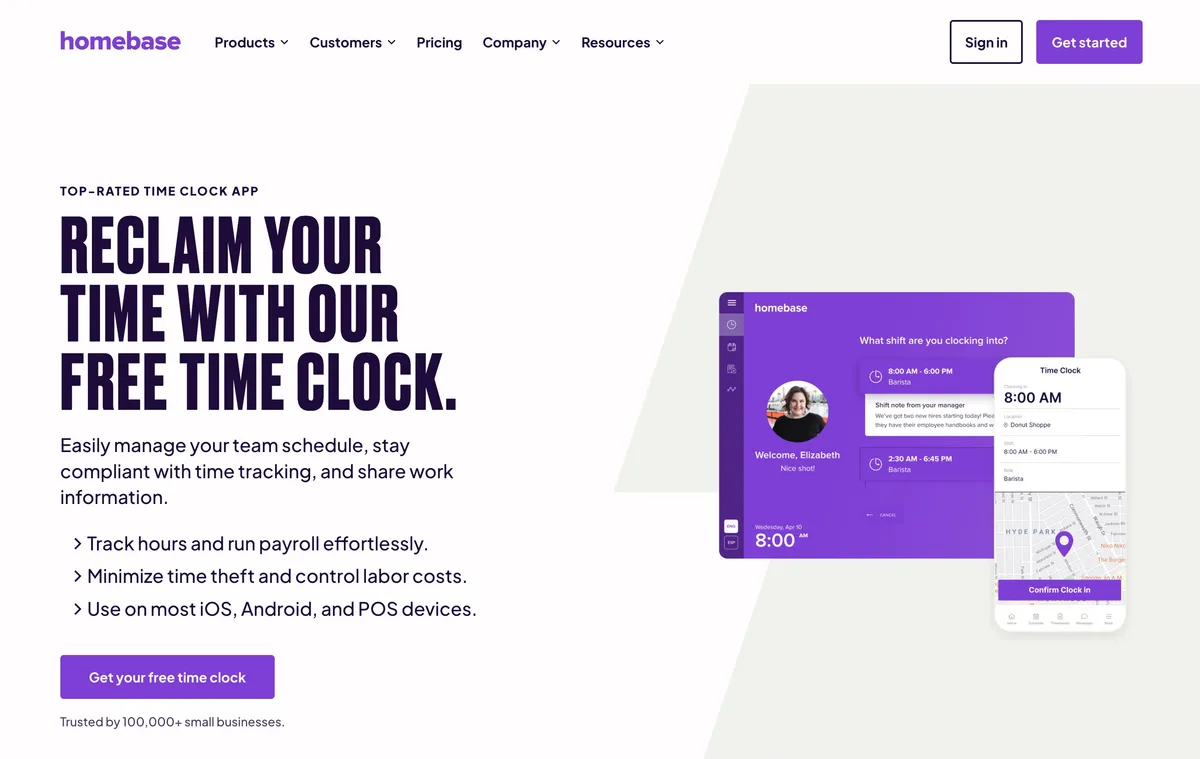
Homebase is the practical alternative for a business whose staff report to one main location. Its scheduling workflow includes availability, templates, open shifts, swaps, publication, and notifications. Scheduling, a time clock, timesheets, messaging, and payroll sit in the same product family, which can reduce handoffs for a shop, salon, cafe, or service location.
Homebase documents mobile GPS and geofence controls that can prevent premature or off-site punches. Its time-clock material also says the app keeps recording through an internet outage, but it does not define which devices, clock methods, and controls remain available. The business should test its intended tablet, point-of-sale device, or mobile workflow under a real connection loss.
Basic is free for one location and up to 10 team members. Essentials is listed at $30 per location monthly, or $24 under annual billing; Plus is $70 or $56; and All-in-One is $120 or $96. Payroll is listed separately at a $39 monthly base plus $6 per paid employee. The free starting point is compelling for one small location, while the per-location model becomes less attractive as the business spreads across sites.
Homebase is not the best replacement for Clockify’s client and project accounting. It is a different operating model for a location-based employer that wants shift administration and payroll close together.
Best for: A qualifying one-location team that wants to start with free scheduling and attendance, with a native payroll path available.
6. Buddy Punch: best for layered punch enforcement
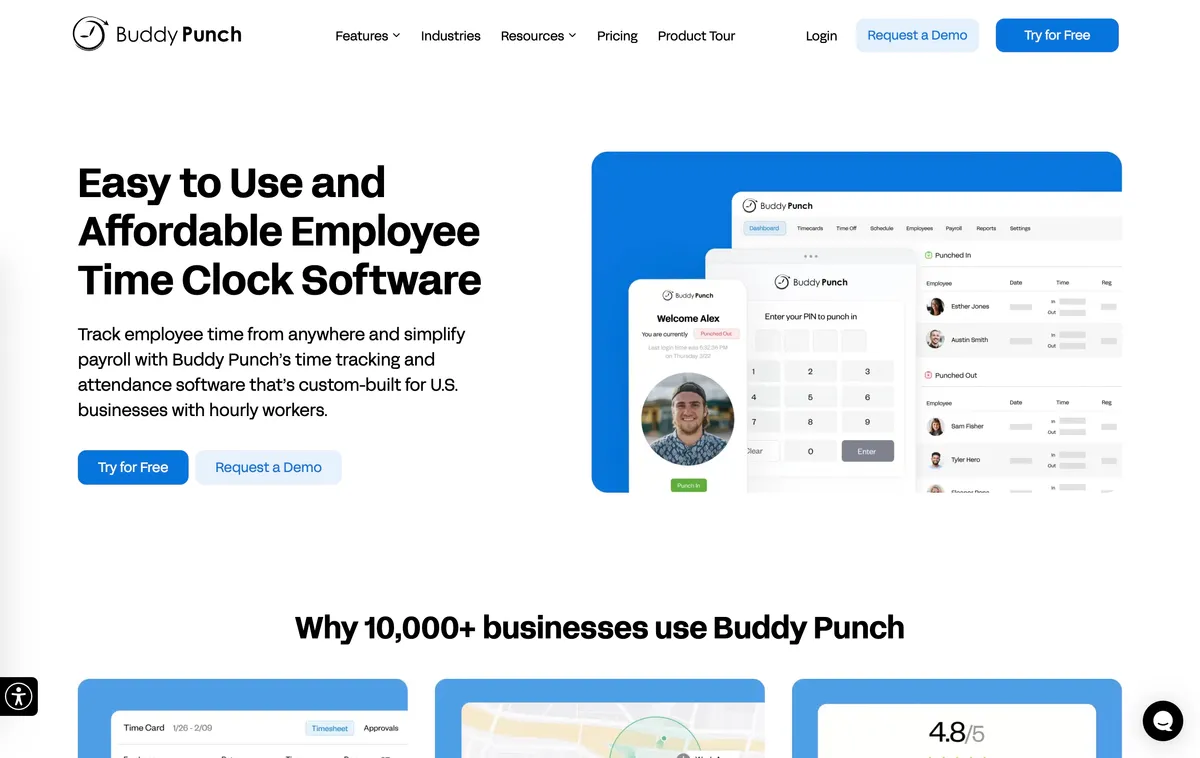
Buddy Punch is the attendance-control option in this list. Its product model separates three location behaviors clearly: Starter can record GPS coordinates at a punch, Pro adds a geofence that can block a punch outside the approved area, and Real-Time GPS adds continuous movement tracking. That distinction helps a business pay for the level of proof or enforcement its policy actually requires.
Scheduling costs $1 per user monthly as a Starter add-on and is included on Pro and Advanced. Managers can create schedules, repeat shifts, use availability, and notify team members. The scheduling workflow is useful, but the product’s stronger reason to replace Clockify is its layered time-clock enforcement rather than advanced forecasting or field job dispatch.
Annual Starter pricing is currently listed at $4.99 per user monthly plus a $19 monthly base fee. Pro is $6.99 per user plus the same base fee, and Advanced is $12.99 per user plus the base fee. Real-Time GPS costs another $2 per user on Starter and Pro and is included on Advanced. There is no permanent free plan. For a small team, the correct comparison is the full base-fee, scheduling, and GPS configuration rather than the seat price alone.
Buddy Punch’s public help does not define a supported offline punch queue. A team that works in weak-signal areas should make offline punch storage and synchronization a pass-or-fail trial requirement.
Best for: A time-clock-first team that needs to choose among punch coordinates, punch-blocking geofences, and continuous movement tracking.
When Clockify may still be the right choice
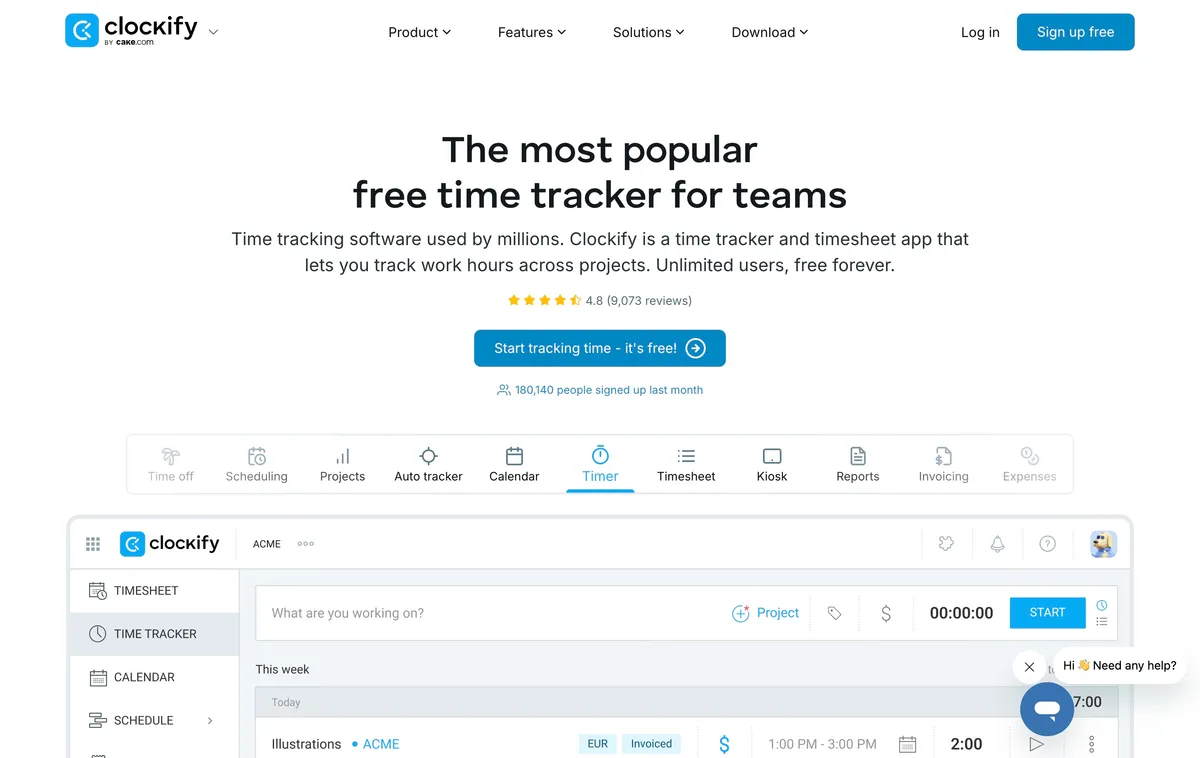
Keep Clockify when the business primarily organizes time by client, project, task, billable status, and rate. Its paid tiers support project and team scheduling, capacity planning, reports, approvals, and GPS route context, but Clockify does not publicly document a blocking geofence. Its current Free plan supports up to five users, so larger teams should price the required paid seats before switching.
What to test before replacing Clockify
Recreate a real scheduling week
Publish the normal rota, record availability, fill an open shift, process a change, and notify the team. If the candidate only offers project assignments, decide whether that workflow genuinely replaces the weekly schedule or merely renames it.
Test the exact GPS policy
Write down whether the business needs a coordinate at punch, a blocked punch outside a radius, periodic breadcrumbs, or a continuous/live route. Test the chosen behavior at real entrances, basements, large properties, and remote sites where location accuracy can vary.
Include a weak-signal shift
Turn off the connection, record the normal clock events, restore connectivity, and confirm that the timeline synchronizes once without duplication. Offline schedule access, offline punch storage, offline GPS capture, and later synchronization are separate requirements.
Reconcile project and payroll data
List the Clockify projects, clients, tasks, rates, approvals, reports, and historical records the business must retain. Confirm what can be exported and what the replacement can import. A rota and time clock may solve attendance without replacing project accounting.
Calculate the usable configuration
Include every base fee, minimum invoice, location charge, scheduling tier, geofence tier, live-GPS add-on, payroll module, and contract term. Compare the first-year total for the real team size, not the most prominent per-user number.
Frequently asked questions
What is the best Clockify alternative for employee scheduling and GPS time tracking?
ShiftFlow is our first pick for a small hourly or field team that needs weekly rota scheduling, Work Site validation, offline mobile clocking, and exportable timesheets. ClockShark is stronger for job-based scheduling and location breadcrumbs. Hubstaff is stronger for continuous routes and productivity monitoring.
Does Clockify have employee scheduling?
Clockify offers scheduling on its Pro and Enterprise plans, but the documented workflow centers on project and team assignments, capacity, timelines, and milestones. A business that needs availability, open shifts, swaps, and a published rota should confirm those exact workflows rather than treating every scheduling feature as equivalent.
Does Clockify have GPS tracking and geofencing?
Clockify documents GPS tracking on Pro and Enterprise, including start and stop locations, significant movement while a mobile timer runs, location history, and route views. Its public documentation does not define a punch-blocking geofence, so businesses that require location enforcement should test that requirement separately.
How many users does Clockify Free support?
Clockify Free currently supports up to five users. Paid plans add features and use per-seat pricing, so confirm the plan and seat count shown for the workspace before relying on an older unlimited-user description.
Which Clockify alternative offers continuous GPS tracking?
Hubstaff documents GPS routes, live maps, job sites, and geofenced automatic clock-in and clock-out. ClockShark documents punch locations, periodic breadcrumbs, and a live working map. Buddy Punch offers Real-Time GPS as an add-on on lower plans and includes it on Advanced. ShiftFlow validates Work Sites at clock events rather than continuously tracking movement.
Which Clockify alternative works offline?
ShiftFlow documents offline mobile clock-ins, clock-outs, breaks, and job changes that synchronize after connectivity returns. ClockShark documents offline clock-in, clock-out, and GPS capture. Homebase names outage continuity without defining the full action set, Buddy Punch does not document a supported queue, and Hubstaff should be tested on the exact device and actions required.
Choose a Clockify alternative by workflow
Keep Clockify when time still belongs to clients, projects, tasks, budgets, and reports. Switch only when the operating question has changed to shift coverage, site attendance, or a specific kind of location evidence.
Test the two relevant finalists through one real scheduling week before migrating. When ShiftFlow’s focused rota, Work Site, and offline workflow matches the team, review ShiftFlow pricing.
- clockify-alternatives
- employee-scheduling-software
- gps-time-tracking
- field-team-management
- time-clock-software
- small-business
- software-comparison