6 Best Connecteam Alternatives for Small Field Teams (2026)
Compare six Connecteam alternatives for small field teams by scheduling, GPS time tracking, offline use, pricing, and the features a business gives up when it leaves a broader workforce suite.

The best Connecteam alternative depends on how much of Connecteam the business actually uses. Our first pick is ShiftFlow for a small field team that mainly needs shift scheduling, Work Site validation, offline mobile clocking, and exportable timesheets. ClockShark is stronger when job-based scheduling and location breadcrumbs throughout the shift matter. Homebase is the better one-location option when built-in payroll is part of the decision.
Connecteam remains a stronger fit when forms, tasks, training, documents, company updates, and other deskless operations features are central. Replacing it with a focused scheduler can simplify attendance, but it may also create gaps elsewhere. The right comparison starts with the workflow the team wants to keep, not with the longest feature list.
Prices and plan details were checked on August 4, 2026. Several vendors place scheduling, geofencing, or live tracking on a specific tier or add-on, so compare the required configuration rather than the smallest advertised price.
The best Connecteam alternatives at a glance
| Product | Best for | Scheduling model | GPS model | Offline position | Current pricing reference |
|---|---|---|---|---|---|
| ShiftFlow | A focused workflow for small field teams | Weekly schedule, publish, open shifts | Work Site radius validation at clock events | Mobile clock events sync after connectivity returns | $5.99/seat/month or $60/seat/year |
| ClockShark | Job sites and movement during a shift | Crew, job, task, address, and directions | Punch locations, breadcrumbs, and live working map | Offline clock-in, clock-out, and GPS are documented | Standard $40/month plus $9/user/month |
| Homebase | One-location teams that also want payroll | Templates, availability, swaps, openings | GPS and geofence controls for mobile attendance | Vendor says the time clock continues through outages | Free for one location and up to 10 team members |
| Deputy | Forecasting, labor rules, and compliance | Advanced and demand-based scheduling | Punch location plus optional blocking mobile geofence | iPad Kiosk can clock offline; mobile app is read-only | Lite from $5/user/month |
| When I Work | Availability, OpenShifts, and swaps | Scheduling-centered team self-service | Blocking radius at clock-in and clock-out | No documented offline punch workflow found | Current pricing materials conflict; confirm in checkout |
| Buddy Punch | Punch enforcement and payroll exports | Add-on on Starter; included on Pro | Punch coordinates, blocking geofence, optional live | Offline behavior remains unconfirmed | Starter $4.99/user/month annually plus a $19 monthly base fee |
| Connecteam | Broad deskless operations | Scheduling inside a larger mobile suite | Plan-dependent stamps, geofences, and breadcrumbs | Official help says the apps cannot be used offline | Operations Basic from $29/month annually for the first 30 users |
Disclosure: ShiftFlow publishes this article and is one of the products evaluated. We rank it first only for the focused small-field-team scenario above; Connecteam remains the stronger fit when its forms, tasks, training, communication, documents, or HR tools are active requirements.
Teams mainly comparing schedules, location rules, and field attendance can use the small-business scheduling and time tracking comparison. Treat clock-event location, geofence enforcement, route history, and offline capture as separate requirements during the trial.
1. ShiftFlow: best for a focused schedule, Work Site, and offline workflow
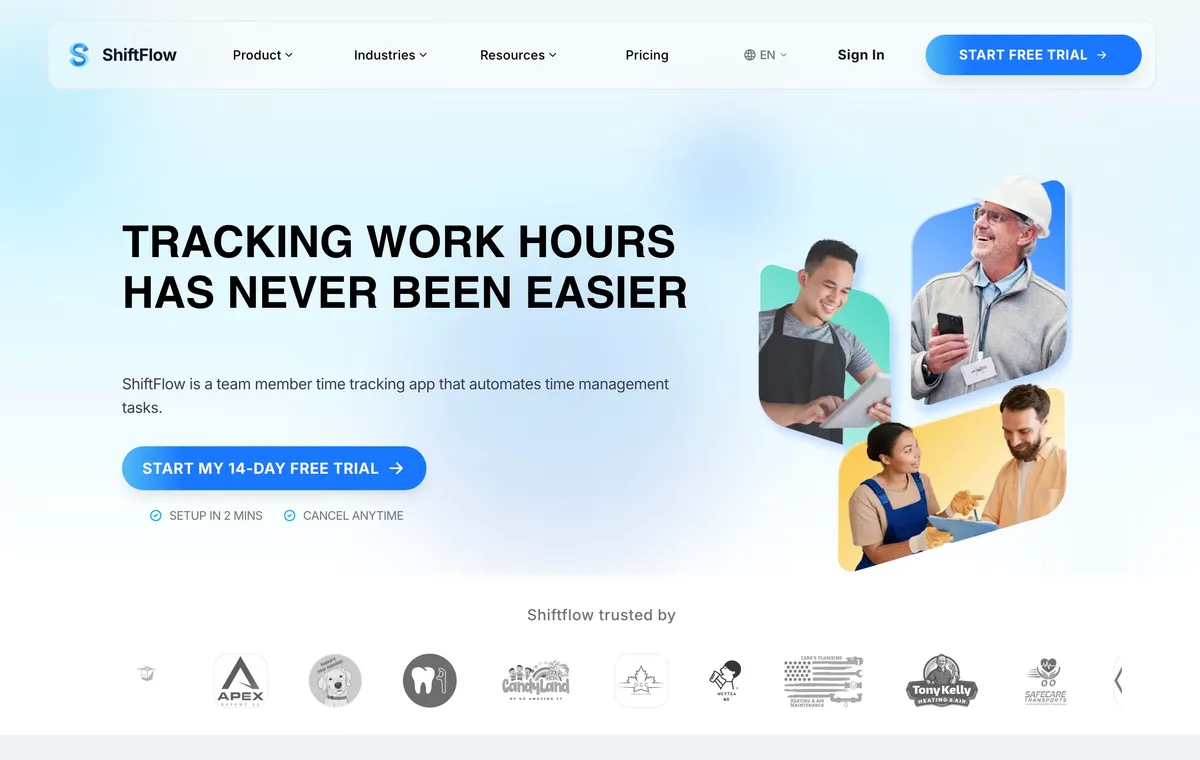
ShiftFlow’s time tracking software is our first pick for a small field team whose daily workflow is narrower than Connecteam’s full suite. Managers build a weekly schedule, save draft entries, review coverage, and publish the finished week. Open shifts can be offered to eligible team members, but claim and release requests remain subject to manager approval.
Work Sites connect the schedule and time clock to named business locations. Managers can configure a map location and radius, link Job Codes, and require location validation at clock-in. If connectivity disappears, the mobile app can record clock-ins, clock-outs, breaks, and job changes against cached settings, then upload the timeline when service returns.
ShiftFlow lists one visible feature set under monthly and yearly billing: $5.99 per seat monthly or $60 per seat yearly, with a 14-day trial. That avoids choosing among feature tiers, but it is not a full Connecteam replacement. ShiftFlow does not publicly document continuous location breadcrumbs, live route tracking, operational forms, training courses, a company newsfeed, or a broad native payroll integration directory.
Best for: A 5–50 person hourly or field team that values a direct schedule-to-timesheet workflow and offline mobile clocking more than a broad deskless operations suite.
2. ClockShark: best for job-based scheduling and location breadcrumbs
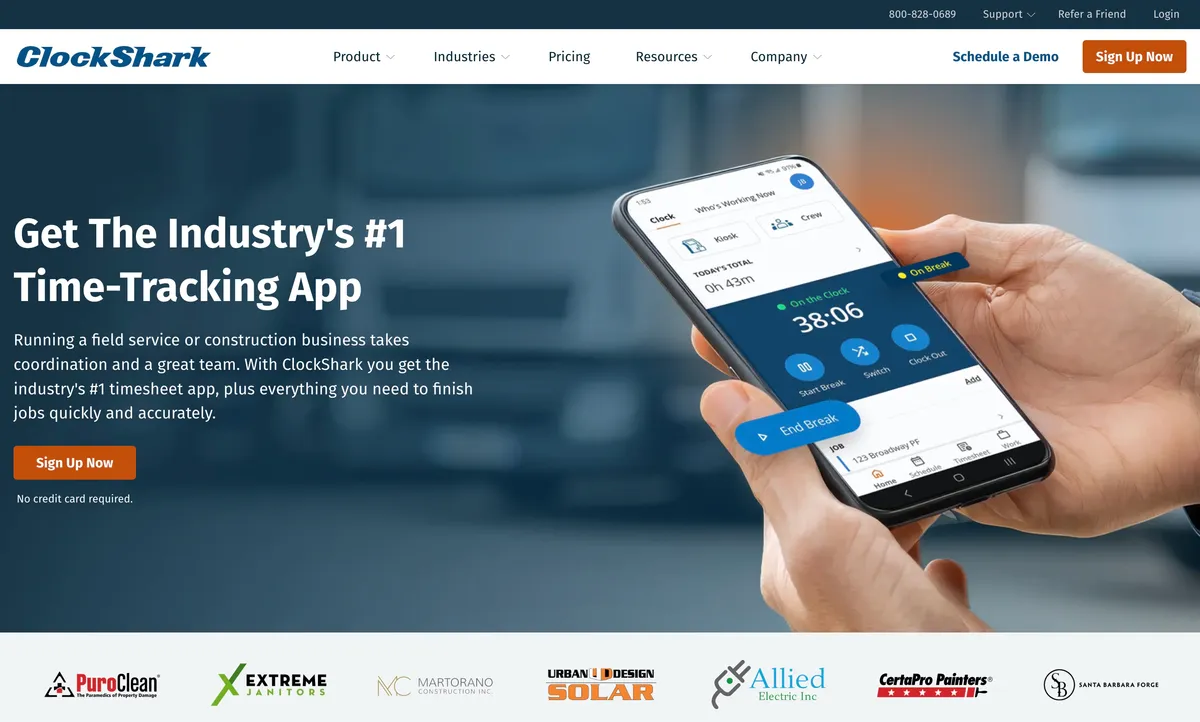
ClockShark is the field-specialist choice in this comparison. Managers can schedule a crew against jobs and tasks, then attach addresses, directions, files, and other job context. Team members can enter the time clock from the scheduled work rather than translating a generic shift into a separate field assignment.
Its GPS workflow extends beyond a location captured at punch. ClockShark documents GPS pins at clock-in and clock-out, location breadcrumbs collected during the shift, and a live map showing who is working. It also documents offline clock-in, clock-out, and GPS capture with synchronization after the connection returns.
The important boundary is geofence enforcement. ClockShark documents reminders that prompt clock-in or clock-out near a job site, not a hard block on every punch outside the boundary. Do not substitute a reminder for a restriction when the business needs hard enforcement.
Standard is currently listed at $40 per month plus $9 per user monthly; Pro is $60 plus $11 per user. The pricing page also displays a three-year contract term, so the term, cancellation conditions, and final price need confirmation before purchase. Test the intended devices, geofence behavior, and cancellation terms before committing.
Best for: Construction and field-service teams that schedule work by job and need movement history during the shift.
3. Homebase: best for a one-location team that wants payroll nearby
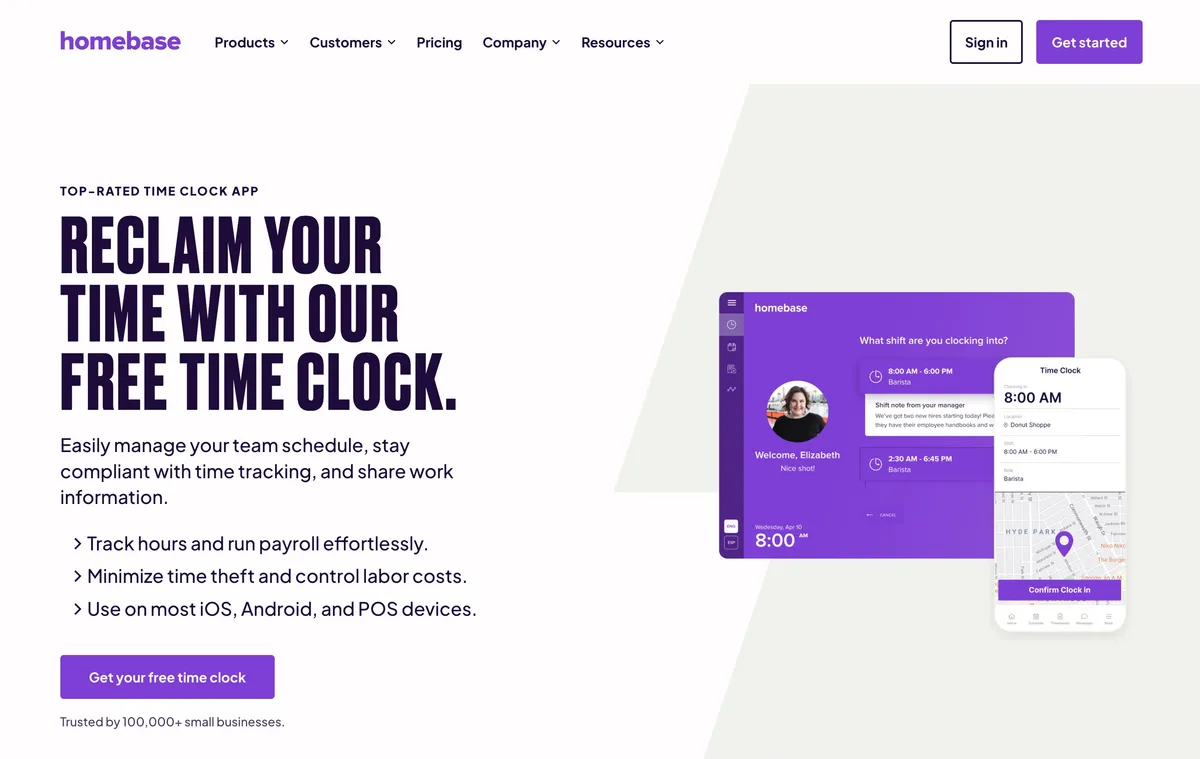
Homebase is a strong Connecteam alternative when the business operates from one main location and wants scheduling, a time clock, timesheets, messaging, and payroll in the same product family. The scheduling workflow includes templates, availability, open shifts, swaps, publication, notifications, and approvals.
Homebase documents mobile GPS, geofence controls, PINs, and clock-in photos. Its time-clock page says the app continues tracking data if the internet goes down, although the public material collected for this draft does not fully explain which clock methods and controls remain available offline. Test the exact kiosk and mobile setup instead of assuming every device behaves the same way.
Basic is free for one location and up to 10 team members. Essentials is listed at $30 per location monthly, or $24 on annual billing; higher plans add more labor, permission, and HR controls. Homebase Payroll is separate at $39 per month plus $6 per paid employee. Per-location pricing is attractive for one site but can grow faster than per-seat pricing as a business opens additional locations.
Best for: A one-location hourly business that wants scheduling and attendance close to an integrated payroll option.
4. Deputy: best for advanced scheduling and compliance
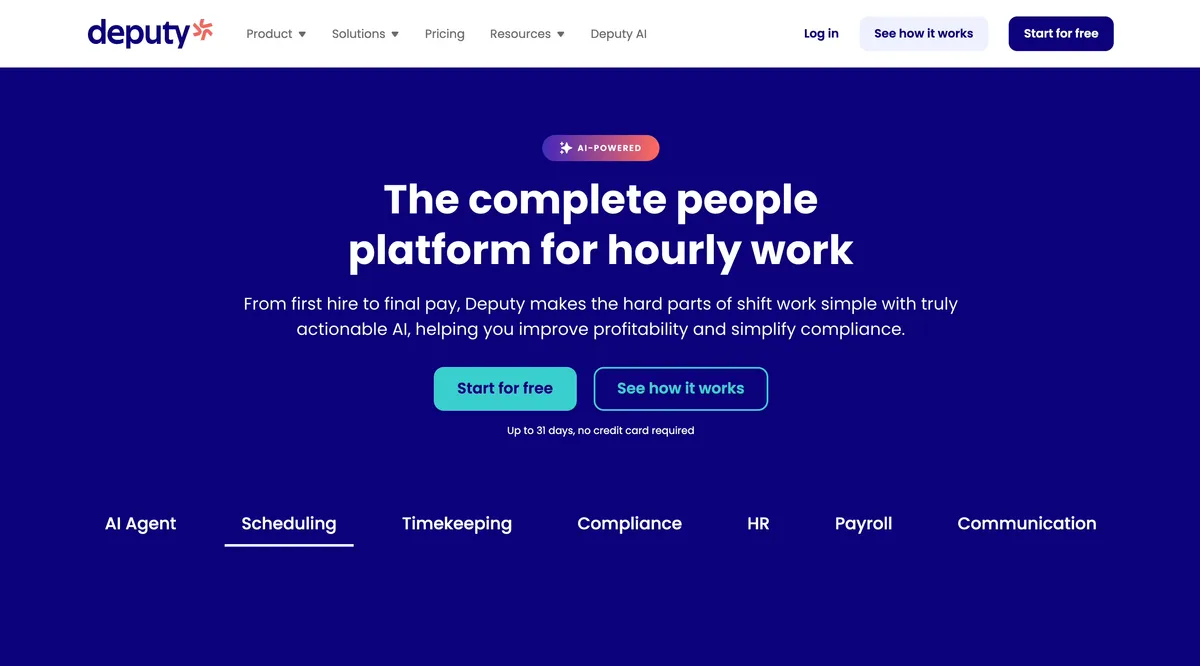
Deputy is the strongest planning-centered alternative on this list. Lite includes basic scheduling, time clock, timesheets, reports, and integrations. Core adds advanced scheduling, biometrics, micro-scheduling, and auto-scheduling, while the wider platform supports forecasting and labor-optimization workflows that a focused time clock does not attempt to reproduce.
Deputy can capture a mobile user’s location at clock-in and clock-out. Its geofence can go a step further and block mobile punches outside a configured radius. That restriction does not apply to desktop web punches, Deputy Kiosk, Deputy Time Clock, Web Time Clock, or break events, so buyers should match the control to the device method.
Offline behavior is also device-specific. Deputy Kiosk for iPad can preserve clock events and photos offline, then upload them later. The Deputy mobile app is read-only while offline and cannot create new timesheets or schedules. This distinction matters for a field team whose members use their own phones rather than a shared site kiosk.
Current pricing is $5 per user monthly for Lite, $6.50 for Core, and $9 for Pro. Monthly Lite, Core, and Pro plans have a $30 minimum invoice. Include shift offers, location pins, and every allowed clock method in the trial.
Best for: Teams that need forecasting, auto-scheduling, labor controls, or compliance depth more than a minimal field workflow.
5. When I Work: best for availability, OpenShifts, and swaps
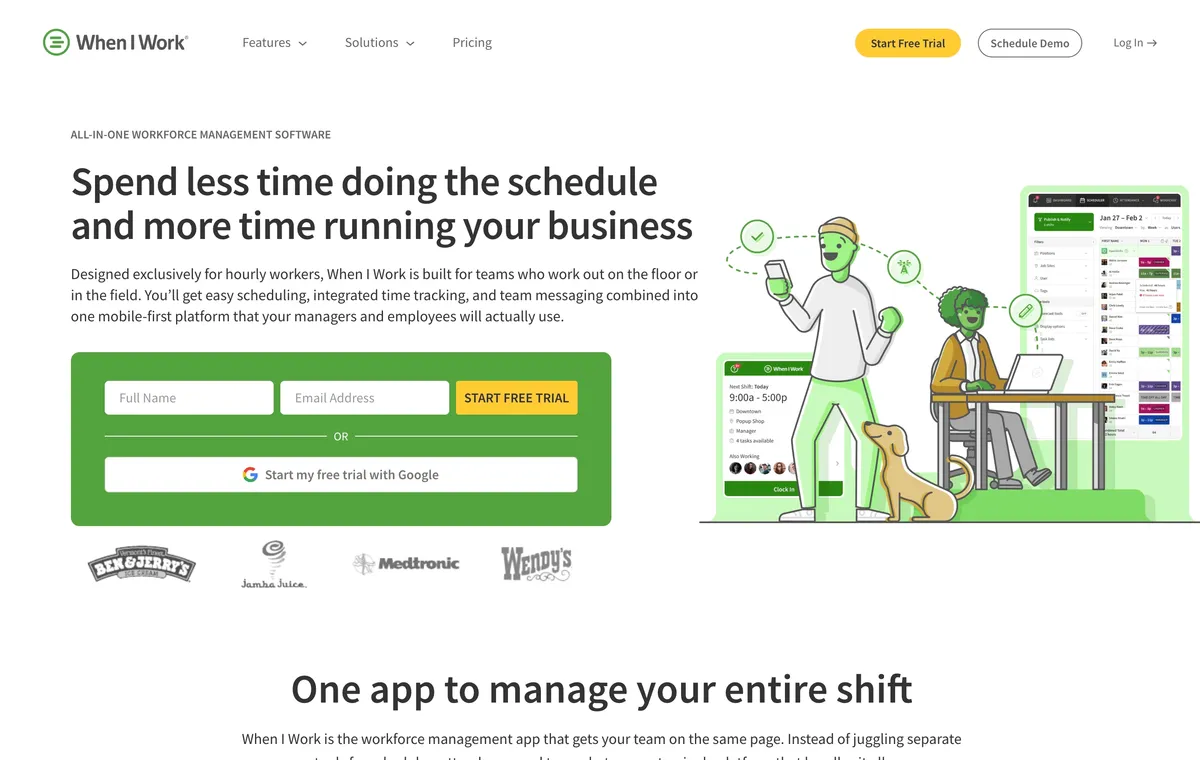
When I Work is the simpler scheduling-centered option. Managers can work with availability, templates, multiple schedules, OpenShifts, and shift swaps, while team messaging keeps schedule changes close to the people affected. It is a better fit than Connecteam when coverage is the main management problem and the business does not need a large operations suite.
Location restrictions can require employees to be within a configured radius of a schedule or job-site address. When I Work uses the device GPS at clock-in and clock-out, blocks attempts outside the radius, and states that it does not collect the user’s location throughout the shift. The troubleshooting documentation tells users to confirm an internet connection, and we found no official offline punch workflow during this research.
Pricing needs extra caution. The current page displays Essentials at $2.50 per user monthly, Pro at $5, and Premium at $8, alongside a Time Tracking & Attendance toggle. The same page’s FAQ says pricing starts at $2.50 for single-location teams and $5 for multi-location businesses and says every plan includes attendance. Help material also describes attendance changing the plan price. These statements should not be reconciled by guesswork; confirm the exact plan in checkout.
Best for: Teams whose main need is publishing shifts and letting team members manage availability, eligible openings, and swaps.
6. Buddy Punch: best for configurable punch controls
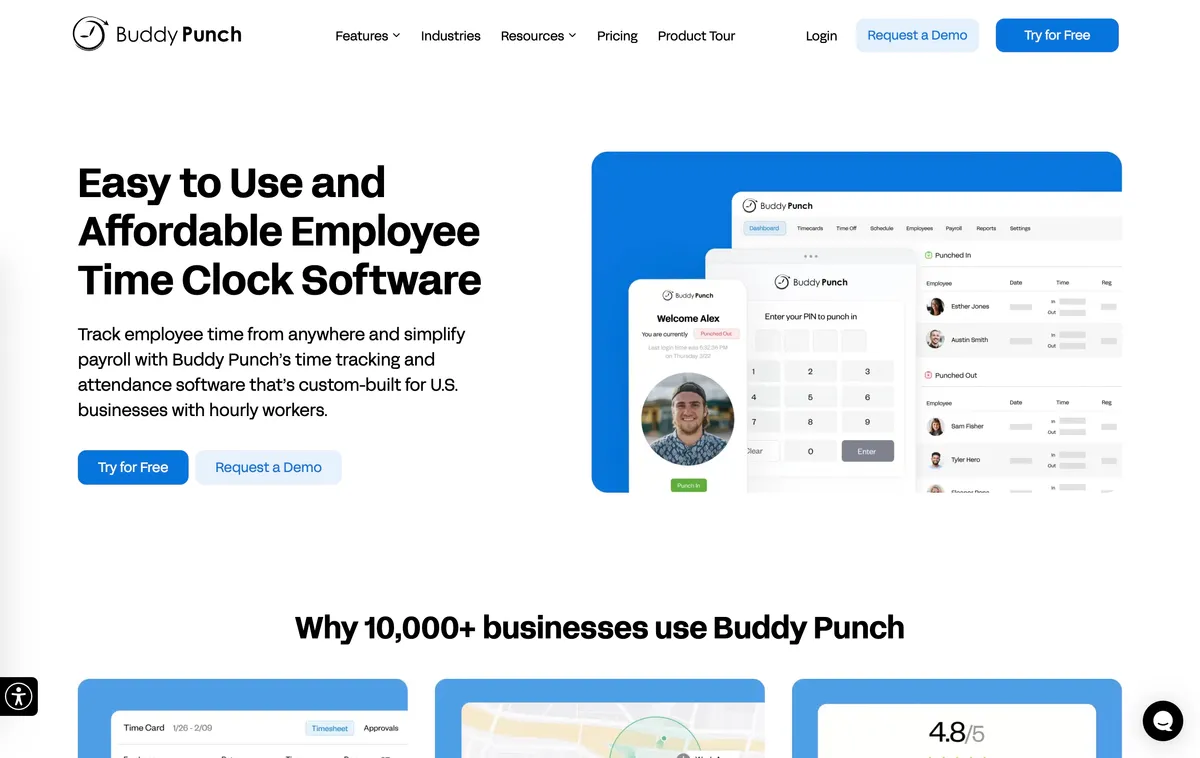
Buddy Punch is a time-clock-first alternative with scheduling available as an add-on on Starter and included on Pro and Advanced. Managers can build drag-and-drop schedules, attach locations, review timesheets, approve time, and export records to payroll systems. It fits a business that wants more punch control without adopting a full deskless operations platform.
Its GPS levels are unusually clear. Starter records coordinates when a punch occurs. Pro adds geofencing that can block punches outside approved locations. Real-Time GPS adds ongoing location updates and a live dashboard while a team member is clocked in; it costs an additional $2 per user monthly on Starter and Pro and is included on Advanced.
Annual pricing is currently listed at $4.99 per user monthly plus a $19 base fee for Starter, $6.99 plus the base fee for Pro, and $12.99 plus the base fee for Advanced. Scheduling adds $1 per user monthly to Starter. There is a 14-day trial but no permanent free plan. Official offline behavior remains unresolved.
Best for: Teams that want a configurable path from punch coordinates to blocking geofences and optional continuous tracking.
When Connecteam may still be the right choice
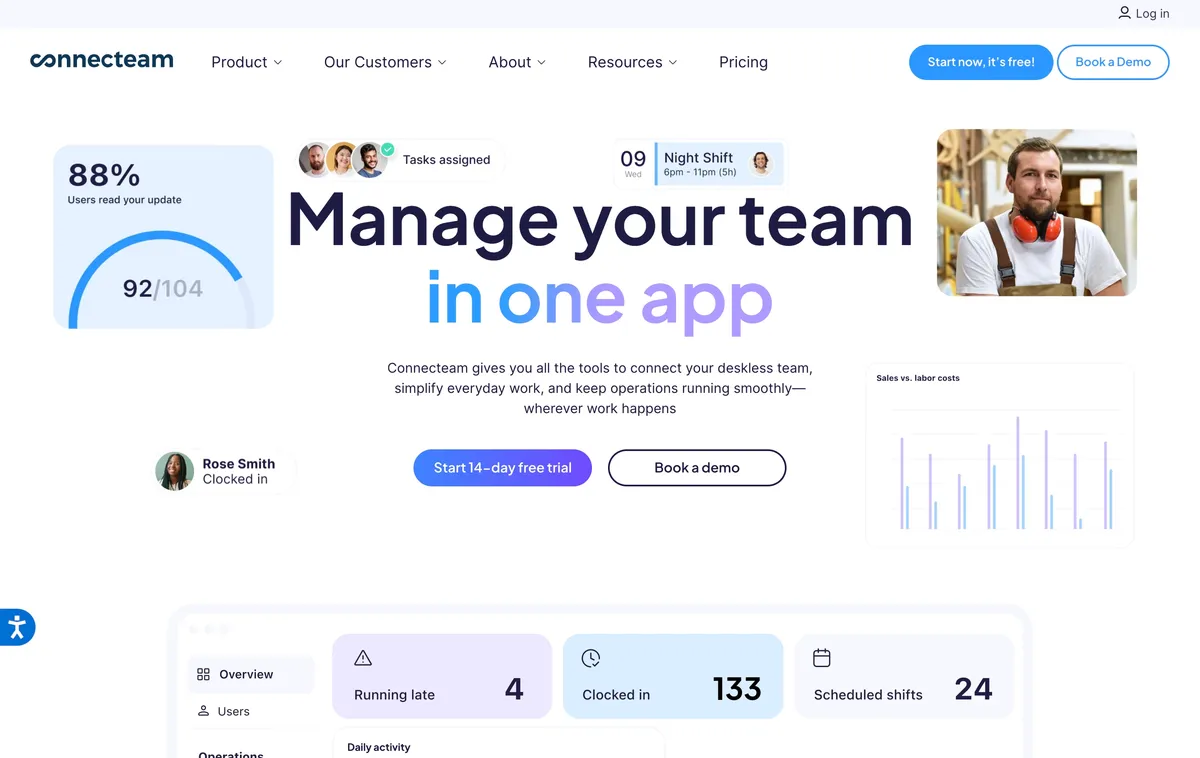
Keep Connecteam when one mobile account needs to cover scheduling and attendance alongside forms, tasks, training, documents, company updates, chat, and other workforce processes. Its usable price depends on the required hubs, tiers, geofence sites, permissions, and GPS controls. The clearest boundary is connectivity: Connecteam states that its mobile, kiosk, and desktop applications cannot currently be used offline.
What to test before replacing Connecteam
Inventory the Connecteam workflows that still matter
List every active schedule, time clock, form, task, training course, document, chat, update, and HR workflow. Mark each as required, replaceable, or no longer used. A scheduling replacement should not silently orphan a safety form or training record.
Run one real week on the replacement
Publish the normal schedule, fill an open shift, process a release request, record breaks, correct a missed punch, approve time, and export the pay period. Include a weak-signal job site and every device type the team uses.
Test the required GPS behavior
Decide whether the policy needs a coordinate at punch, a blocked punch outside a radius, breadcrumbs during working time, or a live map. Test the chosen control at the physical site, including entrances, basements, and large properties where GPS accuracy varies.
Plan the wider migration
Export the Connecteam records the business must retain and confirm what the replacement can import. If forms, tasks, training, or communications move to another product, assign an owner and cutover date for each workflow before canceling Connecteam.
Frequently asked questions
What is the best Connecteam alternative for a small field team?
ShiftFlow is our first pick for a small field team that mainly needs shift scheduling, Work Site validation, offline mobile clocking, and exportable timesheets. ClockShark is stronger when the business needs job-based scheduling and location breadcrumbs throughout the shift. Connecteam remains stronger when forms, tasks, training, and broad team communication are central requirements.
Is there a free alternative to Connecteam?
Homebase Basic is free for one location and up to 10 team members. Connecteam itself also has free options for small teams. A free plan should be compared using the required location, schedule, GPS, export, and manager controls rather than its user limit alone.
Which Connecteam alternative works offline?
ShiftFlow documents offline mobile clocking for clock-ins, clock-outs, breaks, and job changes, with synchronization after connectivity returns. ClockShark documents offline clock-in, clock-out, and GPS capture. Connecteam states that its mobile, kiosk, and desktop apps cannot currently be used offline.
Which Connecteam alternative offers continuous GPS tracking?
ClockShark documents punch locations, location breadcrumbs during a shift, and a live map. Buddy Punch offers Real-Time GPS as an add-on on lower plans and includes it on its highest plan. ShiftFlow and When I Work document location validation at time-clock events rather than continuous movement tracking.
Can a focused time clock replace every Connecteam feature?
Usually not. Connecteam combines scheduling and time tracking with forms, tasks, communication, training, documents, and HR tools. A focused alternative can simplify scheduling and attendance, but a business may need to retain Connecteam or replace the wider operations features separately.
What should a business export before leaving Connecteam?
Export the employee, schedule, timesheet, leave, form, task, training, and document records the business must retain. Confirm what the replacement can import before canceling because an export file does not guarantee that another product can reconstruct every workflow or historical record.
Replace only the Connecteam workflows you use
Connecteam is difficult to replace with one smaller product because its breadth is the point. Choose an alternative only after deciding where every active form, task, training record, document, and communication workflow will live.
When ShiftFlow’s focused schedule, Work Site, offline clock, and export workflow covers the actual need, review ShiftFlow pricing. Keep Connecteam when replacing the wider suite would add more tools than it removes.
- connecteam-alternatives
- field-team-management
- employee-scheduling-software
- gps-time-tracking
- time-clock-software
- small-business
- software-comparison