6 Best Deputy Alternatives for Small Businesses (2026)
Compare six Deputy alternatives for small businesses by scheduling, attendance, work-site controls, offline use, pricing, and the situations where Deputy is still the better fit.

The best Deputy alternative depends on which part of Deputy no longer fits. Our first pick is ShiftFlow for a small hourly or field team that needs scheduling, attendance, work-site validation, and offline clocking, but does not depend on advanced forecasting or a formal location hierarchy. For this comparison, a small team means roughly 5–50 people; that is our editorial scope, not a ShiftFlow product limit. Connecteam is the broader choice for deskless operations. When I Work is stronger when availability, open shifts, and schedule changes are the main problem.
Deputy is still a credible choice for demand forecasting, labor modeling, compliance controls, and complex location structures. Switching only makes sense when a simpler workflow, a different pricing model, restaurant specialization, or stricter punch controls matters more than that depth.
Prices and plan details were checked on August 4, 2026. The comparison gives forecasting, compliance, location hierarchy, and export continuity the weight they deserve because those are the main reasons a small business may be better off keeping Deputy.
The best Deputy alternatives at a glance
| Product | Best for | Main reason to choose it over Deputy | Important boundary | Current pricing reference |
|---|---|---|---|---|
| ShiftFlow | Small hourly and field teams | Direct schedule-to-attendance workflow with offline clocking | No documented demand forecasting or location hierarchy | $5.99/seat/month or $60/seat/year |
| Connecteam | A broader deskless operations suite | Scheduling, time clock, forms, tasks, and training | No offline use; advanced controls depend on plan | Small Business Plan free for up to 10; Limited plan free for up to 30; paid tiers add advanced controls |
| When I Work | Schedule flexibility and team self-service | Availability, OpenShifts, swaps, and team messaging | Advanced scheduling and customization depend on the selected plan | From $2.50/user monthly; confirm the attendance total in checkout |
| 7shifts | Restaurant scheduling and labor workflows | Restaurant-specific operating model | Other industries should verify that its restaurant-specific model fits | Free Comp plan; paid prices not confirmed on the current public page |
| Homebase | A free one-location starting point | Free scheduling and time tracking for a qualifying location | Per-location cost rises as the business adds locations | Free for one location and up to 10 team members |
| Buddy Punch | Time-clock-first teams with punch controls | Punch verification and attendance-first workflow | Base fee and add-ons change the real bill | Pro from $19 base plus $6.99/user/month billed annually |
| Deputy | Forecasting, compliance, and formal hierarchy | Incumbent baseline, not ranked | More capability and setup than some small teams need | From $5/user/month; $30 minimum on monthly plans |
Disclosure: ShiftFlow publishes this article and is one of the products evaluated. We rank it first only for the small-team scenario above; Deputy remains the stronger fit when forecasting, labor modeling, advanced compliance, or formal location hierarchy drives staffing.
For a broader category view, compare employee scheduling and time tracking software for small businesses. Teams that schedule people across several locations should also review the multi-location scheduling software comparison.
1. ShiftFlow: best for small teams that need work-site validation and offline clocking
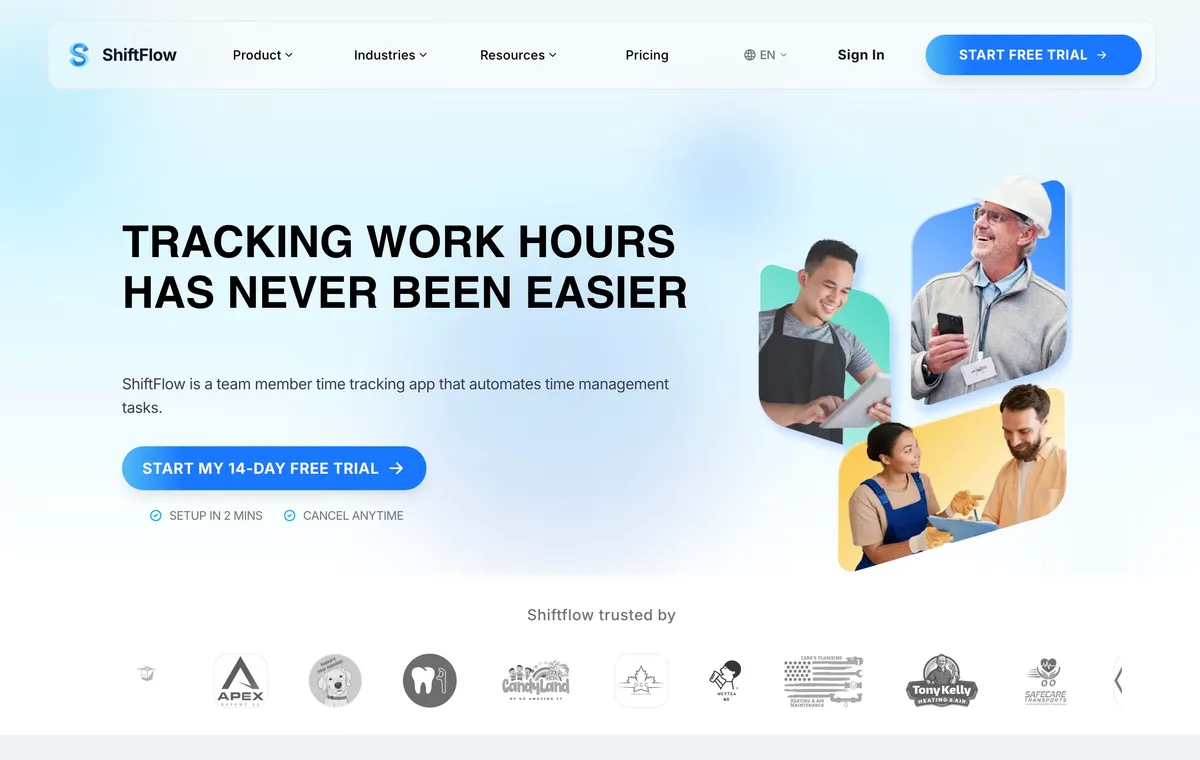
ShiftFlow’s scheduling and time tracking workflow is a focused Deputy alternative for a small hourly or field team. Managers create draft shifts, check the week, and publish when it is ready. They can offer open shifts while keeping manager review in the loop, so a request does not silently rewrite the published schedule.
The attendance side is where the fit becomes more specific. A shift can connect work to a named Work Site, and clock-ins can use radius validation. Team members can clock in from mobile, browser, or a shared kiosk. ShiftFlow also documents an offline mobile workflow, with records syncing after connectivity returns. Managers can review timesheets and export reports in PDF or CSV format.
ShiftFlow has one visible feature set rather than separate feature tiers. It costs $5.99 per seat monthly or $60 per seat yearly and includes a 14-day trial.
The boundary is just as important. ShiftFlow does not publicly document demand forecasting, AI auto-scheduling, a formal location hierarchy, a broad native payroll integration directory, or direct Deputy import tooling. A business that relies on those capabilities should keep Deputy on the shortlist.
Best for: A small hourly or field team that wants scheduling, verified attendance, offline clocking, and exportable timesheets in one direct workflow.
2. Connecteam: best for a broader deskless operations suite
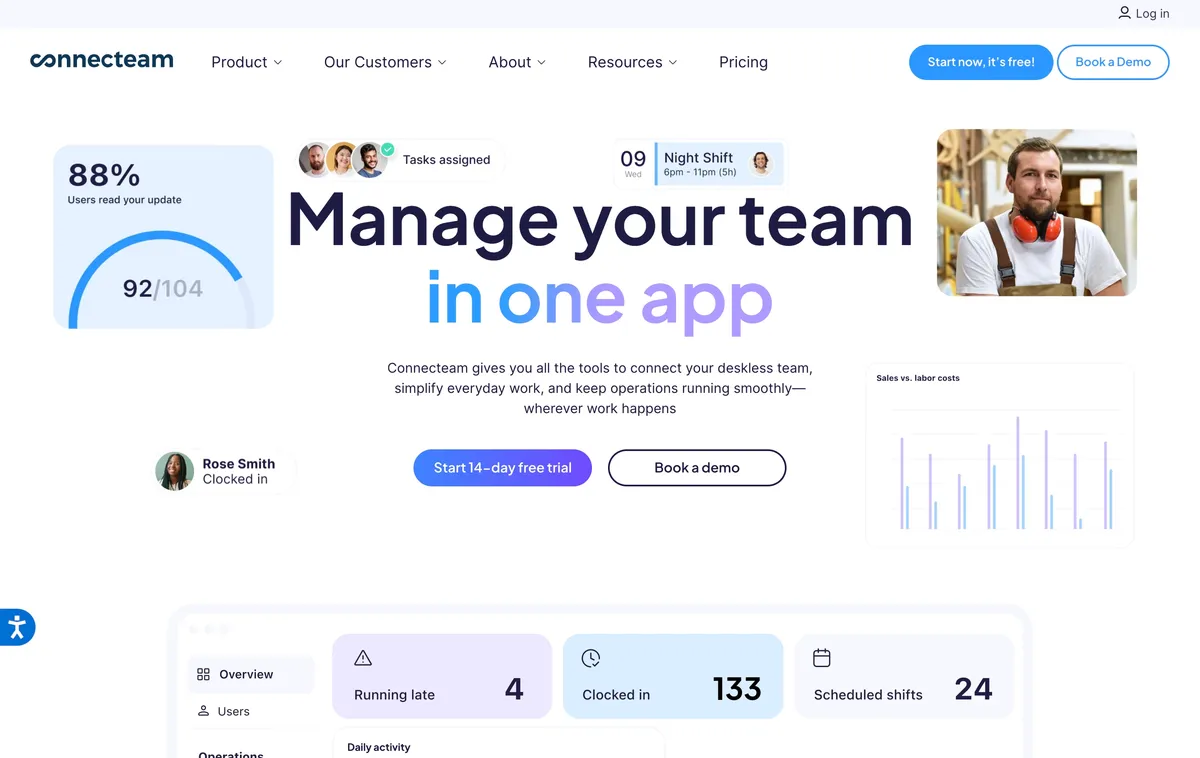
Connecteam belongs high on this list because it solves a broader problem than shift scheduling. Its product family combines scheduling and a GPS time clock with tools for tasks, forms, communication, training, and other deskless workflows. That can replace several separate systems when a distributed team needs more than a schedule and timesheet.
Connecteam’s Small Business Plan is free for up to 10 users. Teams of up to 30 can choose a free Limited plan with reduced functionality. Paid Operations tiers add capabilities such as additional schedules, geofence sites, multiple schedulers, and auto-scheduling. A buyer should map each required control to the plan that contains it, rather than comparing Deputy’s per-user price with Connecteam’s lowest advertised account price.
Connectivity is a material dividing line. Connecteam’s help center states that the app cannot currently be used offline. For a team that regularly works in basements, rural areas, unfinished buildings, or other weak-signal environments, that limitation can outweigh the breadth of the suite. For a connected deskless team, the broader operating surface may be the main reason to switch.
Best for: Deskless teams that want scheduling and time tracking inside a larger mobile operations platform and have dependable connectivity.
3. When I Work: best for availability, open shifts, and schedule changes
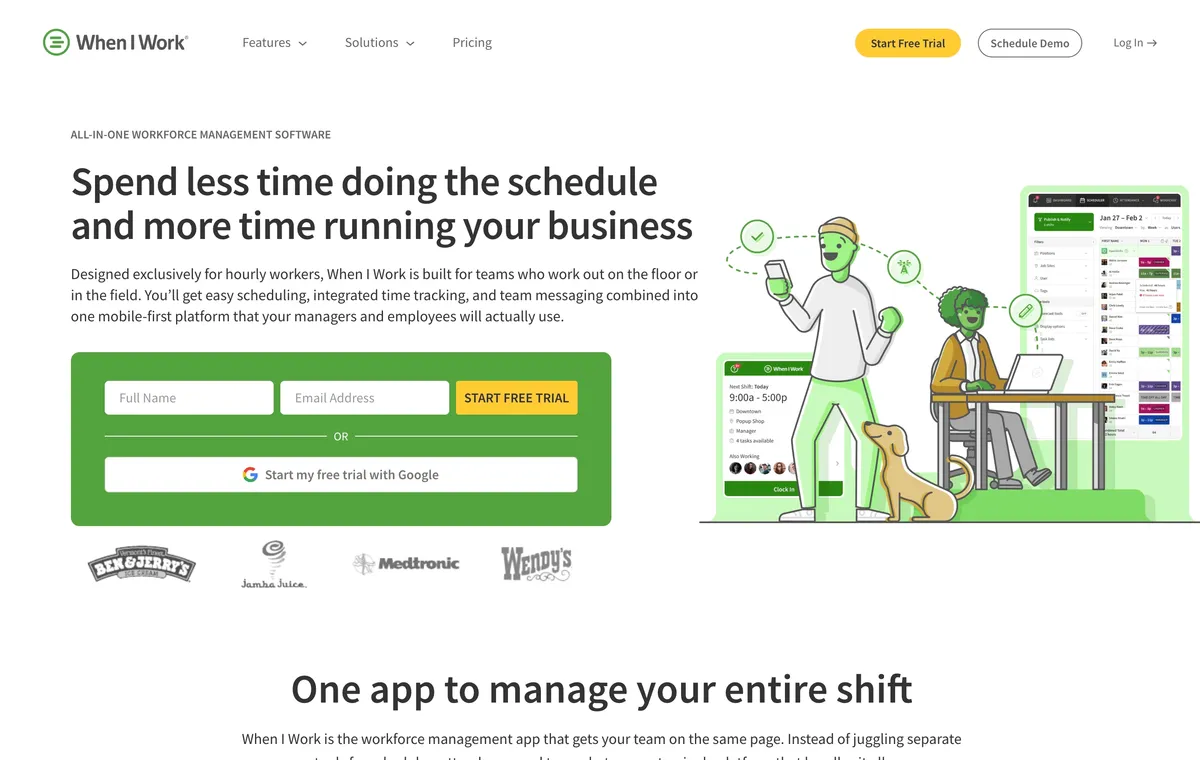
When I Work is a scheduling-centered Deputy alternative. Its published plans focus on employee scheduling and team messaging, including availability, OpenShifts, and shift swapping. That makes it a practical fit when the weekly problem is coverage, not demand modeling or location hierarchy.
When I Work’s current pricing FAQ says pricing starts at $2.50 per user monthly for single-location teams and $5 per user monthly for multi-location businesses, and that every plan includes Employee Scheduling, Time Tracking & Attendance, and Team Messaging. The same page displays a Time Tracking & Attendance toggle, while help material describes adding the service. Confirm the complete attendance total and any advanced scheduling or customization requirements in checkout.
When I Work’s strength is not that it reproduces every Deputy capability. It offers a lighter path for teams that want managers to publish schedules while team members handle availability, eligible open shifts, and swap requests in the same system. Deputy remains stronger when forecasting, labor optimization, or advanced compliance is the reason for buying.
Best for: Shift-based teams whose main scheduling cost is handling availability, open shifts, swaps, and last-minute coverage.
4. 7shifts: best for restaurant-specific scheduling
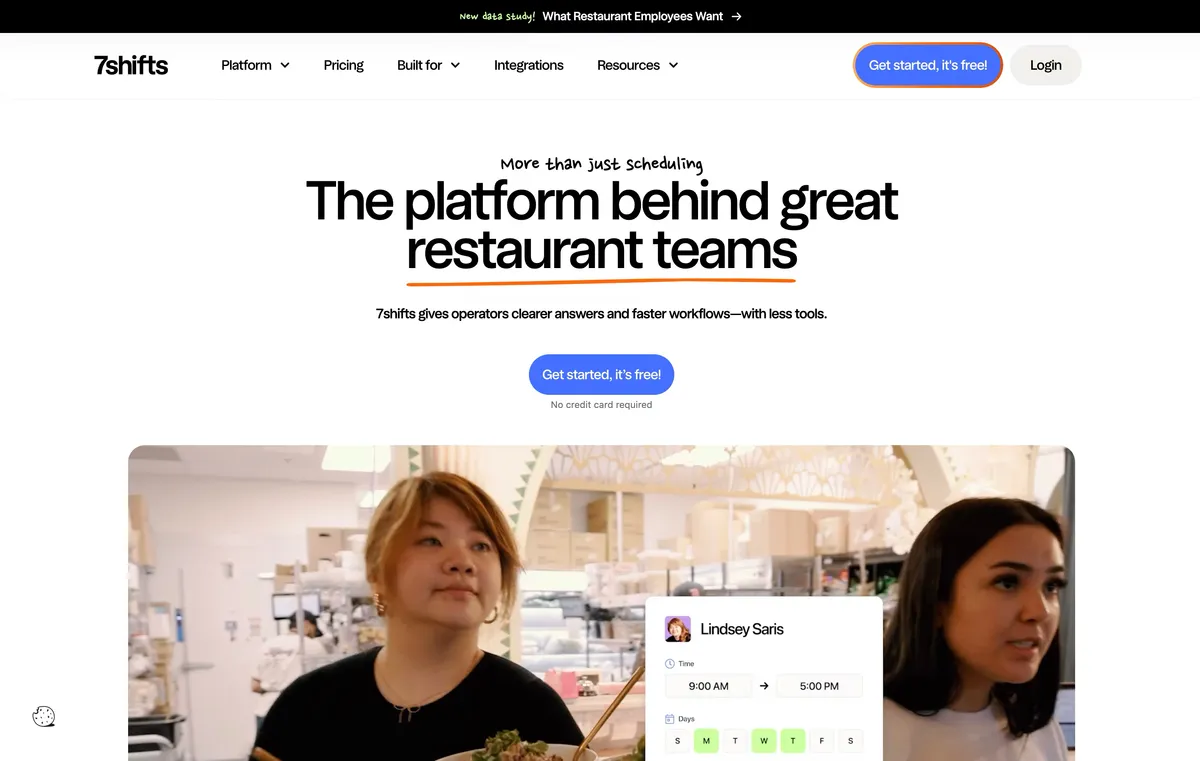
7shifts is the specialist option in this comparison. Its scheduling and labor-management workflows are designed for restaurants, which is a better starting point than adapting a general small-business scheduler when restaurant operations shape every staffing decision.
This focus is the reason to choose it over Deputy, not a claim that it has more capability in every category. Restaurant teams can evaluate it around their actual roles, shift coverage, POS relationship, labor planning, and time clock requirements. Businesses outside restaurants should check whether its restaurant-specific roles, POS relationships, and labor workflows match their operation.
7shifts confirms a free Comp plan and a 14-day trial of The Works. Its public pricing route did not expose a dependable paid-plan lineup or current paid rates when checked on August 4, 2026, so this comparison does not repeat historical figures.
Best for: Restaurants that want scheduling and attendance built around restaurant labor rather than a general-purpose workforce model.
5. Homebase: best free starting point for one location
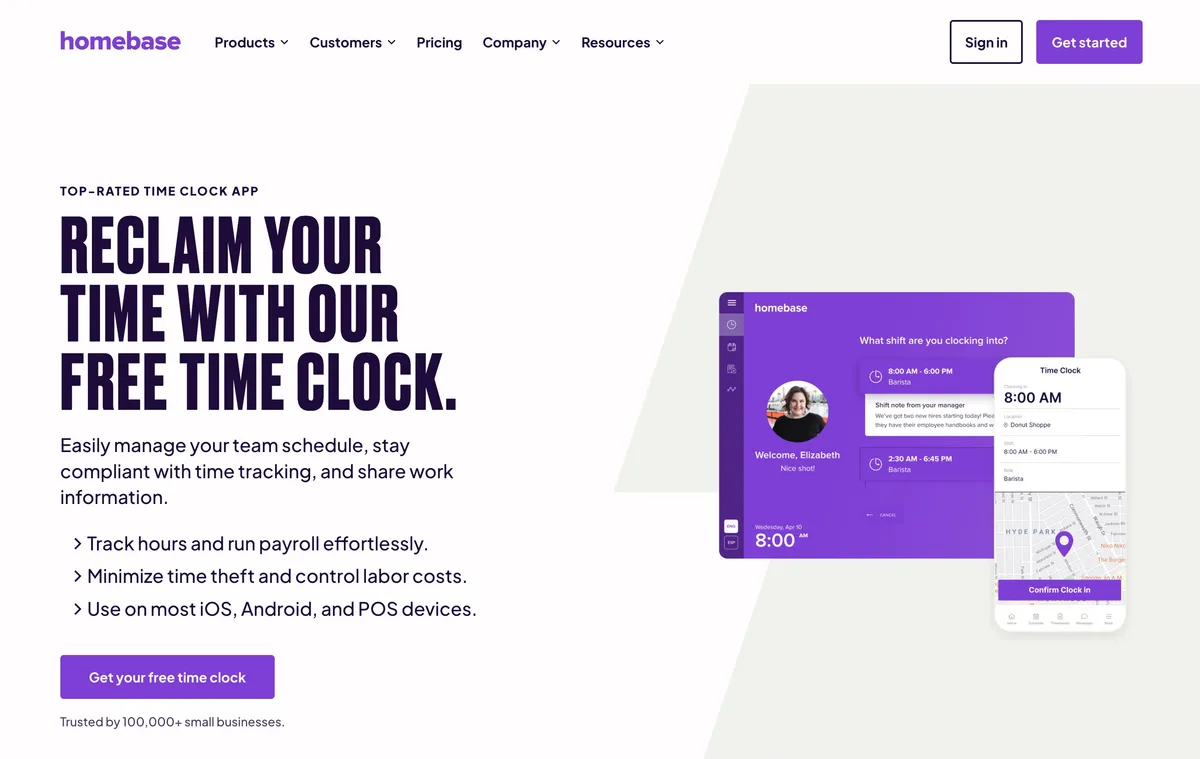
Homebase offers a clear entry point for a small local business. Its Basic plan includes scheduling and time tracking for one location and up to 10 team members at no charge. Managers can start with a connected schedule and time clock without immediately committing to a per-user bill.
The pricing model changes the comparison as the business grows. Essentials is listed at $30 per location monthly, or $24 on annual billing. Plus is $70 monthly or $56 on annual billing. All-in-One is $120 monthly or $96 on annual billing. Homebase Payroll is a separate $39 monthly base plus $6 per paid team member.
Per-location pricing can work well for a shop, salon, restaurant, or local service business where each location operates as a distinct unit. It becomes less attractive when the same small team rotates across many sites. Deputy and ShiftFlow price primarily around users or seats, so buyers should model both the headcount and location count they expect next year.
Best for: A one-location business with 10 or fewer team members, or a local-business group that prefers a location-centered operating model.
6. Buddy Punch: best for a time-clock-first buying decision
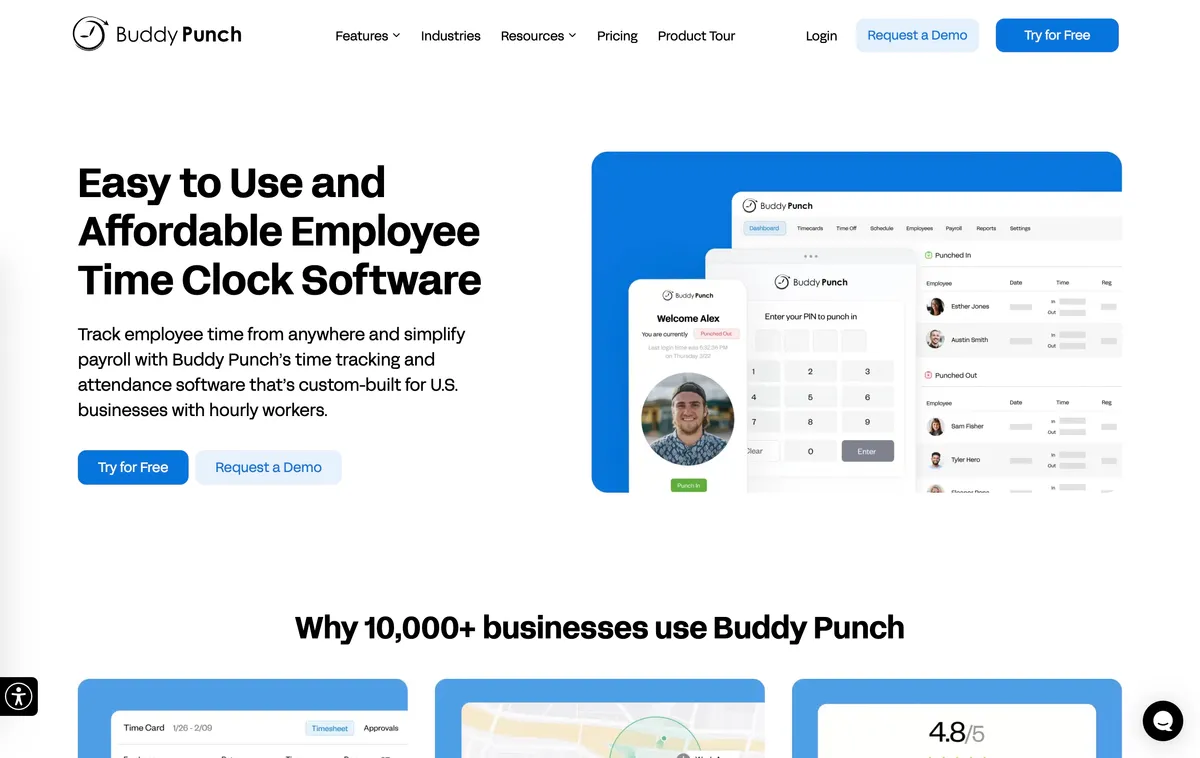
Buddy Punch approaches the category from time and attendance. Scheduling is included on its Pro plan, while its product documentation emphasizes punch rules, GPS options, kiosk use, and other controls around recorded time. That order of priorities suits a business where the timecard is the main problem and the schedule is supporting context.
Buddy Punch Pro is listed at a $19 monthly base plus $6.99 per user monthly on annual billing, or $7.99 per user with monthly billing. Real-Time GPS is a separate $2 per user monthly add-on. Basic GPS records the location of a punch, which is different from continuous or real-time location visibility.
The base fee changes the effective cost for a very small team, and optional GPS changes it again. Buyers should calculate the required Pro plan and any location add-on before comparing it with Deputy Lite or ShiftFlow. The result can still be worthwhile when punch enforcement matters more than advanced scheduling.
Best for: Small businesses that lead with time-clock controls and want scheduling alongside attendance rather than a forecasting-first workforce platform.
When Deputy may still be the better choice
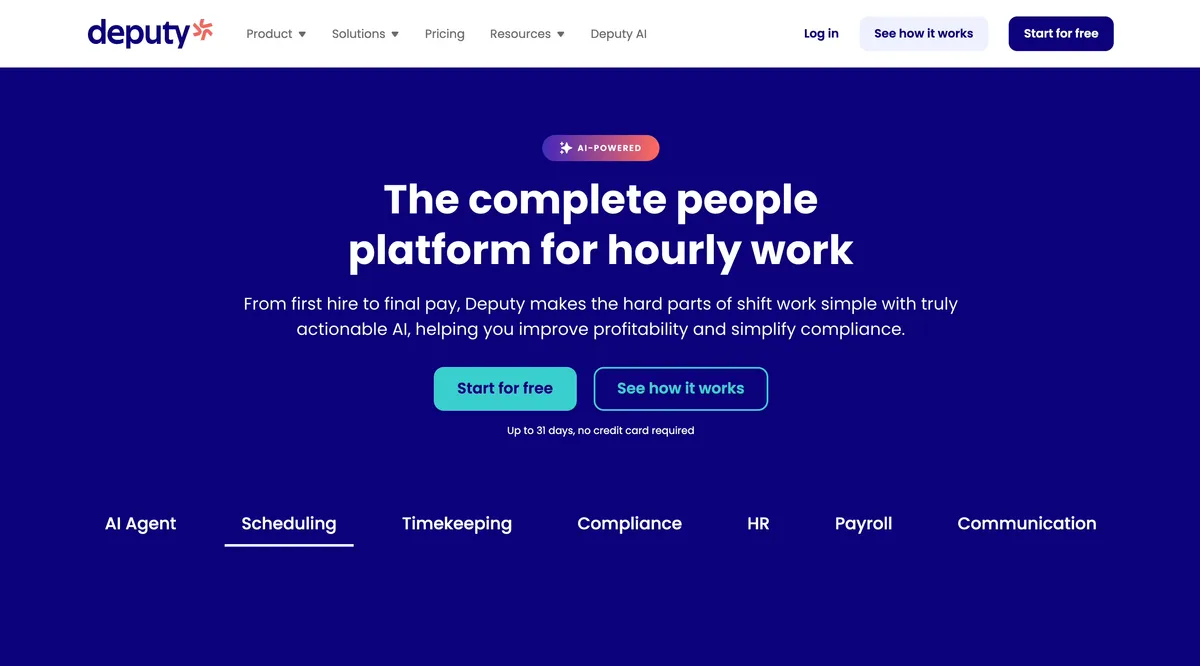
Deputy remains the stronger fit when demand forecasting, labor optimization, advanced compliance, pay rules, or a formal location hierarchy drives staffing decisions. Lite combines scheduling, a time clock, and timesheets; higher plans add the capabilities that distinguish Deputy from simpler alternatives. Businesses leaving Deputy should export the employee, schedule, timesheet, leave, and payroll records they need before canceling.
How to switch from Deputy without losing operational context
Export before canceling
List the records the business must retain, including team-member data, schedules, timesheets, leave records, pay rates, approvals, and payroll exports. Use Deputy’s documented export tools while the account is still active. Store the files according to the business’s retention and access requirements.
Rebuild one real week
Do not configure the replacement with a clean sample schedule. Rebuild a normal week with an open shift, one late change, a break, an overtime case, a wrong-site clock-in, and a corrected timesheet. That exposes the workflow differences before the whole team depends on them.
Confirm what will not transfer
An exported CSV is not the same as an import path. ShiftFlow does not currently document a direct Deputy importer. Confirm how team members, historical timesheets, accrued balances, attachments, rules, and integrations will move. Plan manual setup where the new product does not accept a record.
Run one parallel pay period
Keep the old records available while managers compare scheduled hours, punches, breaks, edits, and totals in the new system. Resolve differences before using the replacement as the payroll source of truth.
Frequently asked questions
What is the best Deputy alternative for a small business?
ShiftFlow is our first pick for a small hourly or field team that needs scheduling, attendance, work-site validation, and offline clocking without advanced demand forecasting or a formal location hierarchy. Connecteam is stronger for a broader deskless operations suite. When I Work is a better scheduling-centered choice for availability and shift changes.
Is there a free alternative to Deputy?
Homebase has a free plan for one location and up to 10 team members. Connecteam’s Small Business Plan is free for up to 10 users, while its free Limited plan supports up to 30 users with reduced functionality. The first paid limit matters as much as the free starting point, especially when a team adds locations, geofences, additional schedules, or advanced controls.
Which Deputy alternative works offline?
ShiftFlow documents an offline mobile clock-in and clock-out workflow for team members who lose connectivity. Connecteam states that its app cannot currently be used offline. Test this directly because offline schedule access, offline punch storage, and automatic synchronization are separate behaviors.
Which Deputy alternative is best for restaurants?
7shifts is the most restaurant-specific alternative in this comparison. Deputy may still be the better fit when a restaurant group relies on Deputy-specific demand forecasting, compliance, or formal location hierarchy capabilities.
Which Deputy alternative is best for GPS attendance?
The answer depends on what GPS must prove. ShiftFlow ties radius validation to named Work Sites. Connecteam offers GPS and geofencing, with limits determined by plan. Buddy Punch distinguishes punch-location GPS from its paid Real-Time GPS add-on. Test the exact workflow instead of treating every GPS label as equivalent.
Can a business export its data from Deputy before switching?
Deputy documents several data-export workflows. Identify which employee, schedule, timesheet, leave, and payroll records the business must retain, then confirm what the replacement can import before canceling Deputy. ShiftFlow does not currently document a direct Deputy importer.
Choose a Deputy alternative around the missing workflow
Do not replace useful complexity with missing capability. Keep Deputy when forecasting, labor optimization, compliance, or hierarchy is essential; switch only when a narrower product solves the team’s actual constraint with less setup.
When ShiftFlow’s work-site-validated attendance and offline clocking match that constraint, review ShiftFlow pricing.
- deputy-alternatives
- employee-scheduling-software
- time-tracking-software
- small-business
- shift-scheduling
- workforce-management
- software-comparison