8 Best Employee Scheduling Software for Multiple Locations (2026)
Compare eight employee scheduling tools for multiple locations by site setup, cross-location staffing, manager controls, attendance verification, reporting, and pricing model.

The best employee scheduling software for multiple locations depends on how much location structure the business actually needs. Our first pick is ShiftFlow for small multi-location and field teams that want straightforward scheduling, named Work Sites, location-verified attendance, and a single view of active work. Deputy is the better choice for advanced location hierarchies and demand forecasting. Connecteam is stronger when scheduling sits inside a broader deskless operations system.
The distinction is important. Adding a location field to a shift is useful, but it does not automatically create a multi-location operating model. A growing business may also need to control who can work at each site, stop overlapping shifts across schedules, give local managers limited access, and roll every location into one report.
Prices and plan details were checked on August 4, 2026, with temporary promotions excluded. Compare the plan that supports the required location hierarchy, permissions, and attendance workflow rather than the lowest advertised tier.
The best multi-location scheduling software at a glance
| Product | Best for | Multi-location model | Attendance connection | Current pricing model relevant to this comparison |
|---|---|---|---|---|
| ShiftFlow | Small multi-site and field teams | Named Work Sites assigned to shifts and jobs | Mobile/shared Kiosk; personal-mobile offline clock | $5.99/seat/month or $60/seat/year |
| Deputy | Advanced hierarchy and forecasting | Cross-location scheduling and location hierarchies | Time clock, timesheets, biometrics on higher plans | $5, $6.50, or $9/user/month; $30 monthly minimum |
| Connecteam | Distributed deskless operations | Multiple schedules, layers, filters, conflict detection | GPS clock, geofence sites, scheduled vs. actual | Free for up to 10 users; paid from $29/month annually |
| Planday | Hospitality venues and departments | Business structure and venue-wide scheduling | Mobile clock-in and payroll reports | From $2.99/user/month with a five-user minimum |
| 7shifts | Multi-location restaurants | Restaurant locations, roles, templates, POS forecasting | 7punches time clock | Free Comp plan; verify current paid plan pricing |
| When I Work | Labor sharing across locations | Multi-location scheduling and shared coverage | Page says included; confirm checkout | From $5/user/month for multi-location businesses |
| Homebase | Independently managed local locations | Location-centered accounts and plans | Connected time clock and payroll options | Free for one location; paid plans priced per location |
| Truein | Identity-verified multi-site attendance | Site policies, bulk allocation, centralized dashboard | Face recognition, GPS/geofence, kiosk, offline | Advanced from $3.50/user/month billed annually |
Disclosure: ShiftFlow publishes this article and is one of the products evaluated. We rank it first only for the small central-team workflow above; Deputy or another specialist is the better fit when formal hierarchy, local permissions, or demand forecasting is required.
Businesses with one site or only light location needs should start with the broader small-business scheduling and time tracking comparison.
1. ShiftFlow: best for straightforward multi-location scheduling and verified attendance
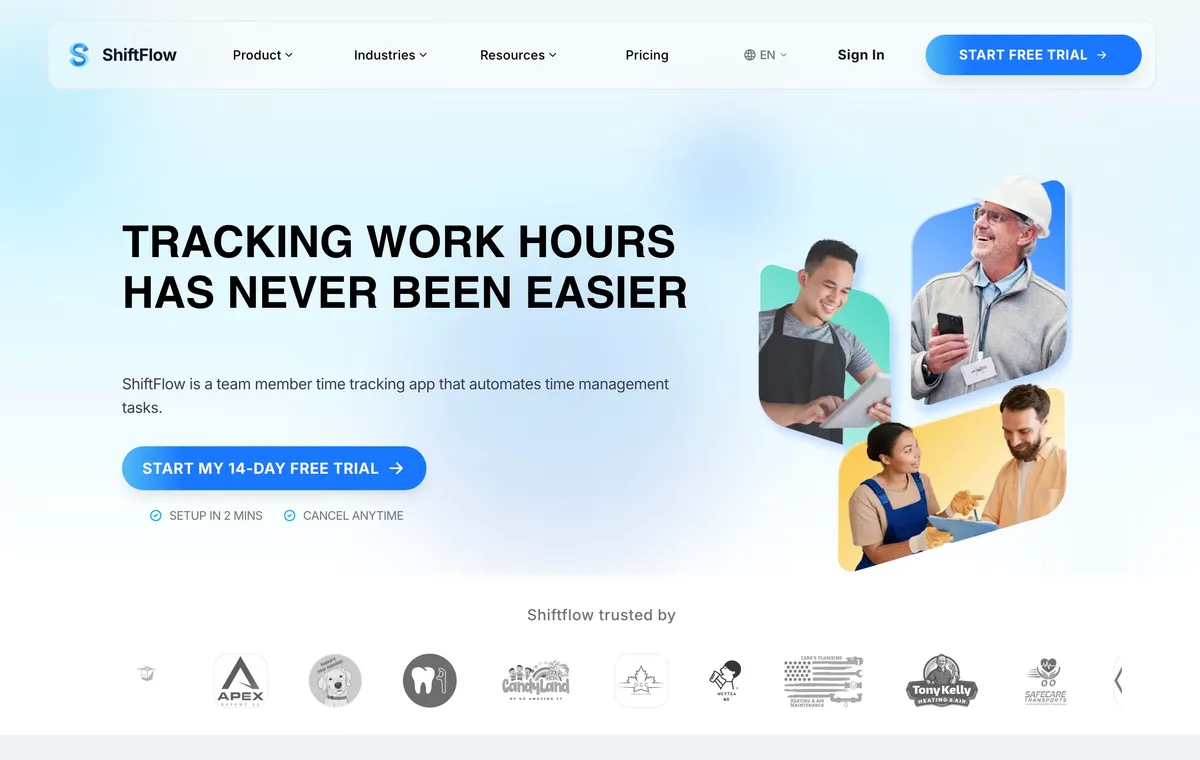
ShiftFlow’s scheduling and time tracking software connects a scheduled shift with a named Work Site and the actual time recorded there. Managers create Work Sites with addresses, map pins, and radius settings. Scheduled shifts can include a team member or remain open, plus a Job Code and location. After publishing, team members see the schedule in the app and can request open shifts, with managers keeping approval control.
The location remains useful after the schedule is published. Each site can support GPS or geofence validation, and team members can clock in from mobile or a shared Kiosk. On personal mobile, the offline workflow retains cached Work Sites when service drops; the Kiosk is not part of that documented offline path. ShiftFlow’s dashboard shows who is working and at which site, while its public product material states that reports roll up across locations. Team-member access to a Job Code can also be restricted, and that Job Code can link to a Work Site.
Public pricing is seat-based at $5.99 per seat monthly or $60 per seat annually. The pricing page does not present an additional charge for each Work Site. That can be a practical fit for one team rotating through client sites, shops, offices, or job locations.
The boundary is management complexity. ShiftFlow does not publicly document a Deputy-style location hierarchy, location-specific Manager roles, cross-schedule conflict detection, or separate time zones for each location. A regional chain with independent store Managers should validate those controls before choosing it.
Best for: Small cleaning, construction, field service, security, and local-business teams that want schedule, Work Site, attendance, and timesheet data in one simple workflow.
2. Deputy: best for advanced location hierarchies and forecasting
Deputy is a well-documented option for businesses whose locations have real hierarchy and forecasting requirements. Managers can schedule across locations, while POS-connected demand data can inform staffing. Core adds advanced scheduling, auto-scheduling, demand forecasting, labor optimization, and more automation. Pro adds custom access, advanced timesheets, location hierarchies, and pay centers.
The current list prices are $5 per user monthly for Lite, $6.50 for Core, and $9 for Pro. Monthly Lite, Core, and Pro invoices have a $30 minimum spend. Multi-location buyers should compare the plan that contains the required hierarchy and access controls, not the lowest Lite price. The product can be worth that difference for regional restaurants, retailers, healthcare operations, and other businesses where staffing demand or compliance varies by location.
Deputy’s depth brings a larger setup surface. A realistic trial should include local managers, shared team members, and the actual pay rules the business needs rather than a simplified demo schedule.
Best for: Growing multi-location operations that need forecasting, labor optimization, compliance controls, and formal location hierarchy.
3. Connecteam: best for distributed deskless operations
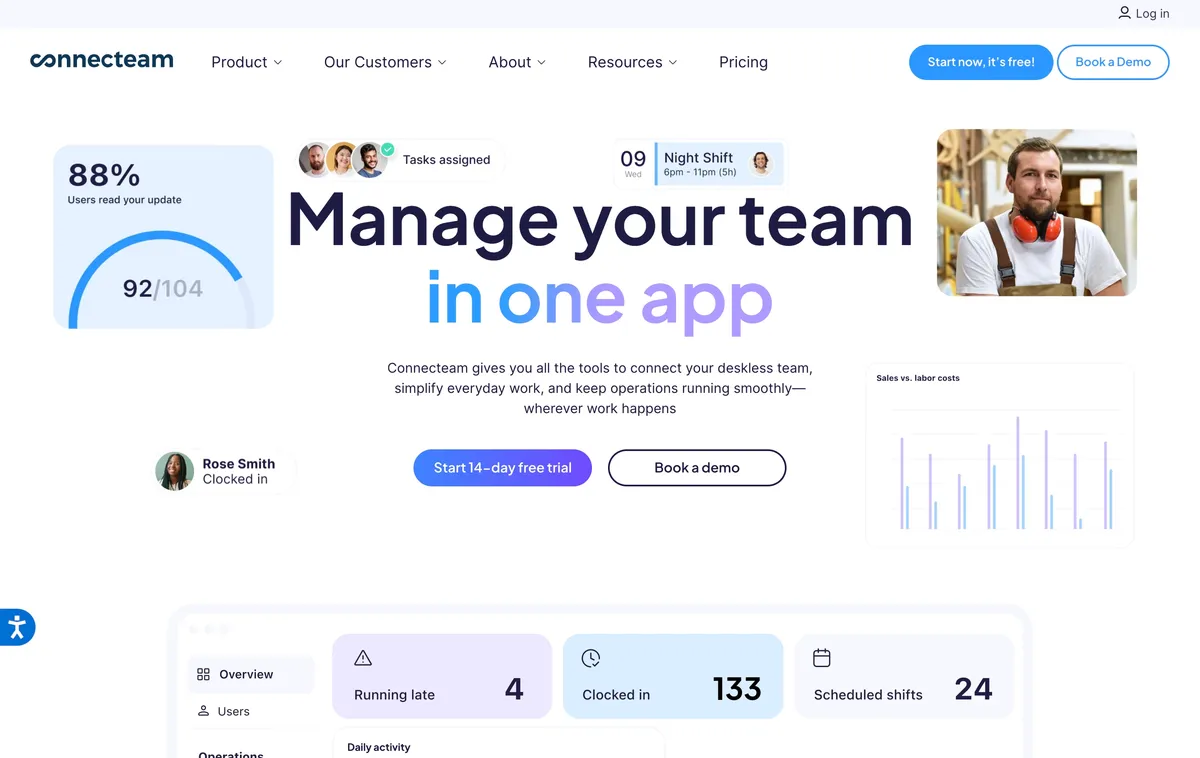
Connecteam supports multiple schedules by team or department, with filters for users, jobs, and schedule layers. Its scheduling product also documents conflict detection across schedules, open shifts, replacements, approvals, and comparison of scheduled with actual hours. Those capabilities matter when a shared workforce appears in more than one operating view.
Connecteam’s Small Business Plan is free for up to 10 users. For larger teams, Operations Hub Basic starts at $29 monthly on annual billing, or $35 with monthly billing, for the first 30 users. Advanced is $49 or $59 and adds repeating shifts, templates, advanced filters, and up to 10 geofence sites. Expert is $99 or $119 and adds auto-assignment, additional schedules, unlimited geofence sites, and API access. Connecteam says teams can schedule across locations without an extra location fee.
The tradeoff is plan and module complexity. A buyer needs to map each scheduling layer, geofence requirement, and operations feature to the required tier. The result can be strong for a distributed deskless team, but heavier than a small operation that only needs a weekly schedule and verified punches.
Best for: Field, service, logistics, and other deskless teams that need cross-schedule checks and a broader mobile operations suite.
4. Planday: best for hospitality venues and departments
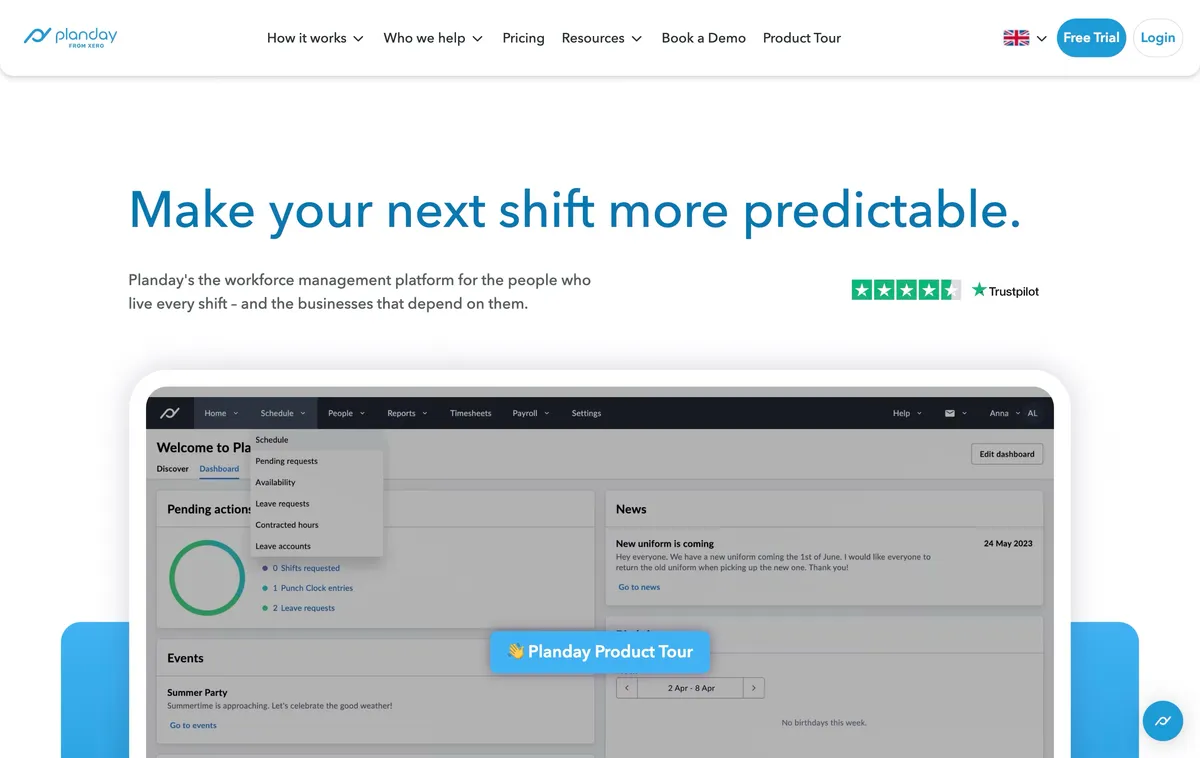
Planday builds scheduling around the structure of the business. Its official scheduling material describes multi-site planning, draft shifts, templates, availability, open shifts, swaps, and mobile clock-in. Managers can use venue-wide schedule visibility rather than treating each operating unit as an unrelated account.
Starter is currently listed at $2.99 per user monthly with a five-user minimum. It includes scheduling, simple time tracking, compliance warnings, and payroll reports. Plus is $4.49 per user with a 10-user minimum and a $15 monthly subscription fee. It adds advanced scheduling, integrations, and revenue reporting.
This is a credible fit for hotels, hospitality groups, leisure operations, and retailers with venue or department structure. The main tradeoffs are minimum user counts, the Plus subscription fee, and the time required to configure a structured product. Buyers should test both desktop and mobile workflows and read contract terms closely.
Best for: Hospitality and retail businesses whose locations contain departments, roles, or venues that need visible structure.
5. 7shifts: best for multi-location restaurants
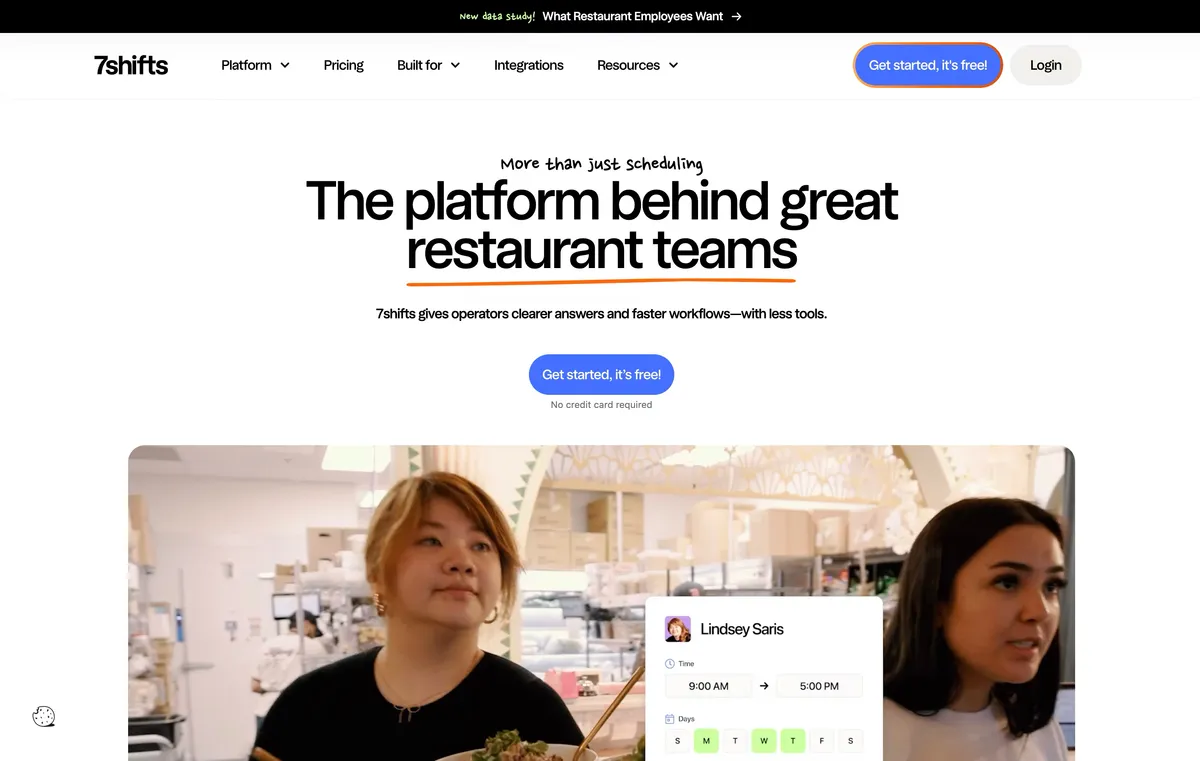
7shifts is designed around restaurant scheduling rather than generic workforce management. Managers can collect availability and time-off requests, use templates, publish shifts, manage a shift pool and swaps, and retain manager approval. POS and sales data can support labor forecasting, while 7punches connects scheduled restaurant work with clock-ins.
Its multi-location value comes from using the same restaurant operating model across venues. Templates can be reused for roles, seasons, and locations, and central teams can standardize the scheduling process without adapting a generic job-site product to restaurant language.
That specialization is also the limit. Businesses outside restaurants should not pay for a workflow shaped around restaurant labor. A free Comp plan is available after the 14-day trial of The Works, but we could not reliably extract current paid-plan prices from the accessible public pricing content. Verify the package required for scheduling, 7punches, multi-location administration, and local manager controls before calculating the bill.
Best for: Restaurant groups that want location scheduling, shift coverage, labor forecasting, and time clocking in a restaurant-specific system.
6. When I Work: best for cross-location labor sharing
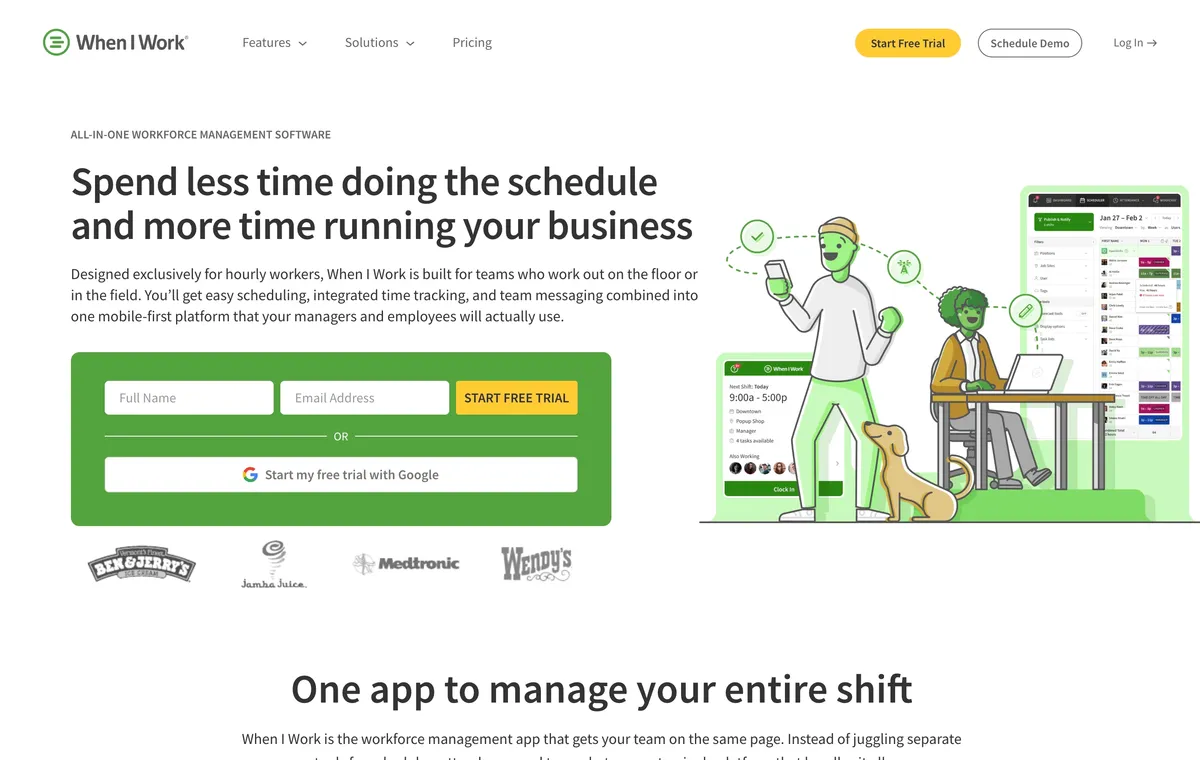
When I Work’s current pricing FAQ says pricing starts at $2.50 per user monthly for single-location teams and $5 per user monthly for multi-location businesses. It says every plan includes scheduling, time and attendance, and messaging, but the same page also shows an attendance toggle and the help center describes activating the service. Treat $5 as the multi-location starting point and confirm the complete attendance configuration in checkout.
This is a more scheduling-centered choice than an attendance-centered product. It is strongest when the operating problem is finding coverage, distributing schedules, and letting eligible team members participate in shift changes.
The open question is the exact consolidated manager view. The official pricing page proves multi-location scheduling and labor sharing, but it does not fully demonstrate one regional manager reviewing every overlapping assignment across every location. Buyers should ask to see that workflow during a trial.
Best for: Retail, hospitality, and service teams that share hourly team members across locations and prioritize self-service scheduling.
7. Homebase: best when each location operates locally
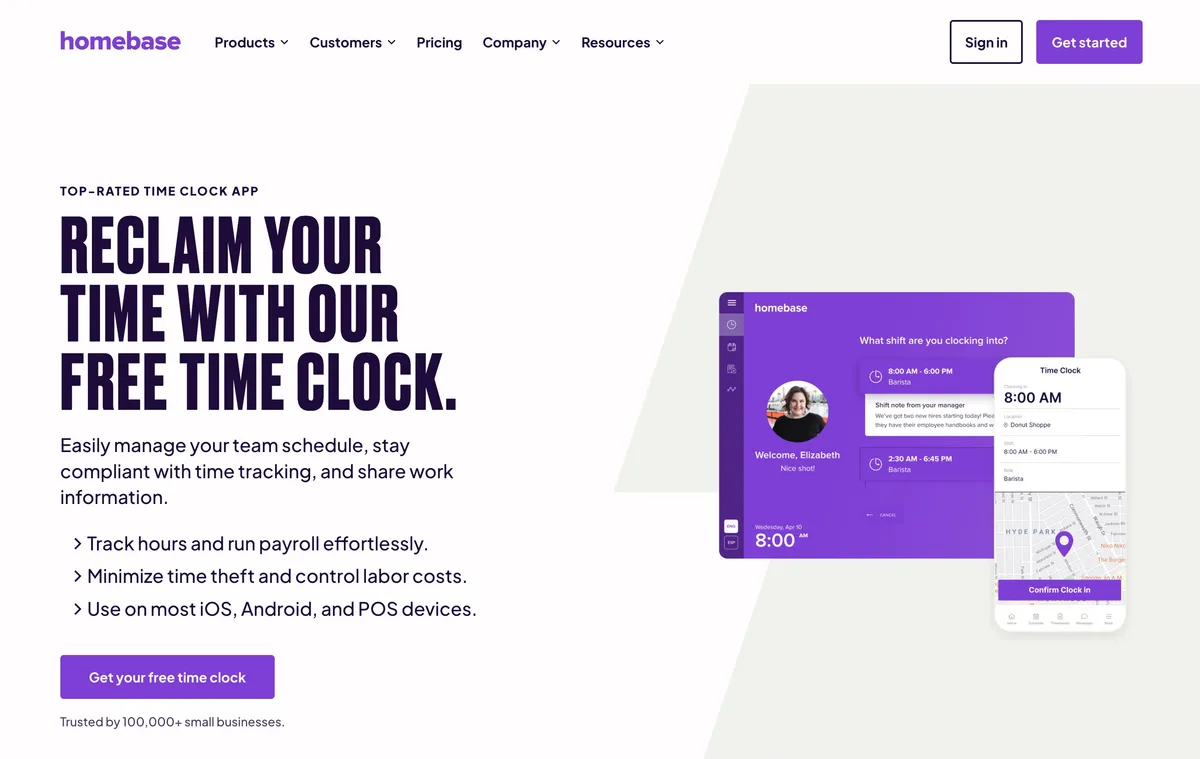
Homebase is a strong scheduler and time clock for a local business location. Managers get templates, availability, open shifts, swaps, reminders, and connected attendance. Plus adds departments and permissions, and Homebase can extend into payroll, hiring, and other local-business administration.
The commercial model is the deciding factor for a multi-location buyer. Basic is free for one location and up to 10 team members. Essentials is $30 per location monthly, or $24 with annual billing. Plus is $70 or $56 per location, and All-in-One is $120 or $96. That can work when every store has its own operating economics, but the total rises directly with the number of locations.
Choose Homebase because its location-centered model fits the business, not despite the pricing model. A two-location company that values Homebase payroll and local workflows may prefer it to a per-user competitor. A 20-site service team with the same people rotating across clients will usually evaluate cost differently.
Best for: Local-business groups that manage each location as a distinct unit and value Homebase’s connected scheduling, time clock, and back-office tools.
8. Truein: best for identity-verified multi-site attendance
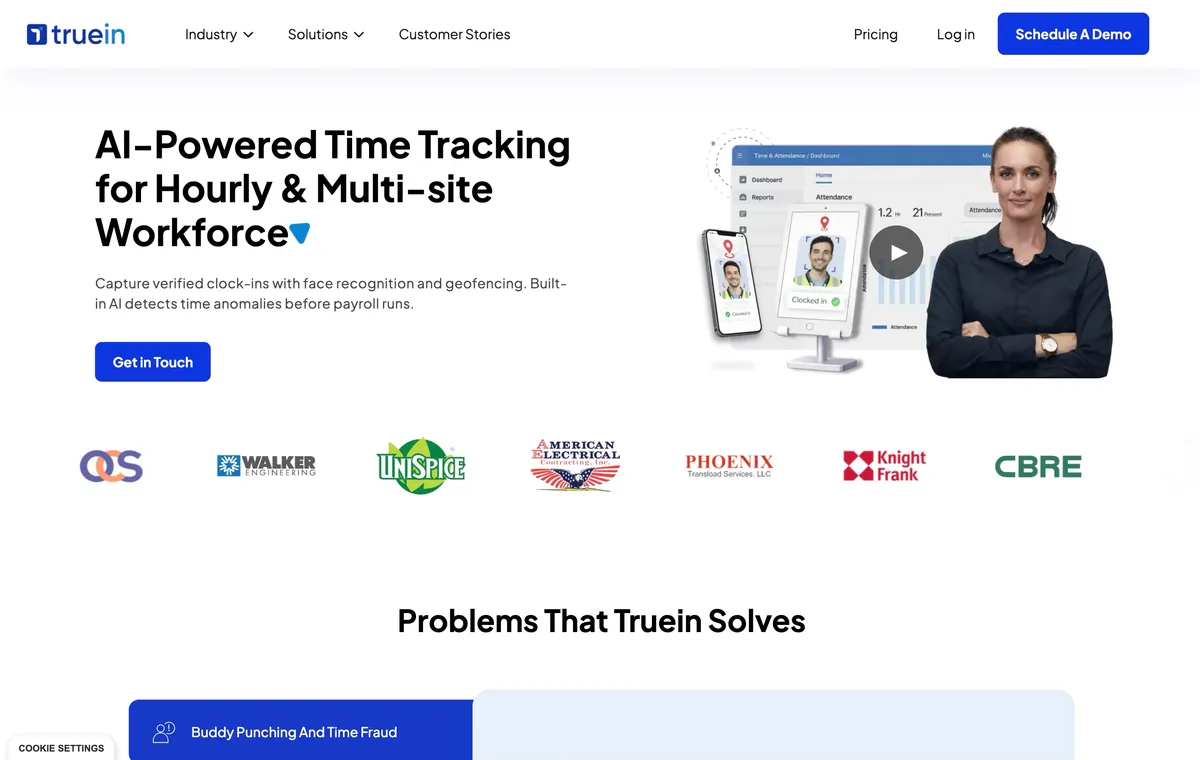
Truein approaches scheduling from attendance and workforce verification. Its official product material documents fixed, rotating, and 24×7 shifts, individual or bulk allocation, planned-versus-actual reporting, site-level policies, and a centralized multi-location dashboard. Face recognition, GPS/geofencing, multiple kiosks, and offline use strengthen the link between a site assignment and actual presence.
That is useful for contractors, contingent workforces, manufacturing sites, and operations where identity and attendance controls matter more than a polished shift marketplace. Truein’s auto-allocation can follow clock-in rules, but that should not be confused with demand-based auto-scheduling from sales forecasts.
Shift & Job Scheduling is included in the Advanced plan, listed at $3.50 per user monthly with annual billing or $4.50 with monthly billing. Buyers should still verify customization and schedule-change workflows directly before calculating the bill.
Best for: Multi-site and contractor-heavy operations that prioritize face-verified attendance, site policies, and central oversight.
What to test before signing a multi-location contract
Schedule one person at two locations
Create two overlapping shifts for the same team member at different sites. A useful system should warn the manager, block the conflict, or make the conflict unmistakable. Repeat the test across separate schedules or departments, not only within one calendar view.
Give a local manager limited access
Ask a manager at Location A to publish a shift, review a clock-in, and run a report without exposing Location B. This reveals whether the permission model is genuinely location-specific or simply account-wide Admin access.
Move a shift from planned to actual
Assign a named site, publish the shift, clock in at the wrong place, correct the timesheet, and run a site report. The scheduled location, verified attendance, correction history, and report should remain understandable throughout the process.
Price the same team at more locations
Calculate at least two scenarios: the current team and location count, then the same headcount at twice as many locations. This exposes the difference between Homebase’s per-location model, Connecteam’s first-user-block model, per-user products, and products with base fees.
Check the time-zone model
A product can support multiple sites while applying one account time zone to every schedule. If locations cross time zones, verify how schedules, overtime boundaries, notifications, and reports display before migration.
Frequently asked questions
What is the best employee scheduling software for multiple locations?
ShiftFlow is our top pick for small multi-location and field teams that need straightforward scheduling, named Work Sites, location-verified attendance, and one view of active work. Deputy is the stronger choice for advanced location hierarchies, demand forecasting, and complex permissions.
What makes scheduling software truly multi-location?
True multi-location scheduling goes beyond attaching a location to a shift. It can include site-level schedules, worker eligibility, local manager access, cross-location conflict detection, labor sharing, location-specific attendance, and consolidated reporting.
Can employees work shifts at more than one location?
Several products support team members working across locations, but the workflow varies. Some use shared labor pools or location eligibility, while others assign a Work Site or job to each shift. Test how the product warns about overlapping shifts and how local managers see shared team members.
Is per-user or per-location pricing better for multiple locations?
Per-user pricing is often easier to predict when a fixed team rotates across many sites. Per-location pricing can work well when each location operates independently, but the bill rises as locations are added. Compare both headcount and location count in the same scenario.
Does multi-location scheduling software include time tracking?
Many multi-location schedulers include a time clock, but the location controls differ. Check whether clock-ins can be tied to a named site, verified with GPS or a geofence, captured offline, and compared with the scheduled location.
Test multi-location scheduling with real exceptions
The right trial is not a guided tour. Build two locations, share one team member between them, restrict one manager, create a conflict, record a wrong-site clock-in, and run a consolidated report.
If ShiftFlow handles that simpler model cleanly, review ShiftFlow pricing. If the test exposes a need for deeper hierarchy, forecasting, or local administration, choose the product built for that complexity.
- employee-scheduling-software
- multi-location
- multi-site-scheduling
- shift-scheduling
- workforce-management
- small-business
- software-comparison